


 Appliqué


Neon City
Save $201 $ 9 .50 $ 19 .00

about

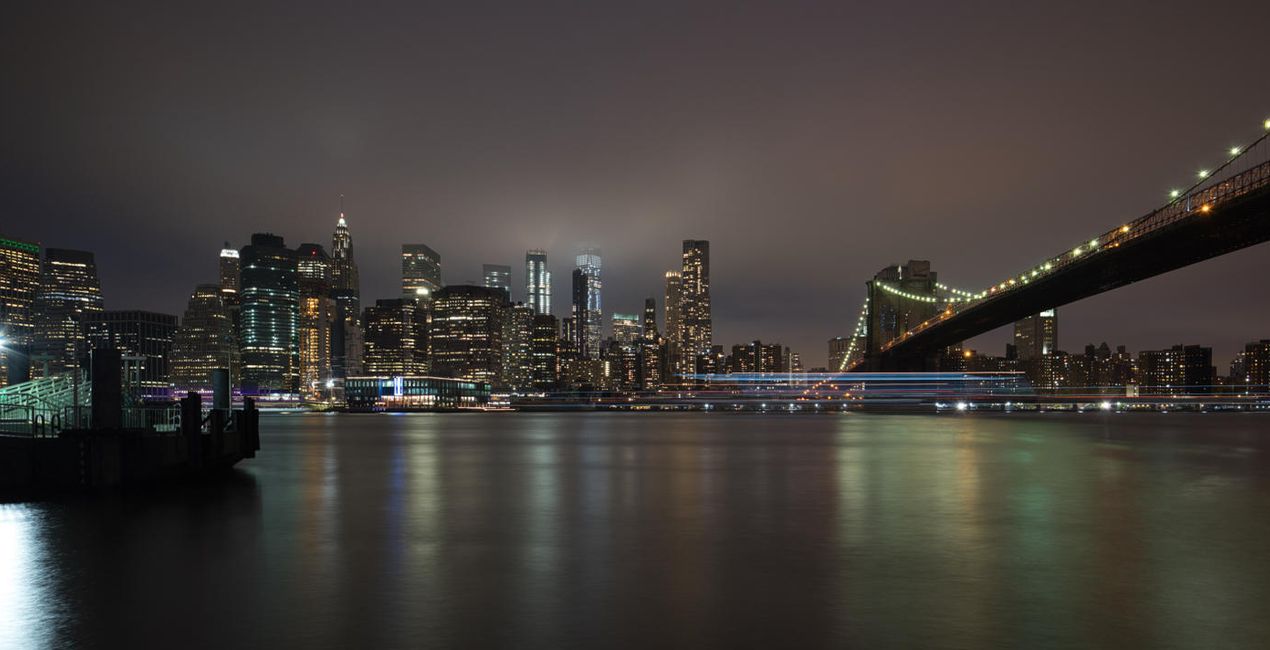
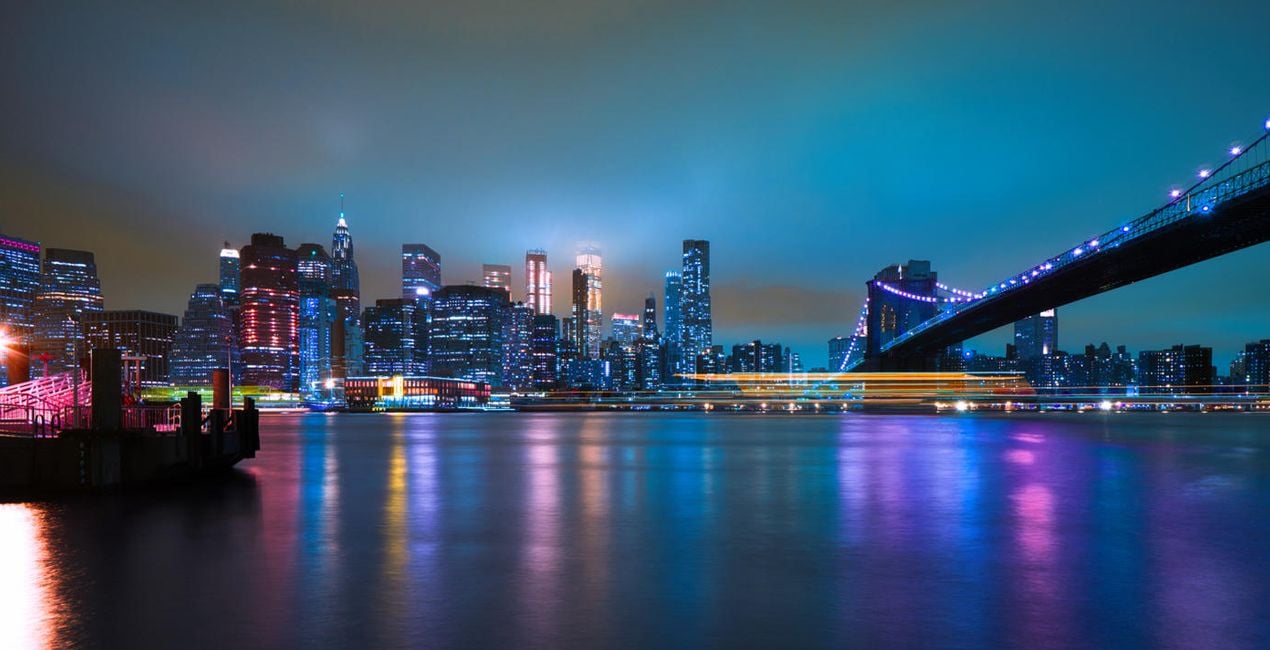
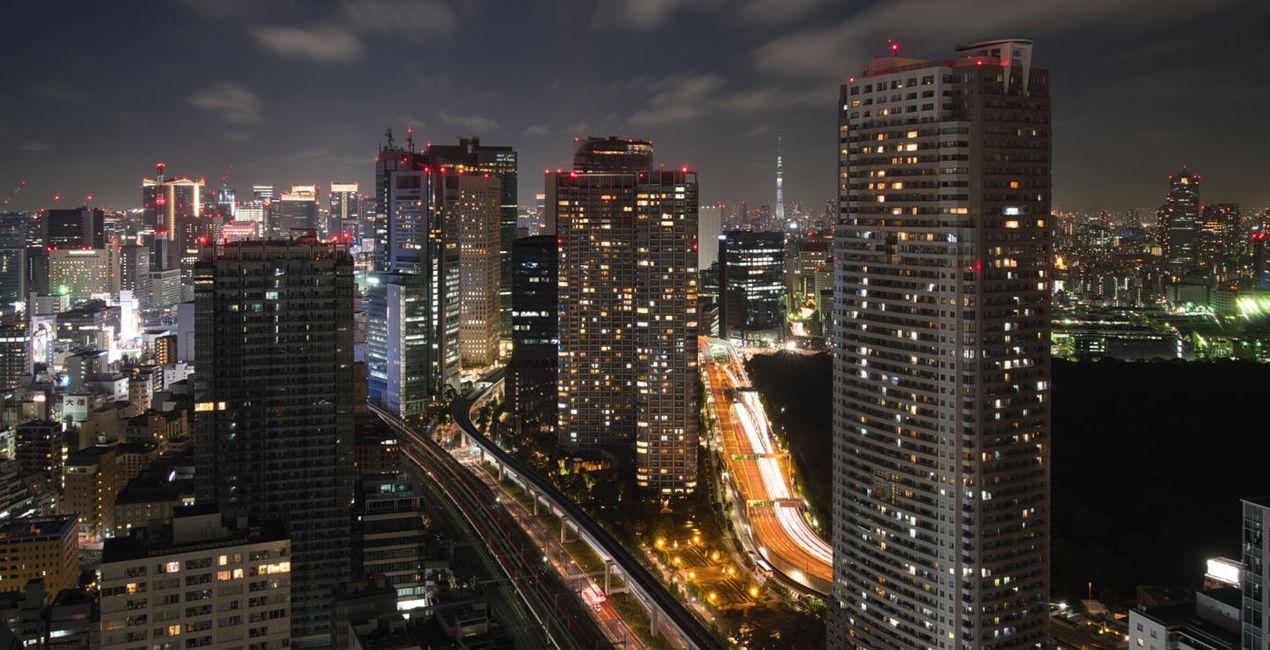
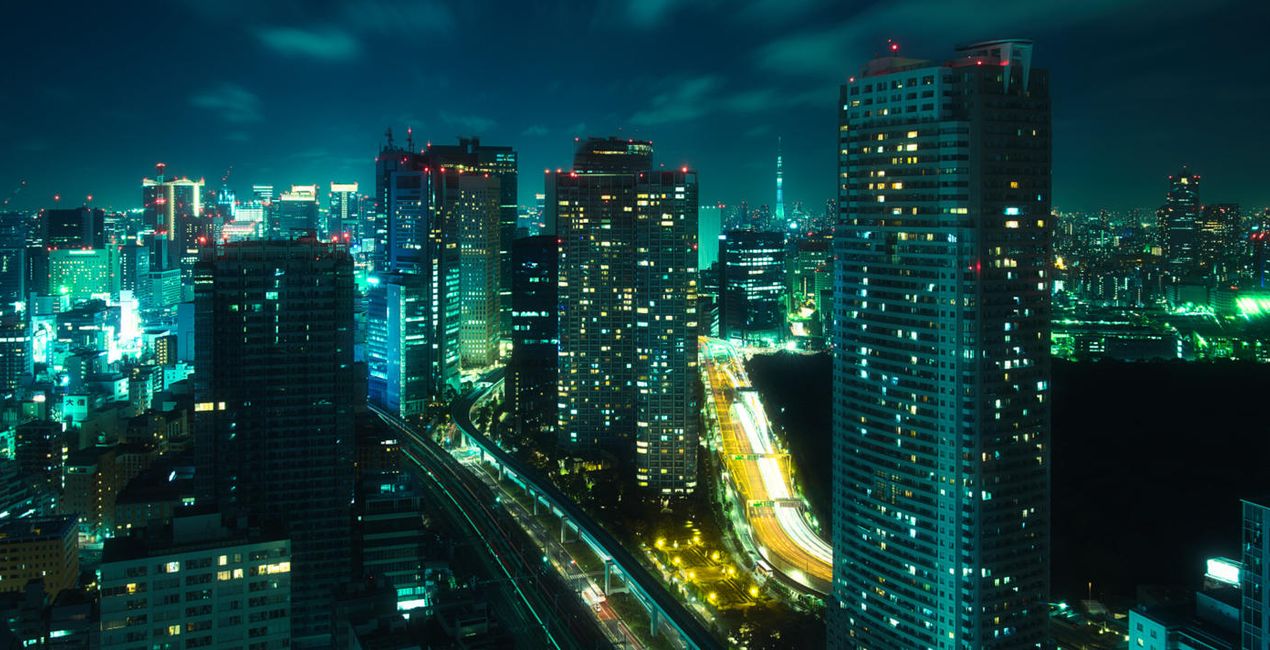
À l'aide des fichiers RAW fournis, vous pourrez facilement appliquer les conseils en matière de retouche et découvrir comment obtenir des photos comme celles-ci.
 >
>
 >
>
 >
>
 >
>
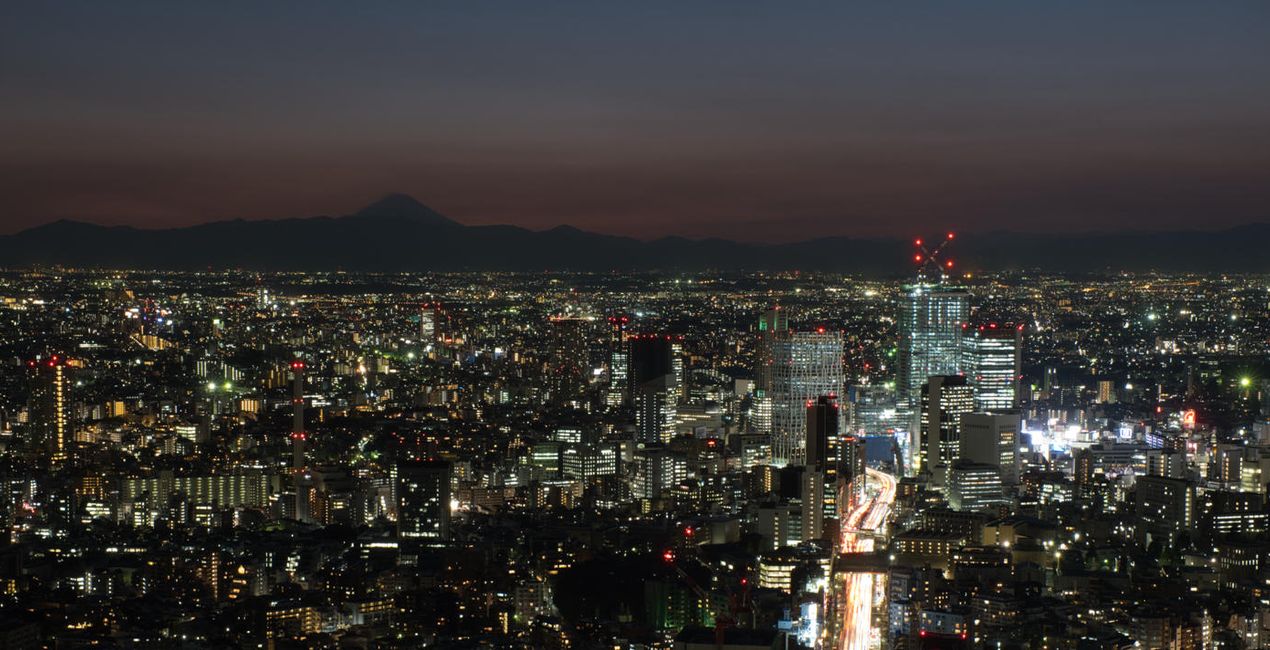
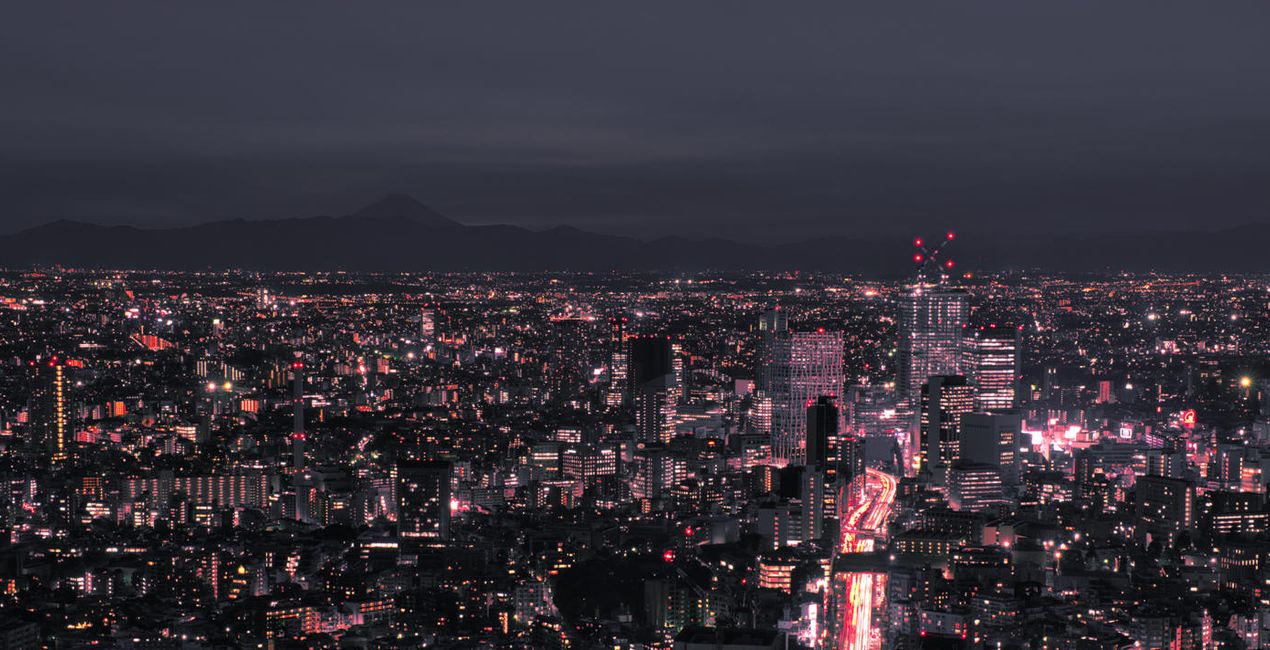 >
>
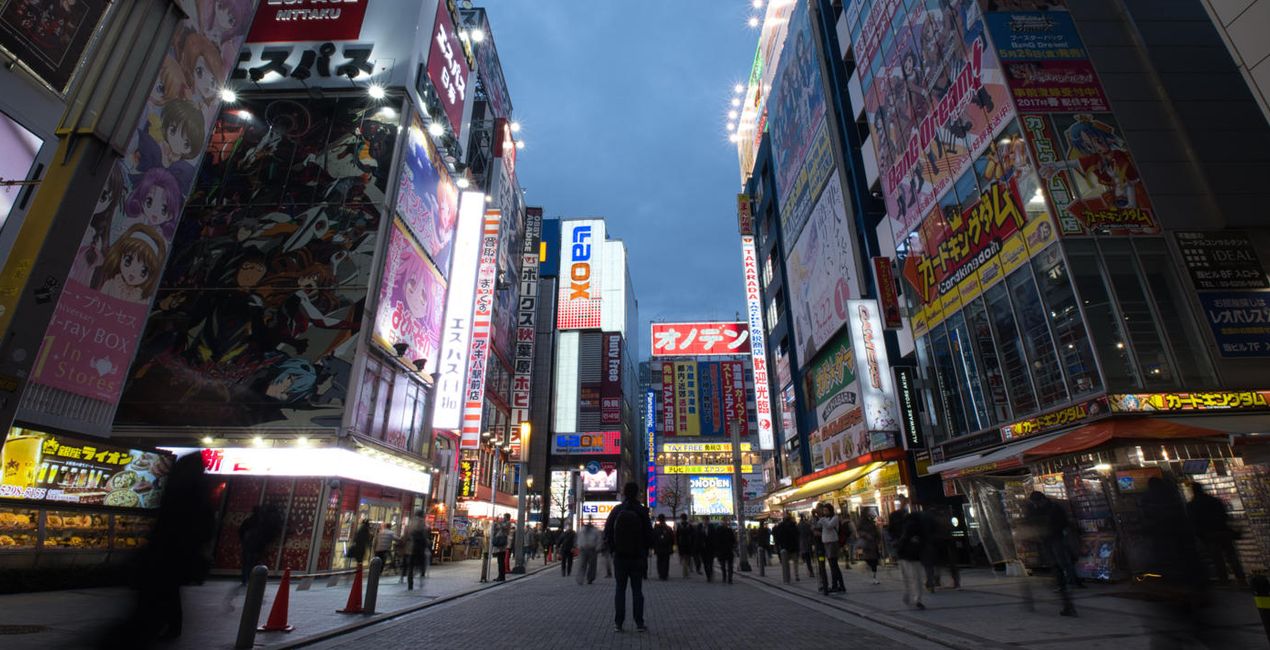
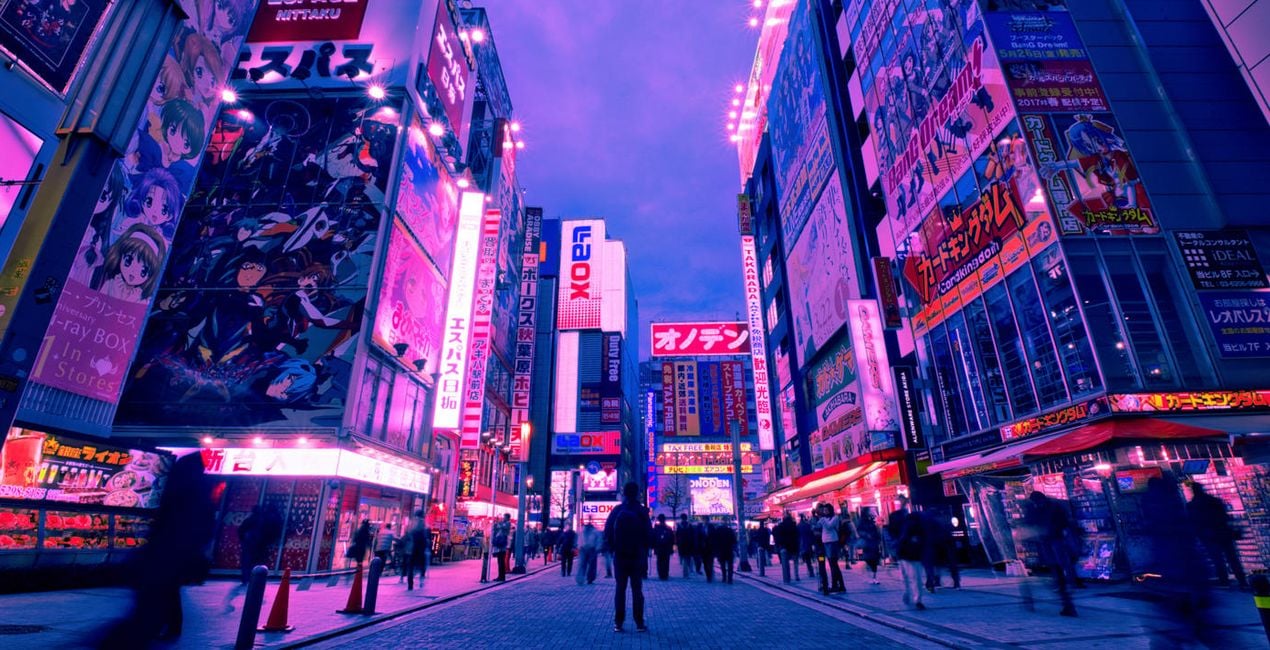
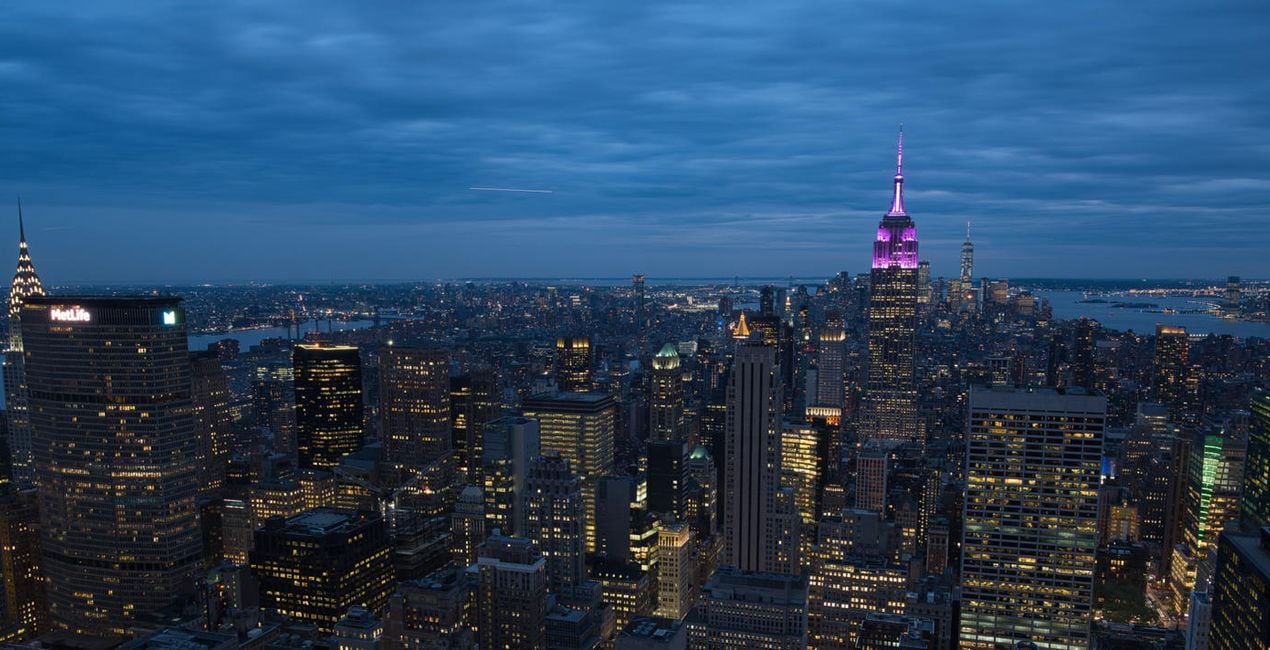
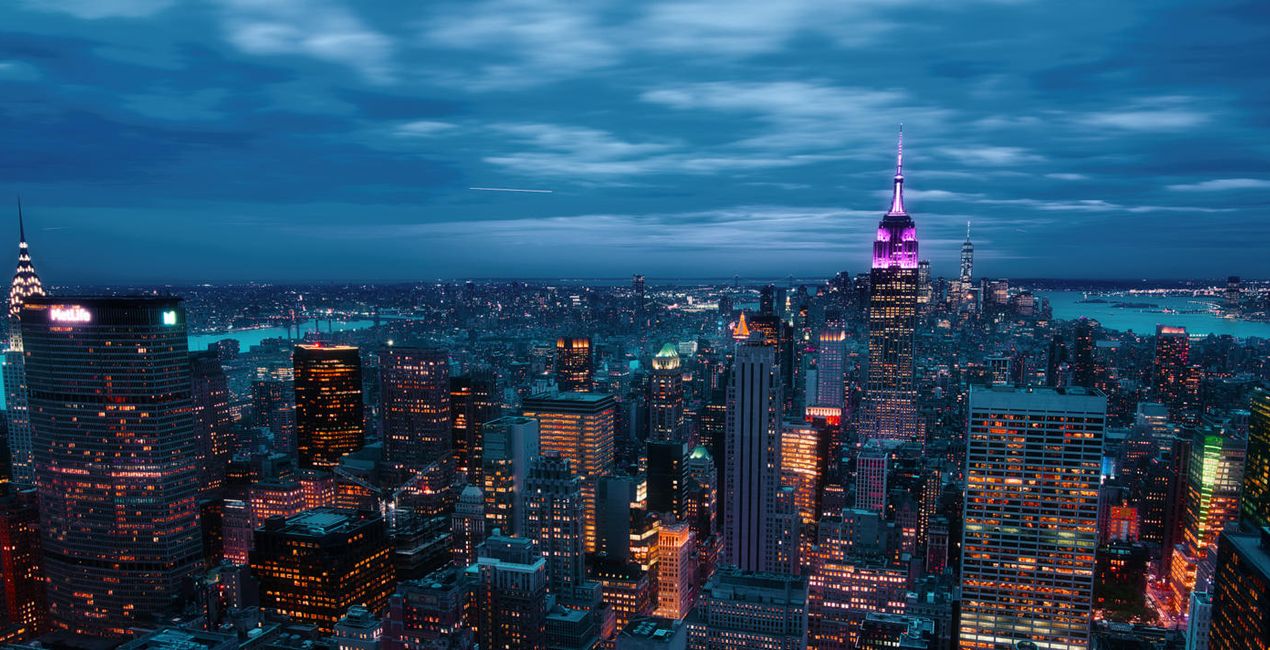
These Neon City Presets will give your photos a completely unique and futuristic look. From bright neon lights to colorful effects, this collection of 10 Presets by Sherwin Magsino is perfect for creating beautiful cyberpunk cityscapes that look like they belong in an alternative reality.
For those looking for a truly original style, this is an ideal collection for creating stunning nighttime photography with a sci-fi vibe. Try out the Presets today and take your photography to the next level!
You’ll find 10 Presets in this pack:
Lava: Add a blueish tone to your shadows and midtones, simultaneously giving your highlights strong warm colors
Matrix: A Preset with dreamy and soft green, yellow, blue, and red lights
Midnight: A Preset with blue and yellow tones along with matte blacks for a cinematic feel
Tokyo: Add trendy bright blue and magenta tones; strong, dark contrast; and a deep matte effect
2069: A moody dark-toned Preset with strong deep blacks and strong highlights, plus green and blue tones
Neo: A dark and moody Preset with blue and magenta hues
Futuristic: A Preset with muted black and midtones and with strong warm colors in the highlights
Punk: Get an edgy effect with a playful blue, orange, and red hues
Dreams: Achieve a dreamy look with a playful pink, blue, cyan, and red hues
Electric: A cinematic blue-tuned Preset
Don’t forget to share your results! Use the hashtag #madewithluminar on social media so the Skylum Team can take a look at your work!
Photographer. Skylum Ambassador.
<p>Unapologetic in brandishing his post-processing skills, Sherwin sees what’s invisible to others and translates his images so they look the way he imagined when taking them. This results in compelling, emotive visual stories for others to appreciate and remember. His style straddles the line between reality and surrealism, resulting in works that almost feel ethereal. </p><p>Sherwin has earned his rightful spot in the world of photography and has been lauded by domestic and international organizations with numerous awards — a testament to his excellence in the field, especially in producing fine art landscape images. </p><p>Manila-born Sherwin Magsino is a self-taught photographer who began his career as an illustrator before dabbling in commercial photography in 2015. His love for travel awakened in him what he considers his life’s passion — landscape photography. This wanderlust leads to uniquely enchanting images of sceneries and moments in the places Sherwin visits.</p><p>Sherwin is currently a Brand Ambassador of <a href="https://fujifilm-x.com/en-us/photographers/win-magsino/" target="_blank">Fujifilm Philippines</a>, <a href="https://skylum.com/ambassadors/win-magsino" target="_self">Skylum Software</a>, <a href="http://gnarbox.com/" target="_blank">Gnarbox</a>, and NiSi Filters Philippines as well as a Your Shot National Geographic Contributor. As a representative of these brands, Sherwin conducts talks and workshops around Manila to share his experiences and inspire fellow artists who share his passion for photography.</p>
FAQ
Vous avez d'autres questions ou souhaitez simplement des conseils ?
contacter le support techniqueSi vous avez des questions concernant le produit, contactez notre équipe d'assistance disponible 24 h/24, 7 j/7. Suivez simplement ce lien.
Pour acheter Neon City, suivez les étapes suivantes :
1. Ouvrez le Marketplace de Skylum.
2. Allez dans l'onglet correspondant où Neon City est répertorié. Cliquez dessus et ajoutez le produit à votre panier.
3. Accédez à votre panier. Là, terminez le processus d'achat pour Neon City.
4. Après l'achat, vous recevrez un e-mail de confirmation contenant le lien de téléchargement pour Neon City. Vous trouverez également le nouvel élément dans votre compte Skylum, sous l'onglet Mes modules complémentaires.
Des instructions détaillées sur l'installation du Neon City vous seront envoyées dans l'e-mail de confirmation, ainsi que le lien de téléchargement.
De plus, vous pouvez installer l'article acheté directement dans Luminar Neo : allez dans Extras > Marketplace, sélectionnez la catégorie Produit, trouvez l'article acheté et cliquez sur Installer.
C'est très simple ! Allez dans l'onglet Préréglages, puis sélectionnez Achetés. Votre préréglage installé s'y trouvera.
Ne vous inquiétez pas. Tous les articles achetés, y compris Neon City, sont stockés dans l'onglet « Mes modules complémentaires » de votre compte Skylum. Vous pouvez ainsi facilement les utiliser et les télécharger à nouveau.
Normalement, la plupart des articles proposés sont compatibles avec Luminar Neo. Toutefois, pour vous assurer que Neon City est bien compatible avec votre logiciel, veuillez vérifier ses spécifications avant de le télécharger ou de l'acheter. Consultez la section « Compatibilité » à droite de la page Neon City, où tous les produits compatibles sont répertoriés.
Ne partez pas tout de suite. Voici un code de réduction exclusif pour vous. Utilisez-le dans les 15 prochaines minutes pour bénéficier d'une réduction supplémentaire de 10 % lors du paiement. Copiez le code ci-dessous et finalisez votre achat.
15 m : 00 s





