


 Aplicado




Acerca de
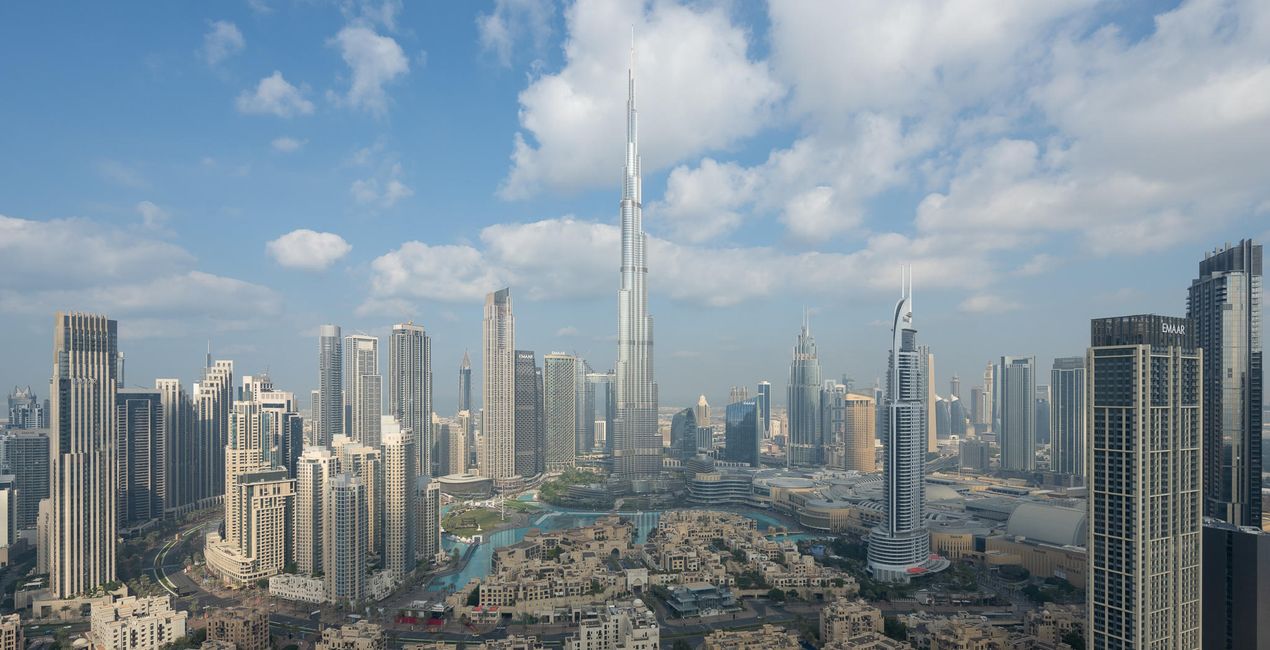
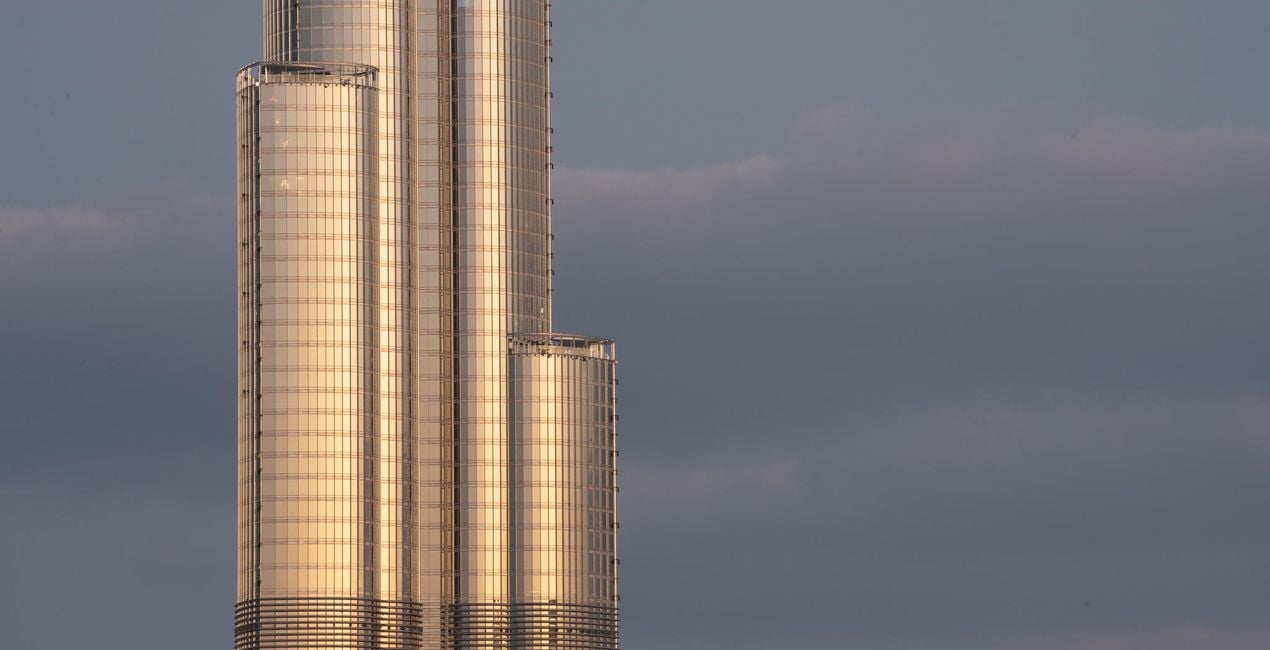
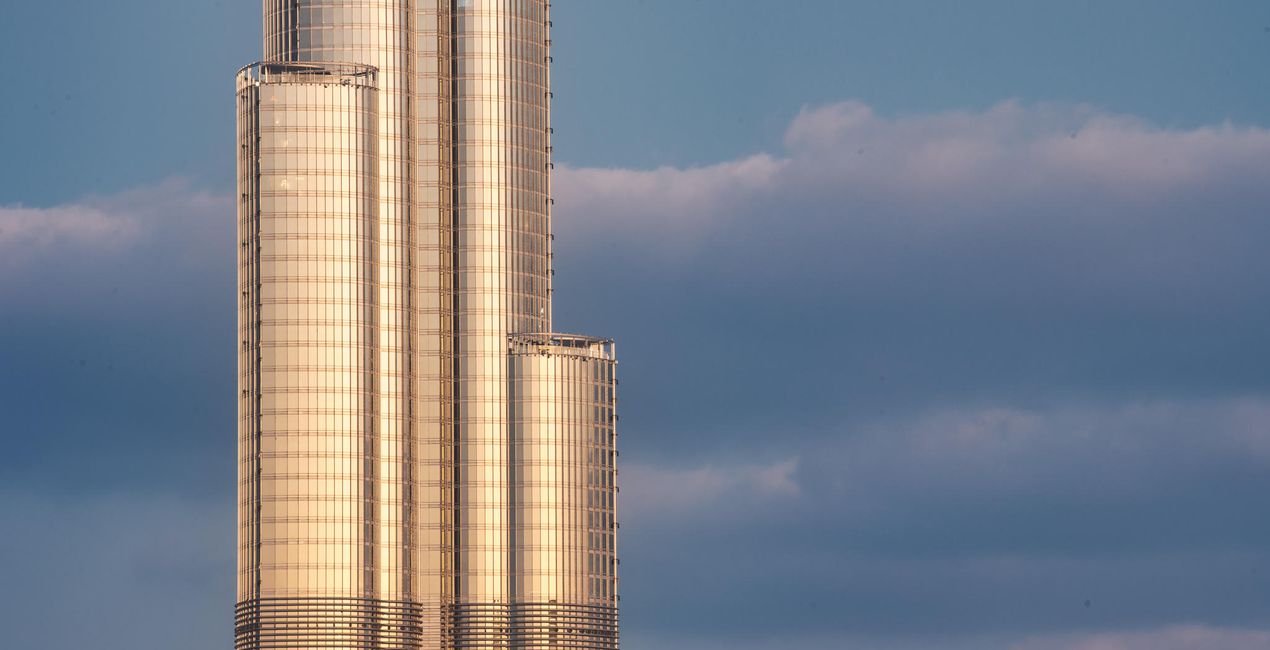
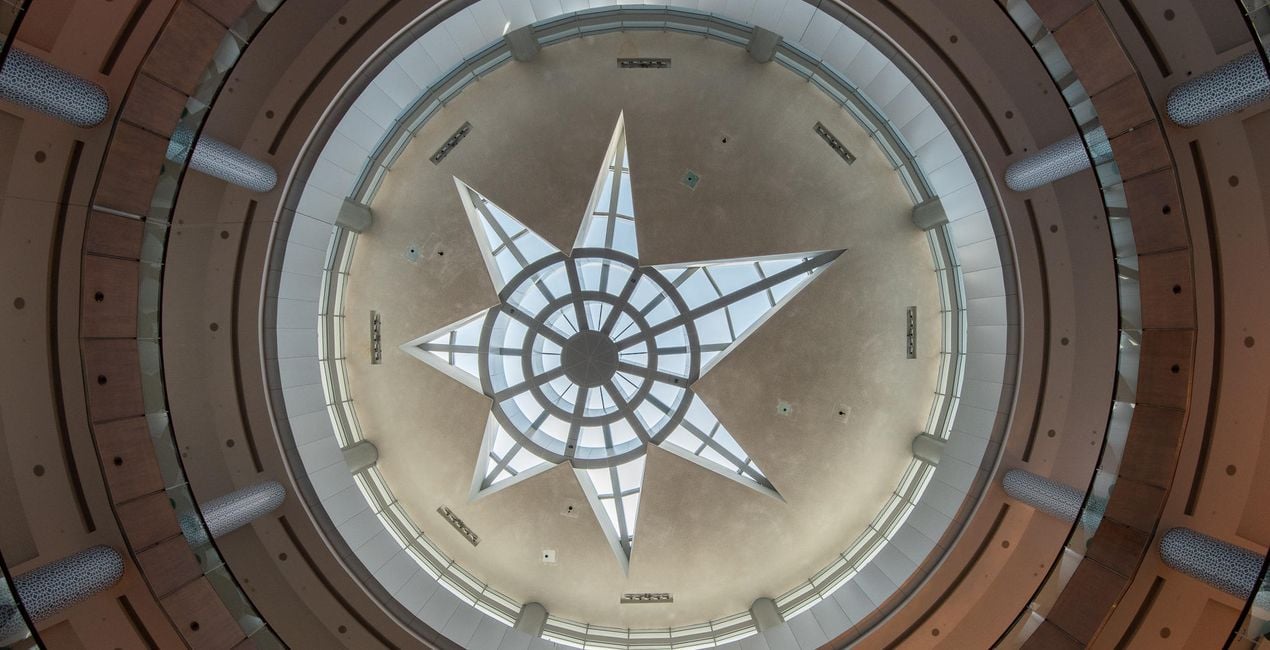
These 10 incredible Presets for Luminar Neo will transform your images of Dubai and other world cities. Designed for typical city scenes, the Presets are tailored for hazy golden hours, dramatic interior architecture, electric blue hours, and shimmering nightscapes.
Compatibilidad

Consigue fotos como estas
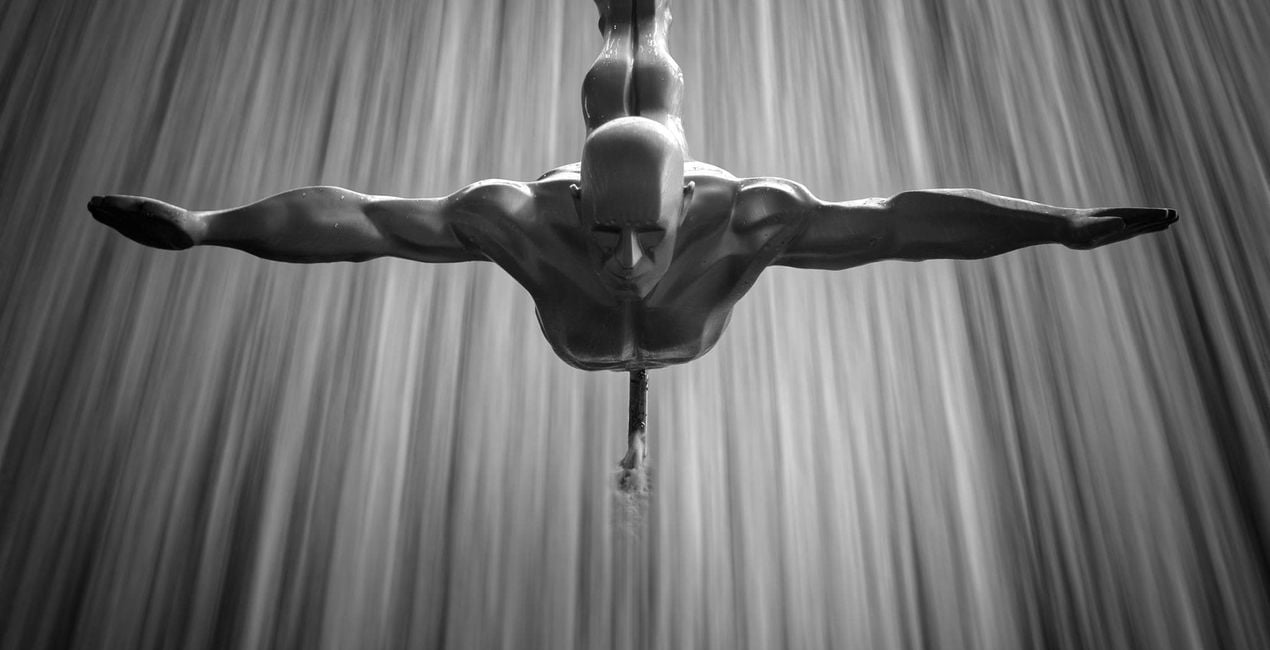
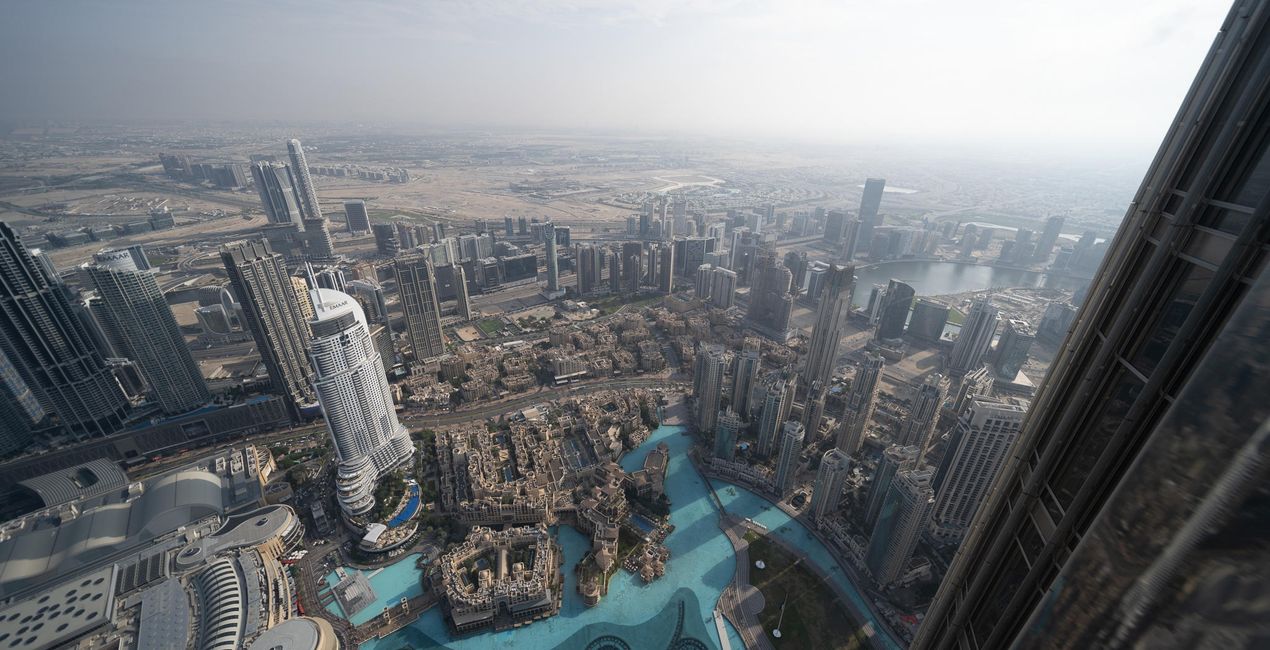
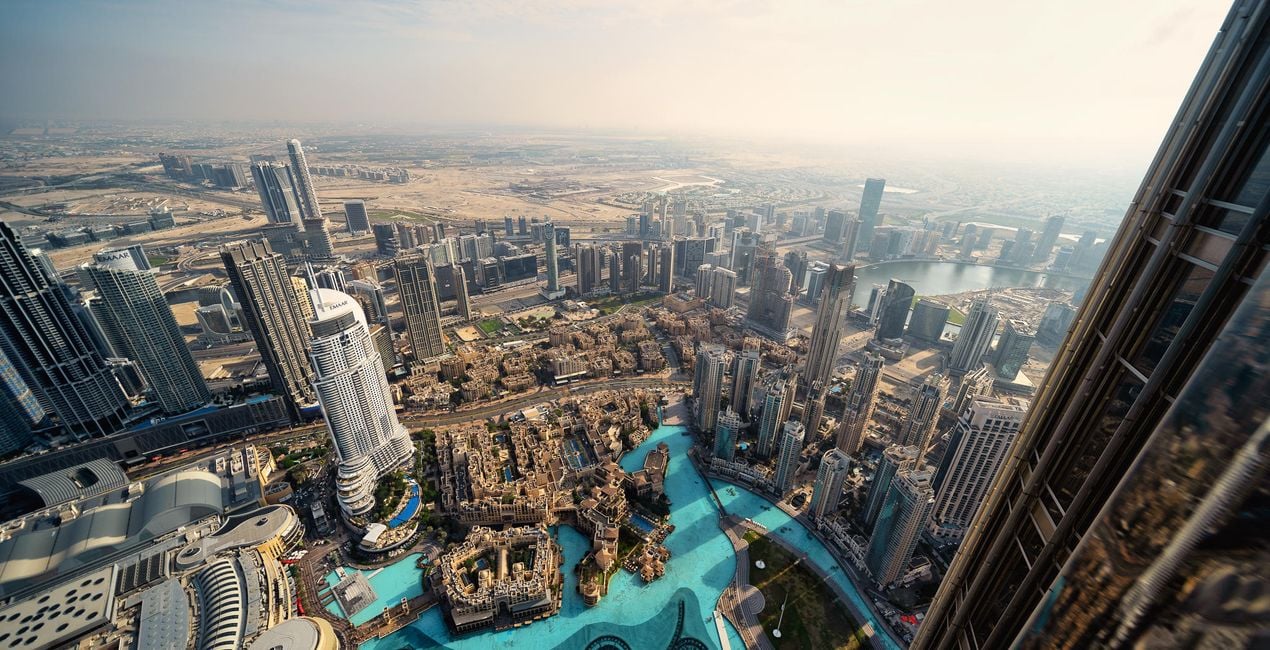
Con los archivos RAW proporcionados, practicarás fácilmente los consejos de retoque y aprenderás a conseguir fotos como estas.
 >
>
 >
>
 >
>
 >
>
 >
>
 >
>
La historia
Turn your cityscape travel photos into works of art with these Presets that are ideal for raw files. Time to try them out on your photos!
You’ll find 10 Presets in this pack:
Haze: Cuts through smog and haze to boost contrast, details, and structure
Fireworks: Richly saturated highlights with dramatic details and structure combine to form an impressive nighttime look
Blue Hour: Create a cinematic blue hour look with warm highlights and rich skies
From Above: Eliminates haze and boosts color contrast and warmth
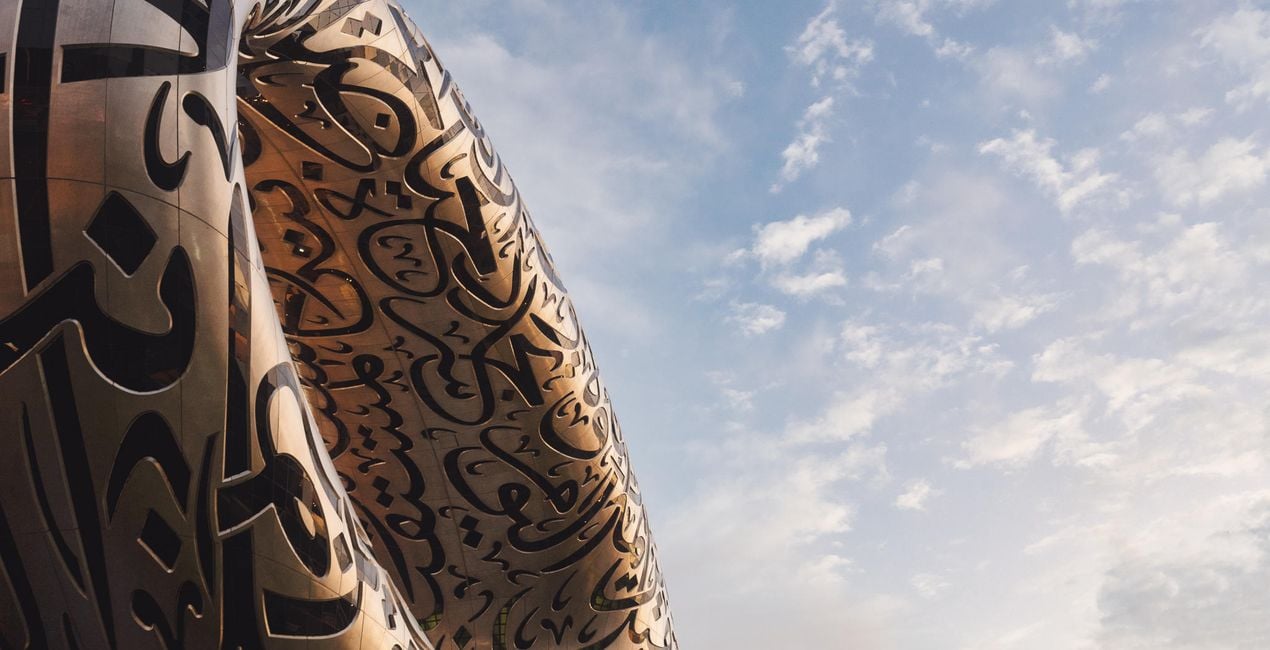
Architecture: Saturated skies, rich contract, and improved sharpness and detail; ideal for telephoto closeups
Night: Reduces the orange and muddy brown tones associated with smog, haze, and clouds while introducing electric blue highlights for a futuristic look
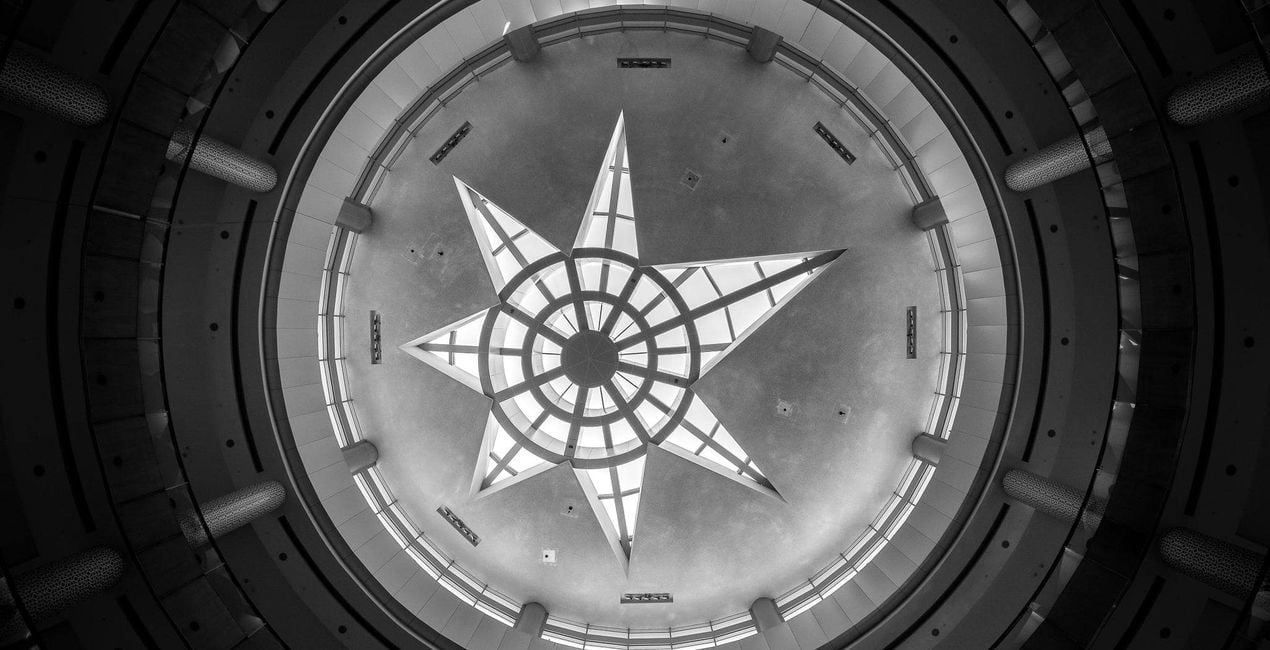
Atrium: A super-high-contrast black and white look to turn interior shots into high key works of art
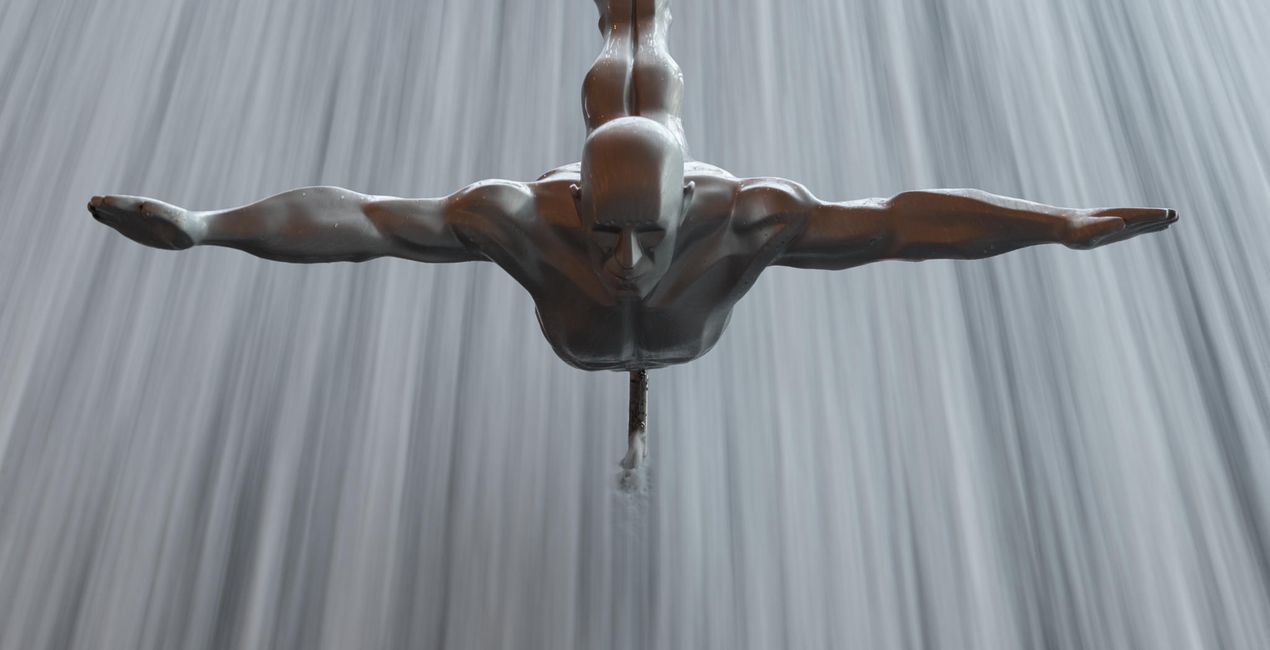
Fountain: For blue hour images with warm streaks of light
Sunset: Bathe your images in a coral glow to evoke memories of a warm sunset
Daytime: No polariser, no problem! Rich sky tones and a warm foreground combine to form a cinematic daytime look
Don’t forget to share your results! Use the hashtag #madewithluminar on social media so the Skylum Team can take a look at your work!
Productos relacionados


Creador
Mathew Browne
Photographer. Skylum Ambassador.
Mathew Browne is a cross-genre photographer who has gained recognition for his vibrant images spanning the spectrum of travel photography. A prolific traveler, Mathew has visited nearly 70 countries and photographs extensively for the photo location sharing platform PhotoHound, which he co-founded in 2018.
These Looks serve as the foundation for much of his wildlife portfolio, often allowing him to achieve his desired result with just one click.
¿Cómo puedo contactar a soporte?
Si tienes alguna duda o pregunta sobre el producto, puedes contactar al servicio de soporte 24/7. Visita este enlace.
¿Qué tengo que hacer para comprar Memories of Dubai?
Para comprar Memories of Dubai, sigue estos pasos:
1. Abre el Marketplace de Skylum.
2. Ve a la pestaña correspondiente donde aparece Memories of Dubai. Haz clic sobre él y añádelo a tu carrito.
3. Ve al carrito. Aquí, completa el proceso de compra de Memories of Dubai.
4. Después de completar la compra, recibirás un correo de confirmación con el enlace de descarga de Memories of Dubai. También encontrarás el nuevo producto en tu cuenta de Skylum, dentro de la pestaña “Mis complementos”.
¿Qué tengo que hacer para instalar Memories of Dubai?
Recibirás un email con instrucciones detalladas sobre cómo instalar Memories of Dubai junto con un enlace de descarga.
También puedes instalar el producto comprado directamente desde Luminar Neo: ve a Extras > Marketplace, selecciona la categoría del producto, busca el elemento adquirido y haz clic en Instalar.
¿Dónde puedo encontrar mi(s) Memories of Dubai tras la instalación?
¡Es muy fácil! Ve a la pestaña de Ajustes Preestablecidos y selecciona "Comprados". Tu ajuste preestablecido instalado estará ahí.
¿Y si pierdo mi(s) Memories of Dubai?
No te preocupes. Todos los productos que hayas adquirido, como Memories of Dubai, se almacenarán en la pestaña 'Mis complementos' de tu cuenta de Skylum para que puedas volver a descargarlos fácilmente.
¿Cómo puedo verificar la compatibilidad de Memories of Dubai con mi software?
Generalmente, la mayoría de productos son compatibles con Luminar Neo. Pero si quieres asegurarte de que Memories of Dubai funciona(n) correctamente con tu software, consulta sus especificaciones antes de hacer ninguna compra o descarga. Busca la sección "Compatibilidad" en la parte derecha de la página de Memories of Dubai, donde aparecen todos los programas compatibles.


