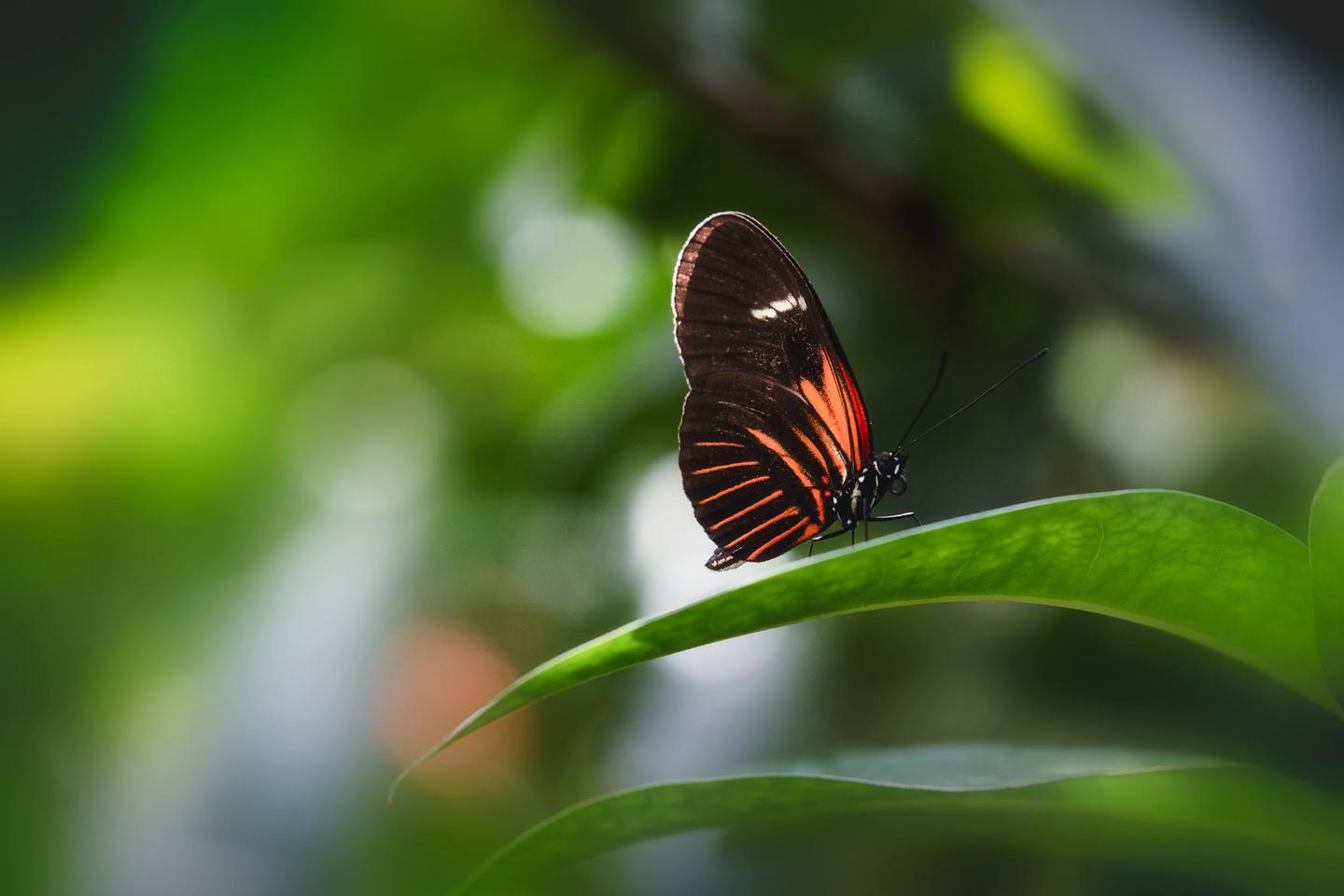
 © Mathew Browne
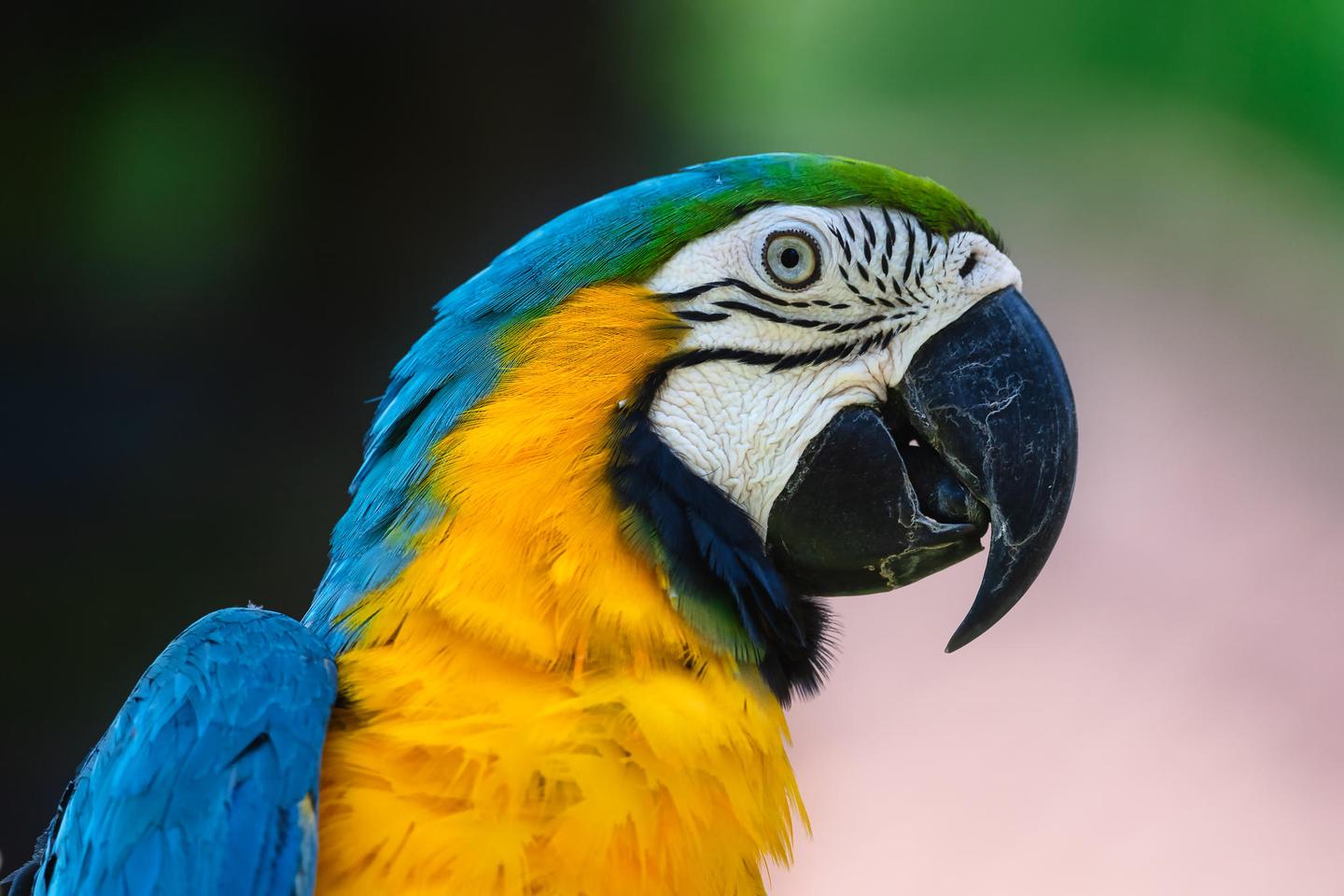 © Mathew Browne
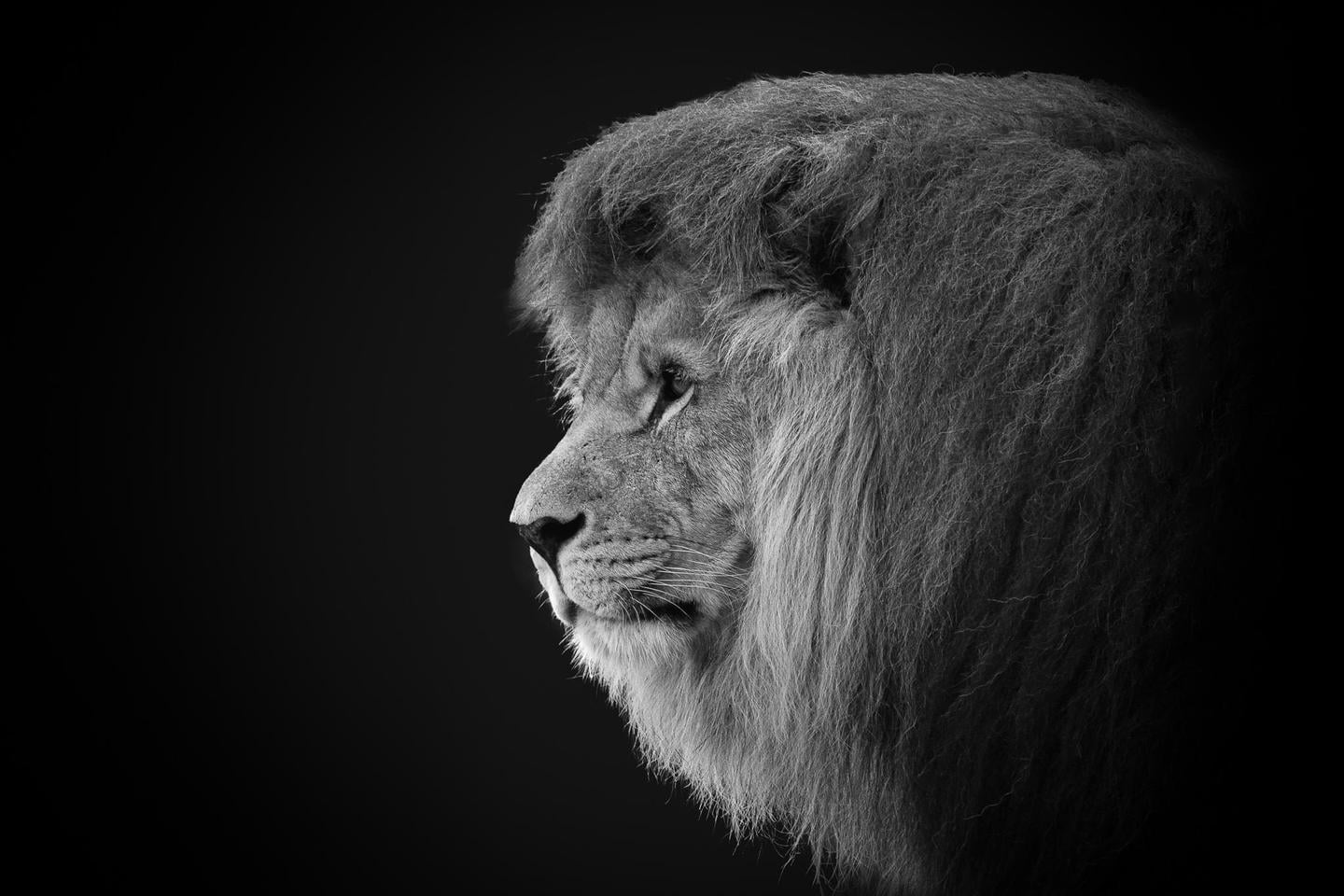 © Mathew Browne
Descripción
Estos 14 Signature Looks te ayudarán a transformar tus imágenes en cautivadoras obras de arte que transmiten la belleza de la vida salvaje. Tanto si estás fotografiando dentro de zoológicos y acuarios como si estuvieras disfrutando de la vida salvaje más cerca de casa, encontrarás que este pack de Looks te ayudarán a que tus imágenes alcancen su potencial.
Qué incluye
14 Plantillas. Compatibles con imágenes JPEG y RAW.
Consigue fotos como estas
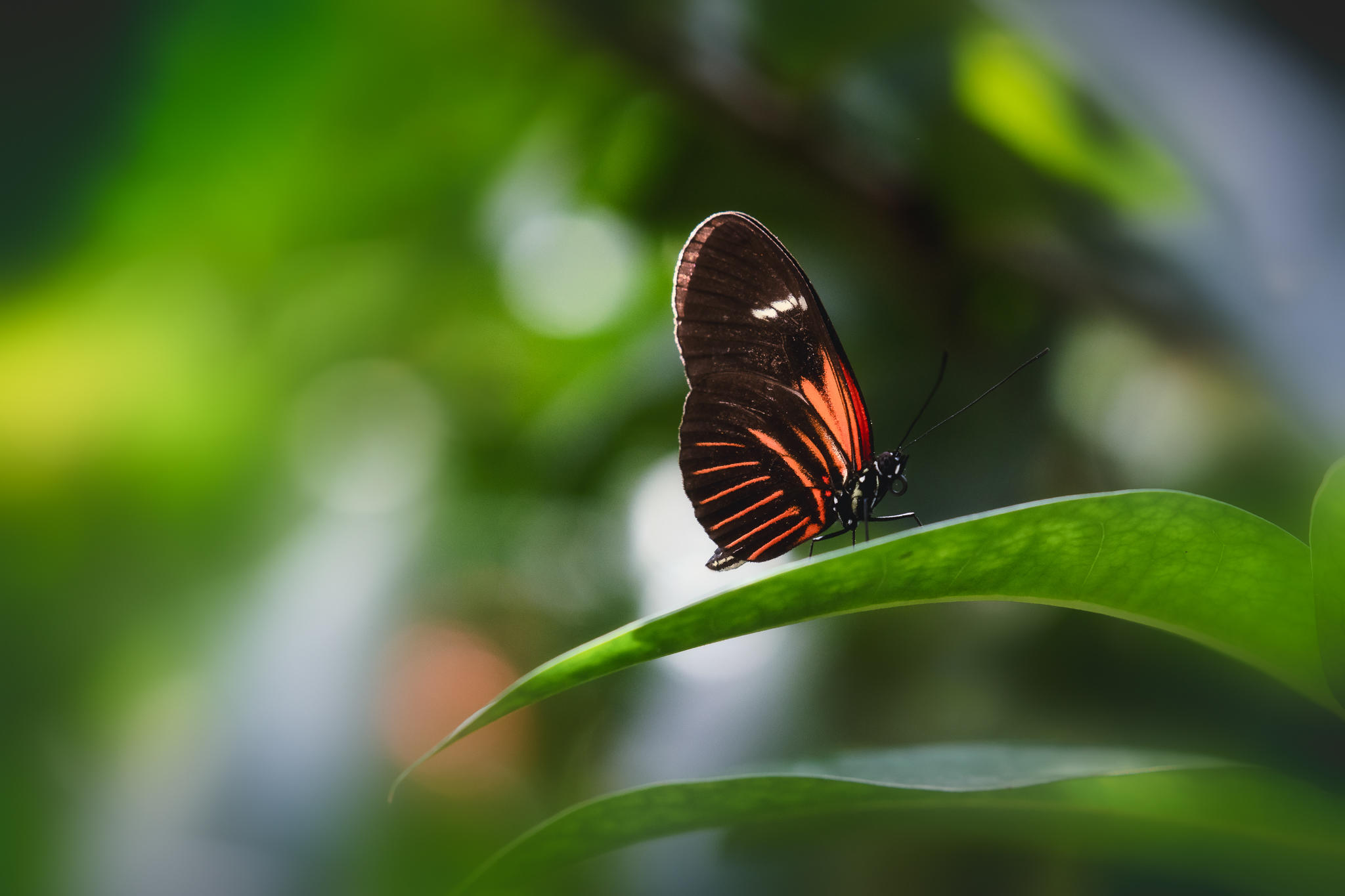
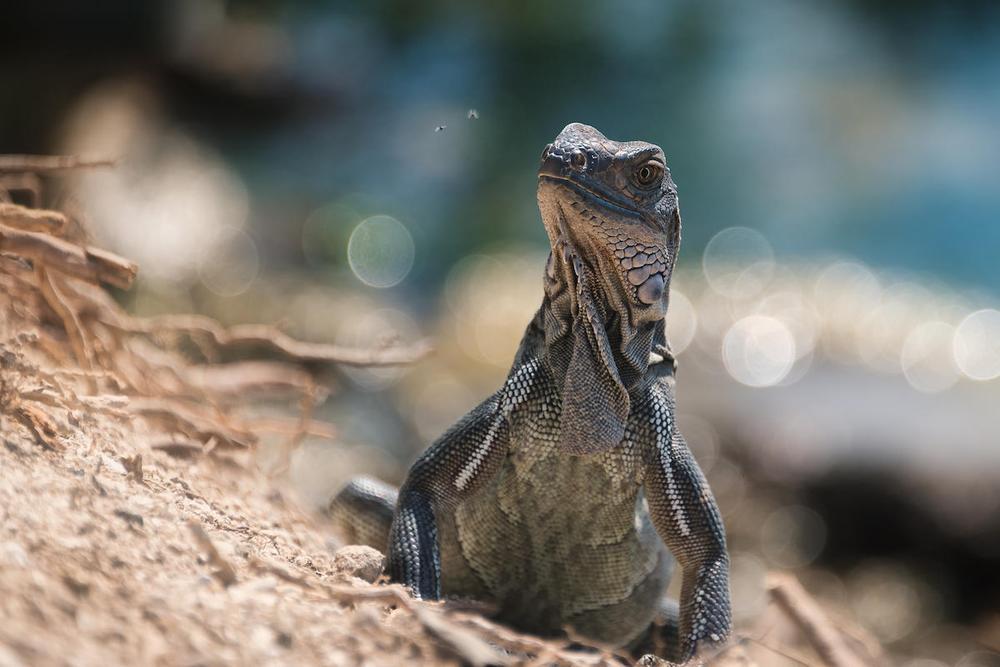
Con los archivos RAW proporcionados, practicarás fácilmente los consejos de retoque y aprenderás a conseguir fotos como estas.
La historia
Capturing wildlife shots can be one of the most challenging disciplines in photography.
Photographing animals is a genre where hard work is rewarded — whether your feat of endurance is carrying a large telephoto lens around a zoo or spending hours in a hide awaiting the magic moment.
While capturing the shot is hard enough, use these Looks to let your editing be the easy bit! In Amazing Animals, my second Signature Looks pack, I’ve assembled some core Looks that I use extensively to edit wildlife photos.
These Looks will help you transform your images into captivating artworks that convey the beauty of wildlife.
How to use these Looks:
Sometimes a Look can be too strong, in which case simply dial it down a touch with the Amount slider.
You can also adjust the sliders of individual adjustments to taste. I constantly use these Looks in my work - sometimes they result in one-click edits; sometimes I need to spend a moment or two checking that each slider is just right for the image.
This pack features 12 of my favorite Core Looks for animal photos. They’re suitable for exotic animals in the wild, in zoos, and in aquariums, for domestic animals including livestock, and for wildlife such as birds and insects.
Animal B&W. This dramatic Look works particularly well with animal portraits, adding strong contrast and sharpening and drawing the viewers’ eyes towards the subject.
Aquarium. This Look removes much of the blue cast and adds a subtle earthy tone and dreamy glow to the image. If you’re shooting underwater, move the sunrays to the appropriate location or simply turn this filter off if it doesn’t work for you.
Big Cat. Enhance the colors and character of your subject with this Look that gives a subtle warmth and glow to your image.
Bird. Make feathers pop with a significant color boost and strong sharpening.
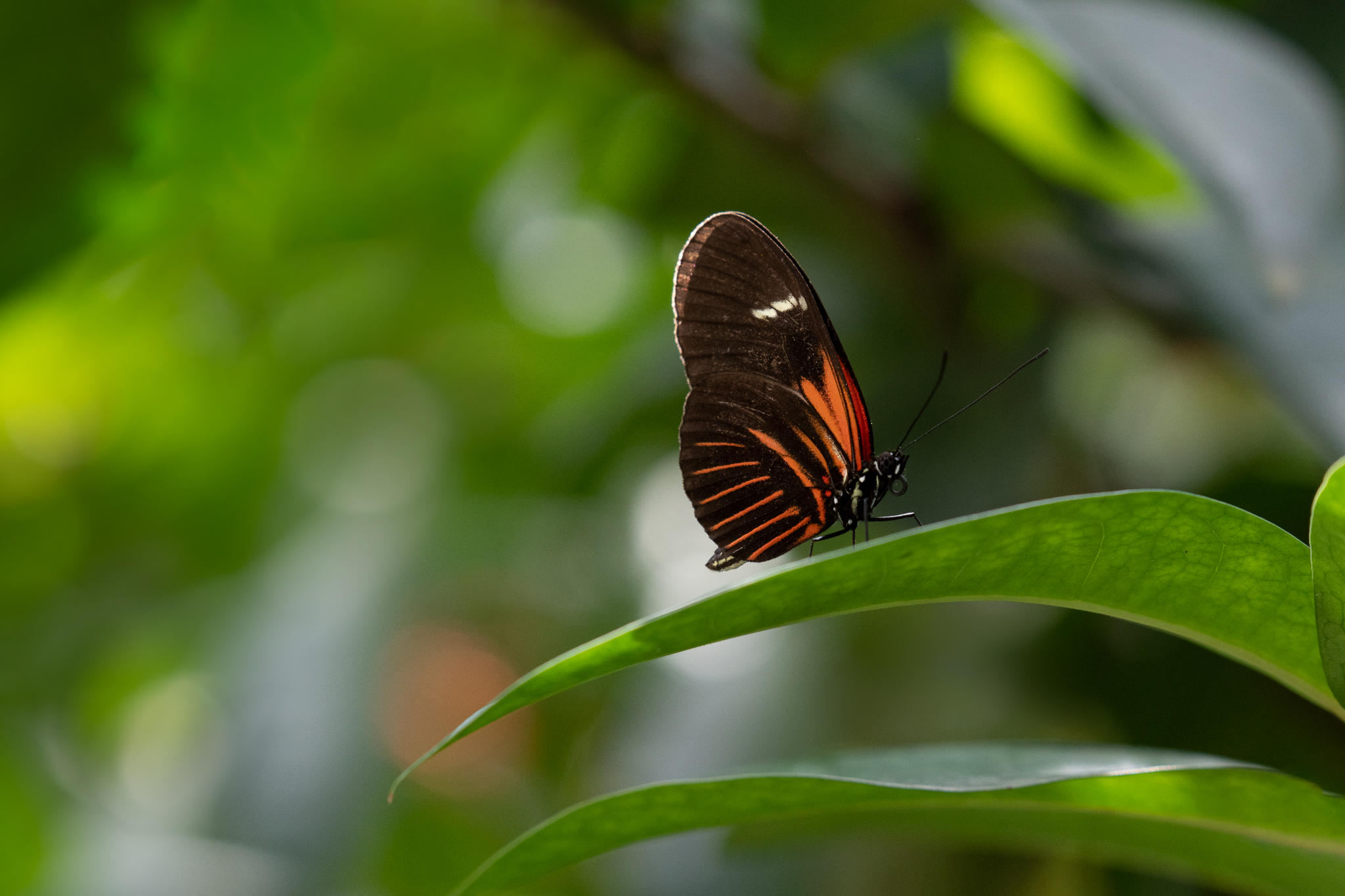
Butterfly House. Perfect for the interiors of butterfly houses, which are typically climate-controlled and a little misty. This Look dehazes your image and improves the color contrast. It also slightly mutes the green tones to ensure your subject is the center of attention.
In Flight. This Look improves the detail and contrast of your subject while adding a colorful punch to the background using Luminar’s AI functionality.
Ladybug. This Look works for insects photographed close-up using a telephoto or macro lens. It dramatically enhances details and contrast and introduces a big color boost.
Reptile. Add detail, contrast, and structure to a reptile’s scales with subtle split toning to separate warm and cool tones.
Rustic Look. A simple Look to give animal portraits a warm, earthy tone.
Snake. A moody Look where green tones are emphasised and artificial lighting is stripped back.
Vivarium. Indoor vivariums can be a challenge to shoot: you’re typically shooting through glass and have lighting or heat lamps to contend with, which add a warm cast to your images. This Look strips out that color cast and adds some contrast and dehazing for a more natural and pleasing result.
Zoo. This Look adds warmth to overcast conditions and improves the color tone using Luminar’s AI functionality.
Also in this pack you'll find 2 bonus Looks, which are my secret weapon for making my wildlife photos pop! Simply create a new adjustment layer and apply one of these Looks to it. Next, apply a radial mask to your subject and it will be beautifully isolated from its surroundings.
Bokeh Bright. Add a dreamy, glowing surround to your subject. This works especially well for high-contrast images taken in daylight. The ideal shot will have lots of colorful foliage that will be attractively blurred.
Bokeh Dark. This Look adds a dramatic vignette. It works best on low-contrast color or black and white images.
Share your work! Use the hashtag #amazinganimalsluminar on social media so Mathew and the Luminar team can enjoy looking at your results!
Productos relacionados












Creador
Mathew Browne
Photographer. Skylum Ambassador.
Mathew Browne is a cross-genre photographer who has gained recognition for his vibrant images spanning the spectrum of travel photography. A prolific traveler, Mathew has visited nearly 70 countries and photographs extensively for the photo location sharing platform PhotoHound, which he co-founded in 2018.