 © Ahmet Anak
 © Ahmet Anak
 © Ahmet Anak
Descripción
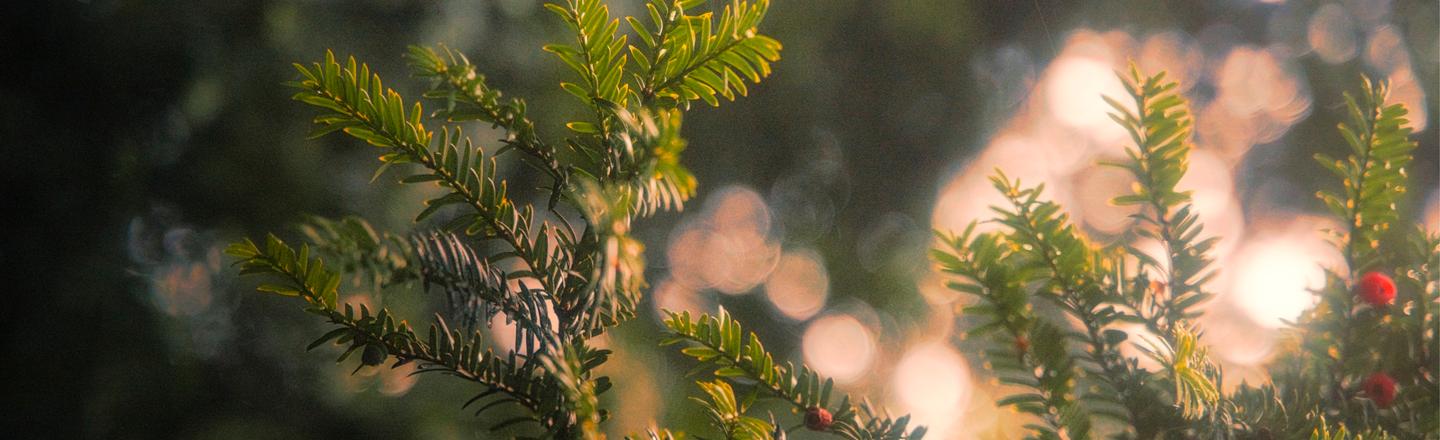
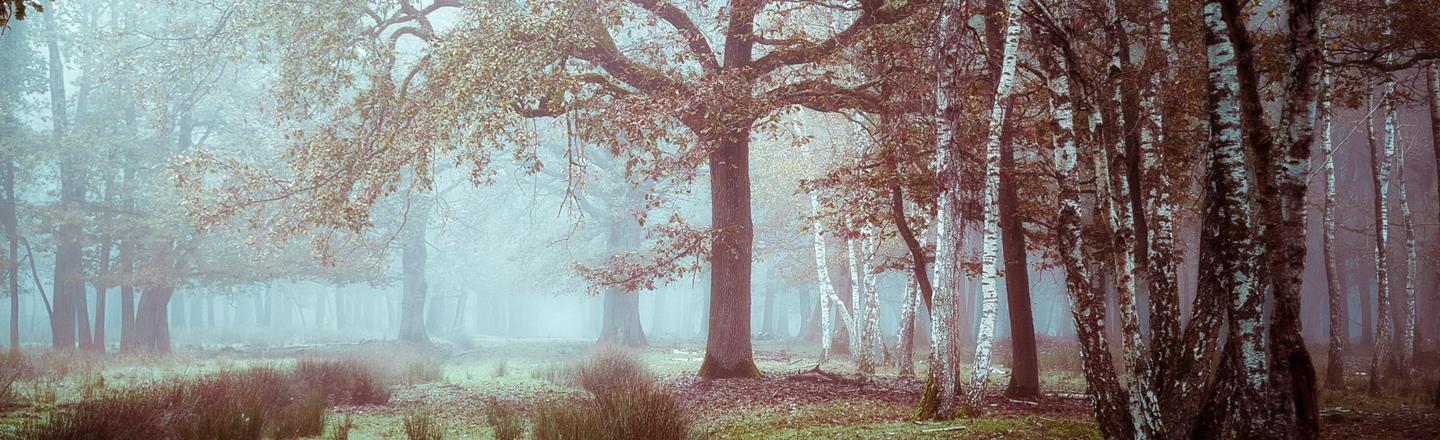
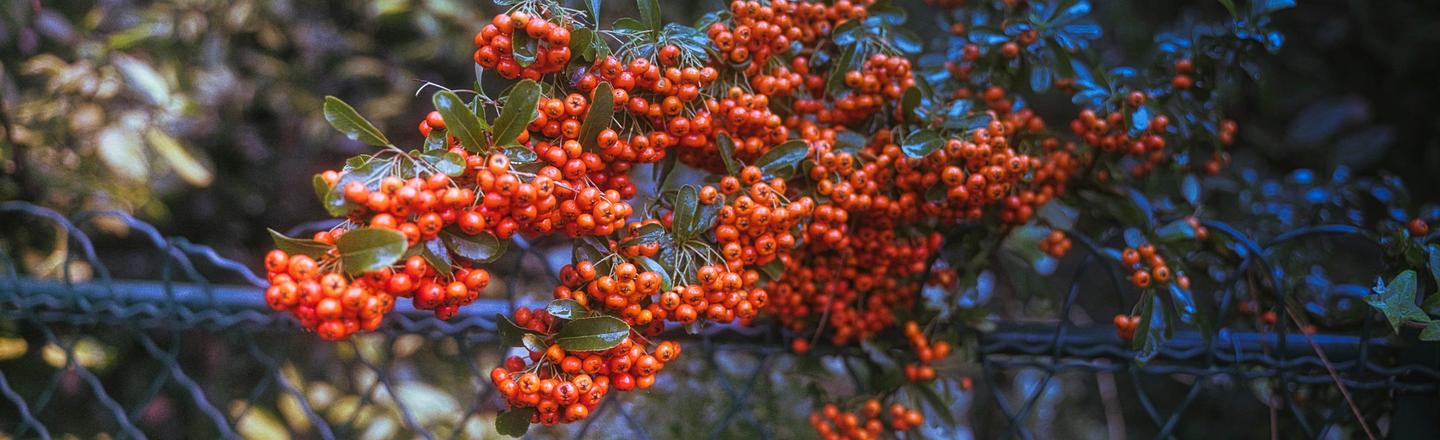
This Preset pack is inspired by the enchanting atmosphere of forest landscapes. Drawing from the misty mornings and rich autumn hues, it brings out the magic of fog-drenched scenes and vibrant fall colors. With carefully balanced noise reduction and sharpness settings, this collection enhances the mood while maintaining a natural look. Customize each Preset to perfectly match your photos and bring your forest-inspired visions to life.
Qué incluye
12 Presets
Consigue fotos como estas
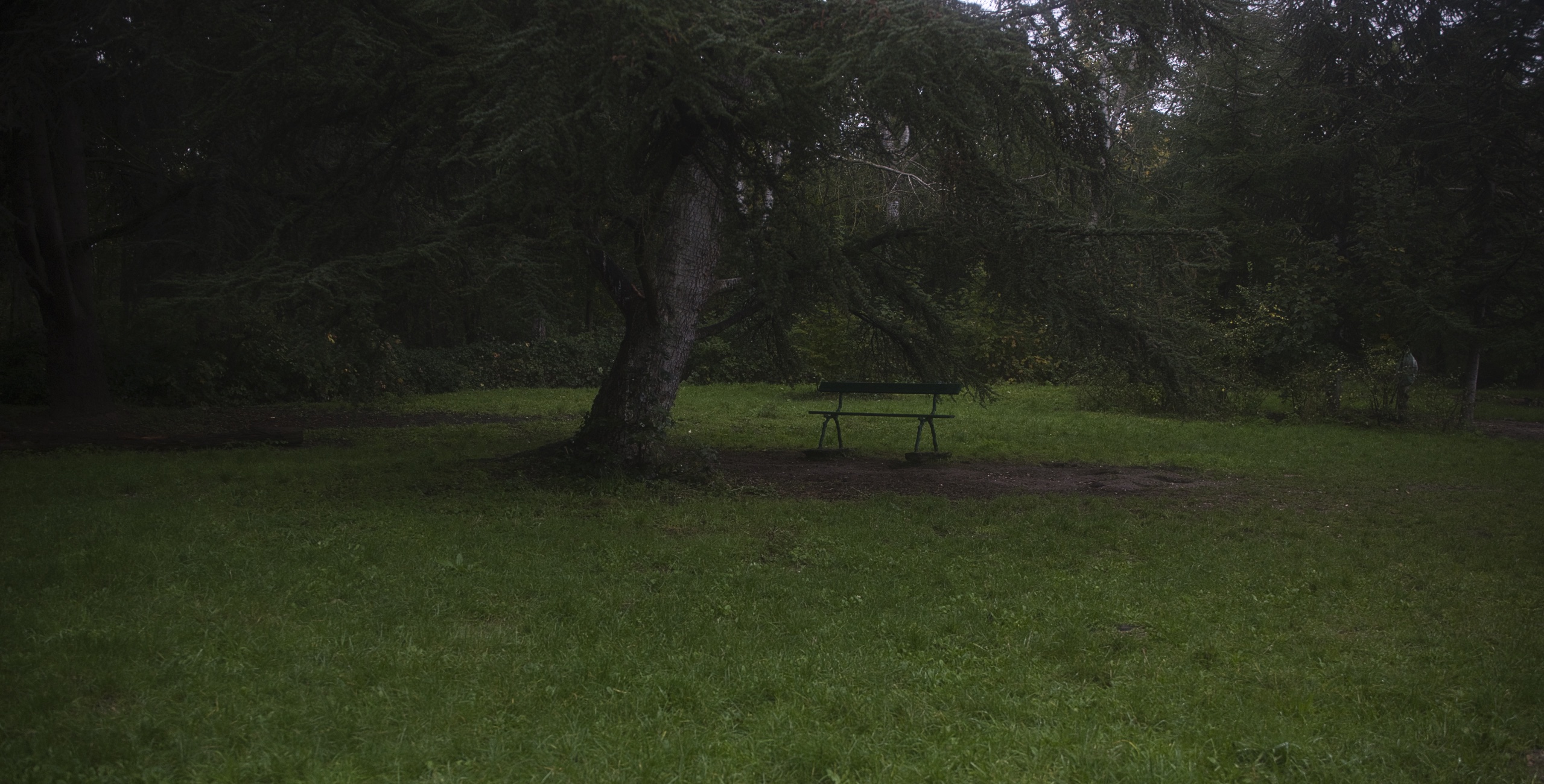
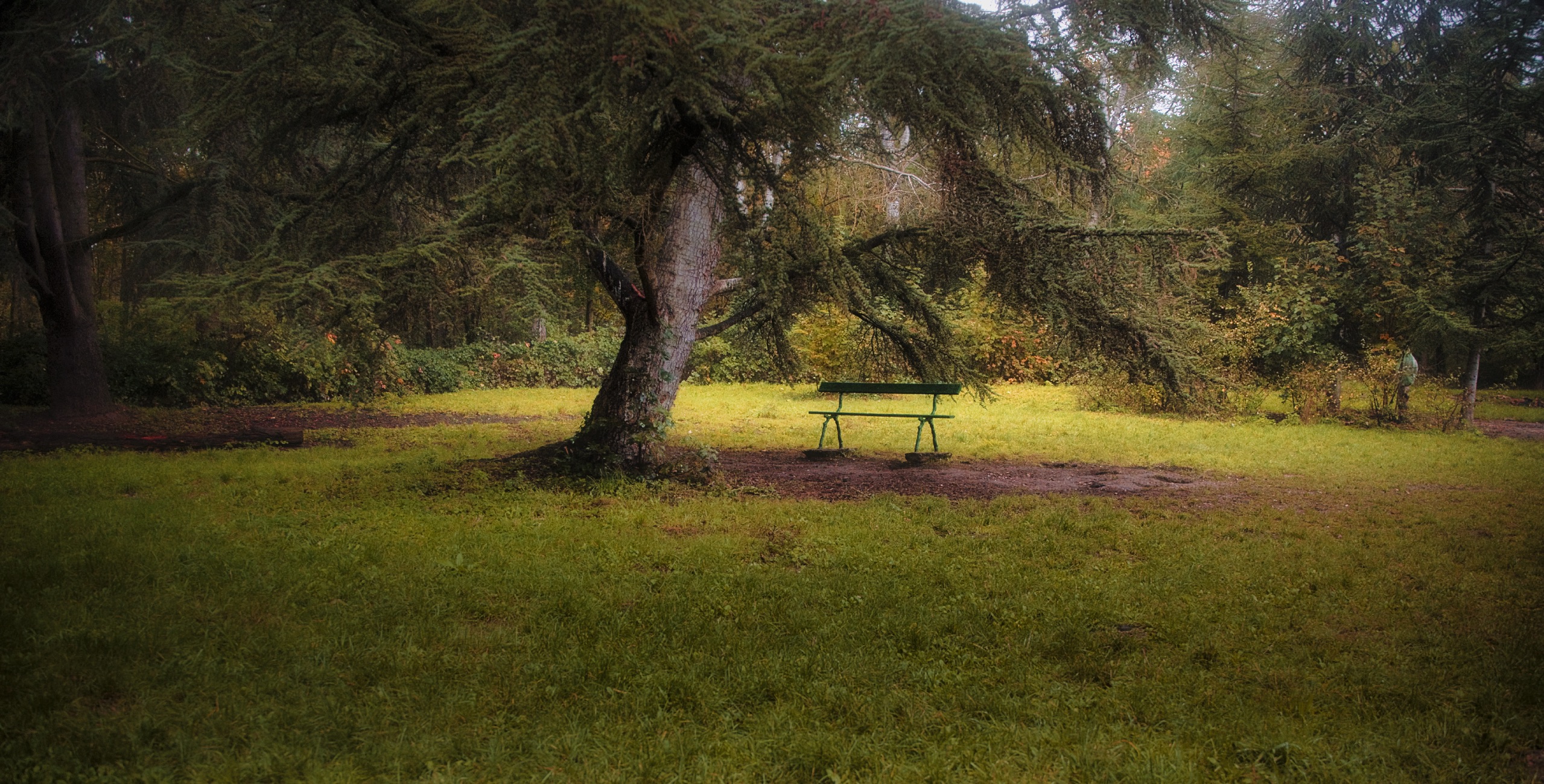
Con los archivos RAW proporcionados, practicarás fácilmente los consejos de retoque y aprenderás a conseguir fotos como estas.
La historia
 © Ahmet Anak
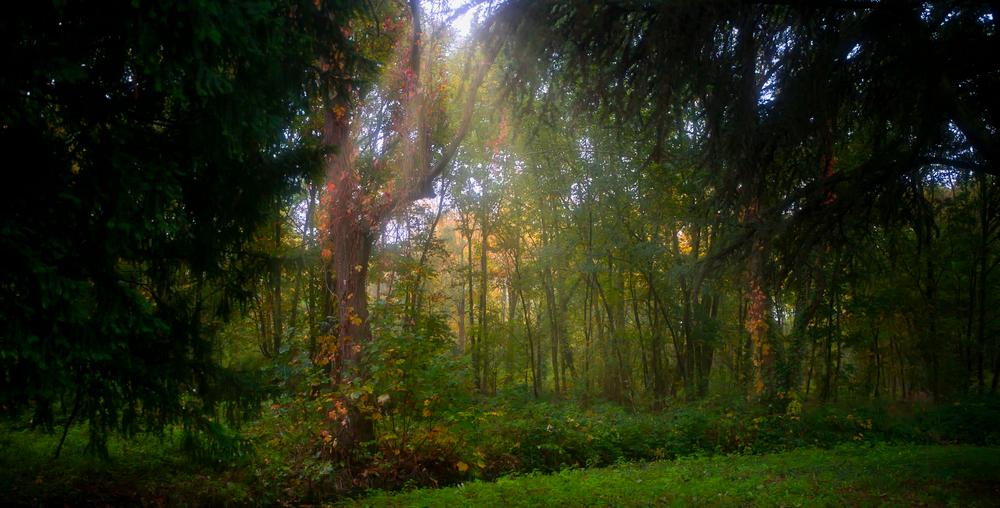
This Preset pack is inspired by the serene beauty of Rambouillet National Park, located just an hour from Paris. Capturing the essence of foggy mornings and the rich hues of autumn, the Presets evoke a calm, atmospheric vibe with an emphasis on color relationships. Autumn tones are more pronounced, creating a warm, immersive feel, while the foggy low-light conditions add a mysterious touch to each Preset.
When crafting these Presets, the focus was primarily on color, using the original photographs as a reference to enhance their depth and mood. As you apply these Presets to your own images, it’s recommended to experiment with different options and adjust the Preset intensity until you find the perfect fit. If the color saturation feels too strong, you can fine-tune it using the color adjustment tool—especially for JPEG images, where a slight reduction in saturation may be needed.
For further refinement, you can dive into the “Edit” section to see and modify the components of the Preset. Above all, don’t be afraid to unleash your creativity—let these Presets spark your imagination and help you bring your vision to life.
You will find 12 Presets in this pack:
Bokeh World: Perfect for wide aperture shots with blurred backgrounds.
Fairy Tale: Ideal for long exposure images of moving elements like rivers or waterfalls.
Thousands of Leaves: Emphasizes color contrast, with adjustable contrast settings.
Forest Princess: Highlights one dominant color tone, with the option to apply different tones to background or foreground elements.
In the Park: Best for park or forest scenes featuring varying shades of green.
Reflections: Great for water bodies, with customizable color contrast, including the option to adjust water color.
Sunrays: Adds sunrays to your image, with customizable intensity based on the lighting conditions of your photo.
Harmony: Ideal for images with green, blue, and red tones, with adjustable saturation and hue settings.
Wild Beauty: Designed for wildlife photos, with customizable green and orange shades.
Foggy Forest: Perfect for fog-filled images, with adjustable glow and mystical effects.
Scary Monochrome: Best for monochrome photos, offering different mood settings for varied effects.
Walking in the Woods: Perfect for forest path photos, enhancing light along the path with optional exposure adjustments.
Productos relacionados












Creador
Ahmet Anak
Landscape & Nature Photographer | Color Editor | Retoucher
Based in Paris, France, Ahmet Anak is a full-time landscape and nature photographer with a deep passion for capturing the beauty of the natural world. With a background in industrial design, he spent 25 years working in the air conditioning sector before fully transitioning into photography — a field he has explored professionally for over 15 years, and pursued full-time for the past 5.
Ahmet has traveled to more than 23 countries, photographing diverse natural landscapes across the globe. His work has taken him to the Arctic regions of Finland, Iceland, and Norway, where he documented striking scenes from within the Arctic Circle. His photographs from Finland were featured in one of Turkey’s leading travel magazines.
A strong believer in visual storytelling, Ahmet shares a selection of his work through stock photography platforms, making his images available for download and broader use. Over the past 6 years, he has also developed a growing passion for drone photography, building a rich collection of aerial imagery. His latest journey took him to the remote and awe-inspiring landscapes of Antarctica the seventh continent.
Ahmet processes his images using Luminar, having been one of the early adopters of the software. He now works primarily with Luminar Neo, using its powerful AI tools to enhance the colors, tones, and moods that define his photographic style.