


 Zastosowany


Artist's Surface Overlays
Save $201 $ 39 .00

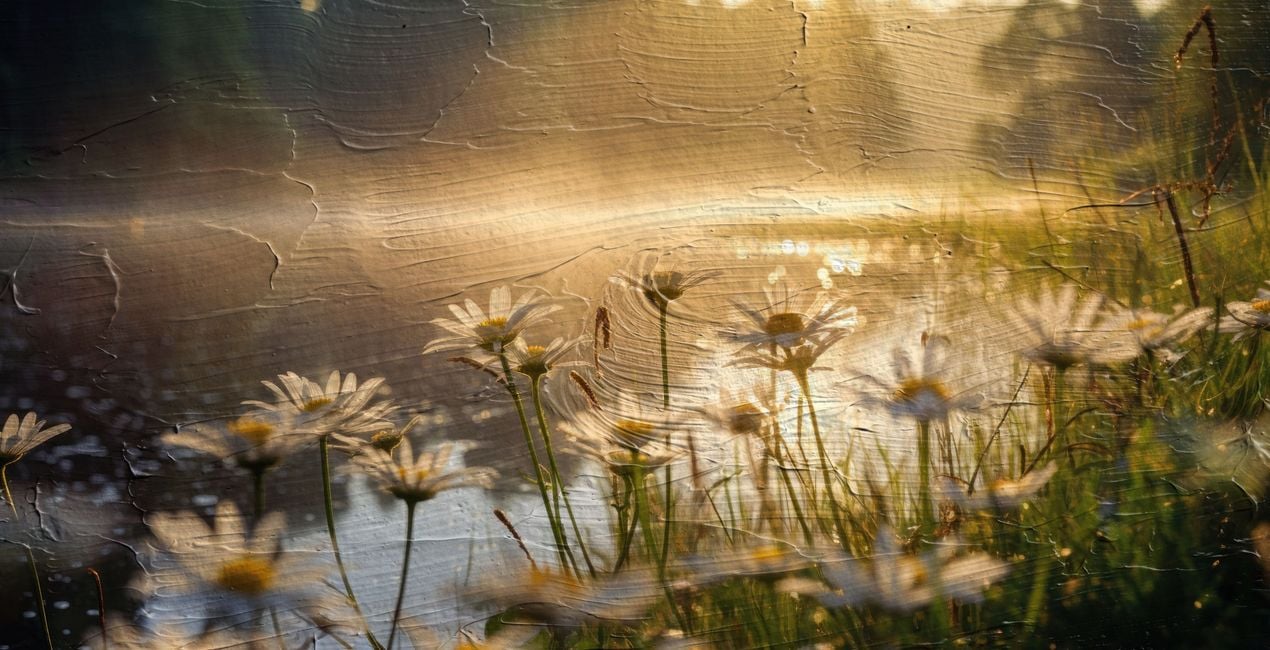
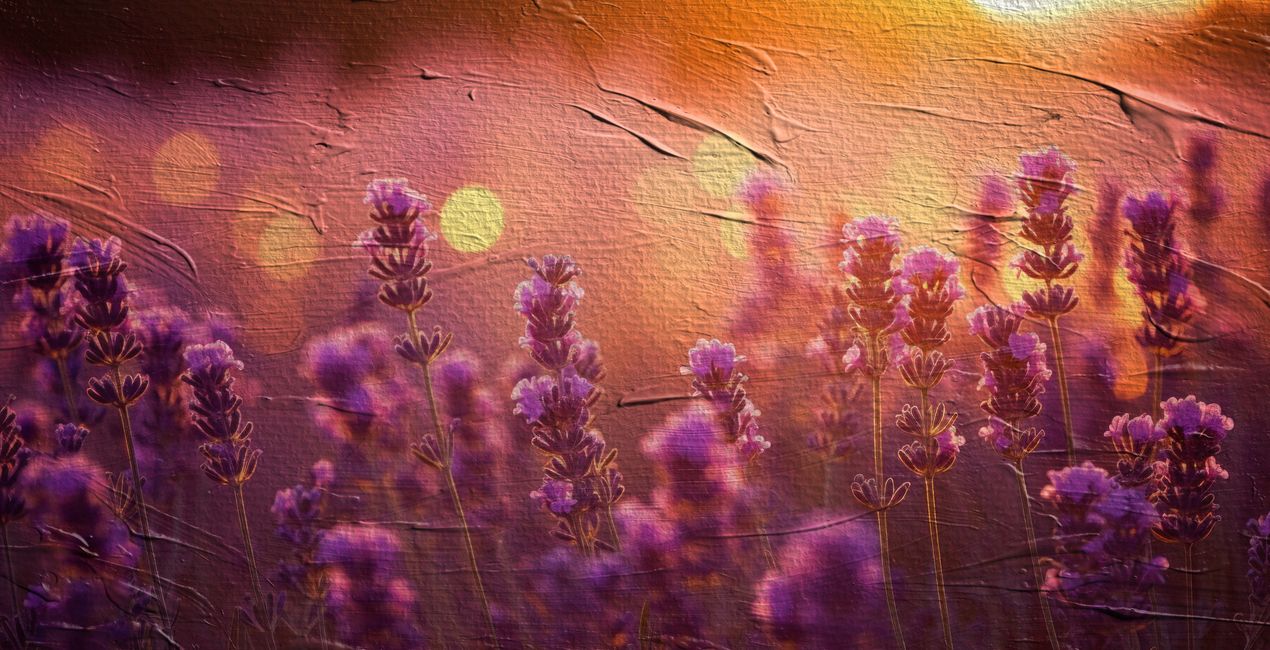
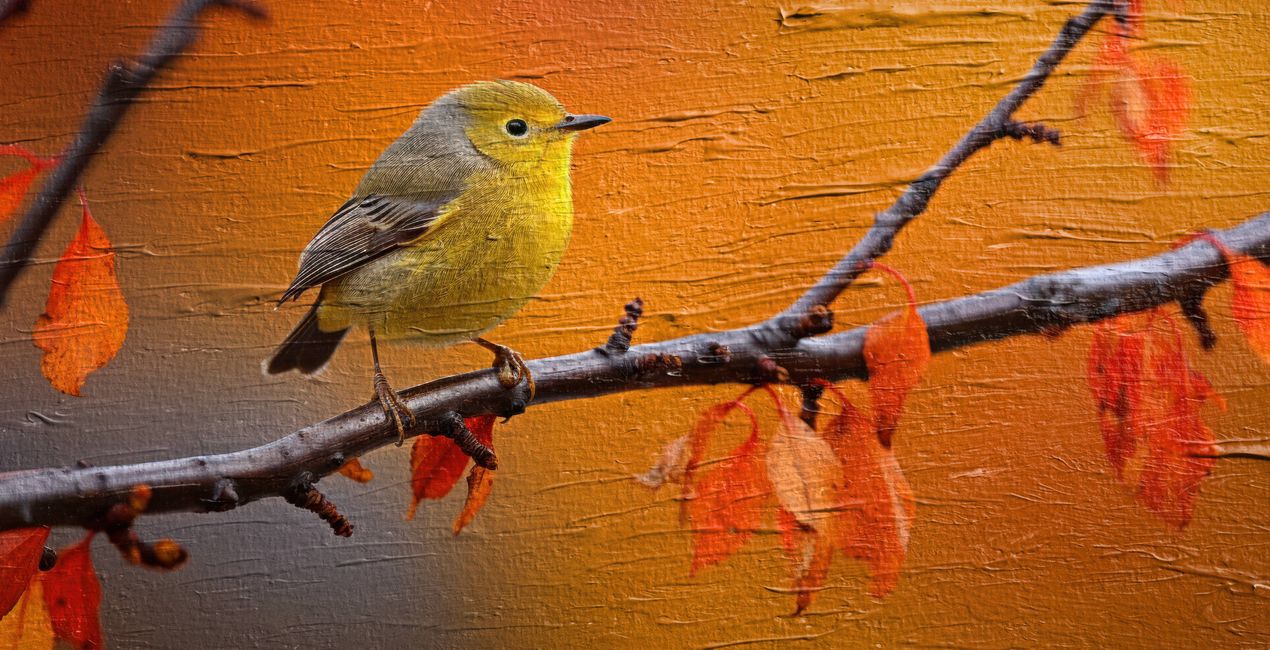
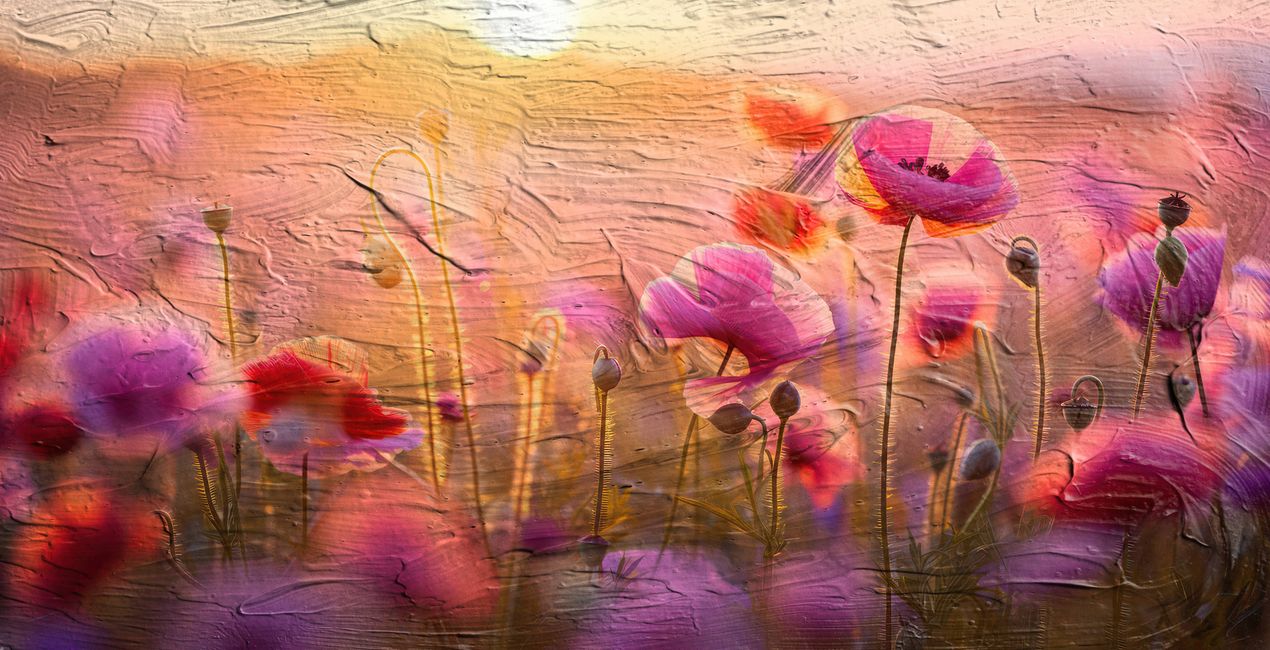
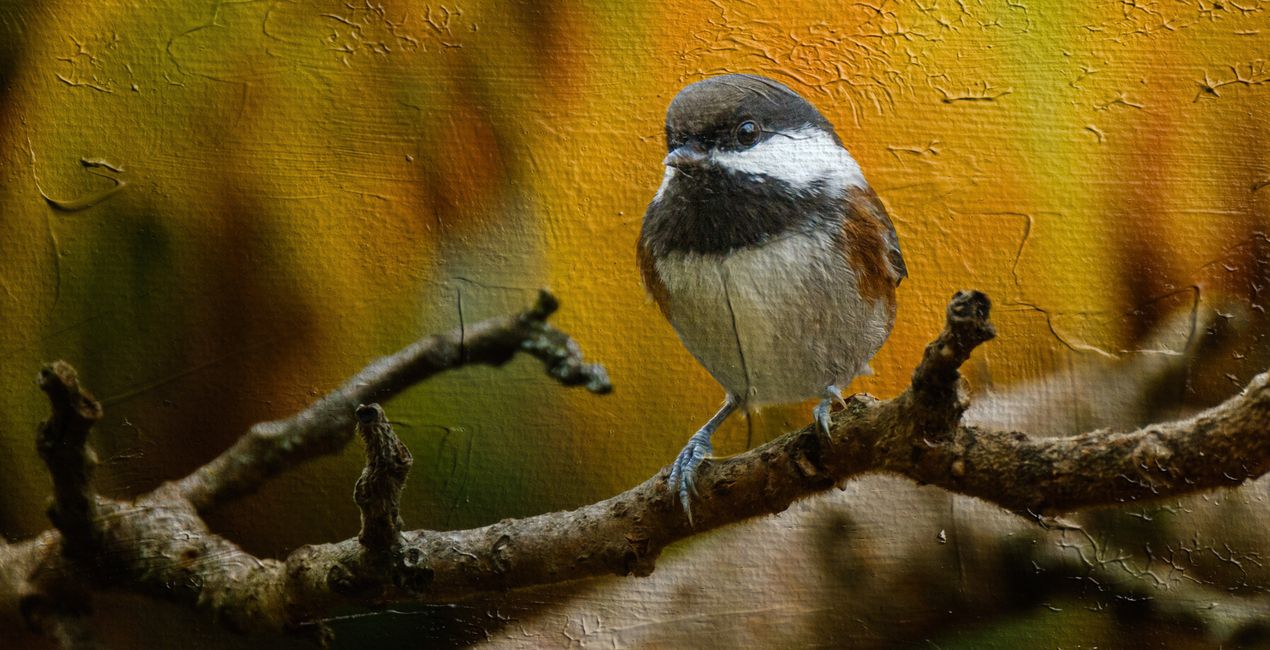
Inspired by the tactile beauty of traditional painting, this collection boasts 40 genuinely hand-painted texture Overlays, meticulously captured to bring the authentic charm of paint on canvas right into your digital workspace. These aren’t just digital designs — every texture is a photograph of a real paint stroke, each one imbued with its unique character and story. When you add the Artist's Surface Overlays to a photo in Luminar Neo, it's like draping a painted canvas over your image. The photo gets a textured, artsy feel with real brush stroke patterns. It turns any of your photographs into something that feels hand-painted and gallery-worthy.
Zawartość zestawu
40 Overlays in JPEG format


Korzystając z plików RAW z łatwością przećwiczysz wskazówki dotyczące retuszu i dowiesz się, jak stworzyć zdjęcia takie jak te.

 >
>

 >
>

 >
>

 >
>

 >
>


Photographer & Educator
Nicole S. Young's love affair with the camera began during her high school years, where she immersed herself in the world of photography by working at a photo lab and photo studio.
After graduating, she dedicated 8.5 years to serving in the US Navy, and then rekindled her passion in the realm of digital photography, swiftly transitioning to carve out a niche for herself in stock photography.
Beyond her ability to create beautiful images, Nicole is a published author, with her educational books are reaching photography enthusiasts worldwide in multiple languages. Drawing upon her extensive knowledge and experience, she has established an online business, offering courses and books to budding photographers and crafting essential tools such as presets, textures, and overlays.
Today, she draws inspiration from the serene beauty of the Oregon countryside, a place she calls home.
Jeśli masz jakiekolwiek pytania dotyczące produktu, możesz skontaktować się z zespołem pomocy technicznej dostępnym 24 godziny na dobę, 7 dni w tygodniu. Wystarczy kliknąć ten link.
Aby kupić Artist's Surface Textures, wykonaj następujące kroki:
1. Otwórz Marketplace Skylum.
2. Przejdź do odpowiedniej zakładki, w której znajduje się Artist's Surface Textures. Kliknij na nim i dodaj produkt do koszyka.
3. Przejdź do koszyka. Tutaj zakończ proces zakupu produktu Artist's Surface Textures.
4. Po dokonaniu zakupu otrzymasz wiadomość e-mail z linkiem do pobrania Artist's Surface Textures. Nowy produkt znajdziesz również na swoim koncie Skylum, w zakładce Moje dodatki.
Szczegółowe instrukcje dotyczące instalacji Artist's Surface Textures zostaną przesłane w wiadomości e-mail wraz z linkiem do pobrania
Ponadto zakupiony produkt można zainstalować bezpośrednio w programie Luminar Neo: przejdź do menu Dodatki > Marketplace, wybierz kategorię produktu, znajdź zakupiony produkt i kliknij Zainstaluj.
To całkiem proste! Najpierw pobierz pakiet z sekcji Konto > Moje dodatki. Następnie postępuj zgodnie z instrukcjami instalacji zawartymi w pobranym folderze. Każdy typ zasobu może mieć własne kroki instalacji, więc koniecznie zapoznaj się z dołączonym przewodnikiem.
Nie martw się. Wszystkie zakupione produkty, w tym Artist's Surface Textures, są przechowywane w zakładce „Moje dodatki” na koncie Skylum, co umożliwia ich łatwe ponowne pobranie i użycie.
Ogólnie rzecz biorąc, większość produktów jest kompatybilna z Luminar Neo. Aby jednak upewnić się, że Artist's Surface Textures jest kompatybilne z Twoim oprogramowaniem, przed pobraniem lub zakupem sprawdź jego specyfikację. Poszukaj sekcji „Kompatybilność” po prawej stronie strony Artist's Surface Textures, gdzie wymienione są wszystkie kompatybilne produkty.
Nie wychodź jeszcze. Mamy dla Ciebie ekskluzywny kod rabatowy. Wykorzystaj go w ciągu najbliższych 15 minut, aby uzyskać dodatkowe 10% zniżki przy finalizacji zamówienia. Skopiuj poniższy kod i sfinalizuj zakup.
15 m : 00 s





