


 Zastosowany


Infrared Artistry
Save $201 $ 19 .00

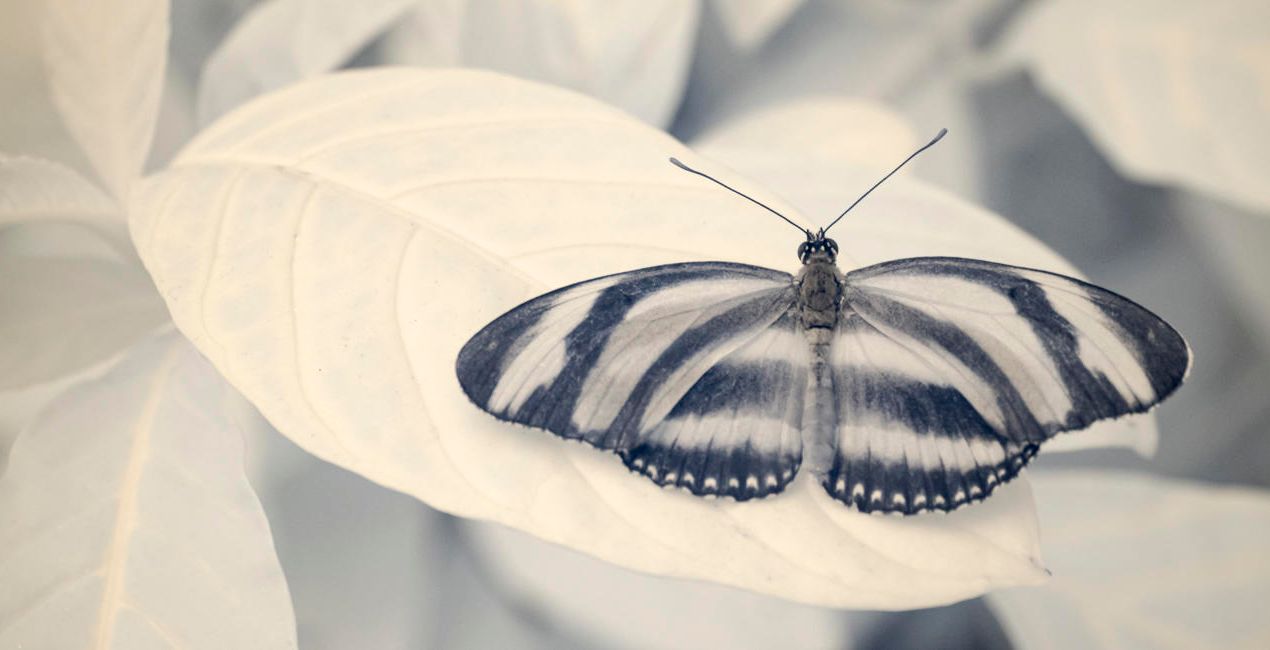
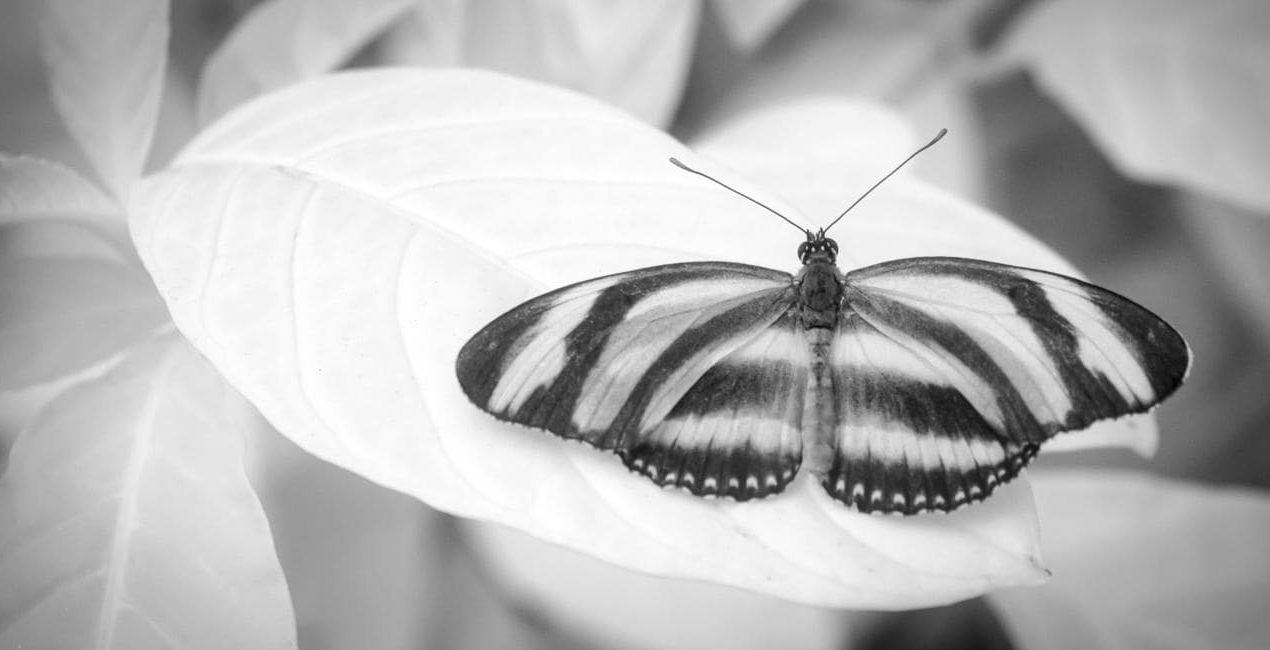
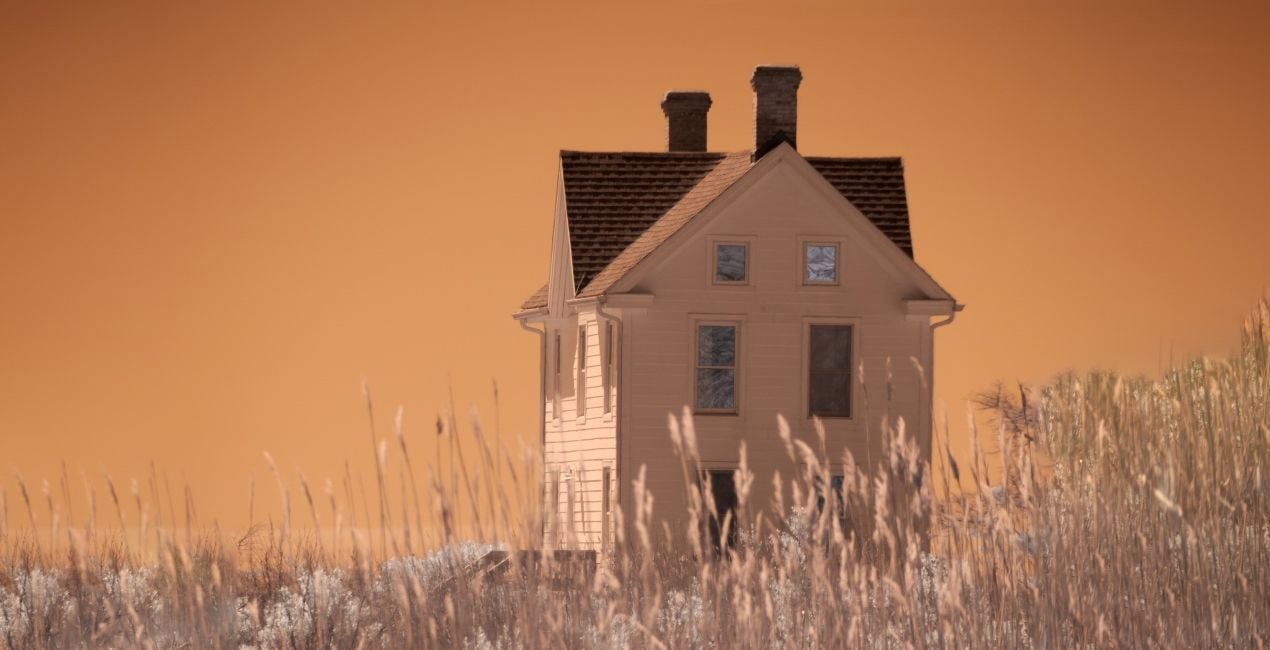
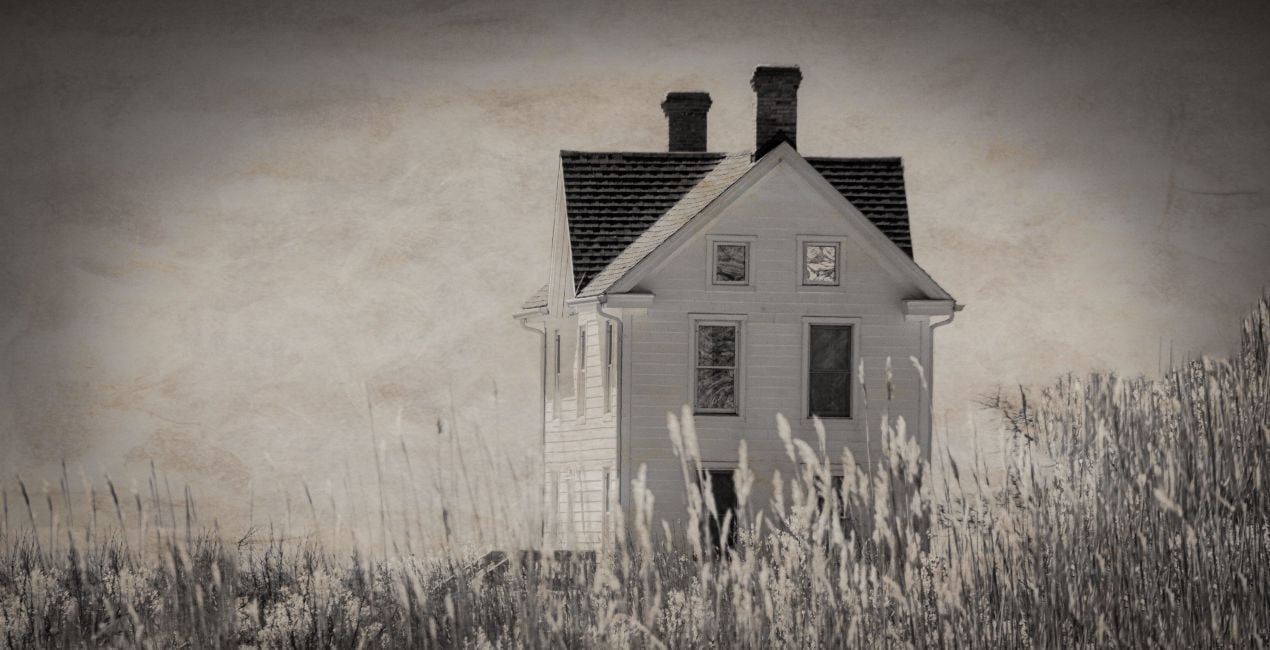
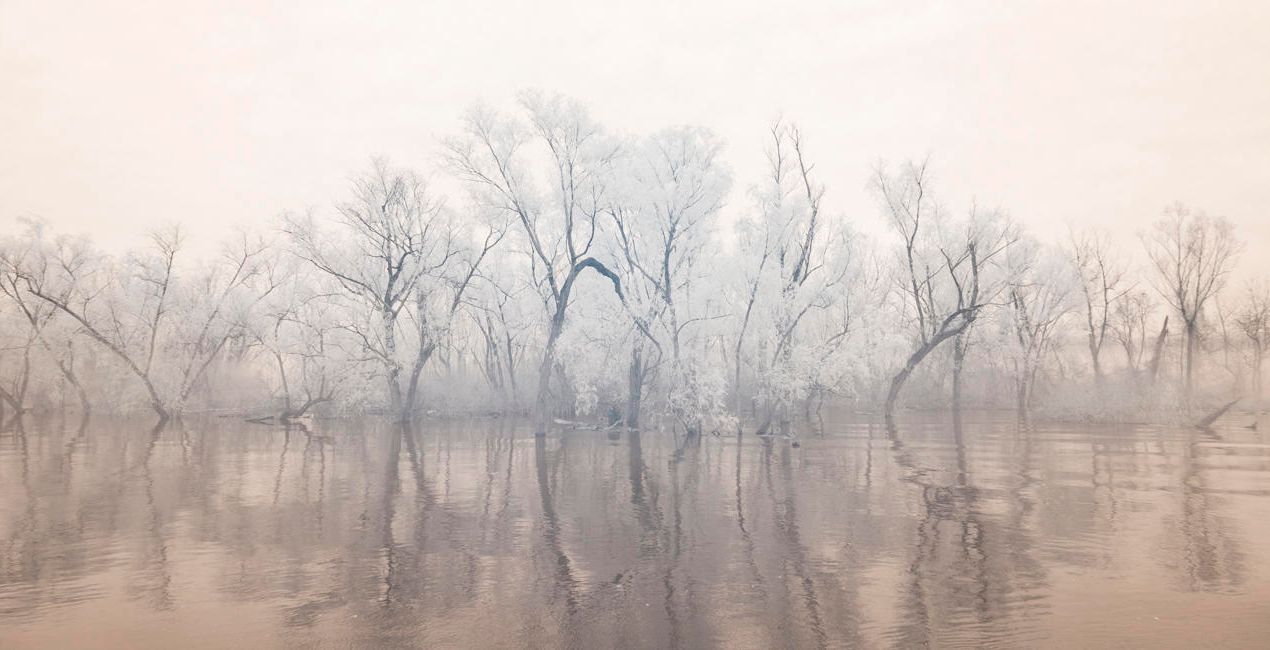
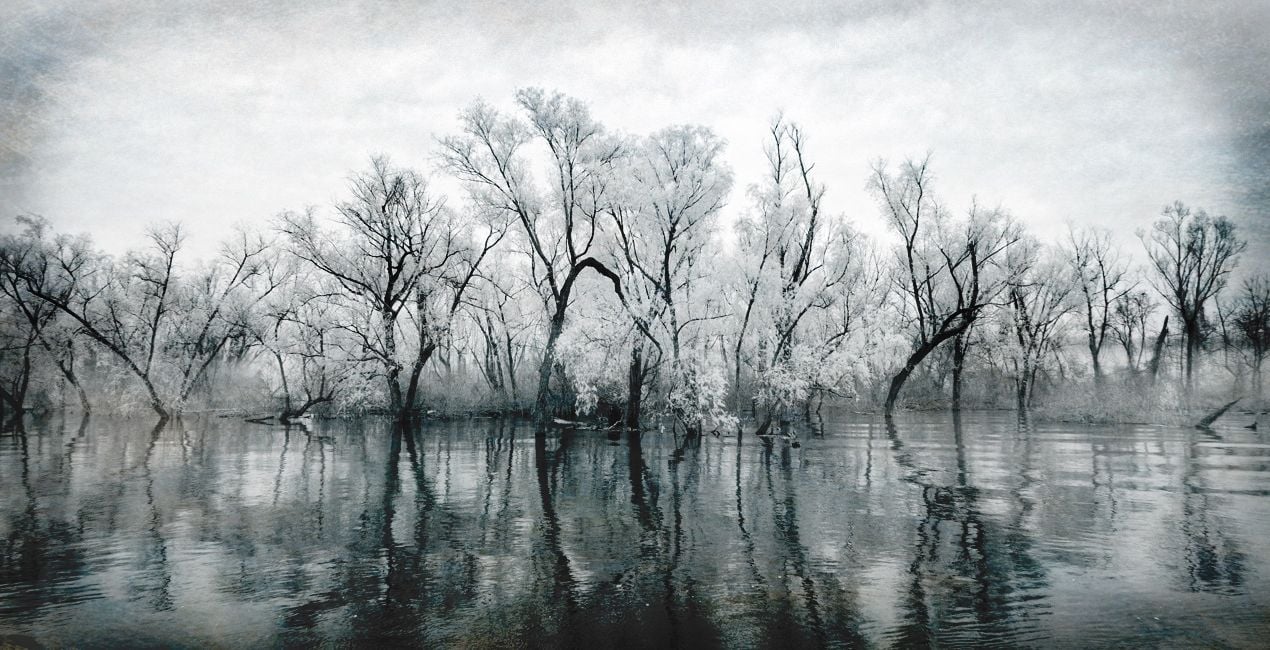
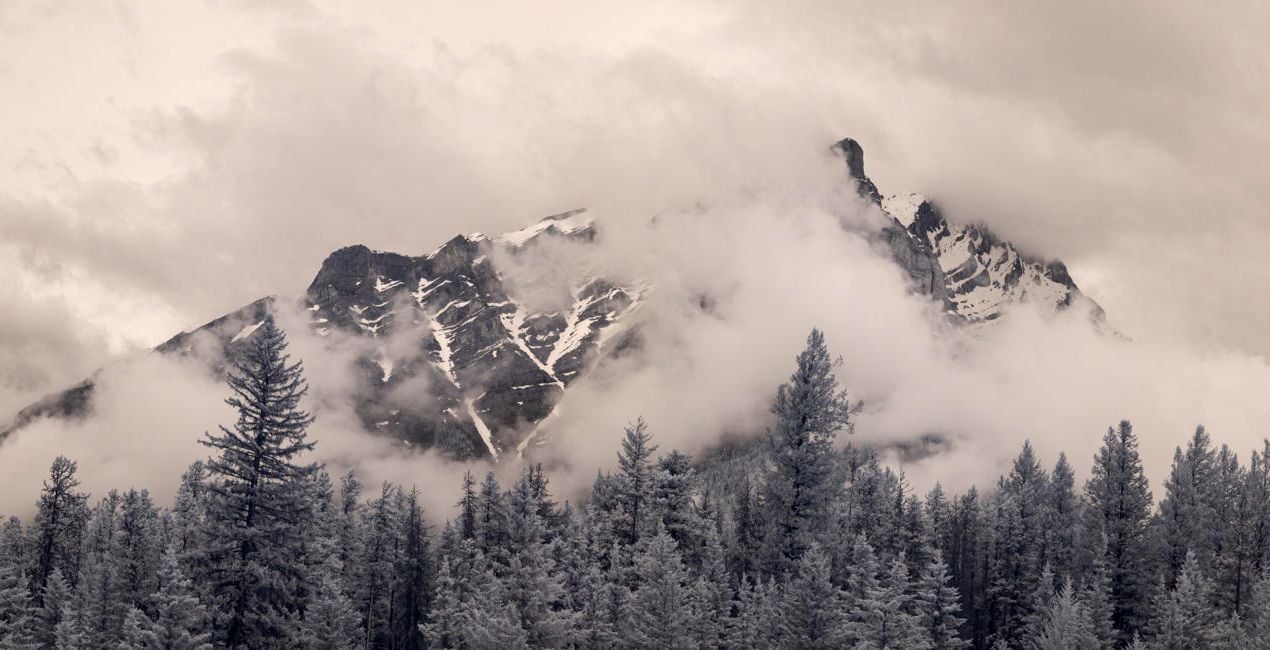
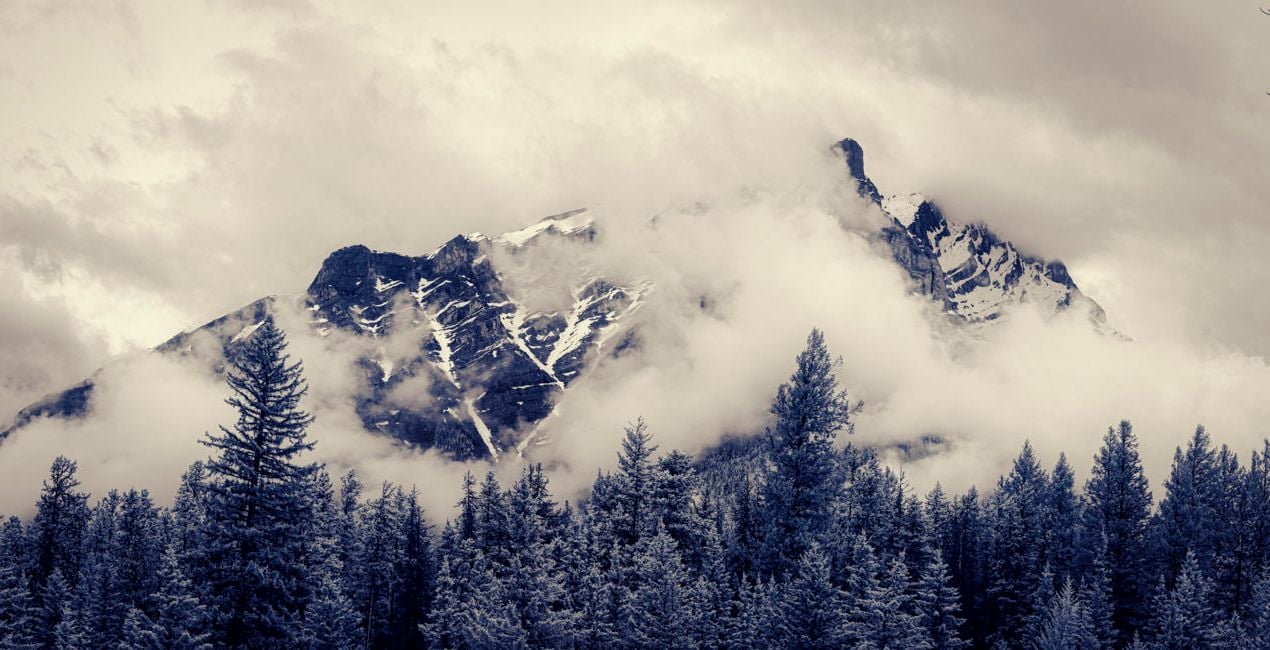
Give a touch of creativity to your infrared images with this collection of 10 unique Presets that go beyond the basics of infrared image processing and add a unique creative flair to your photos.

Korzystając z plików RAW z łatwością przećwiczysz wskazówki dotyczące retuszu i dowiesz się, jak stworzyć zdjęcia takie jak te.
 >
>
 >
>

 >
>

 >
>
 >
>
 >
>
The Presets in this collection step beyond the basic infrared editing provided in our original collection, Infrared Mastery. The Infrared Artistry Presets were crafted to shift infrared work into a more creative realm.
Using a combination of textures, colors, shadows, and highlights, we’ve created a set of 10 Presets designed to help you explore artistic editing without spending hours working on each image individually.
The 10 Presets in this pack are:
B&W Deep Black: A celebration of dark tones and contrasty shadows in black and white
B&W Matte: Matte shadows and muted highlights with a touch of grain
Antique: Aged tones with reduced contrast, a matte feel, and the texture of an old photograph
Dreamy Portrait: Muted native color with a soft, dreamy feel
Cool Morning: Channel-swapped color with an emphasis on cool tones
Sunrise Light: Native color with subtle coloration
Moody Blue: Textured dark tones and strong contrast
Native Blue: Toned native color with deep blues and pale tans
Structure Contrast: Strong structure and contrast with gray toning
Color Shift: Shades of blue with enhanced brightness
The Invisible Story Team
<p>Renowned photographer and educator Laurie Klein is regarded as one of the most influential infrared photographers in the world. Laurie holds a BFA from Rochester Institute of Technology, an MFA from Ohio University, and was a student of Ansel Adams. She is the author of Infrared Photography: Digital Techniques for Artistic Images, Infrared Photography: Artistic Techniques for Brilliant Images and Photographing the Female Form with Digital Infrared, all published by Amherst Media, as well as Hand Coloring Black and White Photography, published by Quarry Publishers. Laurie teaches regularly at Santa Fe Photographic Workshops, Maine Media, Peter’s Valley Center, numerous other schools and venues, and in her own boutique workshops.
</p><p>
Shelley Vandegrift considers the image her canvas and the computer her brush and palette. The technical components of the post-production process hold as much attraction for her as the creative experience behind the lens. Following a successful career working as a senior technical executive at several major corporations, Shelley now has the privilege of teaching infrared post-processing in workshops around the world. She is the co-author of Infrared Photography: Digital Techniques for Artistic Images from Amherst Publishing. </p>
Jeśli masz jakiekolwiek pytania dotyczące produktu, możesz skontaktować się z zespołem pomocy technicznej dostępnym 24 godziny na dobę, 7 dni w tygodniu. Wystarczy kliknąć ten link.
Aby kupić Infrared Artistry, wykonaj następujące kroki:
1. Otwórz Marketplace Skylum.
2. Przejdź do odpowiedniej zakładki, w której znajduje się Infrared Artistry. Kliknij na nim i dodaj produkt do koszyka.
3. Przejdź do koszyka. Tutaj zakończ proces zakupu produktu Infrared Artistry.
4. Po dokonaniu zakupu otrzymasz wiadomość e-mail z linkiem do pobrania Infrared Artistry. Nowy produkt znajdziesz również na swoim koncie Skylum, w zakładce Moje dodatki.
Szczegółowe instrukcje dotyczące instalacji Infrared Artistry zostaną przesłane w wiadomości e-mail wraz z linkiem do pobrania
Ponadto zakupiony produkt można zainstalować bezpośrednio w programie Luminar Neo: przejdź do menu Dodatki > Marketplace, wybierz kategorię produktu, znajdź zakupiony produkt i kliknij Zainstaluj.
To całkiem proste! Przejdź do zakładki Presety, a następnie wybierz opcję Zakupione. Zainstalowane presety będą się znajdować w tym miejscu.
Nie martw się. Wszystkie zakupione produkty, w tym Infrared Artistry, są przechowywane w zakładce „Moje dodatki” na koncie Skylum, co umożliwia ich łatwe ponowne pobranie i użycie.
Ogólnie rzecz biorąc, większość produktów jest kompatybilna z Luminar Neo. Aby jednak upewnić się, że Infrared Artistry jest kompatybilne z Twoim oprogramowaniem, przed pobraniem lub zakupem sprawdź jego specyfikację. Poszukaj sekcji „Kompatybilność” po prawej stronie strony Infrared Artistry, gdzie wymienione są wszystkie kompatybilne produkty.
Nie wychodź jeszcze. Mamy dla Ciebie ekskluzywny kod rabatowy. Wykorzystaj go w ciągu najbliższych 15 minut, aby uzyskać dodatkowe 10% zniżki przy finalizacji zamówienia. Skopiuj poniższy kod i sfinalizuj zakup.
15 m : 00 s





