


 Zastosowany


Creating The Wow Factor
Save $201 $ 11 .40 $ 19 .00

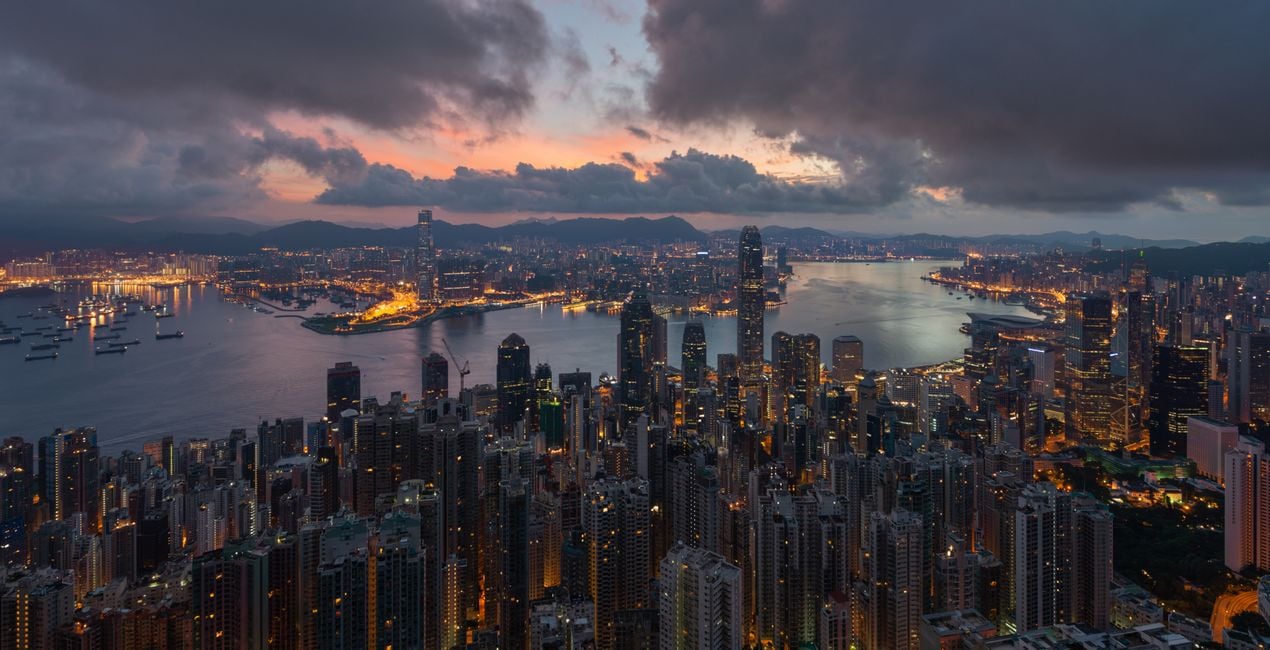
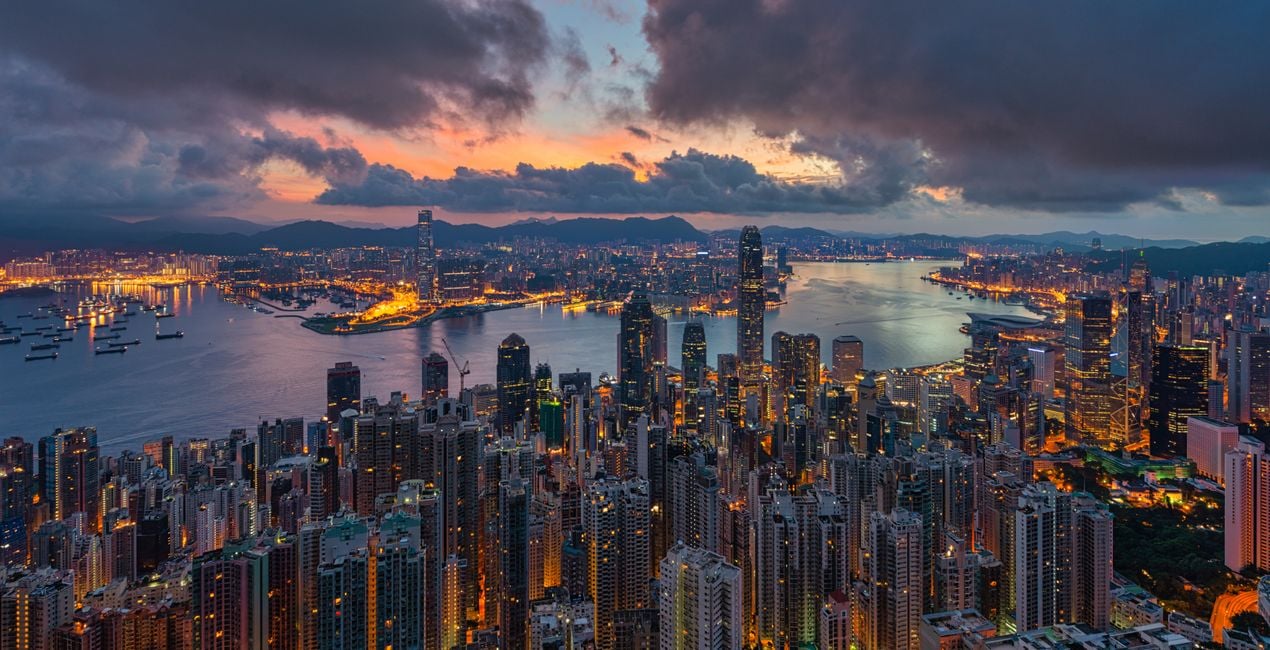
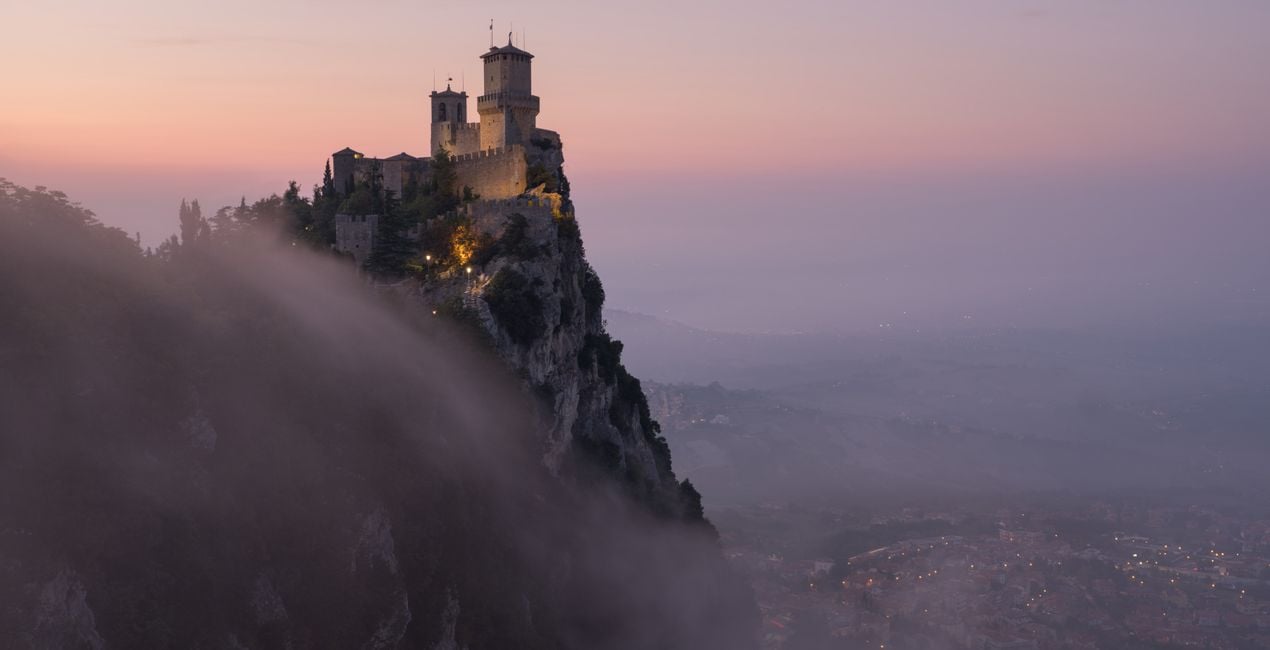
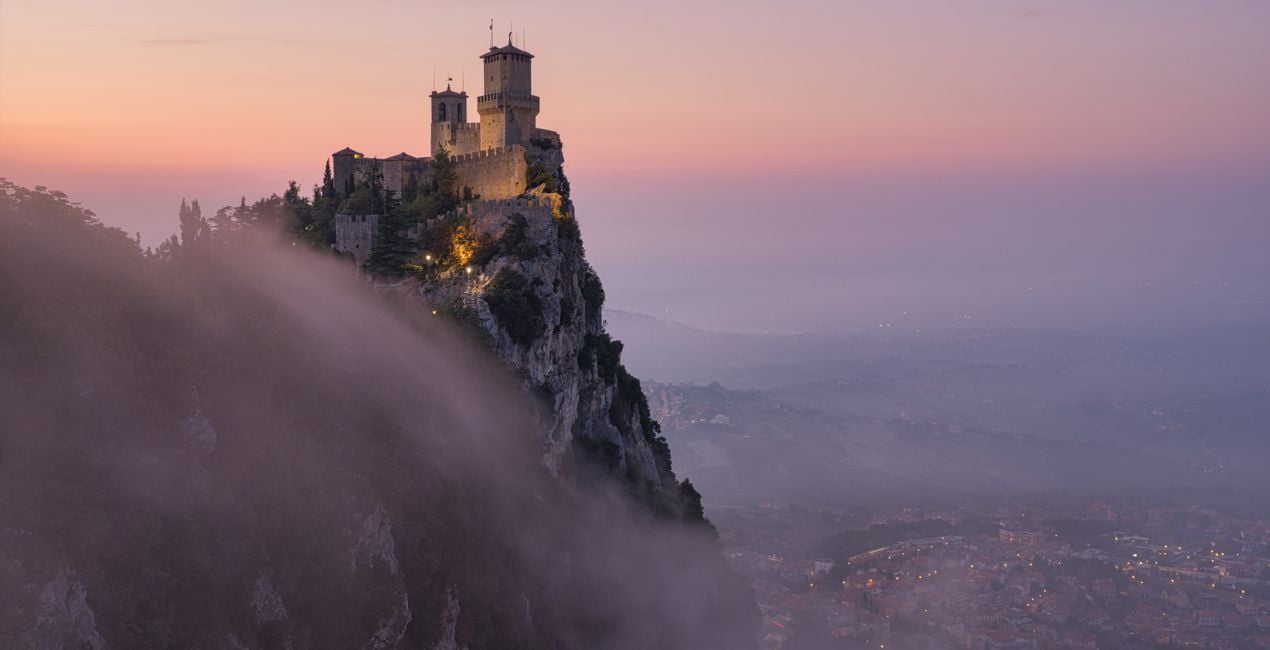
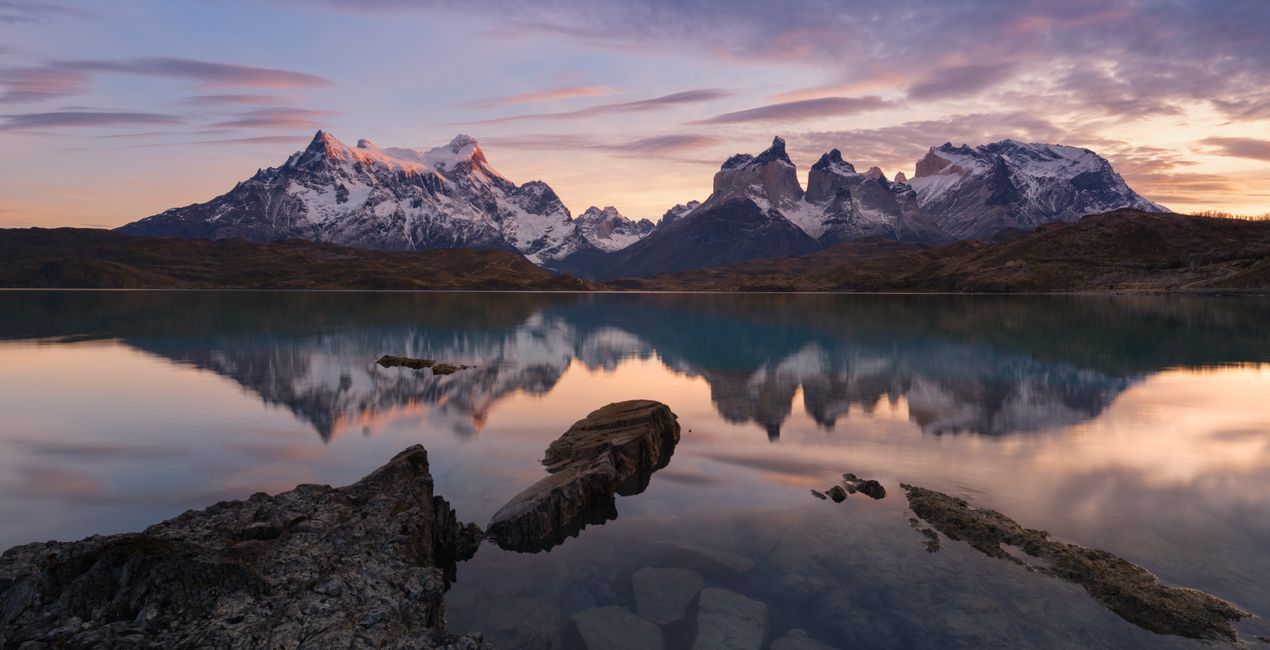
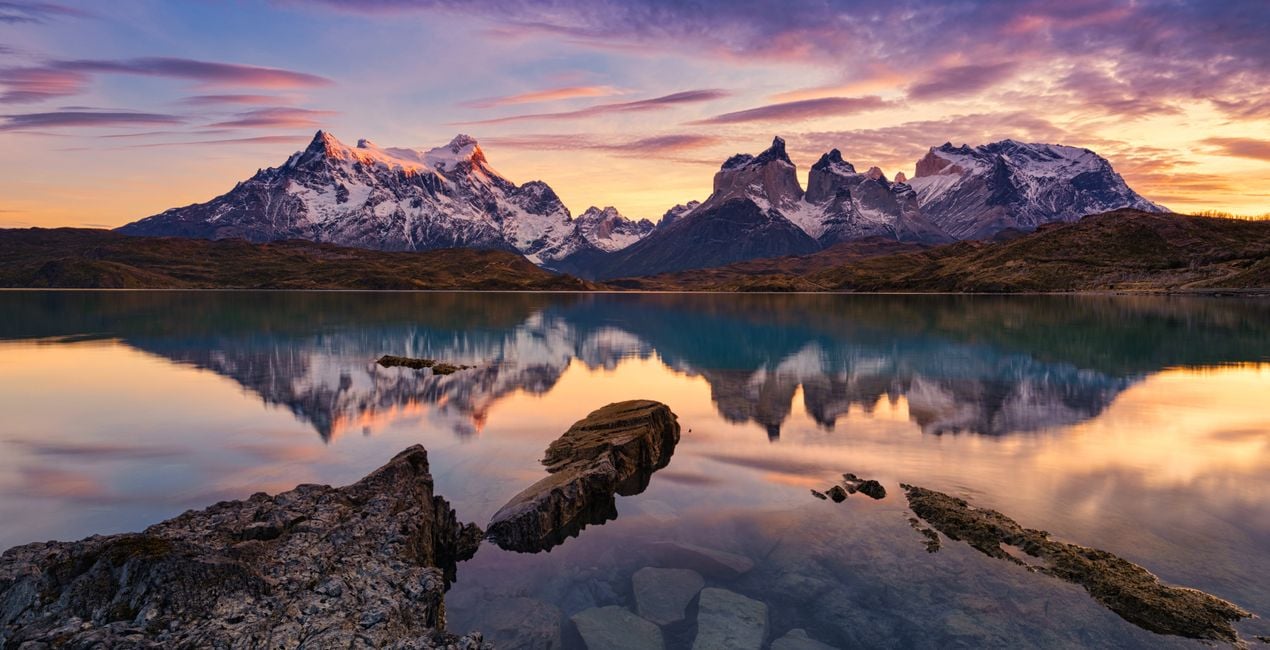
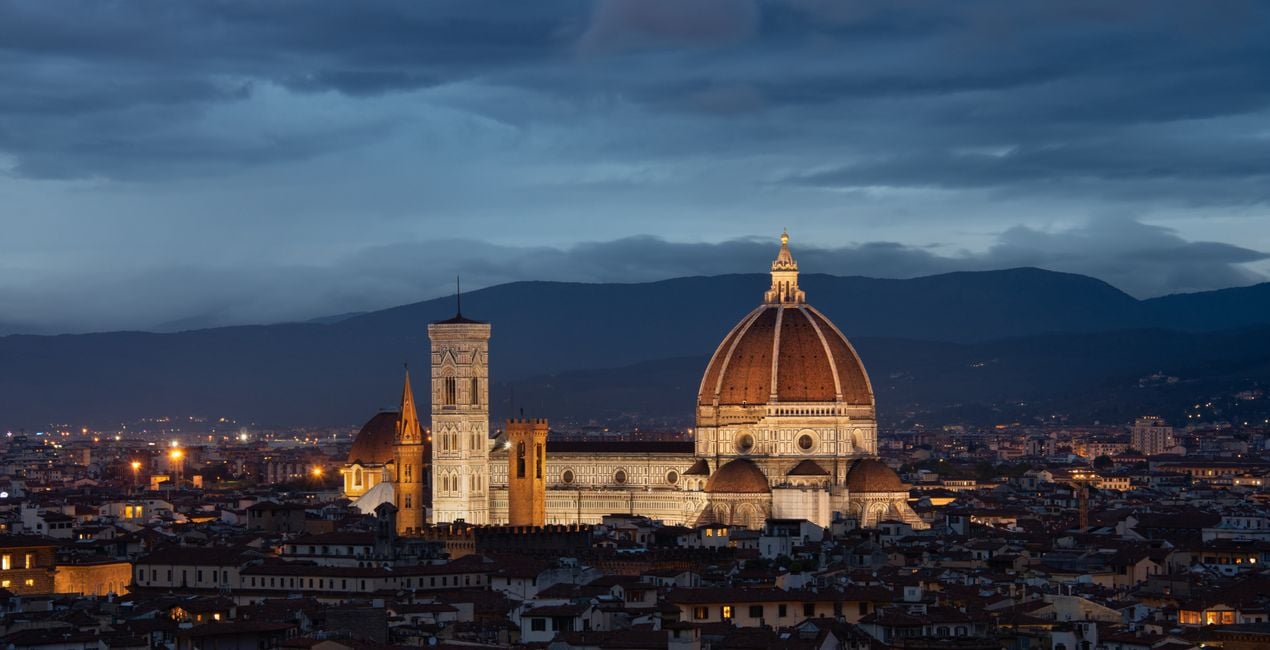
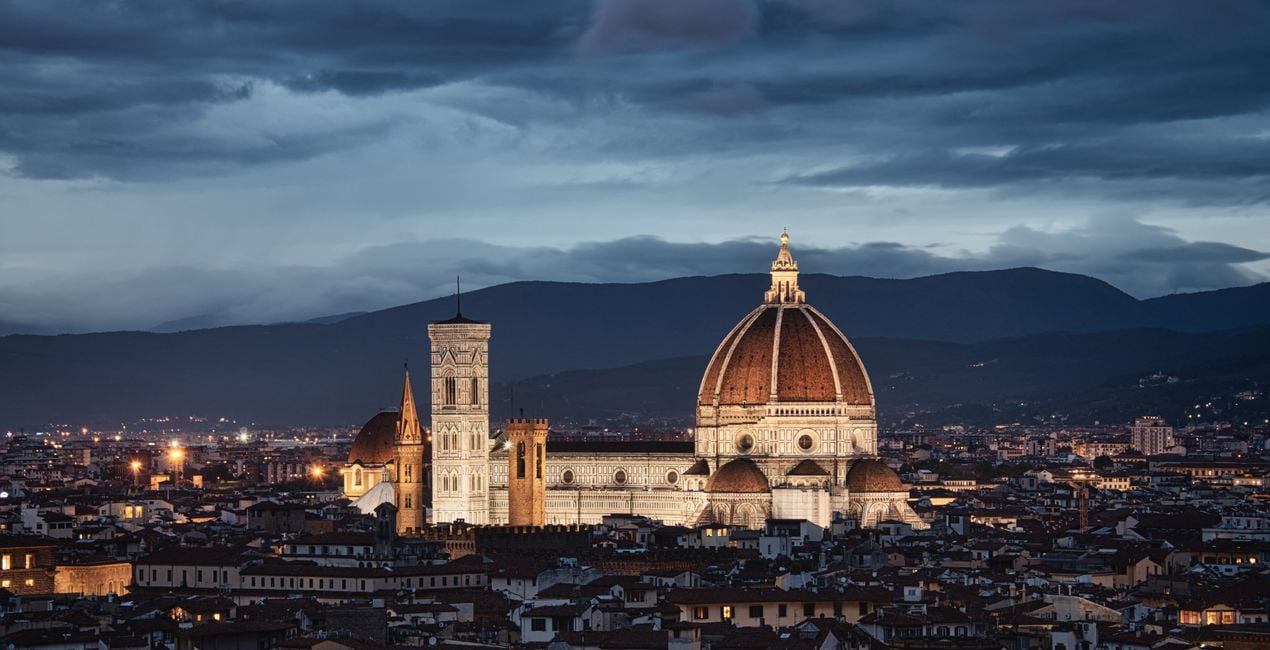
With a special blend of rich dynamic contrast, color separation, and increased texture details, Elia Locardi has created a unique and recognizable style. This pack contains 11 specialized Templates that Elia uses to create the wow factor in his landscape and cityscape photography.
Zawartość zestawu
11 Templates. Compatible with JPEG and RAW images.

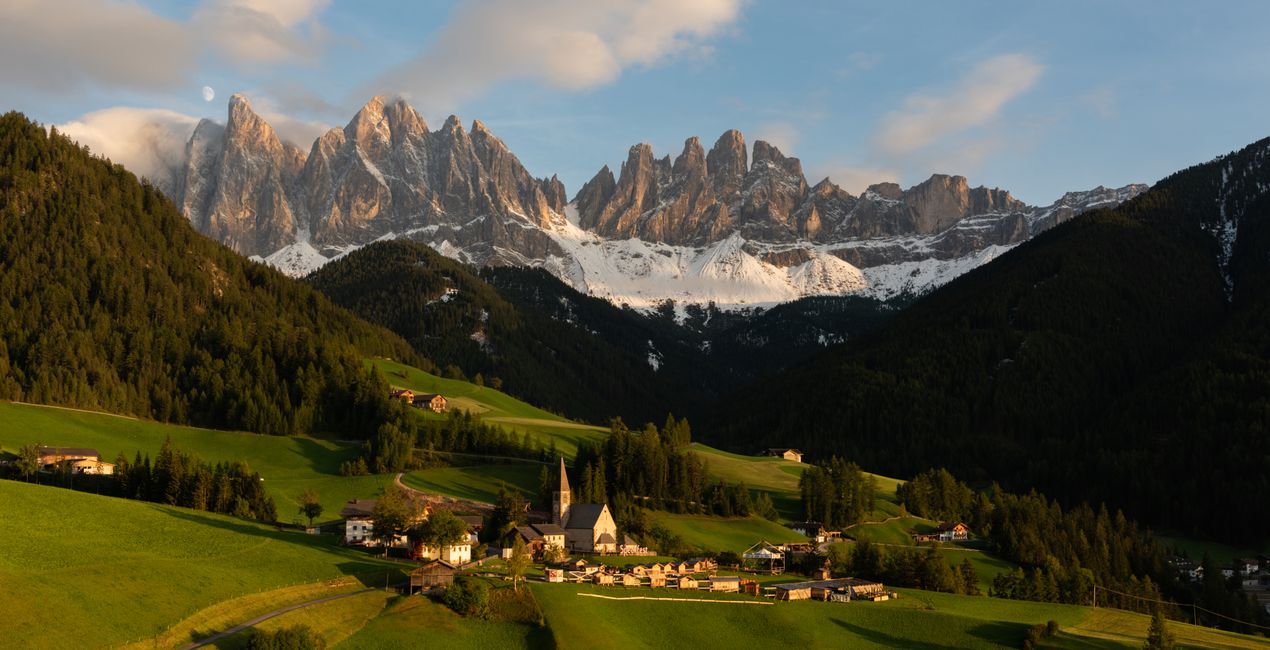
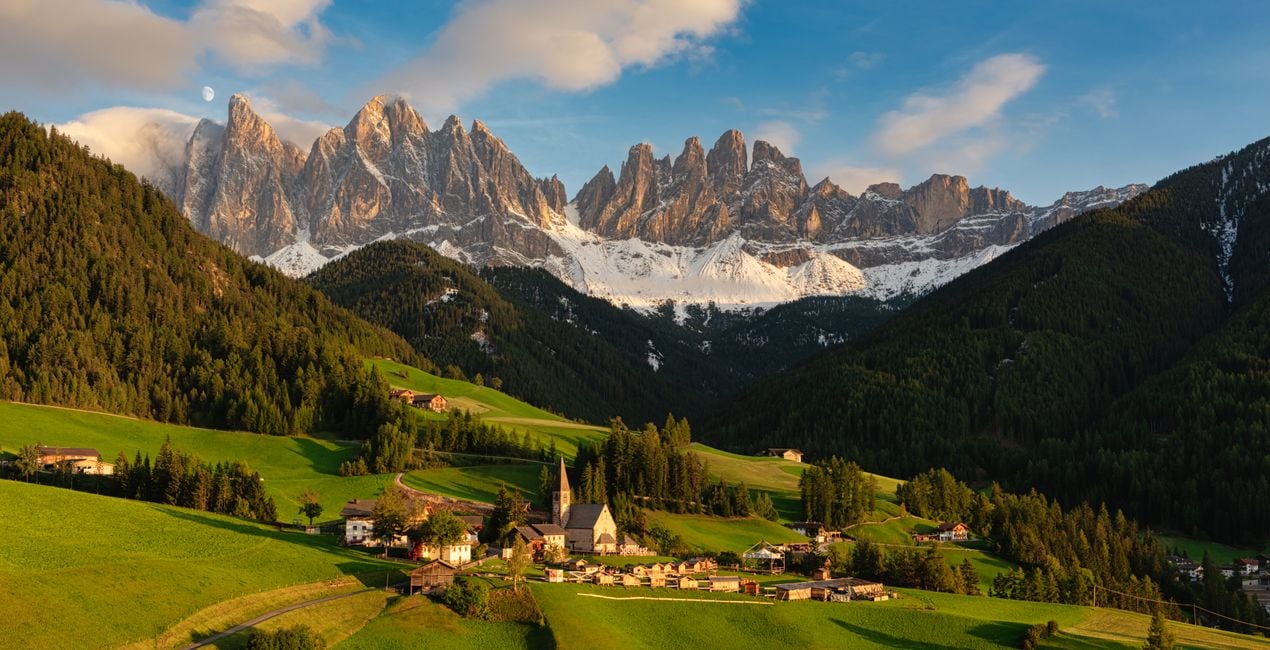
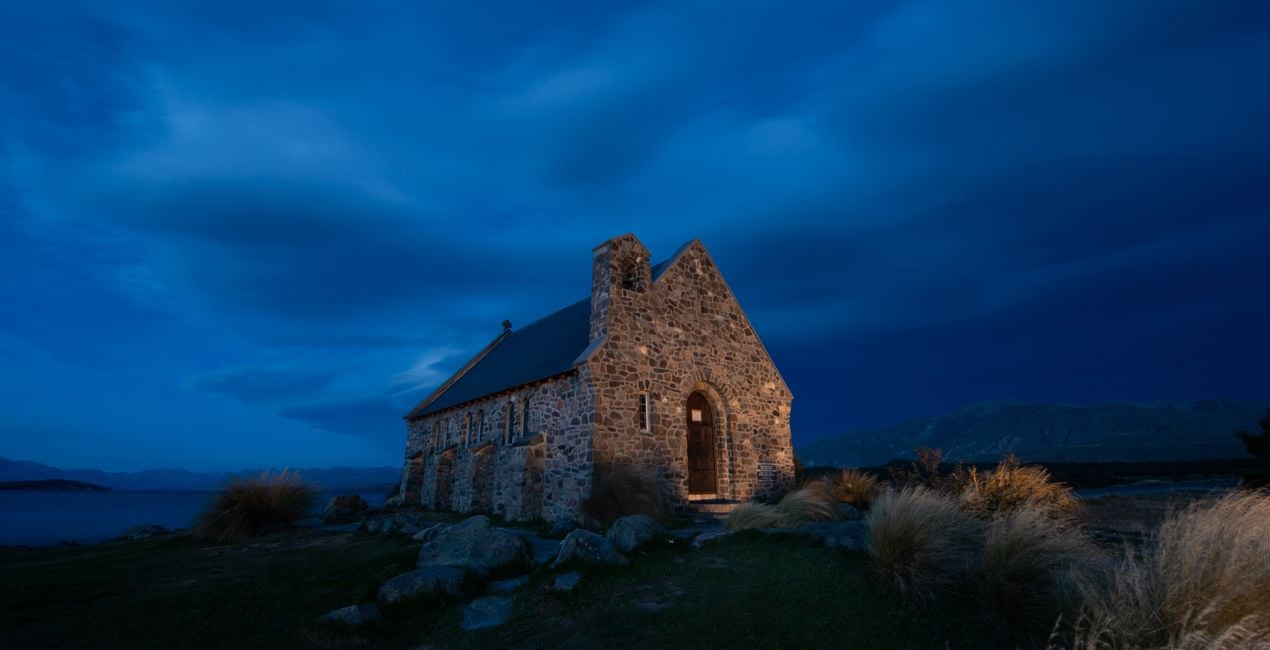
Korzystając z plików RAW z łatwością przećwiczysz wskazówki dotyczące retuszu i dowiesz się, jak stworzyć zdjęcia takie jak te.

 >
>
 >
>

 >
>
 >
>
 >
>
 >
>

 >
>
 >
>
-Medium-After.jpeg?w=1270&h=650&resize=cover) >
>
To create this Templates Collection, I broke down dozens of my photos to find unifying factors that are shared across my portfolio. Since I specialize in both cityscape and landscape photography, I created a small set of Templates for each genre.
The idea behind this collection is not necessarily to stylize photos but rather to bring out and enhance the natural beauty of the image itself, whether that’s in a soft, moderate, or dramatic way.
If your landscape or cityscape could use a strong pick-me-up, start by applying one of the dramatic Templates.
If your image just needs a smaller push in the right direction, begin by using one of the light Templates.
Either way, these Templates will make enhancements that are easy to adjust.
Special Tips: This Templates Collection includes 3 Landscape & Nature and 3 Cityscapes & Blue Hour Looks that have light, medium, and dramatic levels of adjustment.
Though they’re each geared towards a specific genre, I recommend trying each one no matter what photo you’re working with since they all offer something different.
Note: The Cityscapes & Blue Hour Templates are designed to work on any cityscape, and any time of day. Similarly, they also work well on Blue Hour Landscapes.
Exposure: These Templates work best if the exposure, shadows, and highlights are adjusted using the Light panel.
White Balance: Each photo is different. Make adjustments to the White Balance and Tint if the scene seems too warm or cold.
Amount: For the best results, don’t hesitate to use the Amount slider to customize exactly how much of the Template is needed.
Share: Use the tag #LocardiLuminar on social media so Elia Locardi and the Luminar Team can check out your images created with these Signature Templates!
Worldwide Photographer
Elia Locardi is an internationally acclaimed travel photographer, writer, public speaker, and educator.
Elia, who has been featured by Professional Photographer Magazine, CNet, Wacom, SmugMug Films, Fujifilm, and Fstoppers, began working full-time as a photographer in 2009. Since then he has visited more than 65 countries, flown nearly 2 million miles, and collaborated with companies and brands on nearly every continent.
Using a combination of traditional in-camera techniques, targeted times of day, and advanced post-processing and time blending methods, Elia has developed a recognizable style that has become well known around the world.
Jeśli masz jakiekolwiek pytania dotyczące produktu, możesz skontaktować się z zespołem pomocy technicznej dostępnym 24 godziny na dobę, 7 dni w tygodniu. Wystarczy kliknąć ten link.
Aby kupić Creating The Wow Factor, wykonaj następujące kroki:
1. Otwórz Marketplace Skylum.
2. Przejdź do odpowiedniej zakładki, w której znajduje się Creating The Wow Factor. Kliknij na nim i dodaj produkt do koszyka.
3. Przejdź do koszyka. Tutaj zakończ proces zakupu produktu Creating The Wow Factor.
4. Po dokonaniu zakupu otrzymasz wiadomość e-mail z linkiem do pobrania Creating The Wow Factor. Nowy produkt znajdziesz również na swoim koncie Skylum, w zakładce Moje dodatki.
Szczegółowe instrukcje dotyczące instalacji Creating The Wow Factor zostaną przesłane w wiadomości e-mail wraz z linkiem do pobrania
Ponadto zakupiony produkt można zainstalować bezpośrednio w programie Luminar Neo: przejdź do menu Dodatki > Marketplace, wybierz kategorię produktu, znajdź zakupiony produkt i kliknij Zainstaluj.
To całkiem proste! Przejdź do zakładki Presety, a następnie wybierz opcję Zakupione. Zainstalowane presety będą się znajdować w tym miejscu.
Nie martw się. Wszystkie zakupione produkty, w tym Creating The Wow Factor, są przechowywane w zakładce „Moje dodatki” na koncie Skylum, co umożliwia ich łatwe ponowne pobranie i użycie.
Ogólnie rzecz biorąc, większość produktów jest kompatybilna z Luminar Neo. Aby jednak upewnić się, że Creating The Wow Factor jest kompatybilne z Twoim oprogramowaniem, przed pobraniem lub zakupem sprawdź jego specyfikację. Poszukaj sekcji „Kompatybilność” po prawej stronie strony Creating The Wow Factor, gdzie wymienione są wszystkie kompatybilne produkty.
Nie wychodź jeszcze. Mamy dla Ciebie ekskluzywny kod rabatowy. Wykorzystaj go w ciągu najbliższych 15 minut, aby uzyskać dodatkowe 10% zniżki przy finalizacji zamówienia. Skopiuj poniższy kod i sfinalizuj zakup.
15 m : 00 s





