


 Zastosowany


Colorful Objects
Save $201 $ 19 .00

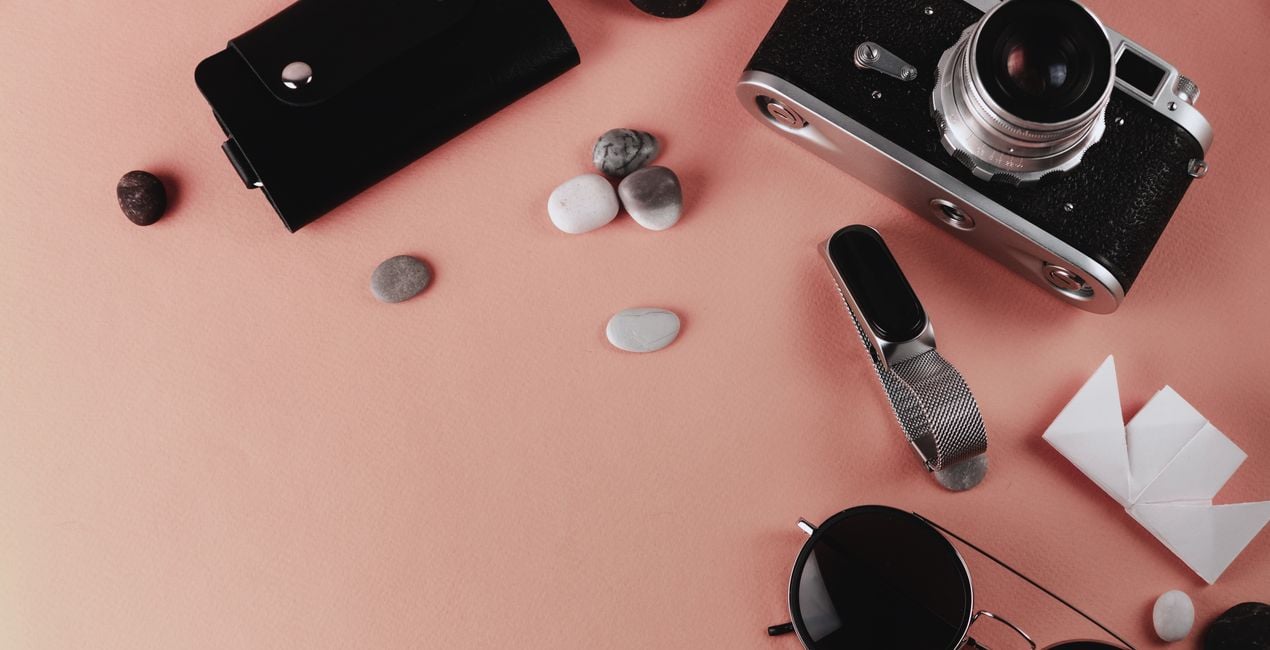
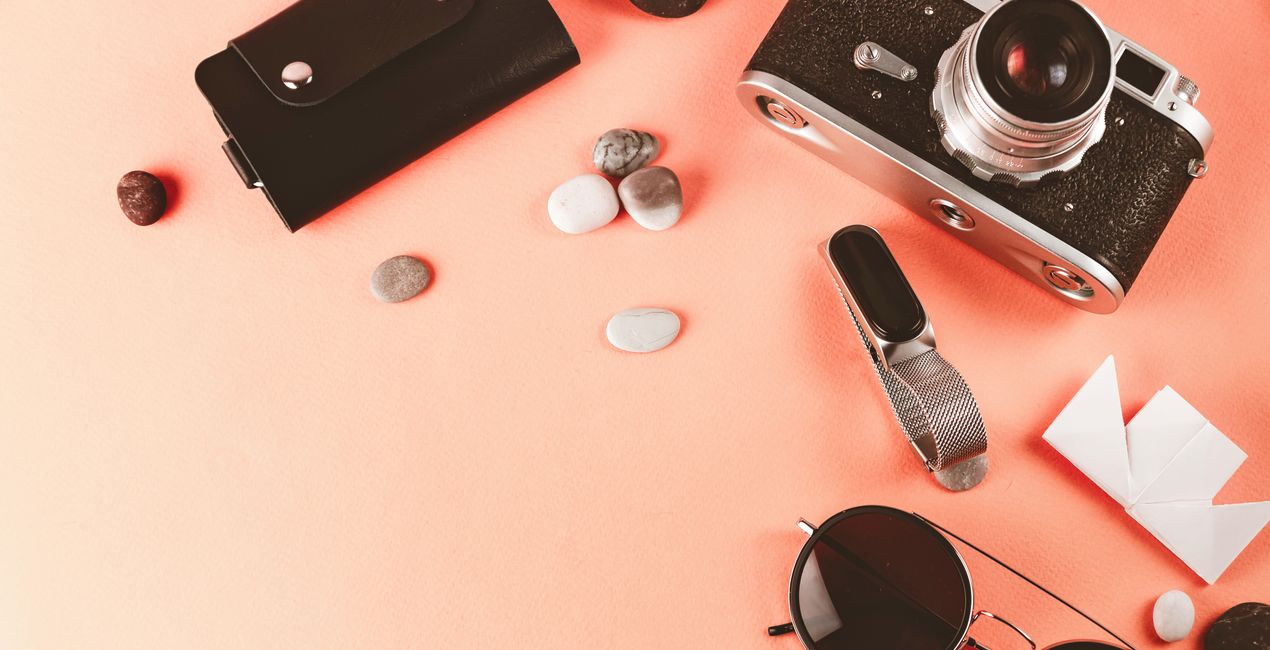
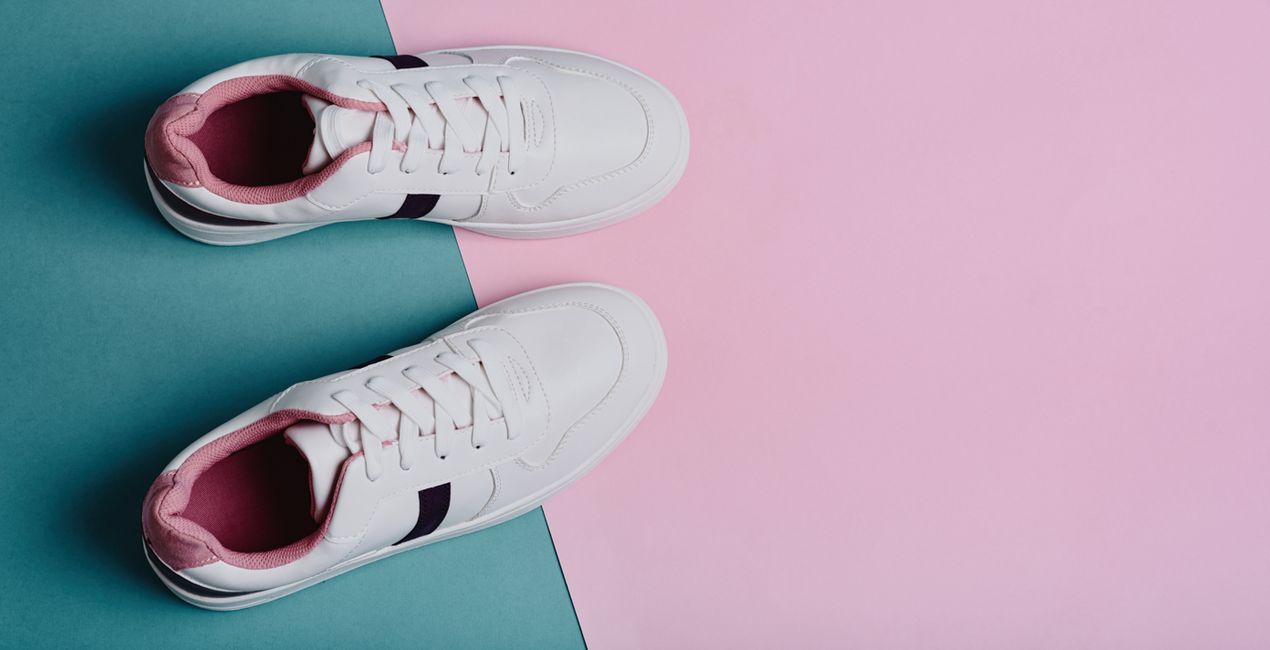
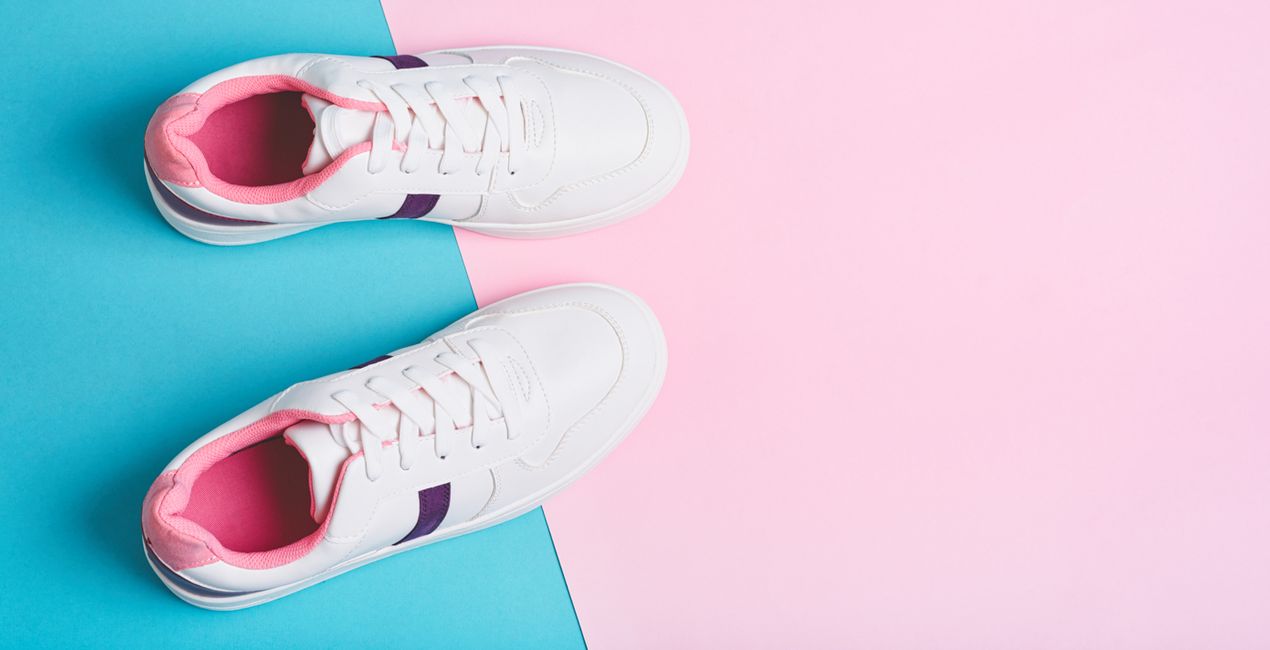
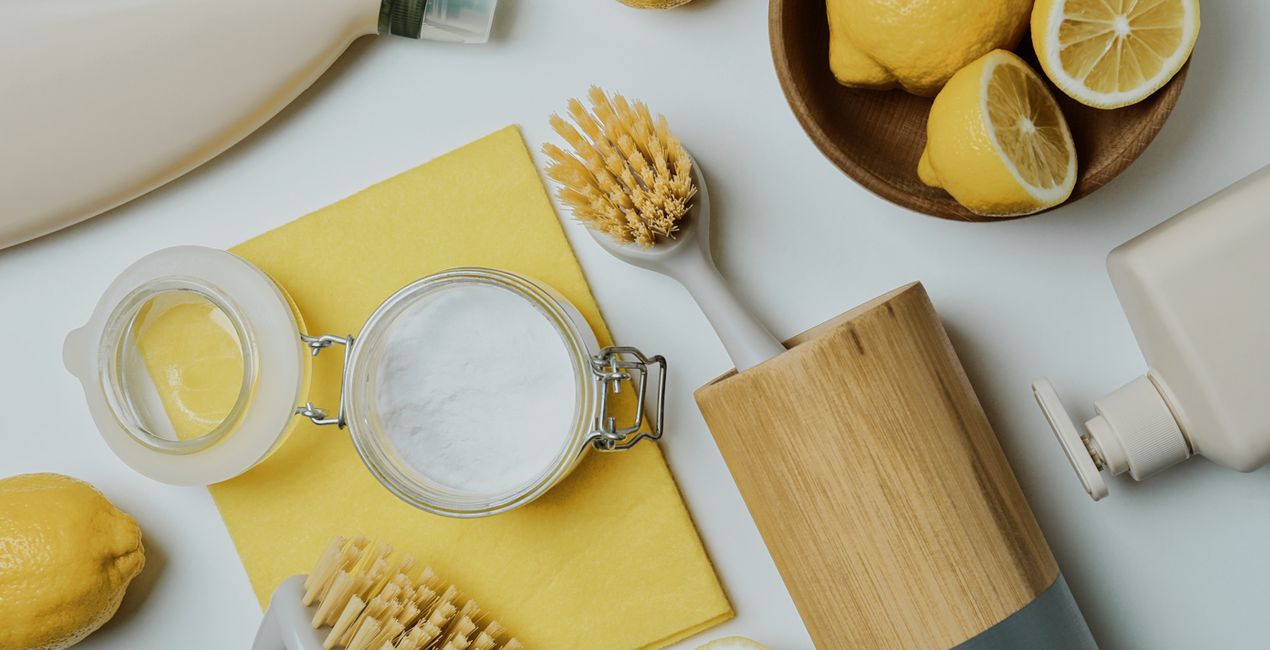
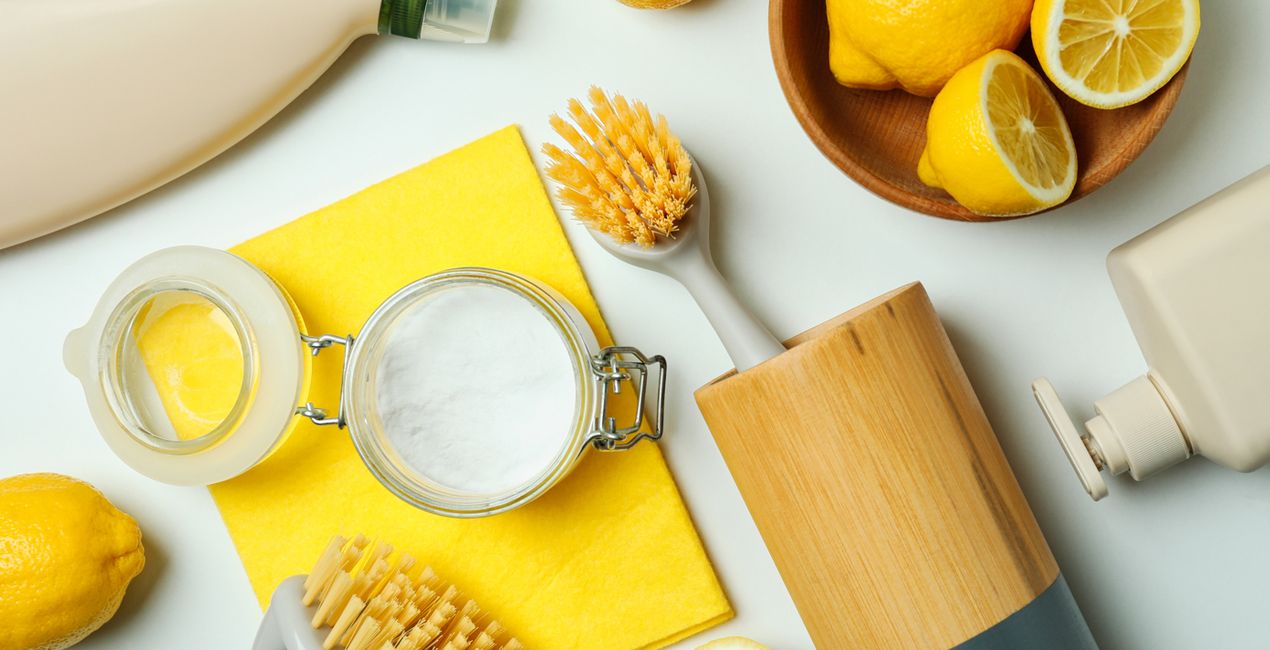
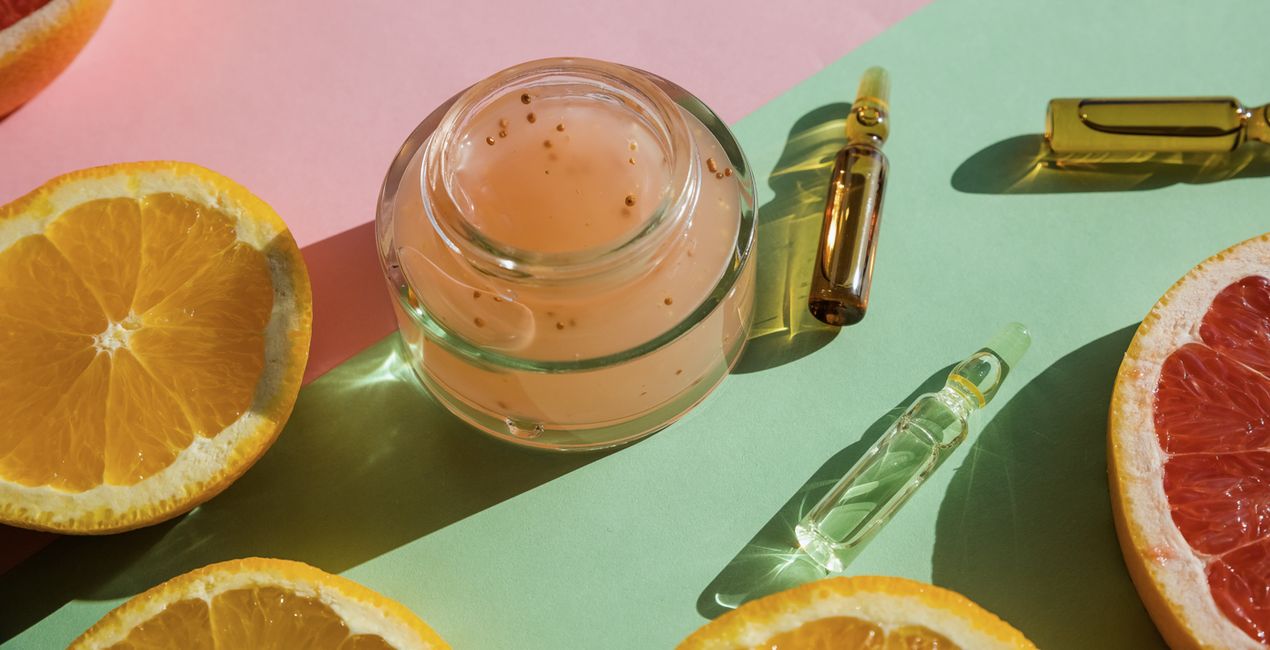
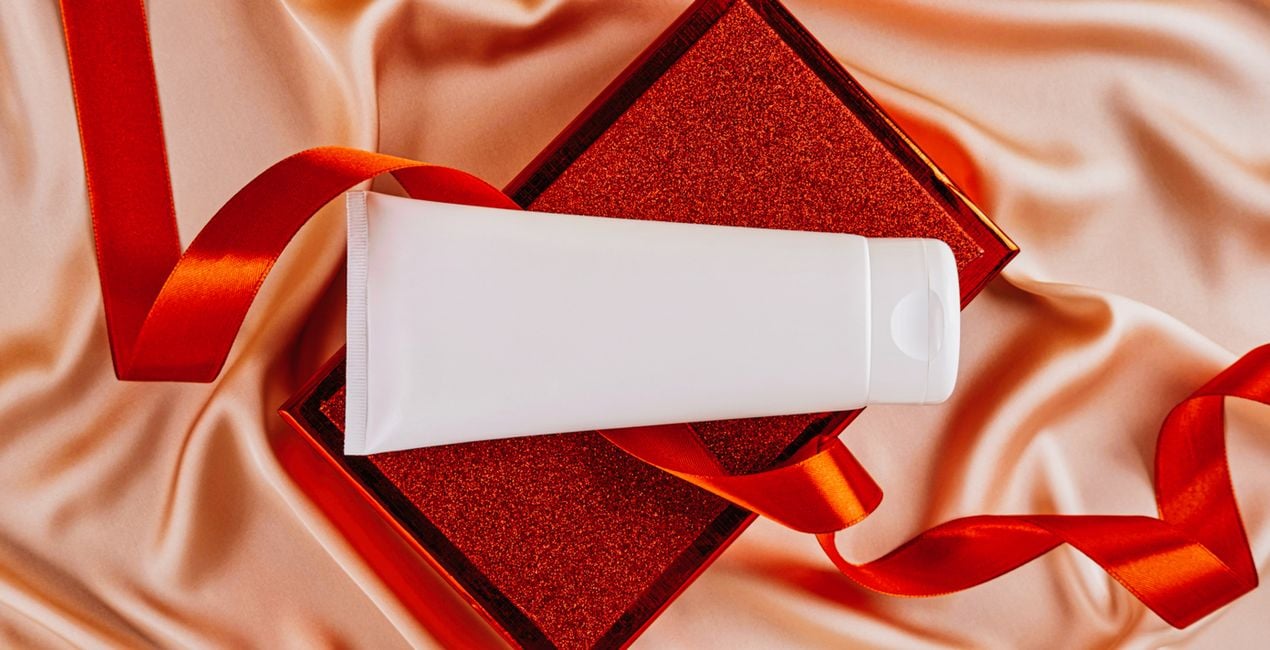
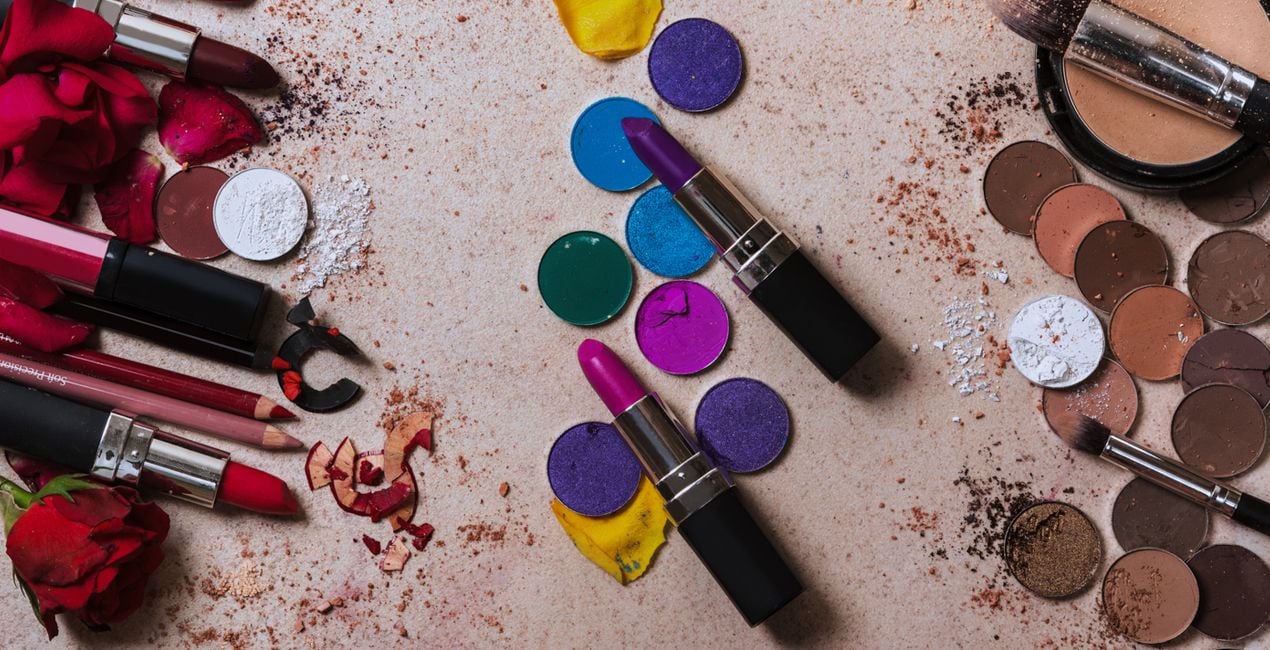
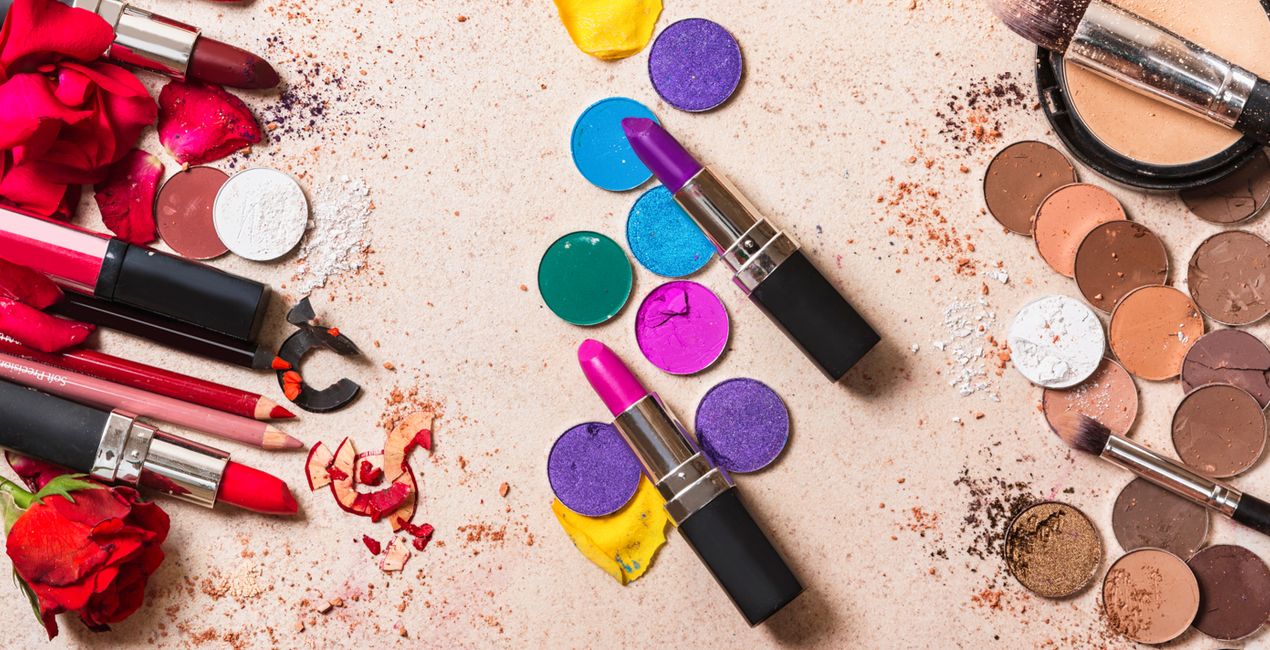
To make your product photos stand out, you can add a bright and colorful vibe in post-processing. You can achieve this by using a Preset collection that will bring your photos to life without altering the original colors of your products.

Korzystając z plików RAW z łatwością przećwiczysz wskazówki dotyczące retuszu i dowiesz się, jak stworzyć zdjęcia takie jak te.
 >
>
 >
>
 >
>
 >
>

 >
>
 >
>
Enhancing your product photos is crucial to make them stand out in the market. Adding vibrant and lively hues during post-processing can help achieve this.
By using this Preset collection, designed by Clever Photographer, you can bring your pictures to life without compromising the original colors of your products.
You will find 10 Presets in this Pack:
Clean Bright – Bright Preset with extra saturation and light glow.
Full Colors – Saturated Preset with color, contrast, and sharp details.
Fancy Sparkle – Vivid Preset with soft glow and bright highlights.
Extra Focus – Contrasted Preset with heavy shadows and additional clarity.
Pastel Vibes – Preset with extra pastel tones and balanced contrast.
Soft Vibe – Soft Preset with dark shadows and light glow.
Minimal Pop – Balanced Preset with extra vividness and natural contrast.
Natural Light – Extra bright Preset with strong highlights and saturated colors.
Fresh Push – Fresh Preset which enhances lighting and reduces shadows, while adding a subtle glow.
Super Pop – This Preset boosts the saturation and vibrancy of colors.
Skylum is not affiliated with, endorsed by, or an official partner of any of the trademarks that may be depicted in the images used on this page. All trademarks and brand names mentioned are the property of their respective owners.
Co-Founder of Clever Photographer
Jakub Bors is a UK-based landscape photographer with over 15 years of experience in digital art and technology. He’s most inspired by the work of Trey Ratcliff and Scott Kelby. Jakub has a large and supportive fanbase on social media, sells prints of fine art photography worldwide, has worked for PX500 and Trivago on their European projects, and has had his work published in several magazines including Practical Photography. His passion for traveling has brought Jakub to almost every corner of the planet and helped him connect with amazing people.
Jeśli masz jakiekolwiek pytania dotyczące produktu, możesz skontaktować się z zespołem pomocy technicznej dostępnym 24 godziny na dobę, 7 dni w tygodniu. Wystarczy kliknąć ten link.
Aby kupić Colorful Objects, wykonaj następujące kroki:
1. Otwórz Marketplace Skylum.
2. Przejdź do odpowiedniej zakładki, w której znajduje się Colorful Objects. Kliknij na nim i dodaj produkt do koszyka.
3. Przejdź do koszyka. Tutaj zakończ proces zakupu produktu Colorful Objects.
4. Po dokonaniu zakupu otrzymasz wiadomość e-mail z linkiem do pobrania Colorful Objects. Nowy produkt znajdziesz również na swoim koncie Skylum, w zakładce Moje dodatki.
Szczegółowe instrukcje dotyczące instalacji Colorful Objects zostaną przesłane w wiadomości e-mail wraz z linkiem do pobrania
Ponadto zakupiony produkt można zainstalować bezpośrednio w programie Luminar Neo: przejdź do menu Dodatki > Marketplace, wybierz kategorię produktu, znajdź zakupiony produkt i kliknij Zainstaluj.
To całkiem proste! Przejdź do zakładki Presety, a następnie wybierz opcję Zakupione. Zainstalowane presety będą się znajdować w tym miejscu.
Nie martw się. Wszystkie zakupione produkty, w tym Colorful Objects, są przechowywane w zakładce „Moje dodatki” na koncie Skylum, co umożliwia ich łatwe ponowne pobranie i użycie.
Ogólnie rzecz biorąc, większość produktów jest kompatybilna z Luminar Neo. Aby jednak upewnić się, że Colorful Objects jest kompatybilne z Twoim oprogramowaniem, przed pobraniem lub zakupem sprawdź jego specyfikację. Poszukaj sekcji „Kompatybilność” po prawej stronie strony Colorful Objects, gdzie wymienione są wszystkie kompatybilne produkty.
Nie wychodź jeszcze. Mamy dla Ciebie ekskluzywny kod rabatowy. Wykorzystaj go w ciągu najbliższych 15 minut, aby uzyskać dodatkowe 10% zniżki przy finalizacji zamówienia. Skopiuj poniższy kod i sfinalizuj zakup.
15 m : 00 s





