


 Zastosowany


Ultimate Timber Backdrops
Save $201 $ 27 .30 $ 39 .00

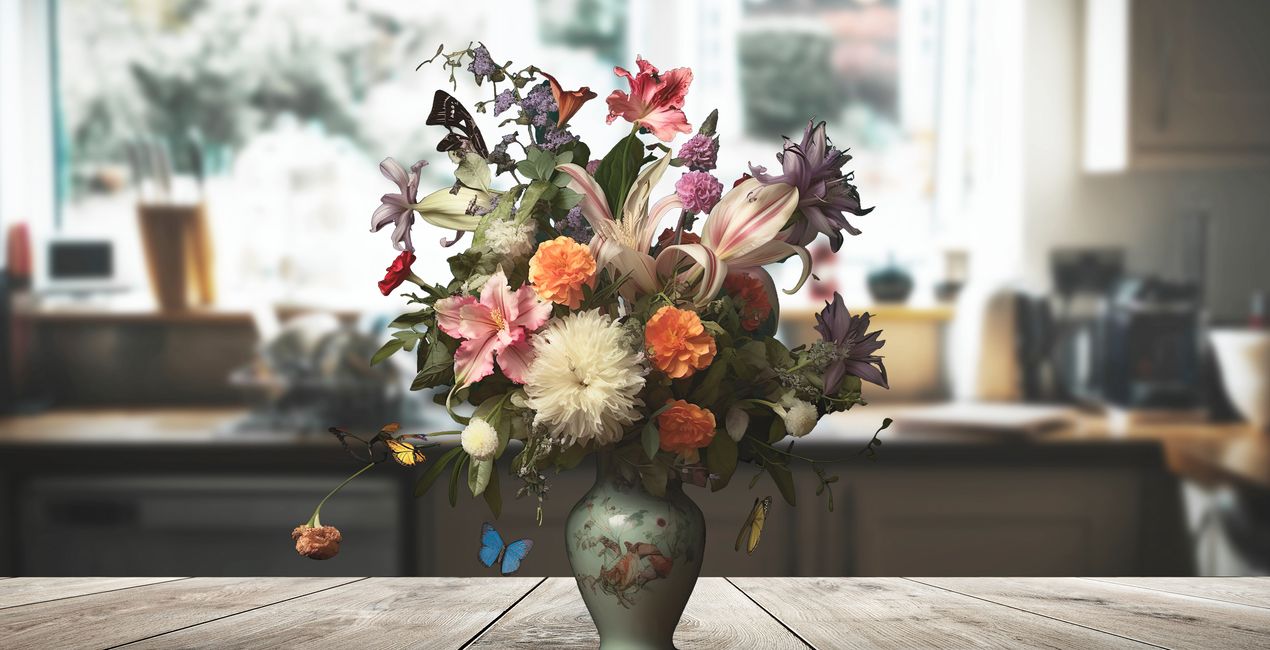
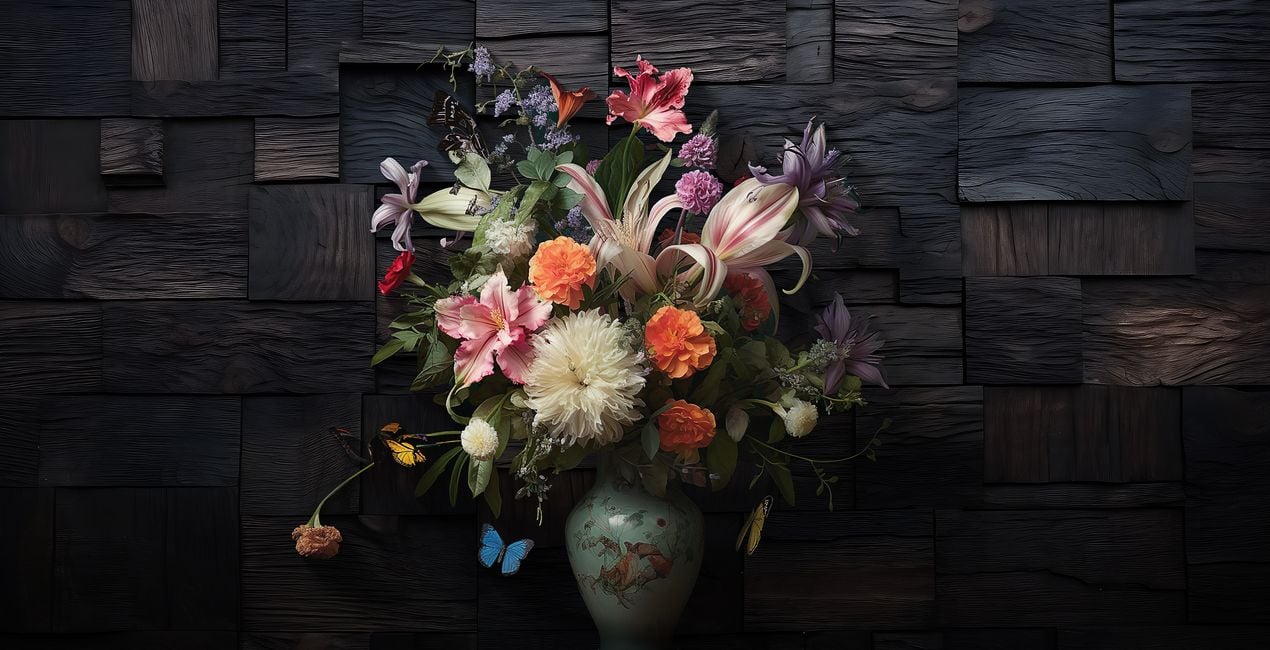
Discover the Ultimate Timber Backdrops Overlays, your one-stop solution for all your wood background needs. Elevate your photography and digital art with this meticulously curated collection of 77 premium wood backgrounds Overlays. Each backdrop is crafted in TIFF format, with an average of 10,000 pixels on the longer edge and a resolution of 300 DPI, ensuring that your images are always crisp and clear.
Zawartość zestawu
77 Backgrounds in JPEG + TIFF format


Korzystając z plików RAW z łatwością przećwiczysz wskazówki dotyczące retuszu i dowiesz się, jak stworzyć zdjęcia takie jak te.

 >
>

 >
>

 >
>
 >
>

 >
>

 >
>
The pack boasts an unparalleled diversity of light and dark woods, various textures, and unique colors, making it perfect for any project. Whether you're capturing product shots, portraits, still life, or fashion, or aiming for artistic effects or seasonal vibes, these backdrops offer unmatched versatility.
Customize your art effortlessly by scaling, rotating, or flipping these backdrops to fit your vision. From autumn to the upcoming winter and festive seasons, these backgrounds are essential for setting the perfect mood.
Don't miss the chance to enrich your creative projects with the depth and authenticity only the Ultimate Timber Backdrops can offer.


Digital Artist, Architect of Visual Dreams, Skylum Ambassador
Born in Switzerland, Kathrin Federer has established an impressive art career from her base near Zurich. Initially, an abstract painter, her 2017 encounter with Photoshop revolutionized her creative process. Kathrin's ability to realize her visions sets her apart in the art world, and she has become a living source of inspiration to many.
Skillfully employing a diverse range of professional design software and various digital enhancement tools, Kathrin constructs breathtaking artworks. Her creative toolbox extends beyond Photoshop and Illustrator, embracing the full spectrum of digital technologies to bring her vibrant artistic concepts to life. These involve a fusion of her photographs, 3D objects, vectors, and her original digital elements, infusing her vibrant artistic concepts with life. Characterized by continuous growth and refinement, her art maintains a signature crisp style that is distinctively hers, transforming any setting with its profound visual impact.
Kathrin Federer draws her inspiration from a variety of sources. Everyday subjects, images, and her own vivid imagination often serve as the basis for her art. She has the unique ability to create an entire environment around a single inspirational object. This can be anything from grazing sheep in a pasture to a snapshot or a child's drawing. Kathrin's works reflect a part of her soul and are meant to take the viewer on a journey, make them think, or even just make them smile. She hopes to exude calm and serenity with her minimalist creations and offer a respite from the fast-paced modern world.
Kathrin Federer's style is a blend of minimalism and nature, with an occasional dash of humor, resulting in haunting, dreamlike scenarios. Her digital art is characterized by its clear depiction and unique compositions. Kathrin's meticulous attention to detail and perfectionism are evident in each of her works. She often incorporates elements such as animals, trees, mountains, and architectural features into her works. Kathrin's color choices and arrangement of elements in her works are carefully considered, often guided by intuition, and supported by a deep understanding of color theory and design principles.
Jeśli masz jakiekolwiek pytania dotyczące produktu, możesz skontaktować się z zespołem pomocy technicznej dostępnym 24 godziny na dobę, 7 dni w tygodniu. Wystarczy kliknąć ten link.
Aby kupić Ultimate Timber Backdrops, wykonaj następujące kroki:
1. Otwórz Marketplace Skylum.
2. Przejdź do odpowiedniej zakładki, w której znajduje się Ultimate Timber Backdrops. Kliknij na nim i dodaj produkt do koszyka.
3. Przejdź do koszyka. Tutaj zakończ proces zakupu produktu Ultimate Timber Backdrops.
4. Po dokonaniu zakupu otrzymasz wiadomość e-mail z linkiem do pobrania Ultimate Timber Backdrops. Nowy produkt znajdziesz również na swoim koncie Skylum, w zakładce Moje dodatki.
Szczegółowe instrukcje dotyczące instalacji Ultimate Timber Backdrops zostaną przesłane w wiadomości e-mail wraz z linkiem do pobrania
Ponadto zakupiony produkt można zainstalować bezpośrednio w programie Luminar Neo: przejdź do menu Dodatki > Marketplace, wybierz kategorię produktu, znajdź zakupiony produkt i kliknij Zainstaluj.
To całkiem proste! Najpierw pobierz pakiet z sekcji Konto > Moje dodatki. Następnie postępuj zgodnie z instrukcjami instalacji zawartymi w pobranym folderze. Każdy typ zasobu może mieć własne kroki instalacji, więc koniecznie zapoznaj się z dołączonym przewodnikiem.
Nie martw się. Wszystkie zakupione produkty, w tym Ultimate Timber Backdrops, są przechowywane w zakładce „Moje dodatki” na koncie Skylum, co umożliwia ich łatwe ponowne pobranie i użycie.
Ogólnie rzecz biorąc, większość produktów jest kompatybilna z Luminar Neo. Aby jednak upewnić się, że Ultimate Timber Backdrops jest kompatybilne z Twoim oprogramowaniem, przed pobraniem lub zakupem sprawdź jego specyfikację. Poszukaj sekcji „Kompatybilność” po prawej stronie strony Ultimate Timber Backdrops, gdzie wymienione są wszystkie kompatybilne produkty.
Nie wychodź jeszcze. Mamy dla Ciebie ekskluzywny kod rabatowy. Wykorzystaj go w ciągu najbliższych 15 minut, aby uzyskać dodatkowe 10% zniżki przy finalizacji zamówienia. Skopiuj poniższy kod i sfinalizuj zakup.
15 m : 00 s





