

 適用する
適用する 



お花見フェステンプレートコレクション
Save $201 $ 9 .50 $ 19 .00
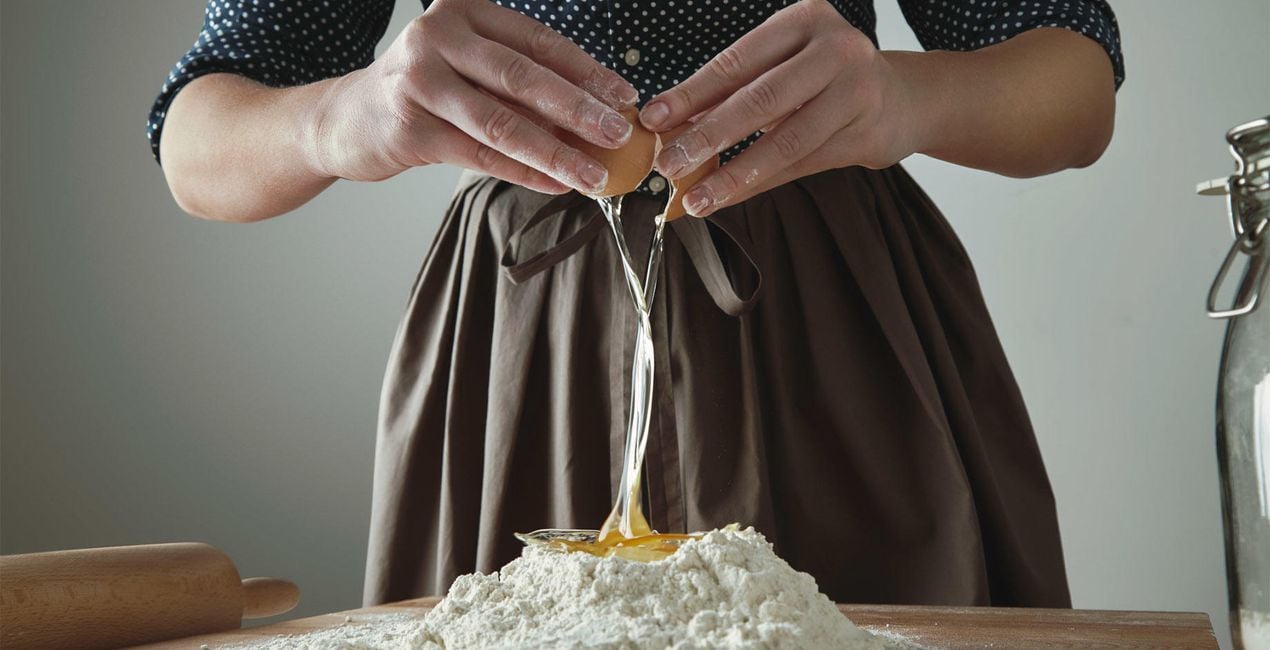
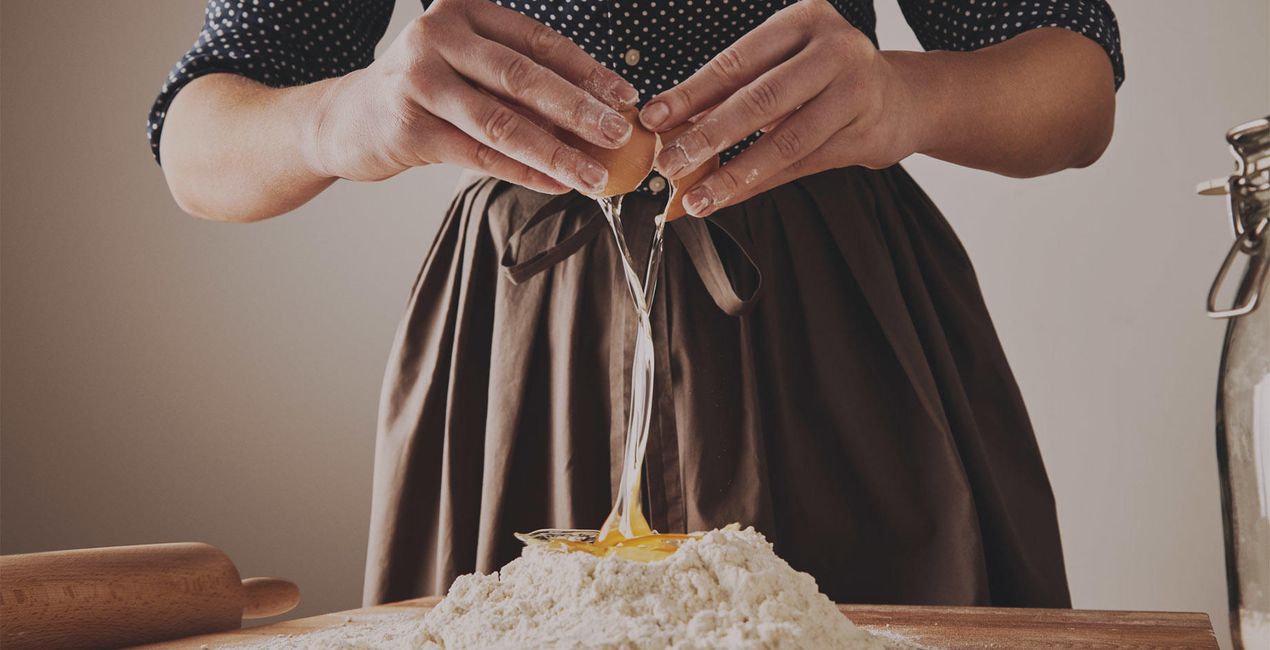
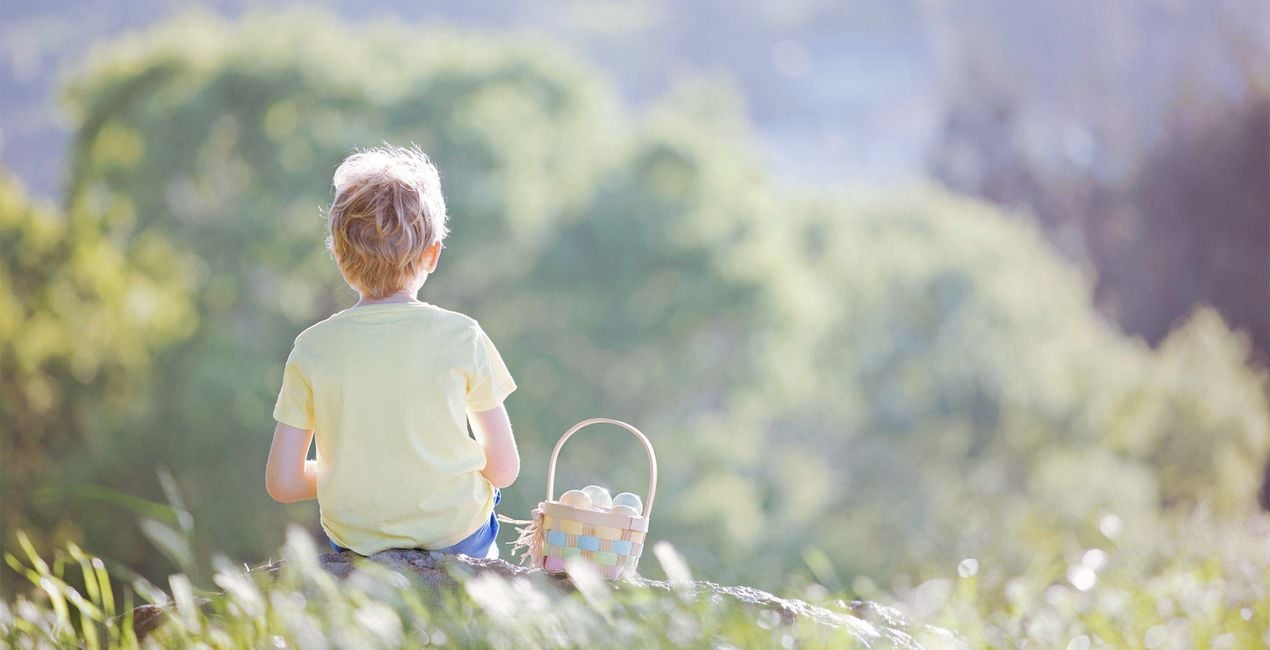
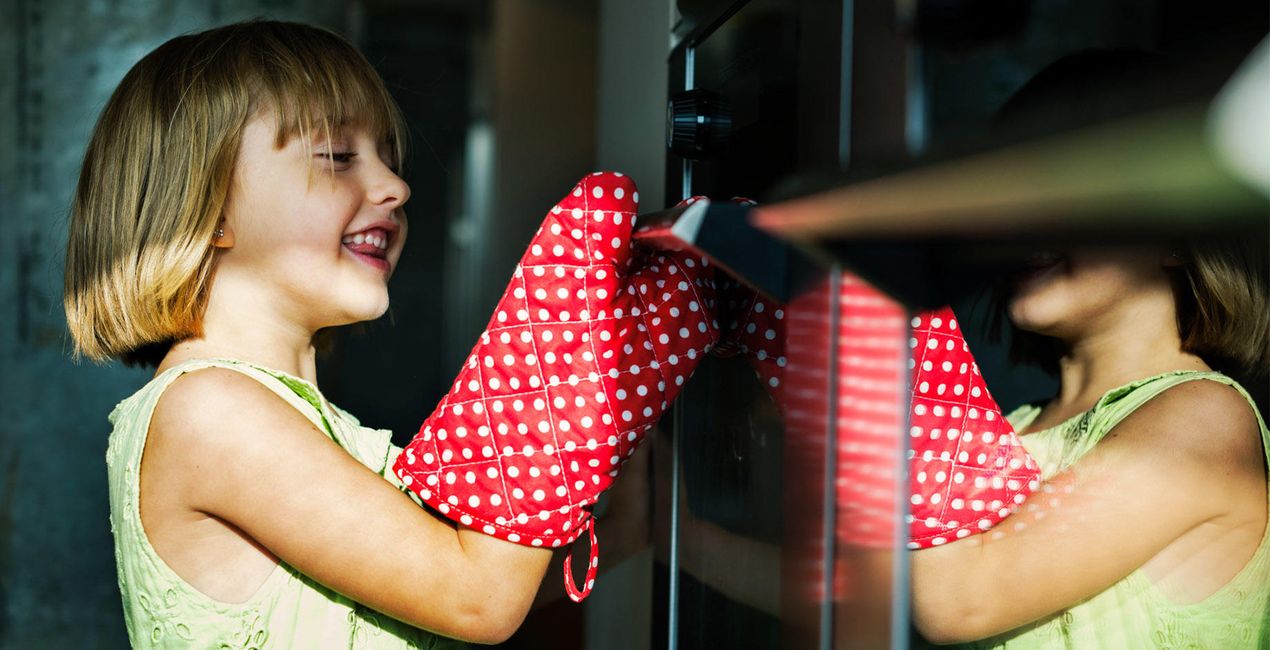
スカイラムチームが作る春のテンプレートコレクションは ワンクリックで、明るくて繊細な、パステル調の春の写真をお届けします。 写真をやわらかくレトロ風に、影には暖かい色を挿して - 春のテンプレートコレクションで写真も気分も明るく、暖かくしませんか?

提供されたRAWファイルを使ってレタッチのコツを簡単に練習、こんな写真に仕上げる方法を学ぶことができます。
 >
>

 >
>
 >
>

 >
>
 >
>
 >
>

 >
>
 >
>
 >
>
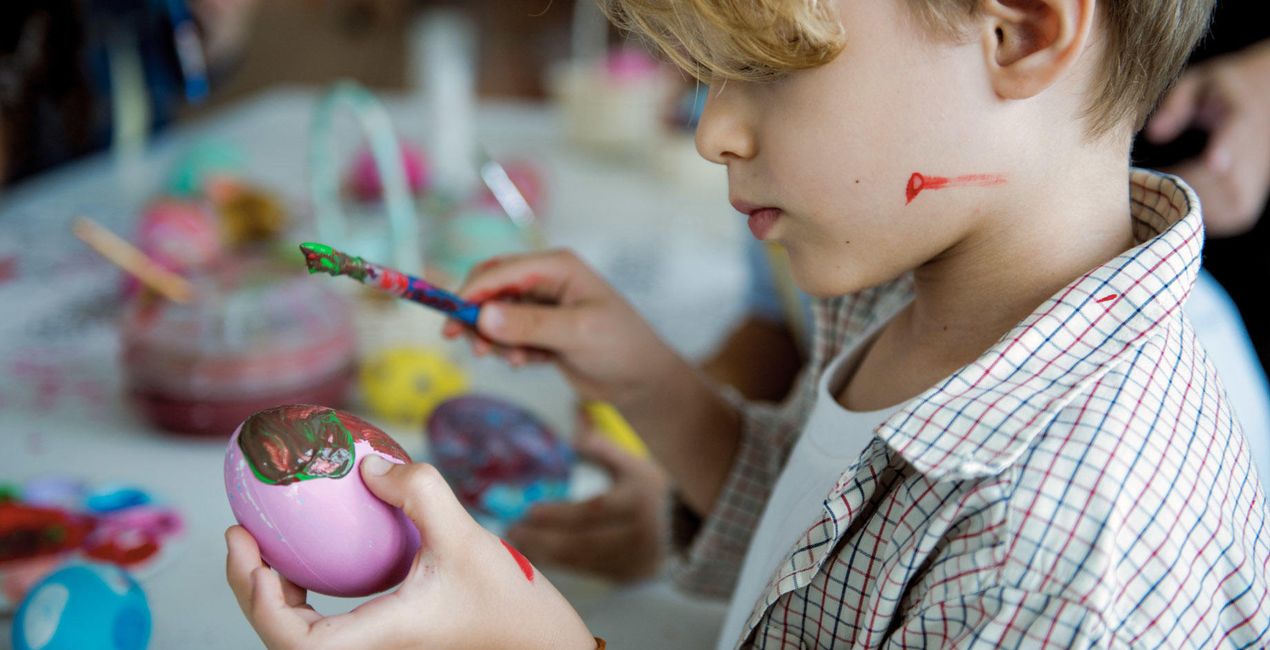
満開の桜に囲まれてお花見をする準備はばっちりですか?
家族や友人と集まって季節の花に身を寄せて祝いあう - 素敵な季節ですね。
桜の散る風景の中で大切な誰かのポートレート写真を撮って
パステル調の春の思い出写真を作りませんか?
花の接写や家族写真、ピクニックの一コマも
淡く、繊細で純潔 ー それでいてアーティスティックな写真を作るのに最適なツールを全て詰め込んだ春のテンプレートパック。
春のテンプレートパック
- 心温まる時間: 自然な光を鮮やかに映し出す家族写真にぴったりのテンプレート
- 光の抱擁: 過去にリリースされたテンプレートからさらに光をアップデートしたテンプレート
- サンシャインフィールド: 子供の写真を撮る際に最適なかわいらしい雰囲気のテンプレート
- ホワイト ファー: ハイキーでやわらかい色合いの寒色を差したテンプレート
- ミルキーホワイト: 花やお花見の風景写真に最適なふわっとした色味のテンプレート
- オパール: ローキーなやわらかい、暖色寄りのテンプレート
- 暖かい色のポートレート: フェイスAIやスキンAIの調整がかかったポートレートをワンクリックで彩る暖色を差したテンプレート
- サニースマイル: 被写体を明るく照らすテンプレート。家族写真や集合写真、ポートレート写真におすすめ
- アーティスティックポートレート: フェイスAIやスキンAIが調整された少しユニークなテンプレート。ポートレート写真にあてて変化を楽しんで
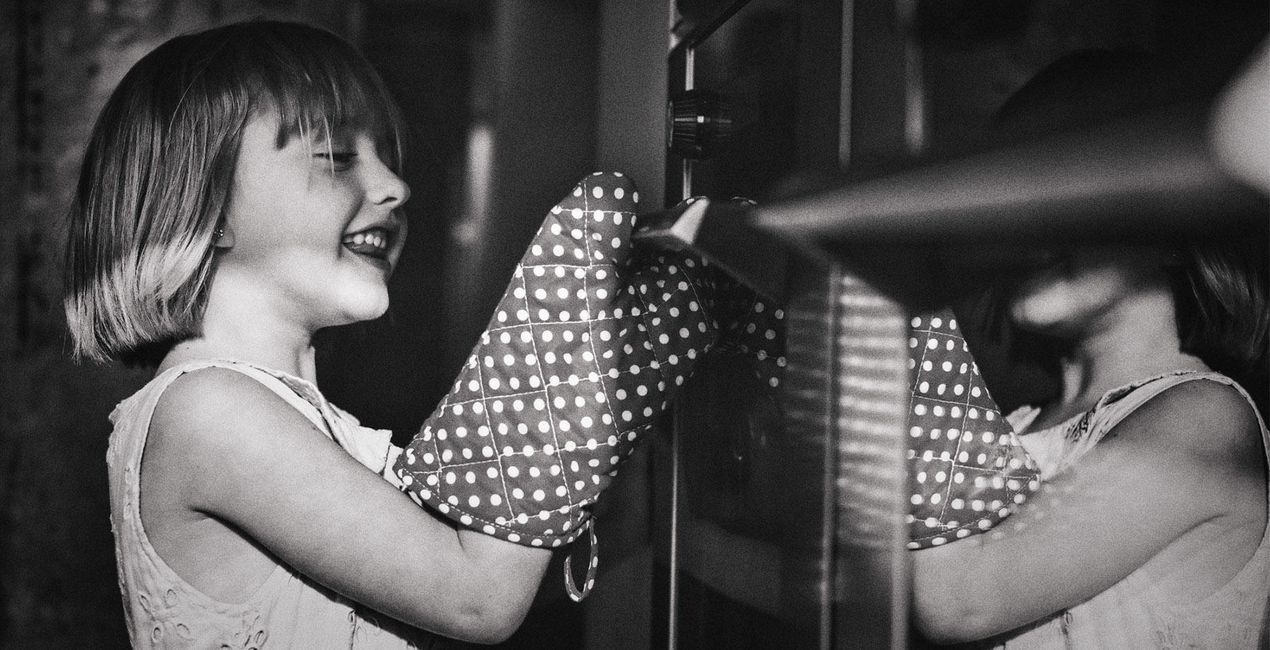
- おばあちゃんち: 白黒の、どこか懐かしいフィルム調の雰囲気を作り出すテンプレート
テンプレートをあてて違和感があれば、つまみを使ってコントラストや露出を調整してオリジナルの色味を作ってみてください。
インスタグラムやツイッターでは「 #ルミナー と作るわたしの世界 」をタグ付けて共有していただいた写真をフィーチャーしています!
製品についてご質問がございましたら、24時間対応のサポートチームまでお問い合わせください。こちらのリンクをご利用ください。
Basket Feast を購入するには、次の手順に従ってください:
1. Skylumのマーケットプレイスを開きます。
2. Basket Feast がリストされているタブに移動し、クリックしてカートに追加します。
3. カートに進み、Basket Feast の購入手続きを完了してください。
4. ご購入後、Basket Feast のダウンロードリンクが記載された購入完了メールが届きます。また、Skylumアカウントの「マイアドオン」タブからも新しいアイテムをご確認いただけます。
Basket Feast のインストール手順の詳細は、ダウンロードリンクと一緒にお送りする「購入完了メール」に記載されています。
また、Luminar Neoから購入されたアイテムを直接インストールすることもできます。エクストラ > マーケットプレイスに進み、商品カテゴリを選択して、購入済みアイテムを見つけてインストールをクリックしてください。
とても簡単です!プリセット タブに移動して、購入済みを選択してください。インストールしたプリセットがここに表示されます。
ご安心ください。Basket Feast を含むすべての購入済みアイテムは、Skylumアカウントの「マイアドオン」タブ に保存されるため、簡単に再ダウンロードしてご利用いただけます。
ほとんどのアイテムはLuminar Neoに対応しています。ただし、確実にBasket Feast がお使いのソフトと互換性があるかを確認するには、ダウンロードや購入前に製品仕様をご確認ください。Basket Feast ページ右側の「互換性」セクションに対応しているすべての製品が表示されています。
まだお帰りにならないでください。あなただけの特別割引コードをご用意しました。今後15分以内にご利用いただくと、お会計時にさらに10%オフになります。以下のコードをコピーして、お買い物を完了してください。
15 m : 00 s





