


 Applicato


Nuvole vaporose
Save $201 $ 12 .50 $ 25 .00

Crea il clima migliore nelle tue foto con questi 10 cieli azzurri pieni di soffici nuvole bianche. Marco Grassi ha catturato l'atmosfera serena e luminosa di una giornata perfetta, in modo che tu possa rendere memorabile qualsiasi foto piatta.
Cosa è incluso
10 blue skies filled with fluffy white clouds.


Utilizzando i file RAW forniti, potrai mettere facilmente in pratica i consigli di ritocco e imparare a ottenere foto come queste.
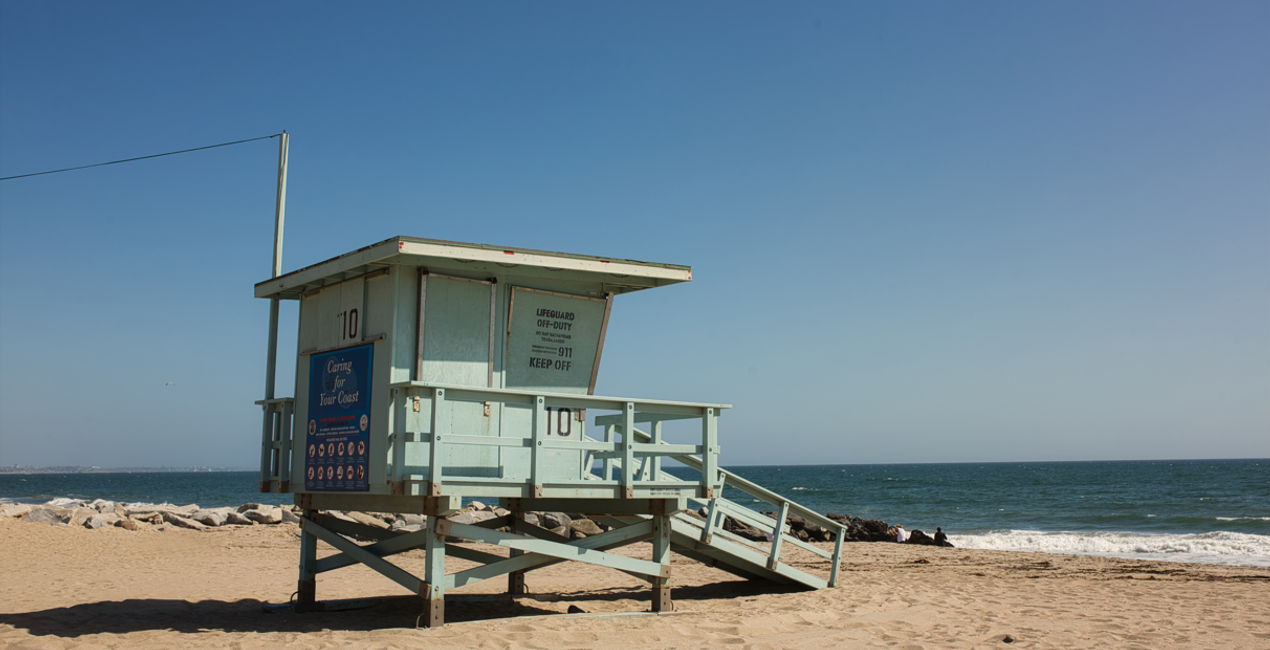
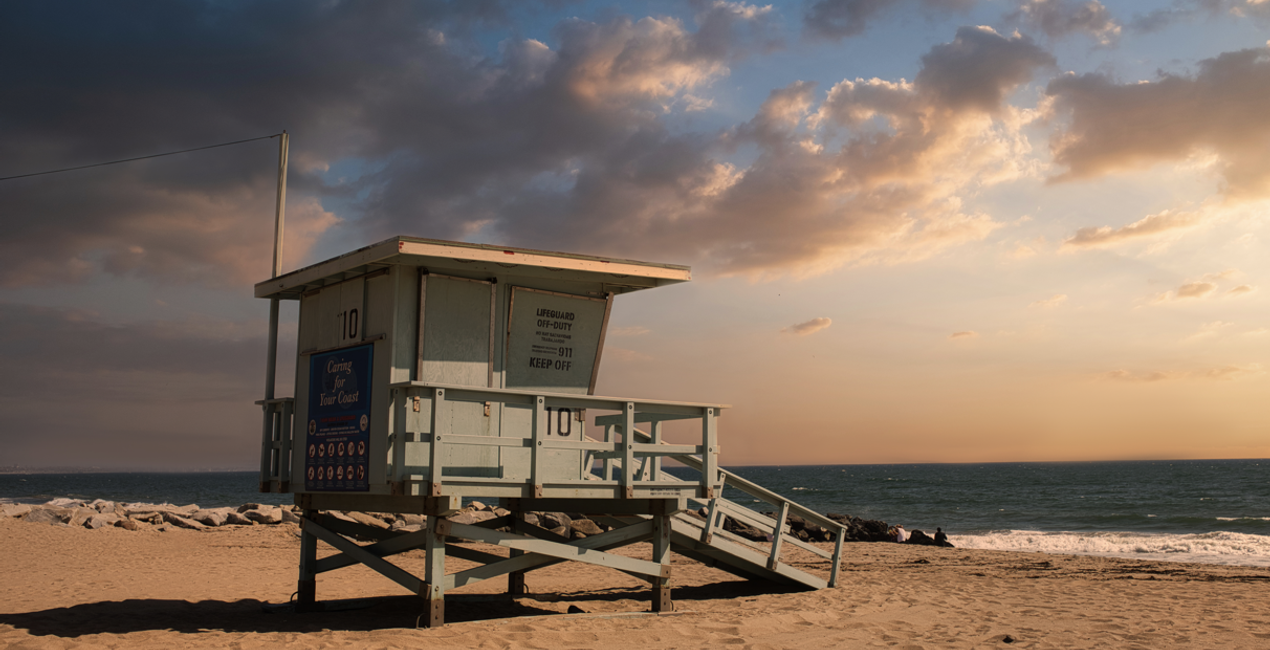 >
>

 >
>

 >
>


Photographer. Skylum Ambassador.
<p>Unapologetic in brandishing his post-processing skills, Sherwin sees what’s invisible to others and translates his images so they look the way he imagined when taking them. This results in compelling, emotive visual stories for others to appreciate and remember. His style straddles the line between reality and surrealism, resulting in works that almost feel ethereal. </p><p>Sherwin has earned his rightful spot in the world of photography and has been lauded by domestic and international organizations with numerous awards — a testament to his excellence in the field, especially in producing fine art landscape images. </p><p>Manila-born Sherwin Magsino is a self-taught photographer who began his career as an illustrator before dabbling in commercial photography in 2015. His love for travel awakened in him what he considers his life’s passion — landscape photography. This wanderlust leads to uniquely enchanting images of sceneries and moments in the places Sherwin visits.</p><p>Sherwin is currently a Brand Ambassador of <a href="https://fujifilm-x.com/en-us/photographers/win-magsino/" target="_blank">Fujifilm Philippines</a>, <a href="https://skylum.com/ambassadors/win-magsino" target="_self">Skylum Software</a>, <a href="http://gnarbox.com/" target="_blank">Gnarbox</a>, and NiSi Filters Philippines as well as a Your Shot National Geographic Contributor. As a representative of these brands, Sherwin conducts talks and workshops around Manila to share his experiences and inspire fellow artists who share his passion for photography.</p>
Se hai domande sui prodotti, puoi contattare il team dell'assistenza tutti i giorni, 24 ore al giorno. Utilizza questo link.
Per acquistare California Sunsets , segui questi passaggi:
1. Apri il Marketplace di Skylum.
2. Vai sulla scheda dove è elencato California Sunsets . Clicca sul nome del prodotto per aggiungerlo al carrello.
3. Vai al carrello, dove potrai completare l'acquisto di California Sunsets .
4. Dopo l'acquisto, riceverai un'e-mail con il link per scaricare California Sunsets . Potrai trovare il nuovo acquisto anche nel tuo account Skylum, nella scheda I miei add-on.
Nell'e-mail con il link per il download riceverai anche istruzioni dettagliate su come installare California Sunsets .
Inoltre, puoi installare l'articolo acquistato direttamente in Luminar Neo: vai su Extra > Marketplace, seleziona la categoria di prodotto, trova l'articolo acquistato e clicca su Installa.
È facilissimo! Nella barra dei menu superiori, passa alla scheda Modifica. Vai nel pannello Tool e seleziona Cieloᴬᴵ > Selezione cielo > Acquistati. California Sunsets che hai acquistato si troverà lì.
Non preoccuparti. Tutti gli articoli acquistati, incluso California Sunsets , vengono conservati nella scheda "I miei add-on" del tuo account Skylum, così potrai riscaricarli e utilizzarli in tutta facilità.
In generale, la maggior parte degli articoli è compatibile con Luminar Neo. Ma per assicurarti che California Sunsets sia compatibile con i tuoi software, verificane le specifiche prima di scaricarlo o acquistarlo. Cerca la sezione "Compatibilità" sulla destra della pagina di California Sunsets , dove sono elencati tutti i prodotti compatibili.
Non andartene ancora. Ecco un codice sconto esclusivo per te. Usalo entro i prossimi 15 minuti per ottenere un ulteriore sconto del 10% al momento del pagamento. Copia il codice qui sotto e completa l'acquisto.
15 m : 00 s





