


 Applicato




Informazioni
Enhance your outdoor adventure and architectural explorations with this curated Preset pack, designed to elevate your travel photography with vibrant colors and crisp details. Transform your outdoor scenes and architectural marvels effortlessly, capturing the essence of each location with stunning clarity and dynamic edits.
Compatibilità

Ottieni foto come queste
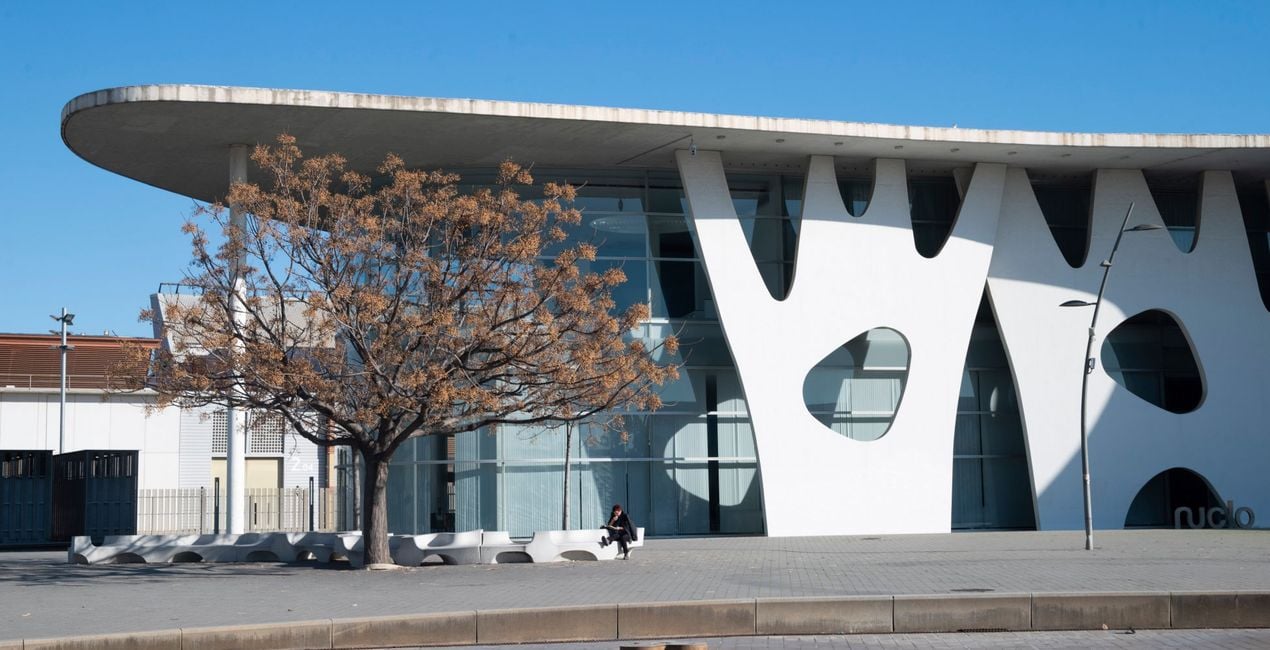
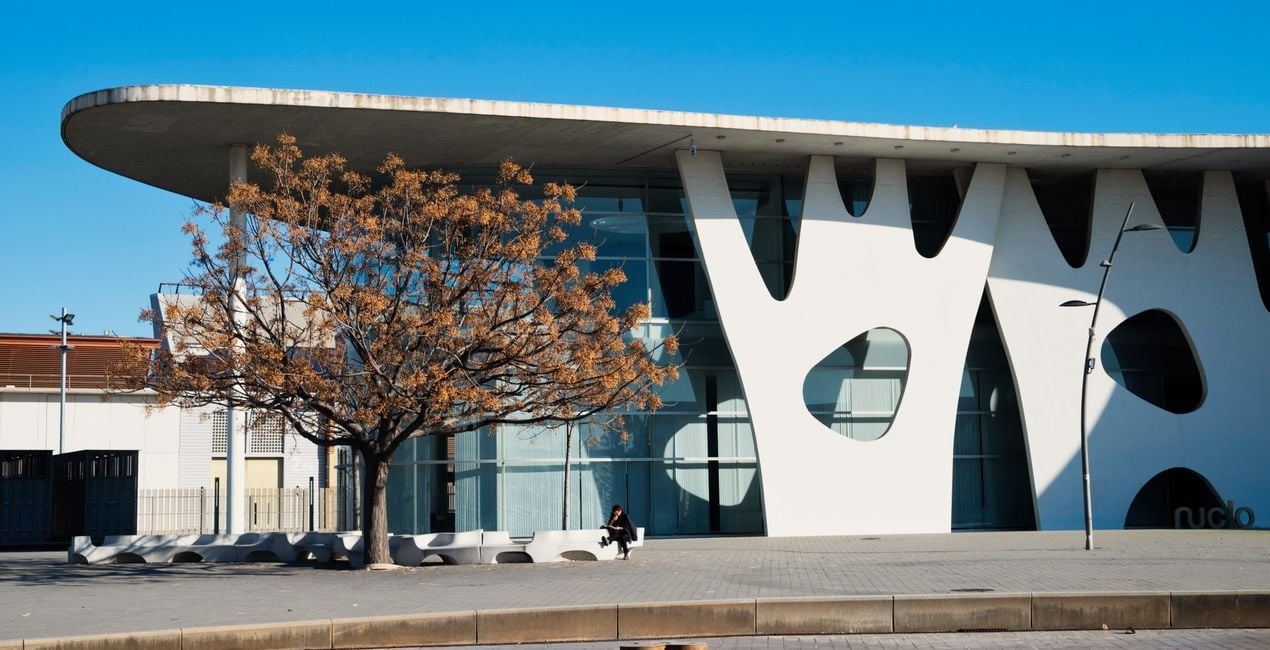
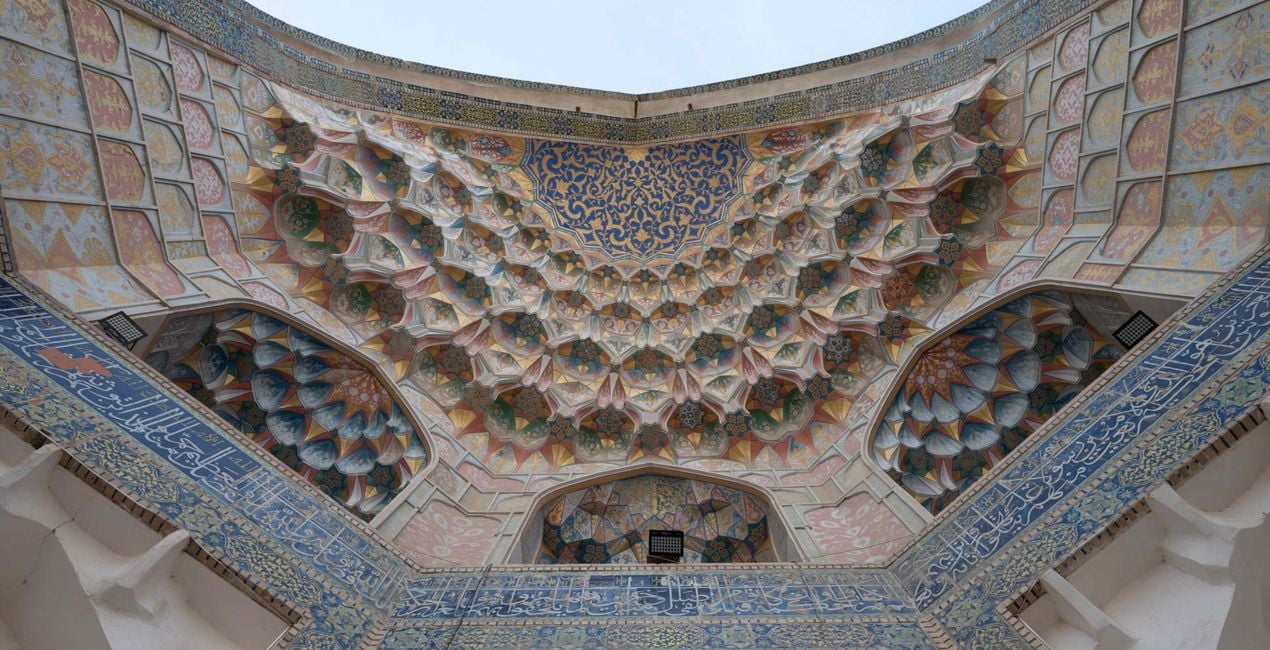
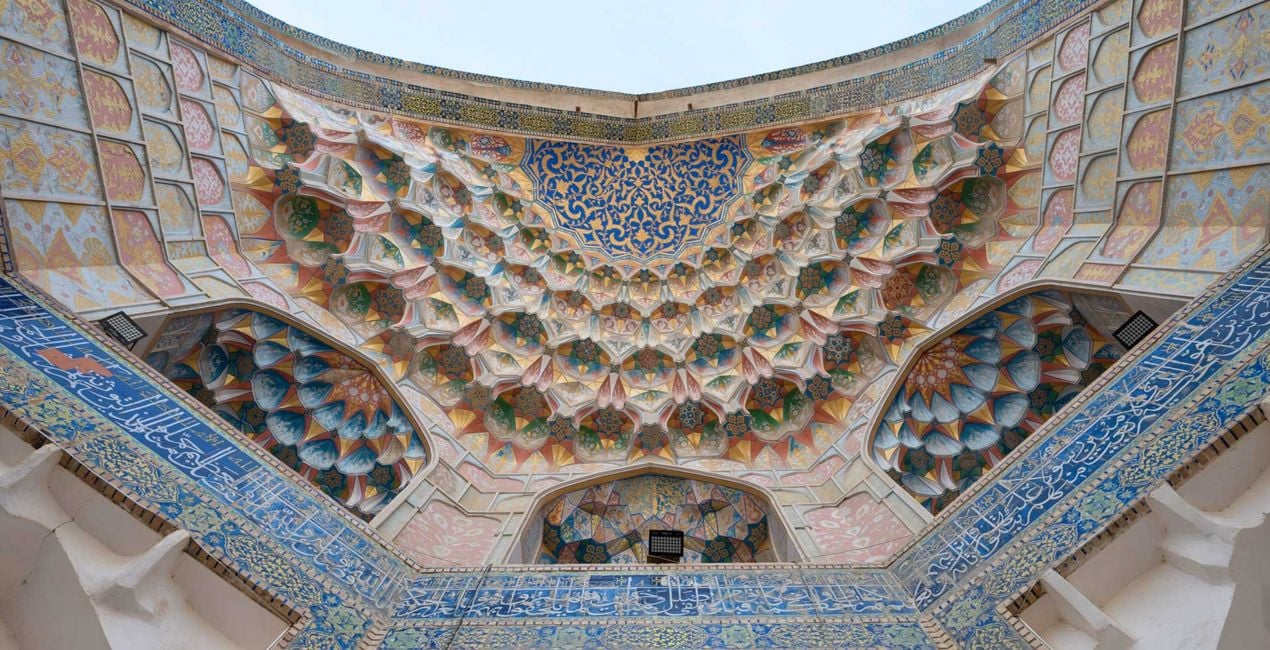
Utilizzando i file RAW forniti, potrai mettere facilmente in pratica i consigli di ritocco e imparare a ottenere foto come queste.
 >
>
 >
>
 >
>
 >
>
 >
>
 >
>
La storia
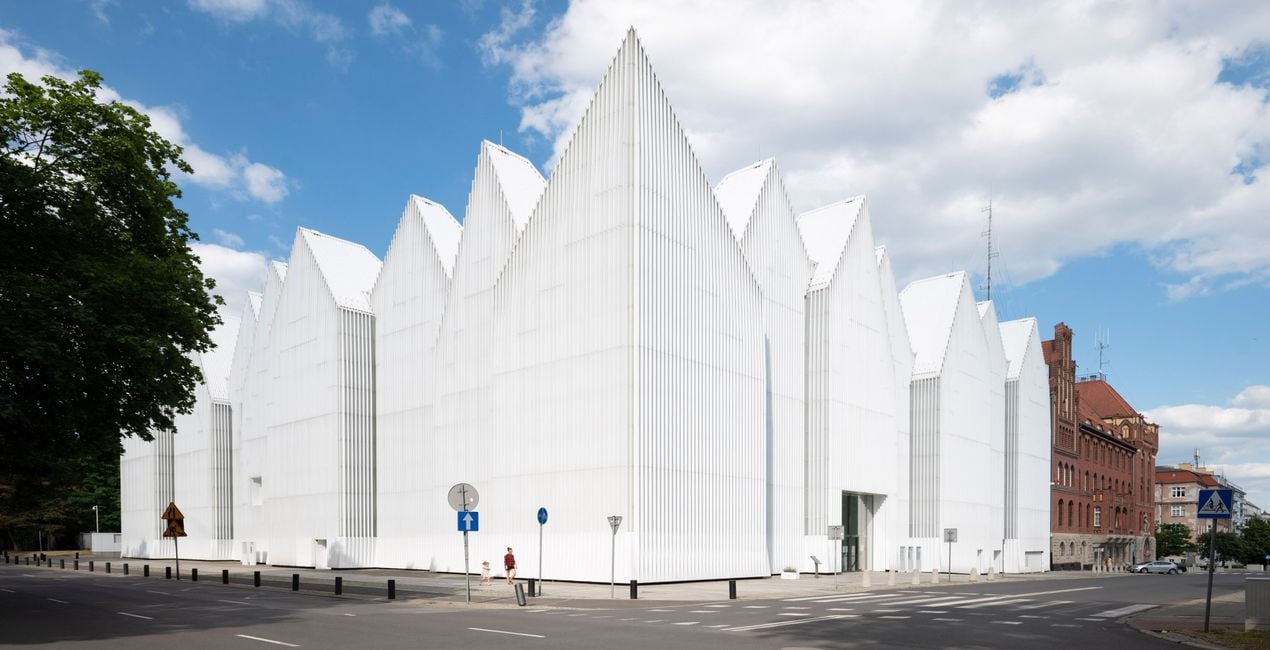
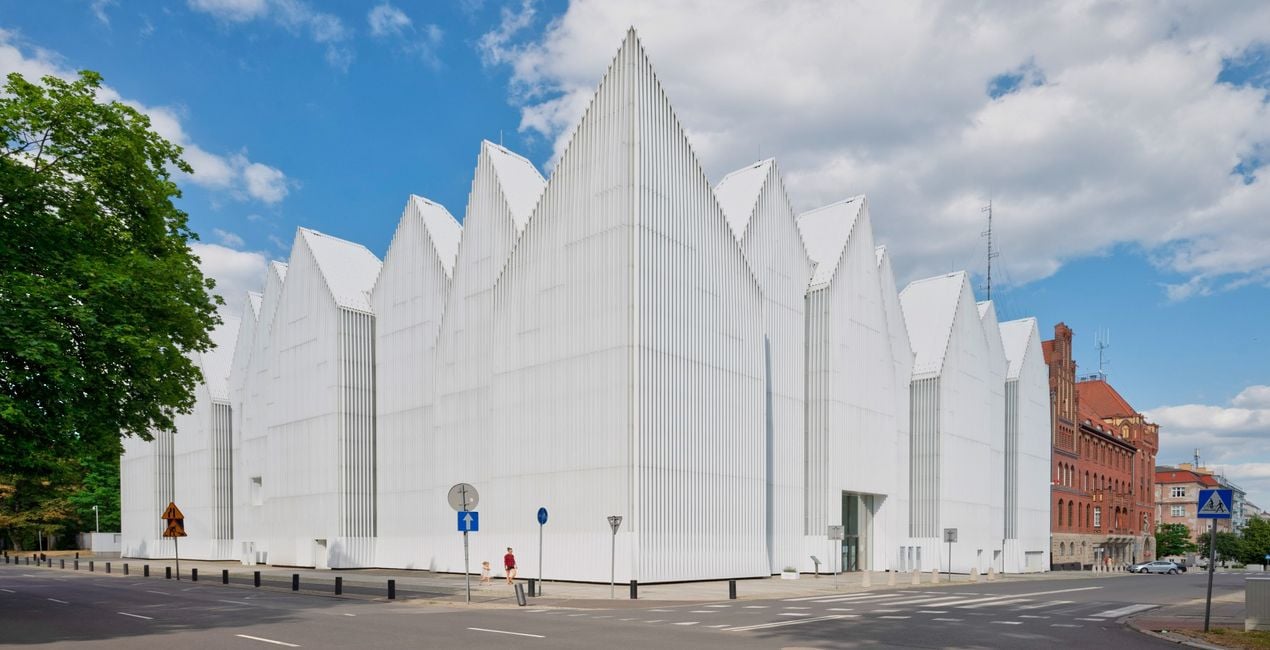
This Preset pack was designed to make your outdoor travel and architectural photos look amazing. Inspired by the beauty of incredible buildings, wanting to help people capture those moments in the best possible way. So, these Presets were created to make it easy for anyone to enhance their pictures, whether they are about stunning museums, peaceful city views, or fascinating old landmarks. With these Presets, you can bring out the best in your outdoor architectural discoveries effortlessly.
You will find 10 Presets in this Pack:
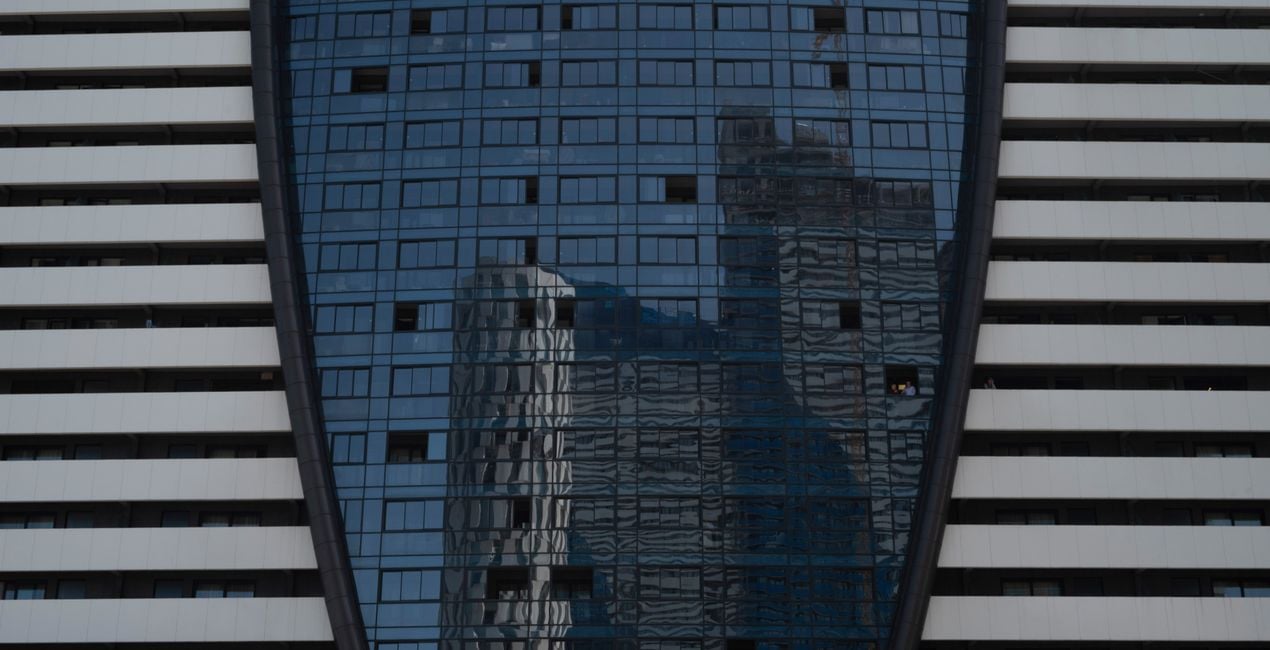
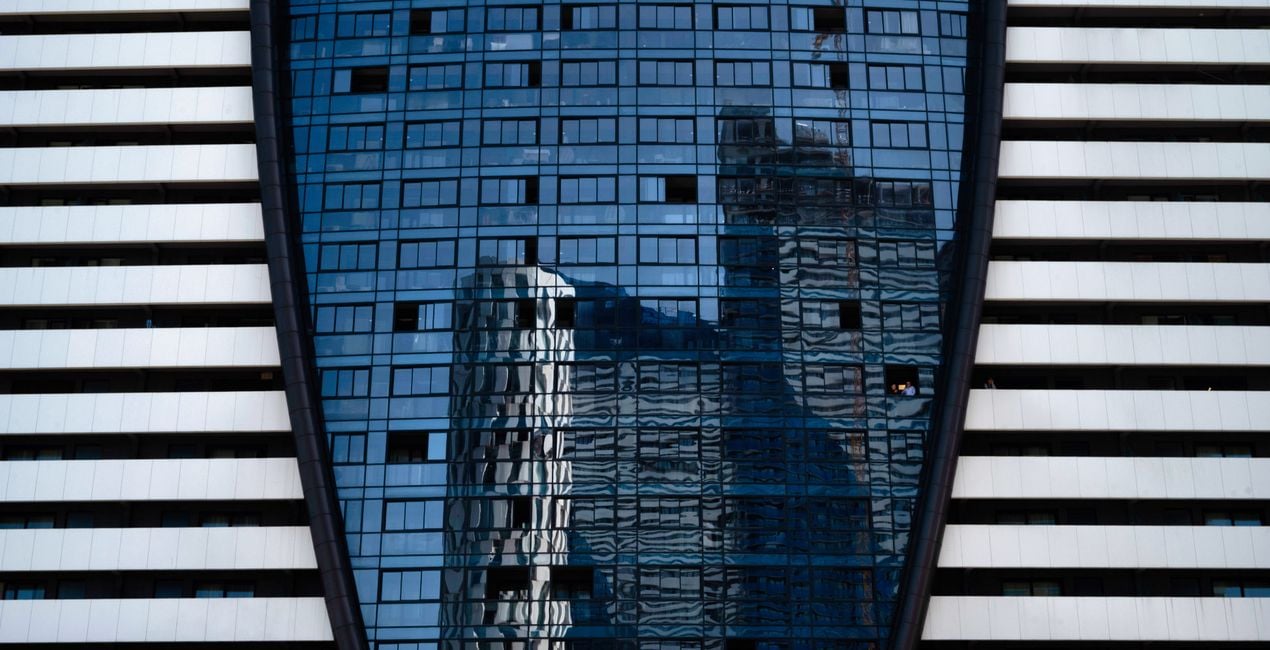
Skyscraper Reflection - a Preset with cool tones and high contrast.
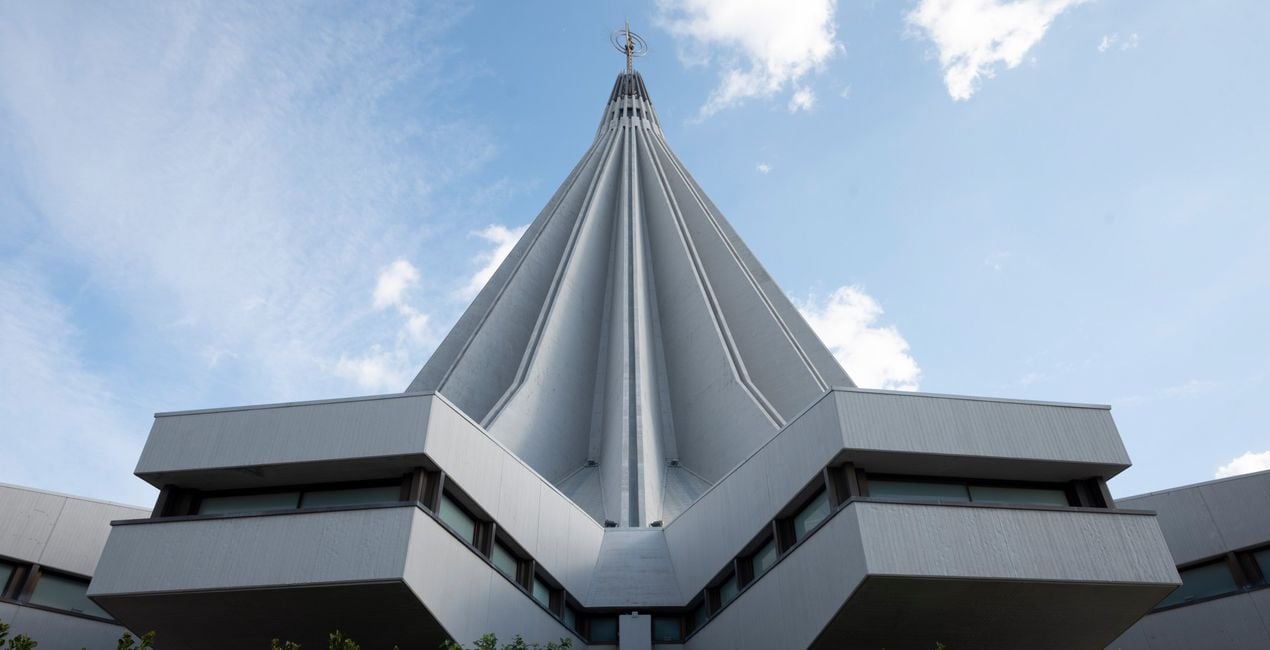
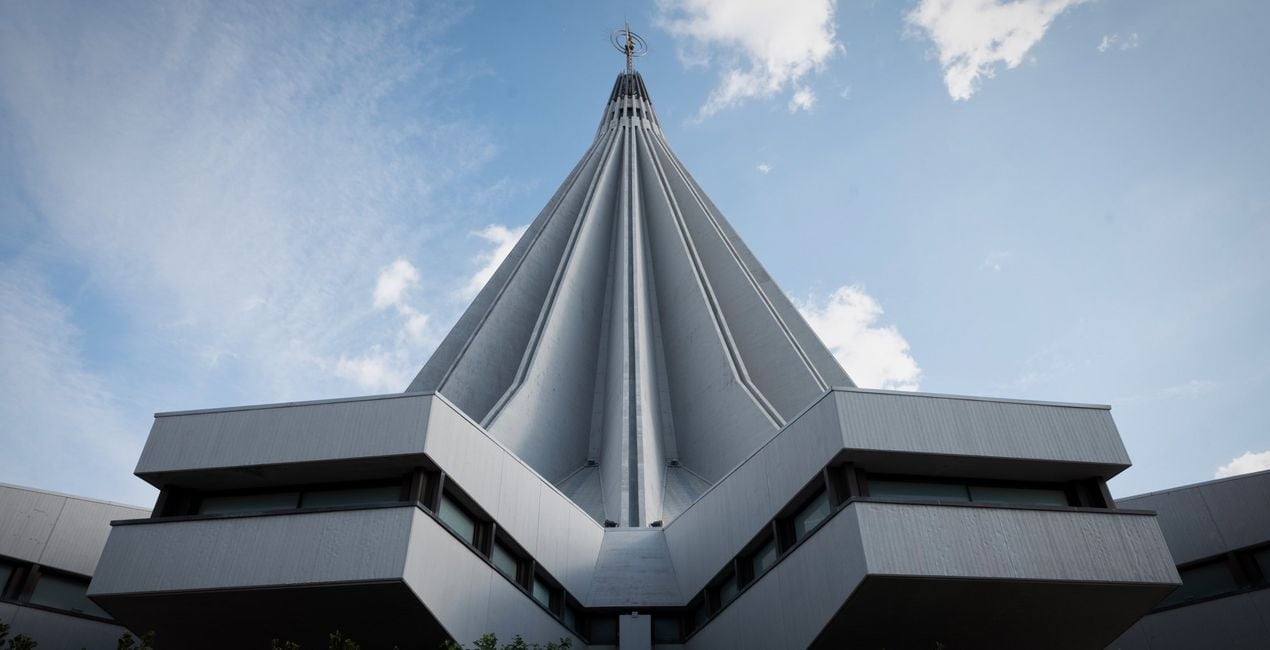
Brutalism - A Preset with slightly faded colors and desaturated tones. Perfect for brutalist structures.
Bright Urban - A Preset with an accent on highlights, subtle cool shadow tones. Perfect for morning or daytime images.
Colorful Lookup - A bright, warm and vibrant Preset, perfect for those colorful landmarks.
Soft Lines - A cool-toned Preset, with faded blacks and low contrast.
Drama Mood - A Preset with deep contrasts and deep blacks for a dramatic final look.
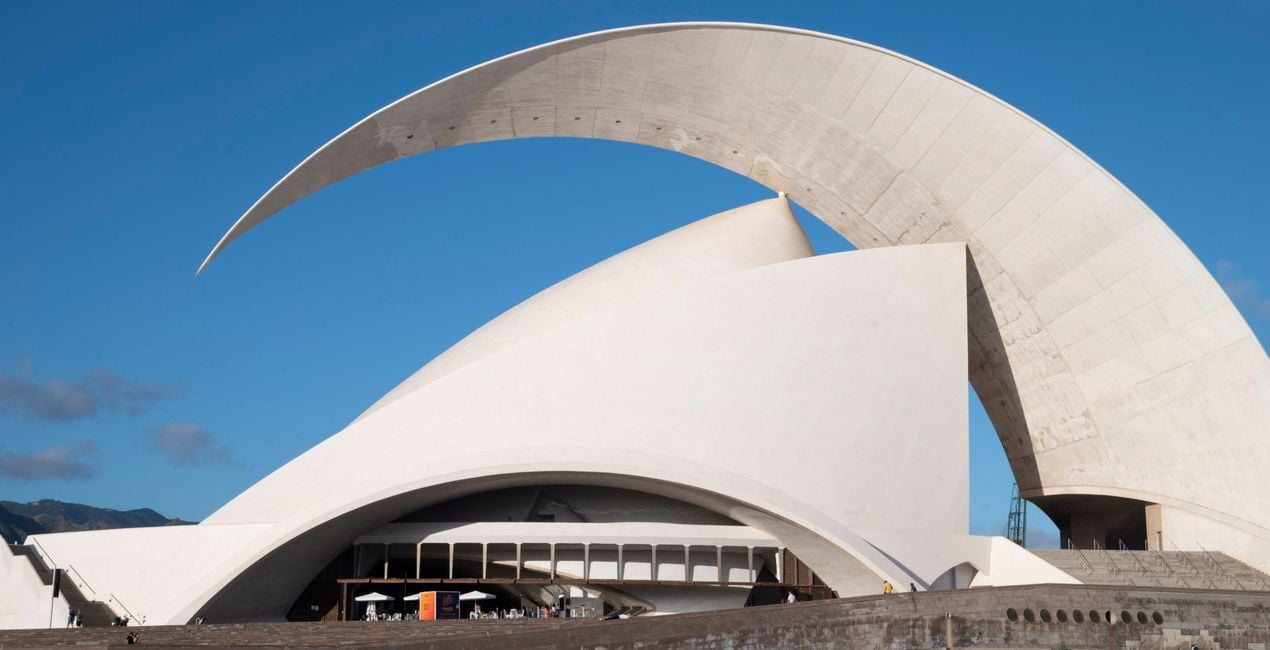
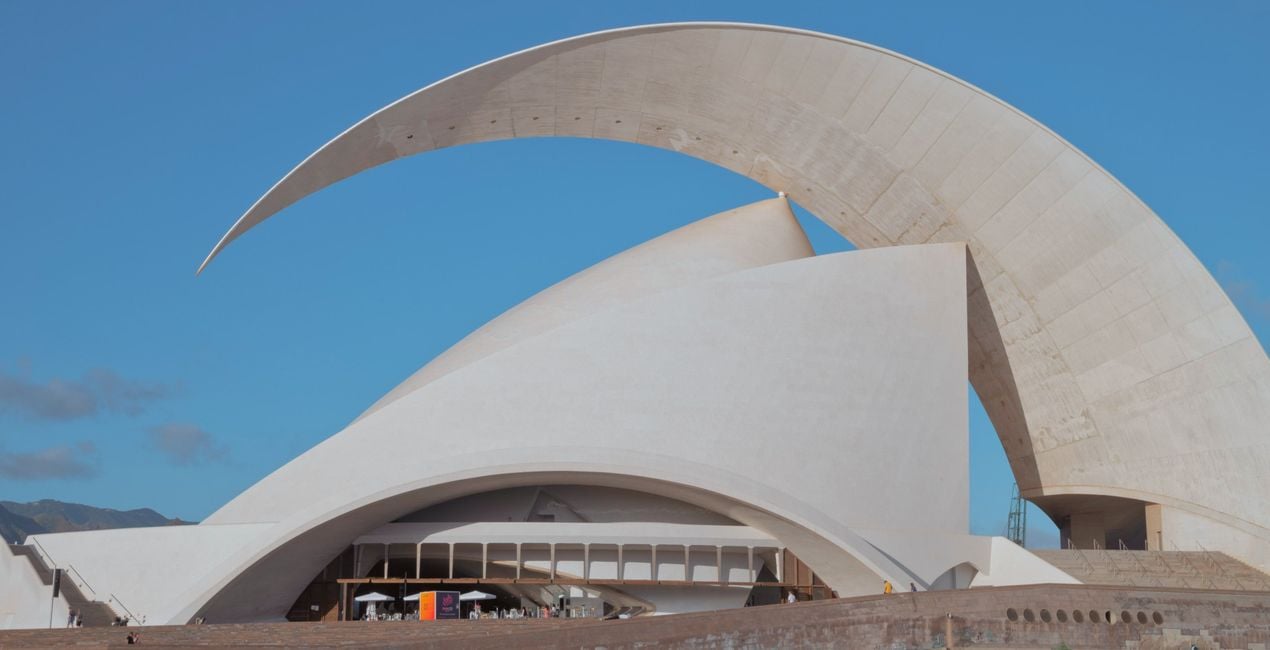
Bright Vista - A bright, warm and with high contrast Preset making each detail pop with a lively intensity.
Futuristic - A Preset with deep shadows and cooler tones for a more futuristic look.
Dreamy - A Dreamy, faded, bright Preset with added glow .
Vibrant City - A bright and vibrant Preset for a clean, ethereal atmosphere.
Prodotti correlati


Creator
Nancy Da Campo
Architecture photographer and educator
<p>Nancy Da Campo is a freelance architecture and interiors photographer born in Milan, Italy, and currently traveling extensively to discover and capture the beauty of the built environment. <br></p><p>Perspectives and the use of lines are two central pillars of Nancy’s content, and she’s always looking for new and interesting angles to show her interpretation of a building through her camera or drone lens. </p><p></p><p>Nancy regularly works with architectural and cultural institutions, tech brands, and tourism boards. </p>
Come faccio a contattare l'assistenza?
Se hai domande sui prodotti, puoi contattare il team dell'assistenza tutti i giorni, 24 ore al giorno. Utilizza questo link.
Come faccio ad acquistare Travel Architecture?
Per acquistare Travel Architecture, segui questi passaggi:
1. Apri il Marketplace di Skylum.
2. Vai sulla scheda dove è elencato Travel Architecture. Clicca sul nome del prodotto per aggiungerlo al carrello.
3. Vai al carrello, dove potrai completare l'acquisto di Travel Architecture.
4. Dopo l'acquisto, riceverai un'e-mail con il link per scaricare Travel Architecture. Potrai trovare il nuovo acquisto anche nel tuo account Skylum, nella scheda I miei add-on.
Come faccio a installare Travel Architecture?
Nell'e-mail con il link per il download riceverai anche istruzioni dettagliate su come installare Travel Architecture.
Inoltre, puoi installare l'articolo acquistato direttamente in Luminar Neo: vai su Extra > Marketplace, seleziona la categoria di prodotto, trova l'articolo acquistato e clicca su Installa.
Dove trovo Travel Architecture dopo l'installazione?
È facilissimo! Vai nella scheda Preset, quindi seleziona Acquistati. Qui troverai i preset che hai acquistato.
Che succede se perdo Travel Architecture?
Non preoccuparti. Tutti gli articoli acquistati, incluso Travel Architecture, vengono conservati nella scheda "I miei add-on" del tuo account Skylum, così potrai riscaricarli e utilizzarli in tutta facilità.
Come faccio a verificare se Travel Architecture è compatibile con i miei software?
In generale, la maggior parte degli articoli è compatibile con Luminar Neo. Ma per assicurarti che Travel Architecture sia compatibile con i tuoi software, verificane le specifiche prima di scaricarlo o acquistarlo. Cerca la sezione "Compatibilità" sulla destra della pagina di Travel Architecture, dove sono elencati tutti i prodotti compatibili.


