


 Applicato




Informazioni
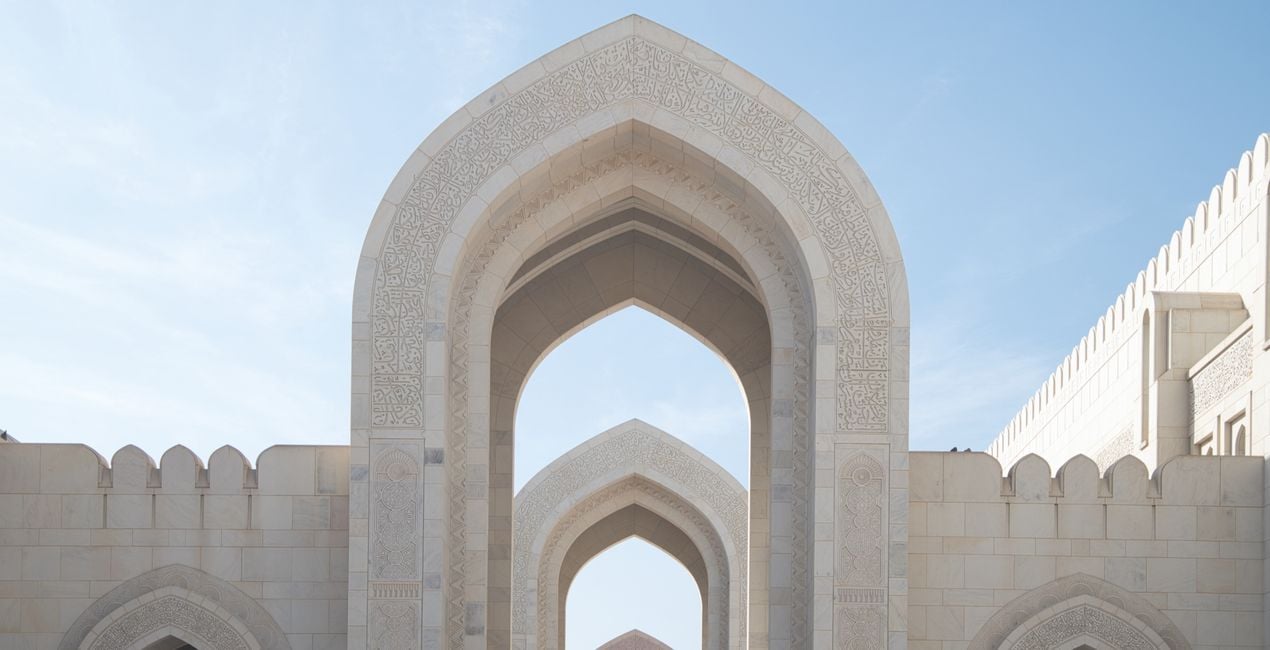
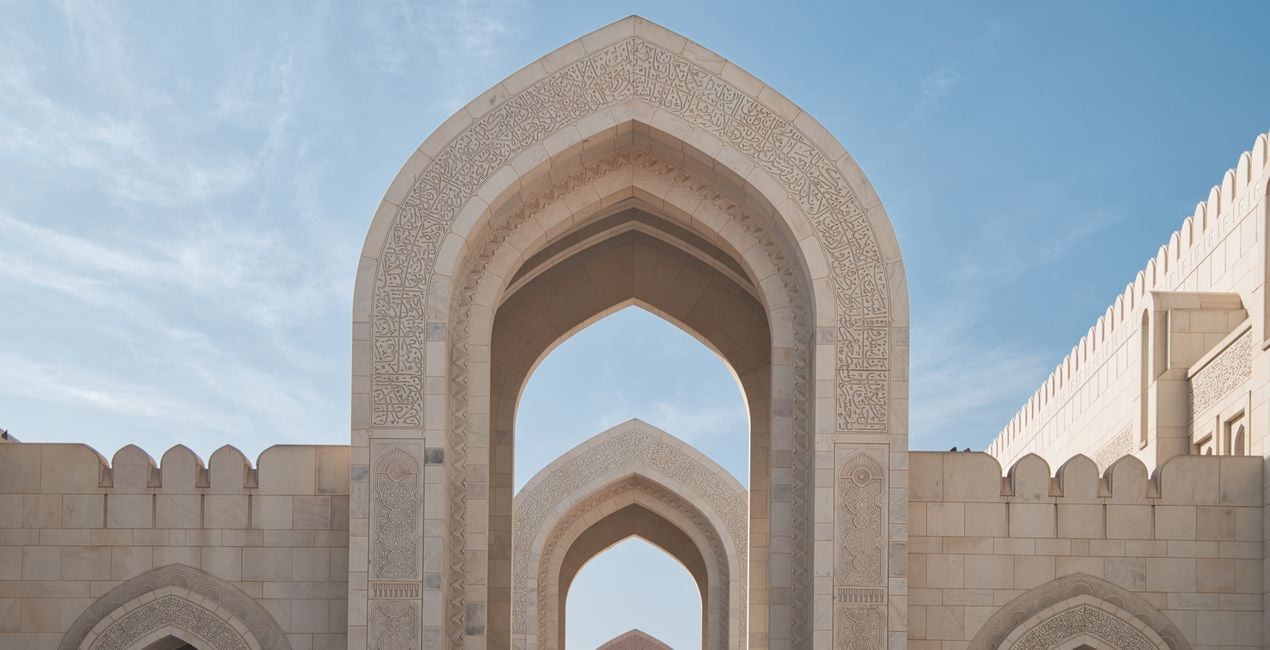
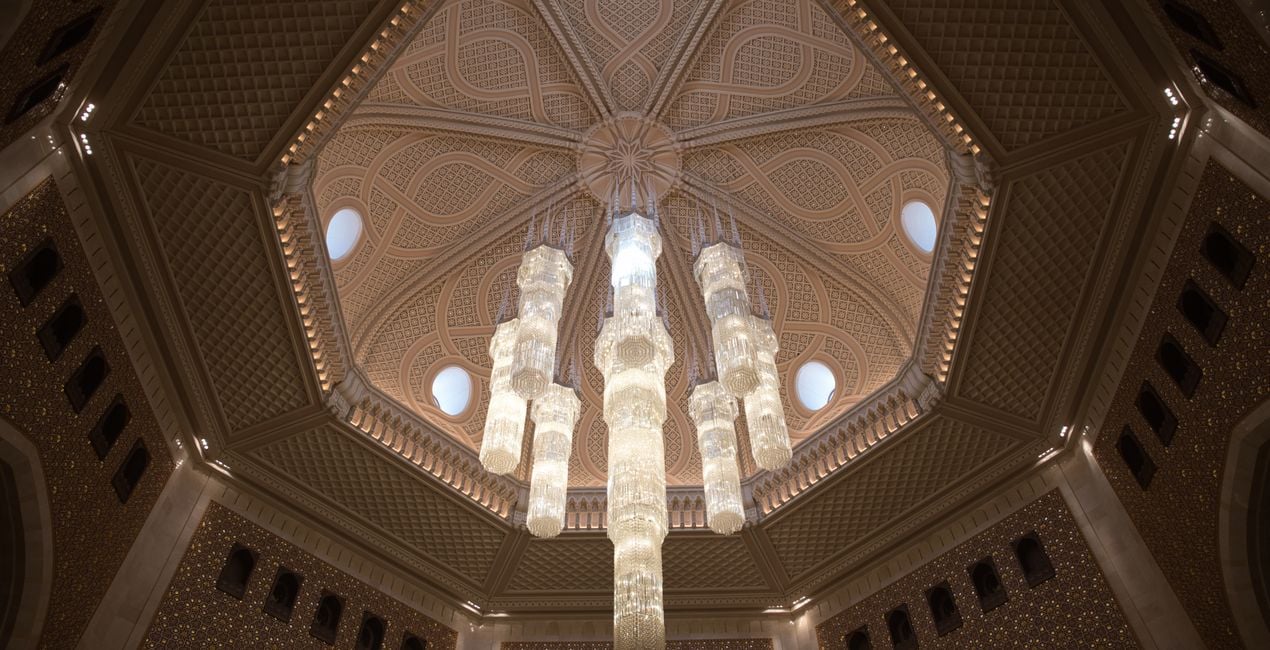
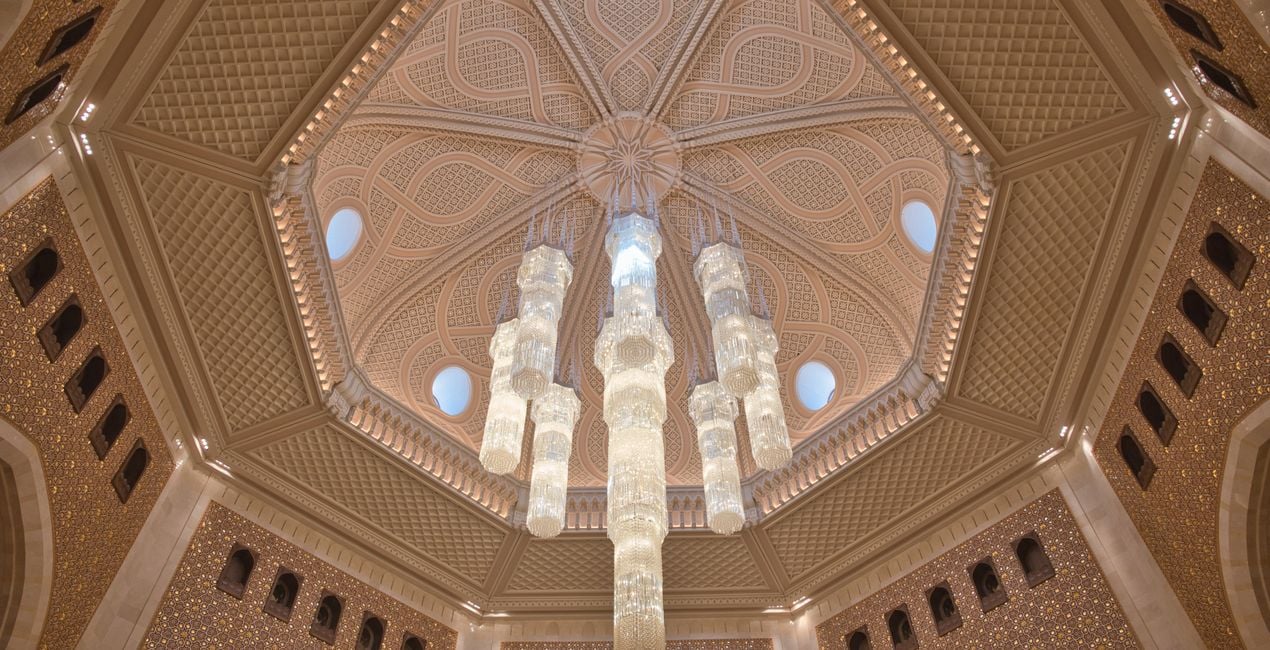
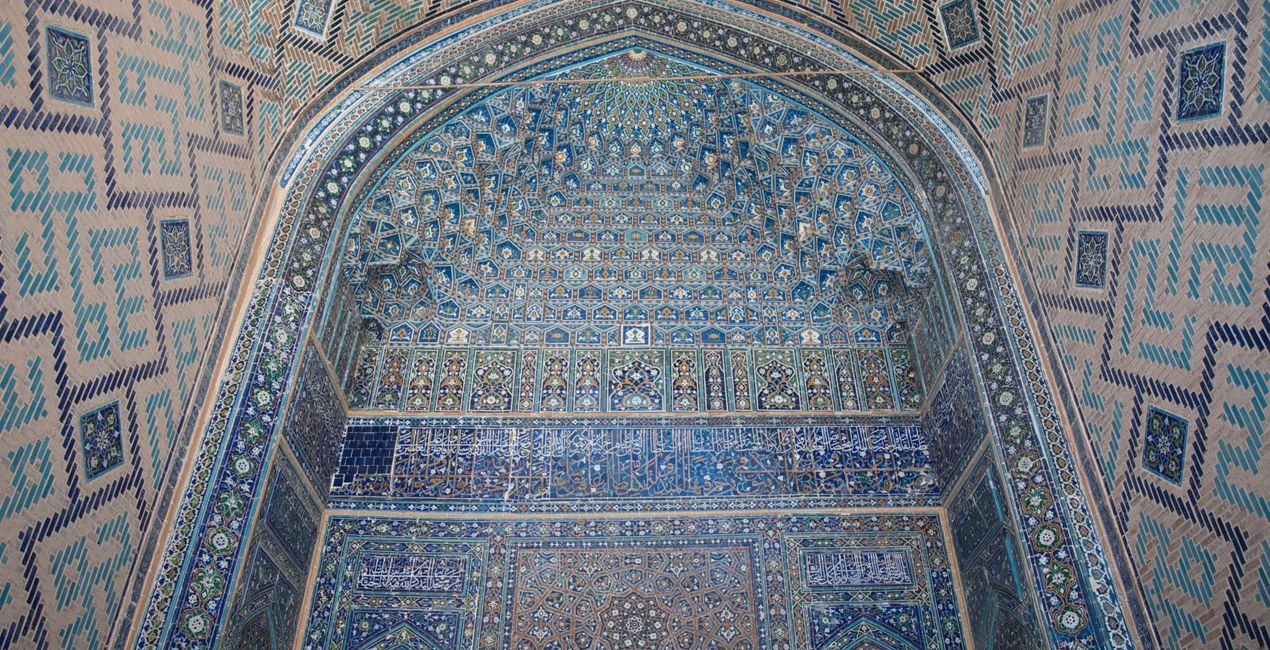
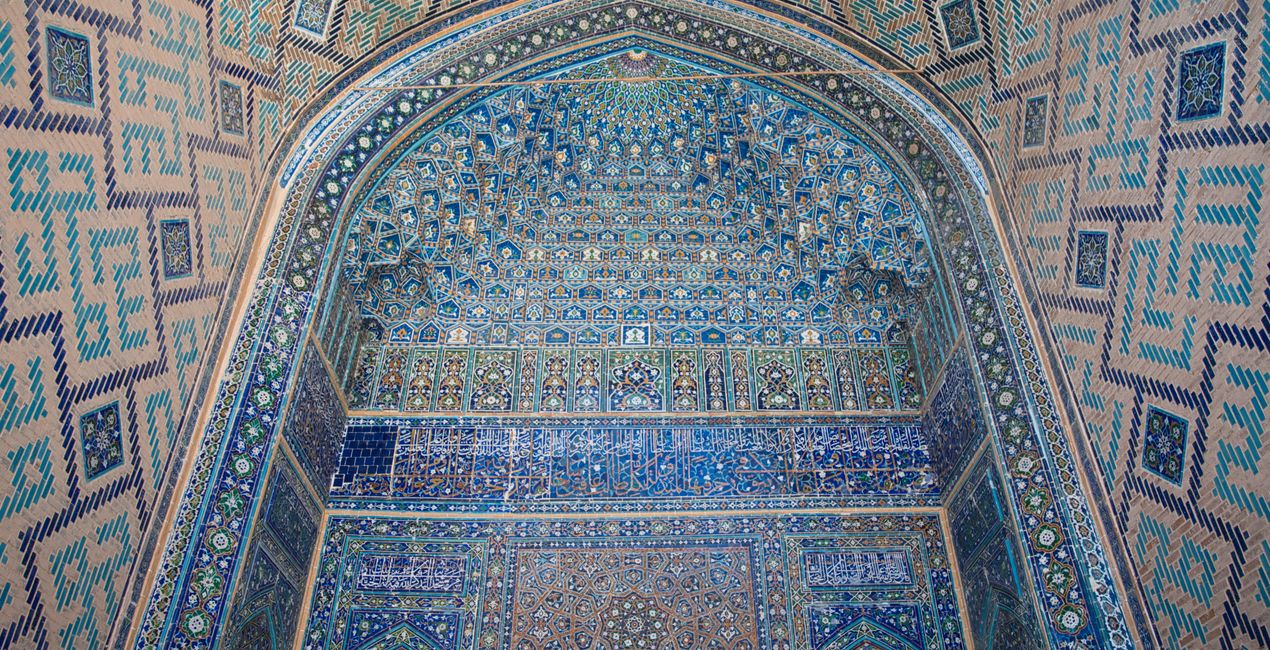
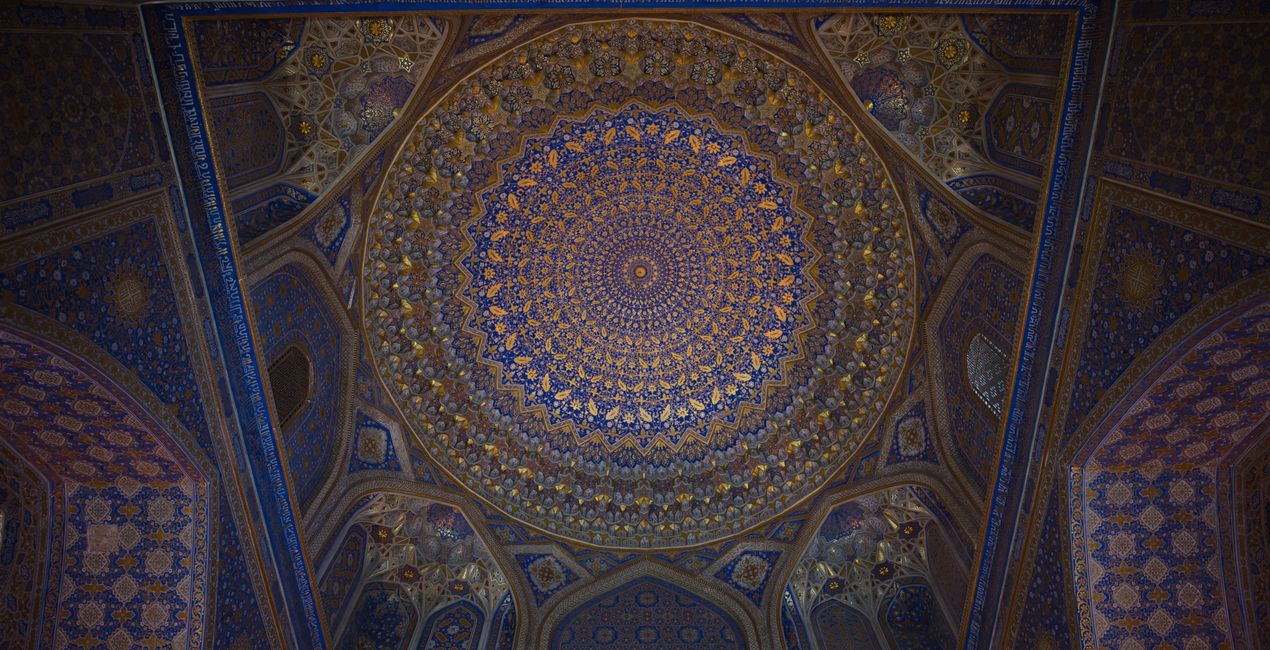
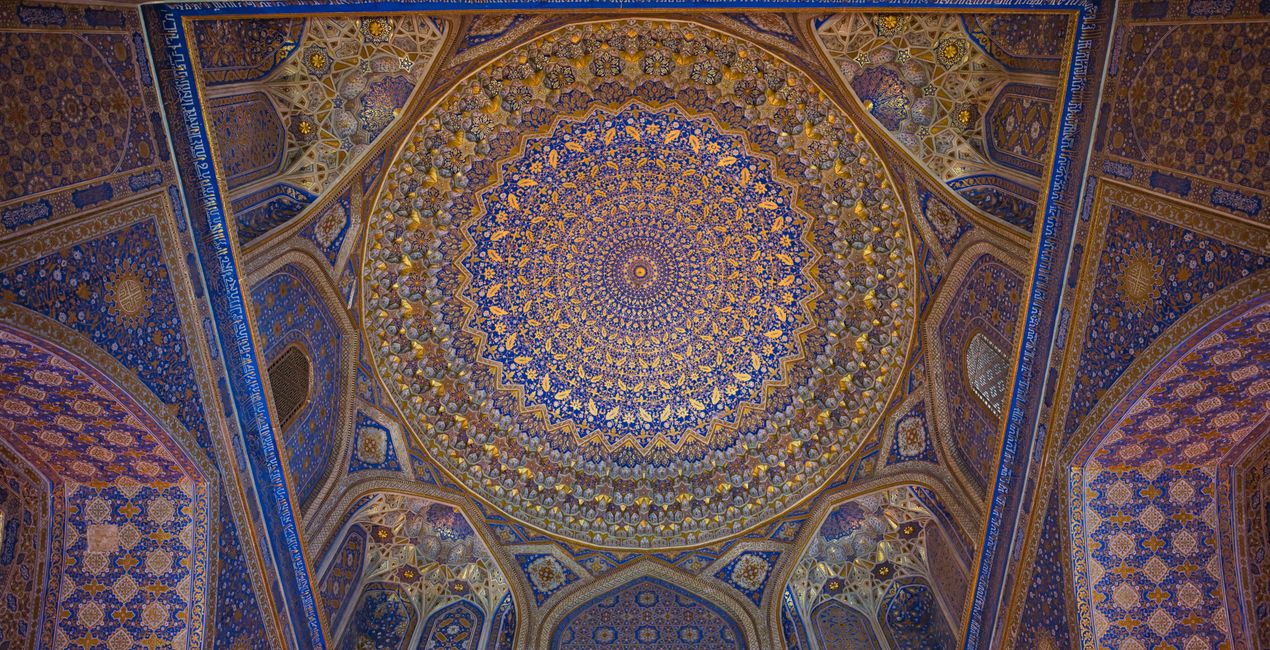
A pack of 10 Presets for Luminar Neo and Luminar AI. Instantly get a warm look for your travel photos shot in the Middle East and other Arab countries. These Presets are specifically created to enhance desert landscapes and oriental cityscapes with golden tones and rich colors.
Compatibilità

Ottieni foto come queste
Utilizzando i file RAW forniti, potrai mettere facilmente in pratica i consigli di ritocco e imparare a ottenere foto come queste.
 >
>
 >
>
 >
>
 >
>
 >
>
 >
>
La storia
This collection of 10 one-click Presets for travel and architecture photography is just what you need to enhance your oriental images. These Presets add more detail, color and a sunny look to your photos.
You’ll find 10 Presets in this pack:
Samarkand - Lighten up and give a light saturation to the image.
Bukhara - Improve the colors and give some structure adjusting the contrast.
Amman - Warm the colors, improve the structure and the glow of the picture.
Riyhad - Add colder tones and enhance the structure.
Muscat - Darken the over-exposed areas and improve the gold tones in the image.
Shiraz - Improve the luminosity of the image making it more glowy.
Abu Dhabi - Lower the contrast and mute vibrant colors for a mystical look.
Kuwait - Add a hard contrast and improve the structure of the image.
Dubai - Improve the luminosity of your picture by adding a characteristic glow.
Doha - Perfect for desert landscapes, it adds a bit of a dramatic look.
Pro tip: For the best results, adjust the Amount slider for each Preset to control its impact. Remember that each image is unique, so make sure to adjust each Preset to match your vision and get the best results. Once you’ve applied a Preset, tweak the Exposure, Contrast, Highlights, and Blacks and Whites to your liking.
Prodotti correlati


Creator
Nancy Da Campo
Architecture photographer and educator
<p>Nancy Da Campo is a freelance architecture and interiors photographer born in Milan, Italy, and currently traveling extensively to discover and capture the beauty of the built environment. <br></p><p>Perspectives and the use of lines are two central pillars of Nancy’s content, and she’s always looking for new and interesting angles to show her interpretation of a building through her camera or drone lens. </p><p></p><p>Nancy regularly works with architectural and cultural institutions, tech brands, and tourism boards. </p>
Come faccio a contattare l'assistenza?
Se hai domande sui prodotti, puoi contattare il team dell'assistenza tutti i giorni, 24 ore al giorno. Utilizza questo link.
Come faccio ad acquistare Oriental Feel?
Per acquistare Oriental Feel, segui questi passaggi:
1. Apri il Marketplace di Skylum.
2. Vai sulla scheda dove è elencato Oriental Feel. Clicca sul nome del prodotto per aggiungerlo al carrello.
3. Vai al carrello, dove potrai completare l'acquisto di Oriental Feel.
4. Dopo l'acquisto, riceverai un'e-mail con il link per scaricare Oriental Feel. Potrai trovare il nuovo acquisto anche nel tuo account Skylum, nella scheda I miei add-on.
Come faccio a installare Oriental Feel?
Nell'e-mail con il link per il download riceverai anche istruzioni dettagliate su come installare Oriental Feel.
Inoltre, puoi installare l'articolo acquistato direttamente in Luminar Neo: vai su Extra > Marketplace, seleziona la categoria di prodotto, trova l'articolo acquistato e clicca su Installa.
Dove trovo Oriental Feel dopo l'installazione?
È facilissimo! Vai nella scheda Preset, quindi seleziona Acquistati. Qui troverai i preset che hai acquistato.
Che succede se perdo Oriental Feel?
Non preoccuparti. Tutti gli articoli acquistati, incluso Oriental Feel, vengono conservati nella scheda "I miei add-on" del tuo account Skylum, così potrai riscaricarli e utilizzarli in tutta facilità.
Come faccio a verificare se Oriental Feel è compatibile con i miei software?
In generale, la maggior parte degli articoli è compatibile con Luminar Neo. Ma per assicurarti che Oriental Feel sia compatibile con i tuoi software, verificane le specifiche prima di scaricarlo o acquistarlo. Cerca la sezione "Compatibilità" sulla destra della pagina di Oriental Feel, dove sono elencati tutti i prodotti compatibili.


