


 Applicato


Interiors Enhancements
Save $201 $ 19 .00

Create breathtaking images of places that look effective and inviting. Use this selection of 10 Presets to make your real estate and interior photos look professional in a few clicks. Perfect results can’t wait!

Utilizzando i file RAW forniti, potrai mettere facilmente in pratica i consigli di ritocco e imparare a ottenere foto come queste.
 >
>
 >
>
 >
>
 >
>
 >
>
 >
>
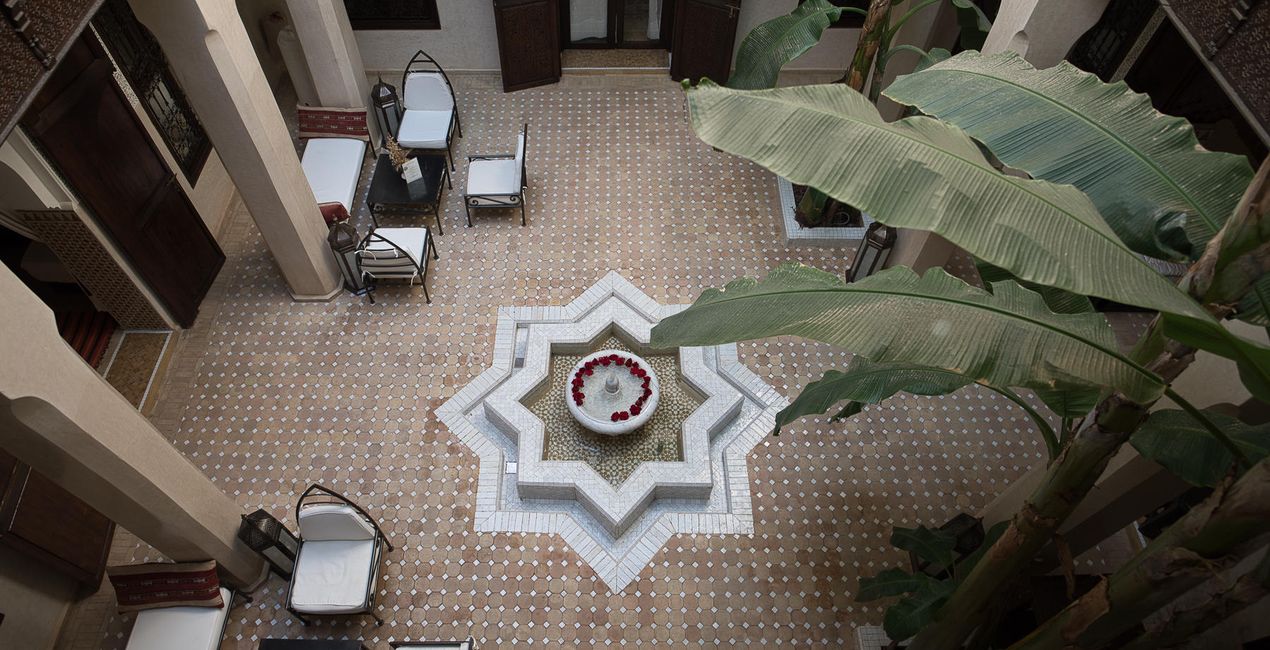
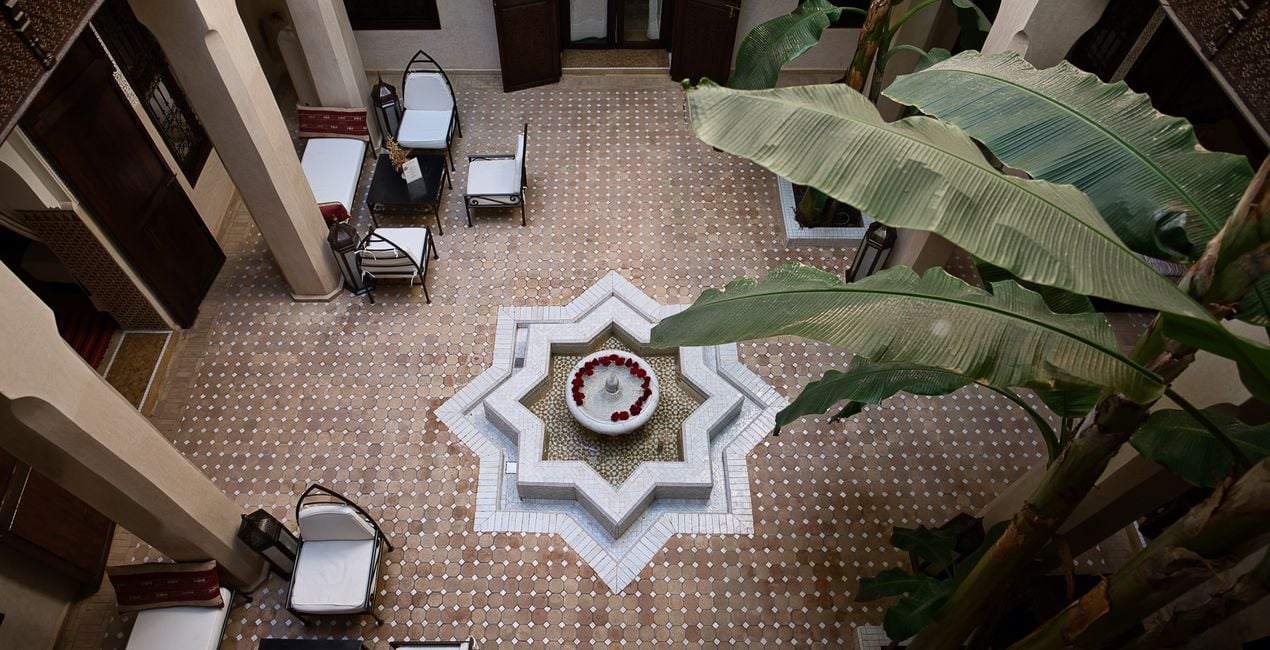
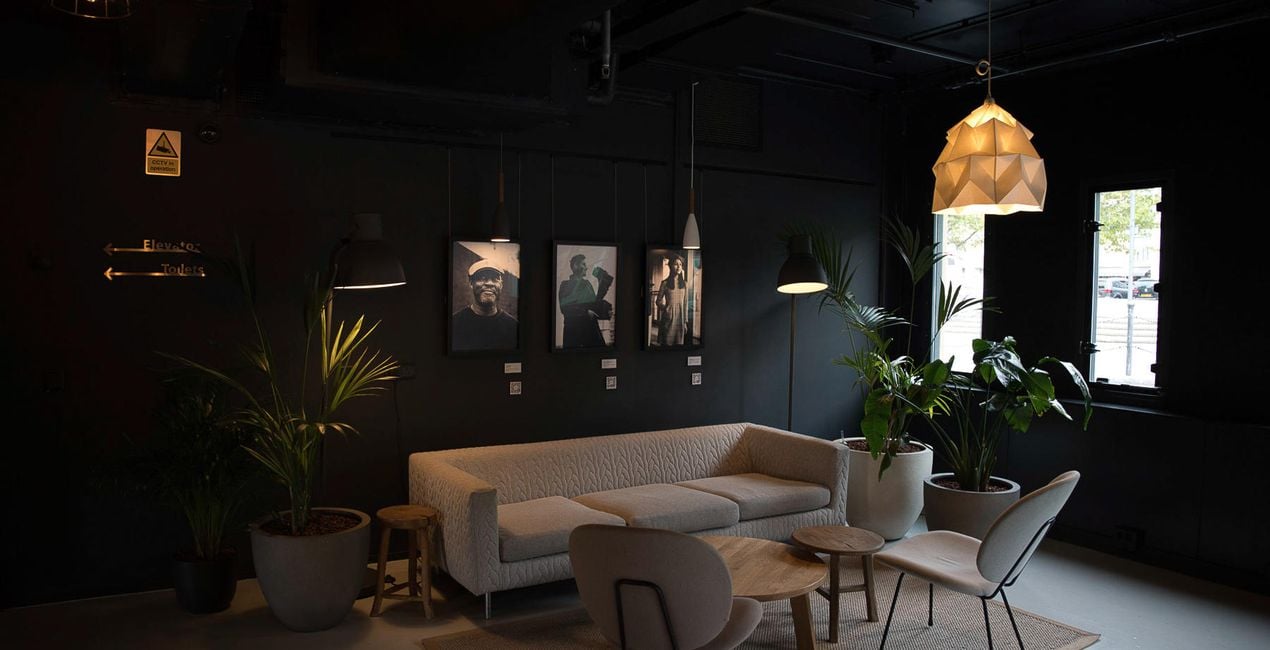
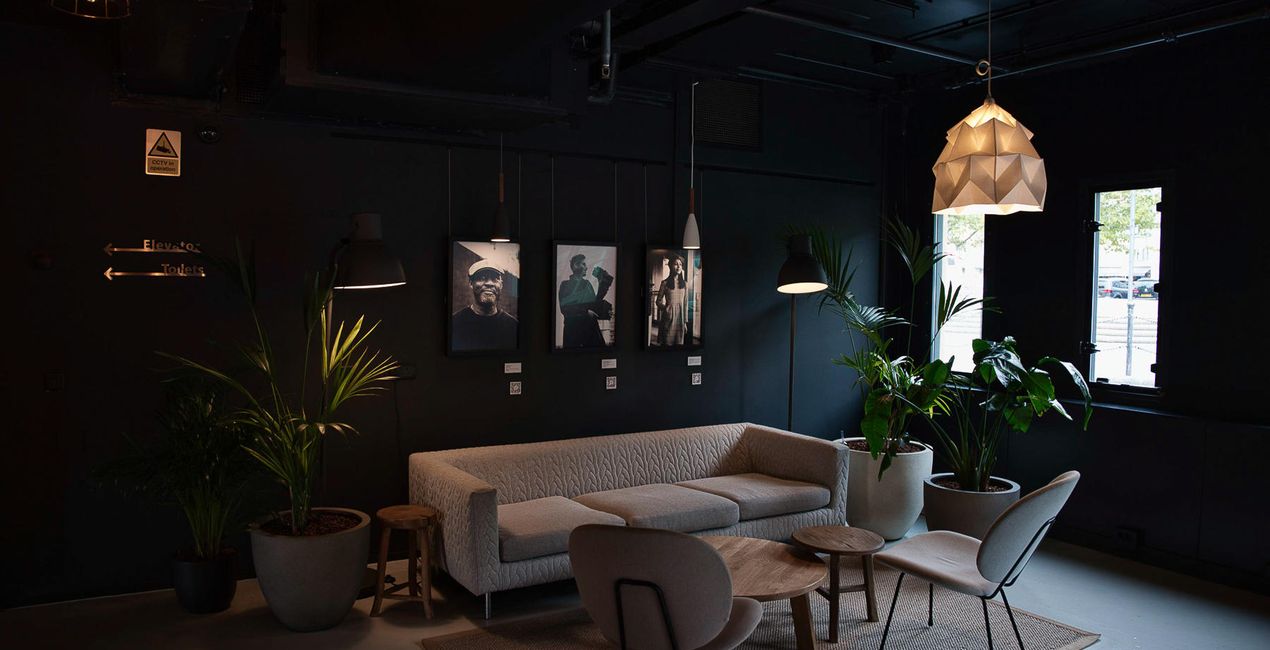
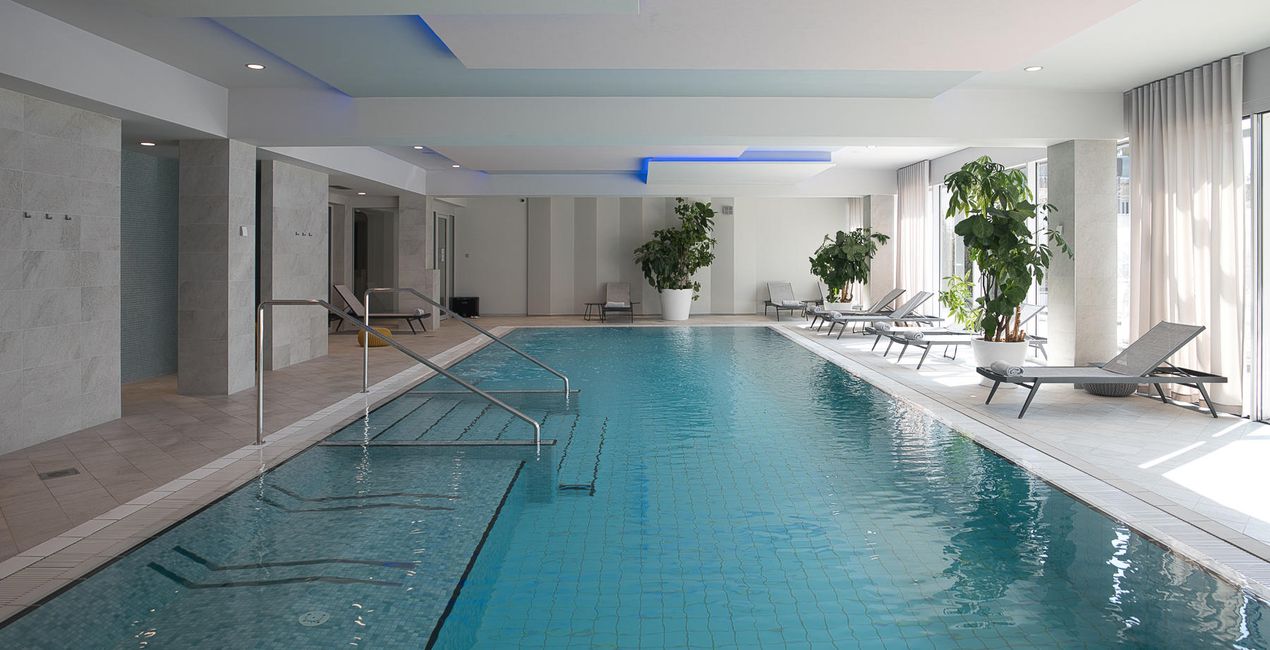
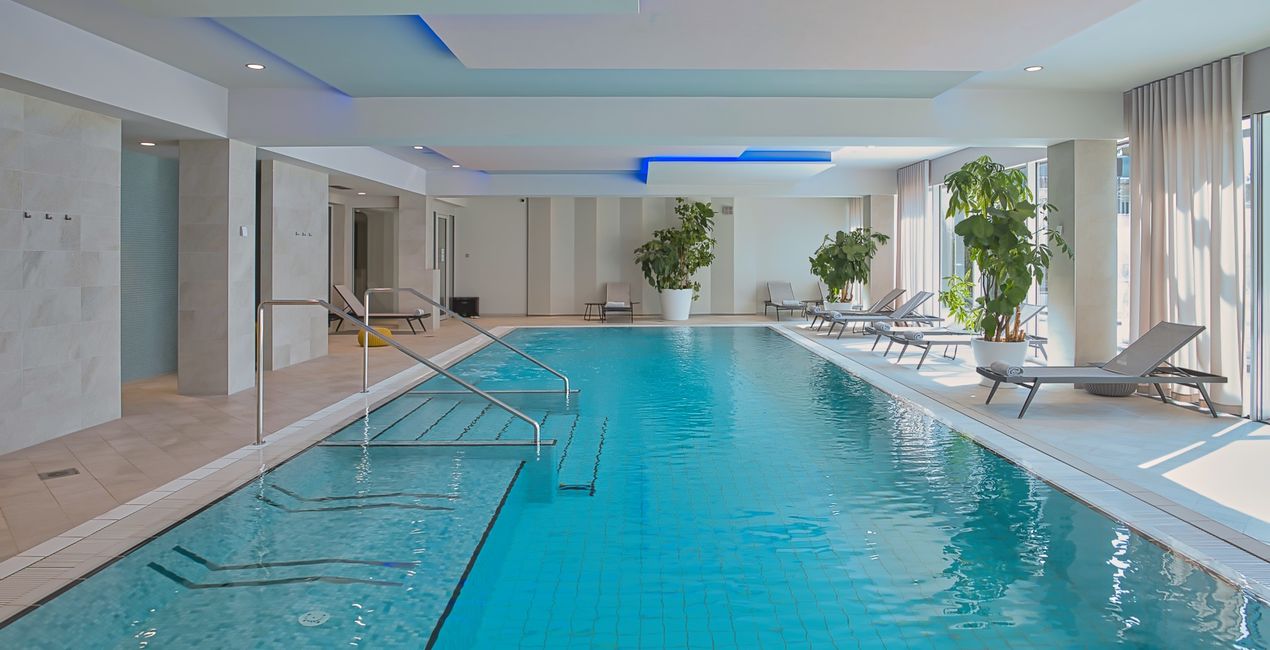
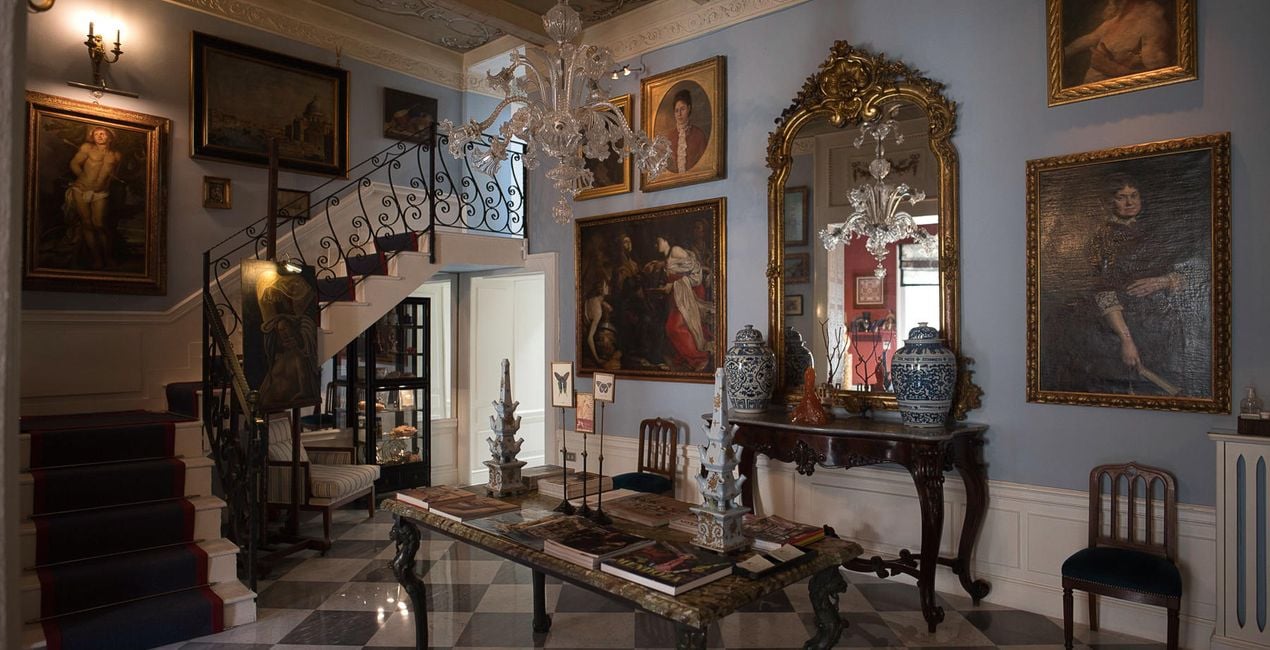
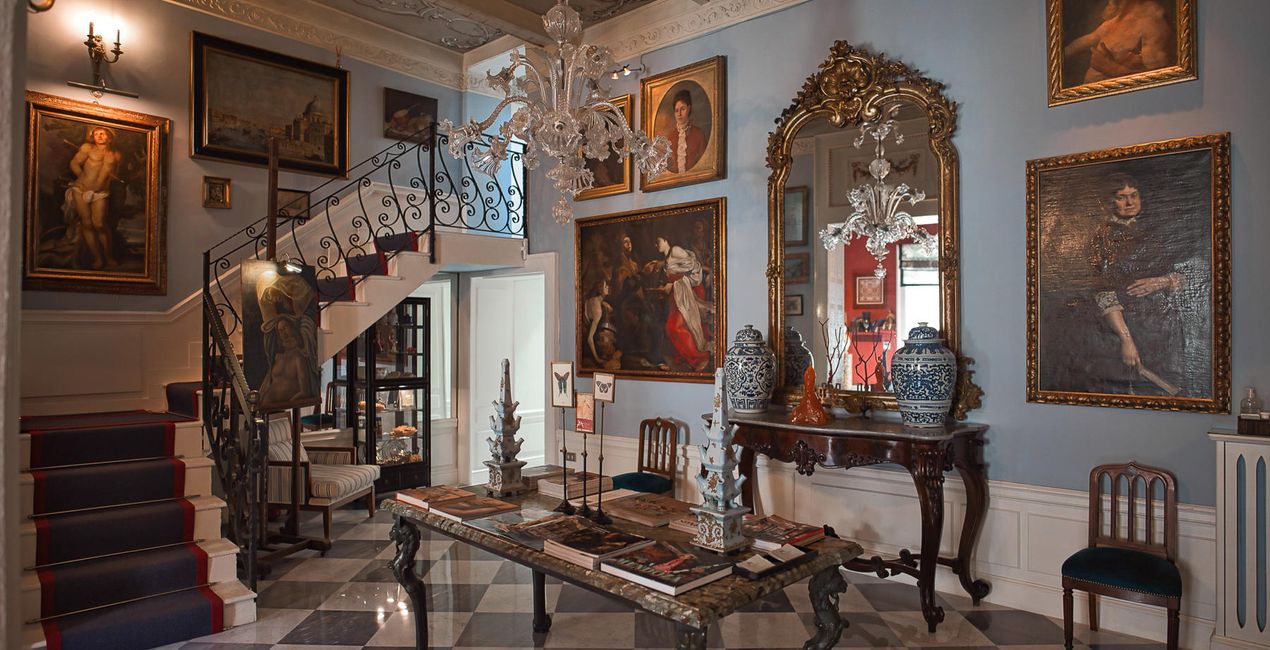
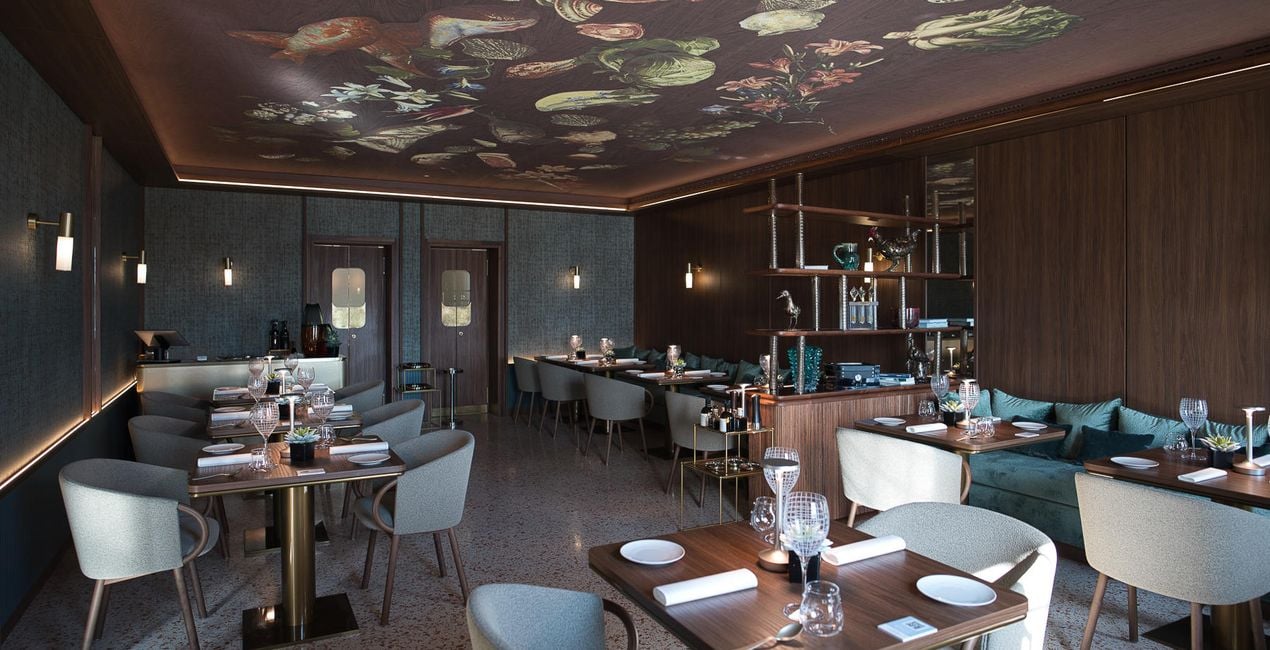
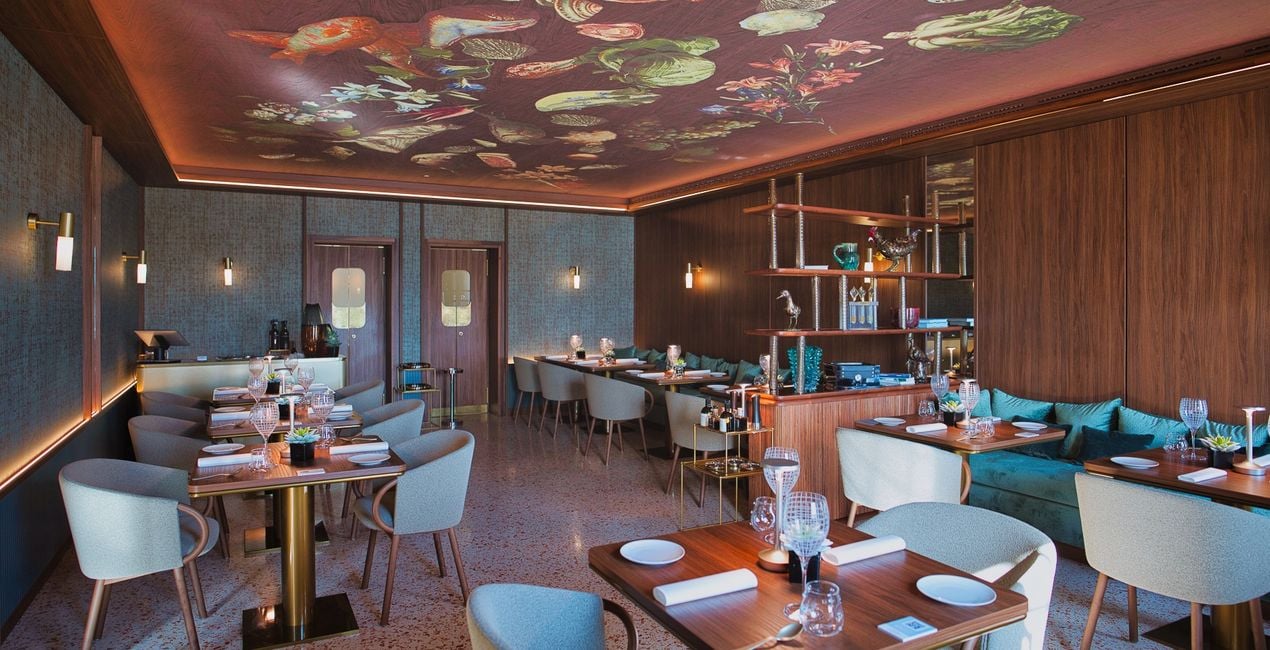
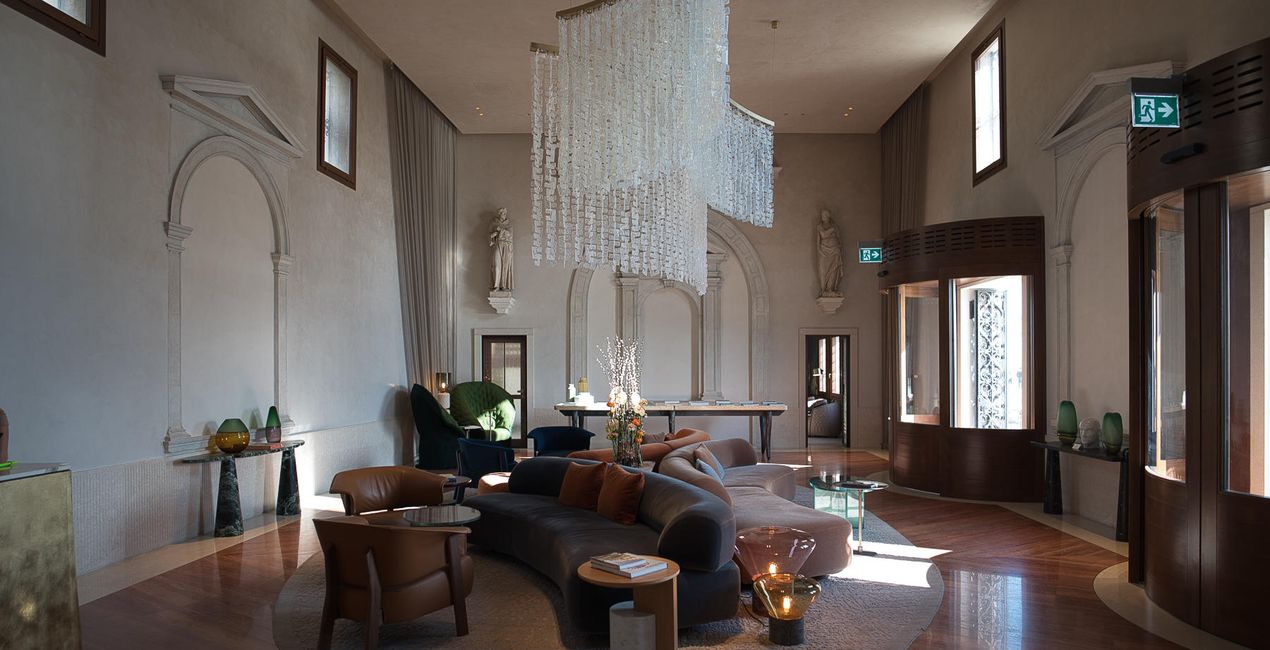
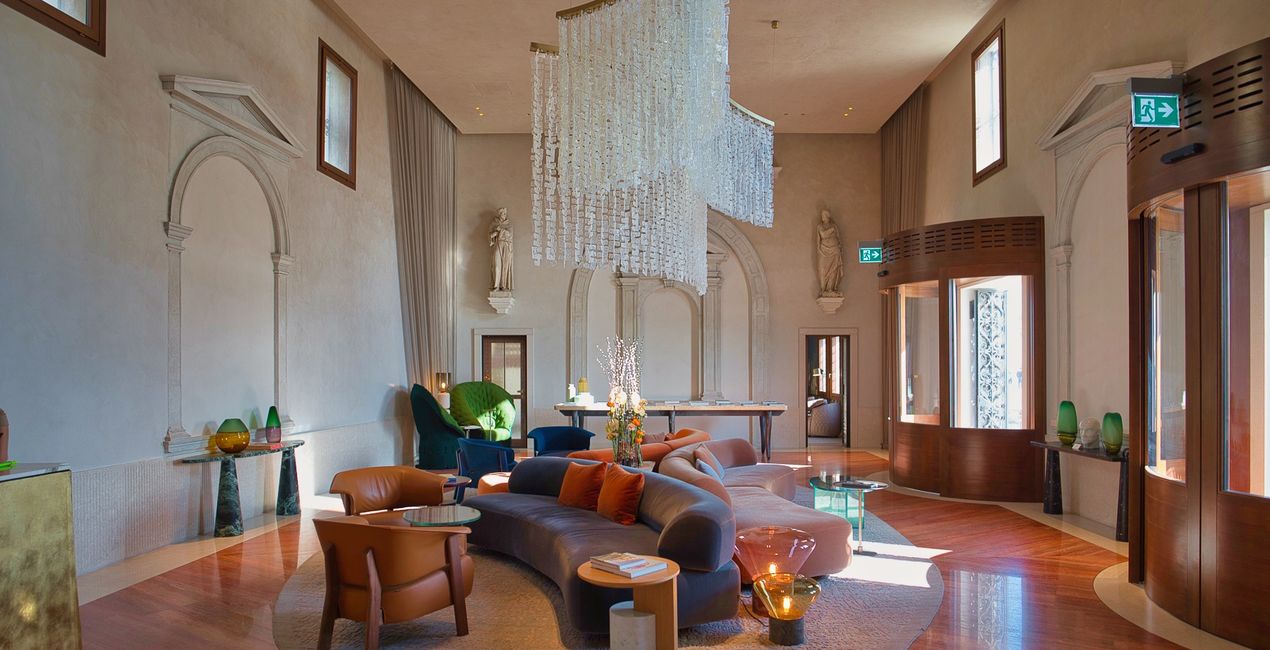
This selection of 10 Presets will make your real estate and interior photos look professional in a few clicks. They will help you to improve colors, shadows, and highlights, emphasize textures and surfaces, and correct for the lighting conditions of your interior photos.
Use them for images of home interiors, hotels, restaurants, bars, swimming pools, and gardens. Transform ordinary photos into picture-perfect images.
Note: Every photo is different, so Nancy recommends using these Presets as a starting point and then adjusting the Exposure and White Balance settings to better suit your own creative vision. Bear in mind that sometimes a Preset might be too strong for a certain image. If it is, simply switch to the Edits tab and adjust the tools according to your taste. Adjust the Exposure if you think the image becomes too bright or too dark. Adjust the White Balance and Tint if the image seems too warm or cold.
Architecture photographer and educator
<p>Nancy Da Campo is a freelance architecture and interiors photographer born in Milan, Italy, and currently traveling extensively to discover and capture the beauty of the built environment. <br></p><p>Perspectives and the use of lines are two central pillars of Nancy’s content, and she’s always looking for new and interesting angles to show her interpretation of a building through her camera or drone lens. </p><p></p><p>Nancy regularly works with architectural and cultural institutions, tech brands, and tourism boards. </p>
Se hai domande sui prodotti, puoi contattare il team dell'assistenza tutti i giorni, 24 ore al giorno. Utilizza questo link.
Per acquistare Interiors Enhancements, segui questi passaggi:
1. Apri il Marketplace di Skylum.
2. Vai sulla scheda dove è elencato Interiors Enhancements. Clicca sul nome del prodotto per aggiungerlo al carrello.
3. Vai al carrello, dove potrai completare l'acquisto di Interiors Enhancements.
4. Dopo l'acquisto, riceverai un'e-mail con il link per scaricare Interiors Enhancements. Potrai trovare il nuovo acquisto anche nel tuo account Skylum, nella scheda I miei add-on.
Nell'e-mail con il link per il download riceverai anche istruzioni dettagliate su come installare Interiors Enhancements.
Inoltre, puoi installare l'articolo acquistato direttamente in Luminar Neo: vai su Extra > Marketplace, seleziona la categoria di prodotto, trova l'articolo acquistato e clicca su Installa.
È facilissimo! Vai nella scheda Preset, quindi seleziona Acquistati. Qui troverai i preset che hai acquistato.
Non preoccuparti. Tutti gli articoli acquistati, incluso Interiors Enhancements, vengono conservati nella scheda "I miei add-on" del tuo account Skylum, così potrai riscaricarli e utilizzarli in tutta facilità.
In generale, la maggior parte degli articoli è compatibile con Luminar Neo. Ma per assicurarti che Interiors Enhancements sia compatibile con i tuoi software, verificane le specifiche prima di scaricarlo o acquistarlo. Cerca la sezione "Compatibilità" sulla destra della pagina di Interiors Enhancements, dove sono elencati tutti i prodotti compatibili.
Non andartene ancora. Ecco un codice sconto esclusivo per te. Usalo entro i prossimi 15 minuti per ottenere un ulteriore sconto del 10% al momento del pagamento. Copia il codice qui sotto e completa l'acquisto.
15 m : 00 s





