


 Applicato


European Travels
Save $201 $ 19 .00

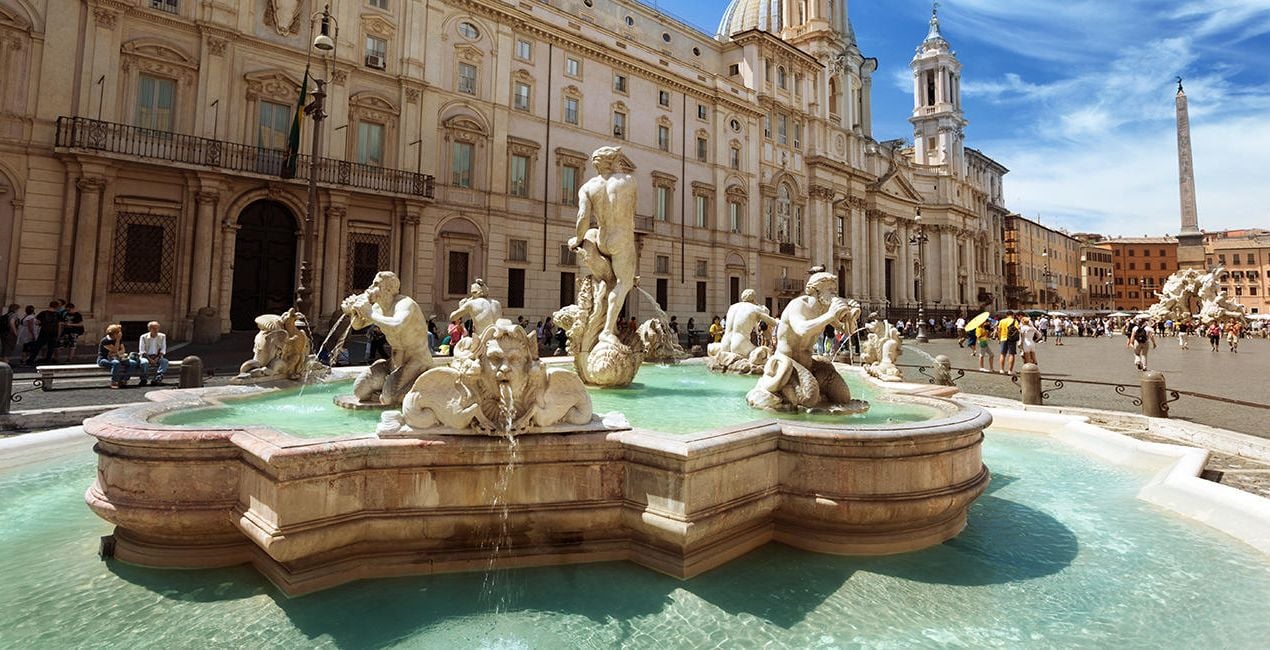
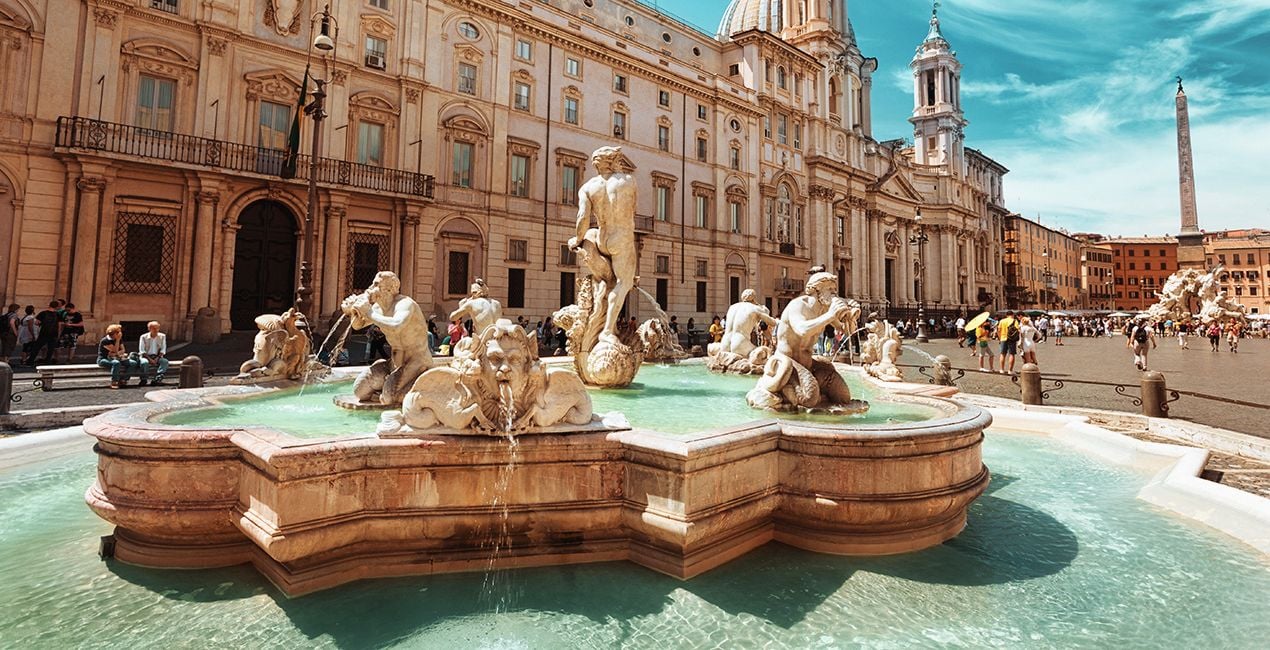
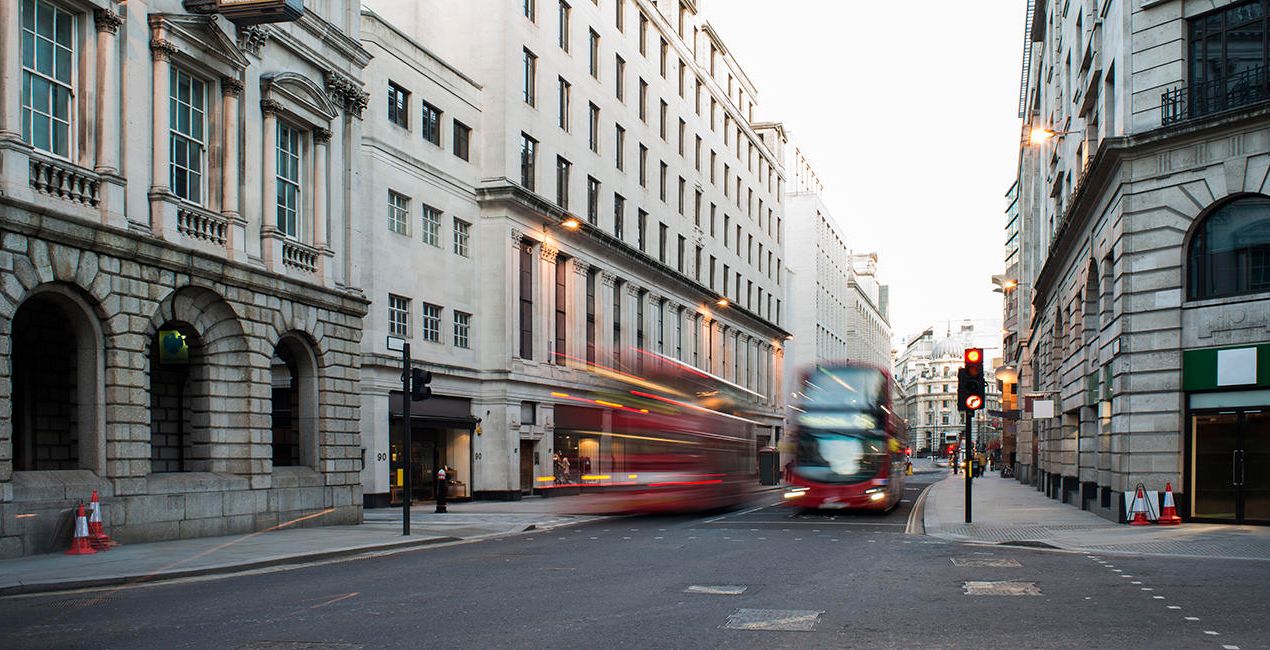
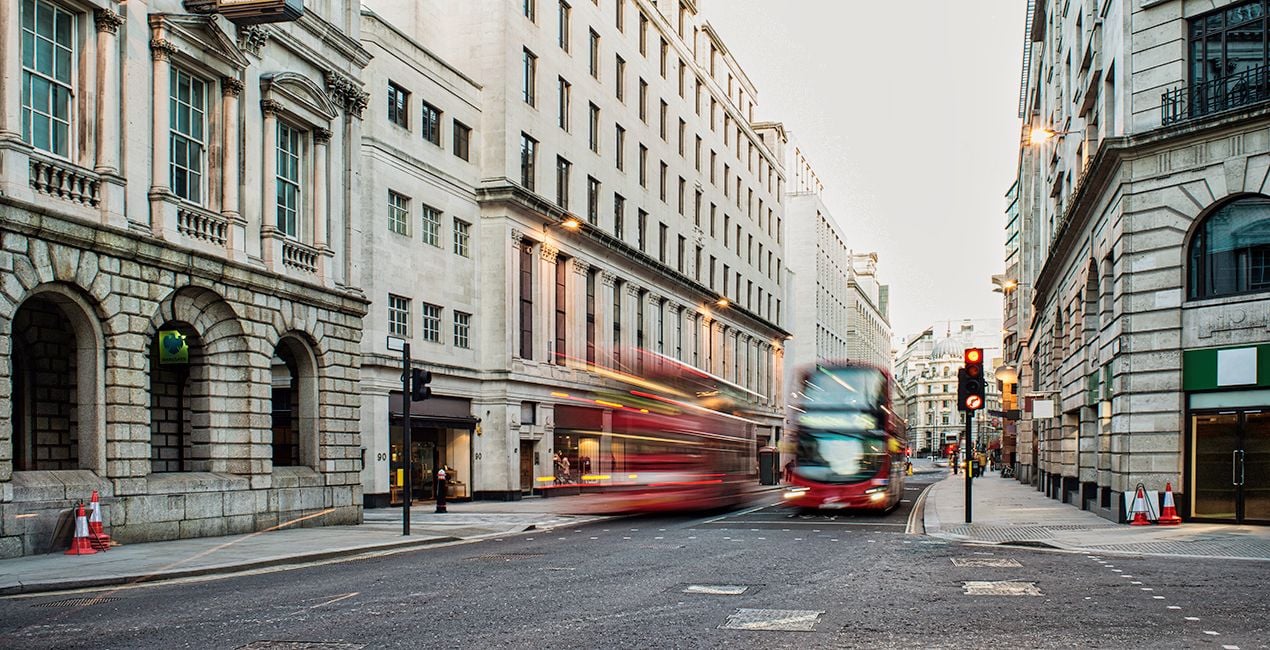
Capture the magic of all your travels in the most beautiful way possible. Achieve stunning shots in any lighting or environment. Whether you’re looking for subtle adjustments or dramatic transformations, our Presets are sure to make your photos shine!

Utilizzando i file RAW forniti, potrai mettere facilmente in pratica i consigli di ritocco e imparare a ottenere foto come queste.
 >
>
 >
>
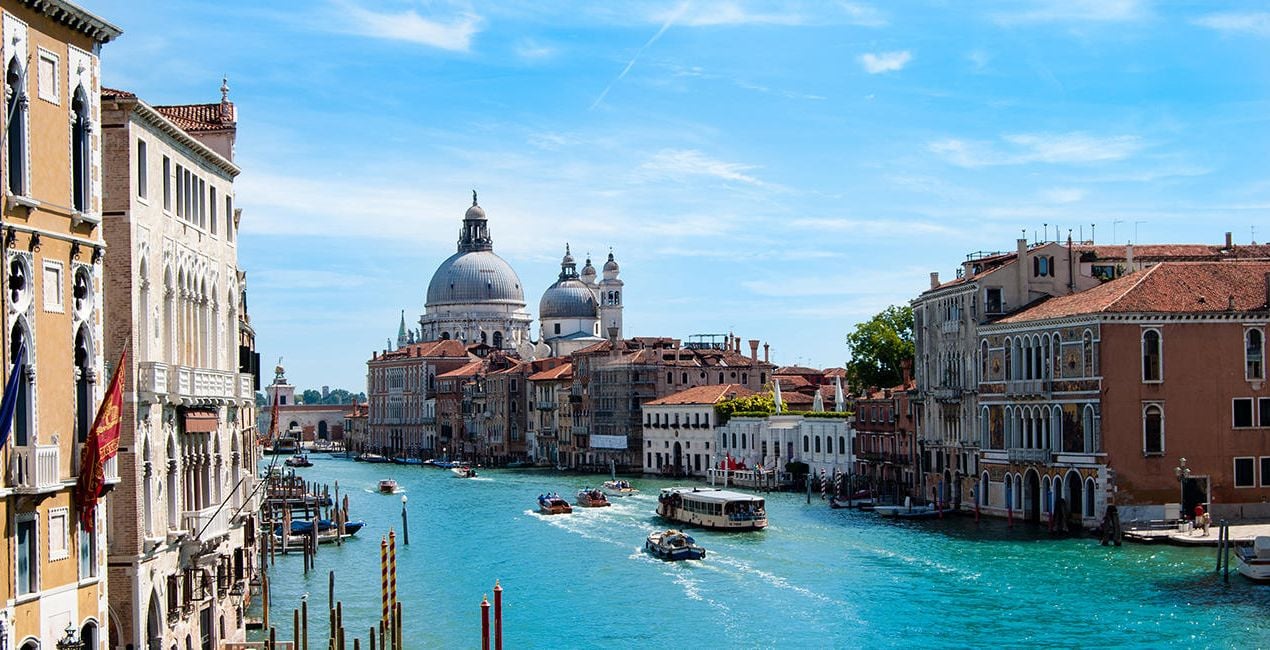
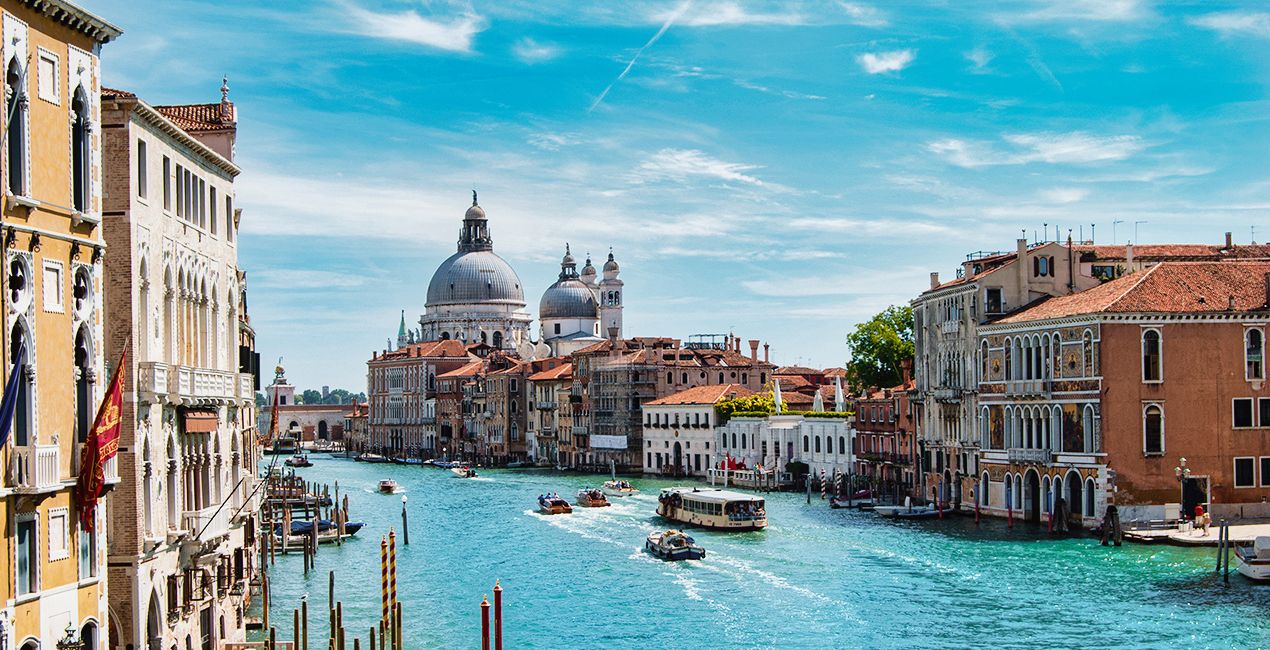 >
>
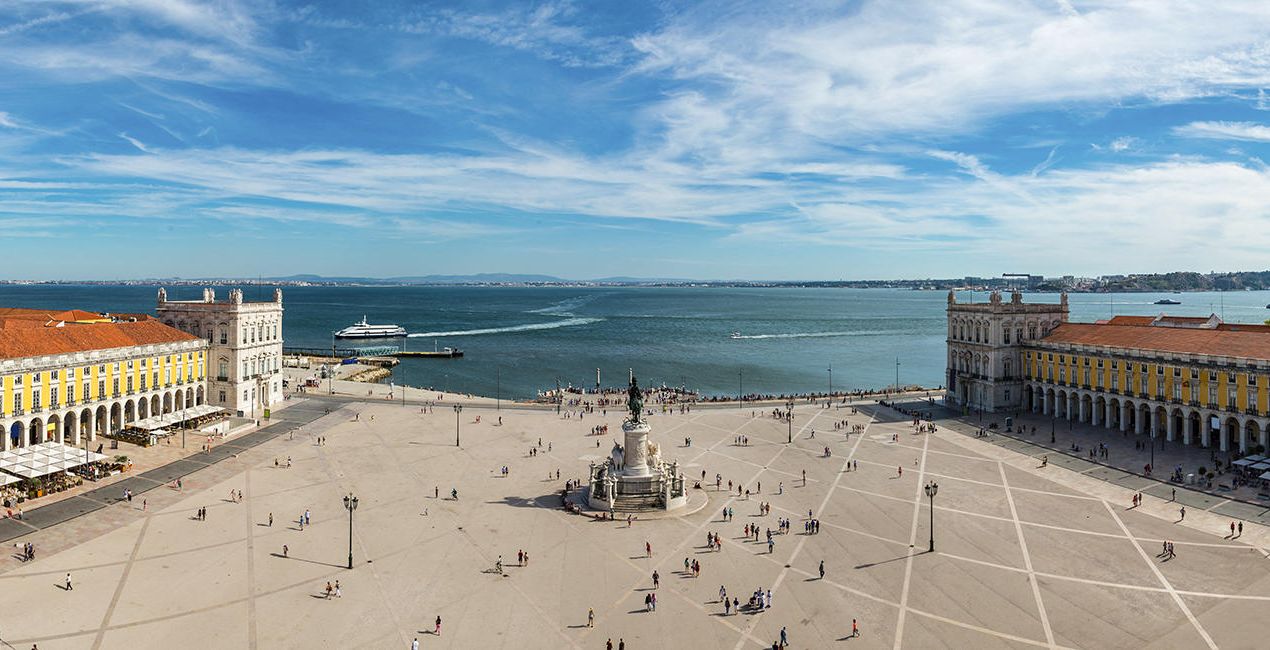
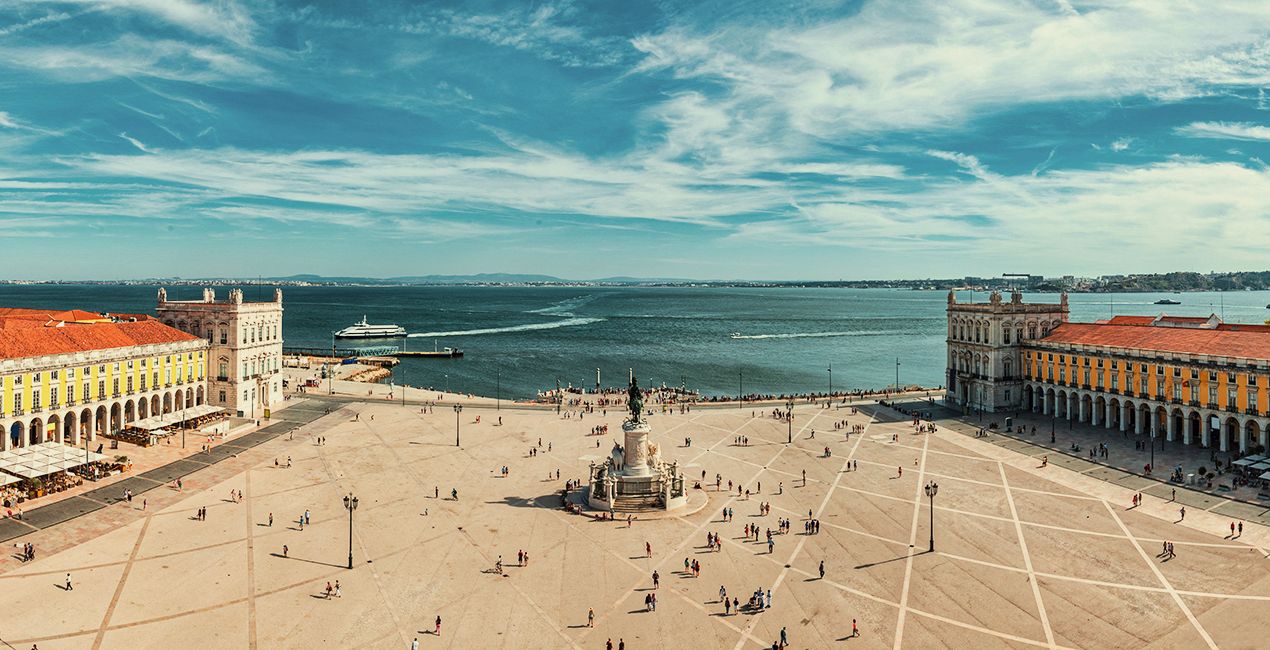 >
>

 >
>

 >
>
Are you a travel enthusiast looking for the perfect way to capture your memories? Look no further! This collection of 10 one-click Presets for stunning travel photography is just what you need.
Whether you’re editing quick travel shots or picturesque cityscapes, this collection has all kinds of editing effects you’ll love. Pick subtle or dramatic adjustments and enhance any travel photo, making it look even more breathtaking. Don’t miss out on this amazing collection — get it now!
You’ll find 10 Presets in this pack :
Venice: A warm and clear Preset with extended dynamic range
Prague: A warm, saturated Preset with a glow effect
Paris: A clear Preset with blue in the shadows and cold green toning
Budapest: A bright, saturated Preset
Istanbul: An evening and night Preset with slightly cold toning
Barcelona: A light, warm Preset with cyan blue toning
Athens: A Preset with a dark blue and slightly red tint
London: A clear Preset with slightly warm toning
Lisbon: A Preset with a lowered white point and a greenish tint
Rome: A desaturated Preset with warm toning and cyan blue tint
Don’t forget to share your results! Use the hashtag #madewithluminar on social media so the Skylum Team can take a look at your work!
Fotografi, coloristi e ritoccatori
Il Team di Skylum collabora con centinaia di fotografi professionisti ed editor di foto per offrirti Modelli utilizzati da fotografi top per creare capolavori. Il Laboratorio Skylum AI analizza le foto e i lavori dei fotografi e crea Modelli accessibili a tutti e che sfruttano la tecnologia avanzata che sta dietro al software di LuminarAI. La nostra missione è ridurre il tempo e gli sforzi necessari a realizzare foto straordinarie e consentire a tutti di divertirsi con il photo editing e la fotografia.
Se hai domande sui prodotti, puoi contattare il team dell'assistenza tutti i giorni, 24 ore al giorno. Utilizza questo link.
Per acquistare European Travels, segui questi passaggi:
1. Apri il Marketplace di Skylum.
2. Vai sulla scheda dove è elencato European Travels. Clicca sul nome del prodotto per aggiungerlo al carrello.
3. Vai al carrello, dove potrai completare l'acquisto di European Travels.
4. Dopo l'acquisto, riceverai un'e-mail con il link per scaricare European Travels. Potrai trovare il nuovo acquisto anche nel tuo account Skylum, nella scheda I miei add-on.
Nell'e-mail con il link per il download riceverai anche istruzioni dettagliate su come installare European Travels.
Inoltre, puoi installare l'articolo acquistato direttamente in Luminar Neo: vai su Extra > Marketplace, seleziona la categoria di prodotto, trova l'articolo acquistato e clicca su Installa.
È facilissimo! Vai nella scheda Preset, quindi seleziona Acquistati. Qui troverai i preset che hai acquistato.
Non preoccuparti. Tutti gli articoli acquistati, incluso European Travels, vengono conservati nella scheda "I miei add-on" del tuo account Skylum, così potrai riscaricarli e utilizzarli in tutta facilità.
In generale, la maggior parte degli articoli è compatibile con Luminar Neo. Ma per assicurarti che European Travels sia compatibile con i tuoi software, verificane le specifiche prima di scaricarlo o acquistarlo. Cerca la sezione "Compatibilità" sulla destra della pagina di European Travels, dove sono elencati tutti i prodotti compatibili.
Non andartene ancora. Ecco un codice sconto esclusivo per te. Usalo entro i prossimi 15 minuti per ottenere un ulteriore sconto del 10% al momento del pagamento. Copia il codice qui sotto e completa l'acquisto.
15 m : 00 s





