


 Applicato


Earth & Skies Bundle
Save $201 $ 31 .85 $ 49 .00

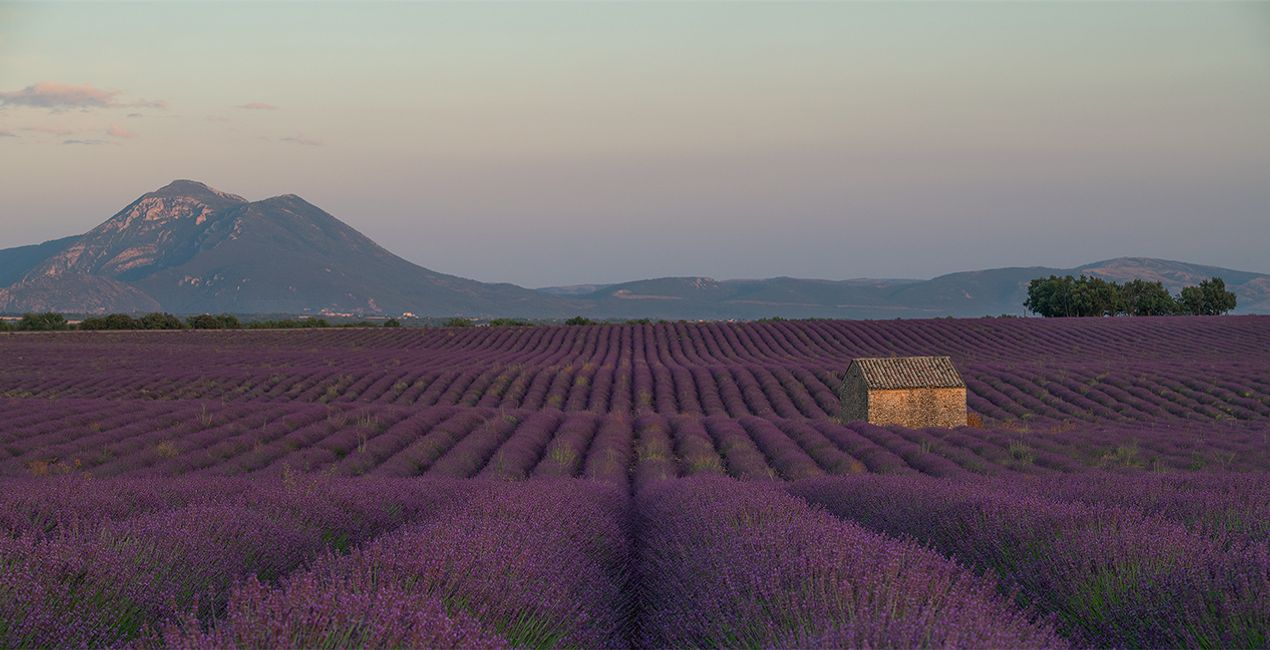
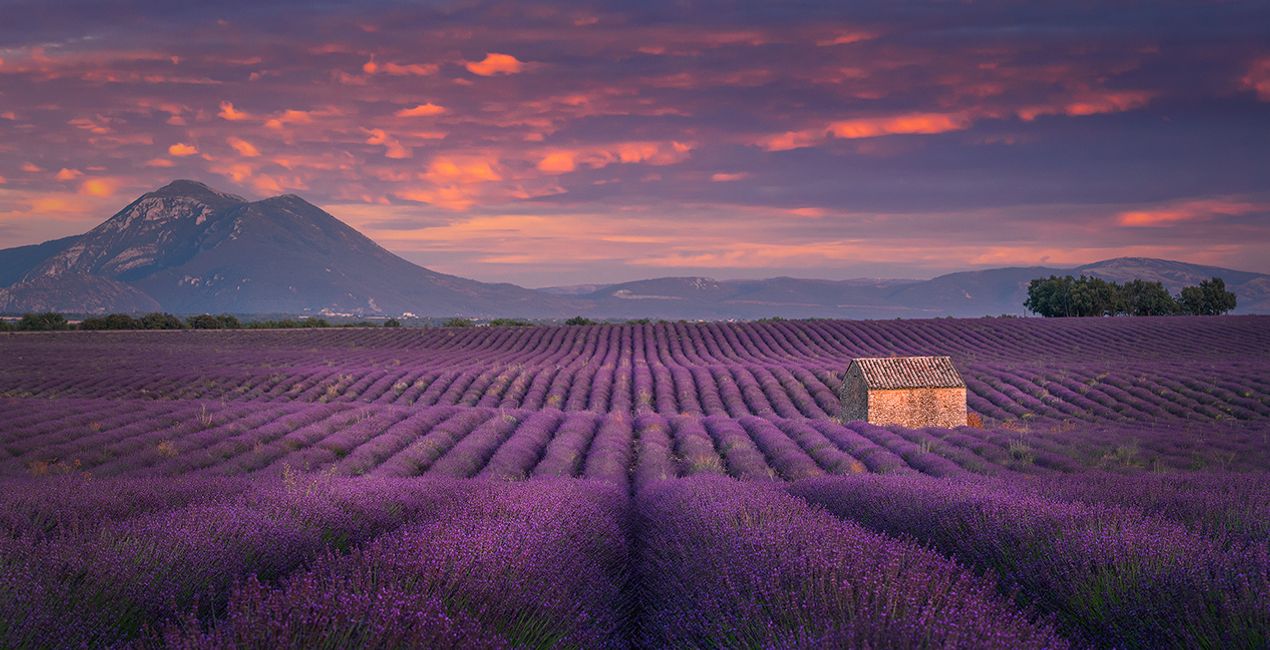
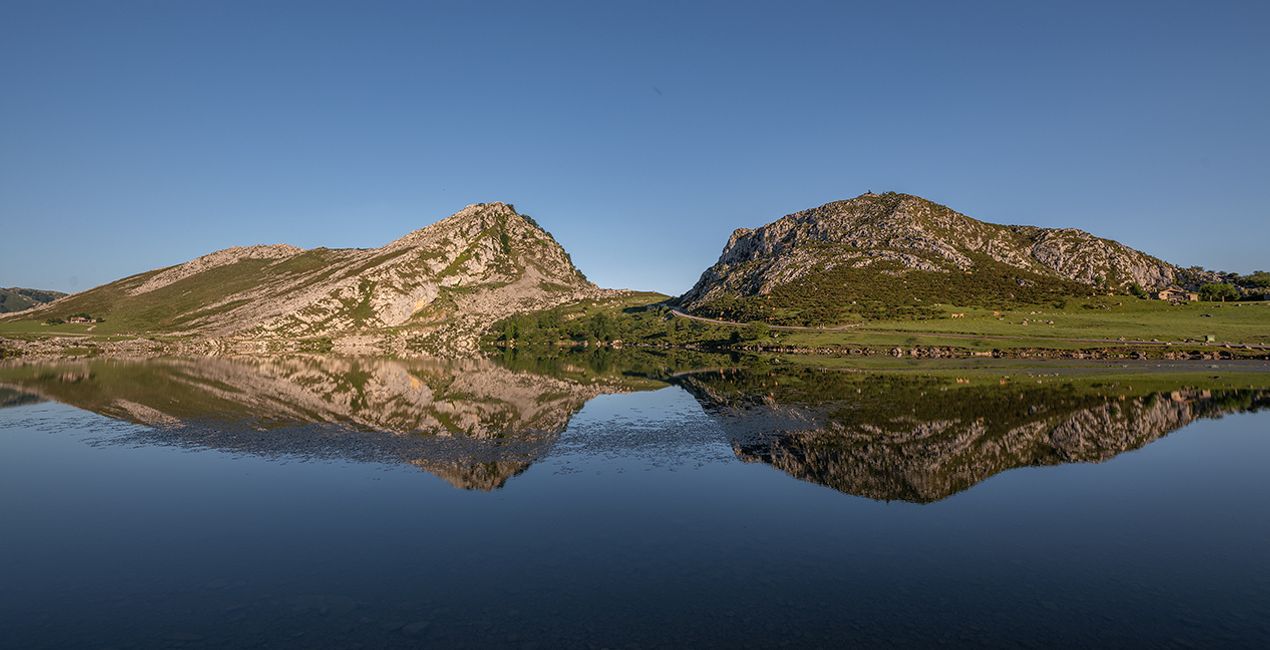
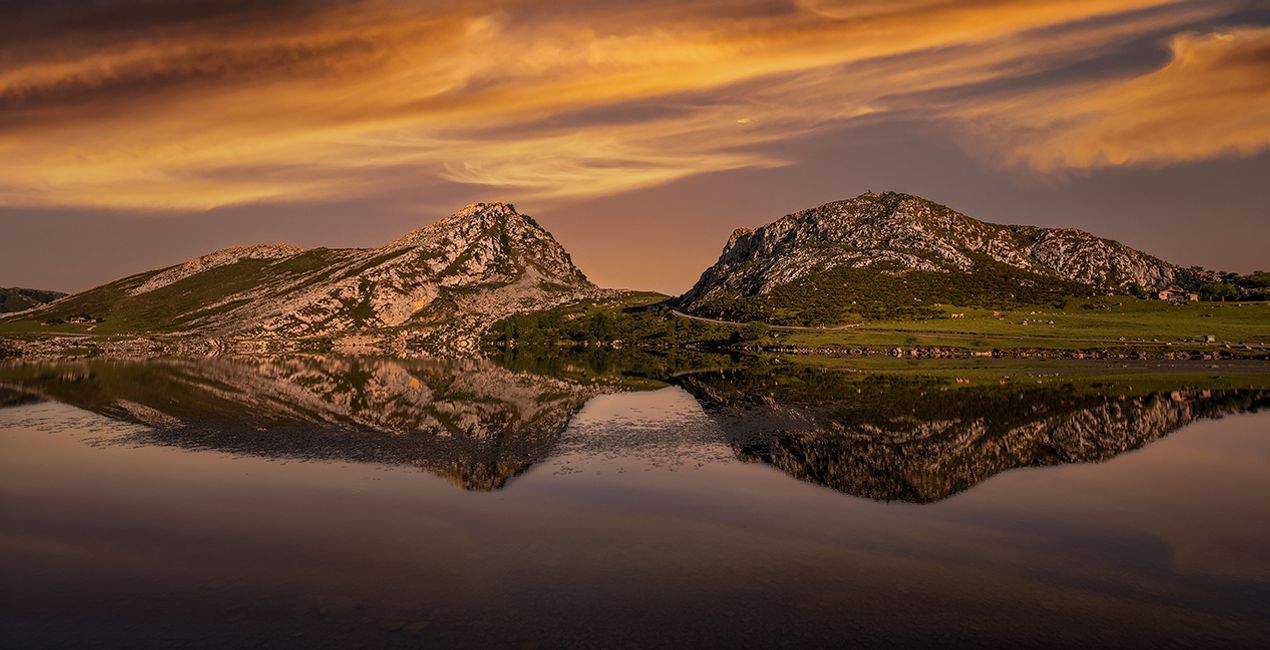
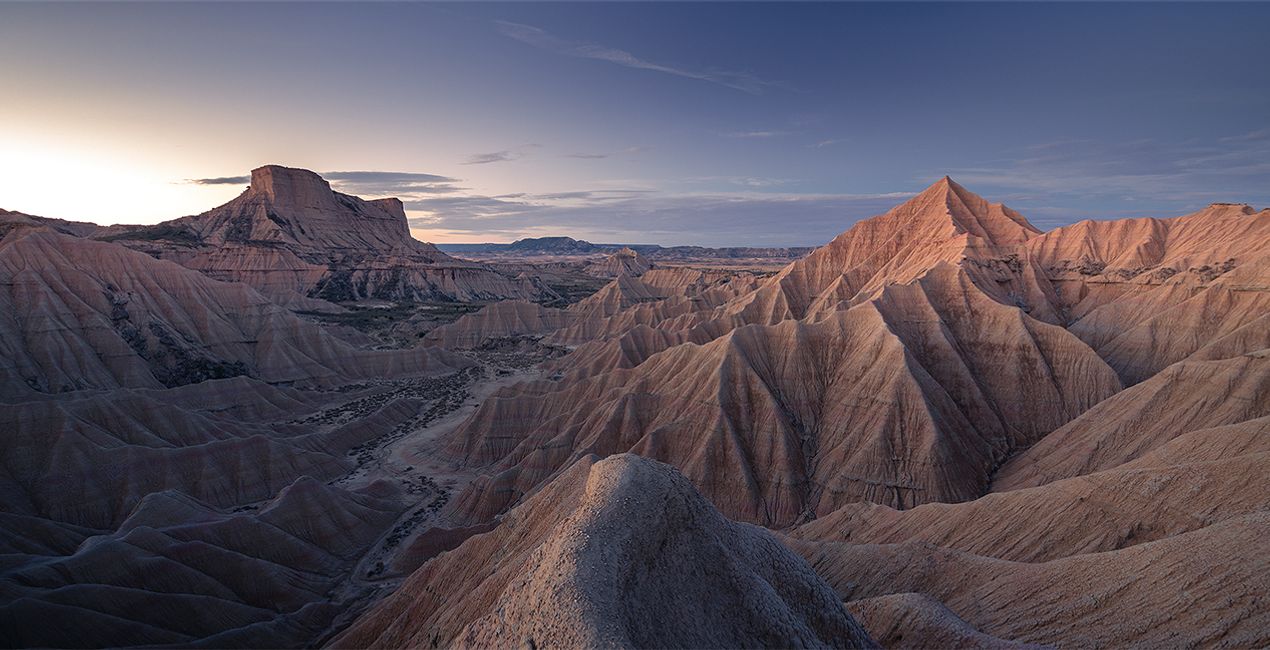
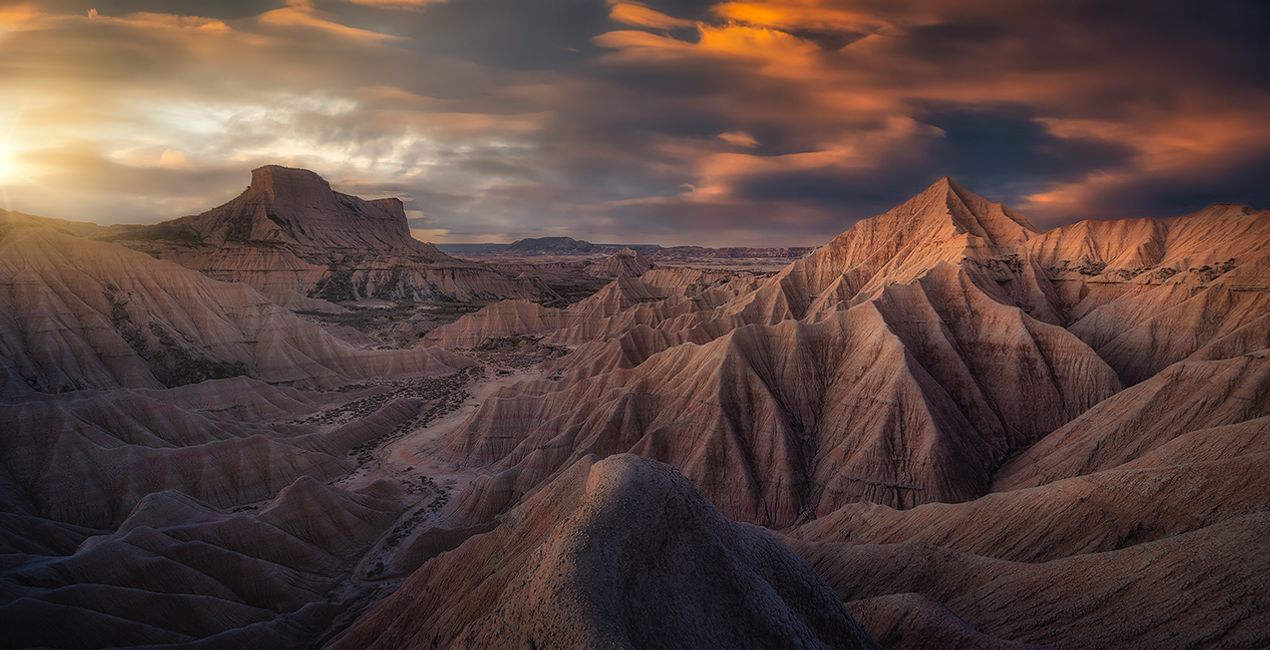
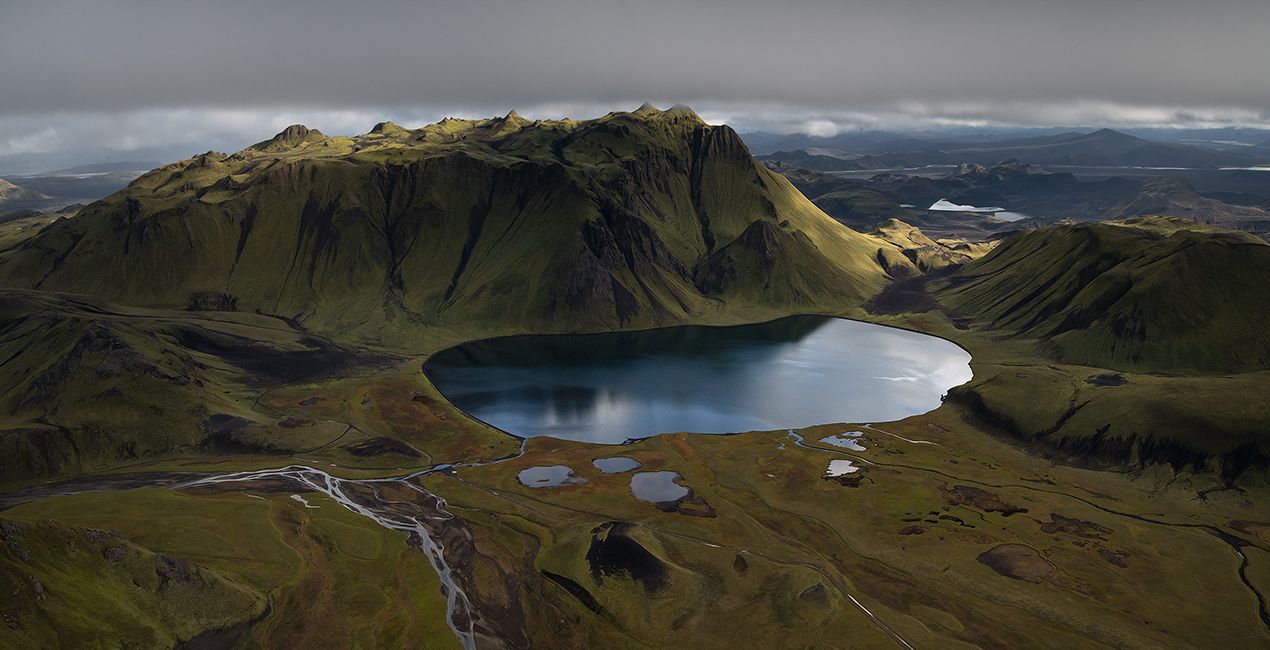
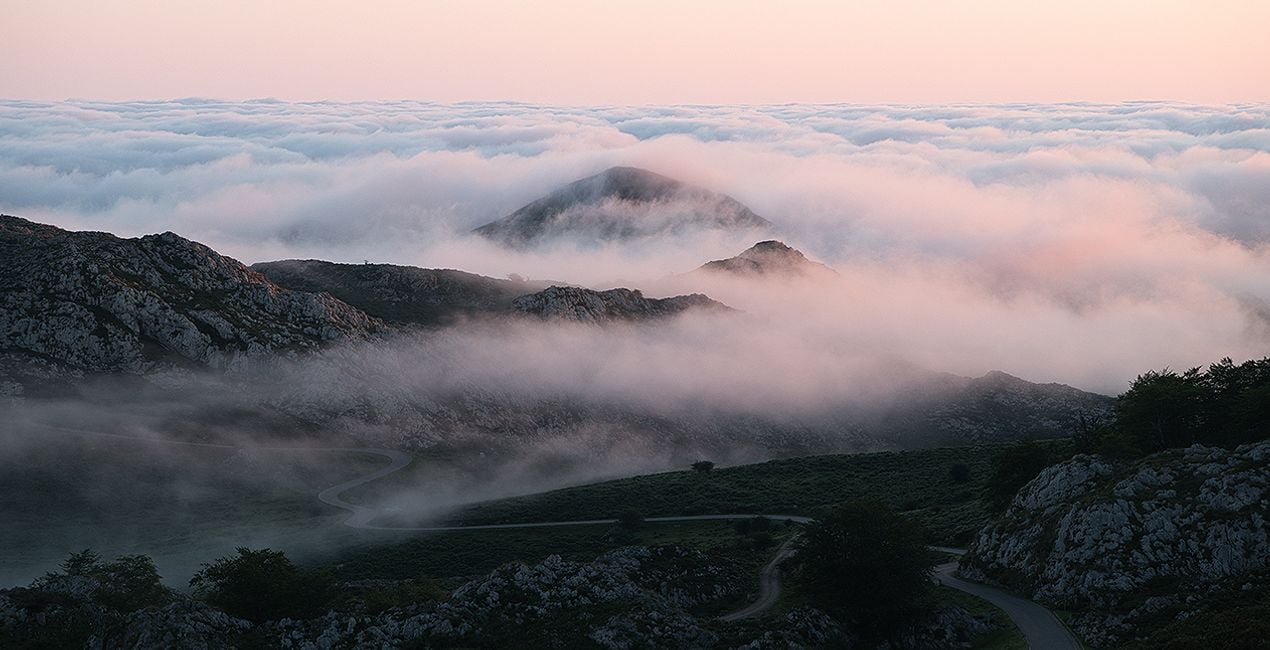
Get 12 incredible Presets for landscapes and 10 creative Skies in one incredible bundle by Armand Sarlangue. This bundle includes the Landscapes Between Earth & Sky Presets that can help you create fantastic landscapes, and the Creative Skies with a variety of orange and pink for photos taken at any time of day. Use both of these collections that channel Armand’s unique creative editing style to enhance photos and create wonderful landscapes that you’ll love. Experiment by adding a variety of effects and see which ones you love more!
Cosa è incluso
Landscapes Between Earth & Sky Presets, Creative Skies by Armand Sarlangue

Utilizzando i file RAW forniti, potrai mettere facilmente in pratica i consigli di ritocco e imparare a ottenere foto come queste.
 >
>
 >
>
 >
>

.jpg?w=1270&h=650&resize=cover) >
>
.jpg?w=1270&h=650&resize=cover) >
>
.jpg?w=1270&h=650&resize=cover) >
>


Photographer. Skylum Ambassador.
Armand Sarlangue has been a professional photographer for 14 years. The son of a photographer, visual art has been Armand’s true passion since childhood, and it’s through nature photography that he really expresses his creativity.
Being alone in the most remote places and translating the feelings of those moments through his images is what motivates Armand. He uses advanced post-production techniques to create ambiances that match his vision of our world.
Armand’s landscape images have been internationally awarded and exhibited in the USA, Spain, Italy, and France. His work has also been published by National Geographic, GEO Magazine, Australian Photography magazine, BBC News, and many other publications.
Se hai domande sui prodotti, puoi contattare il team dell'assistenza tutti i giorni, 24 ore al giorno. Utilizza questo link.
Per acquistare Earth & Skies Bundle, segui questi passaggi:
1. Apri il Marketplace di Skylum.
2. Vai sulla scheda dove è elencato Earth & Skies Bundle. Clicca sul nome del prodotto per aggiungerlo al carrello.
3. Vai al carrello, dove potrai completare l'acquisto di Earth & Skies Bundle.
4. Dopo l'acquisto, riceverai un'e-mail con il link per scaricare Earth & Skies Bundle. Potrai trovare il nuovo acquisto anche nel tuo account Skylum, nella scheda I miei add-on.
Nell'e-mail con il link per il download riceverai anche istruzioni dettagliate su come installare Earth & Skies Bundle.
Inoltre, puoi installare l'articolo acquistato direttamente in Luminar Neo: vai su Extra > Marketplace, seleziona la categoria di prodotto, trova l'articolo acquistato e clicca su Installa.
È facilissimo! Vai nella scheda Extra, quindi seleziona Bundle. Qui troverai tutti i preset nei bundle.
Non preoccuparti. Tutti gli articoli acquistati, incluso Earth & Skies Bundle, vengono conservati nella scheda "I miei add-on" del tuo account Skylum, così potrai riscaricarli e utilizzarli in tutta facilità.
In generale, la maggior parte degli articoli è compatibile con Luminar Neo. Ma per assicurarti che Earth & Skies Bundle sia compatibile con i tuoi software, verificane le specifiche prima di scaricarlo o acquistarlo. Cerca la sezione "Compatibilità" sulla destra della pagina di Earth & Skies Bundle, dove sono elencati tutti i prodotti compatibili.
Non andartene ancora. Ecco un codice sconto esclusivo per te. Usalo entro i prossimi 15 minuti per ottenere un ulteriore sconto del 10% al momento del pagamento. Copia il codice qui sotto e completa l'acquisto.
15 m : 00 s





