


 Applicato


Dreamy Vacation Bundle
Save $201 $ 40 .00 $ 69 .00

In this bundle, you’ll find two fantastic packs by Mathew Browne for the best price: Sun & Sand LUTs and the Passage of Time Skies pack.
Cosa è incluso
Sun & Sand LUTs, Passage of Time Skies


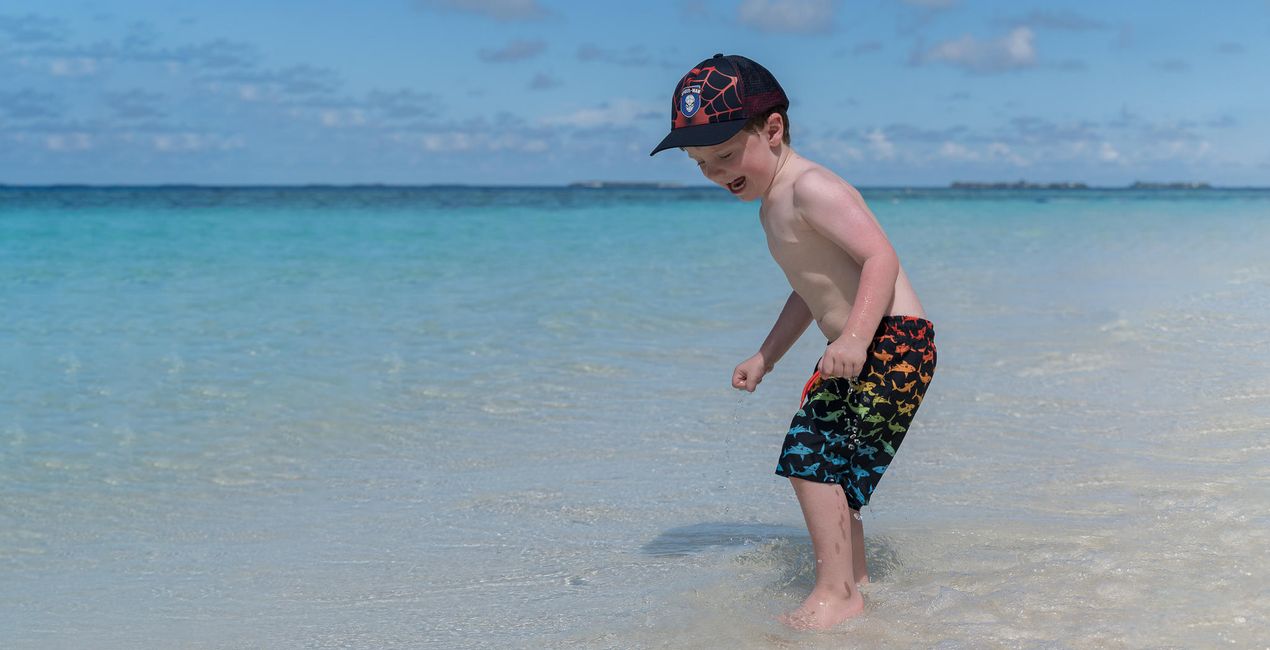
Utilizzando i file RAW forniti, potrai mettere facilmente in pratica i consigli di ritocco e imparare a ottenere foto come queste.
 >
>

 >
>

 >
>

 >
>

 >
>

 >
>
Color grade your photos with 12 expressive LUTs inspired by days at the beach. They’re perfect for lifestyle shots, travel portraits, and epic seascapes. Then add even more atmosphere with 25 long exposure daytime Skies in JPEG and TIFF format. Gentle and dreamy clouds will really help you enhance the story you’re telling.
Mathew Browne is a photographer from Wales specializing in travel photography, cityscapes, and architecture. Mathew’s work has won several awards and been featured in magazines, and Mathew has worked with tourist boards to create bold and striking imagery.


Photographer. Skylum Ambassador.
Mathew Browne is a cross-genre photographer who has gained recognition for his vibrant images spanning the spectrum of travel photography. A prolific traveler, Mathew has visited nearly 70 countries and photographs extensively for the photo location sharing platform PhotoHound, which he co-founded in 2018.
These Looks serve as the foundation for much of his wildlife portfolio, often allowing him to achieve his desired result with just one click.
Se hai domande sui prodotti, puoi contattare il team dell'assistenza tutti i giorni, 24 ore al giorno. Utilizza questo link.
Per acquistare Dreamy Vacation Bundle, segui questi passaggi:
1. Apri il Marketplace di Skylum.
2. Vai sulla scheda dove è elencato Dreamy Vacation Bundle. Clicca sul nome del prodotto per aggiungerlo al carrello.
3. Vai al carrello, dove potrai completare l'acquisto di Dreamy Vacation Bundle.
4. Dopo l'acquisto, riceverai un'e-mail con il link per scaricare Dreamy Vacation Bundle. Potrai trovare il nuovo acquisto anche nel tuo account Skylum, nella scheda I miei add-on.
Nell'e-mail con il link per il download riceverai anche istruzioni dettagliate su come installare Dreamy Vacation Bundle.
Inoltre, puoi installare l'articolo acquistato direttamente in Luminar Neo: vai su Extra > Marketplace, seleziona la categoria di prodotto, trova l'articolo acquistato e clicca su Installa.
È facilissimo! Vai nella scheda Extra, quindi seleziona Bundle. Qui troverai tutti i preset nei bundle.
Non preoccuparti. Tutti gli articoli acquistati, incluso Dreamy Vacation Bundle, vengono conservati nella scheda "I miei add-on" del tuo account Skylum, così potrai riscaricarli e utilizzarli in tutta facilità.
In generale, la maggior parte degli articoli è compatibile con Luminar Neo. Ma per assicurarti che Dreamy Vacation Bundle sia compatibile con i tuoi software, verificane le specifiche prima di scaricarlo o acquistarlo. Cerca la sezione "Compatibilità" sulla destra della pagina di Dreamy Vacation Bundle, dove sono elencati tutti i prodotti compatibili.
Non andartene ancora. Ecco un codice sconto esclusivo per te. Usalo entro i prossimi 15 minuti per ottenere un ulteriore sconto del 10% al momento del pagamento. Copia il codice qui sotto e completa l'acquisto.
15 m : 00 s





