


 Aplicado


Selfie
Save $201 $ 16 .15 $ 19 .00

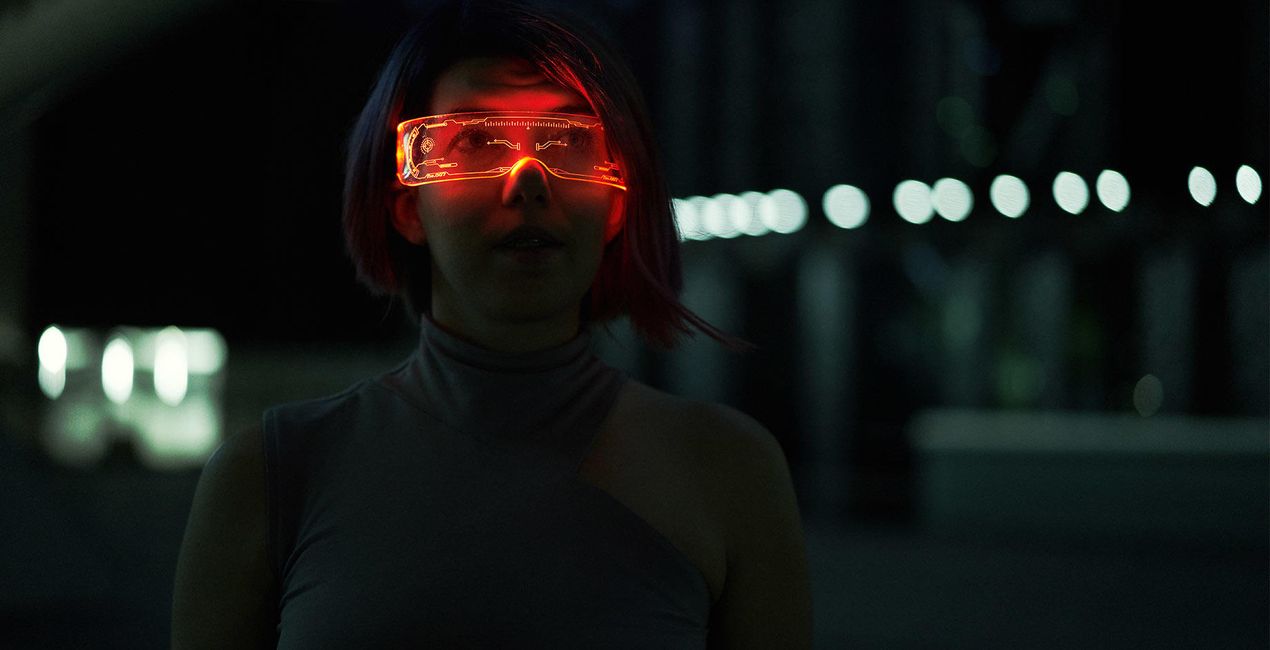
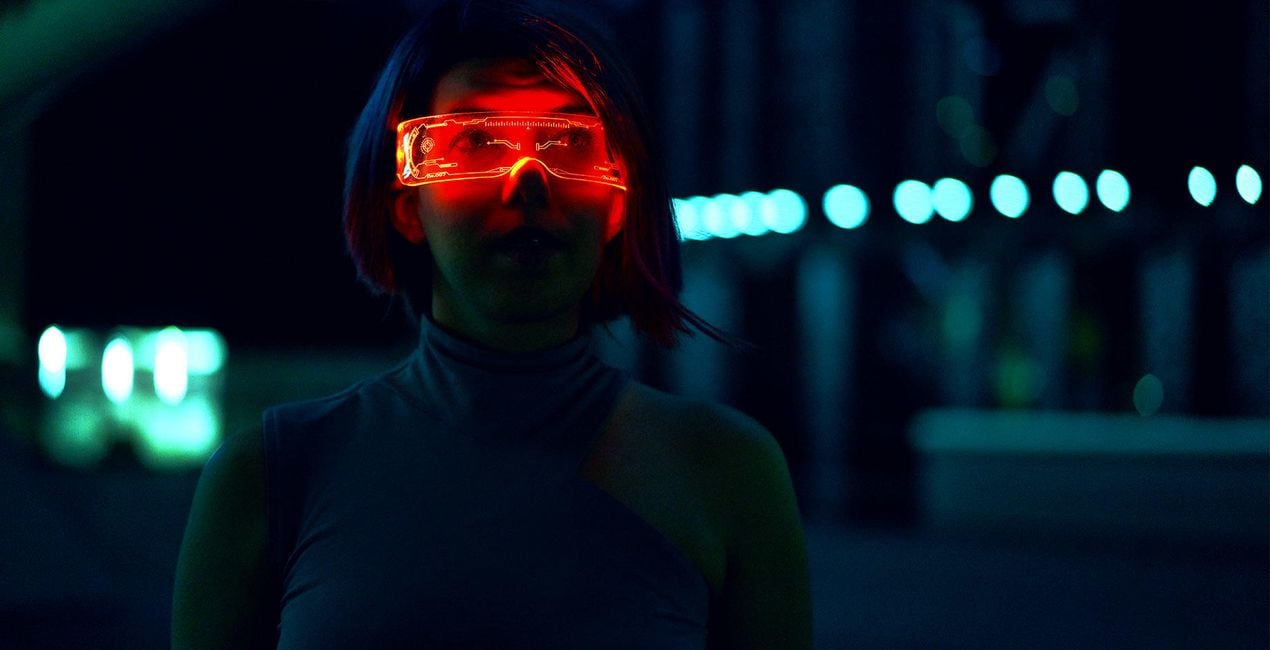
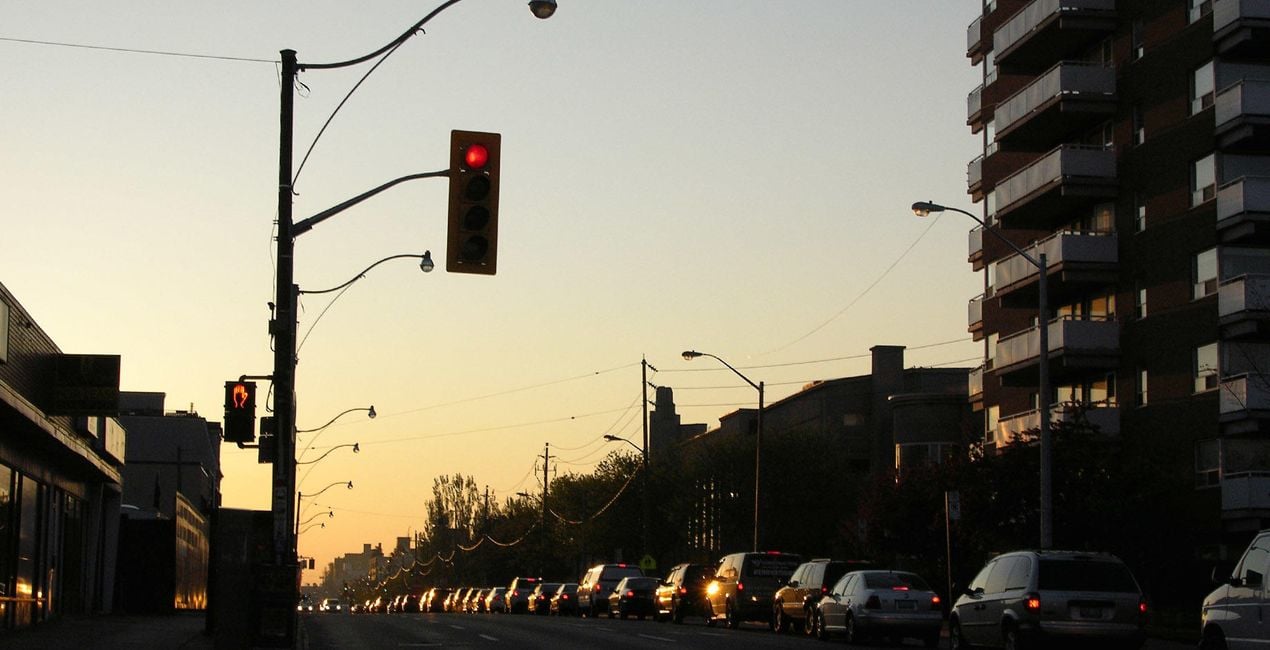
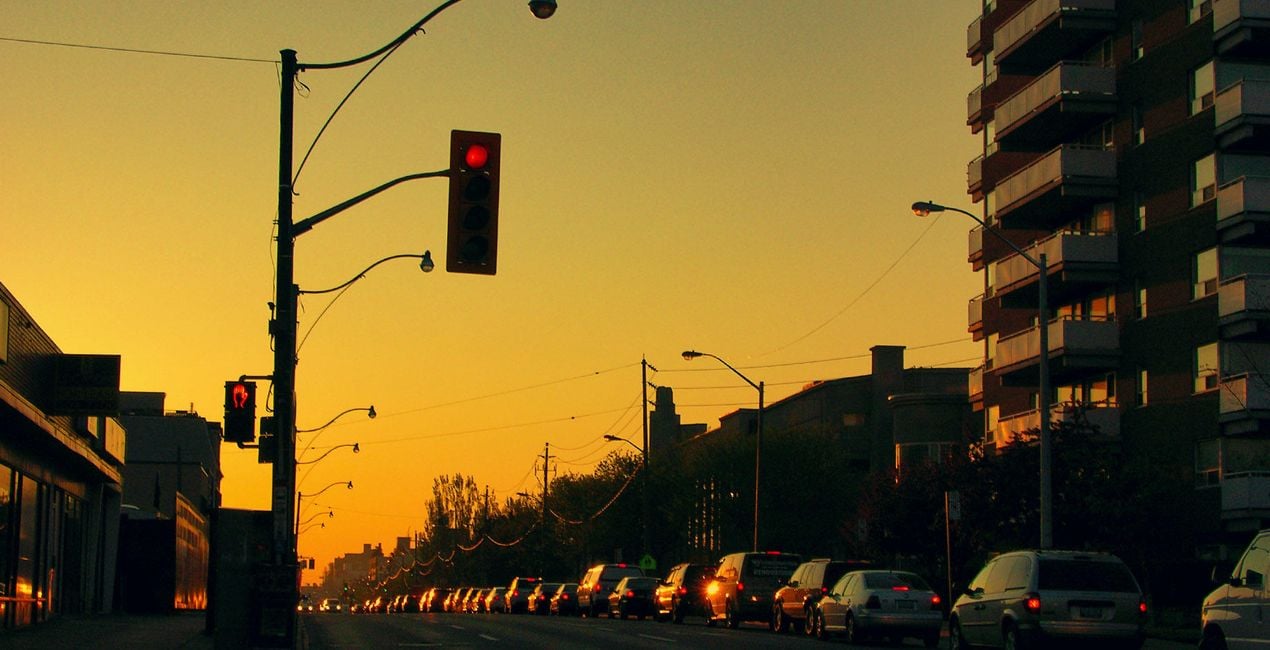
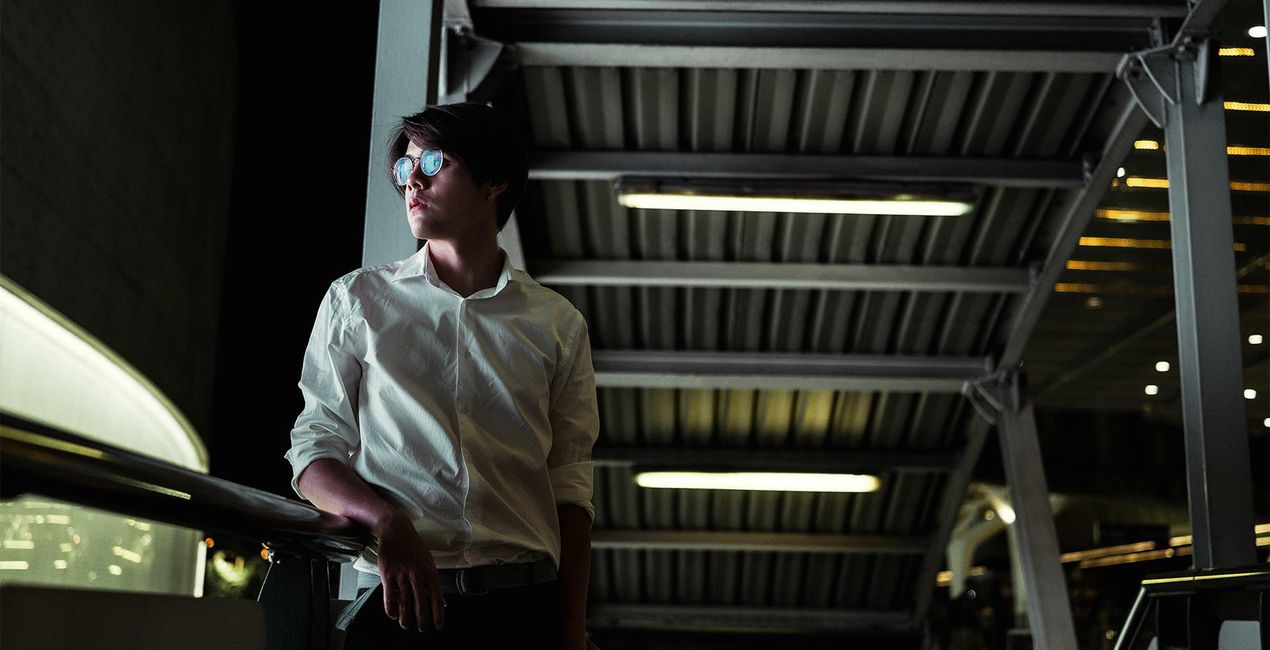
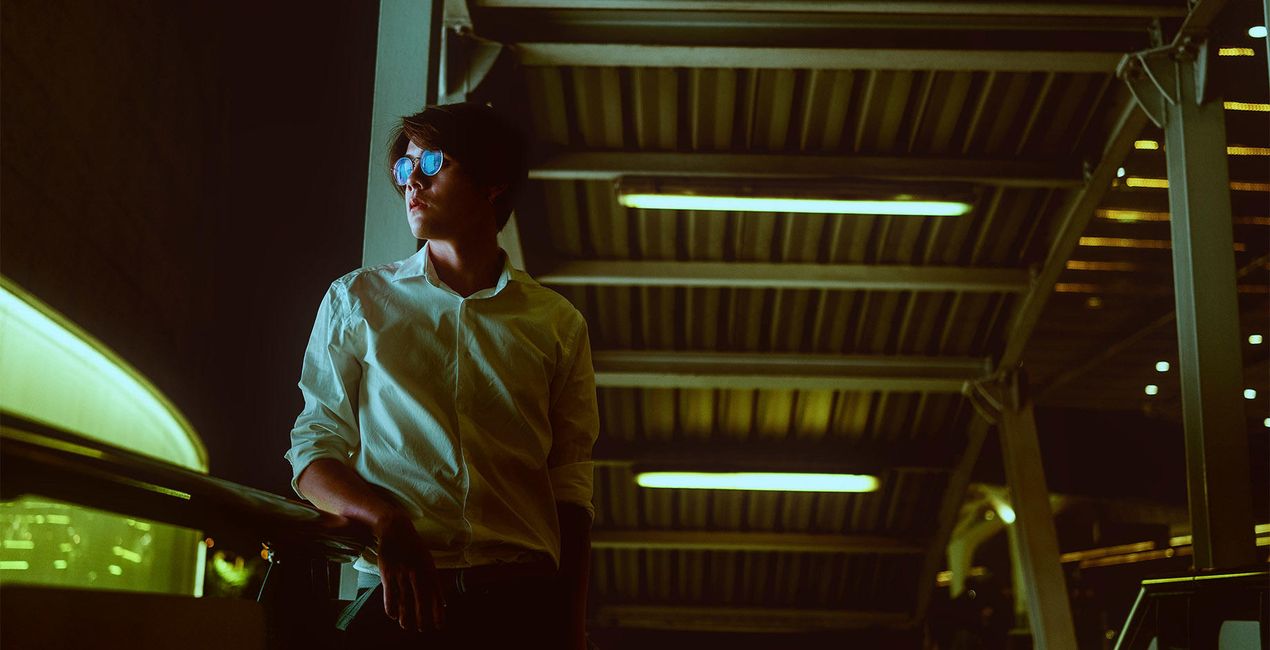
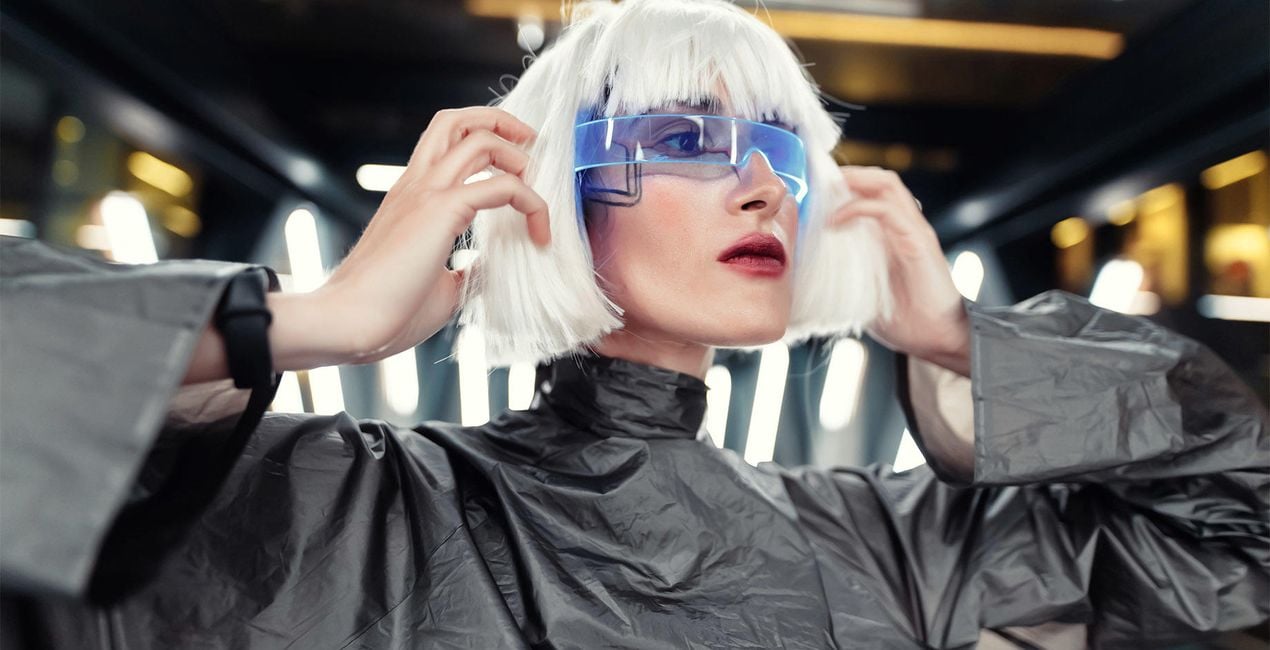
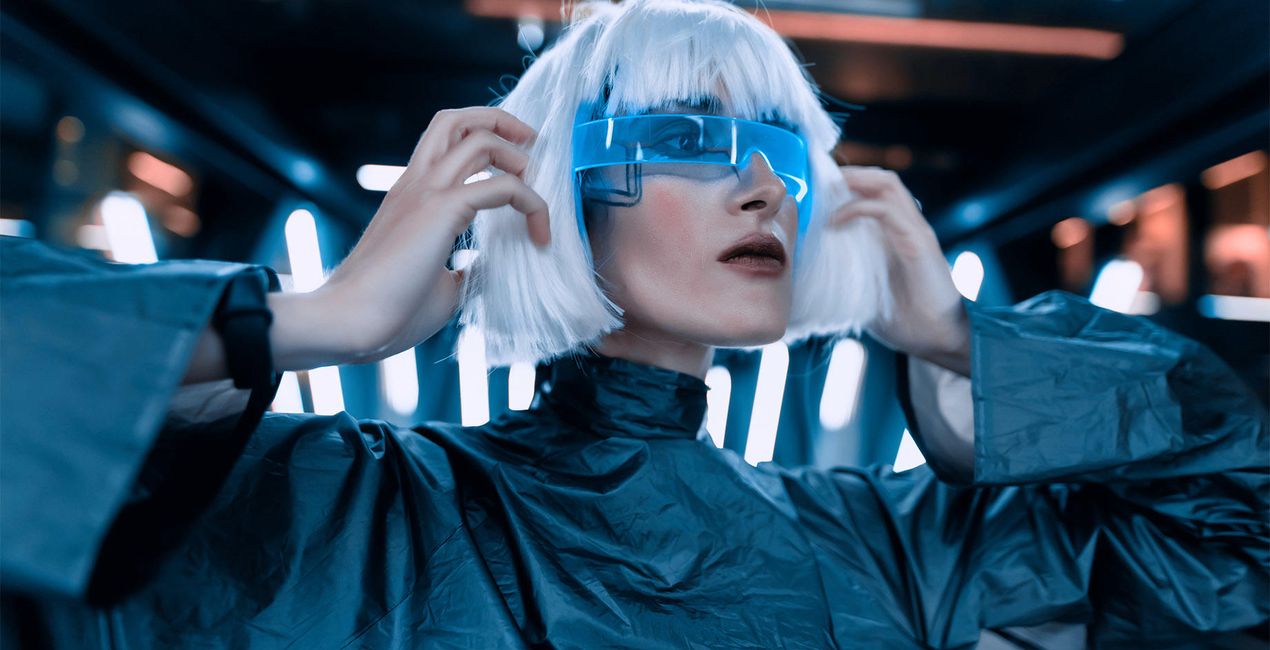
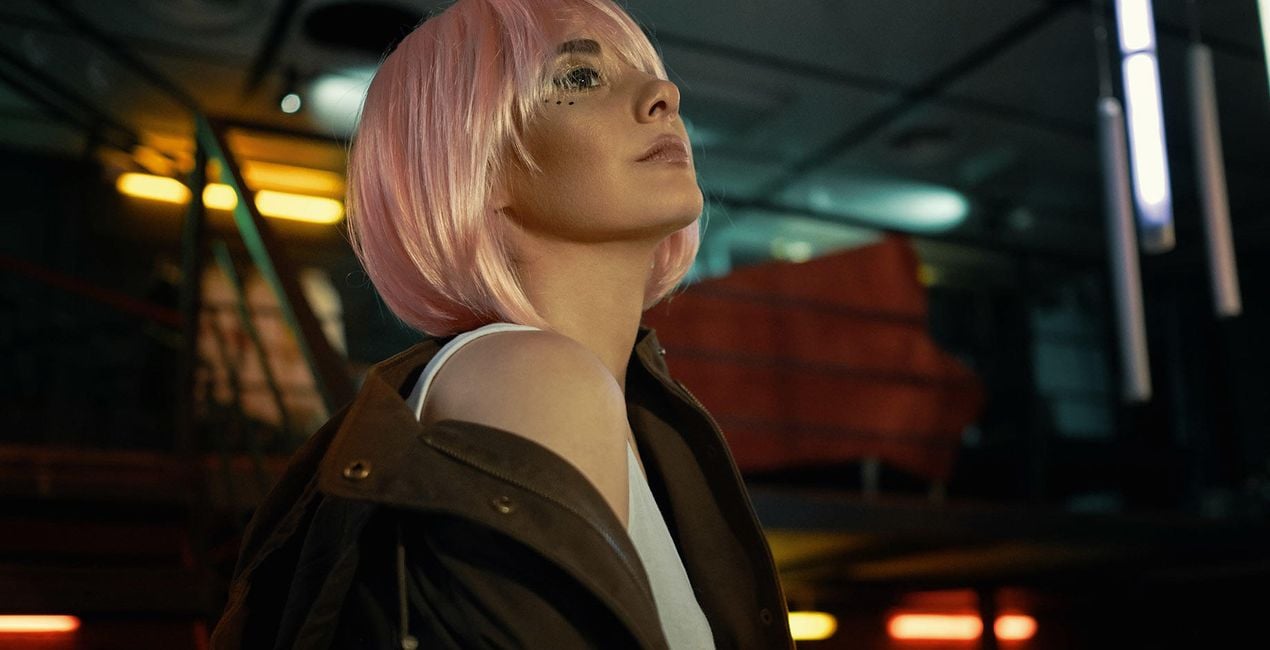
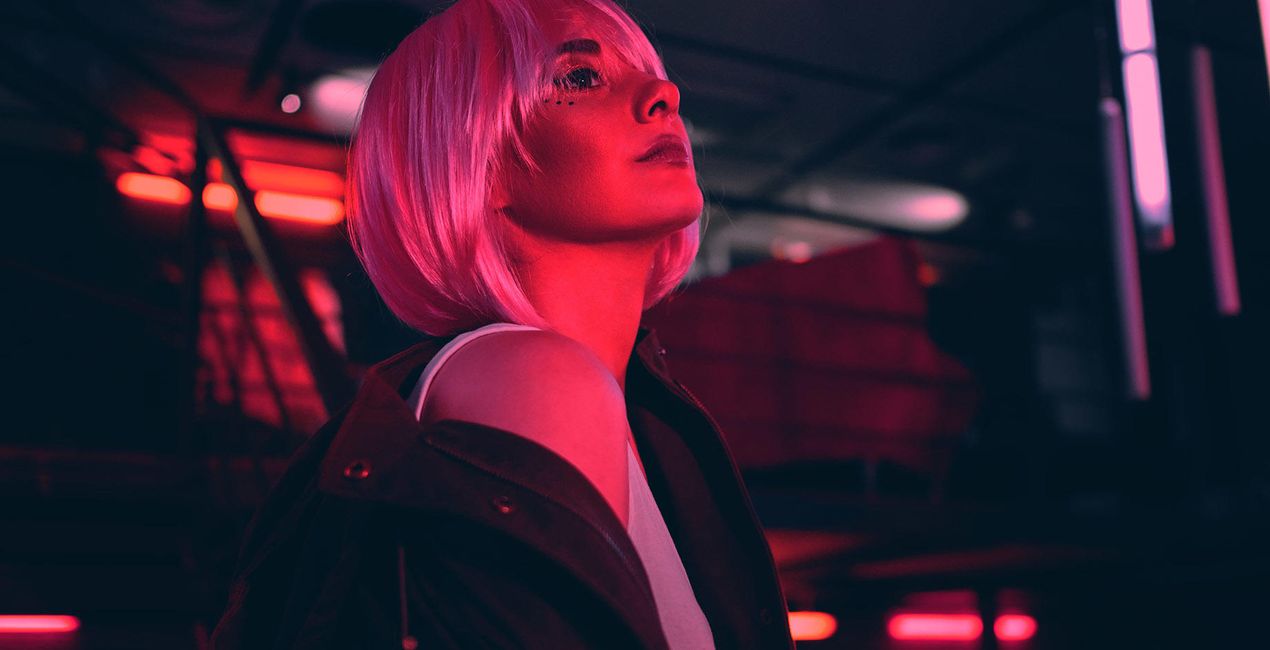
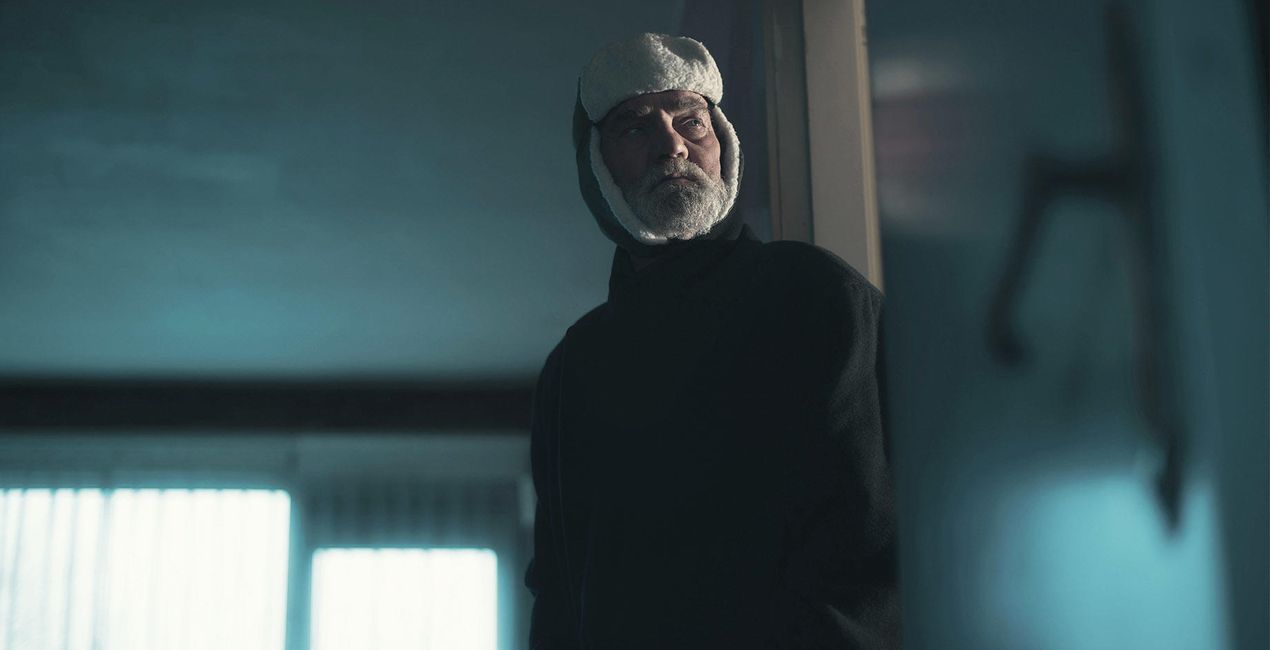
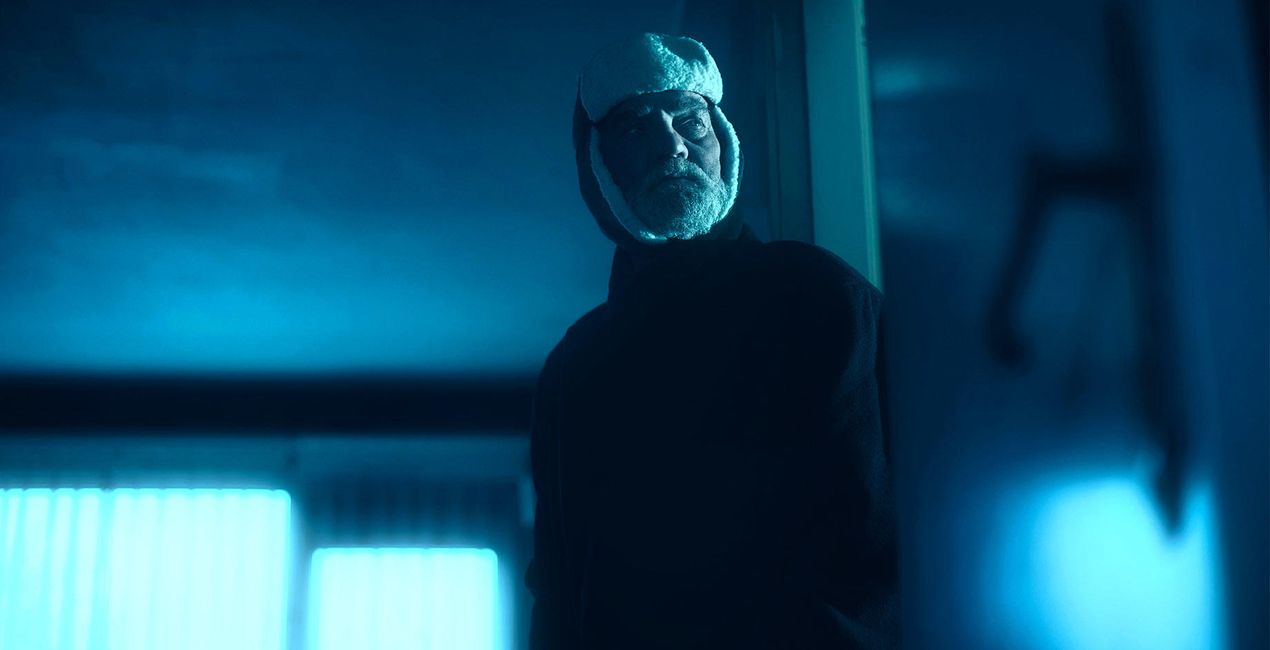
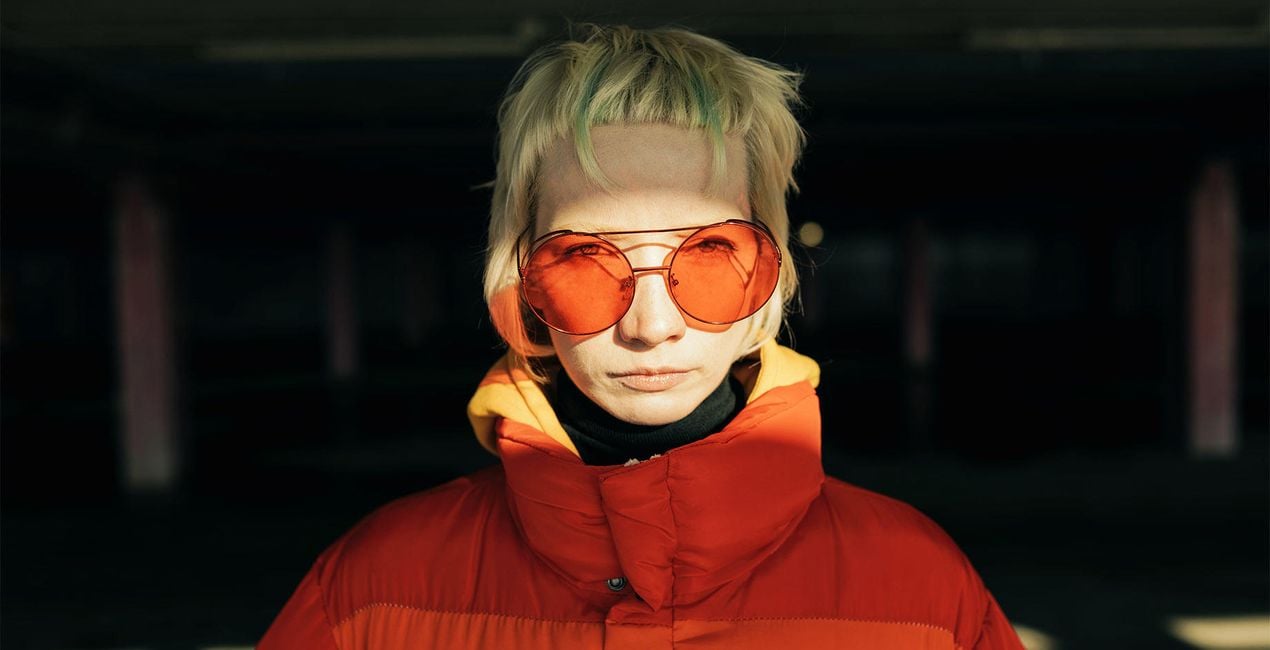
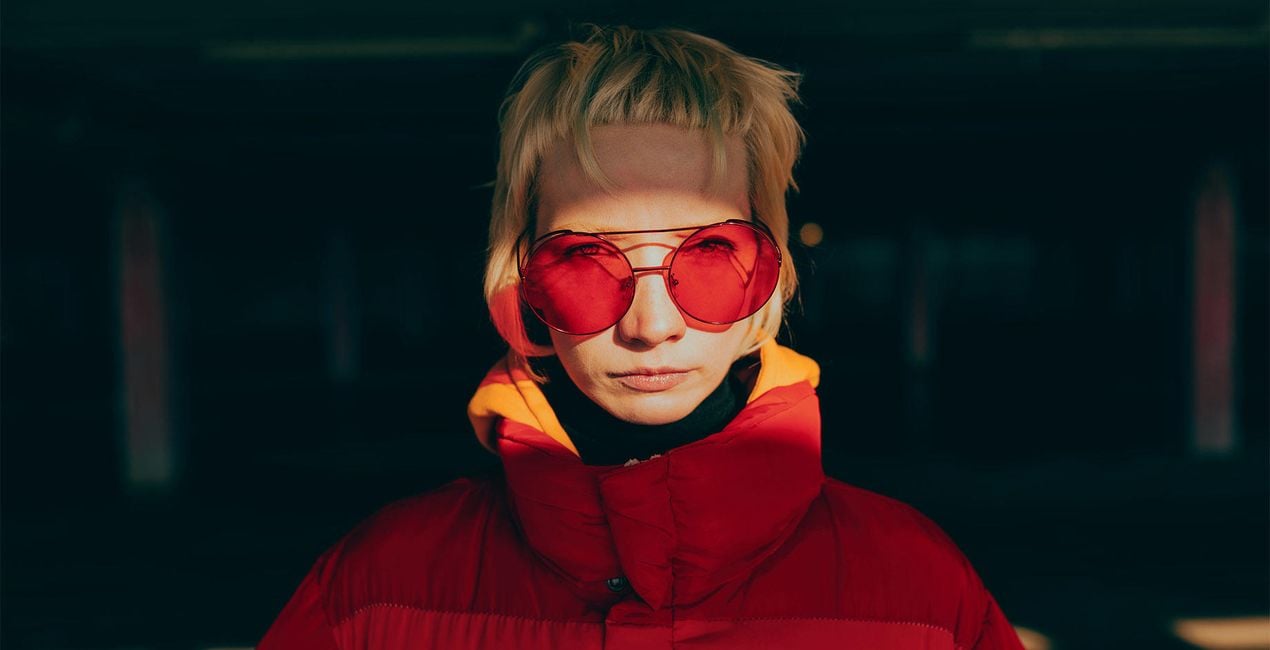
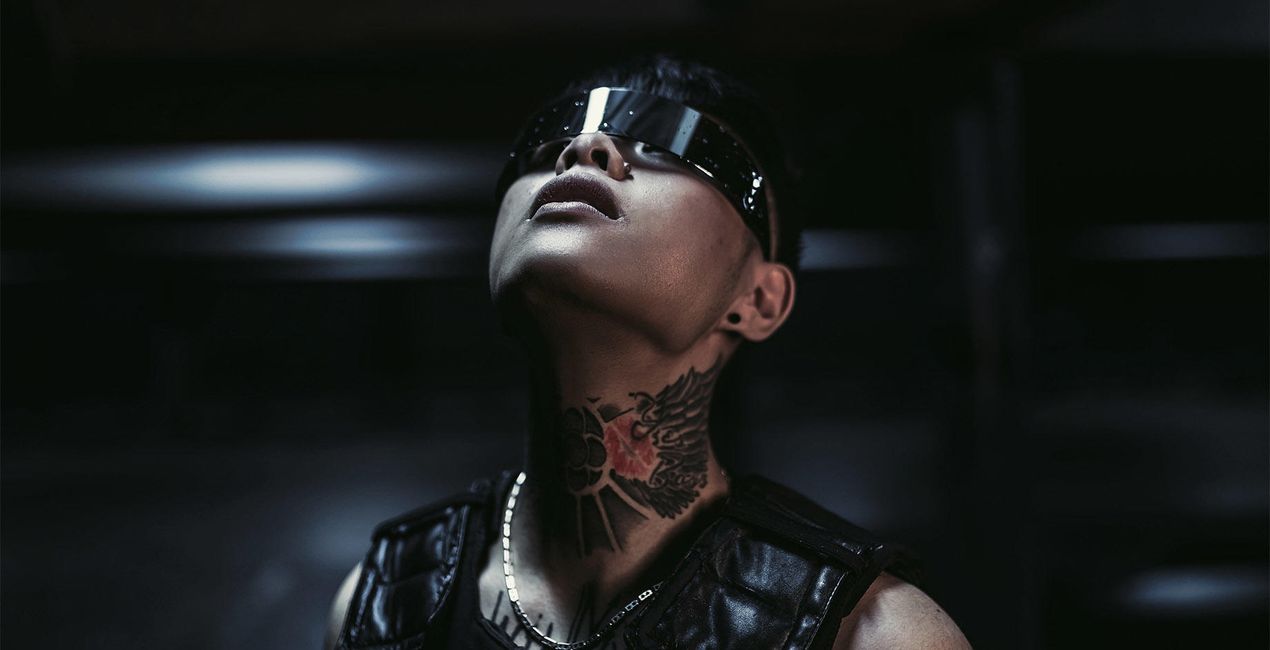
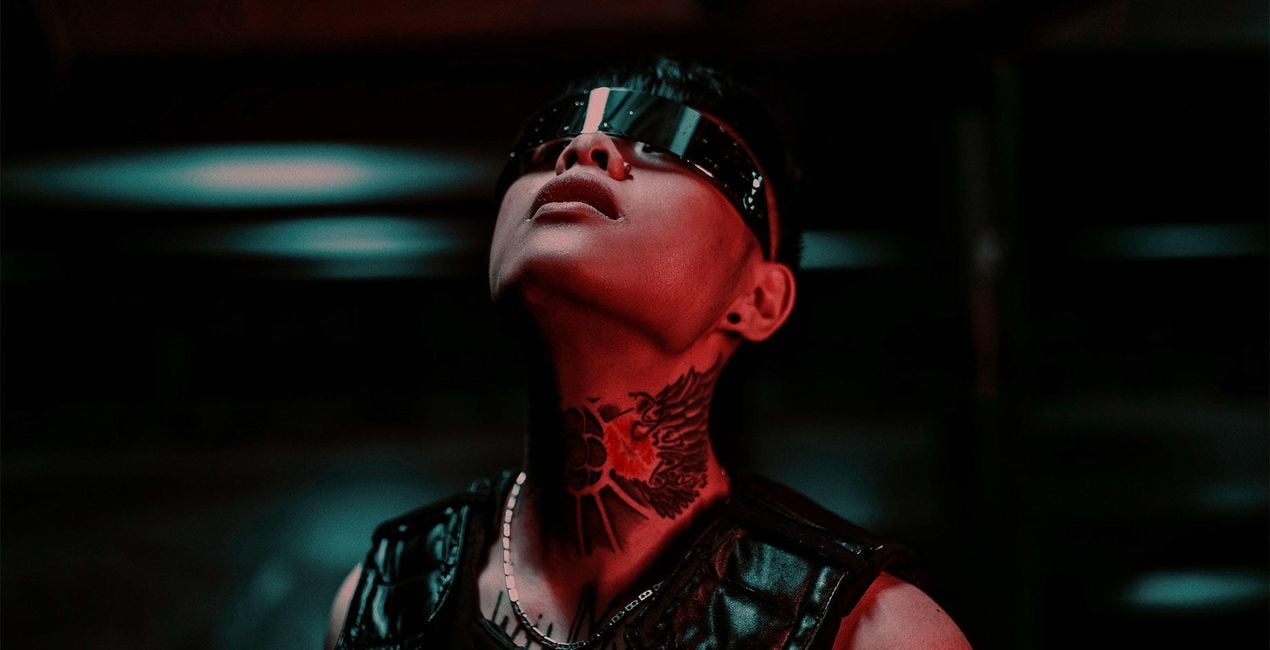
Plantillas llamativas para provocar conversaciones y atraer miradas. Explora las 10 para experimentar la magia de las transformaciones con un solo clic en selfies de interior y exterior. ¡Deslumbrante!
Qué incluye
10 Templates. Compatible with JPEG and RAW images.

Con los archivos RAW proporcionados, practicarás fácilmente los consejos de retoque y aprenderás a conseguir fotos como estas.
 >
>
 >
>

 >
>
 >
>
 >
>
 >
>
 >
>
 >
>
 >
>
No one knows you better than you do — but there is always more to discover. Find new ways to express yourself with 10 Templates that evoke different feelings and attitudes.
Make the style of your selfies correspond to your mood in one click, be it sunny and soft, graceful and playful, or mysterious and noir. Embrace the artistry of self-portraits and create jaw-dropping images with indoor and outdoor backdrops.
Are you ready? Let’s take a selfie.
What you’ll find in this pack (10 Templates):
Soft Grain: A clean, classy look with just the right amount of grain for a vintage touch.
Sun-Kissed: Warm up your selfie with a reddish tone and summery saturation, then add in signature SkinAI enhancements for an even fresher look.
Hollywood Flair: This low-saturation look has muted contrast and a flirty glow. Perfect for showing your impeccable sense of style in a truly Hollywood manner.
Endless Summer: A dusty warm look for selfies with friends and capturing relaxing days. Casual and totally irresistible.
Retro Grace: Choose this moody film Template with yellow and green undertones for a simple yet iconic runway look.
Zest: Try this classy B&W look with a raised black point, contrasting highlights, and a scratched texture on selfies with a clean, monotone background to add a catchy zest.
Muted Beauty: Mood - tenderness. This Template with very low contrast and a cottagecore feel is the right fit for all your dreamy, lighthearted images.
Hot Sun: Try this powerful Template with sun flare and greenish highlights. It goes especially well with outdoor selfies when exploring new cities or enjoying your favorite spots.
Rainbow Beauty: Neutral toning with matte shadows and a catchy rainbow texture twist. Attracts attention like a magnet.
Soft Rainbows: The sister of the Rainbow Carousel Template, but with even softer toning and a unique rainbow pattern.
Keep in mind that a Template’s default effect might be too strong for your photo.
If it is, simply bring it back a bit with the Amount slider.
Don’t forget to share your results! Use the hashtag #madewithluminar on social media so the Skylum Team can take a look at your work!
Fotógrafos, coloristas y retocadores
El equipo de Skylum trabaja con cientos de fotógrafos y retocadores profesionales para traerles las plantillas que los mejores fotógrafos usan para crear sus obras maestras. El Laboratorio de Inteligencia Artificial de Skylum analiza las fotos y los flujos de trabajo de los fotógrafos y crea Plantillas que son accesibles para todos y que aprovechan la tecnología avanzada bajo el capó de LuminarAI. Nuestra misión es reducir el tiempo y el esfuerzo que se necesita para hacer una foto impactante y permitir que todos disfruten de la edición de fotos y la fotografía
Si tienes alguna duda o pregunta sobre el producto, puedes contactar al servicio de soporte 24/7. Visita este enlace.
Para comprar Neon Portraits, sigue estos pasos:
1. Abre el Marketplace de Skylum.
2. Ve a la pestaña correspondiente donde aparece Neon Portraits. Haz clic sobre él y añádelo a tu carrito.
3. Ve al carrito. Aquí, completa el proceso de compra de Neon Portraits.
4. Después de completar la compra, recibirás un correo de confirmación con el enlace de descarga de Neon Portraits. También encontrarás el nuevo producto en tu cuenta de Skylum, dentro de la pestaña “Mis complementos”.
Recibirás un email con instrucciones detalladas sobre cómo instalar Neon Portraits junto con un enlace de descarga.
También puedes instalar el producto comprado directamente desde Luminar Neo: ve a Extras > Marketplace, selecciona la categoría del producto, busca el elemento adquirido y haz clic en Instalar.
¡Es muy fácil! Ve a la pestaña de Ajustes Preestablecidos y selecciona "Comprados". Tu ajuste preestablecido instalado estará ahí.
No te preocupes. Todos los productos que hayas adquirido, como Neon Portraits, se almacenarán en la pestaña 'Mis complementos' de tu cuenta de Skylum para que puedas volver a descargarlos fácilmente.
Generalmente, la mayoría de productos son compatibles con Luminar Neo. Pero si quieres asegurarte de que Neon Portraits funciona(n) correctamente con tu software, consulta sus especificaciones antes de hacer ninguna compra o descarga. Busca la sección "Compatibilidad" en la parte derecha de la página de Neon Portraits, donde aparecen todos los programas compatibles.
No te vayas todavía. Aquí tienes un código de descuento exclusivo. Úsalo en los próximos 15 minutos para obtener un 10 % de descuento adicional al finalizar la compra. Copia el código que aparece a continuación y completa tu compra.
15 m : 00 s





