


 Angewendet


Selfie
Save $201 $ 16 .15 $ 19 .00

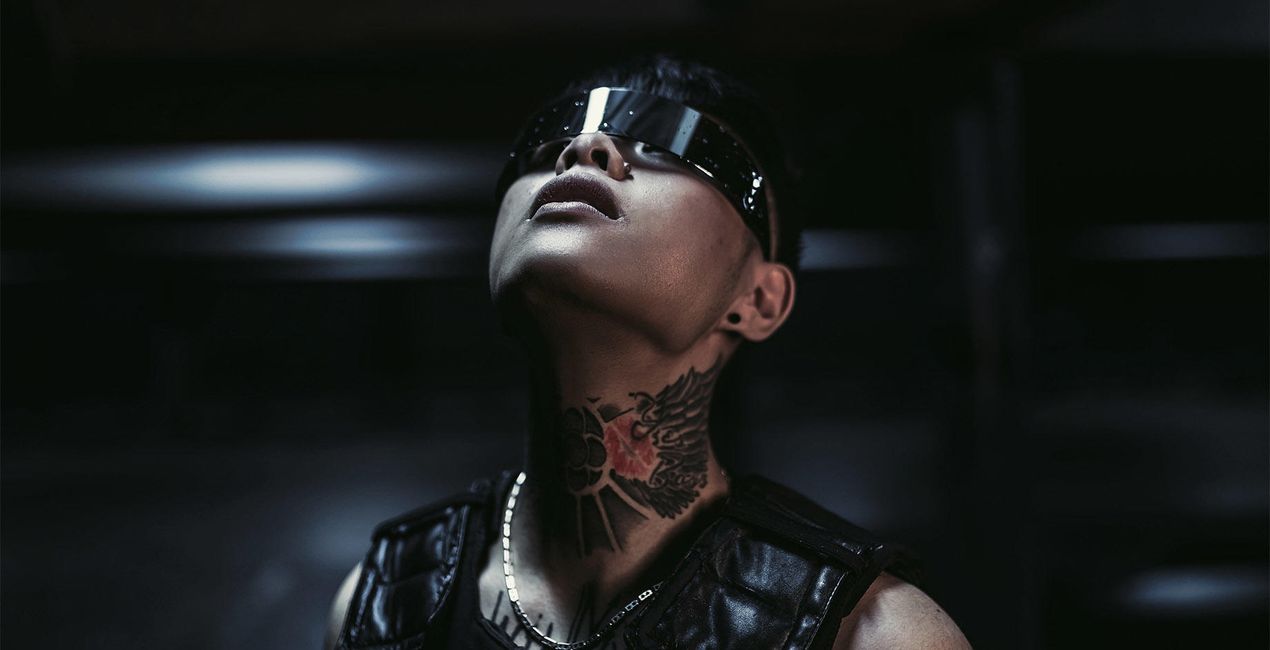
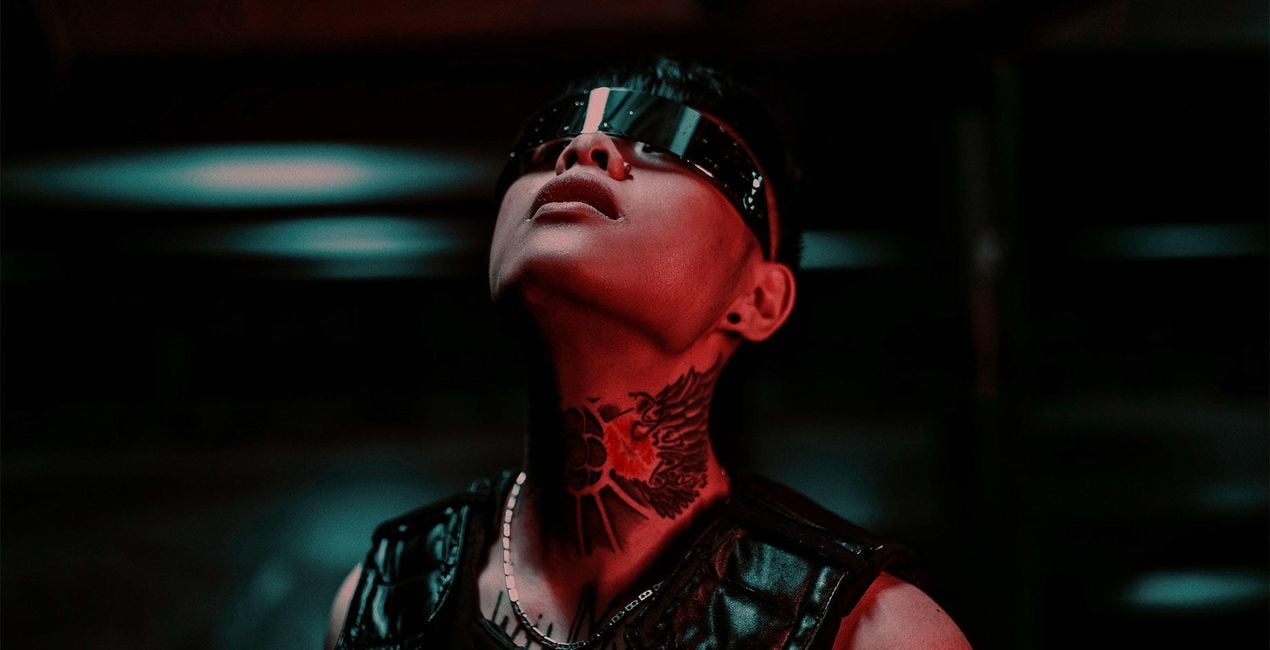
Aufsehenerregende Vorlagen, die für Gesprächsstoff sorgen und Blicke anziehen. Entdecke alle 10 Vorlagen und erlebe mit nur einem Klick die Magie der Verwandlung von Selfies, die in Innenräumen oder auch draußen aufgenommen wurden. Umwerfend!
Was ist dabei
10 Templates. Compatible with JPEG and RAW images.

Mit den mitgelieferten RAW-Dateien kannst du ganz einfach Retusche-Tipps ausprobieren und lernen, wie man solche Fotos macht.
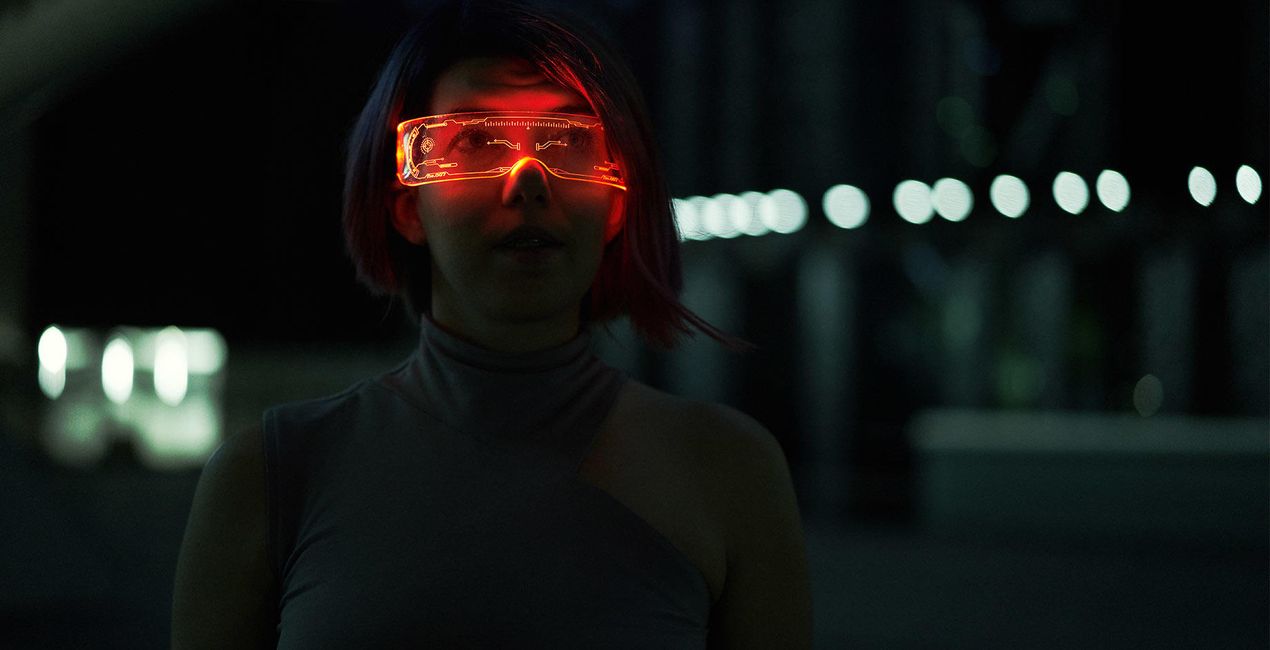
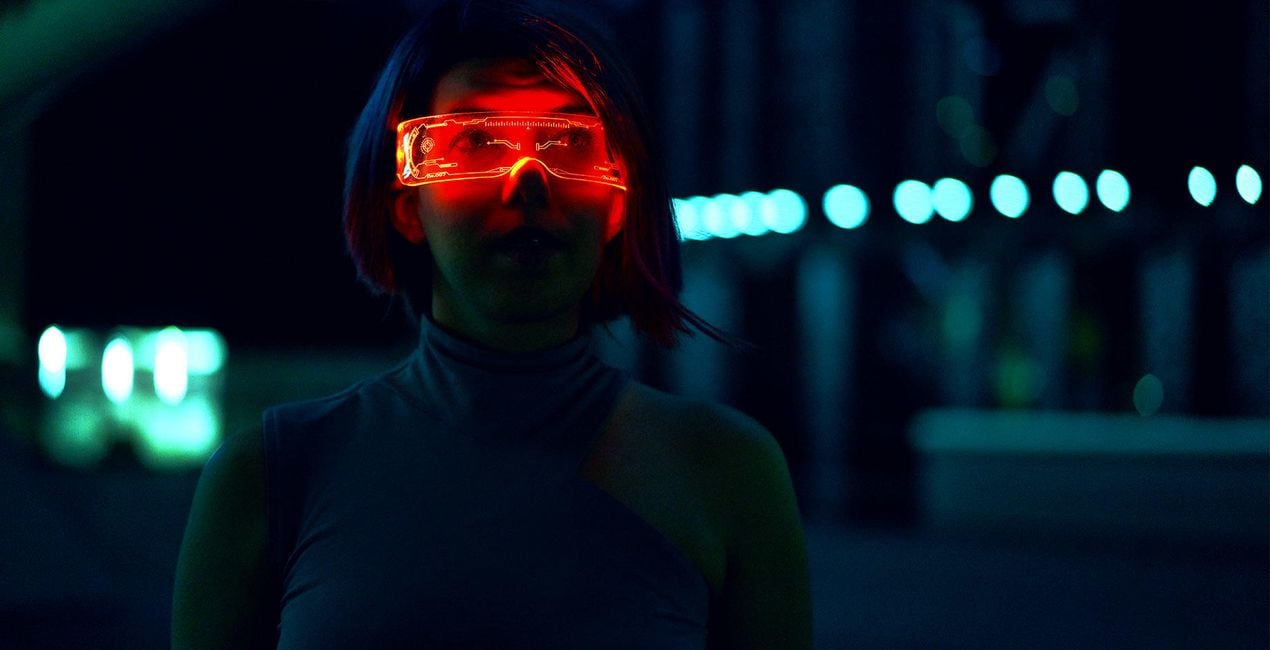 >
>
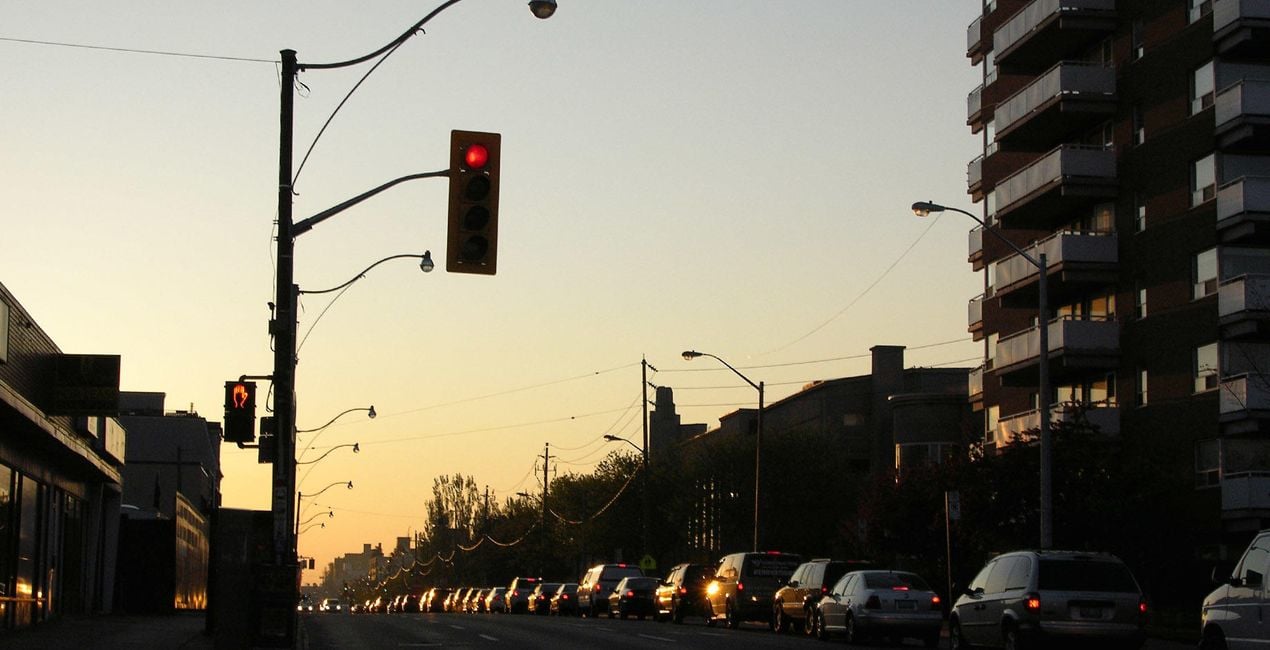
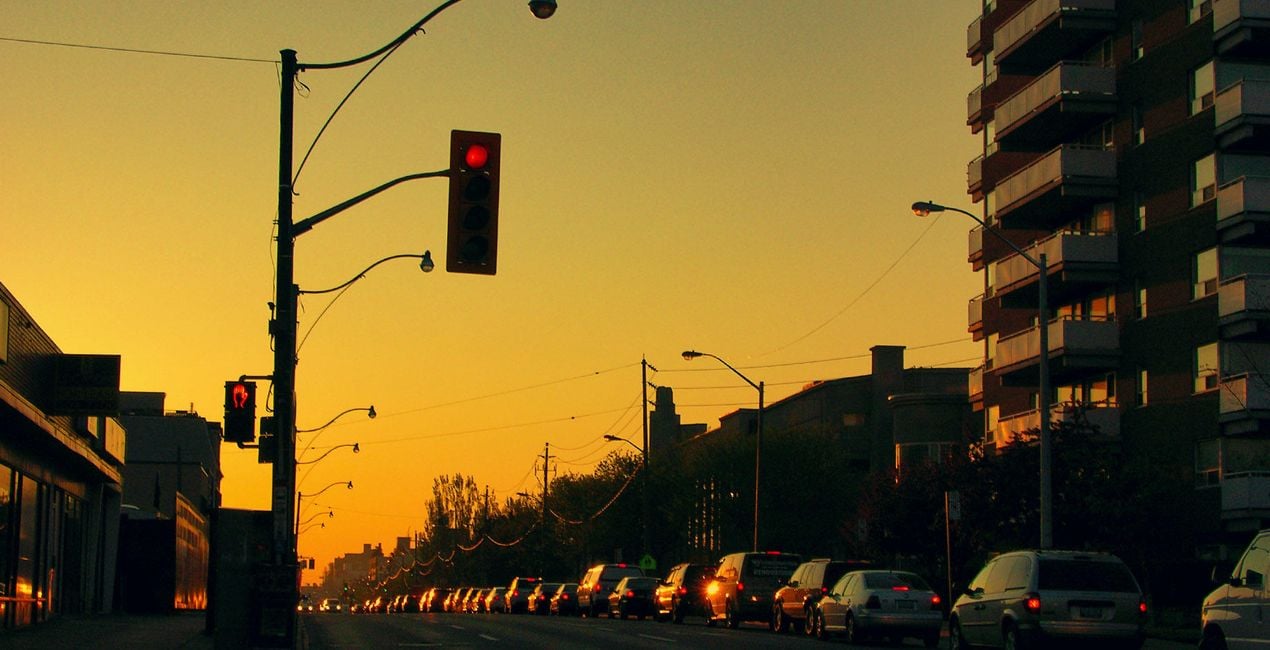 >
>
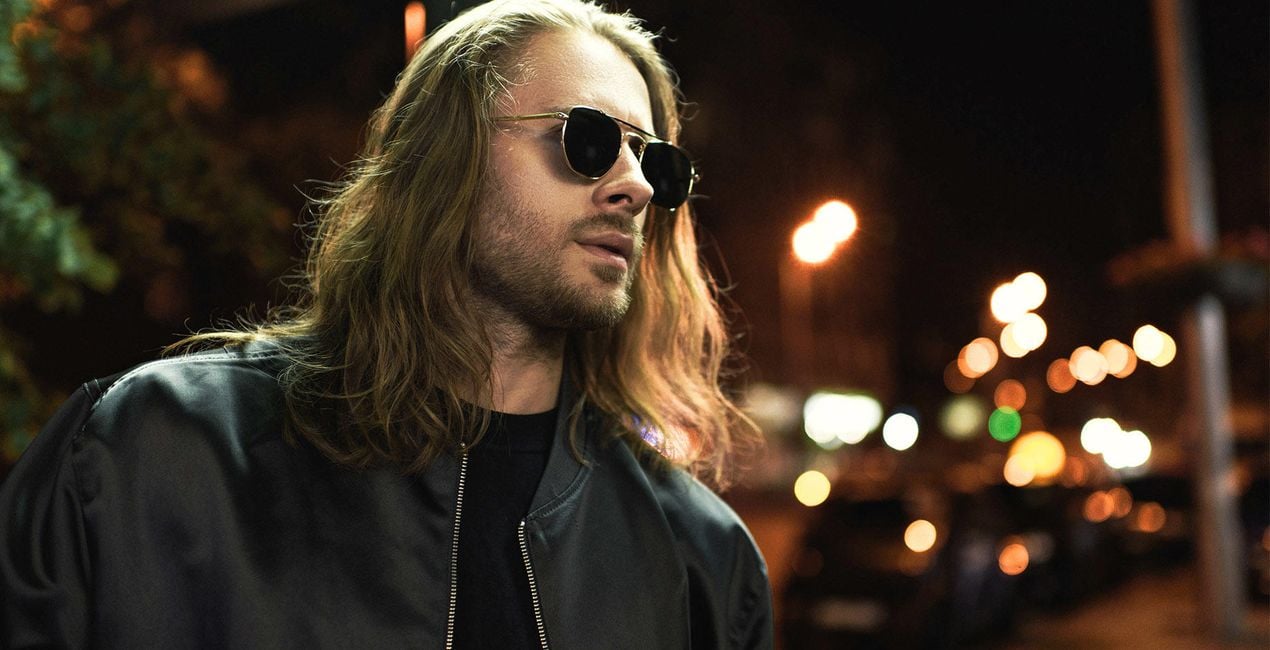
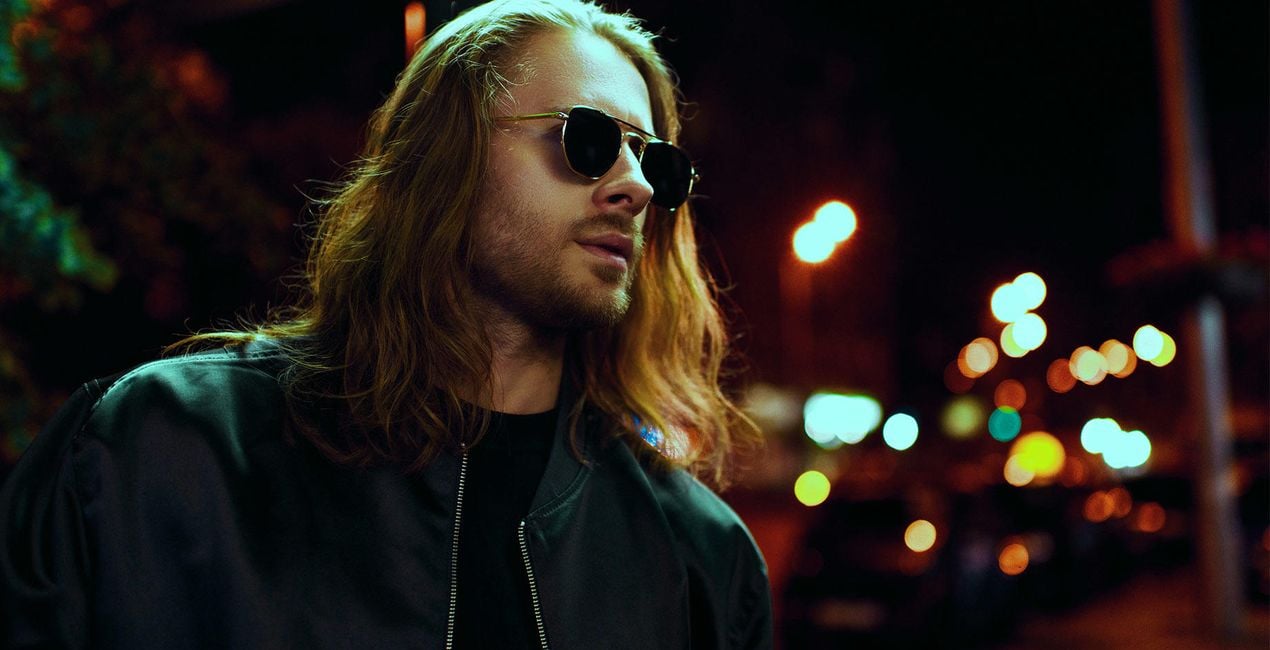 >
>
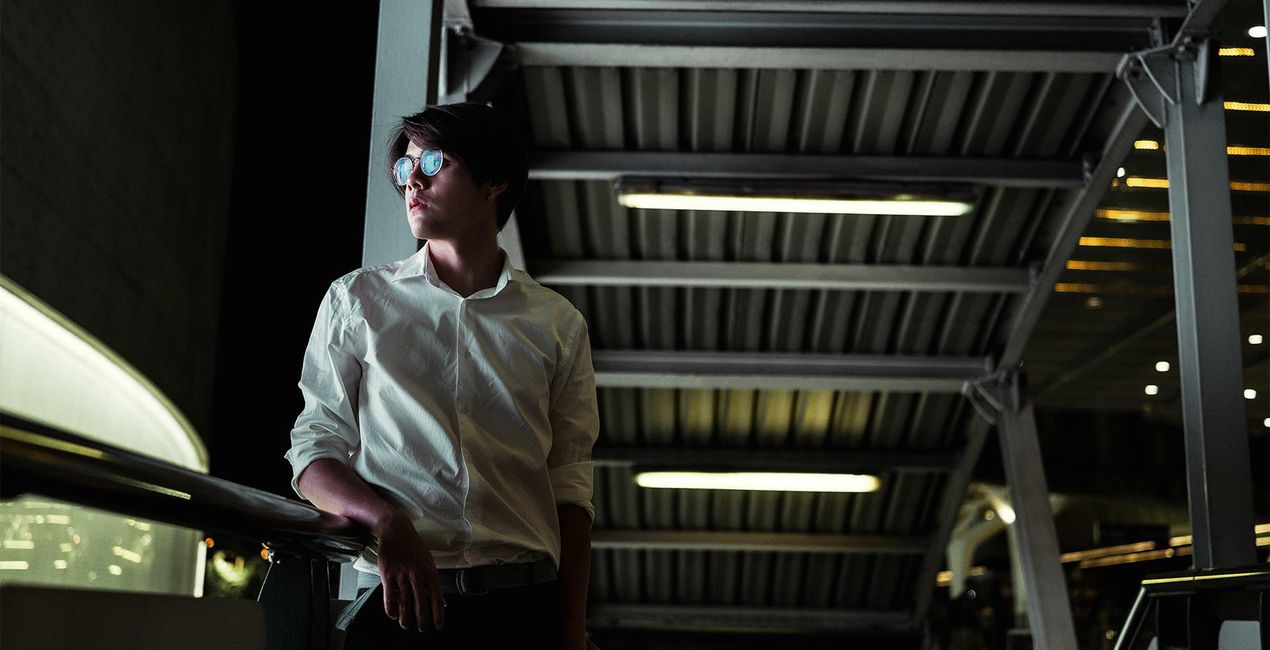
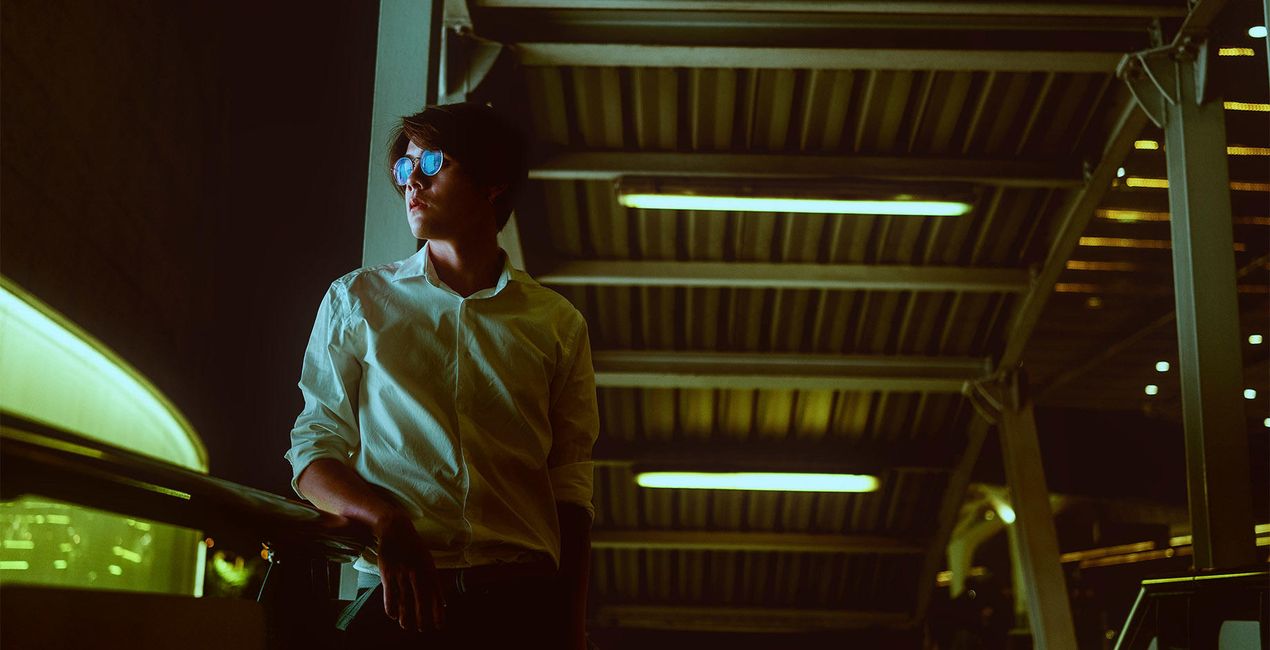 >
>
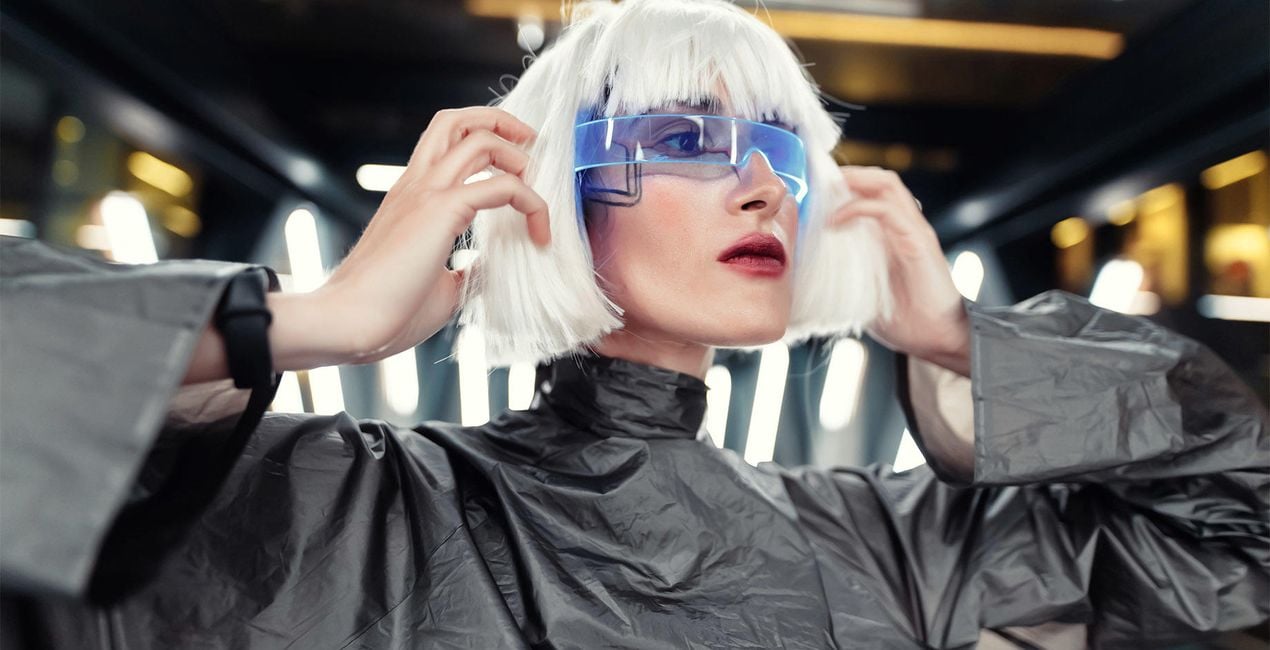
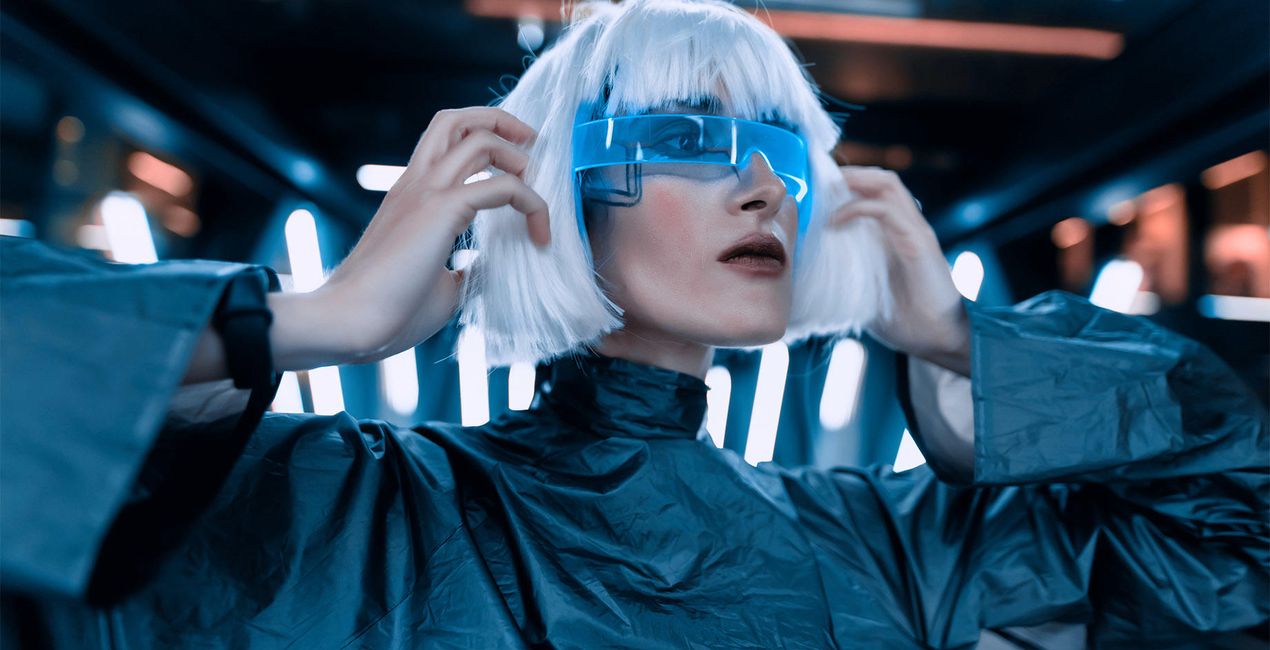 >
>
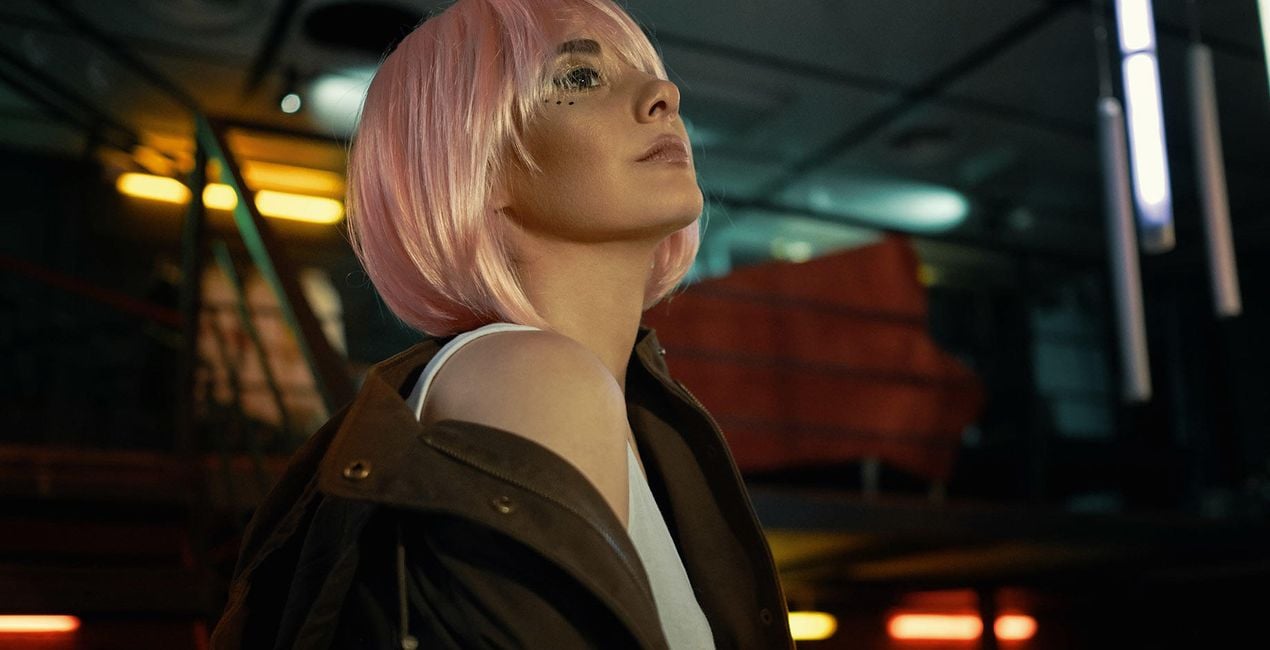
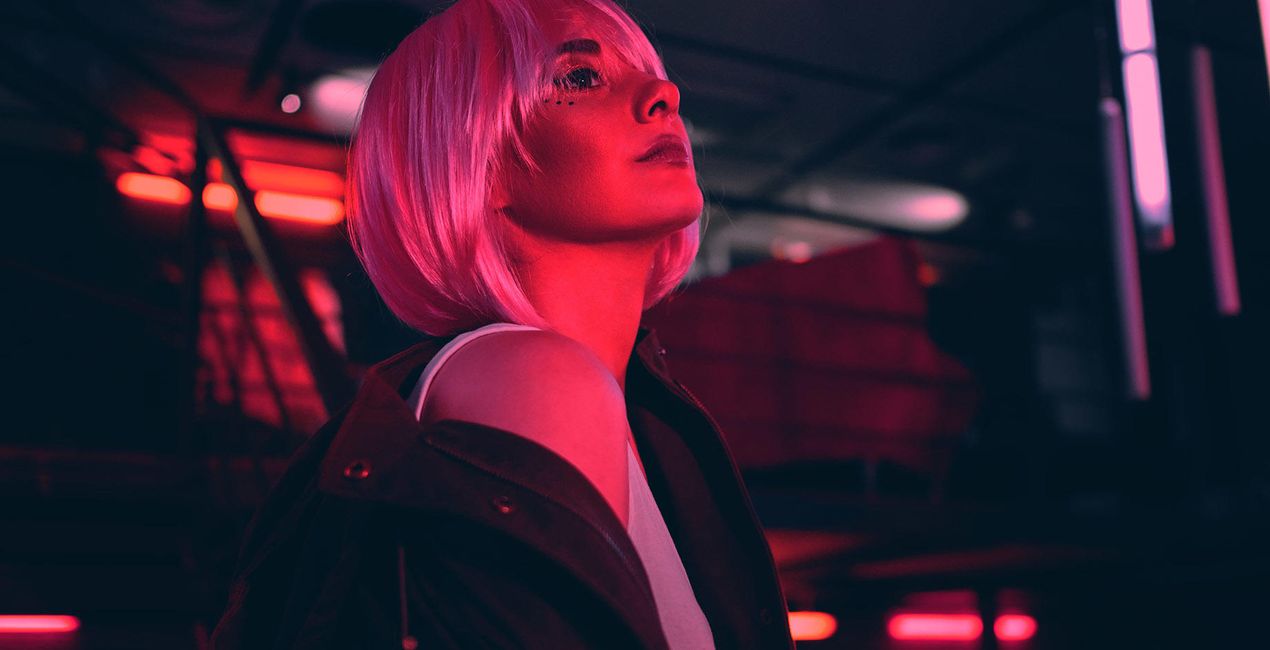 >
>
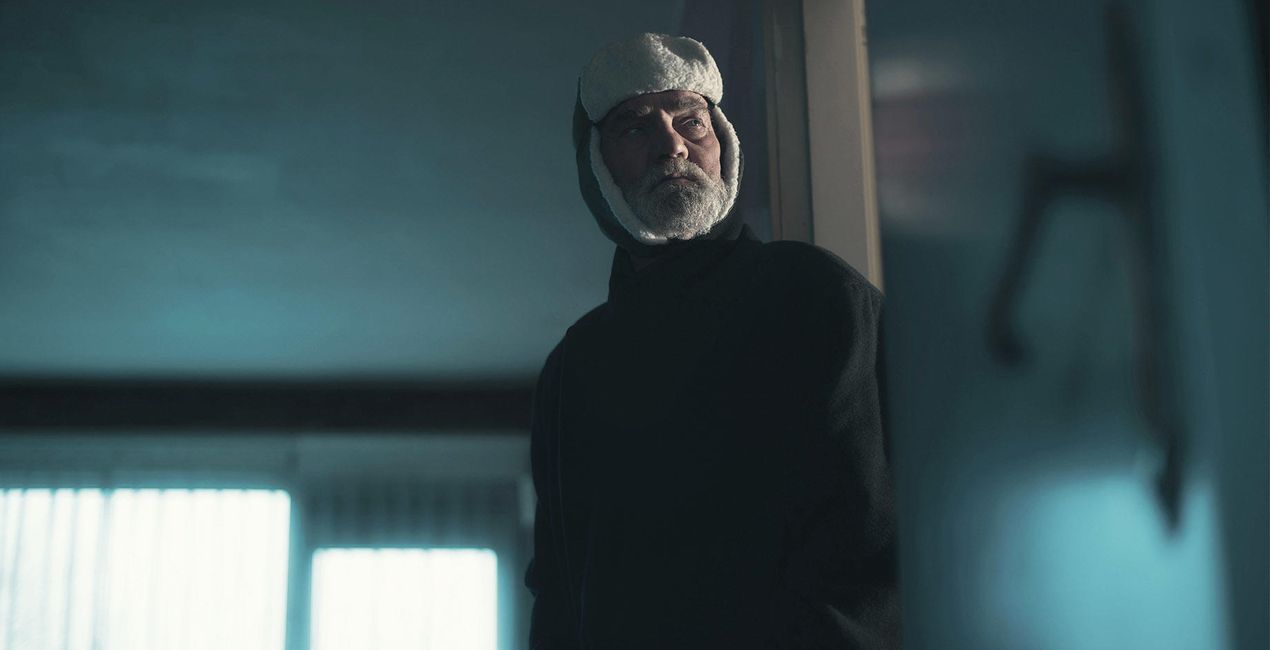
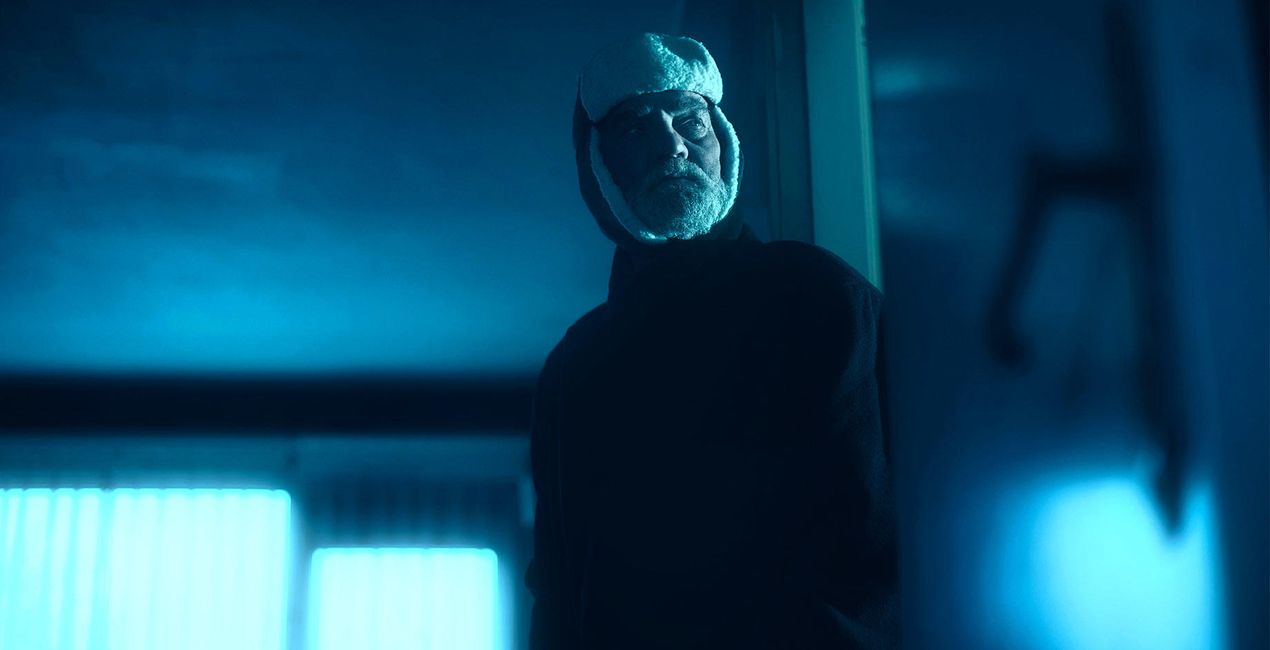 >
>
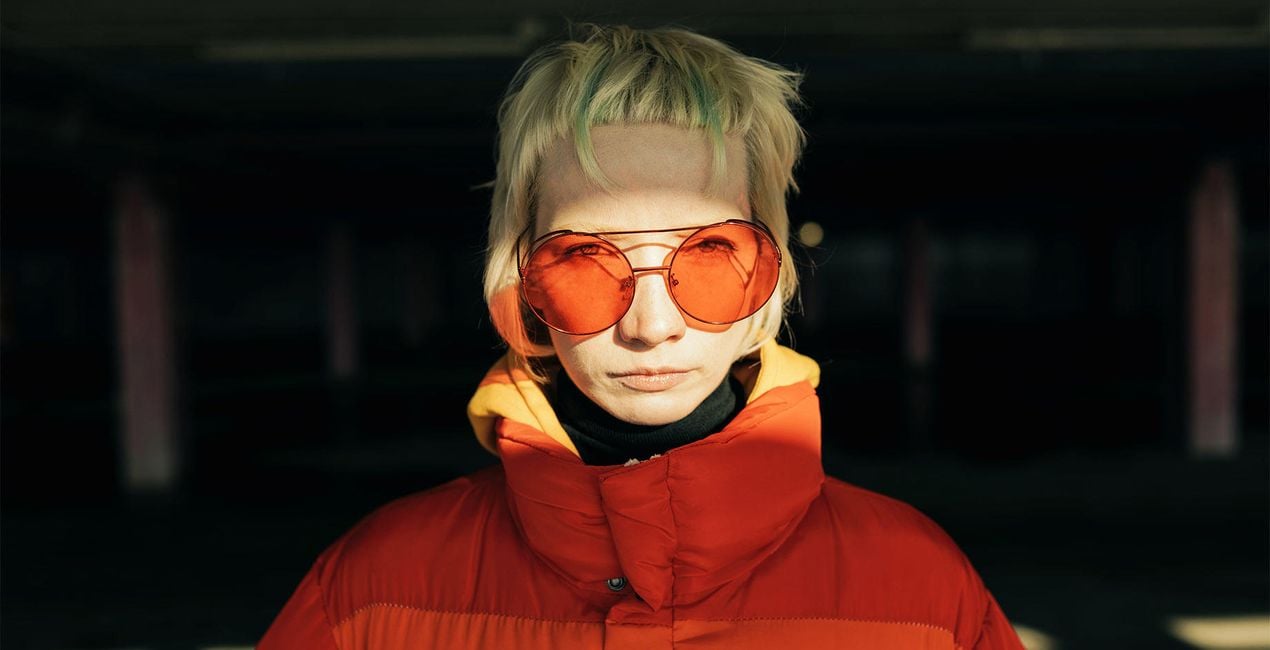
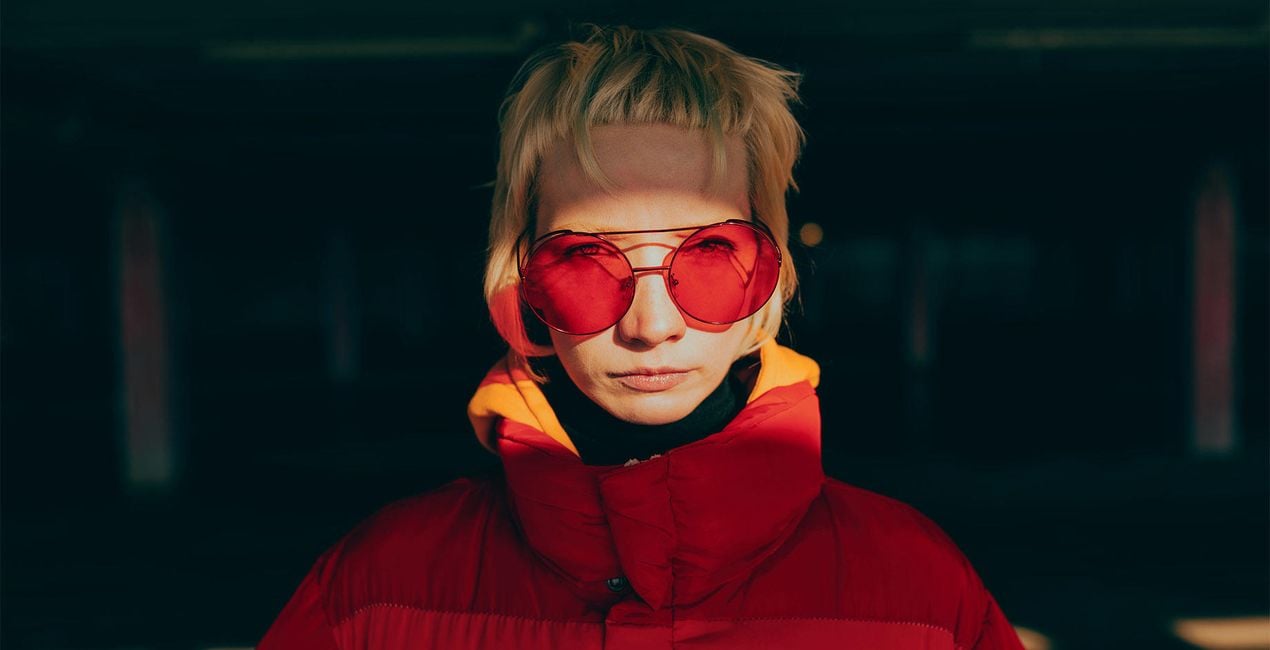 >
>
 >
>
No one knows you better than you do — but there is always more to discover. Find new ways to express yourself with 10 Templates that evoke different feelings and attitudes.
Make the style of your selfies correspond to your mood in one click, be it sunny and soft, graceful and playful, or mysterious and noir. Embrace the artistry of self-portraits and create jaw-dropping images with indoor and outdoor backdrops.
Are you ready? Let’s take a selfie.
What you’ll find in this pack (10 Templates):
Soft Grain: A clean, classy look with just the right amount of grain for a vintage touch.
Sun-Kissed: Warm up your selfie with a reddish tone and summery saturation, then add in signature SkinAI enhancements for an even fresher look.
Hollywood Flair: This low-saturation look has muted contrast and a flirty glow. Perfect for showing your impeccable sense of style in a truly Hollywood manner.
Endless Summer: A dusty warm look for selfies with friends and capturing relaxing days. Casual and totally irresistible.
Retro Grace: Choose this moody film Template with yellow and green undertones for a simple yet iconic runway look.
Zest: Try this classy B&W look with a raised black point, contrasting highlights, and a scratched texture on selfies with a clean, monotone background to add a catchy zest.
Muted Beauty: Mood - tenderness. This Template with very low contrast and a cottagecore feel is the right fit for all your dreamy, lighthearted images.
Hot Sun: Try this powerful Template with sun flare and greenish highlights. It goes especially well with outdoor selfies when exploring new cities or enjoying your favorite spots.
Rainbow Beauty: Neutral toning with matte shadows and a catchy rainbow texture twist. Attracts attention like a magnet.
Soft Rainbows: The sister of the Rainbow Carousel Template, but with even softer toning and a unique rainbow pattern.
Keep in mind that a Template’s default effect might be too strong for your photo.
If it is, simply bring it back a bit with the Amount slider.
Don’t forget to share your results! Use the hashtag #madewithluminar on social media so the Skylum Team can take a look at your work!
Fotografen, Coloristen & Retuscheure
Skylum arbeitet mit hunderten von professionellen Fotografen und Retuscheuren zusammen, um dir einzigartige Vorlagen zu liefern, welche die Top-Fotografen für die Erstellung ihrer Meisterwerke verwenden. Das Skylum AI Lab analysiert die Fotos und die Workflows der Fotografen und erstellt Vorlagen, die für alle einfach anwendbar sind und welche die Vorteile der modernen Technik von Luminar AI nutzen. Wir möchten den Zeit- und Arbeitsaufwand für die Erstellung eines eindrucksvollen Fotos reduzieren und es somit jedem ermöglichen, Spaß an der Fotobearbeitung und Fotografie zu haben.
Wenn du Fragen zum Produkt hast, kannst du dich rund um die Uhr an den Support wenden. Folge einfach diesem Link.
Um Neon Portraits zu kaufen, gehe wie folgt vor:
1. Öffne den Skylum-Marktplatz.
2. Geh zum gewünschten Tab, auf dem Neon Portraits aufgeführt ist. Klicke darauf und lege es in deinen Warenkorb.
3. Geh zu deinem Warenkorb. Schließe hier den Kaufvorgang für Neon Portraits ab.
4. Nach dem Kauf erhältst du eine Bestätigungs-E-Mail mit dem Download-Link für Neon Portraits. Außerdem findest du den neuen Artikel in deinem Skylum-Konto auf dem Tab „Meine Add-ons”.
Detaillierte Anweisungen zur Installation von Neon Portraits erhältst du in der Bestätigungs-E-Mail zusammen mit dem Download-Link.
Außerdem kannst du den gekauften Artikel direkt in Luminar Neo installieren: Geh zu „Extras“ > „Marktplatz“, wähle die Produktkategorie aus, suche den gekauften Artikel und klicke auf „Installieren“.
Das ist ganz einfach! Geh zum Tab „Presets“ und wähle „Gekauft“. Dort findest du deine installierten Presets.
Keine Sorge. Alle gekauften Artikel, einschließlich Neon Portraits, werden auf dem Tab „Meine Add-ons“ deines Skylum-Kontos gespeichert, sodass du sie einfach erneut herunterladen und verwenden kannst.
Im Allgemeinen sind die meisten Artikel mit Luminar Neo kompatibel. Um jedoch sicherzustellen, dass Neon Portraits mit deiner Software kompatibel ist, überprüfe vor dem Herunterladen oder Kauf die technischen Daten. Suche den Abschnitt „Kompatibilität“ auf der rechten Seite der Neon Portraits-Seite, wo alle kompatiblen Produkte aufgelistet sind.
Geh noch nicht. Hier ist ein exklusiver Rabattcode für dich. Nutze ihn innerhalb der nächsten 15 Minuten, um an der Kasse zusätzliche 10 % Rabatt zu erhalten. Kopiere den unten stehenden Code und schließe deinen Einkauf ab.
15 m : 00 s





