


 Aplicado


Mulled Wine
Save $201 $ 19 .00

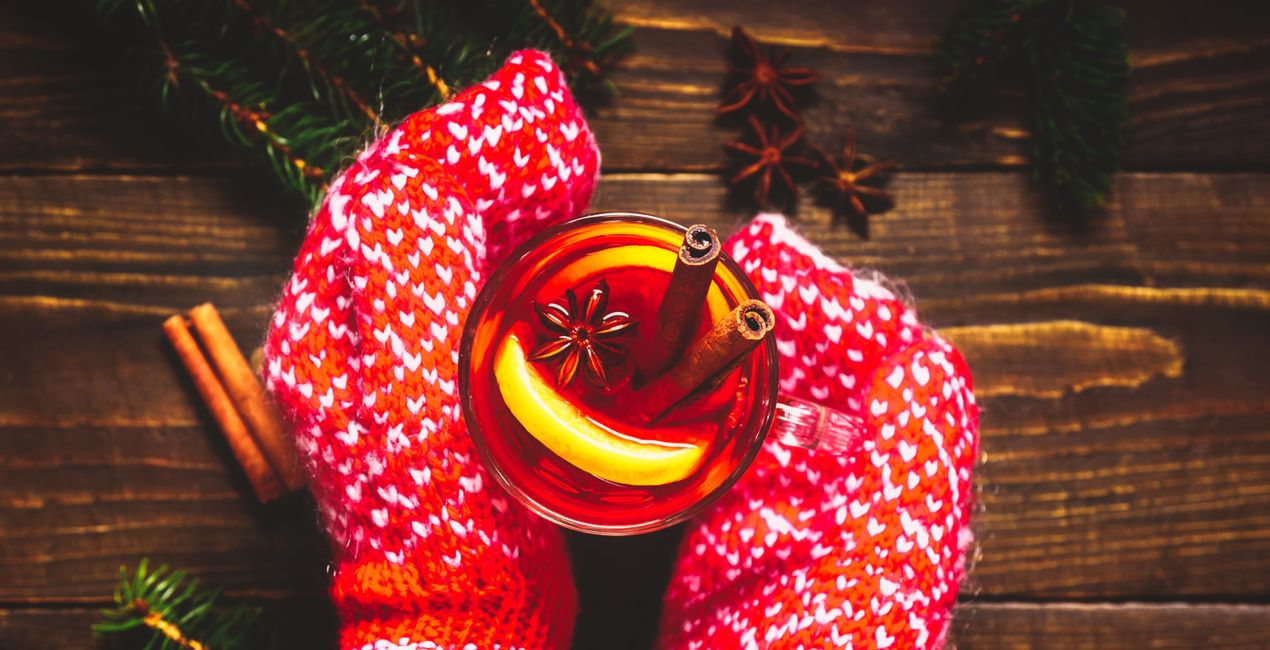
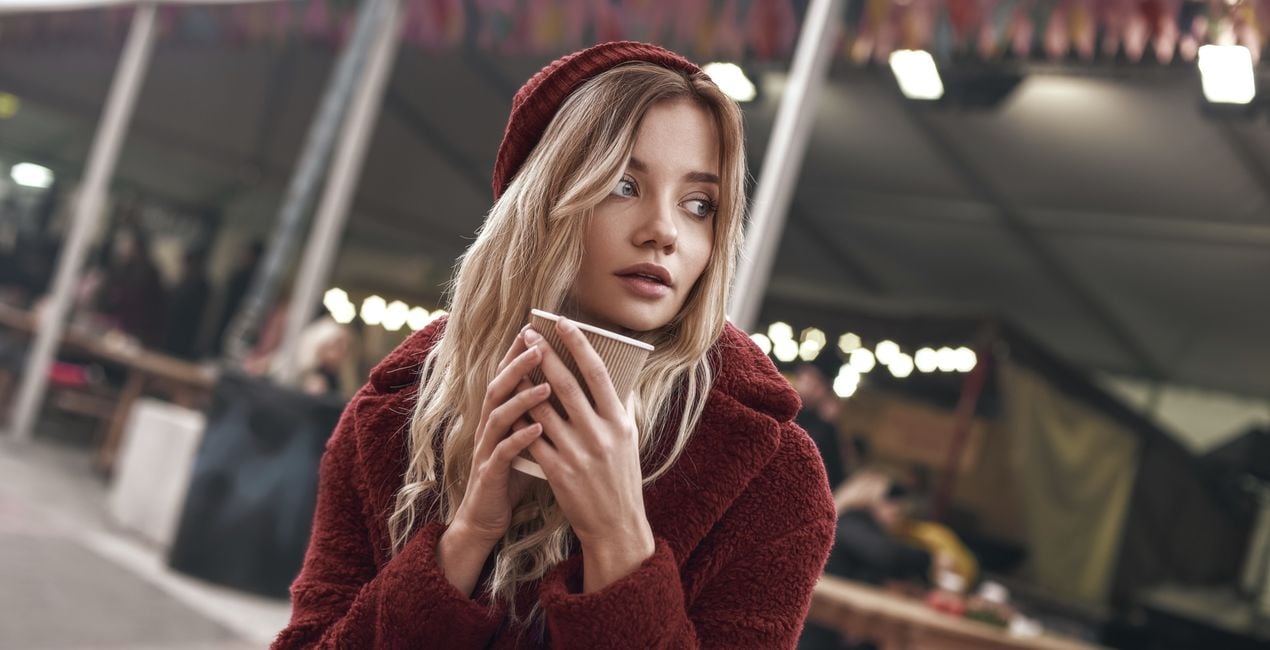
Transform your holiday photos into a festive wonderland with the enchanting “Mulled Wine” Preset Collection. This collection, crafted by Jakub from Clever Photographer, features ten meticulously curated Presets that are perfect for portraits, people, objects, and interiors. These Presets are user-friendly, non-destructive, and compatible with both RAW and JPEG images.

Con los archivos RAW proporcionados, practicarás fácilmente los consejos de retoque y aprenderás a conseguir fotos como estas.

 >
>
 >
>

 >
>

 >
>

 >
>

 >
>
Unlock your creativity and give your festive photos a warm and cinematic feel with the "Mulled Wine" Preset Collection. This set of 10 Presets, expertly crafted by Clever Photographer, is designed to transform your images with cozy red and ruby hues, perfect for portraits, people, objects, and interiors. Whether you shoot in RAW or JPEG, achieve stunning results with ease. Capture the season's essence with the "Mulled Wine" Preset Collection.
You will find 10 Presets in this Pack:
Cinnamon Crush – Bright and clean Preset with warm pastel saturation and balanced contrast.
Mulled Magic – Minimal clean Preset with bright highlights and creative vibrance.
Spice & Scarlet – Warm saturated Preset with strong color contrast and extra clarity.
Festive Essence – Cinematic Preset with creative fade and pastel toning.
Winter Warmth – Warm Preset with a bright glow and extra vibrance.
Mulled Moments – Clean Preset with extra saturation, clarity, and glow.
Cozy Cabernet – Contrasty Preset with a focus on reds in combination with color contrast.
Scarlet Spirits – Deep Preset with solid contrast, dark shadows, and light cinematic glow.
Crimson Crush – Airy Preset with bright shadows and lovely pastel saturation.
Spiced Elegance – Pastel color Preset with bright details, warm tones and bright shadows.
Co-Founder of Clever Photographer
Jakub Bors is a UK-based landscape photographer with over 15 years of experience in digital art and technology. He’s most inspired by the work of Trey Ratcliff and Scott Kelby. Jakub has a large and supportive fanbase on social media, sells prints of fine art photography worldwide, has worked for PX500 and Trivago on their European projects, and has had his work published in several magazines including Practical Photography. His passion for traveling has brought Jakub to almost every corner of the planet and helped him connect with amazing people.
Si tienes alguna duda o pregunta sobre el producto, puedes contactar al servicio de soporte 24/7. Visita este enlace.
Para comprar Mulled Wine, sigue estos pasos:
1. Abre el Marketplace de Skylum.
2. Ve a la pestaña correspondiente donde aparece Mulled Wine. Haz clic sobre él y añádelo a tu carrito.
3. Ve al carrito. Aquí, completa el proceso de compra de Mulled Wine.
4. Después de completar la compra, recibirás un correo de confirmación con el enlace de descarga de Mulled Wine. También encontrarás el nuevo producto en tu cuenta de Skylum, dentro de la pestaña “Mis complementos”.
Recibirás un email con instrucciones detalladas sobre cómo instalar Mulled Wine junto con un enlace de descarga.
También puedes instalar el producto comprado directamente desde Luminar Neo: ve a Extras > Marketplace, selecciona la categoría del producto, busca el elemento adquirido y haz clic en Instalar.
¡Es muy fácil! Ve a la pestaña de Ajustes Preestablecidos y selecciona "Comprados". Tu ajuste preestablecido instalado estará ahí.
No te preocupes. Todos los productos que hayas adquirido, como Mulled Wine, se almacenarán en la pestaña 'Mis complementos' de tu cuenta de Skylum para que puedas volver a descargarlos fácilmente.
Generalmente, la mayoría de productos son compatibles con Luminar Neo. Pero si quieres asegurarte de que Mulled Wine funciona(n) correctamente con tu software, consulta sus especificaciones antes de hacer ninguna compra o descarga. Busca la sección "Compatibilidad" en la parte derecha de la página de Mulled Wine, donde aparecen todos los programas compatibles.
No te vayas todavía. Aquí tienes un código de descuento exclusivo. Úsalo en los próximos 15 minutos para obtener un 10 % de descuento adicional al finalizar la compra. Copia el código que aparece a continuación y completa tu compra.
15 m : 00 s





