 © AboutImages
 © Nadtochii
 © Psergiophoto
Descripción
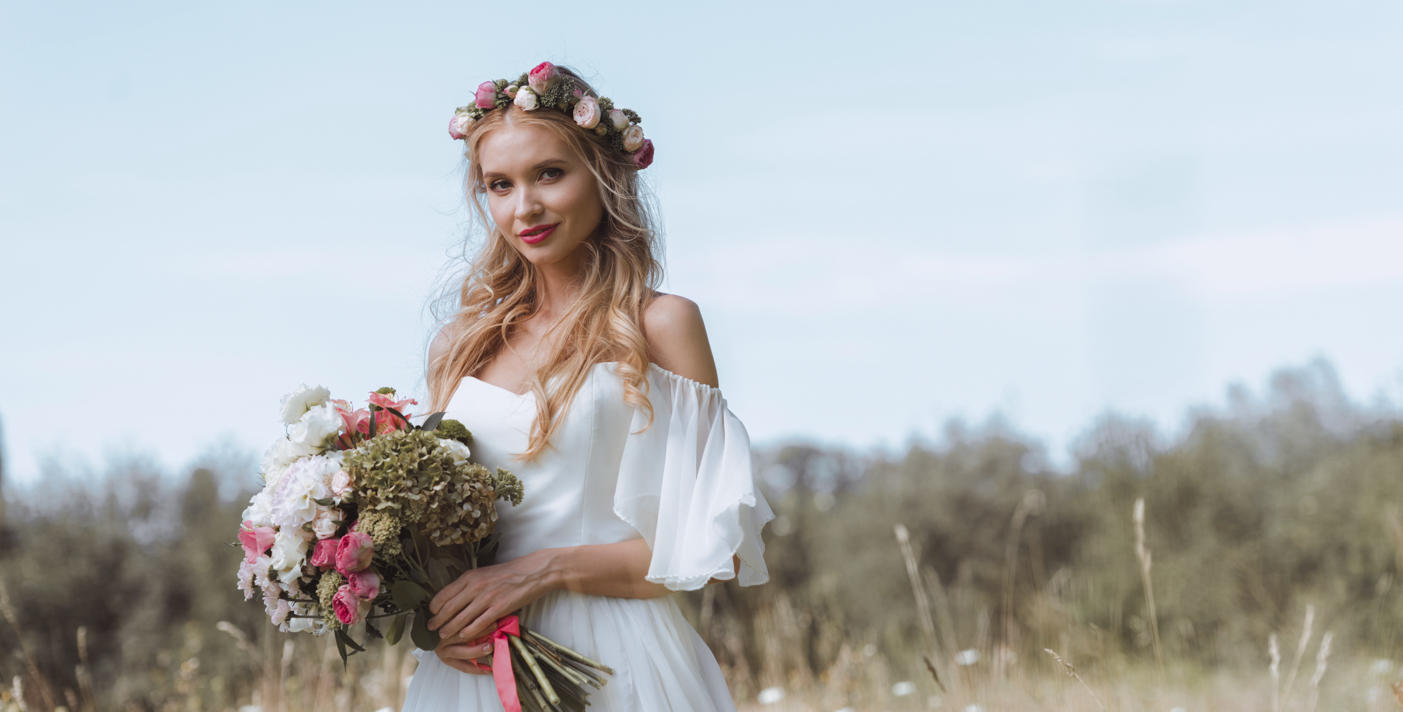
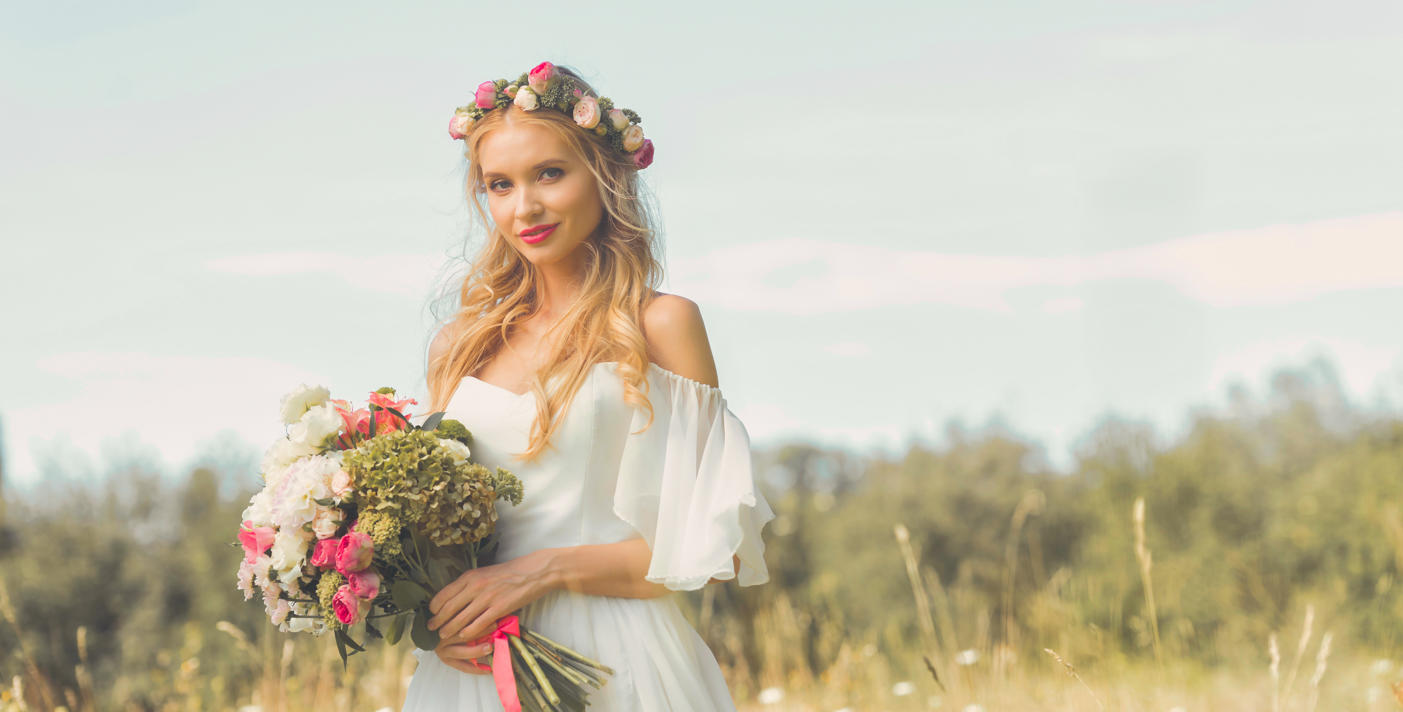
Add extra romance to your wedding photos with a collection of 10 Presets designed for special occasions. These Presets allow you to quickly give your photos enhanced colors with a soft pastel hue.
Consigue fotos como estas
Con los archivos RAW proporcionados, practicarás fácilmente los consejos de retoque y aprenderás a conseguir fotos como estas.
La historia
 © Nadtochii
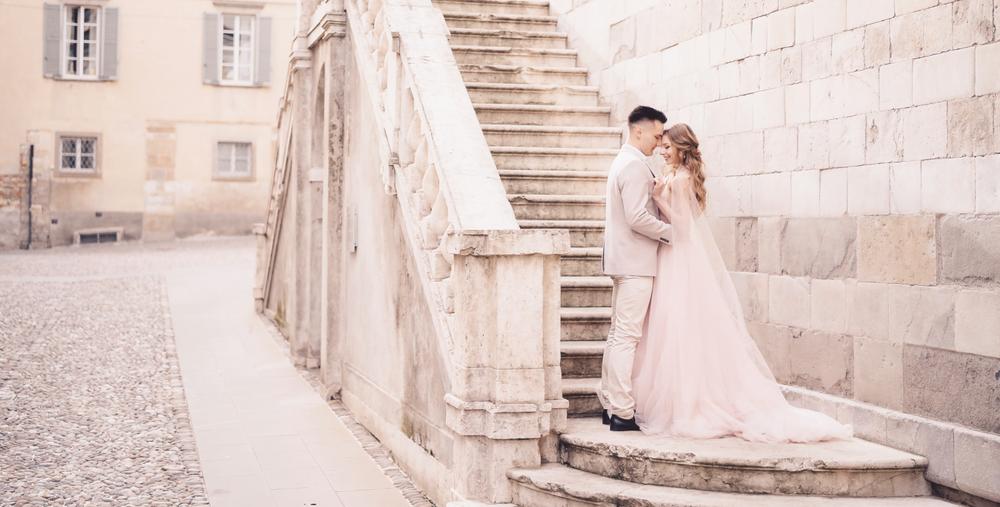
Make your wedding photos stand out with the Soft & Light Wedding Presets collection. Designed by Clever Photographer, it offers 10 Presets to add a soft pastel hue to softly enhance colors.
You can use the Presets as a starting point before adding your own touch. Although the collection is designed for wedding photography, it will work just as well on any colorful portraits.
You'll find 10 Presets in this Pack:
Soft Cream: Natural Preset with smooth skin tones and a faded cinematic look
Rose Gold: Warm Preset with a touch of rose pastel fade in warm highlights
Violet: Balanced Preset with a focus on pastel foliage and natural tones
Lilac: Nostalgic Preset with warm pastel tones and a natural glow
Deep Purple: Bright Preset with deep purple tones in the shadows
Champagne: Romantic Preset full of warm creamy tones and balanced contrast
Mint: Bright natural Preset offering a light green in the shadows and crisp glow in the highlights
Dusky Pink: Beautiful faded pink Preset with balanced exposure and contrast
Light Aqua: Fresh, crisp Preset with bright tones and enhanced cool colors
Buttermilk: Vintage-looking Preset focusing on natural colors and a soft glow in the highlights
Productos relacionados












Creador
Jakub Bors
Co-Founder of Clever Photographer
Jakub Bors is a UK-based landscape photographer with over 15 years of experience in digital art and technology. He’s most inspired by the work of Trey Ratcliff and Scott Kelby. Jakub has a large and supportive fanbase on social media that joins him regularly for his photography workshops in the UK and worldwide. He sells fine art photography worldwide prints, has worked for PX500 and Trivago on their European projects, and has had his work published in several magazines, including National Geographic. His passion for traveling has brought Jakub to almost every corner of the planet and helped him connect with amazing people.