 © Ecko_Vision
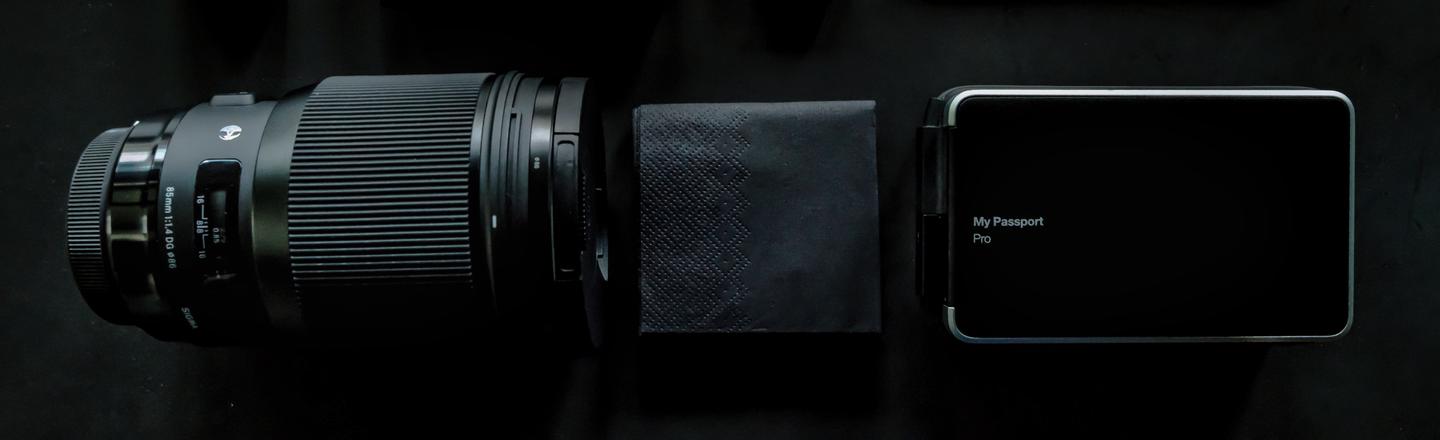 © Volodymyr_Proskurovskyi
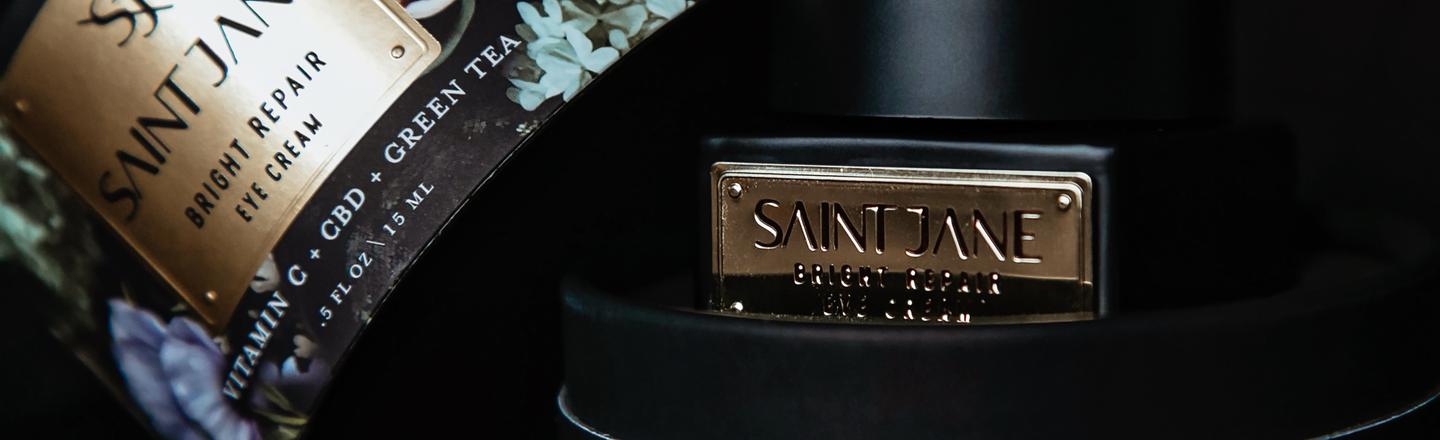 © Kitera_Dent
Descripción
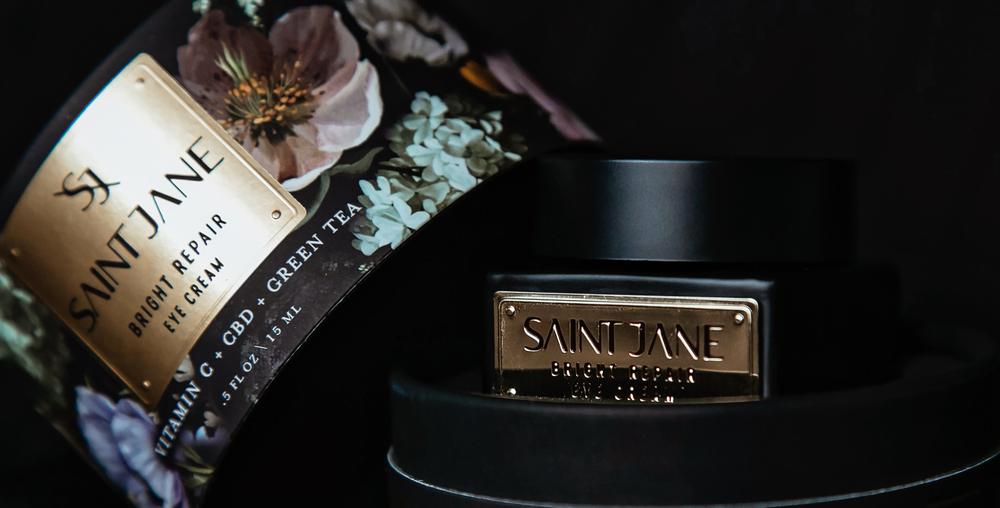
Using a dark background in product photography can enhance the mood and atmosphere of your shots, giving your products added value. Take advantage of our collection of 10 Presets to improve your dark background captures and produce high-quality images that showcase your products in the best possible light.
Consigue fotos como estas
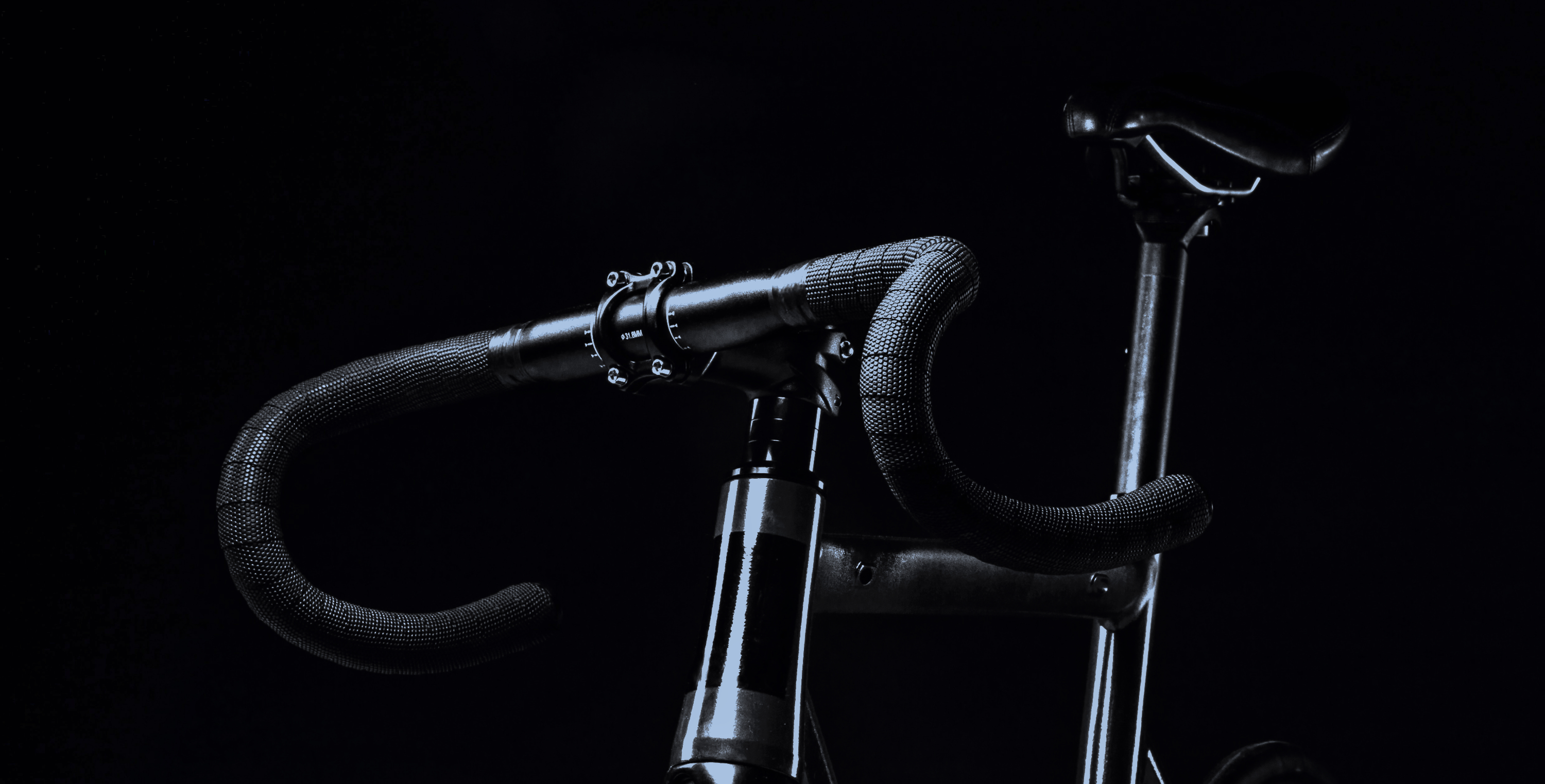
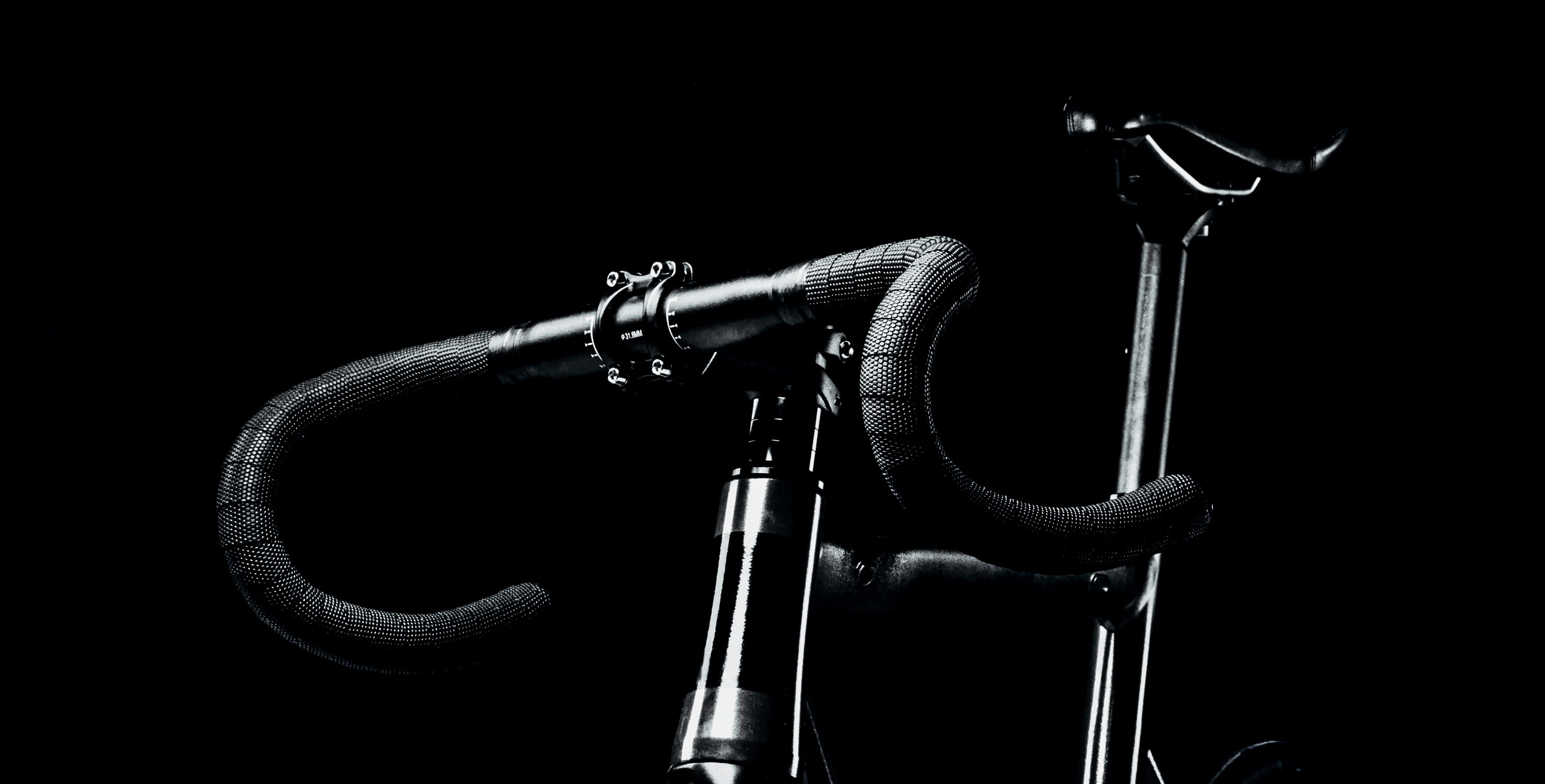
Con los archivos RAW proporcionados, practicarás fácilmente los consejos de retoque y aprenderás a conseguir fotos como estas.
La historia
 © Kitera_Dent
If you want to create a captivating atmosphere and mood for your product photography, using a dark background can be a game-changer.
This can greatly enhance the perceived value of your products and make them stand out. With our 10 Presets, designed by Clever Photographer, you can easily achieve this effect effortlessly and showcase your products in the best light possible. The high-quality images of your products will surely leave a lasting impression on your audience.
You will find 10 Presets in this Pack:
Crow – This Preset works with heavy blacks and whites, creating dramatic contrast.
Ink – Balanced dark Preset with open shadows and a touch of cinematic cyan tone.
Metal – Bright Preset with extra details and open shadows.
Onyx – Grey Preset with balanced contrast and bright highlights.
Obsidian – Dark Preset with full black in shadows and saturated details in color.
Jade – Cinematic Preset with a touch of cyan and fade.
Slate – Black Preset with extra clarity and details.
Lead – Fresh Preset with metallic look and extra contrast.
Coal – Composed Preset working with grey and black in combination with extra saturation.
Skylum is not affiliated with, endorsed by, or an official partner of any of the trademarks that may be depicted in the images. All trademarks and brand names mentioned are the property of their respective owners.
Productos relacionados












Creador
Jakub Bors
Co-Founder of Clever Photographer
Jakub Bors is a UK-based landscape photographer with over 15 years of experience in digital art and technology. He’s most inspired by the work of Trey Ratcliff and Scott Kelby. Jakub has a large and supportive fanbase on social media that joins him regularly for his photography workshops in the UK and worldwide. He sells fine art photography worldwide prints, has worked for PX500 and Trivago on their European projects, and has had his work published in several magazines, including National Geographic. His passion for traveling has brought Jakub to almost every corner of the planet and helped him connect with amazing people.