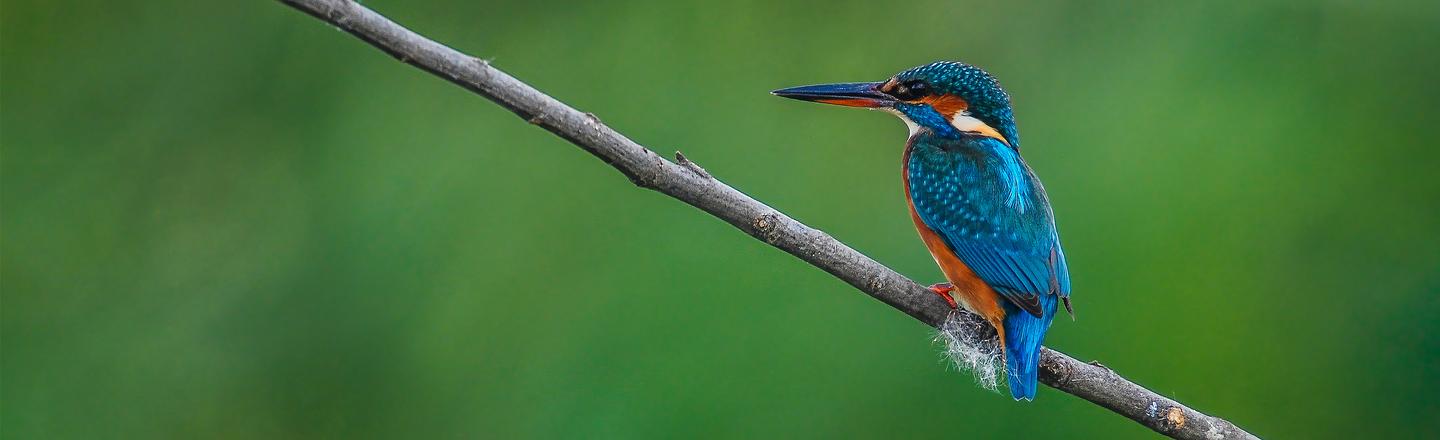
 © West_End_6
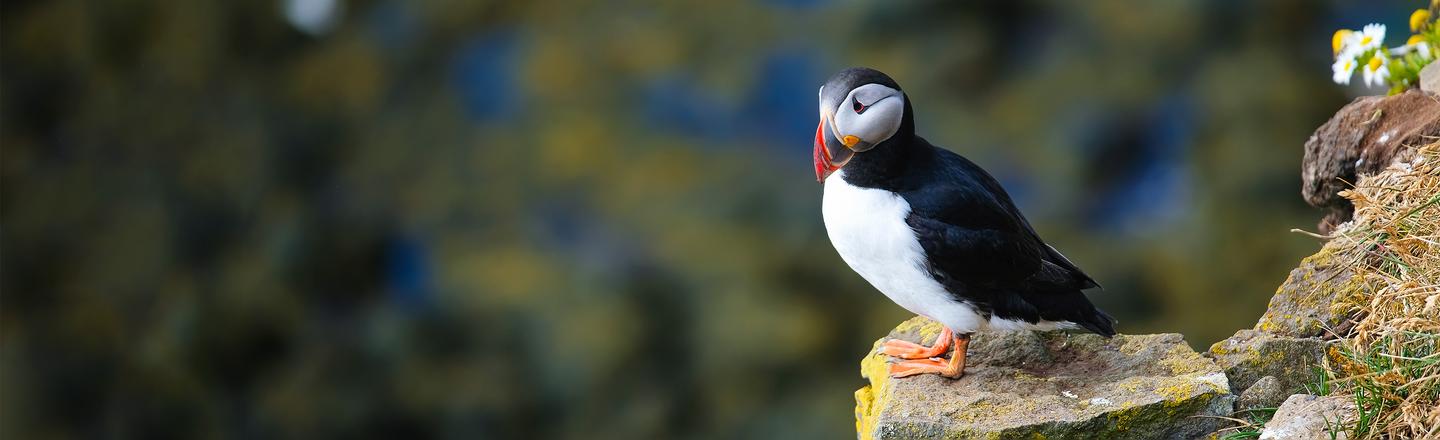 © Biletskiy
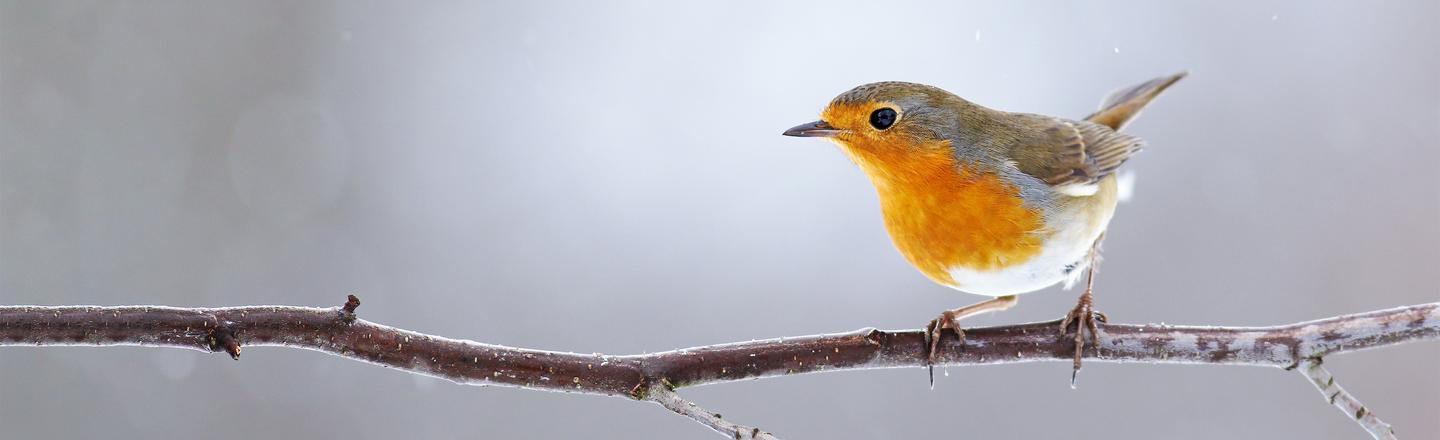 © Wild_Media_SK
Descripción
Con 10 Ajustes preestablecidos creados profesionalmente, la colección Pájaros y alas está diseñada específicamente para mejorar las fotos de aves. Estos Ajustes combinan ajustes de color selectivos, tonos y técnicas de desarrollo natural para resaltar la belleza cautivadora de tus imágenes de aves. Mejora tu fotografía de aves y deja que tus fotos lleguen alto.
Consigue fotos como estas
Con los archivos RAW proporcionados, practicarás fácilmente los consejos de retoque y aprenderás a conseguir fotos como estas.
La historia
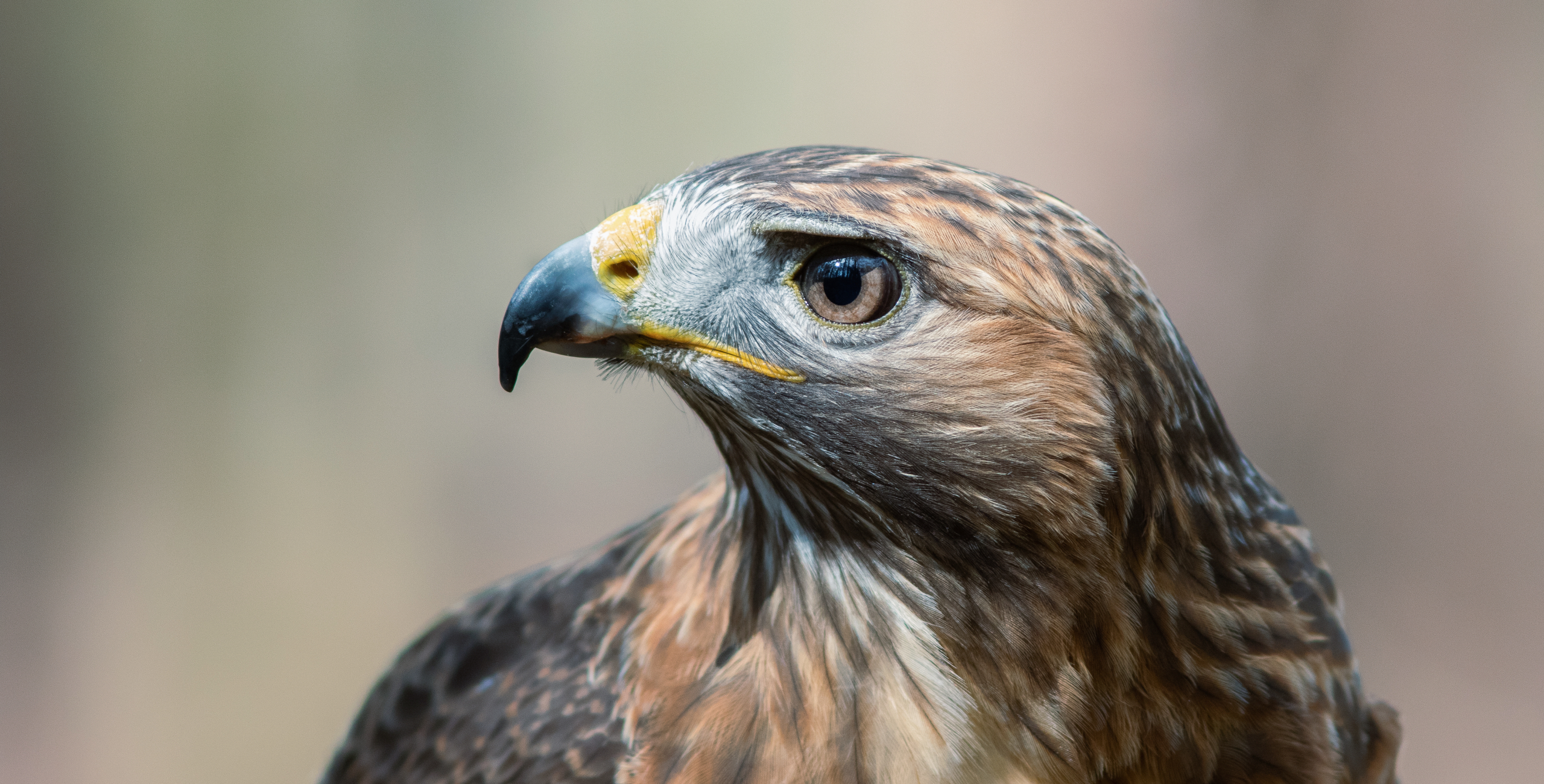
 © Wild_Media_SK
Looking for a way to enhance your bird photos? Look no further than this Preset collection designed by Clever Photographer for use with Luminar. These Presets are perfect for both JPEG and RAW files, and they have been meticulously crafted to bring out the best in your avian imagery.
With 10 different Presets to choose from, you can make quick edits or find inspiration for longer editing sessions. Birds & Wings uses selective color adjustments, toning, and natural development techniques to help your bird photos truly take flight.
Lorikeet: Saturated Preset focusing on pastel earthy colors and balanced light.
Peacock: Bright and minimal Preset with extra details and lower saturation.
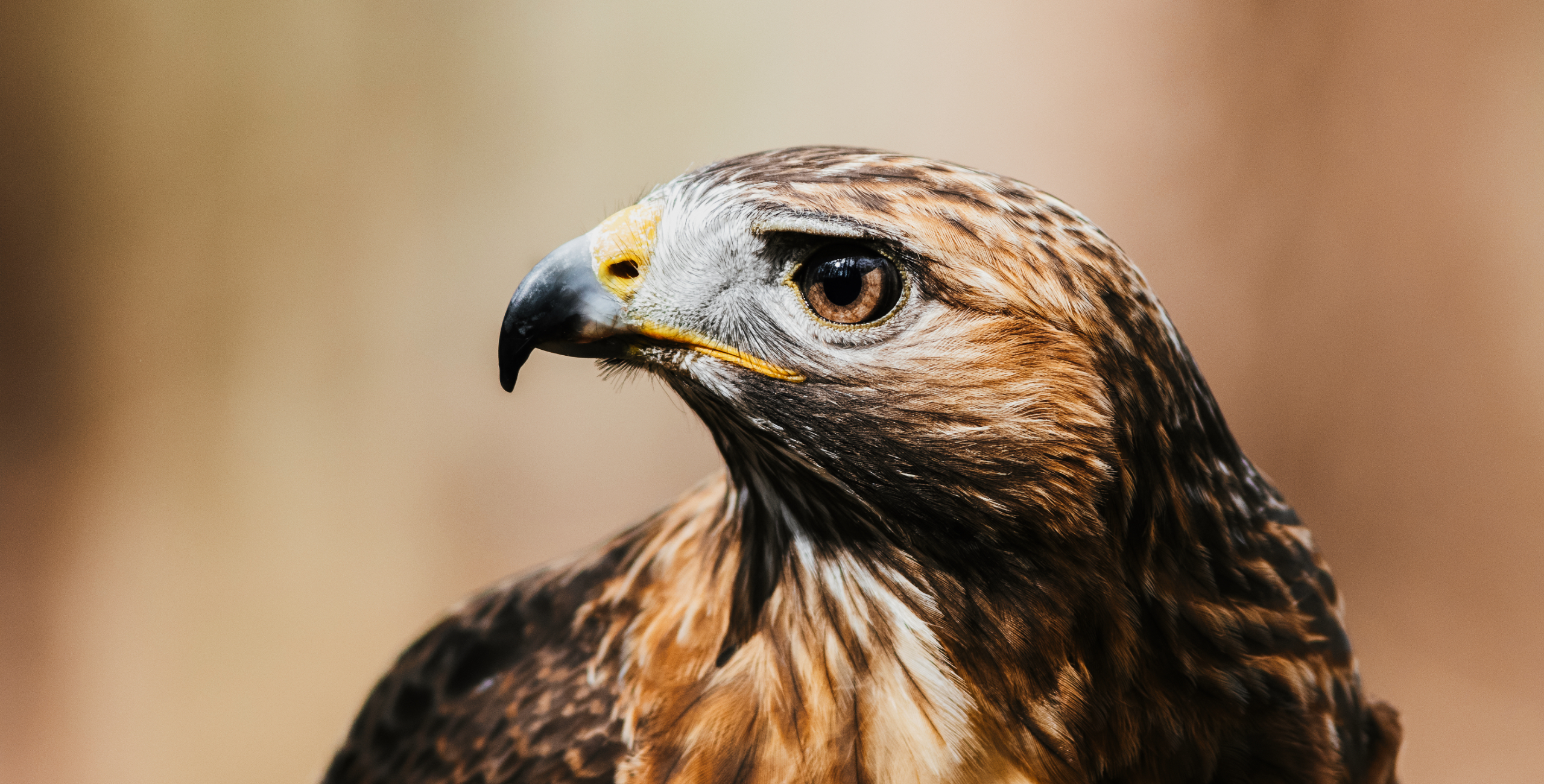
Eagle: Darker Preset with full tones, earthy toning, and additional contrast.
Kingfisher: Clean Preset with additional brightness, open shadows, and lower saturation.
Bee Eater: Warm Preset with strong color contrast, heavy contrast, and a touch of film grain.
Pheasant: Vibrant Preset with extra saturation, dark blacks, and strong color contrast.
Goose: Vivid Preset with less saturation, bright shadows, and balanced contrast.
Waxwing: Natural Preset with focus on pastel colors with additional contrast.
Phasianus: Balanced Preset with bright highlights, natural saturation, and extra details.
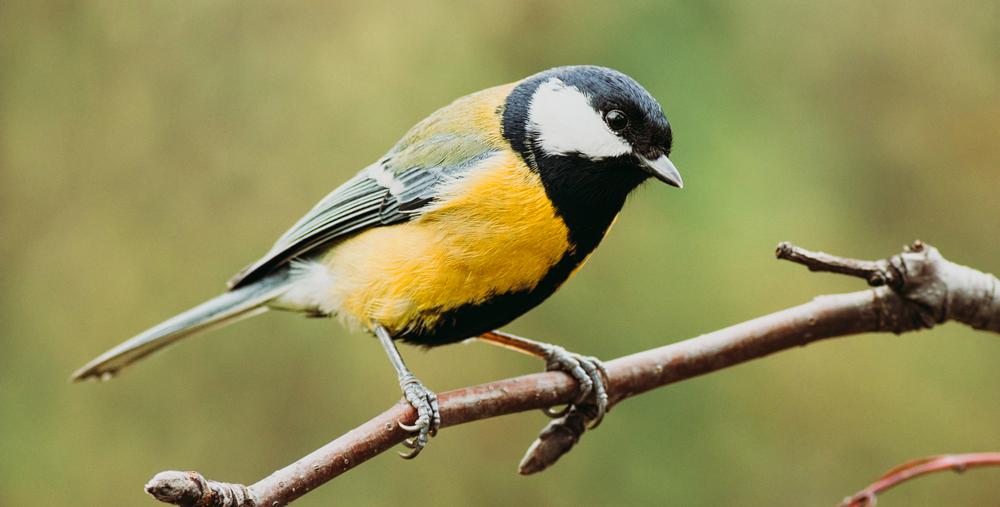
Blue Tit: Bright and saturated Preset with balanced contrast and a touch of glow.
Productos relacionados












Creador
Jakub Bors
Co-Founder of Clever Photographer
Jakub Bors is a UK-based landscape photographer with over 15 years of experience in digital art and technology. He’s most inspired by the work of Trey Ratcliff and Scott Kelby. Jakub has a large and supportive fanbase on social media that joins him regularly for his photography workshops in the UK and worldwide. He sells fine art photography worldwide prints, has worked for PX500 and Trivago on their European projects, and has had his work published in several magazines, including National Geographic. His passion for traveling has brought Jakub to almost every corner of the planet and helped him connect with amazing people.