


 Zastosowany


Sun & Sand LUTs
Save $201 $ 29 .00

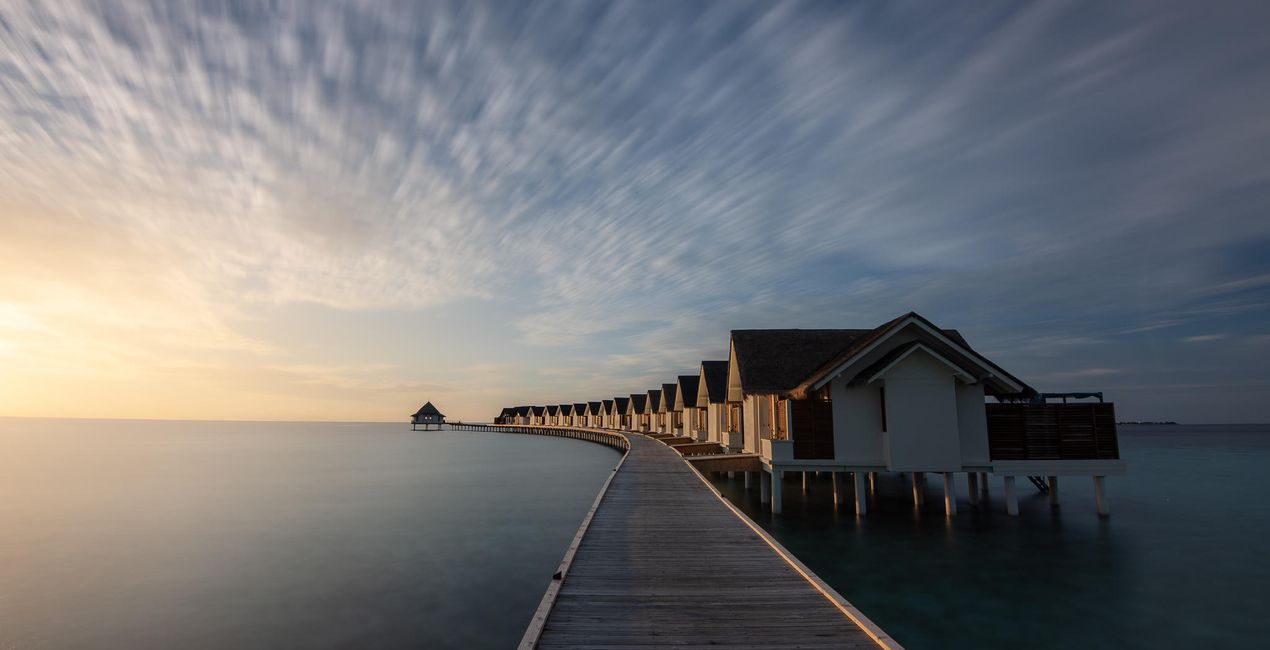
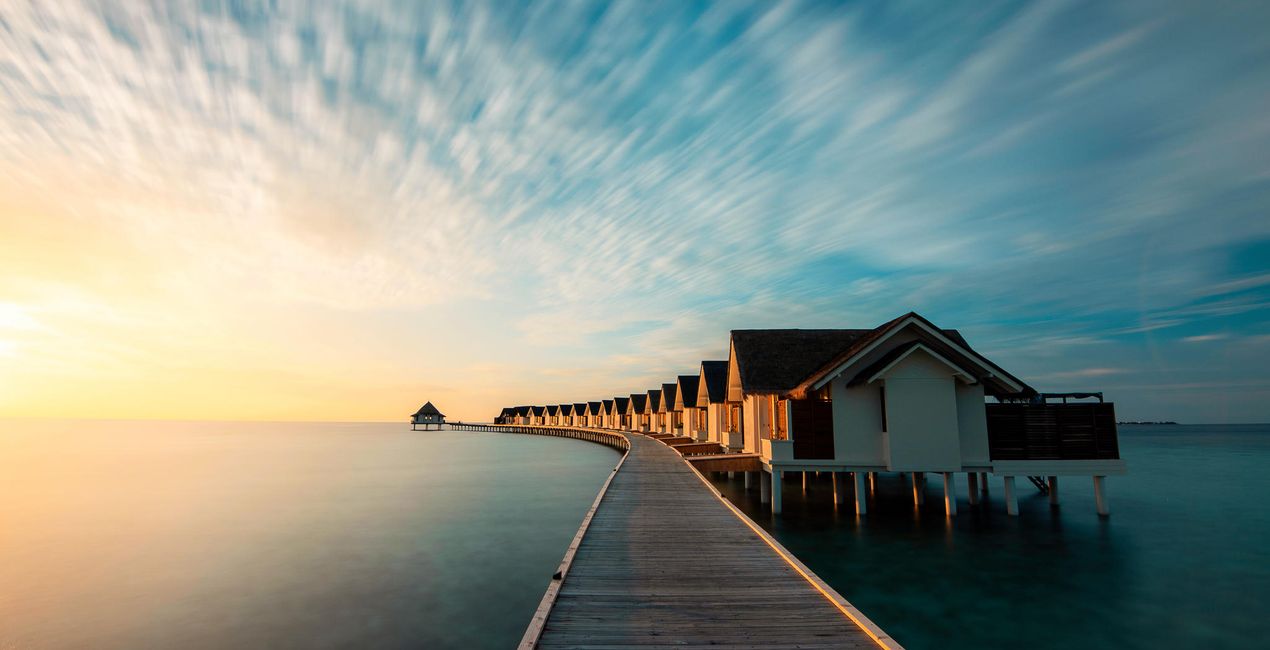
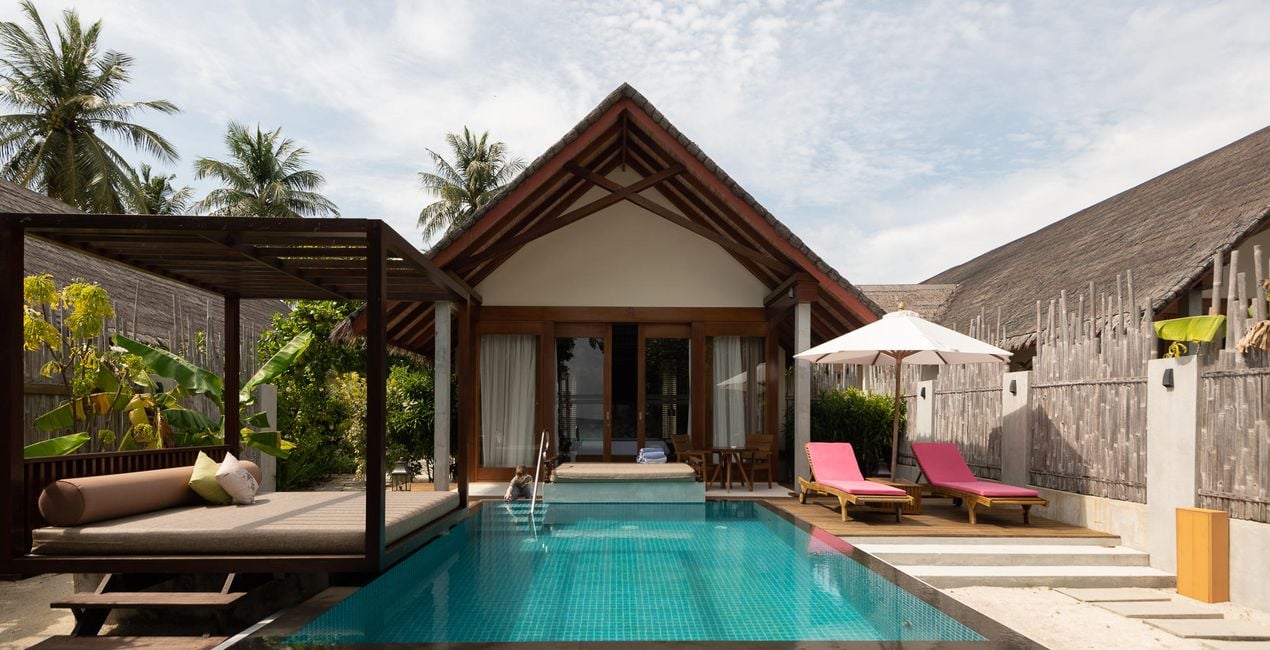
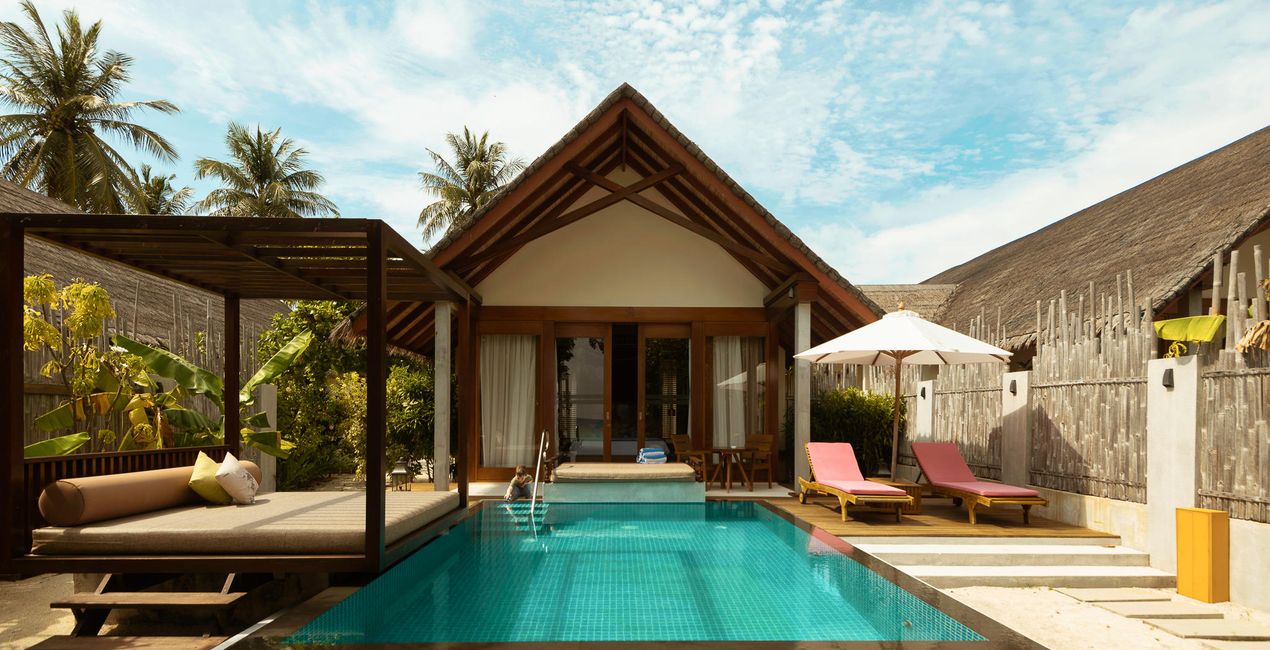
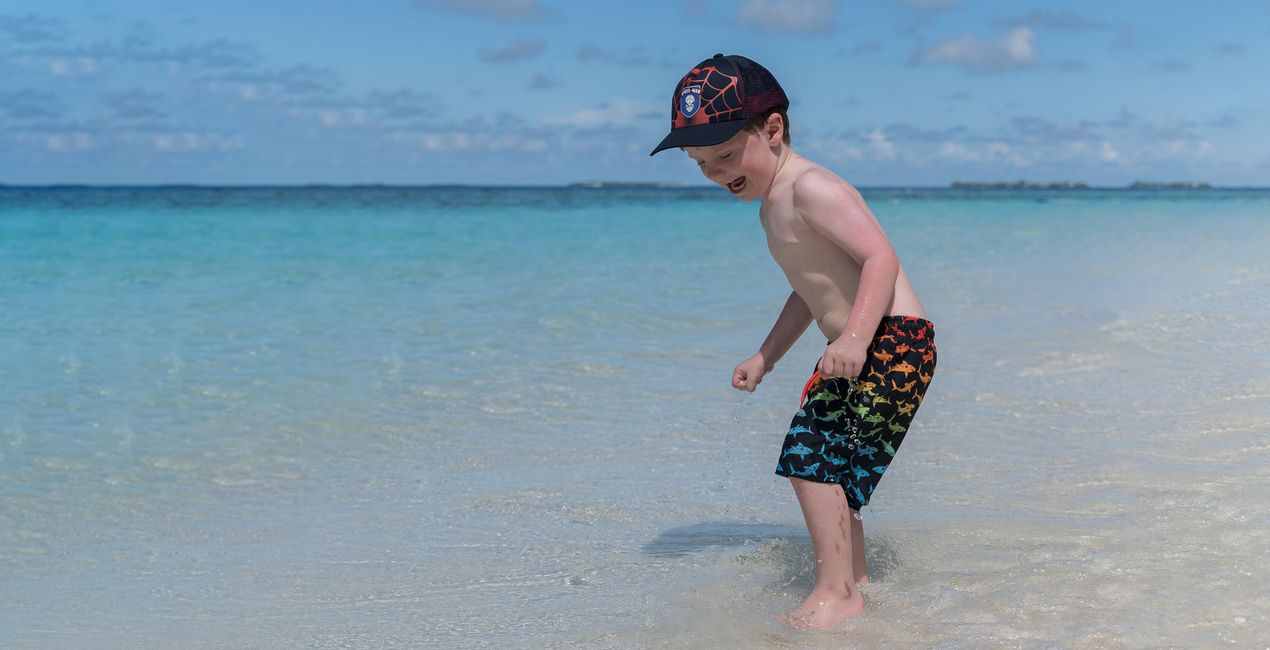
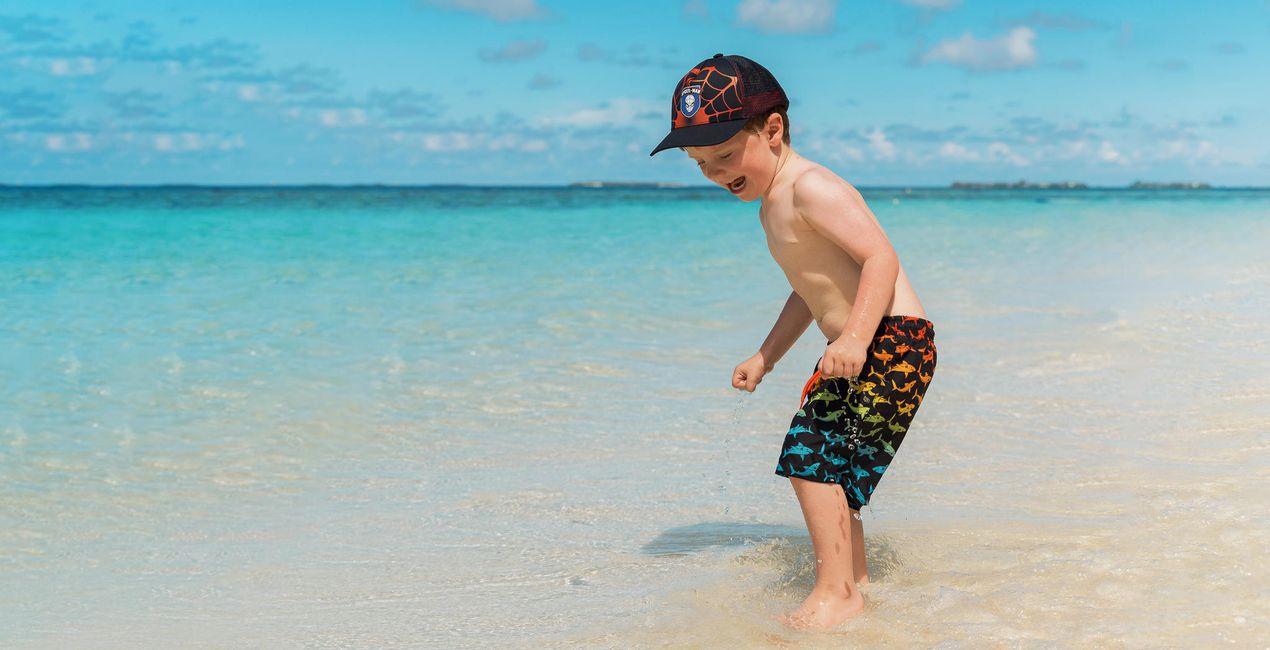
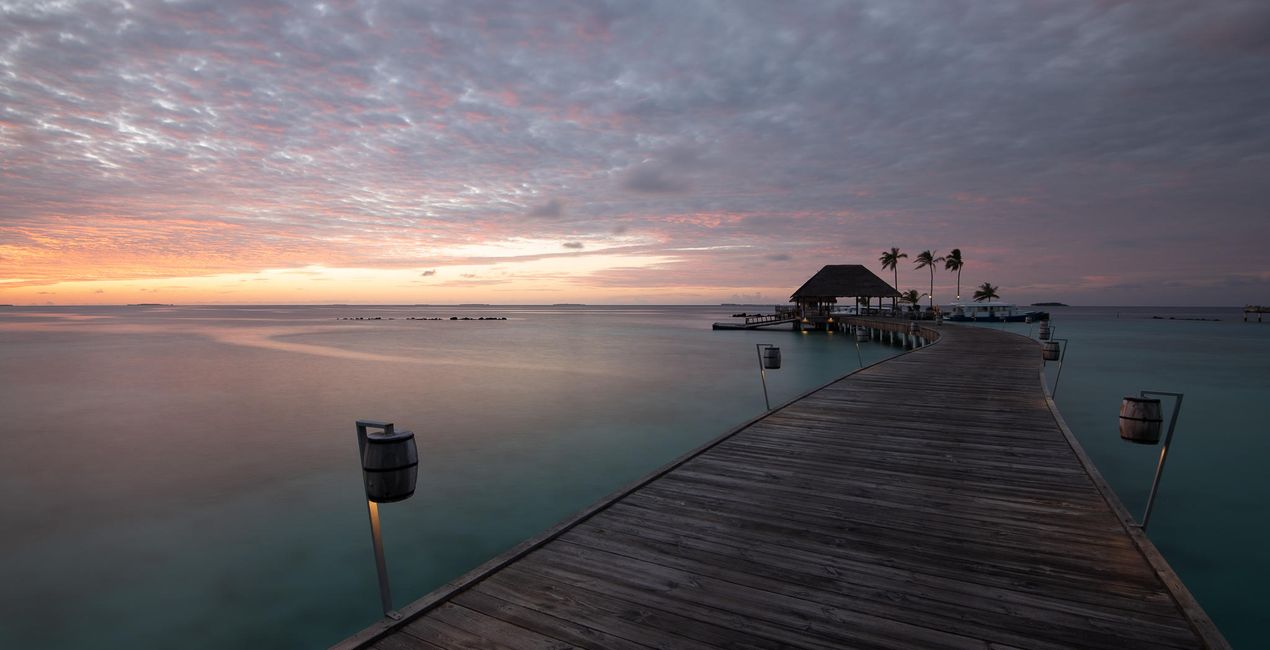
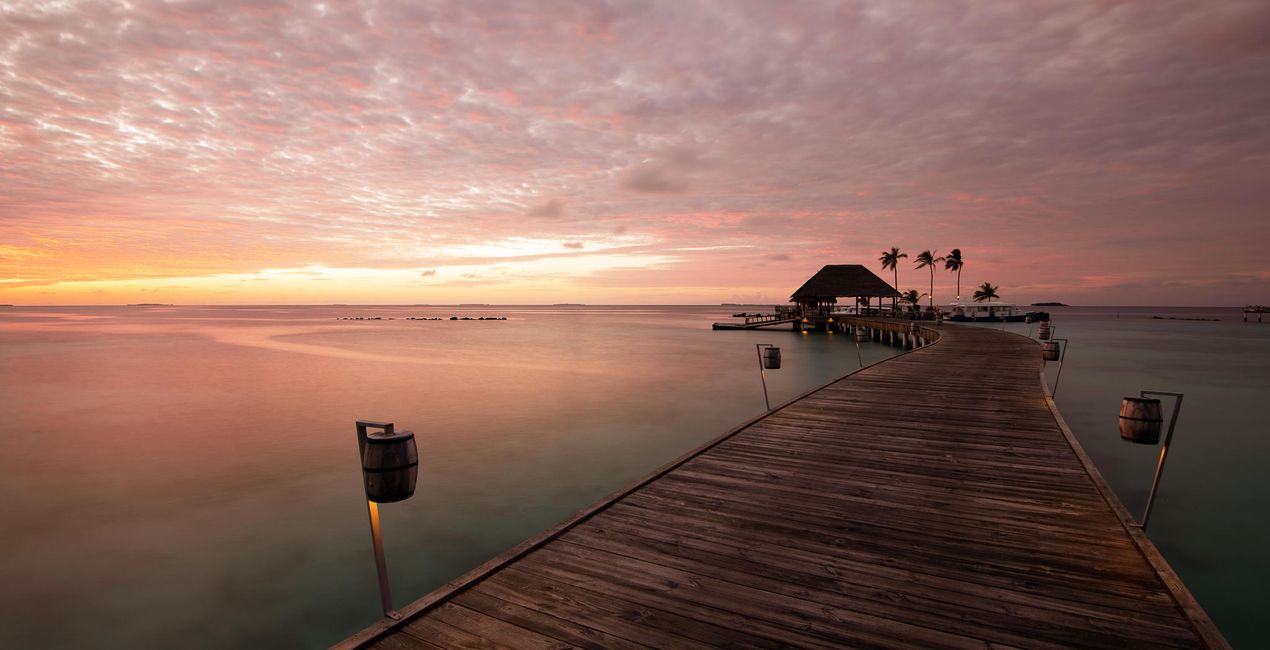
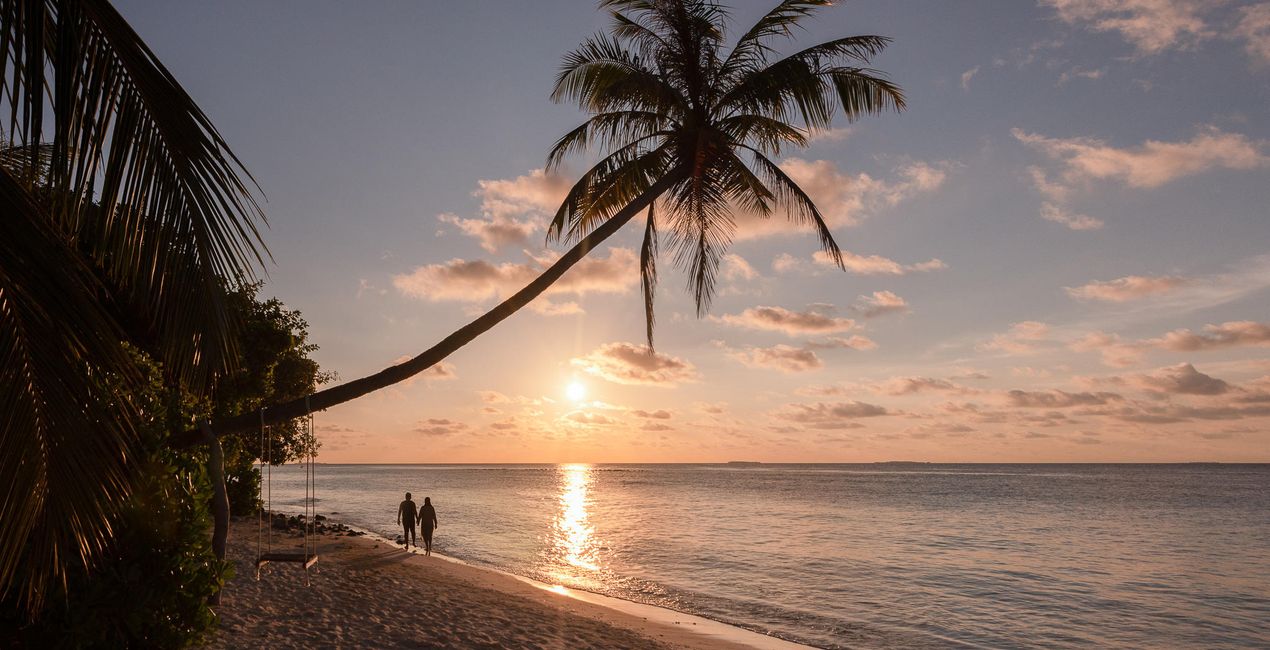
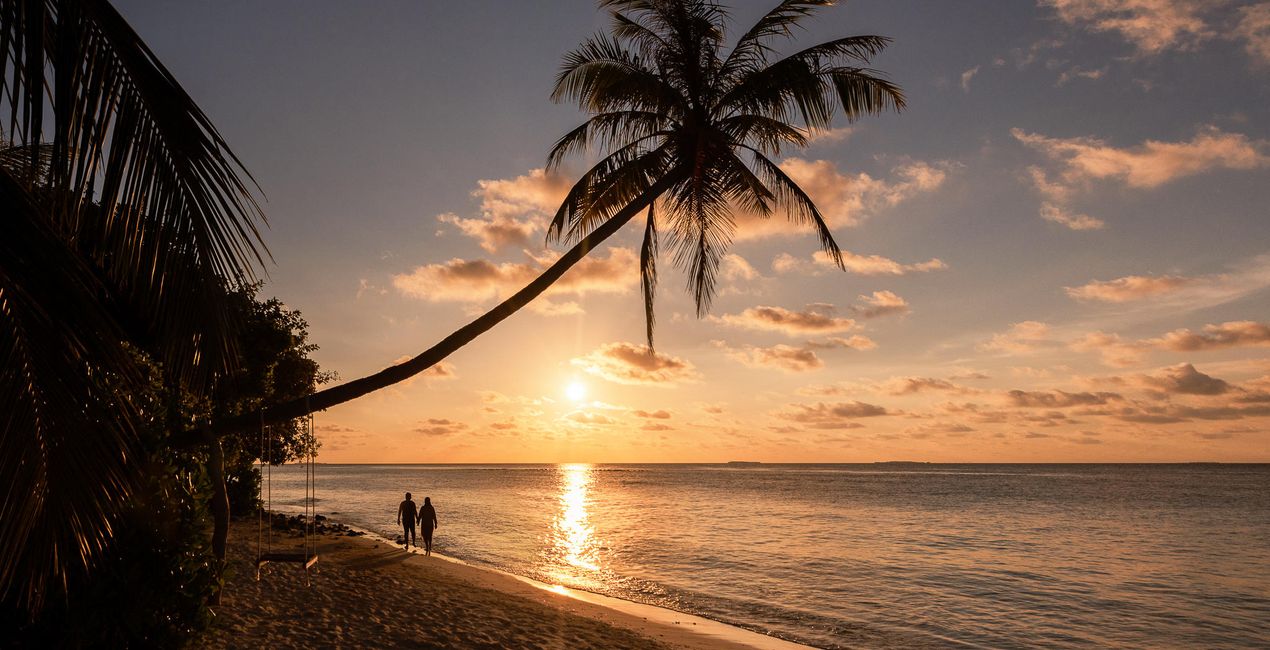
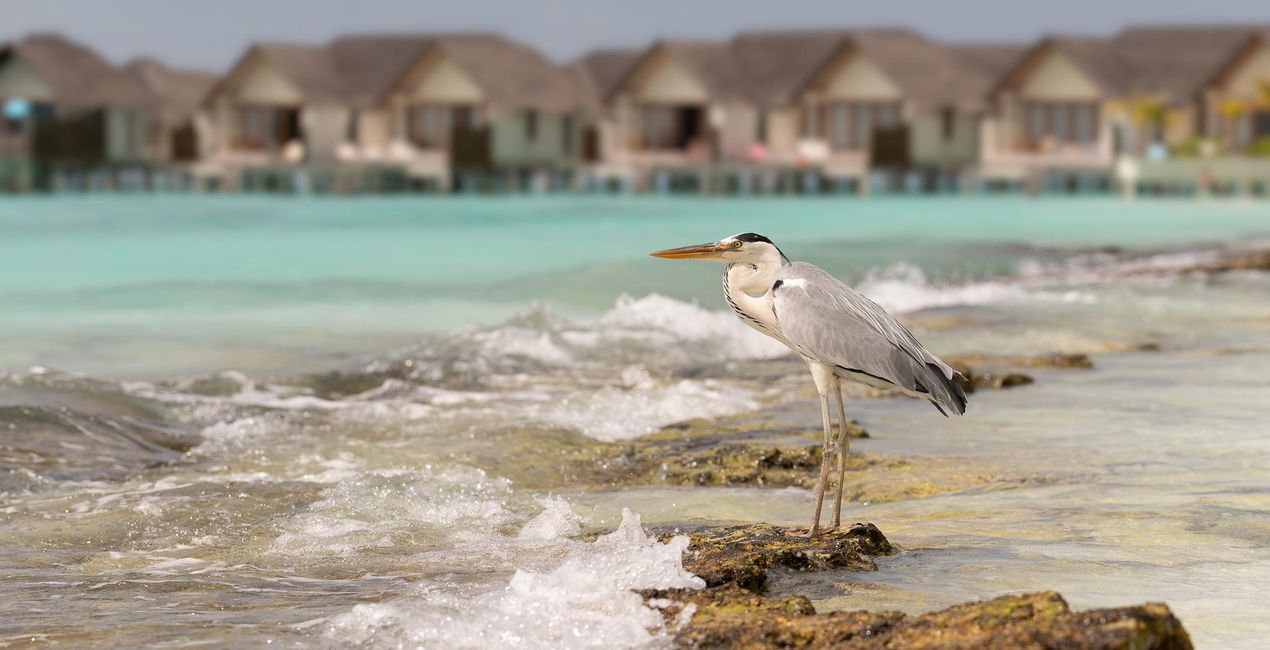
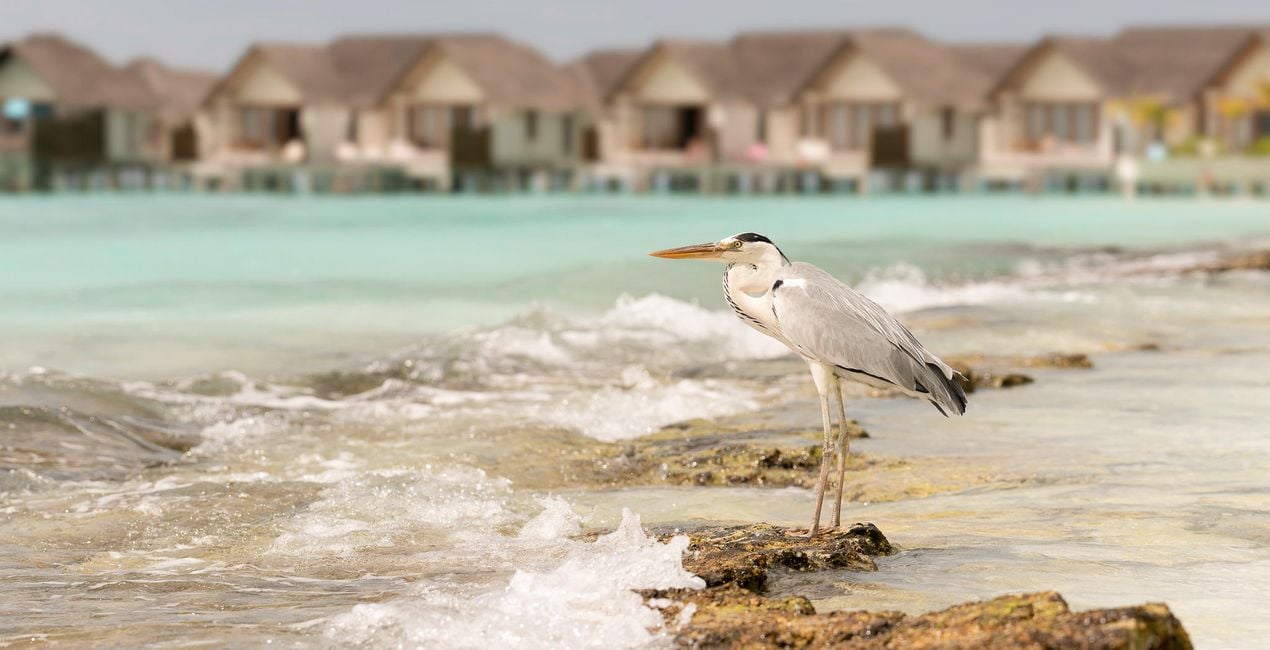
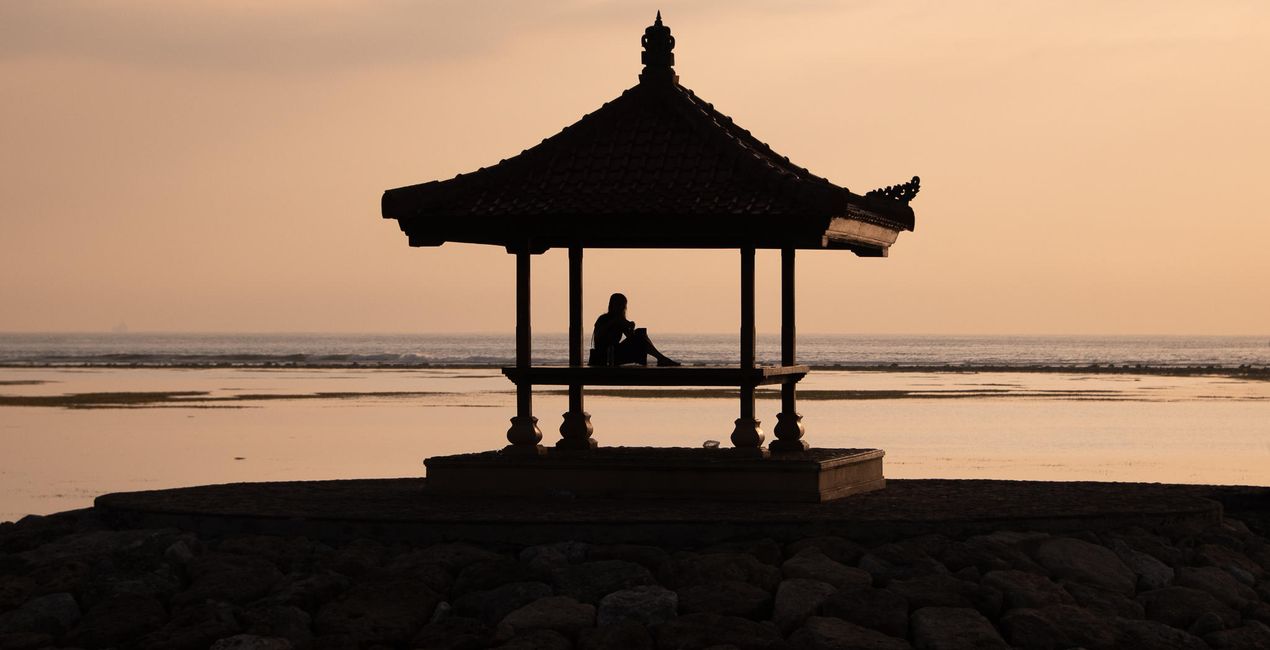
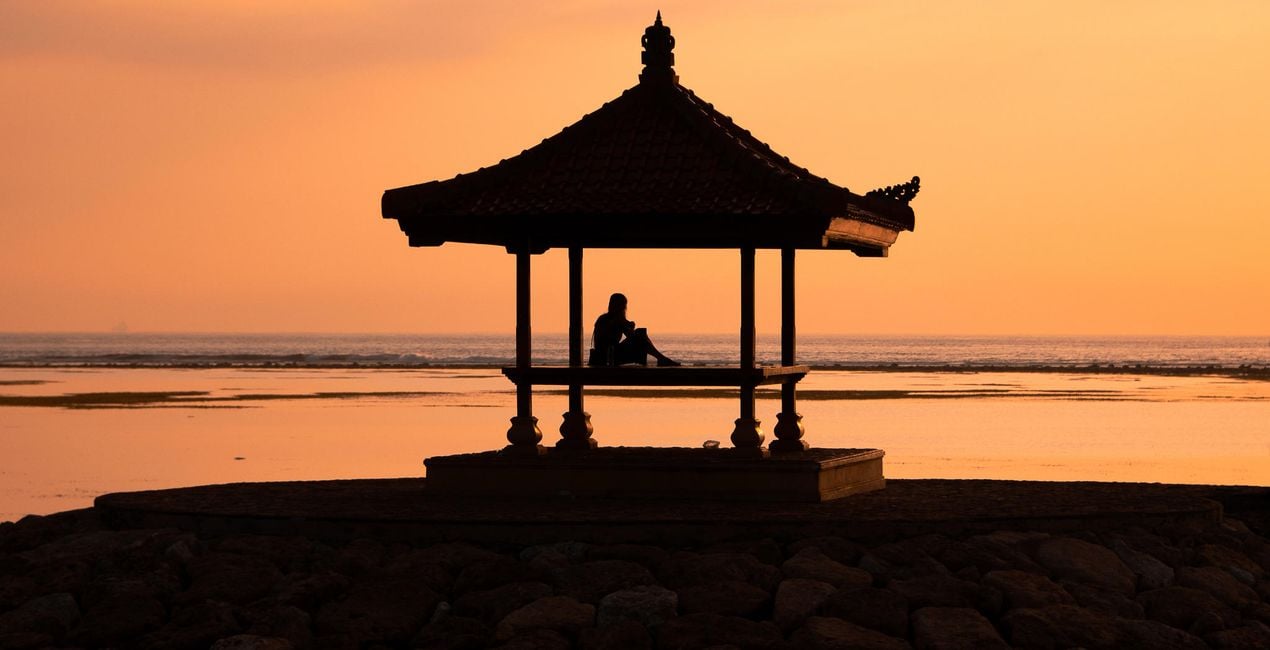
Mathew Browne’s Sun & Sand LUTs are inspired by days at the beach. Whether you’re shooting lifestyle and travel portraits for social media or capturing epic seascape vistas, this collection contains 12 LUTs for you to explore. They work with different styles, lighting conditions, photography equipment, and times of day.


Korzystając z plików RAW z łatwością przećwiczysz wskazówki dotyczące retuszu i dowiesz się, jak stworzyć zdjęcia takie jak te.
 >
>
 >
>
 >
>

 >
>
 >
>

 >
>
 >
>
 >
>
 >
>

 >
>
In this LUTs pack, you will find 12 effects perfect for beach photography from dawn to dusk:
Bondi: High-contrast teal and gold for golden hour shooting
Cabana: Rich wood tones and vibrant aquas to capture beach huts, cabanas, and water bungalows
Copacabana: A portrait LUT for sun-kissed skin and golden sands
Freshwater: Super saturated teals and a huge punch of contrast for underwater shoots
Furaveri: A LUT for bright, warm, and airy beachside portraits
Grand Gaube: Enhance the natural beauty of sunrise and sunset with pink and coral tones
Pendine: Rich golden tones and a big boost of contrast
St Maarten: A warm, vintage look with a subtle fadeTulum: A high contrast look with coral tones
Tuvalu: Rich aqua tones and golds with added contrast for hazy days and drone shot
Varadero: Add some brightness, warmth, and color to an overcast beach scene
Waikiki: Intense warm tones for sunrises and sunsets
Photographer. Skylum Ambassador.
Mathew Browne is a cross-genre photographer who has gained recognition for his vibrant images spanning the spectrum of travel photography. A prolific traveler, Mathew has visited nearly 70 countries and photographs extensively for the photo location sharing platform PhotoHound, which he co-founded in 2018.
These Looks serve as the foundation for much of his wildlife portfolio, often allowing him to achieve his desired result with just one click.
Jeśli masz jakiekolwiek pytania dotyczące produktu, możesz skontaktować się z zespołem pomocy technicznej dostępnym 24 godziny na dobę, 7 dni w tygodniu. Wystarczy kliknąć ten link.
Aby kupić Sun & Sand LUTs, wykonaj następujące kroki:
1. Otwórz Marketplace Skylum.
2. Przejdź do odpowiedniej zakładki, w której znajduje się Sun & Sand LUTs. Kliknij na nim i dodaj produkt do koszyka.
3. Przejdź do koszyka. Tutaj zakończ proces zakupu produktu Sun & Sand LUTs.
4. Po dokonaniu zakupu otrzymasz wiadomość e-mail z linkiem do pobrania Sun & Sand LUTs. Nowy produkt znajdziesz również na swoim koncie Skylum, w zakładce Moje dodatki.
Szczegółowe instrukcje dotyczące instalacji Sun & Sand LUTs zostaną przesłane w wiadomości e-mail wraz z linkiem do pobrania
Ponadto zakupiony produkt można zainstalować bezpośrednio w programie Luminar Neo: przejdź do menu Dodatki > Marketplace, wybierz kategorię produktu, znajdź zakupiony produkt i kliknij Zainstaluj.
To całkiem proste! Jeśli korzystasz z Luminar Neo, przejdź do zakładki Edycji w górnym pasku menu. Następnie przejdź do sekcji Kreatywne, wybierz Nastrój > Wybierz LUT > Zakupione. Znajdziesz tam zainstalowany pakiet LUTów.
Nie martw się. Wszystkie zakupione produkty, w tym Sun & Sand LUTs, są przechowywane w zakładce „Moje dodatki” na koncie Skylum, co umożliwia ich łatwe ponowne pobranie i użycie.
Ogólnie rzecz biorąc, większość produktów jest kompatybilna z Luminar Neo. Aby jednak upewnić się, że Sun & Sand LUTs jest kompatybilne z Twoim oprogramowaniem, przed pobraniem lub zakupem sprawdź jego specyfikację. Poszukaj sekcji „Kompatybilność” po prawej stronie strony Sun & Sand LUTs, gdzie wymienione są wszystkie kompatybilne produkty.
Nie wychodź jeszcze. Mamy dla Ciebie ekskluzywny kod rabatowy. Wykorzystaj go w ciągu najbliższych 15 minut, aby uzyskać dodatkowe 10% zniżki przy finalizacji zamówienia. Skopiuj poniższy kod i sfinalizuj zakup.
15 m : 00 s





