


 Toegepast


Blue Infinity
Save $201 $ 25 .00

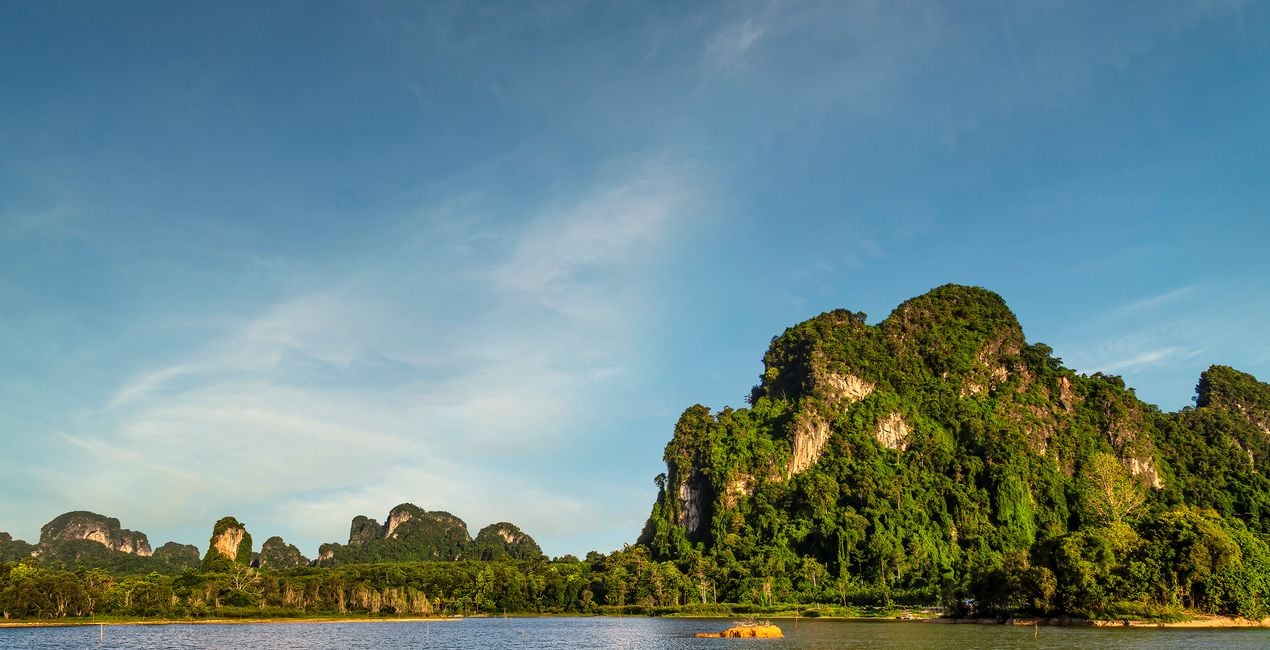
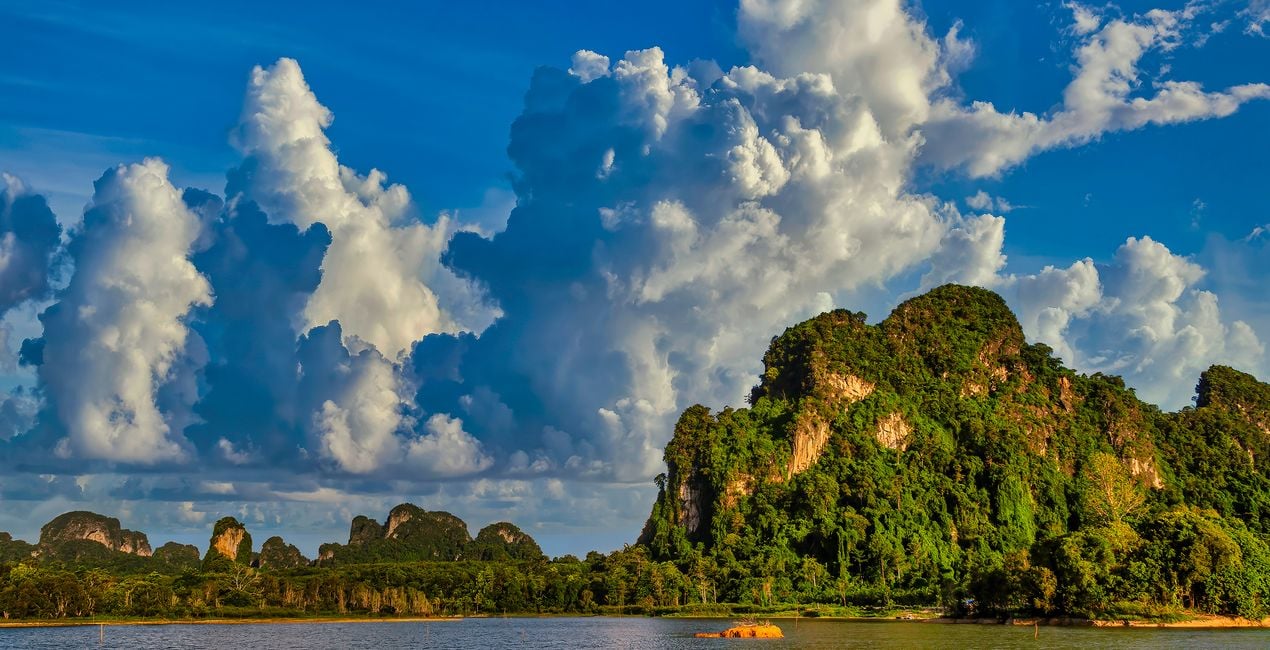
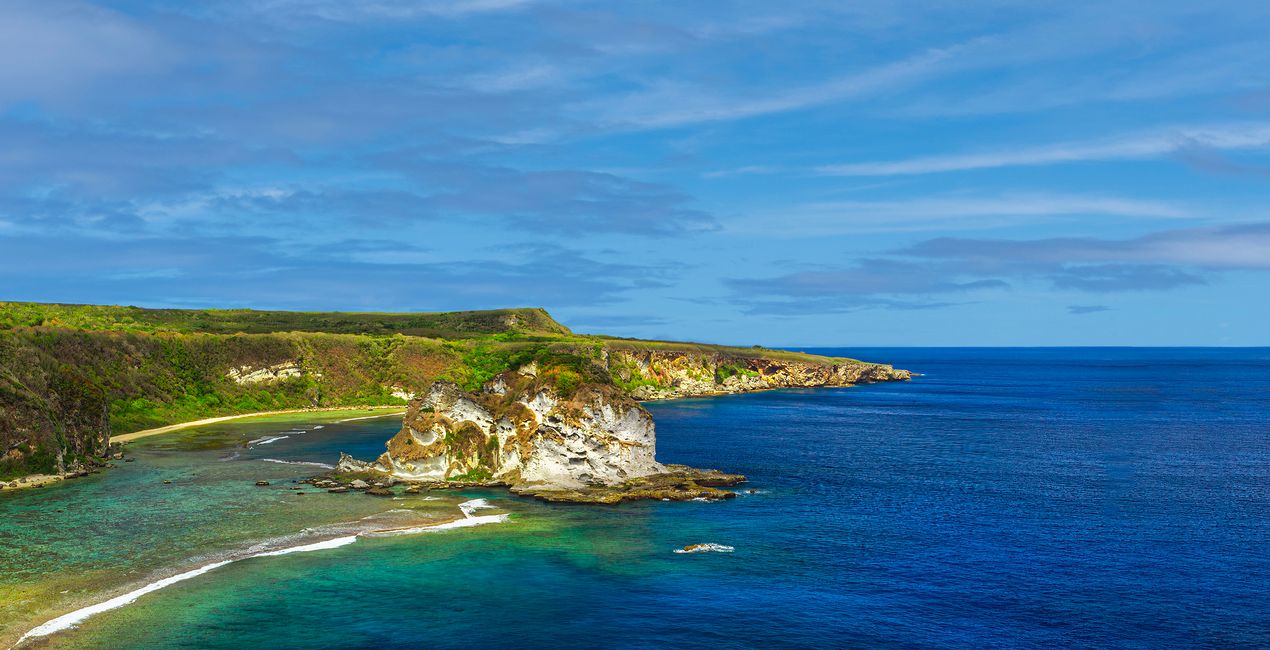
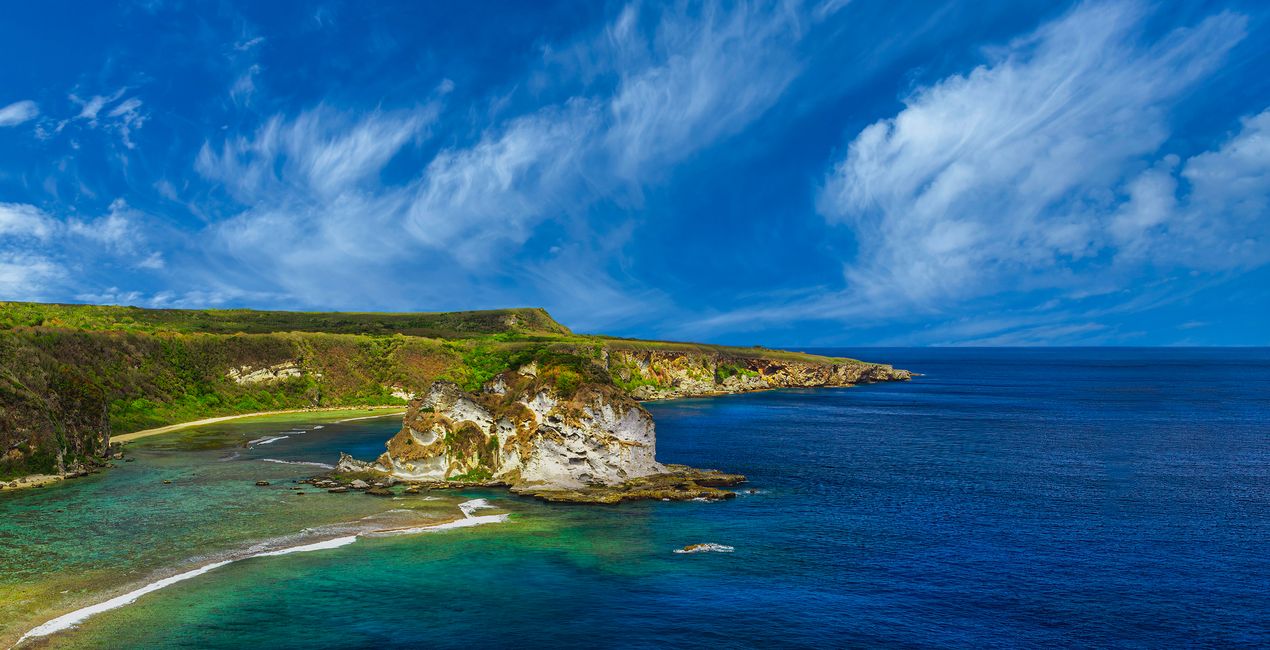
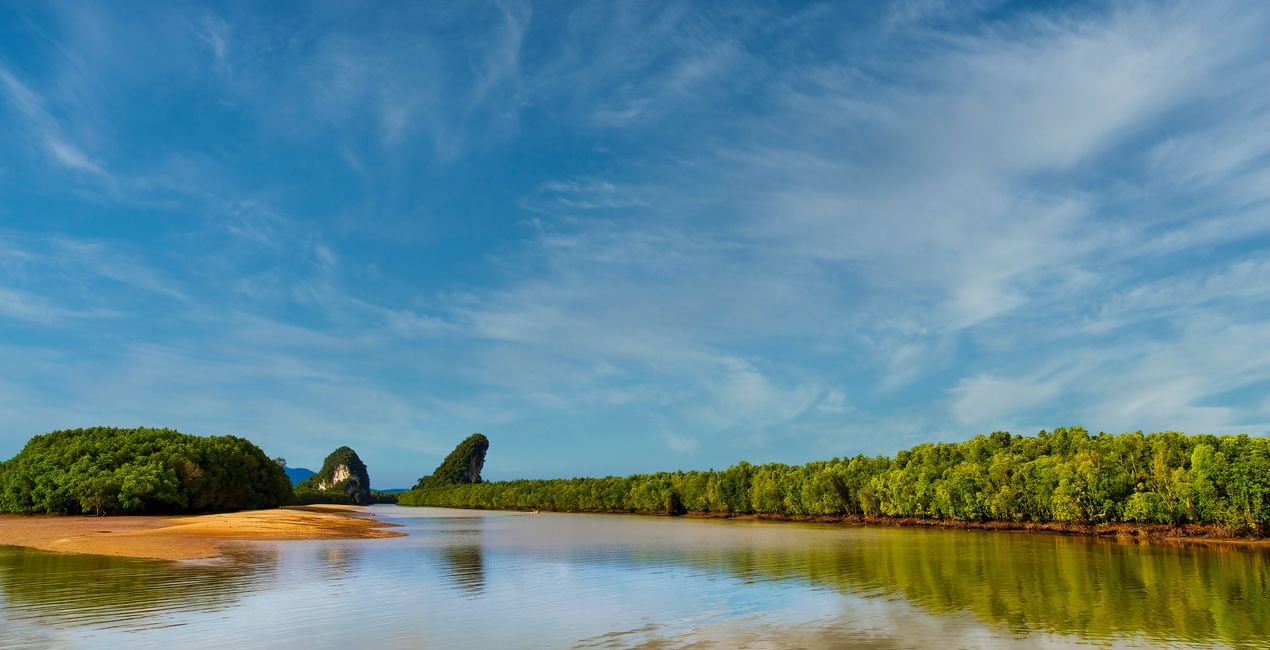
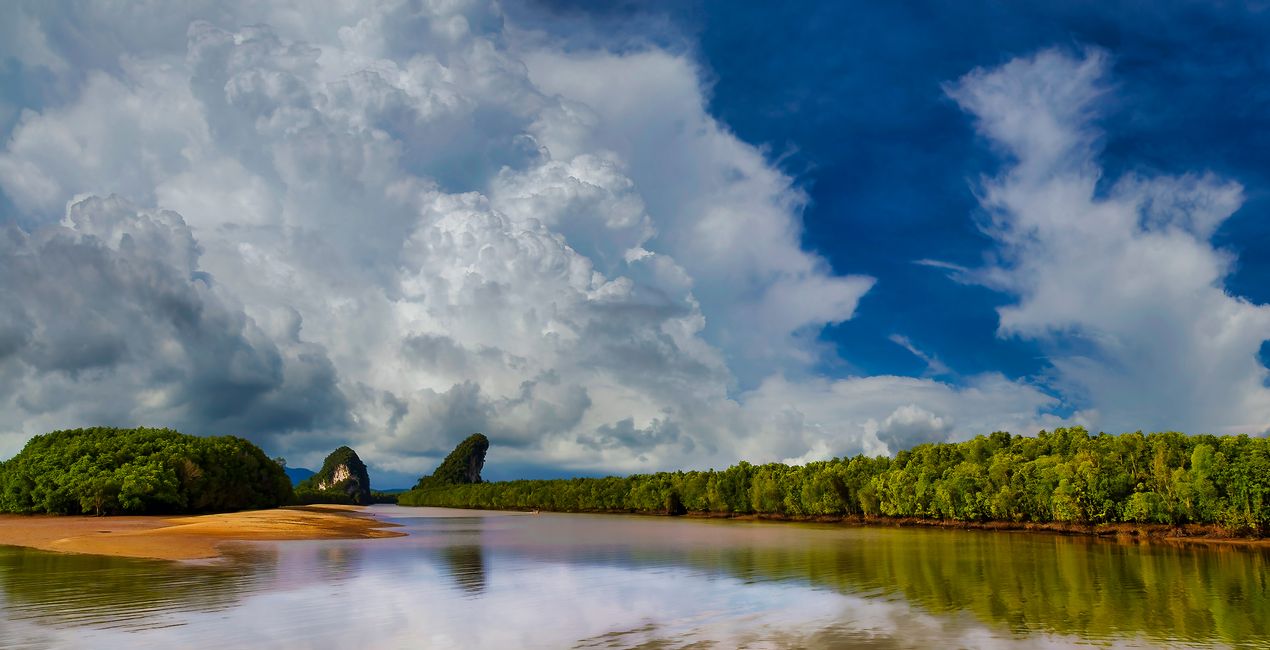
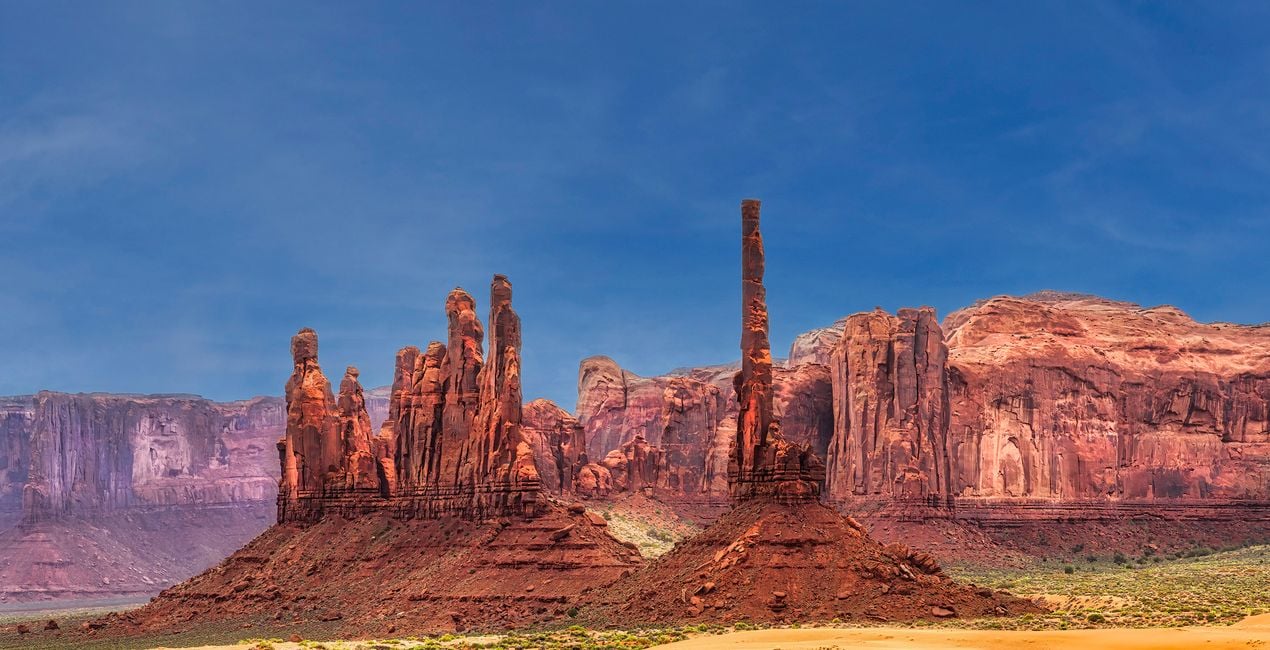
Breathe a sense of serenity and wonder into your photos with these 20 JPEG Skies captured by Leslie Ware all around Thailand, the island of Saipan, and Arizona. Each one has a unique cloud shape and a gorgeous, saturated blue as a backdrop that you can use to enhance any photo and bring out its essence. Whether you’re looking for an idyllic horizon or something more dramatic, these photos are sure to help you create amazing shots.
Wat is inbegrepen
20 Skies in JPEG format


Met behulp van de meegeleverde RAW-bestanden oefent u gemakkelijk retoucheertips en leert u hoe u dergelijke foto's kunt maken.
 >
>
 >
>
 >
>

 >
>
 >
>


Nature photographer and adventurer
Leslie Ware was raised in the mountains of Eastern Idaho, which helped him develop a love of nature, wildlife, grand vistas, and a need for adventure and travel. His love of photography started with a Brownie Instamatic camera at the age of 12, and at 21 he got his first professional camera, a Canon FTBQL 35 mm SLR film camera. Leslie joined the Air Force at 17 and feels fortunate that he was able to train on and work with cutting-edge electronics and computers, which unknowingly prepared him for an incredible future. His world travels began at 18 when he was stationed in Thailand, where he spent the next 4 years, and then he was stationed in Germany for 4 years, with his trusty SLR always by his side. In 1999 Leslie purchased his first digital camera and desktop computer, and really kicked off his photography career. The next 10 years were spent in the Western Pacific on the Island of Saipan, in the Mariana Islands, famous for its sunsets. Photography became Leslie’s life, and having the ability to explore all the exotic location in Asia and the Western Pacific with his camera felt exactly right. Leslie has lived in Thailand for 13 years, with a 2 years gap back in Arizona, and now is back in Thailand. His body of work ranges from the landscapes and skies of the jungles of Asia, to great cities like Hong Kong, Bangkok, Siam Reap, Kuala Lumpur, and the Islands of Hawaii, as well as the deserts and mountains of the Southwest US. Tropical islands present great skies and sunsets. Tropical monsoon skies not only provide a daily change of atmosphere, but also storms followed by unbelievable sunsets. Leslie is fond of photographing wide vistas, clouds, as well as daily rain or shine. Plus, Leslie has a special bond with the flora and fauna, particularly birds, of Arizona where he spent the last few years photographing the wild horses of the Salt River, and amazing diversity of cacti and their flowers.
Veelgestelde vragen
Heb je nog extra vragen of wil je gewoon wat advies?
neem contact op met ons supportteamHeb je vragen over het product? Neem dan gerust contact op met ons supportteam – 24/7 bereikbaar. Volg gewoon deze link.
Volg deze stappen om Blue Infinity te kopen:
1. Open Skylum’s Marketplace.
2. Ga naar het tabblad waar Blue Infinity staat. Klik erop en voeg het toe aan je winkelmandje.
3. Ga naar je winkelmandje. Rond hier het aankoopproces van Blue Infinity af.
4. Na je aankoop ontvang je een bevestigingsmail met de downloadlink voor Blue Infinity. Je vindt het product ook terug in je Skylum-account onder het tabblad ‘Mijn add-ons’.
Uitgebreide instructies voor het installeren van Blue Infinity ontvang je in de bevestigingsmail, samen met de downloadlink.
Daarnaast kun je het gekochte item direct installeren in Luminar Neo: ga naar Extra’s > Marketplace, selecteer de productcategorie, zoek het gekochte item en klik op Installeren.
Supermakkelijk! Ga in de menubalk bovenaan naar het tabblad Bewerken. Open het paneel Hulpmiddelen en kies Luchtᴬᴵ > Lucht selecteren > Gekocht. Daar vind je de geïnstalleerde Blue Infinity.
Geen zorgen. Alle gekochte items, waaronder Blue Infinity, staan in het tabblad ‘Mijn add-ons’ van je Skylum-account. Van daaruit kun je ze makkelijk opnieuw downloaden en gebruiken.
In de meeste gevallen zijn items compatibel met Luminar Neo. Maar om zeker te weten of Blue Infinity werkt met jouw software, check je best even de specificaties vóór je iets downloadt of koopt. Kijk op de pagina van Blue Infinity aan de rechterkant bij het kopje ‘Compatibiliteit’ – daar staan alle compatibele producten vermeld.
Ga nog niet weg. Hier is een exclusieve kortingscode voor jou. Gebruik deze binnen 15 minuten om bij het afrekenen 10% extra korting te krijgen. Kopieer de onderstaande code en rond je aankoop af.
15 m : 00 s





