

 適用する
適用する 



嵐のような雷雨
Save $201 $ 39 .00
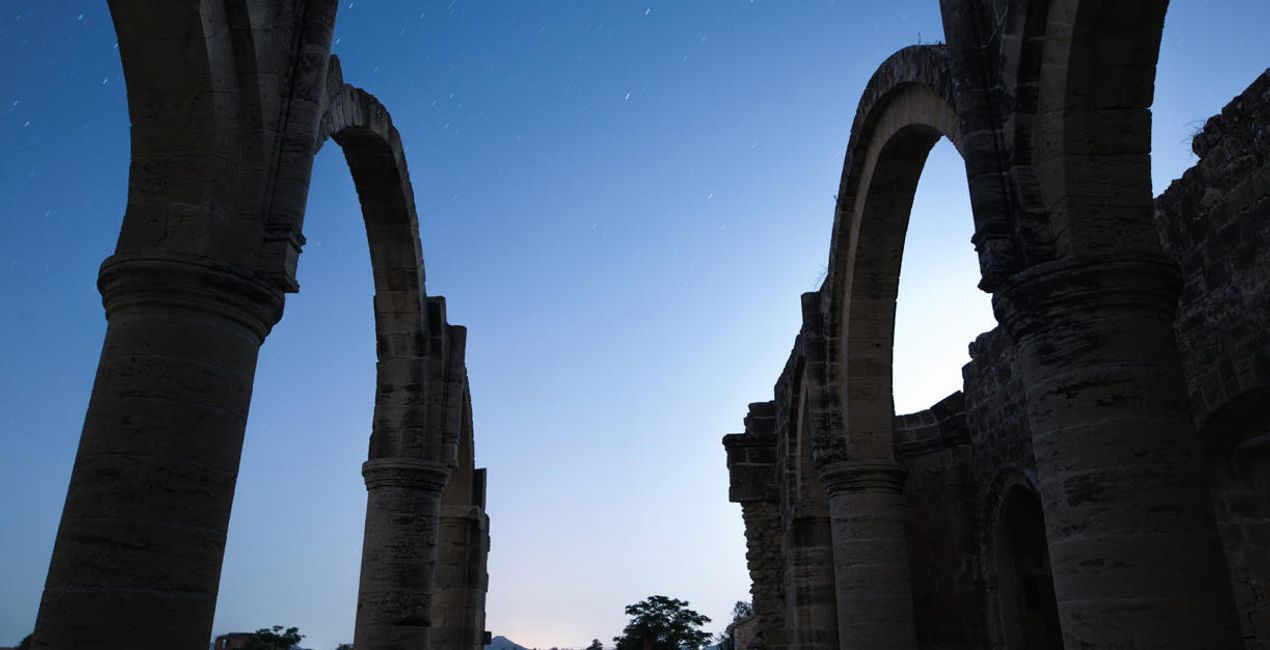
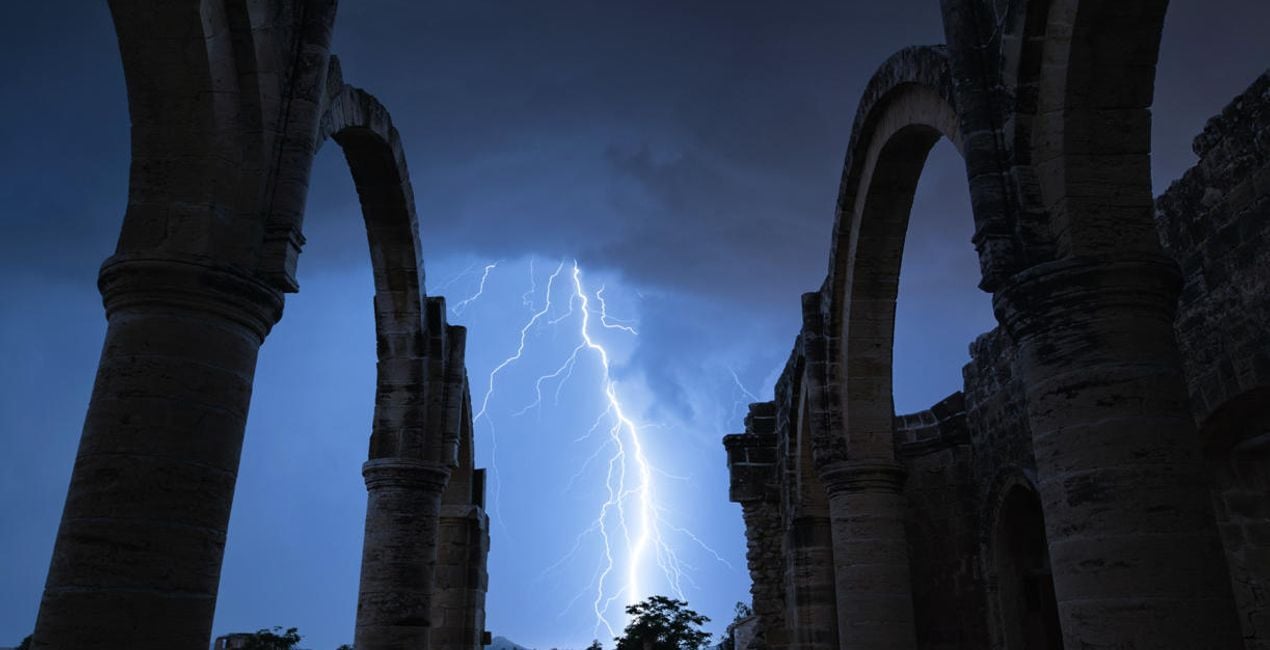
Storm Photography Contest 2021のファイナリストであり、雷雨を追って世界中を旅するフォトグラファーのGeorge Paraskevaidesが作り出す、25の嵐の空の画像が高解像度JPEGとTIFF形式で収められたコレクション。 単調な写真にも快晴の空にも大きな稲妻を落としてムーディな雰囲気を。
含まれているもの
25 high-resolution JPEG and TIFF images


提供されたRAWファイルを使ってレタッチのコツを簡単に練習、こんな写真に仕上げる方法を学ぶことができます。
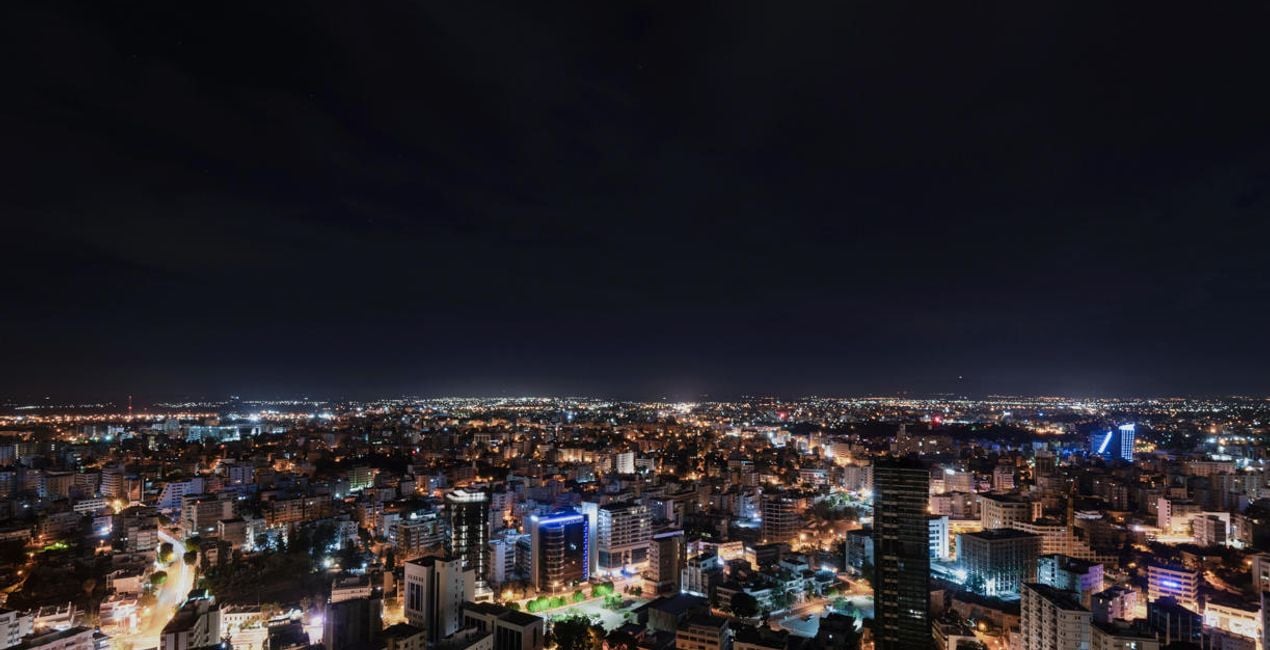
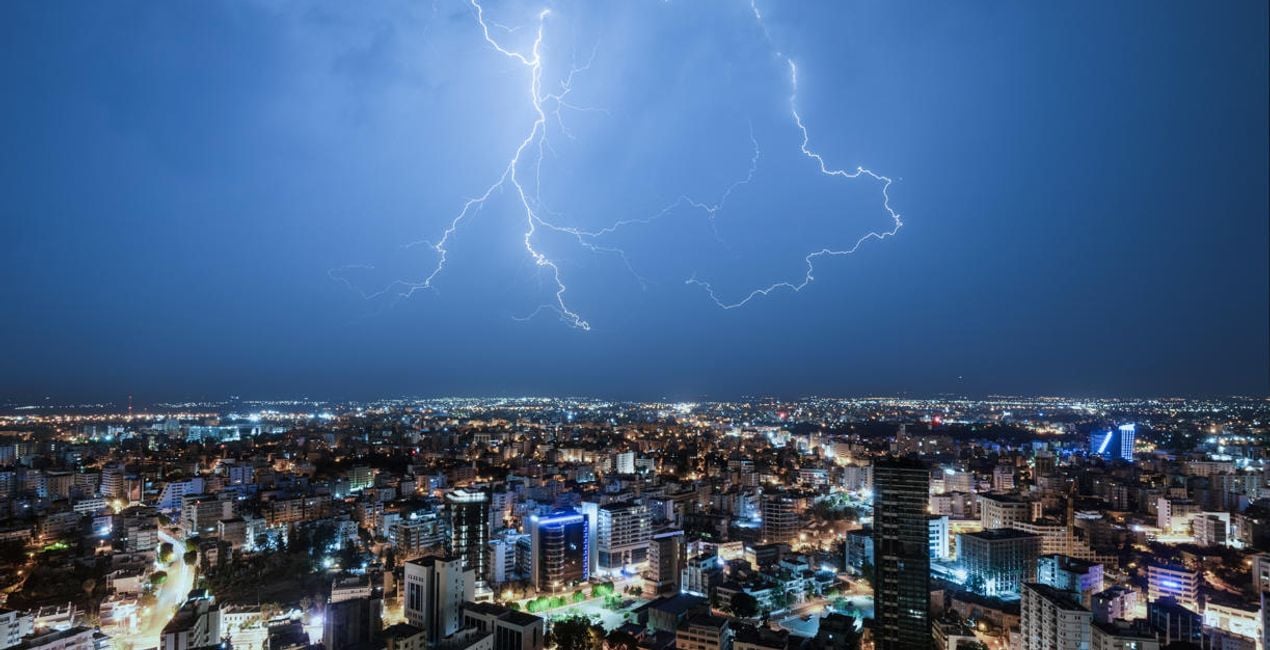 >
>
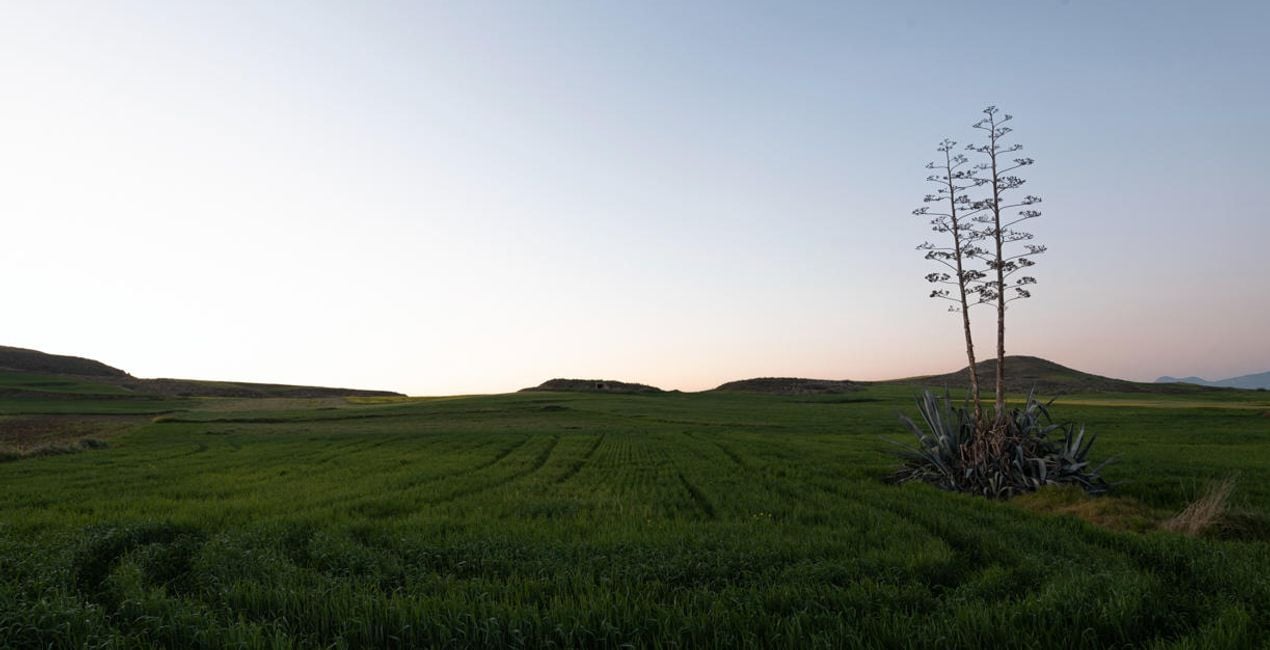
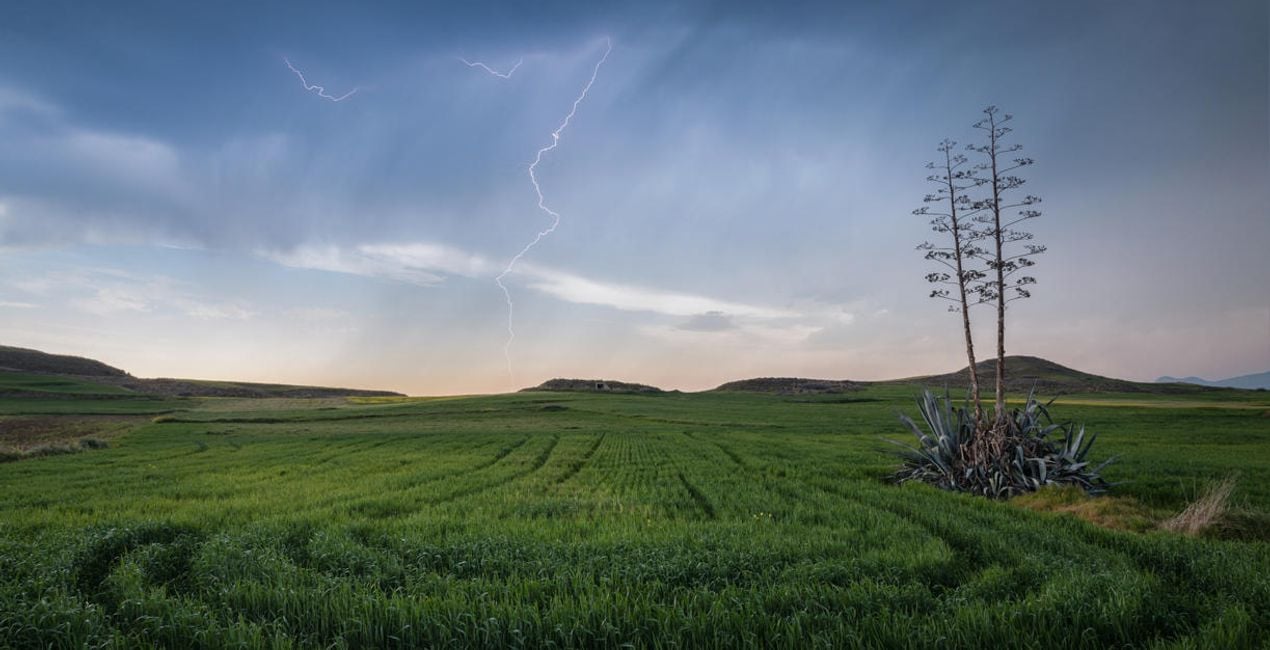 >
>
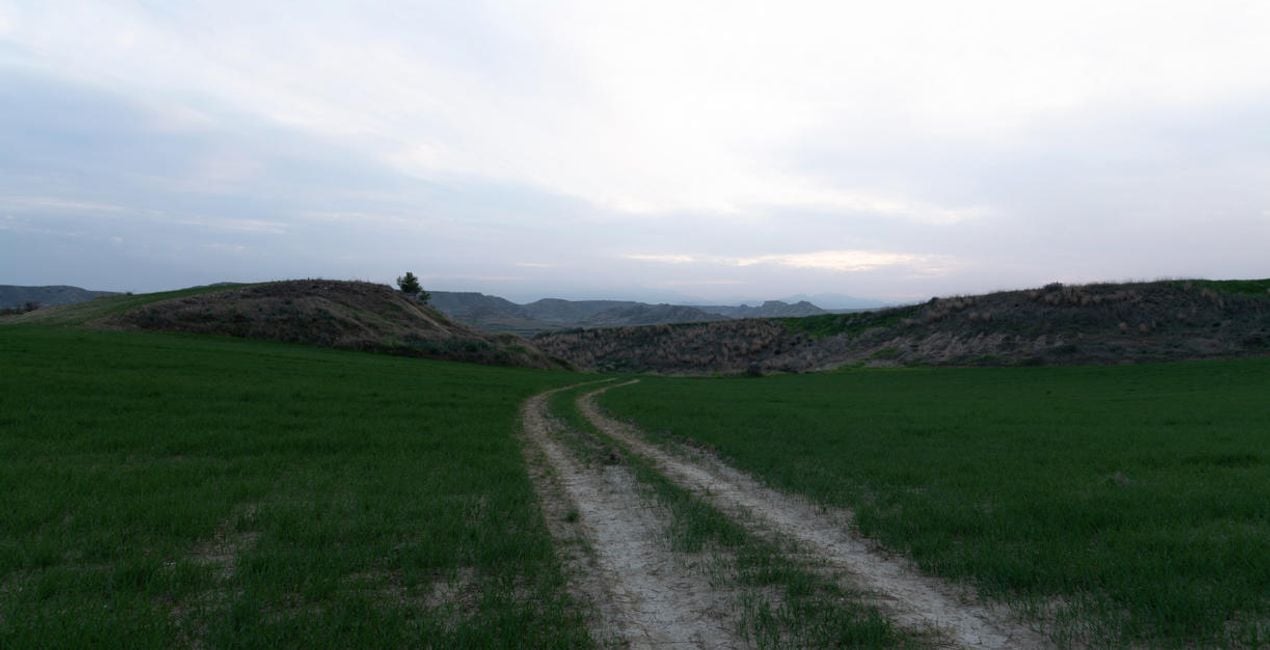
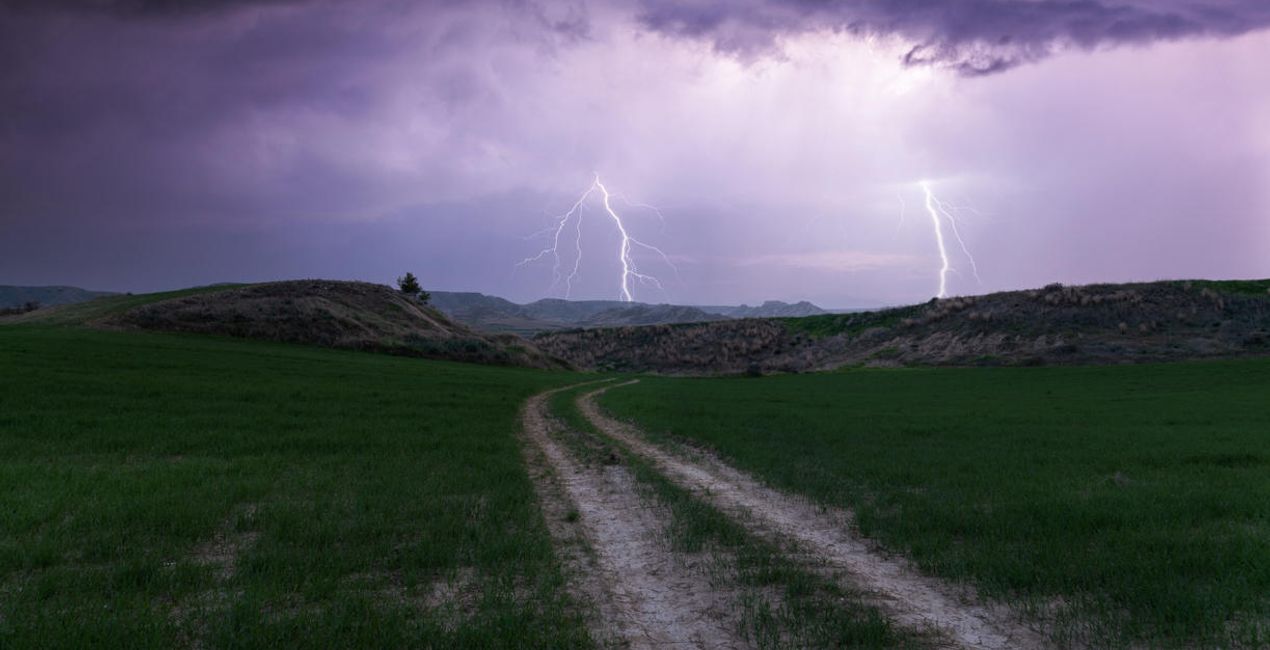 >
>
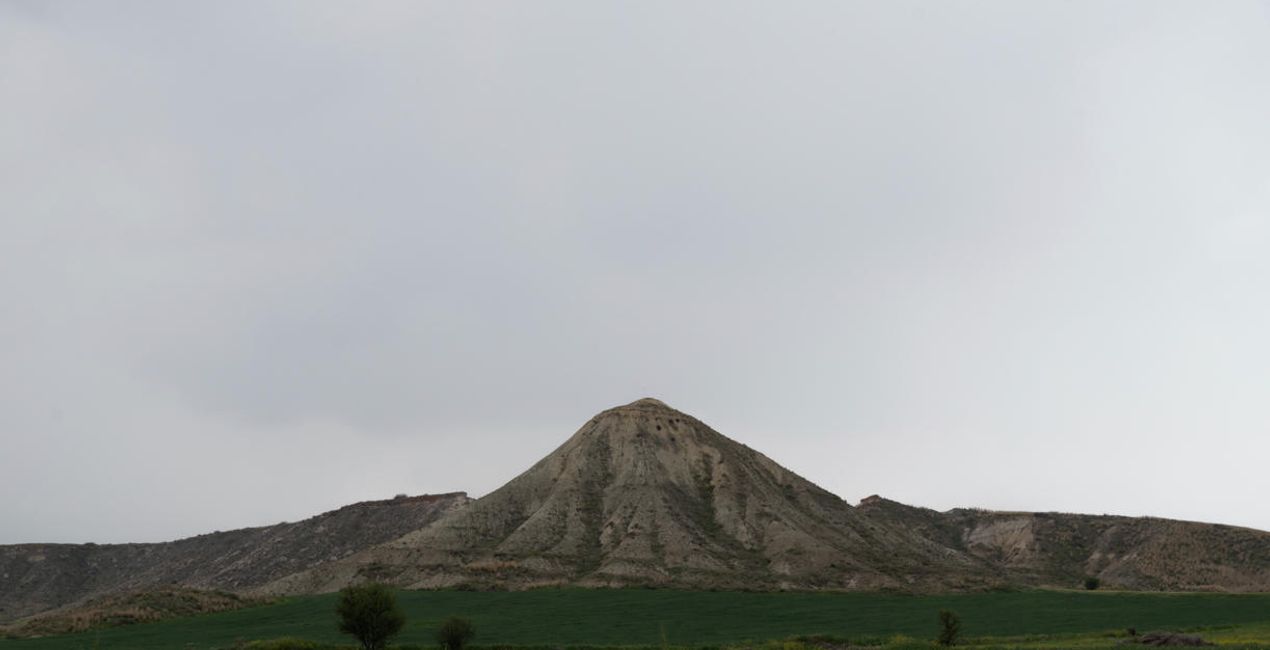
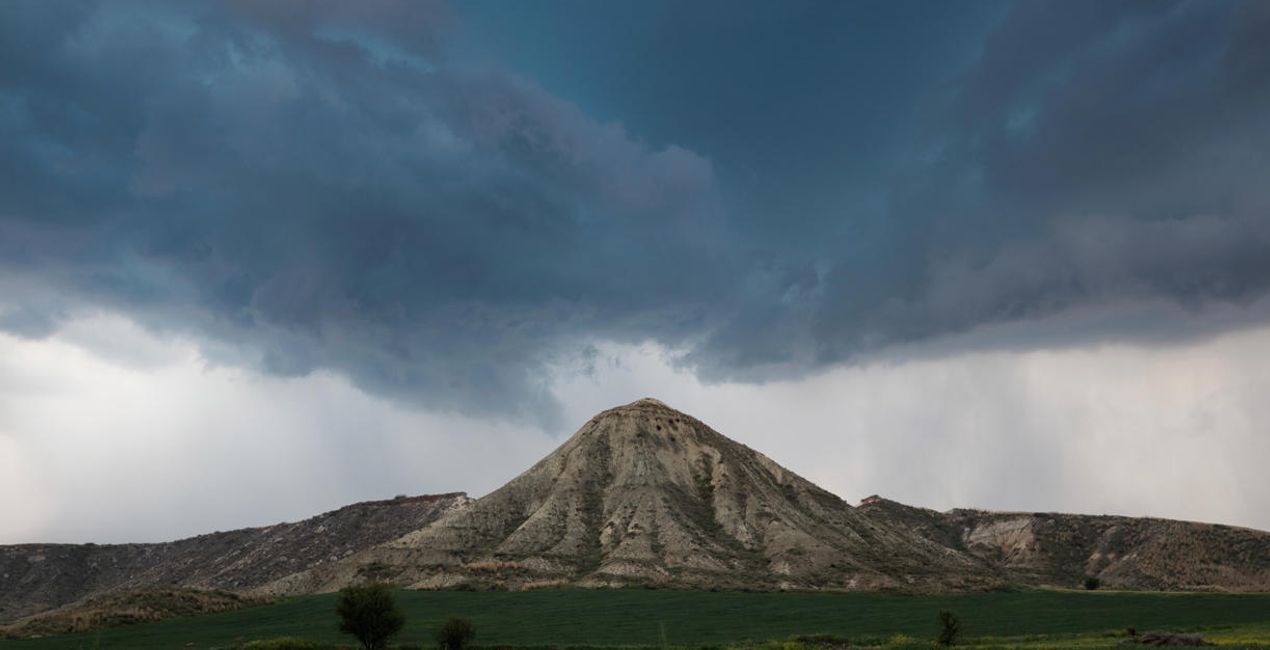 >
>
 >
>


Storm Chaser, Landscape Photographer, Wedding Photographer
Since Georges was a child, he was excited to experience the beauty of nature. He was fascinated by the glorious sunsets and the storms he witnessed growing up. Slowly, Georges started taking photos and videos with his mobile phone.
In 2017, he made the decision to venture into photography as a more serious occupation and bought his first digital camera. And that’s how Georges started the journey in the world of landscape photography, making storms his main photography theme.
In 2021, Georges took part in a global competition with the theme of storms for the first time and managed to become one of the top ten contestants!
Now based in Cyprus, he continues chasing storms, capturing breathtaking landscapes, and occasionally providing wedding photography services.
製品についてご質問がございましたら、24時間対応のサポートチームまでお問い合わせください。こちらのリンクをご利用ください。
Wild Thunderstormsを購入するには、次の手順に従ってください:
1. Skylumのマーケットプレイスを開きます。
2. Wild Thunderstormsがリストされているタブに移動し、クリックしてカートに追加します。
3. カートに進み、Wild Thunderstormsの購入手続きを完了してください。
4. ご購入後、Wild Thunderstormsのダウンロードリンクが記載された購入完了メールが届きます。また、Skylumアカウントの「マイアドオン」タブからも新しいアイテムをご確認いただけます。
Wild Thunderstormsのインストール手順の詳細は、ダウンロードリンクと一緒にお送りする「購入完了メール」に記載されています。
また、Luminar Neoから購入されたアイテムを直接インストールすることもできます。エクストラ > マーケットプレイスに進み、商品カテゴリを選択して、購入済みアイテムを見つけてインストールをクリックしてください。
とても簡単です!トップバーメニューで編集 タブに切り替えます。ツールパネルでスカイᴬᴵ > 空のセクション > 購入済み を選択します。インストールされたWild Thunderstormsが表示されます。
ご安心ください。Wild Thunderstormsを含むすべての購入済みアイテムは、Skylumアカウントの「マイアドオン」タブ に保存されるため、簡単に再ダウンロードしてご利用いただけます。
ほとんどのアイテムはLuminar Neoに対応しています。ただし、確実にWild Thunderstormsがお使いのソフトと互換性があるかを確認するには、ダウンロードや購入前に製品仕様をご確認ください。Wild Thunderstormsページ右側の「互換性」セクションに対応しているすべての製品が表示されています。
まだお帰りにならないでください。あなただけの特別割引コードをご用意しました。今後15分以内にご利用いただくと、お会計時にさらに10%オフになります。以下のコードをコピーして、お買い物を完了してください。
15 m : 00 s





