Gentle Blue Skies(3)
マイカート

現在、あなたのカートには商品が入っていません

私たちのコレクションから、あなたにピッタリな編集を見つけてください!

マイバッグ 商品 商品

ホリデー割引コード:

asdfjvbknl

Gentle Blue Skies 適用する

Gentle Blue Skies(5)
マイカート

現在、あなたのカートには商品が入っていません

私たちのコレクションから、あなたにピッタリな編集を見つけてください!

ショッピングカート

ホリデー割引コード:

asdfjvbknl

Gentle Blue Skies 適用する

合計金額: $

カート概要

暗号化を使用した安全な決済

Gentle Blue Skies(7)

こちらも購入された商品

割引額
by
の一部
フルパックを購入すると5ドルお得になります
フルセットを購入

当社について

Transform your photographs with the serene beauty of this curated selection of pristine sky backdrops by Dan DiPietro designed to enhance and simplify your compositions. Whether you're capturing the nuanced expressions in a portrait or the grandeur of a landscape, the subtle yet striking skies of the Gentle Blue Skies Collection will add a touch of calm elegance to your work. The harmonious gradients and soft tones provide a perfect canvas, ensuring your subjects stand out with clarity against an uncluttered and aesthetically pleasing backdrop. Effortlessly adaptable for a variety of photographic styles, this collection is an invaluable tool for photographers looking to elevate their imagery with the timeless appeal of a gentle blue sky.

含まれているもの

30 Skies in JPEG format

互換性

Luminar 4, Luminar AI, Luminar NEO, Affinity Photo, Evoto, ON1

このような写真をゲット

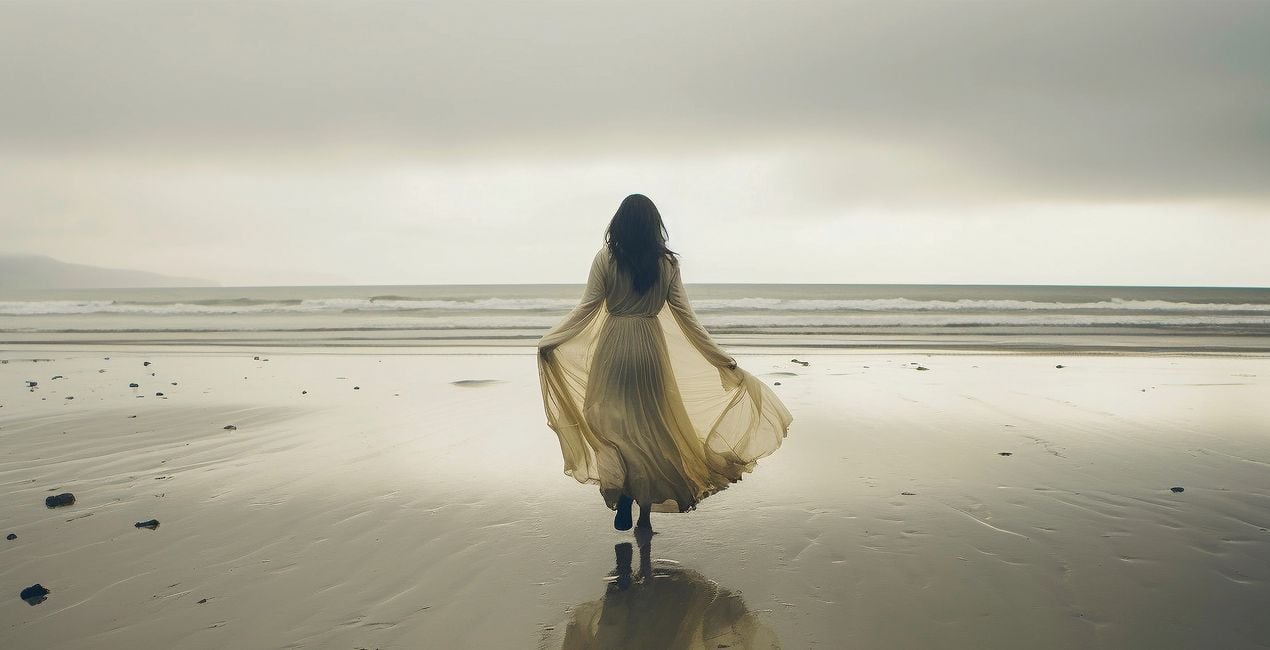
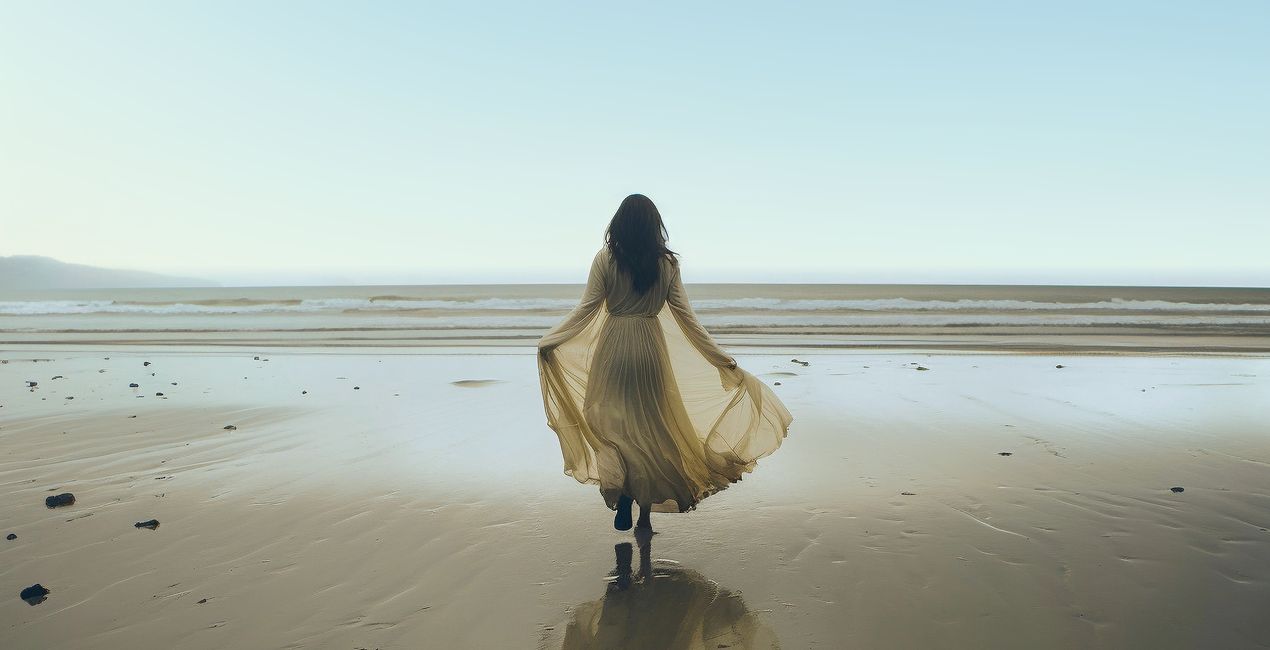
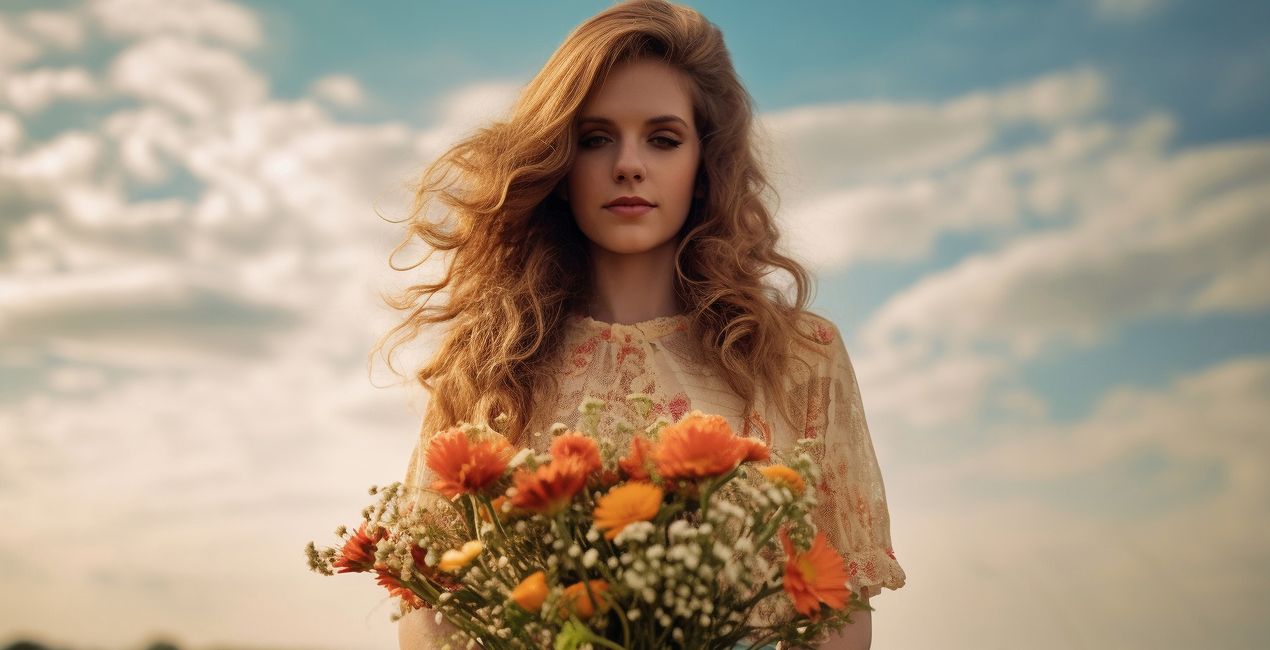
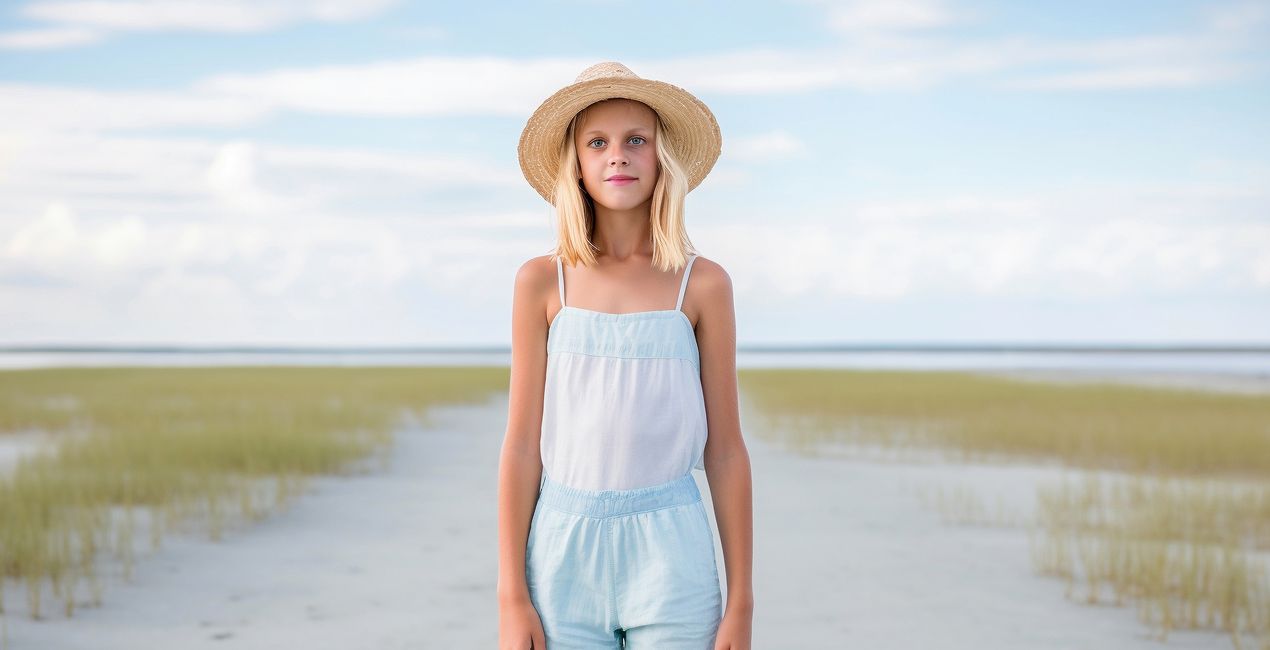
提供されたRAWファイルを使ってレタッチのコツを簡単に練習、こんな写真に仕上げる方法を学ぶことができます。

© generated by Midjourney
Gentle Blue Skies(39)
Gentle Blue Skies(40)>
Before After
© generated by Midjourney
Gentle Blue Skies(41)
Gentle Blue Skies(42)>
Before After
© generated by Midjourney
Gentle Blue Skies(43)
Gentle Blue Skies(44)>
Before After
© generated by Midjourney
Gentle Blue Skies(45)
Gentle Blue Skies(46)>
Before After
© generated by Midjourney
Gentle Blue Skies(47)
Gentle Blue Skies(48)>
Before After
© generated by Midjourney
Gentle Blue Skies(49)
Gentle Blue Skies(50)>
Before After

パックに含まれる空

関連商品

クリエーター

Dan DiPietro

Photographer

Dan DiPietro's journey into the world of photography started in his home state of Vermont, where he was inspired by the beauty of nature. After graduating from Champlain College with a degree in Multimedia & Graphic Design, he began his photography career in 2006, opening a path to a richly diverse career in the industry. His years of military service brought him face-to-face with a variety of different photography needs, enabling him to hone his skills across an array of applications such as studio portraits, environmental photography, commercial photography, and aircraft photography. From contributing to high-profile national commercial productions to designing visually stunning graphics for Air National Guard units across the country, Dan's creative footprint is far-reaching.

よくある質問

追加の質問またはアドバイスが必要ですか?

サポートチームへ連絡

サポートへの問い合わせ方法は?

製品についてご質問がございましたら、24時間対応のサポートチームまでお問い合わせください。こちらのリンクをご利用ください。

Gentle Blue Skiesを購入する方法は?

Gentle Blue Skiesを購入するには、次の手順に従ってください:

1. Skylumのマーケットプレイスを開きます。

2. Gentle Blue Skiesがリストされているタブに移動し、クリックしてカートに追加します。

3. カートに進み、Gentle Blue Skiesの購入手続きを完了してください。

4. ご購入後、Gentle Blue Skiesのダウンロードリンクが記載された購入完了メールが届きます。また、Skylumアカウントの「マイアドオン」タブからも新しいアイテムをご確認いただけます。

Gentle Blue Skiesをインストールする方法は?

Gentle Blue Skiesのインストール手順の詳細は、ダウンロードリンクと一緒にお送りする「購入完了メール」に記載されています。

また、Luminar Neoから購入されたアイテムを直接インストールすることもできます。エクストラ > マーケットプレイスに進み、商品カテゴリを選択して、購入済みアイテムを見つけてインストールをクリックしてください。

Gentle Blue Skiesのインストール後、どこで見つけられますか?

とても簡単です!トップバーメニューで編集 タブに切り替えます。ツールパネルでスカイᴬᴵ > 空のセクション > 購入済み を選択します。インストールされたGentle Blue Skiesが表示されます。

Gentle Blue Skies を失くしてしまった場合は?

ご安心ください。Gentle Blue Skiesを含むすべての購入済みアイテムは、Skylumアカウントの「マイアドオン」タブ に保存されるため、簡単に再ダウンロードしてご利用いただけます。

Gentle Blue Skiesが自分のソフトに対応しているかどうかを確認するには?

ほとんどのアイテムはLuminar Neoに対応しています。ただし、確実にGentle Blue Skiesがお使いのソフトと互換性があるかを確認するには、ダウンロードや購入前に製品仕様をご確認ください。Gentle Blue Skiesページ右側の「互換性」セクションに対応しているすべての製品が表示されています。

もっと創造を。もっと節約を。サイバーウィークセール:全てのアセットが25%オフ、コードは
CW25

00d

:

00h

:

00m

:

00s

Gentle Blue Skies(89)