

 適用する
適用する 



THE BIG SCREEN
Save $201 $ 15 .00
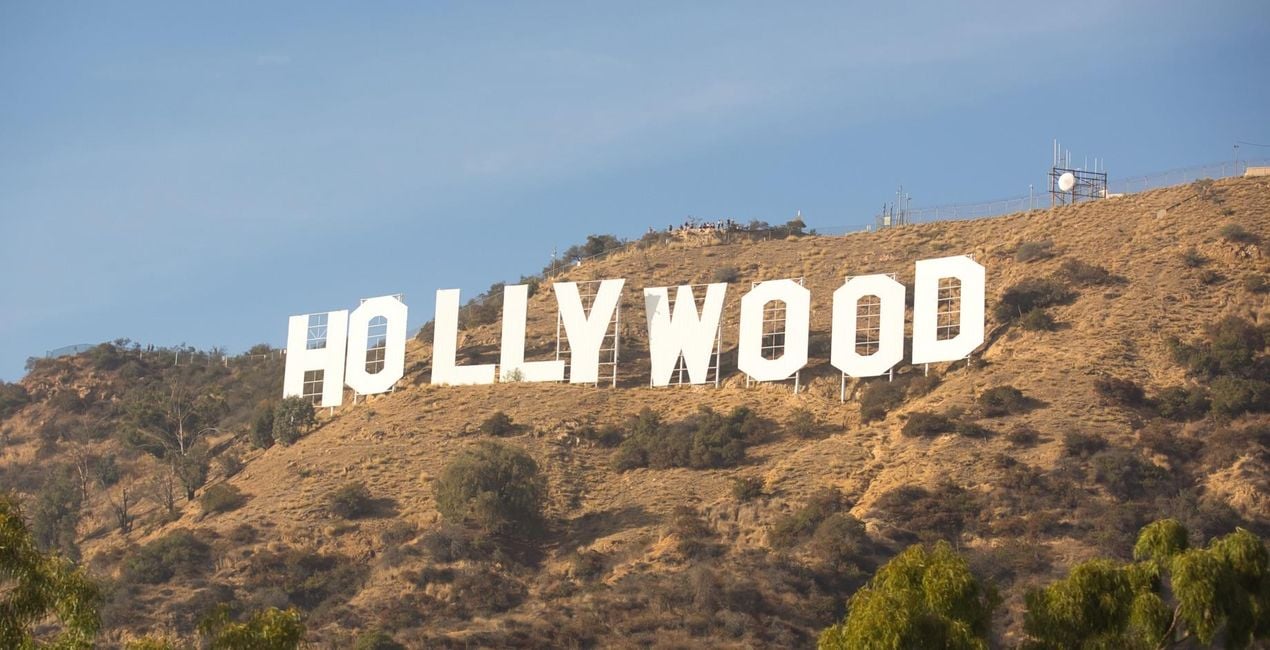
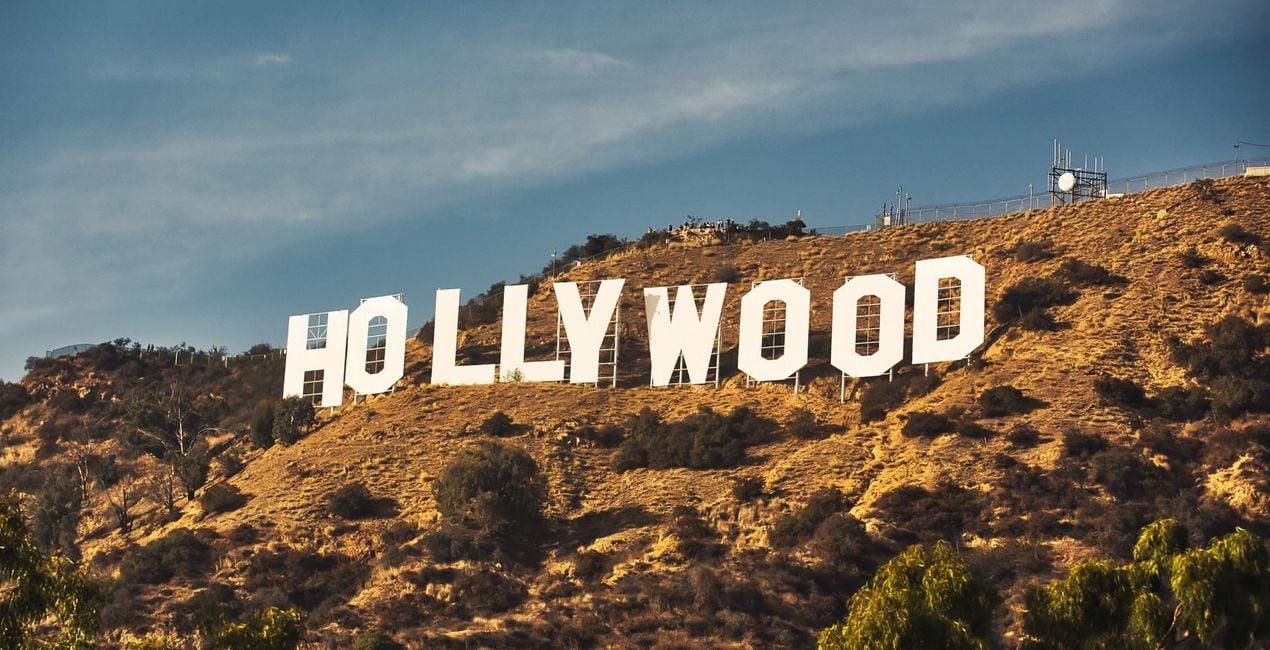
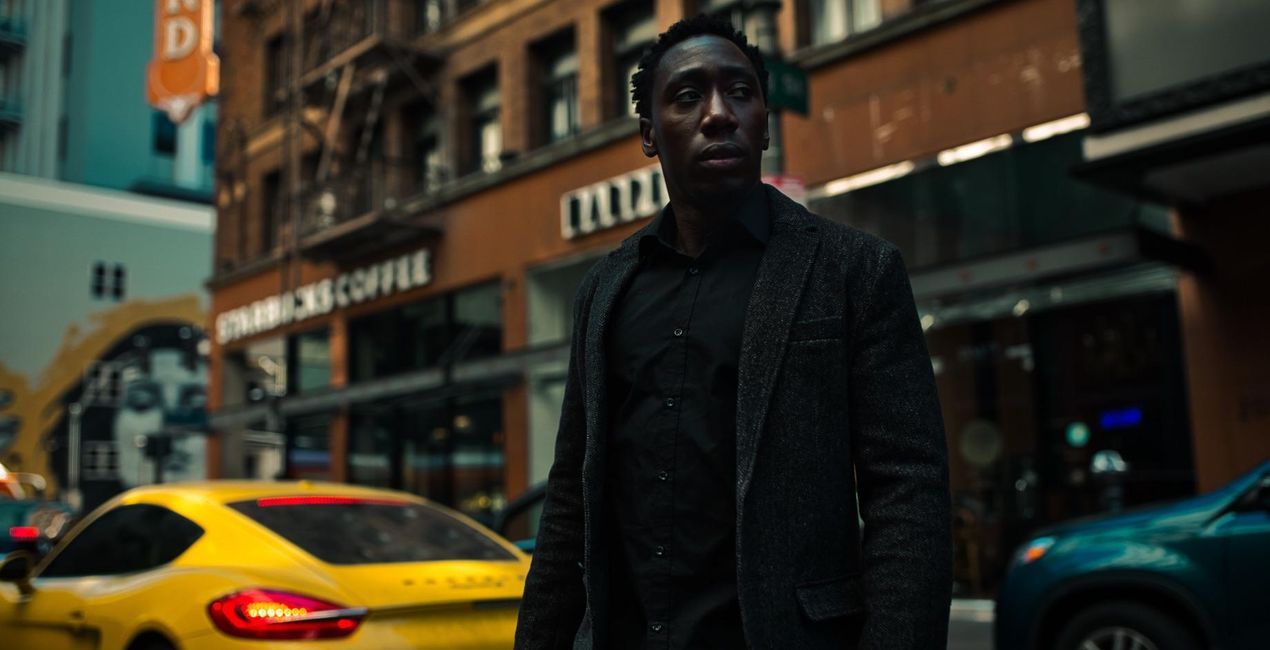
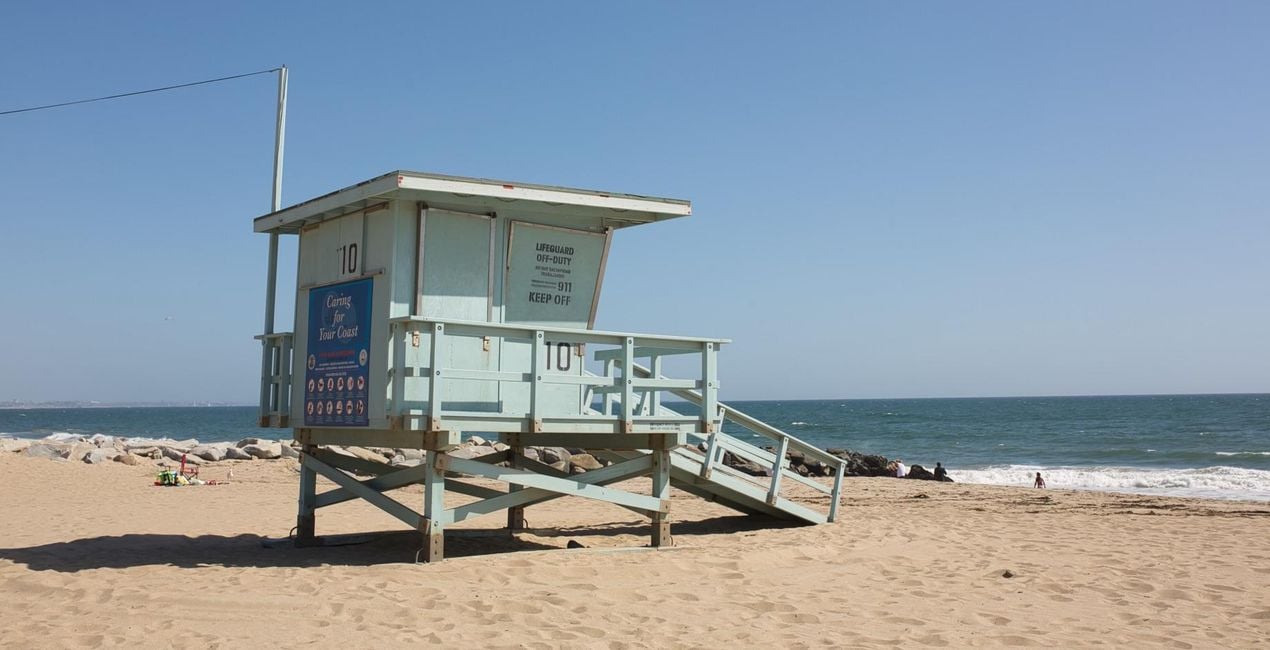
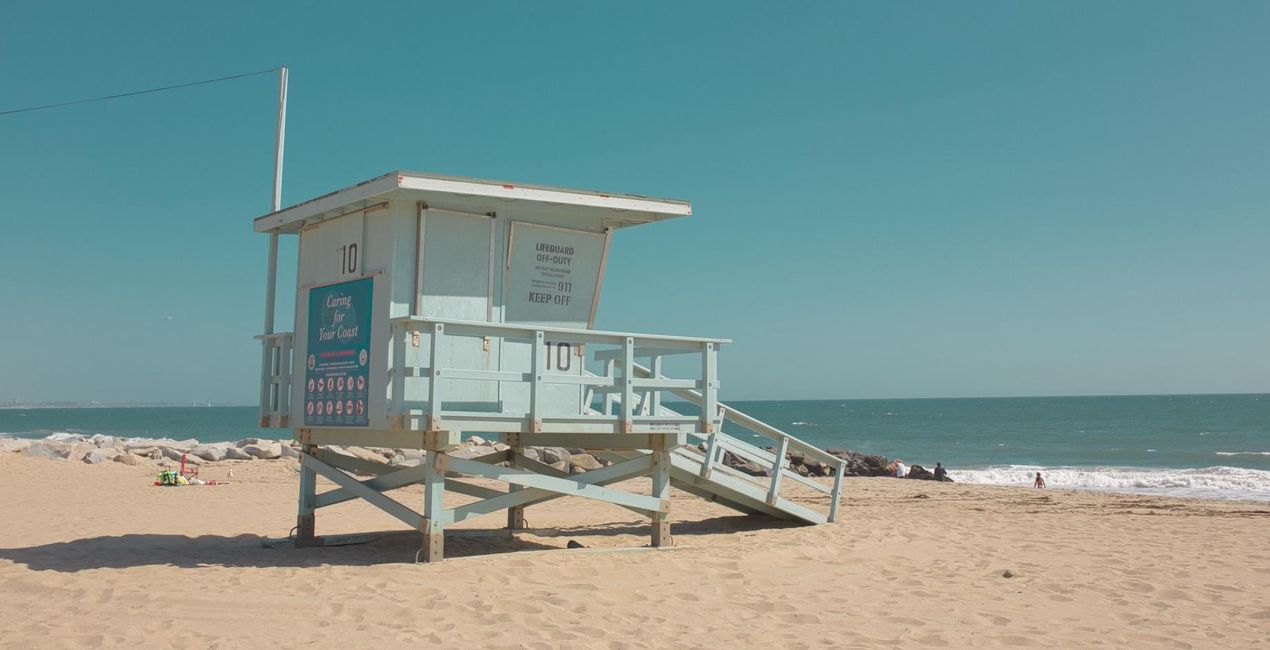
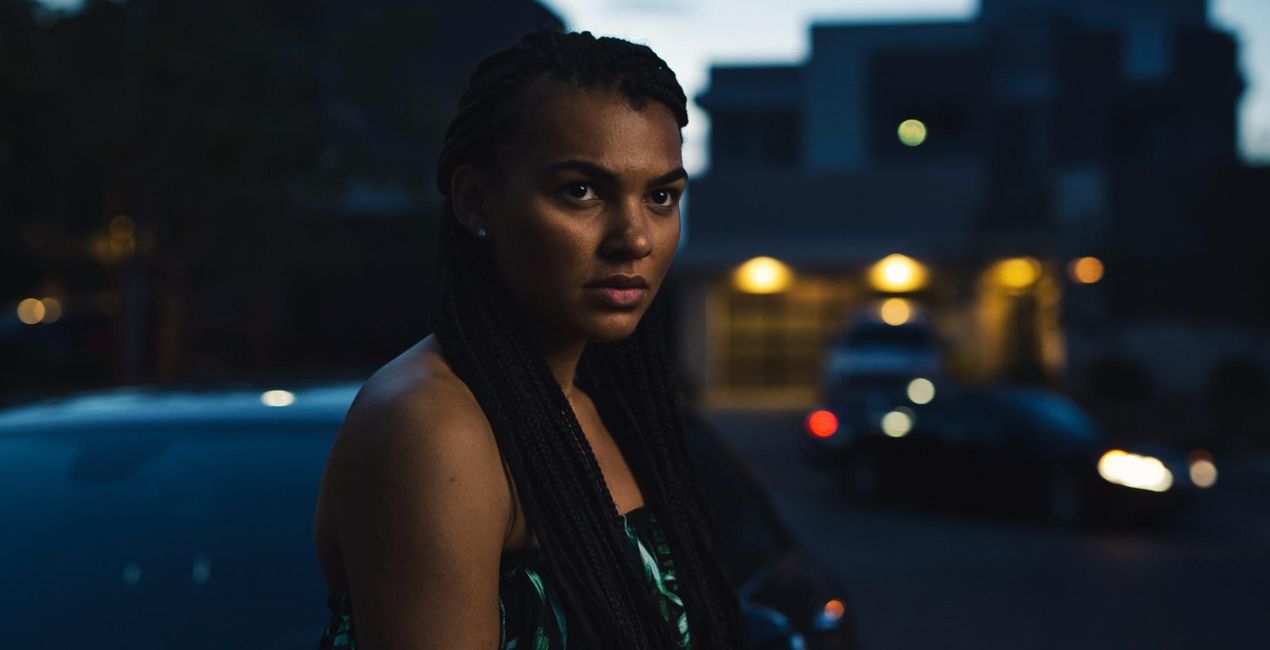
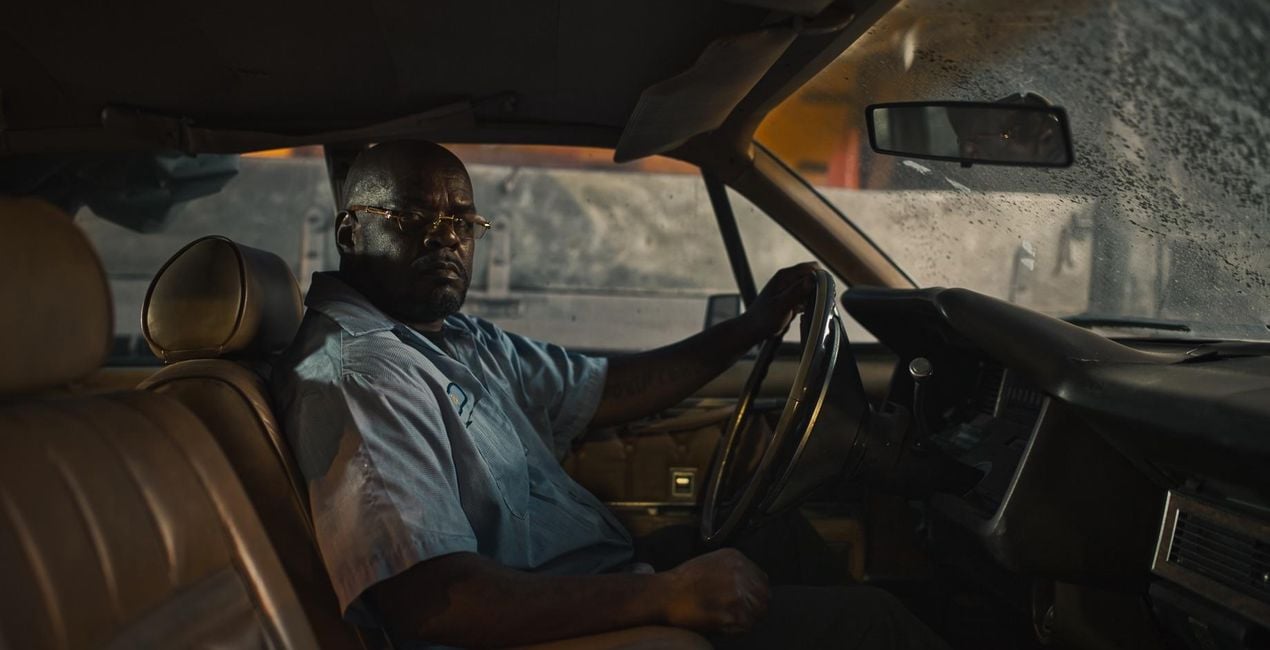
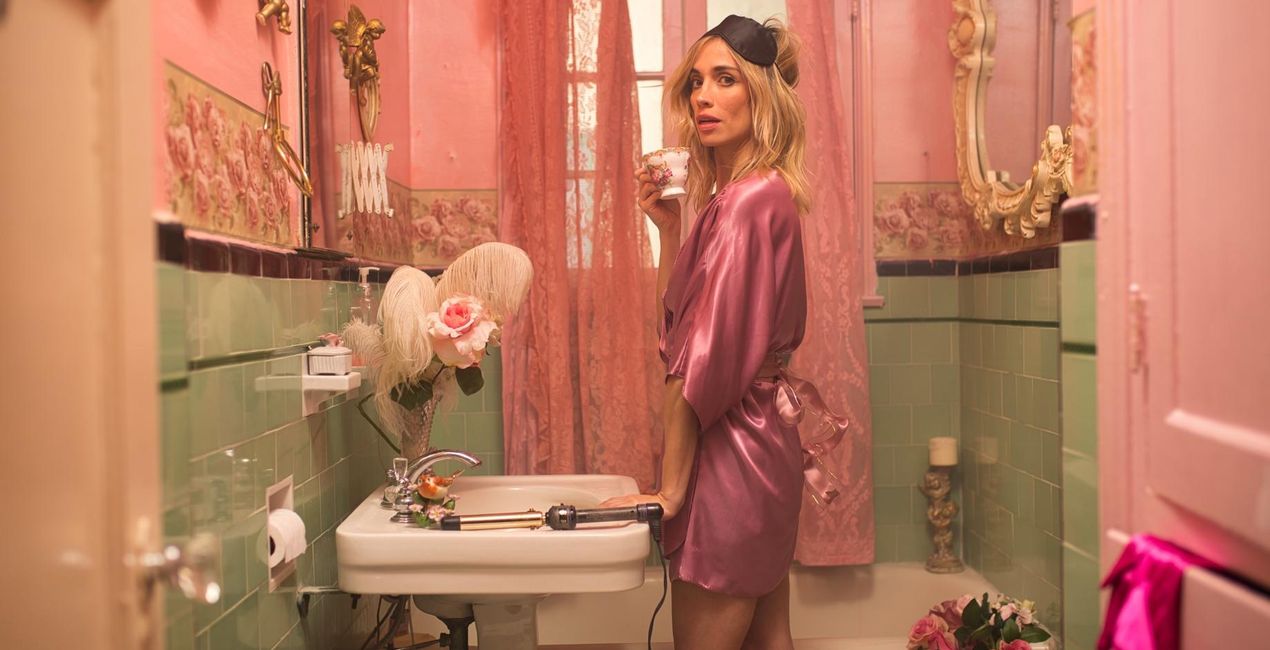
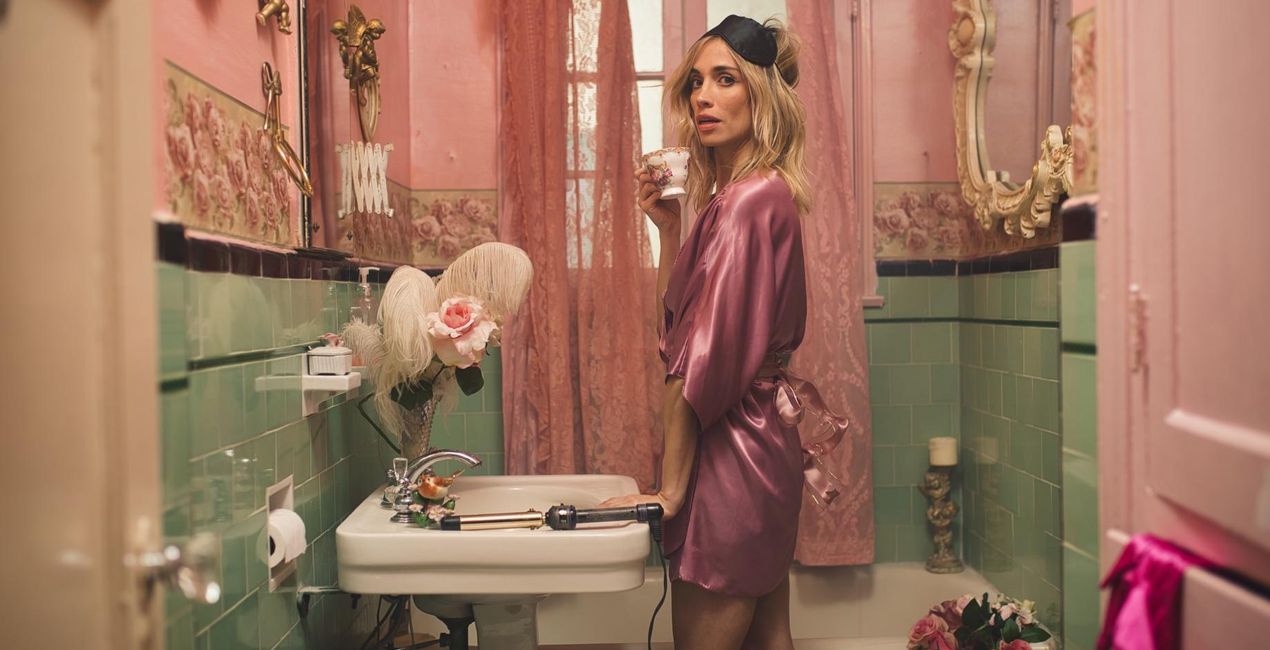
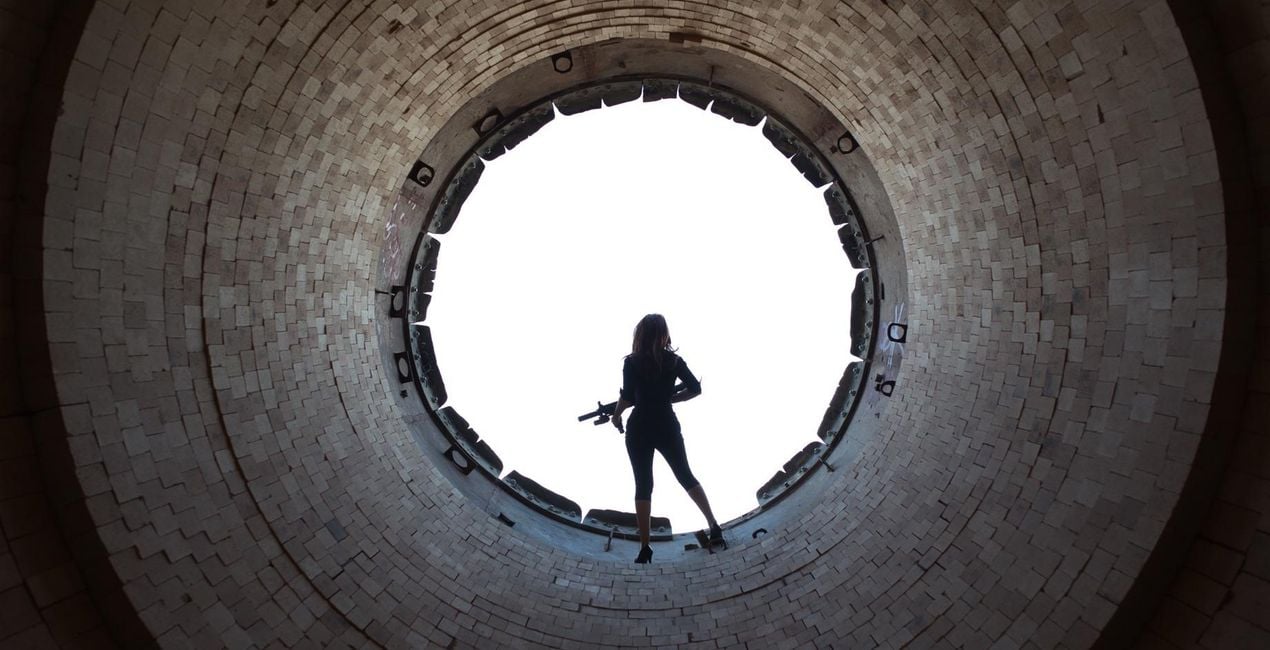
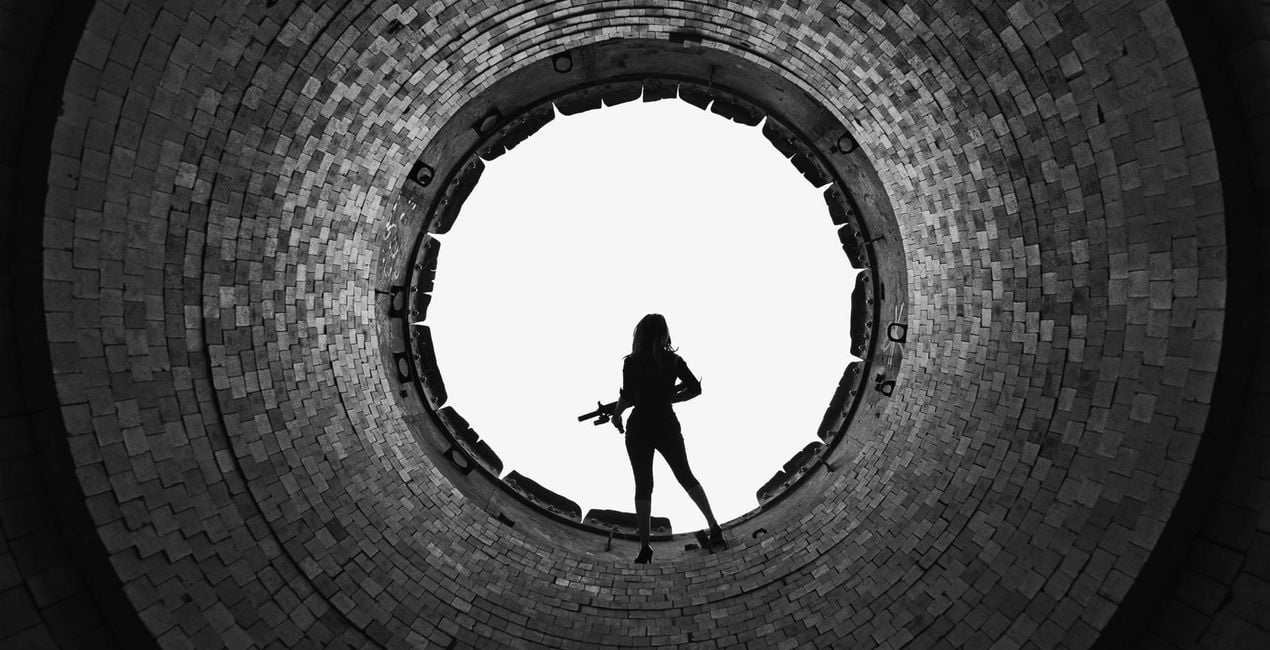
Our universal love of film is unequivocal. Movies, after all, are gateways to new worlds where the art of storytelling joins forces with great cinematography. So we teamed up with Los Angeles-based commercial photographer Ilya Nodia to help you give your photographs a big screen overhaul.
提供されたRAWファイルを使ってレタッチのコツを簡単に練習、こんな写真に仕上げる方法を学ぶことができます。
 >
>

 >
>

 >
>
 >
>

 >
>

 >
>

 >
>
 >
>
 >
>
Los Angeles-based photographer Ilya Nodia’s love of movies, computer games and storytelling is no big secret. You need only take a look at his work to see it.Though he wasn’t always a cinematic photographer, his photographs have always exuded a certain movie blockbuster quality to them. And it’s in the commercial and advertising field, weaving cinematic photographs with grand narratives, whether it be of an epic action showdown, guns a-blazing or a portrait of a Russian railway worker, where he found his calling.“I love to create stories in one shot, and I always want to make something in line with Gregory Crewdson, but using the commercial style of light and colors. Moreover, all my pictures, I make for commercial projects — shows, performances, small business and escape rooms. I also have a lot of experience in staged sets and working with actors,” Ilya says of his work.It’s a genre of photography that’s not as common, perhaps because it takes a lot more setup and post work, but you don’t need to be a pro to achieve the same effect. Which is why we partnered with Ilya to create his Luminar Looks series, to help you to get that epic cinematic quality in your images in less time and with less effort.To truly give your photographs a cinematic effect involves a great many things, but giving it the right look in post plays a major role.
製品についてご質問がございましたら、24時間対応のサポートチームまでお問い合わせください。こちらのリンクをご利用ください。
The Big Screenを購入するには、次の手順に従ってください:
1. Skylumのマーケットプレイスを開きます。
2. The Big Screenがリストされているタブに移動し、クリックしてカートに追加します。
3. カートに進み、The Big Screenの購入手続きを完了してください。
4. ご購入後、The Big Screenのダウンロードリンクが記載された購入完了メールが届きます。また、Skylumアカウントの「マイアドオン」タブからも新しいアイテムをご確認いただけます。
The Big Screenのインストール手順の詳細は、ダウンロードリンクと一緒にお送りする「購入完了メール」に記載されています。
また、Luminar Neoから購入されたアイテムを直接インストールすることもできます。エクストラ > マーケットプレイスに進み、商品カテゴリを選択して、購入済みアイテムを見つけてインストールをクリックしてください。
とても簡単です!プリセット タブに移動して、購入済みを選択してください。インストールしたプリセットがここに表示されます。
ご安心ください。The Big Screenを含むすべての購入済みアイテムは、Skylumアカウントの「マイアドオン」タブ に保存されるため、簡単に再ダウンロードしてご利用いただけます。
ほとんどのアイテムはLuminar Neoに対応しています。ただし、確実にThe Big Screenがお使いのソフトと互換性があるかを確認するには、ダウンロードや購入前に製品仕様をご確認ください。The Big Screenページ右側の「互換性」セクションに対応しているすべての製品が表示されています。
まだお帰りにならないでください。あなただけの特別割引コードをご用意しました。今後15分以内にご利用いただくと、お会計時にさらに10%オフになります。以下のコードをコピーして、お買い物を完了してください。
15 m : 00 s





