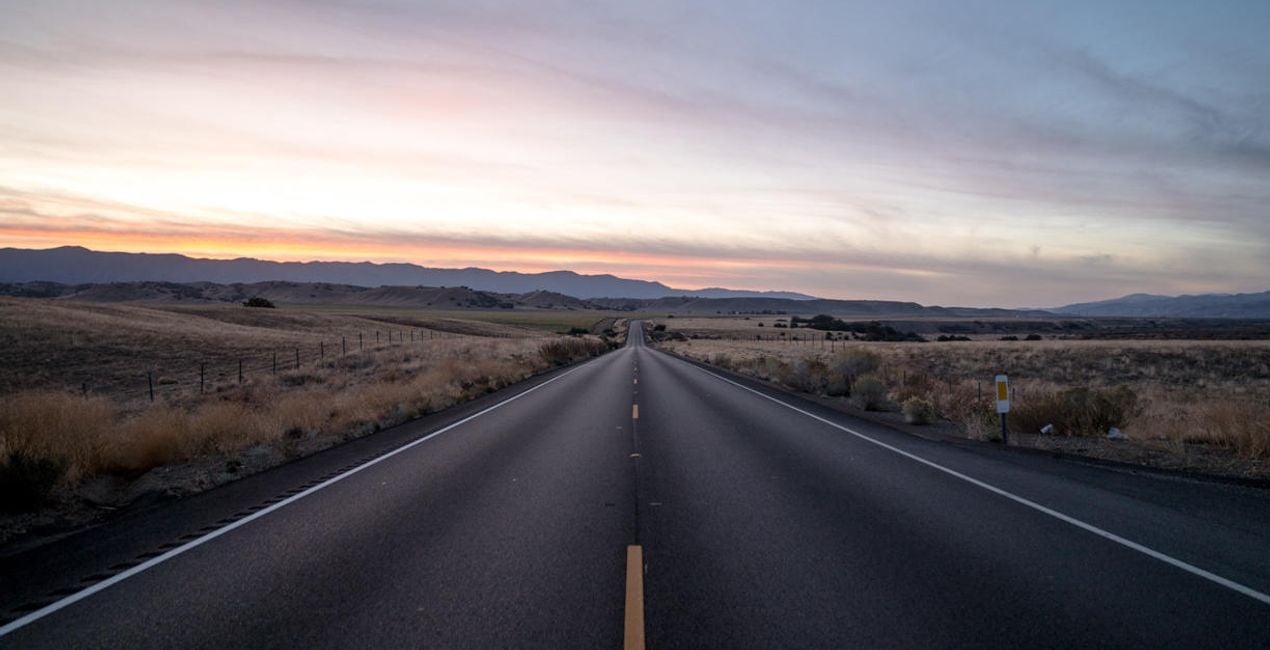
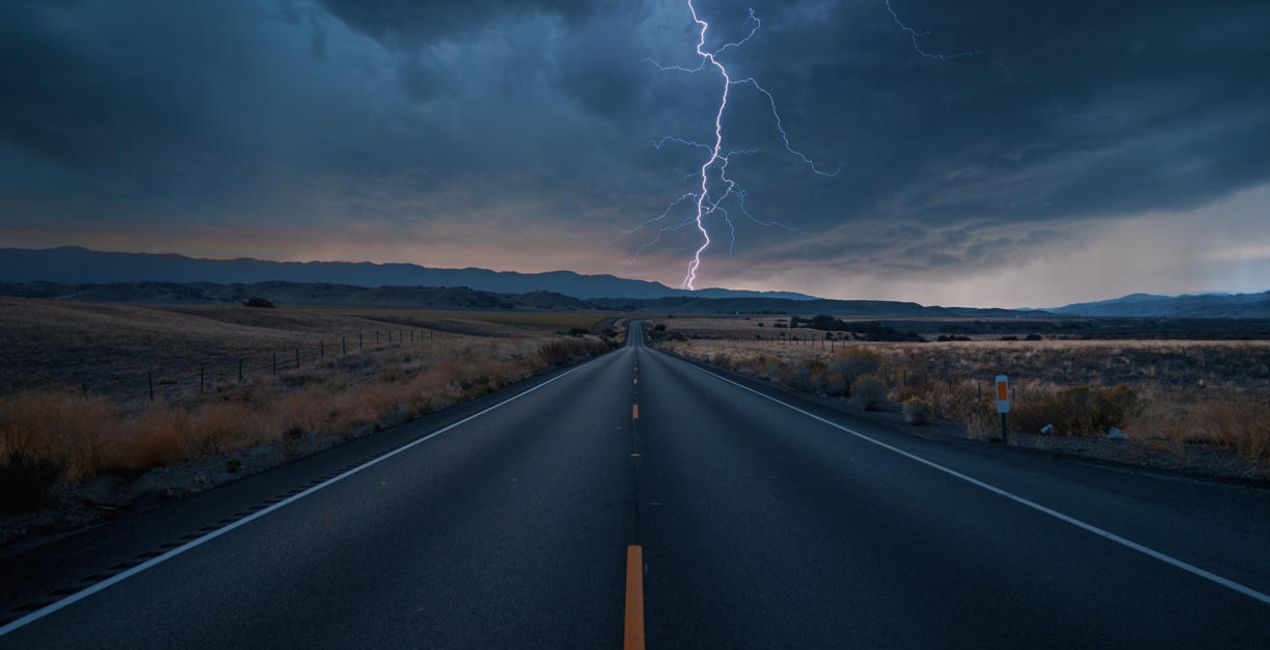
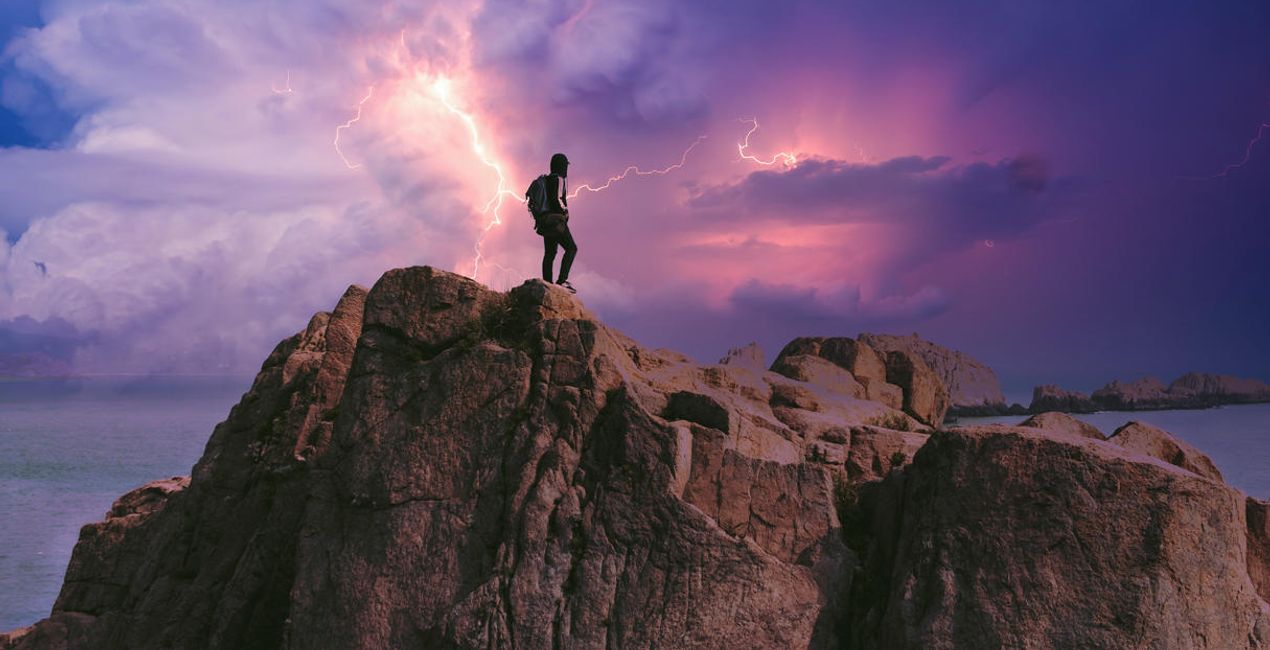
Want to add a touch of drama to your photos? Discover 20 spectacular 10K resolution Skies in JPEG format captured by famous stormchaser Bastian Werner. (3)
Il mio carrello

Il tuo carrello al momento è vuoto

Esplora la nostra collezione per trovare i ritocchi perfetti per le tue foto!

Il mio carrello articolo articoli

Il tuo codice per le festività:

asdfjvbknl

Want to add a touch of drama to your photos? Discover 20 spectacular 10K resolution Skies in JPEG format captured by famous stormchaser Bastian Werner. Applicato

Want to add a touch of drama to your photos? Discover 20 spectacular 10K resolution Skies in JPEG format captured by famous stormchaser Bastian Werner. (5)
Il mio carrello

Il tuo carrello al momento è vuoto

Esplora la nostra collezione per trovare i ritocchi perfetti per le tue foto!

Carrello

Il tuo codice per le festività:

asdfjvbknl

Want to add a touch of drama to your photos? Discover 20 spectacular 10K resolution Skies in JPEG format captured by famous stormchaser Bastian Werner. Applicato

Prezzo totale: $

Riepilogo carrello

Crittografia per pagamenti sicuri

Want to add a touch of drama to your photos? Discover 20 spectacular 10K resolution Skies in JPEG format captured by famous stormchaser Bastian Werner. (7)

Altri hanno acquistato anche

Risparmi
di
Parte di
Risparmia 5 € acquistando il pacchetto completo
Acquista il pacchetto completo

Informazioni

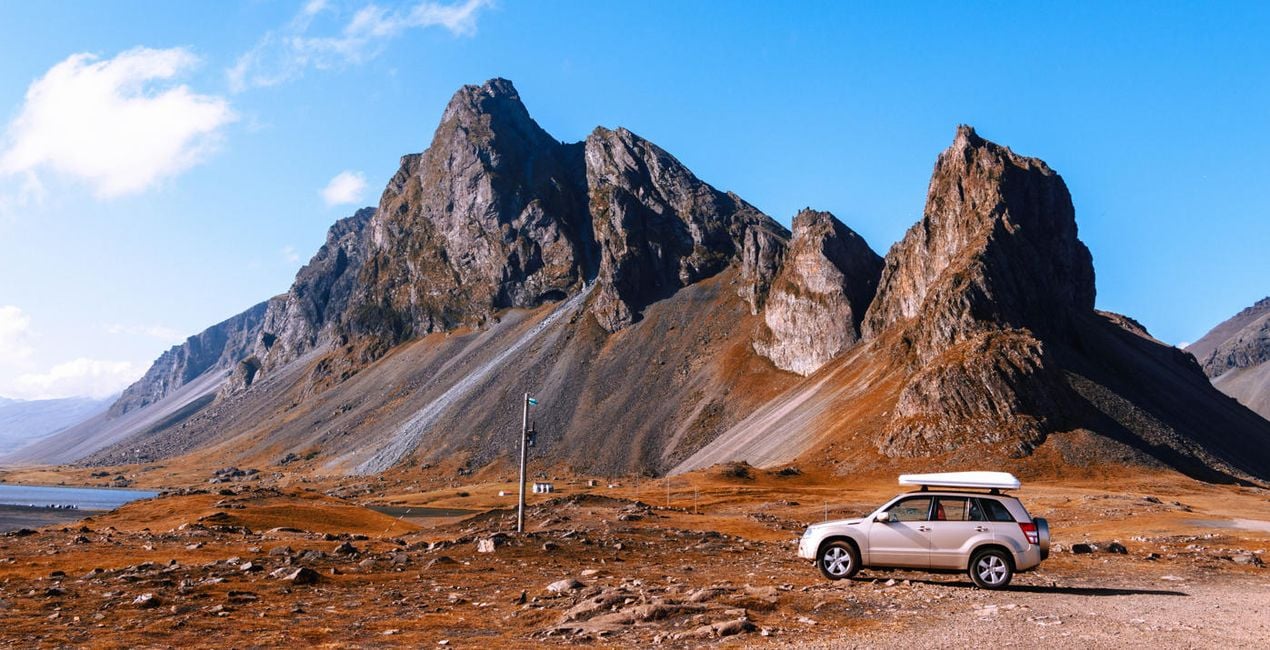
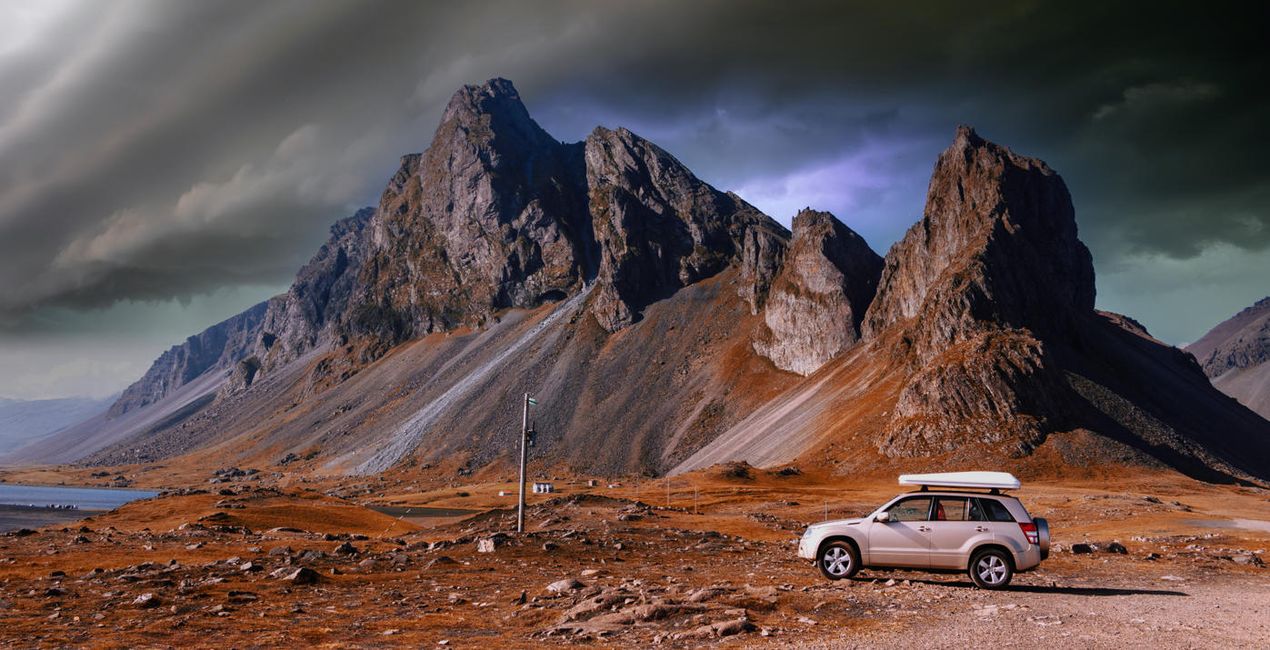
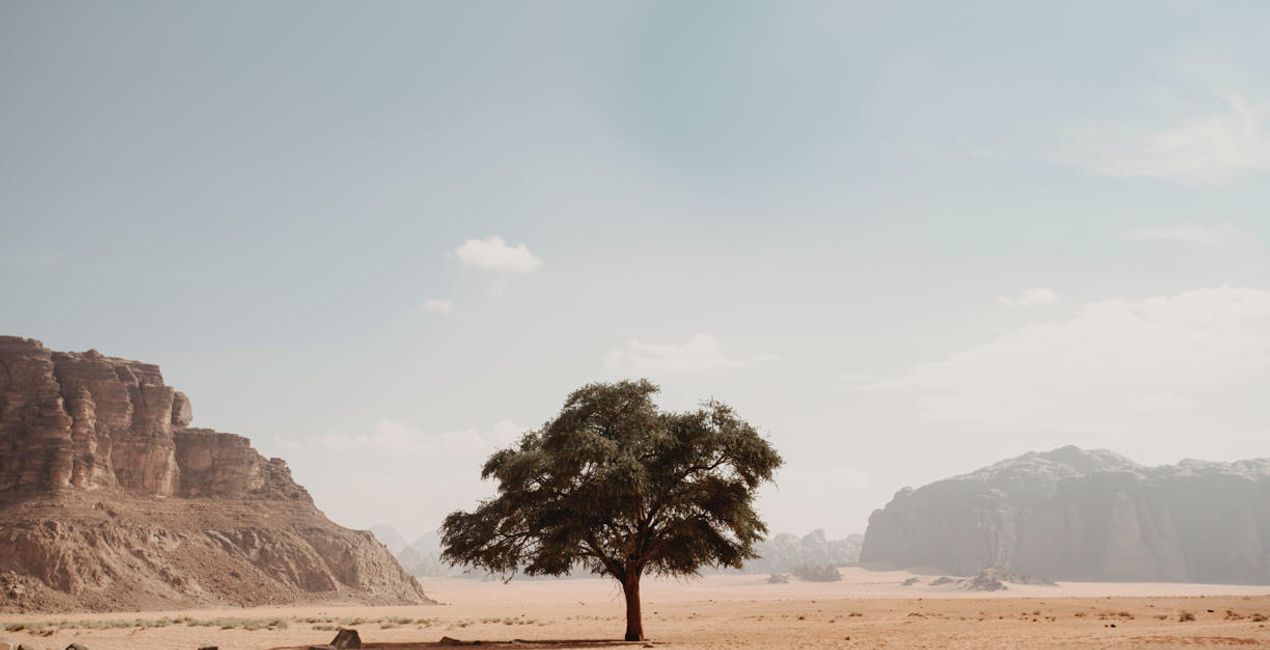
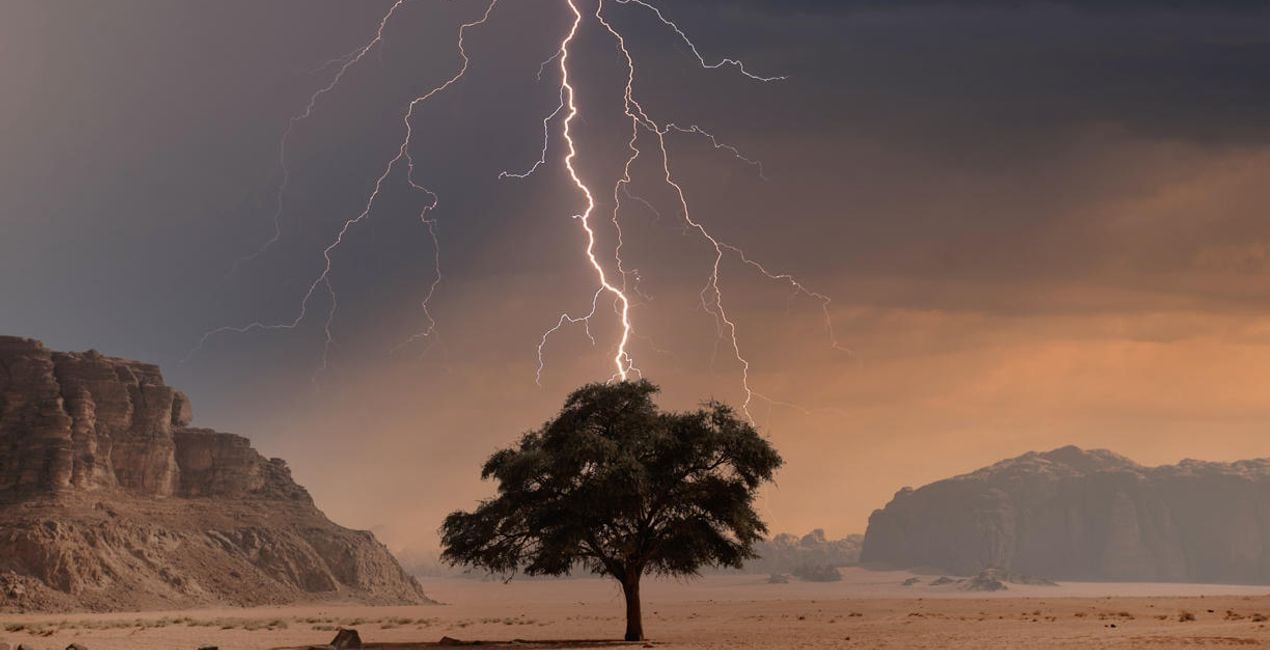
Want to add a touch of drama to your photos? Discover 20 spectacular 10K resolution Skies in JPEG format captured by famous stormchaser Bastian Werner. With these Skies, it will be easy to turn an ordinary photo into an impressive one with visually appealing turbulent clouds and incredible lightning bolts in the background. Try them on your nightscapes and see the difference they make.

Cosa è incluso

20 Skies in JPEG format

Compatibilità

Luminar AI, Luminar NEO, Photoshop , Affinity Photo, Evoto, ON1

Ottieni foto come queste

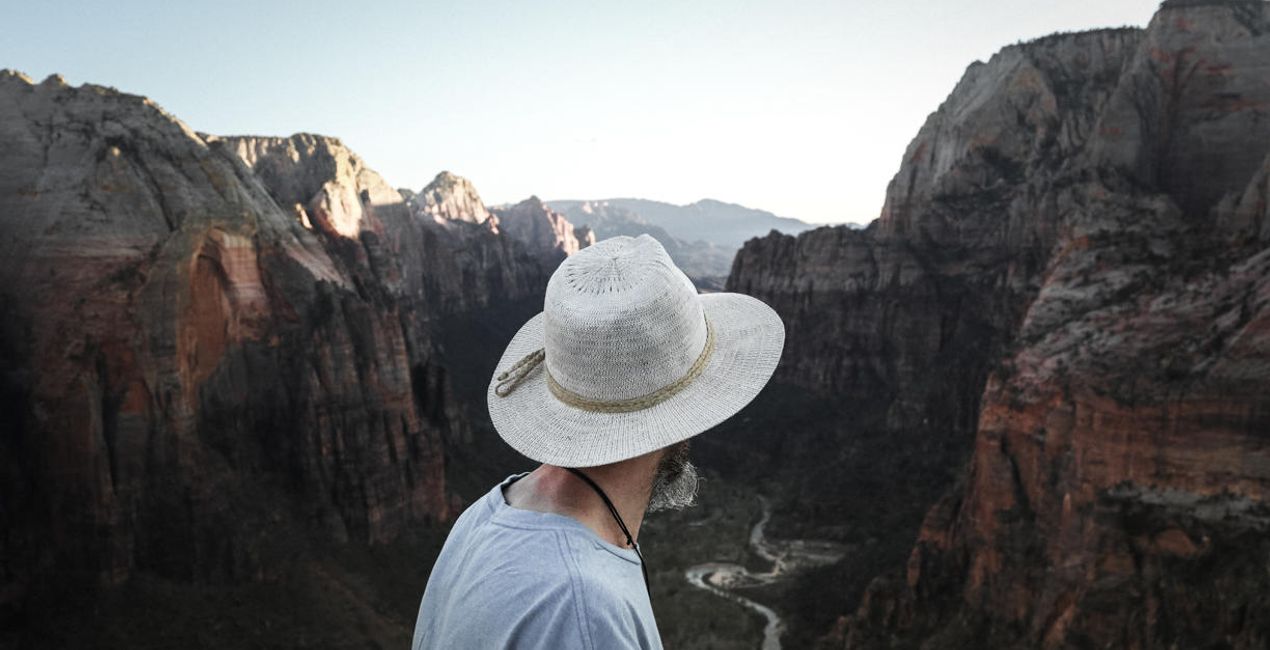
Utilizzando i file RAW forniti, potrai mettere facilmente in pratica i consigli di ritocco e imparare a ottenere foto come queste.
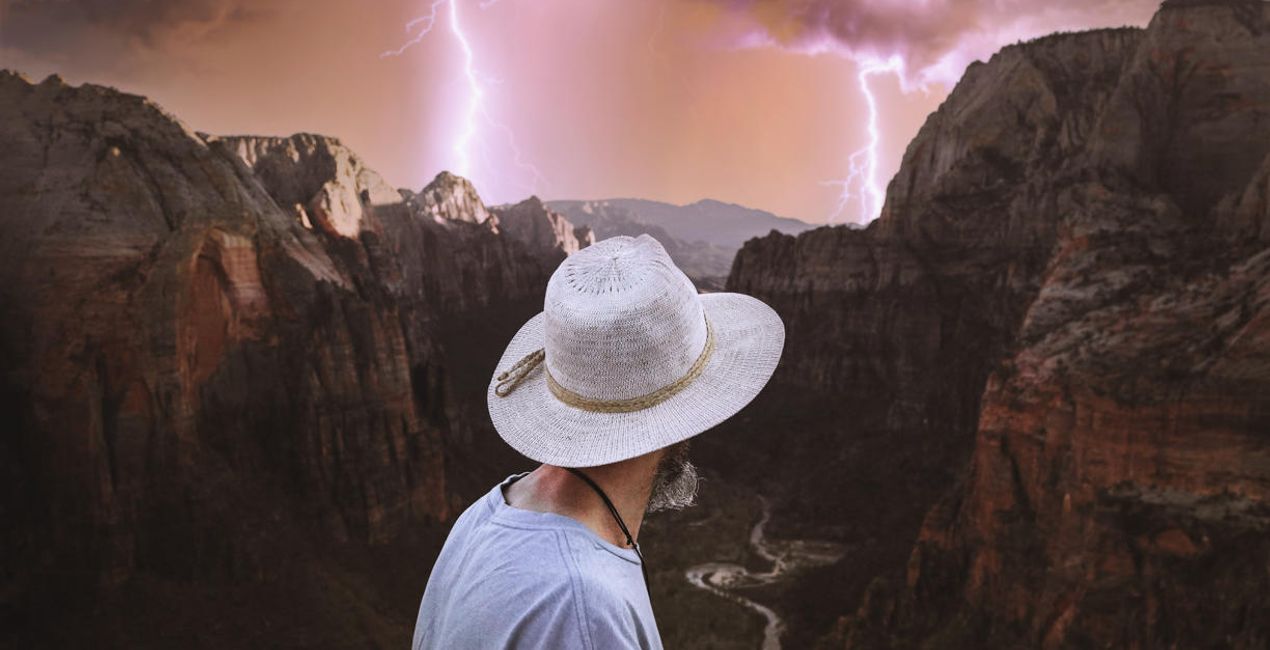
© Jeremy Bishop
Want to add a touch of drama to your photos? Discover 20 spectacular 10K resolution Skies in JPEG format captured by famous stormchaser Bastian Werner. (39)
Want to add a touch of drama to your photos? Discover 20 spectacular 10K resolution Skies in JPEG format captured by famous stormchaser Bastian Werner. (40)>
Prima Dopo
© Andreas M
Want to add a touch of drama to your photos? Discover 20 spectacular 10K resolution Skies in JPEG format captured by famous stormchaser Bastian Werner. (41)
Want to add a touch of drama to your photos? Discover 20 spectacular 10K resolution Skies in JPEG format captured by famous stormchaser Bastian Werner. (42)>
Prima Dopo
© Damian Denis
Want to add a touch of drama to your photos? Discover 20 spectacular 10K resolution Skies in JPEG format captured by famous stormchaser Bastian Werner. (43)
Want to add a touch of drama to your photos? Discover 20 spectacular 10K resolution Skies in JPEG format captured by famous stormchaser Bastian Werner. (44)>
Prima Dopo
© Jeremy Bishop
Want to add a touch of drama to your photos? Discover 20 spectacular 10K resolution Skies in JPEG format captured by famous stormchaser Bastian Werner. (45)
Want to add a touch of drama to your photos? Discover 20 spectacular 10K resolution Skies in JPEG format captured by famous stormchaser Bastian Werner. (46)>
Prima Dopo
© Wu-Jianxiong
Want to add a touch of drama to your photos? Discover 20 spectacular 10K resolution Skies in JPEG format captured by famous stormchaser Bastian Werner. (47)
Want to add a touch of drama to your photos? Discover 20 spectacular 10K resolution Skies in JPEG format captured by famous stormchaser Bastian Werner. (48)>
Prima Dopo

Cieli inclusi nel pacchetto

Prodotti correlati

Creator

Bastian Werner

Fotografo: Ambasciatore di Skylum.

Bastian Werner is a German photographer who captures images of extreme weather conditions. He’s also an avid adventurer and expedition leader. Bastian’s whole life is dedicated to weather photography. Since 2011, he has traveled Europe taking pictures of thunderstorms and other meteorological phenomena. In 2017, Bastian published a book titled "Fotografieren mit Wind und Wetter" (Photography with Wind and Weather) about weather and weather forecasting for landscape photographers, and it includes a big section on storm chasing. Be sure to check out his work!

Domande frequenti

Hai altre domande o hai bisogno di consigli?

contatta il Team di supporto

Come faccio a contattare l'assistenza?

Se hai domande sui prodotti, puoi contattare il team dell'assistenza tutti i giorni, 24 ore al giorno. Utilizza questo link.

Come faccio ad acquistare Taming the Lightning Storm ?

Per acquistare Taming the Lightning Storm , segui questi passaggi:

1. Apri il Marketplace di Skylum.

2. Vai sulla scheda dove è elencato Taming the Lightning Storm . Clicca sul nome del prodotto per aggiungerlo al carrello.

3. Vai al carrello, dove potrai completare l'acquisto di Taming the Lightning Storm .

4. Dopo l'acquisto, riceverai un'e-mail con il link per scaricare Taming the Lightning Storm . Potrai trovare il nuovo acquisto anche nel tuo account Skylum, nella scheda I miei add-on.

Come faccio a installare Taming the Lightning Storm ?

Nell'e-mail con il link per il download riceverai anche istruzioni dettagliate su come installare Taming the Lightning Storm .

Inoltre, puoi installare l'articolo acquistato direttamente in Luminar Neo: vai su Extra > Marketplace, seleziona la categoria di prodotto, trova l'articolo acquistato e clicca su Installa.

Dove trovo Taming the Lightning Storm dopo l'installazione?

È facilissimo! Nella barra dei menu superiori, passa alla scheda Modifica. Vai nel pannello Tool e seleziona Cieloᴬᴵ > Selezione cielo > Acquistati. Taming the Lightning Storm che hai acquistato si troverà lì.

Che succede se perdo Taming the Lightning Storm ?

Non preoccuparti. Tutti gli articoli acquistati, incluso Taming the Lightning Storm , vengono conservati nella scheda "I miei add-on" del tuo account Skylum, così potrai riscaricarli e utilizzarli in tutta facilità.

Come faccio a verificare se Taming the Lightning Storm è compatibile con i miei software?

In generale, la maggior parte degli articoli è compatibile con Luminar Neo. Ma per assicurarti che Taming the Lightning Storm sia compatibile con i tuoi software, verificane le specifiche prima di scaricarlo o acquistarlo. Cerca la sezione "Compatibilità" sulla destra della pagina di Taming the Lightning Storm , dove sono elencati tutti i prodotti compatibili.

Crea di più. Spendi di meno. Offerta Cyber Week: 25% di sconto su tutti gli asset con il codice
CW25

00d

:

00h

:

00m

:

00s

Want to add a touch of drama to your photos? Discover 20 spectacular 10K resolution Skies in JPEG format captured by famous stormchaser Bastian Werner. (72)