


 Applicato




Informazioni
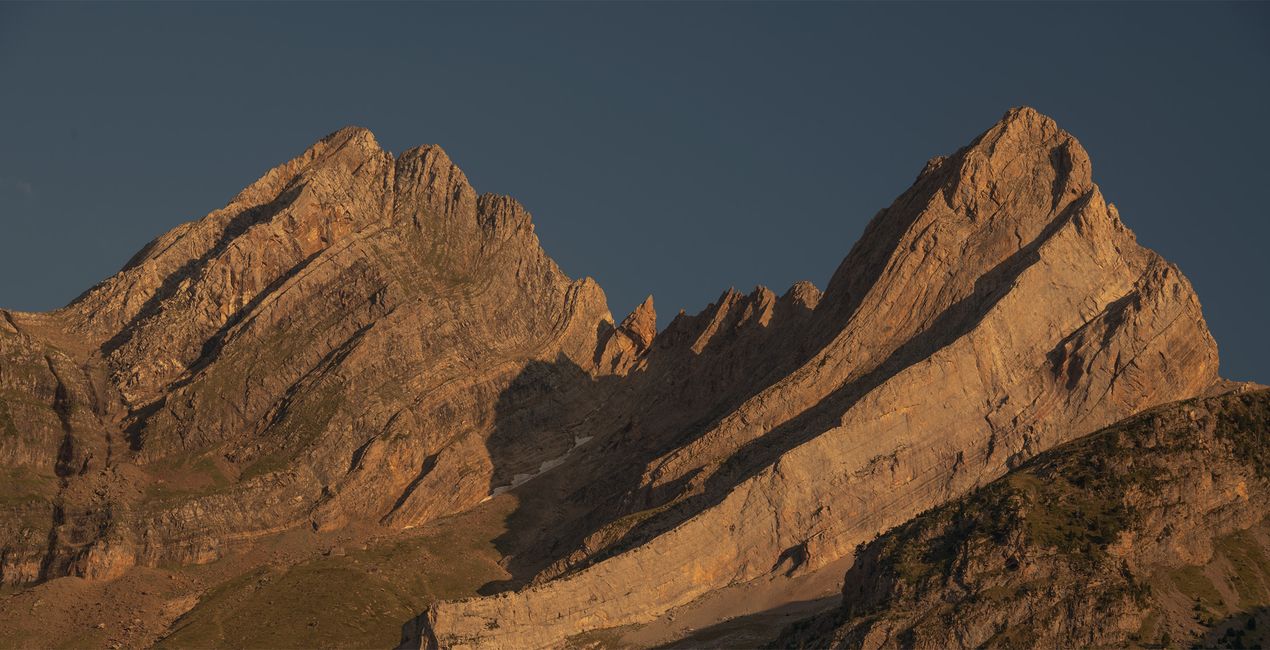
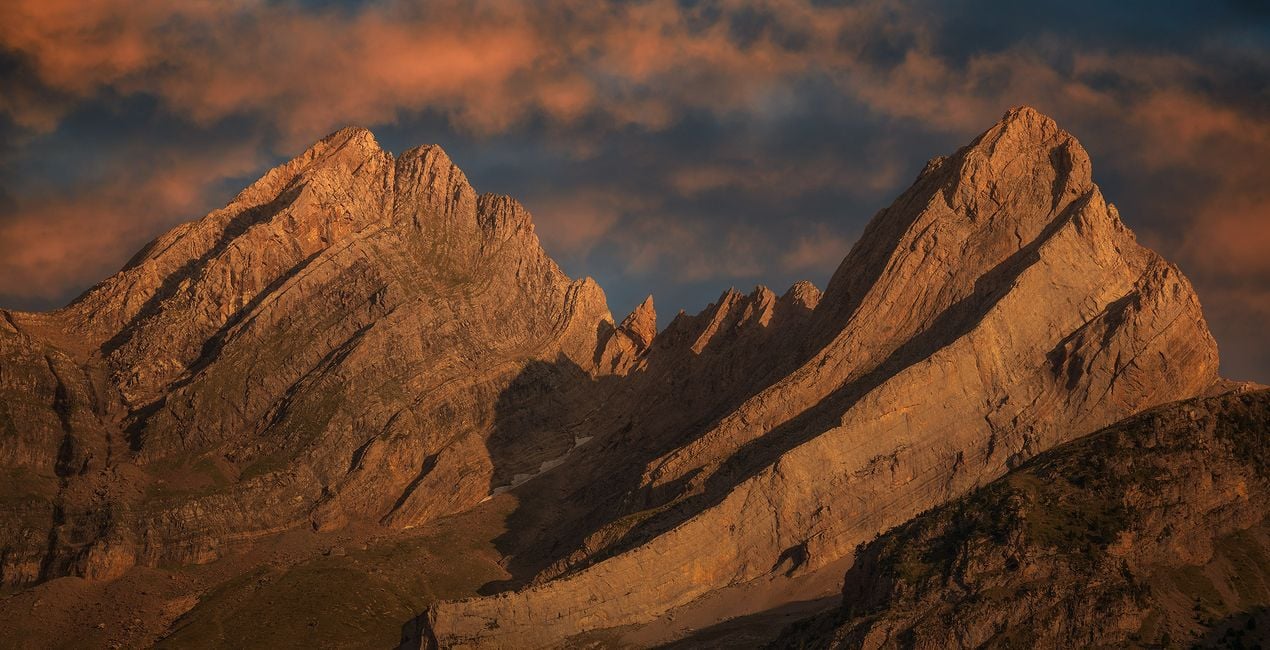
Discover this set of Skies captured during sunset, sunrise, and the golden hour. Each one of these Skies is designed to help you to create beautiful warm scenes, and add a glimpse of magic to your photographs. Whether you're looking for a vibrant sunrise, tranquil sunset, or the perfect golden hour light, these Skies are sure to add that extra touch of magic to your images. Bring life and beauty to any scene with this incredible set of Skies!
Cosa è incluso
10 Skies in JPEG format
Compatibilità


Ottieni foto come queste
Utilizzando i file RAW forniti, potrai mettere facilmente in pratica i consigli di ritocco e imparare a ottenere foto come queste.

 >
>

 >
>

 >
>
 >
>

 >
>
La storia
Armand Sarlangue shares: “These skies were shot mostly in Spain, during some mountains and coastal photography adventures, but they work perfectly on any landscape or architectural images.”
Creator tips:
- Choose the sky that fits your vision best, and play with the Sky Orientation sliders to find the most suitable display. There are often a lot of possibilities within one single sky.
- Use the Relight Scene slider to fine-tune the ambiance of the foreground and match perfectly the new sky.
- If you have water in your image, experiment with the Reflection sliders. The result can be spectacular!
- Have fun creating!
Cieli inclusi nel pacchetto


Prodotti correlati


Creator
Armand Sarlangue
Photographer. Skylum Ambassador.
Armand Sarlangue has been a professional photographer for 14 years. The son of a photographer, visual art has been Armand’s true passion since childhood, and it’s through nature photography that he really expresses his creativity.
Being alone in the most remote places and translating the feelings of those moments through his images is what motivates Armand. He uses advanced post-production techniques to create ambiances that match his vision of our world.
Armand’s landscape images have been internationally awarded and exhibited in the USA, Spain, Italy, and France. His work has also been published by National Geographic, GEO Magazine, Australian Photography magazine, BBC News, and many other publications.
Come faccio a contattare l'assistenza?
Se hai domande sui prodotti, puoi contattare il team dell'assistenza tutti i giorni, 24 ore al giorno. Utilizza questo link.
Come faccio ad acquistare Shine & Glory Skies?
Per acquistare Shine & Glory Skies, segui questi passaggi:
1. Apri il Marketplace di Skylum.
2. Vai sulla scheda dove è elencato Shine & Glory Skies. Clicca sul nome del prodotto per aggiungerlo al carrello.
3. Vai al carrello, dove potrai completare l'acquisto di Shine & Glory Skies.
4. Dopo l'acquisto, riceverai un'e-mail con il link per scaricare Shine & Glory Skies. Potrai trovare il nuovo acquisto anche nel tuo account Skylum, nella scheda I miei add-on.
Come faccio a installare Shine & Glory Skies?
Nell'e-mail con il link per il download riceverai anche istruzioni dettagliate su come installare Shine & Glory Skies.
Inoltre, puoi installare l'articolo acquistato direttamente in Luminar Neo: vai su Extra > Marketplace, seleziona la categoria di prodotto, trova l'articolo acquistato e clicca su Installa.
Dove trovo Shine & Glory Skies dopo l'installazione?
È facilissimo! Nella barra dei menu superiori, passa alla scheda Modifica. Vai nel pannello Tool e seleziona Cieloᴬᴵ > Selezione cielo > Acquistati. Shine & Glory Skies che hai acquistato si troverà lì.
Che succede se perdo Shine & Glory Skies?
Non preoccuparti. Tutti gli articoli acquistati, incluso Shine & Glory Skies, vengono conservati nella scheda "I miei add-on" del tuo account Skylum, così potrai riscaricarli e utilizzarli in tutta facilità.
Come faccio a verificare se Shine & Glory Skies è compatibile con i miei software?
In generale, la maggior parte degli articoli è compatibile con Luminar Neo. Ma per assicurarti che Shine & Glory Skies sia compatibile con i tuoi software, verificane le specifiche prima di scaricarlo o acquistarlo. Cerca la sezione "Compatibilità" sulla destra della pagina di Shine & Glory Skies, dove sono elencati tutti i prodotti compatibili.


