


 Applicato


LUT Schizzi di colore
Save $201 $ 39 .00

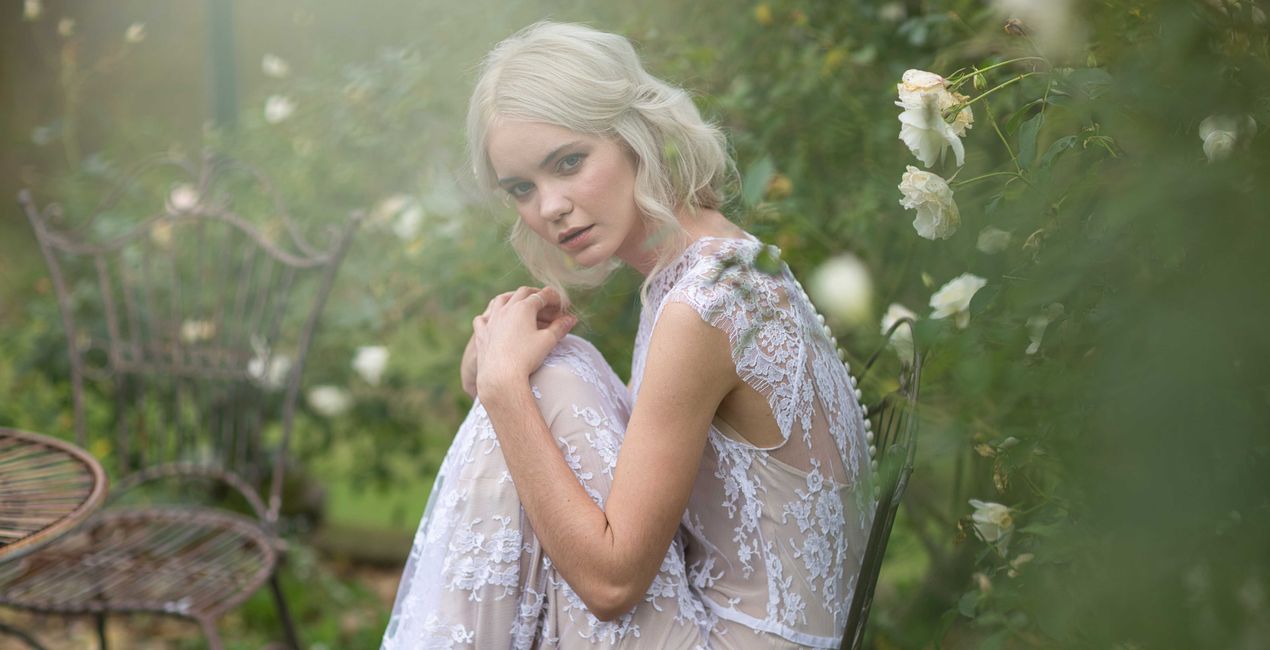
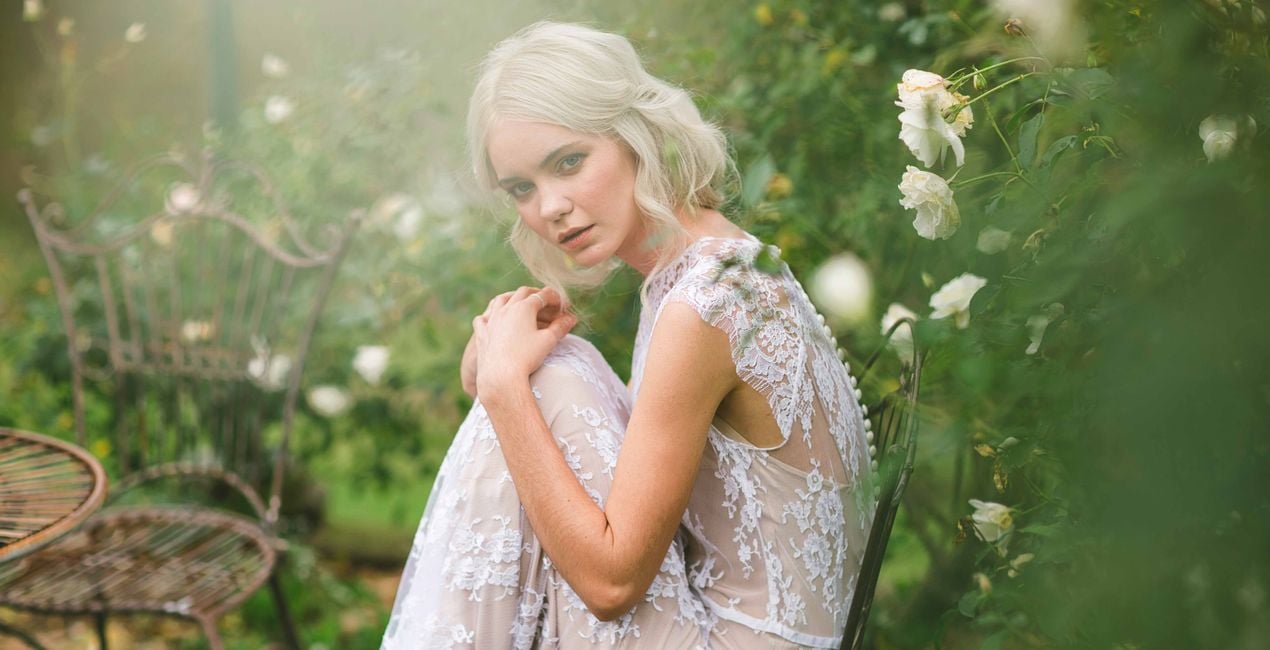
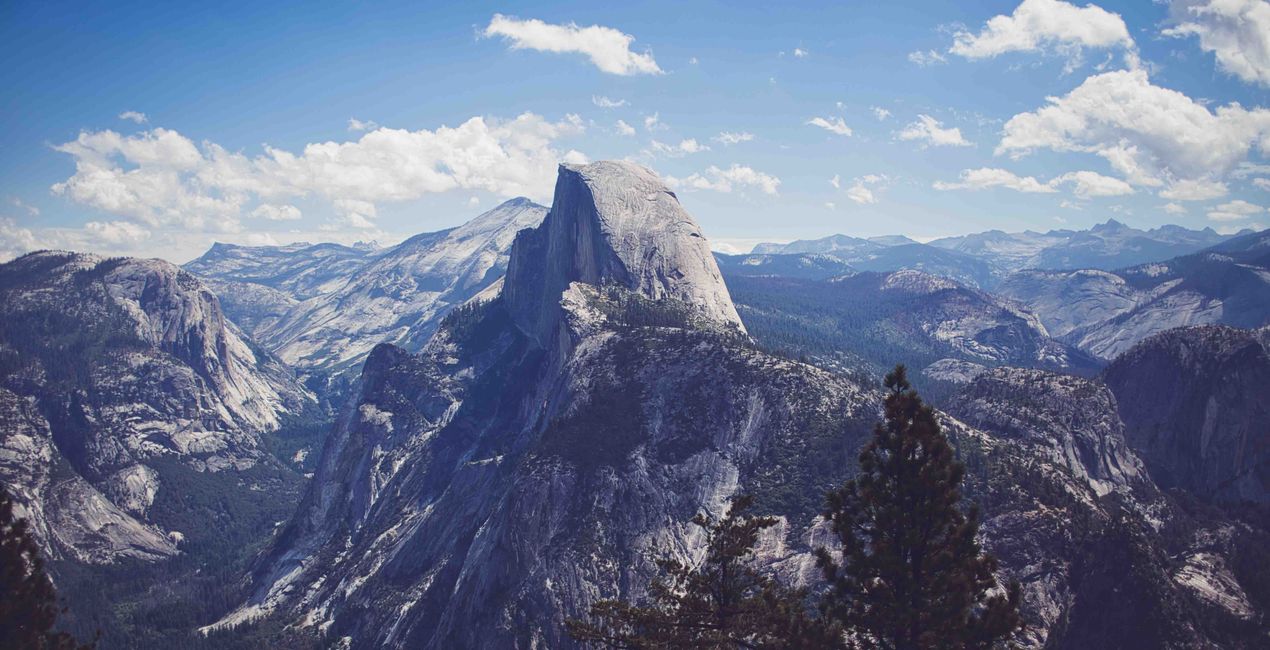
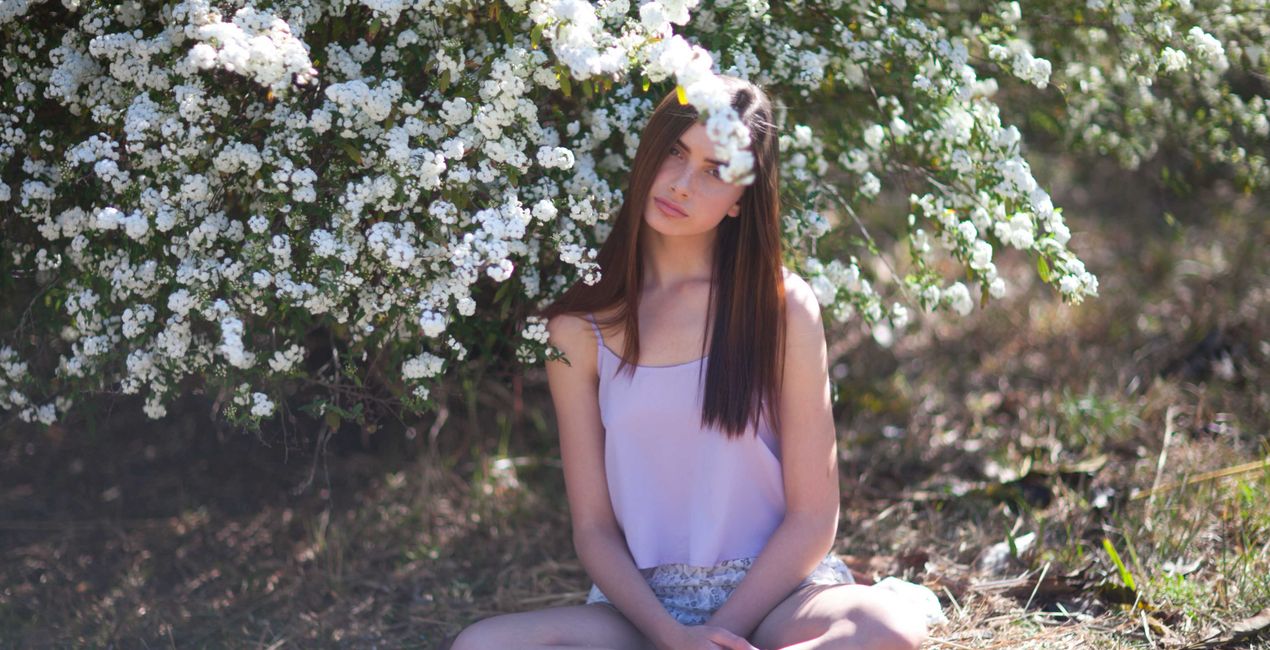
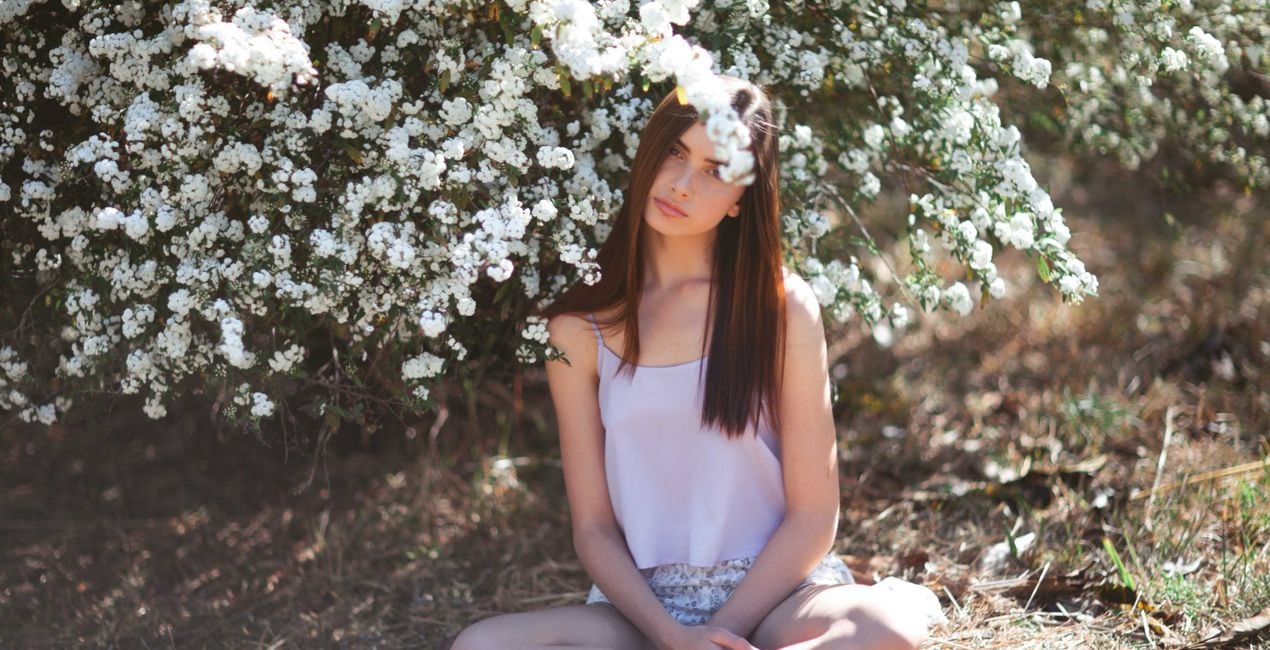
Together with Julia Trotti, we’ve created an exclusive LUTs pack for lifestyle and portrait photos that are bursting with colorful hues. Part of the money raised from its sales will be transferred to humanitarian organizations helping Ukraine right now.
Cosa è incluso
10 LUT che donano all'istante un'atmosfera speciale alla tua foto.


Utilizzando i file RAW forniti, potrai mettere facilmente in pratica i consigli di ritocco e imparare a ottenere foto come queste.
 >
>

 >
>

 >
>

 >
>

 >
>
 >
>
Julia Trotti’s colors are inspired by natural sunlight and beautiful locations. As a portrait and lifestyle photographer, it’s important for Julia to have colors that work in various situations.
That’s why she created this pack of LUTs, personally handpicking colors that she most loves to use in her work.
These LUTs have been tested and tried over time on a wide variety of images, lighting styles, and camera equipment until we could guarantee they work like perfection.
They are compatible with most photo and video editing apps.
In this LUTs pack, you will find 10 colors perfect for portrait photography and lifestyle photos:
Amalfi. Julia’s personal favorite LUT that works on a variety of photos from portraits to landscapes. Adds warm, vintage tones to your images.
Disposable Film. A LUT with moody green tones to make your photos more film-like.
Gdansk. Soft and hazy peach tones, perfect for a subtle edit.
Ghosts. A low-contrast black and white LUT.
Hazel. A perfect balance between honey-like skin tones and gorgeous greens.
Lotus. Muted greens with soft, vintage tones to warm up your portraits.
Muse. Brilliant blues with a hint of warmth to create moody edits. Julia loves to use this LUT on her landscapes.
New York. A soft, dreamy LUT inspired by Julia’s time exploring the streets of New York City.
Paris. A high-contrast black and white LUT for punchy portraits.
Summer Haze. A splash of colors for your natural light portrait photography.
FASHION AND PORTRAIT PHOTOGRAPHER AS WELL AS A YOUTUBER
Julia Trotti is a YouTube content creator and a portrait and lifestyle photographer based in Sydney, Australia. Julia’s portrait photography includes a variety of fashion campaigns, on-location lookbooks, and editorials that have been published in print and online magazines. She has also worked with Australian and international publishers to have her images shared on book covers, in-store posters, and more. While working as a full-time fashion photographer for some of Australia’s competitive fashion brands, Julia also runs a YouTube channel. Her weekly videos cover a wide range of photography-related topics, and she creates behind-the-scenes looks at her on-location photo shoots to share the photography process with her audience. Julia teaches the creativity and technical aspects behind photography and creates in-depth camera and lens reviews.
Se hai domande sui prodotti, puoi contattare il team dell'assistenza tutti i giorni, 24 ore al giorno. Utilizza questo link.
Per acquistare Splashes of Color LUTs, segui questi passaggi:
1. Apri il Marketplace di Skylum.
2. Vai sulla scheda dove è elencato Splashes of Color LUTs. Clicca sul nome del prodotto per aggiungerlo al carrello.
3. Vai al carrello, dove potrai completare l'acquisto di Splashes of Color LUTs.
4. Dopo l'acquisto, riceverai un'e-mail con il link per scaricare Splashes of Color LUTs. Potrai trovare il nuovo acquisto anche nel tuo account Skylum, nella scheda I miei add-on.
Nell'e-mail con il link per il download riceverai anche istruzioni dettagliate su come installare Splashes of Color LUTs.
Inoltre, puoi installare l'articolo acquistato direttamente in Luminar Neo: vai su Extra > Marketplace, seleziona la categoria di prodotto, trova l'articolo acquistato e clicca su Installa.
È facilissimo! Se utilizzi Luminar Neo, passa alla scheda Modifica nella barra dei menu superiore. Quindi, vai alla sezione Creativi, seleziona LUT > Scegli LUT > Acquistate. Il pacchetto di LUT installato si troverà lì.
Non preoccuparti. Tutti gli articoli acquistati, incluso Splashes of Color LUTs, vengono conservati nella scheda "I miei add-on" del tuo account Skylum, così potrai riscaricarli e utilizzarli in tutta facilità.
In generale, la maggior parte degli articoli è compatibile con Luminar Neo. Ma per assicurarti che Splashes of Color LUTs sia compatibile con i tuoi software, verificane le specifiche prima di scaricarlo o acquistarlo. Cerca la sezione "Compatibilità" sulla destra della pagina di Splashes of Color LUTs, dove sono elencati tutti i prodotti compatibili.
Non andartene ancora. Ecco un codice sconto esclusivo per te. Usalo entro i prossimi 15 minuti per ottenere un ulteriore sconto del 10% al momento del pagamento. Copia il codice qui sotto e completa l'acquisto.
15 m : 00 s





