


 Applicato


Global Tones LUTs, Part I
Save $201 $ 14 .00 $ 29 .00

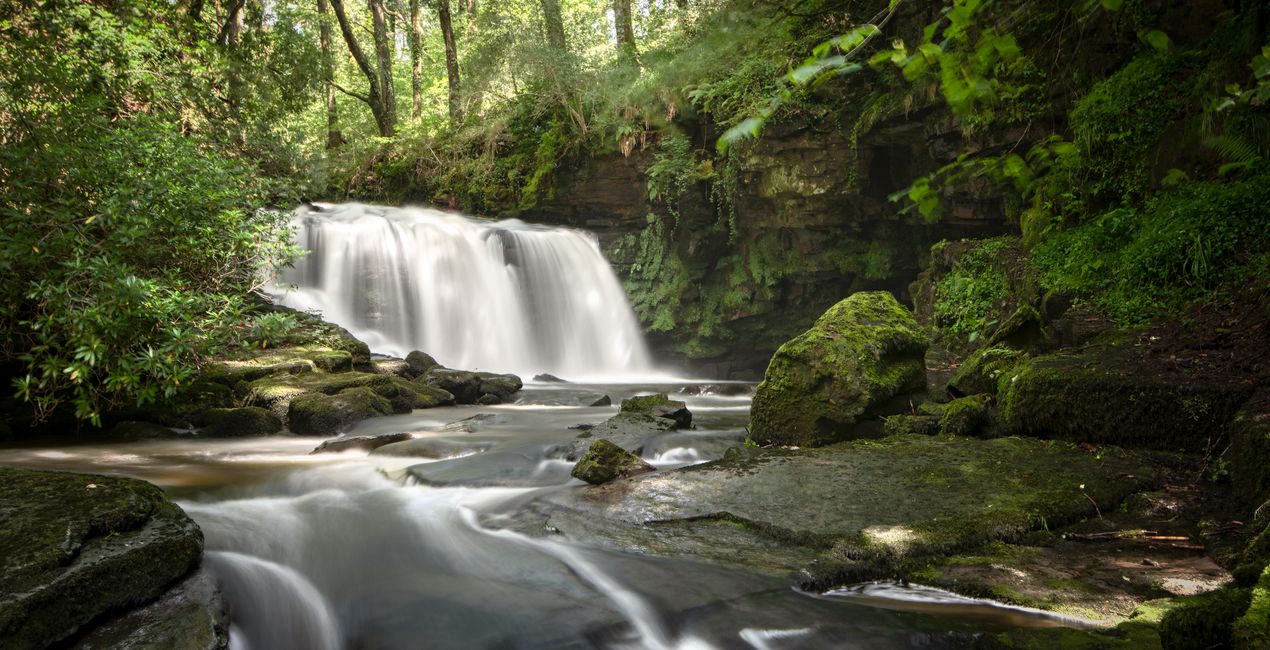
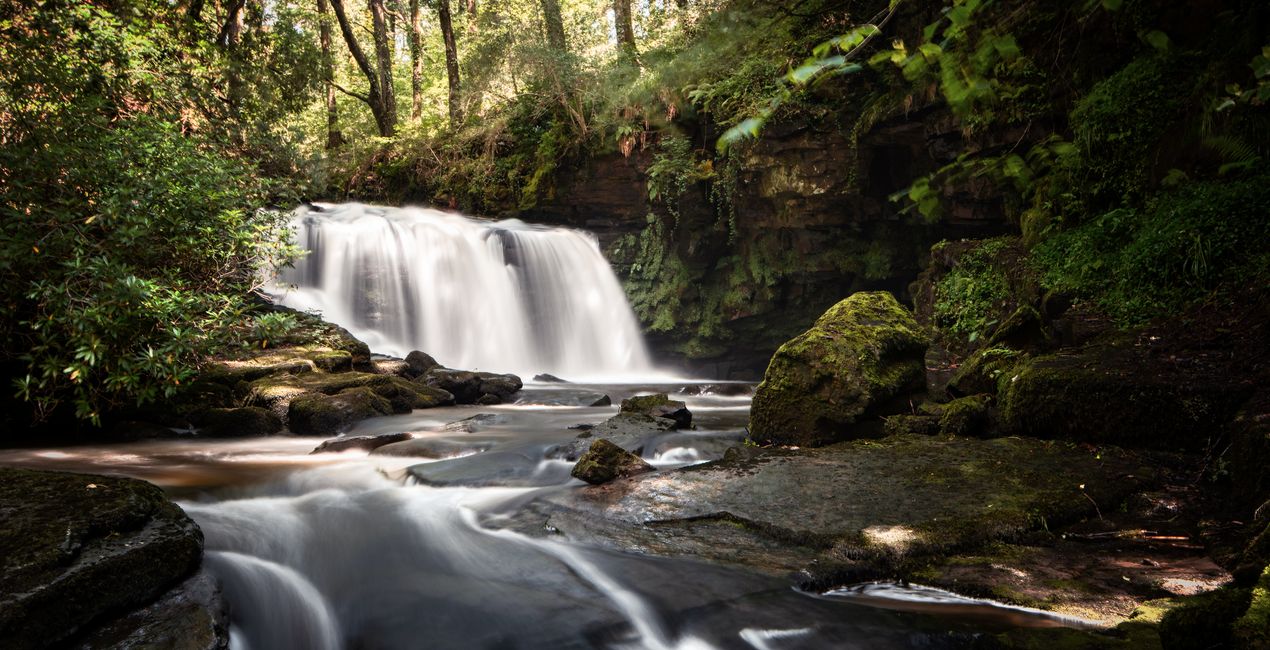
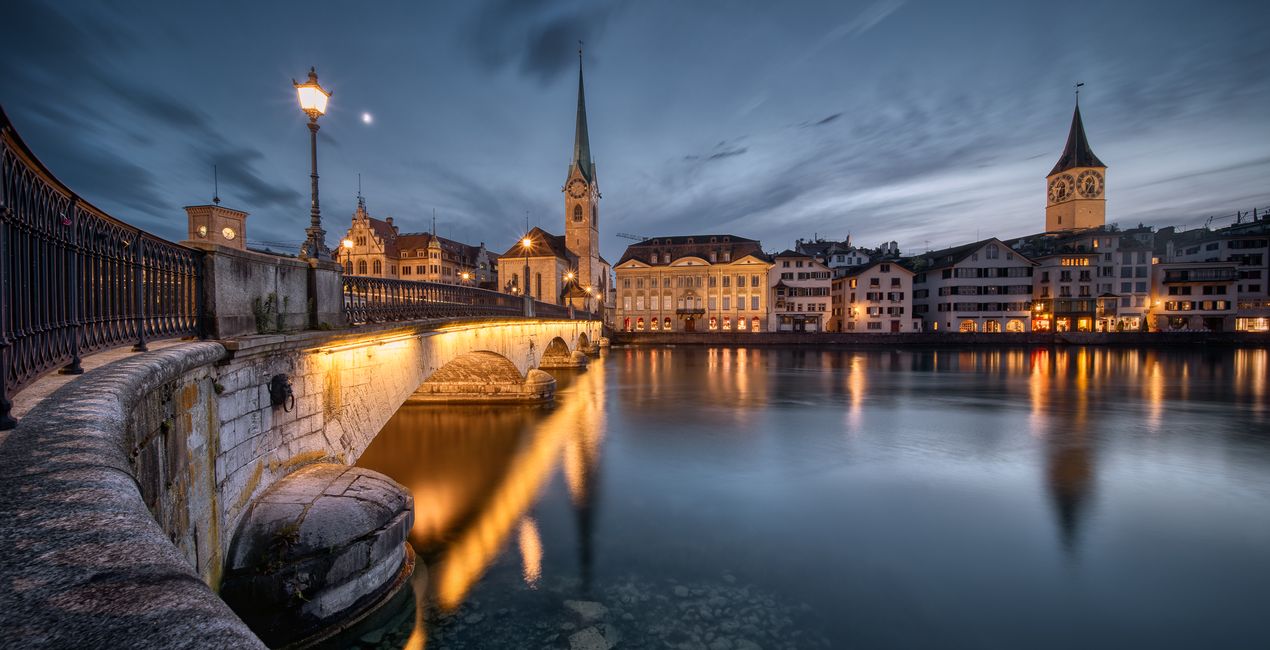
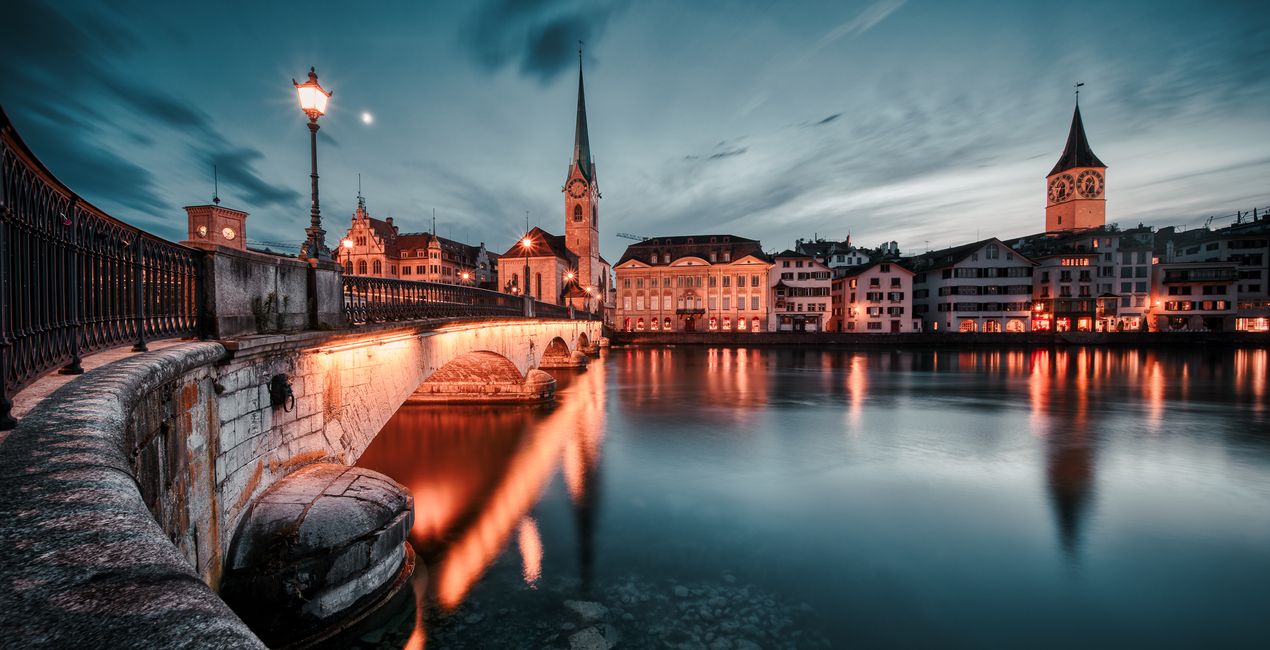
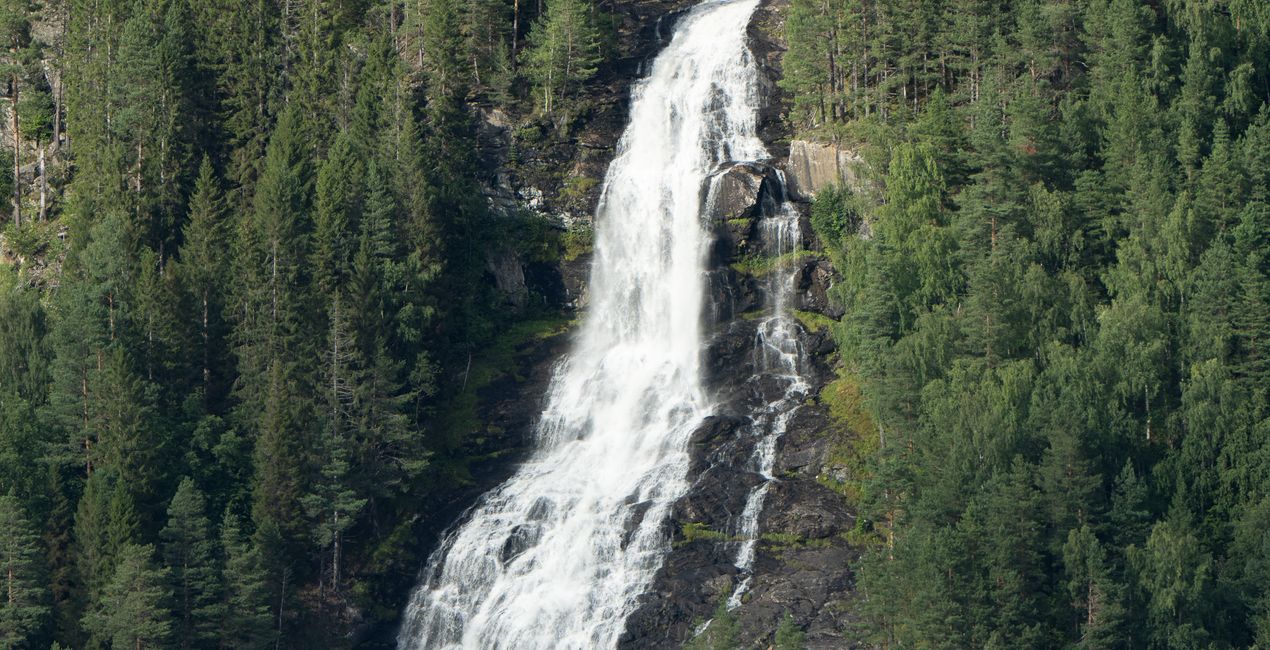
These 10 LUTs for color grading will help you enhance your images with new moods inspired by some of the world’s most memorable destinations. Each LUT affects color tone, saturation, luminance, and contrast in different ways. Although these LUTs were prepared with landscape photography in mind, you can use them in any genre of photography. LUTs are compatible with Luminar 4, Luminar AI, and Luminar Neo, as well as Photoshop. You can even use them to color-grade your videos!
Cosa è incluso
10 LUTs


Utilizzando i file RAW forniti, potrai mettere facilmente in pratica i consigli di ritocco e imparare a ottenere foto come queste.
 >
>

 >
>
 >
>

 >
>
 >
>
 >
>
You’ll find 10 LUTs in this pack inspired by global destinations:
- High key and icy tones of Arctic glaciers;
- Rich woodland tones of fall in Maine;
- Vibrant aquas and sands of Moorea;
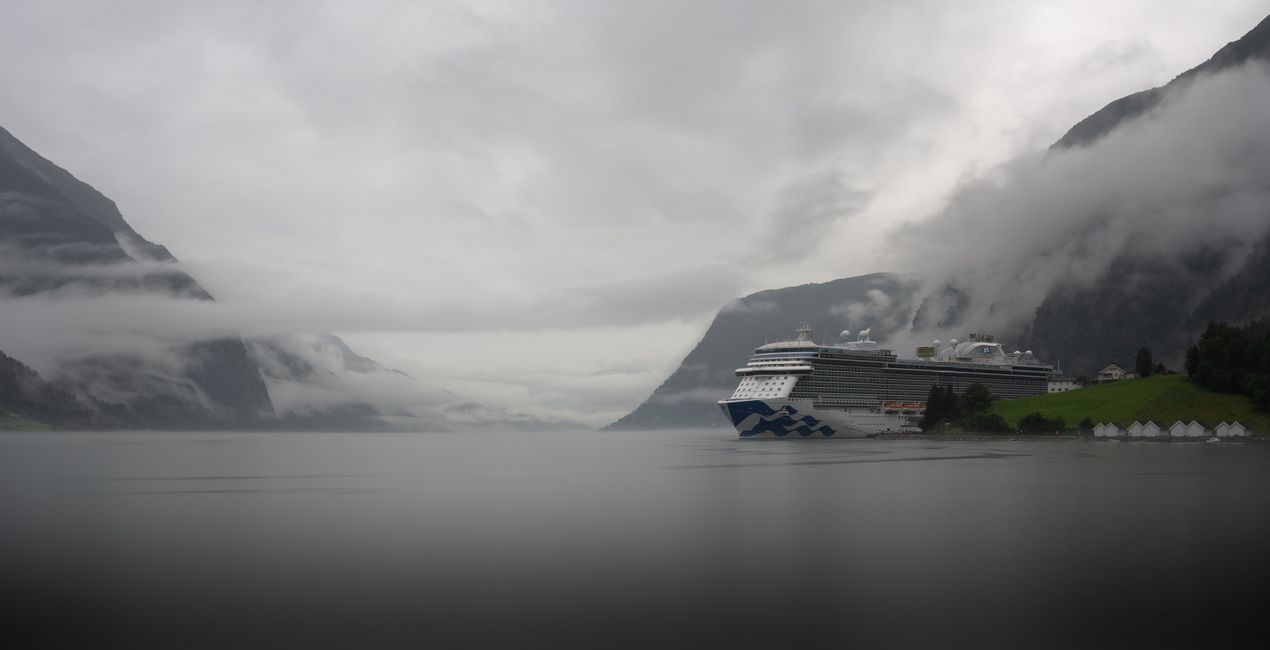
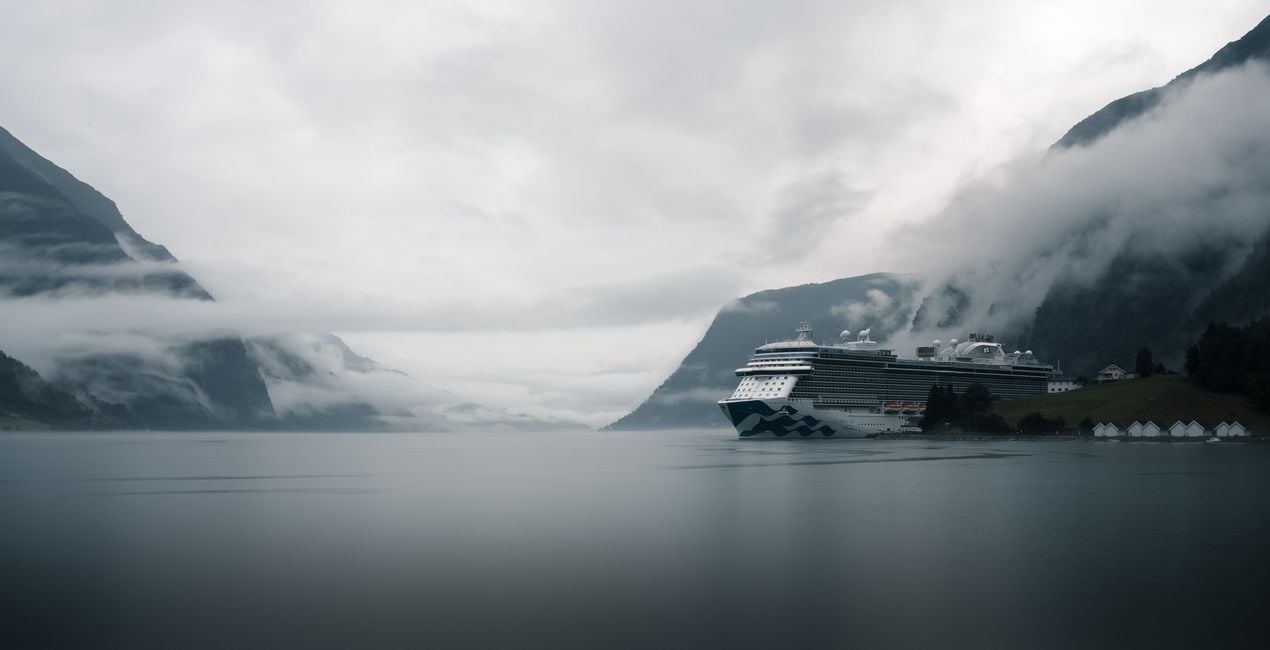
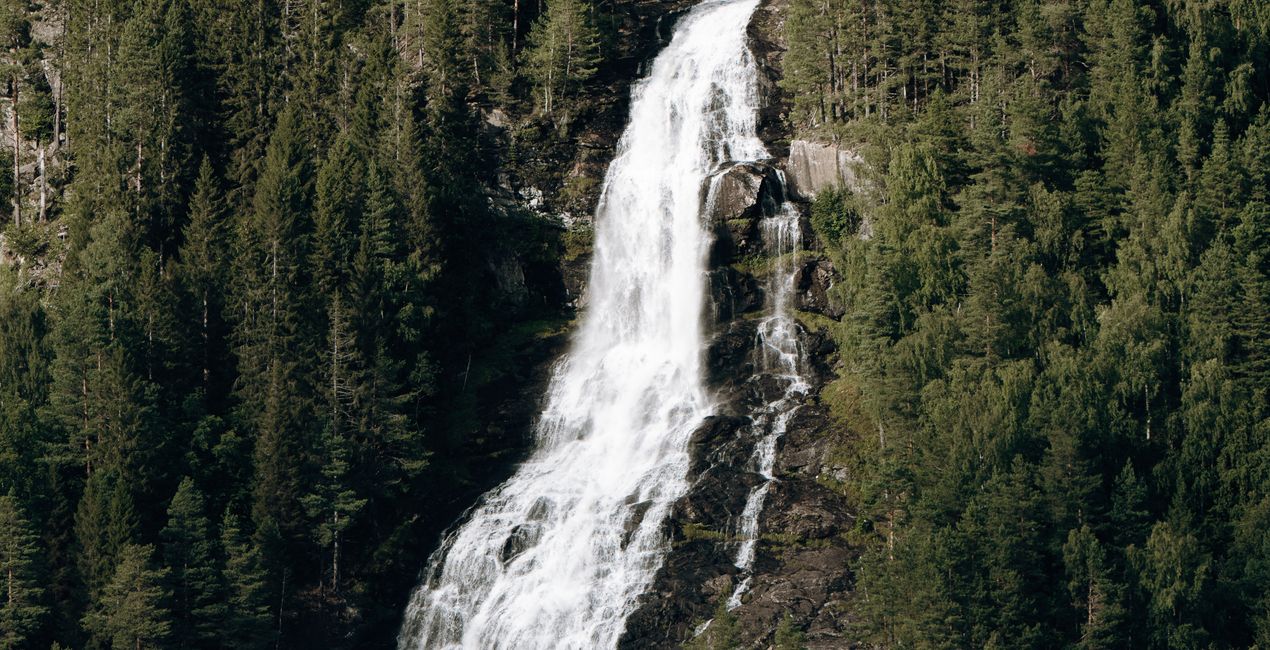
- Subtle greens and teals of the Nordfjord;
- Striking colors of Jaipur, the pink city of Rajasthan;
- Warm earth tones of Borneo;
- Stark high contrast tones of South Shetland;
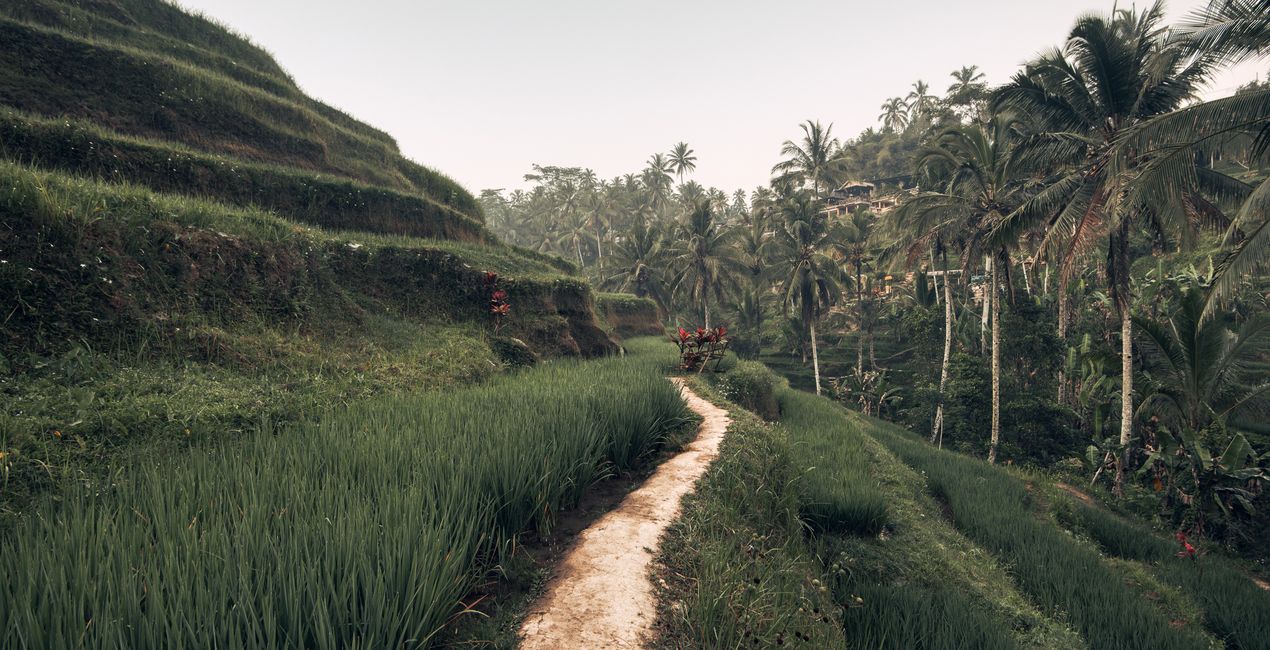
- Faded greens reflecting the misty rice terraces of Ubud;
- High contrast earth tones of Zhangjiajie;
- Lush greens evoking the rainforests of Manaus.
These LUTs will help you achieve great results quickly, and you can adjust them in the Mood tool.
Make sure to share your results! Use the hashtag #madewithluminar on social media so the Skylum Team can take a look at your work.
Photographer. Skylum Ambassador.
Mathew Browne is a cross-genre photographer who has gained recognition for his vibrant images spanning the spectrum of travel photography. A prolific traveler, Mathew has visited nearly 70 countries and photographs extensively for the photo location sharing platform PhotoHound, which he co-founded in 2018.
These Looks serve as the foundation for much of his wildlife portfolio, often allowing him to achieve his desired result with just one click.
Se hai domande sui prodotti, puoi contattare il team dell'assistenza tutti i giorni, 24 ore al giorno. Utilizza questo link.
Per acquistare Global Tones LUTs, Part I , segui questi passaggi:
1. Apri il Marketplace di Skylum.
2. Vai sulla scheda dove è elencato Global Tones LUTs, Part I . Clicca sul nome del prodotto per aggiungerlo al carrello.
3. Vai al carrello, dove potrai completare l'acquisto di Global Tones LUTs, Part I .
4. Dopo l'acquisto, riceverai un'e-mail con il link per scaricare Global Tones LUTs, Part I . Potrai trovare il nuovo acquisto anche nel tuo account Skylum, nella scheda I miei add-on.
Nell'e-mail con il link per il download riceverai anche istruzioni dettagliate su come installare Global Tones LUTs, Part I .
Inoltre, puoi installare l'articolo acquistato direttamente in Luminar Neo: vai su Extra > Marketplace, seleziona la categoria di prodotto, trova l'articolo acquistato e clicca su Installa.
È facilissimo! Se utilizzi Luminar Neo, passa alla scheda Modifica nella barra dei menu superiore. Quindi, vai alla sezione Creativi, seleziona LUT > Scegli LUT > Acquistate. Il pacchetto di LUT installato si troverà lì.
Non preoccuparti. Tutti gli articoli acquistati, incluso Global Tones LUTs, Part I , vengono conservati nella scheda "I miei add-on" del tuo account Skylum, così potrai riscaricarli e utilizzarli in tutta facilità.
In generale, la maggior parte degli articoli è compatibile con Luminar Neo. Ma per assicurarti che Global Tones LUTs, Part I sia compatibile con i tuoi software, verificane le specifiche prima di scaricarlo o acquistarlo. Cerca la sezione "Compatibilità" sulla destra della pagina di Global Tones LUTs, Part I , dove sono elencati tutti i prodotti compatibili.
Non andartene ancora. Ecco un codice sconto esclusivo per te. Usalo entro i prossimi 15 minuti per ottenere un ulteriore sconto del 10% al momento del pagamento. Copia il codice qui sotto e completa l'acquisto.
15 m : 00 s





