


 Applicato




Informazioni
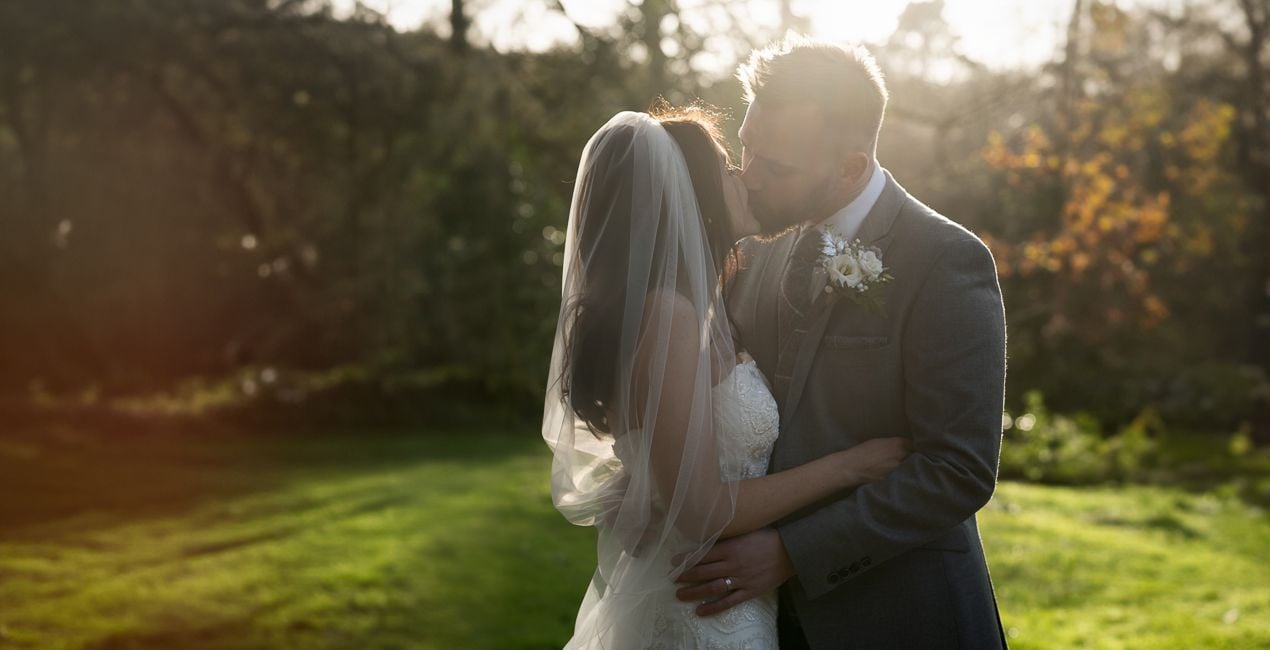
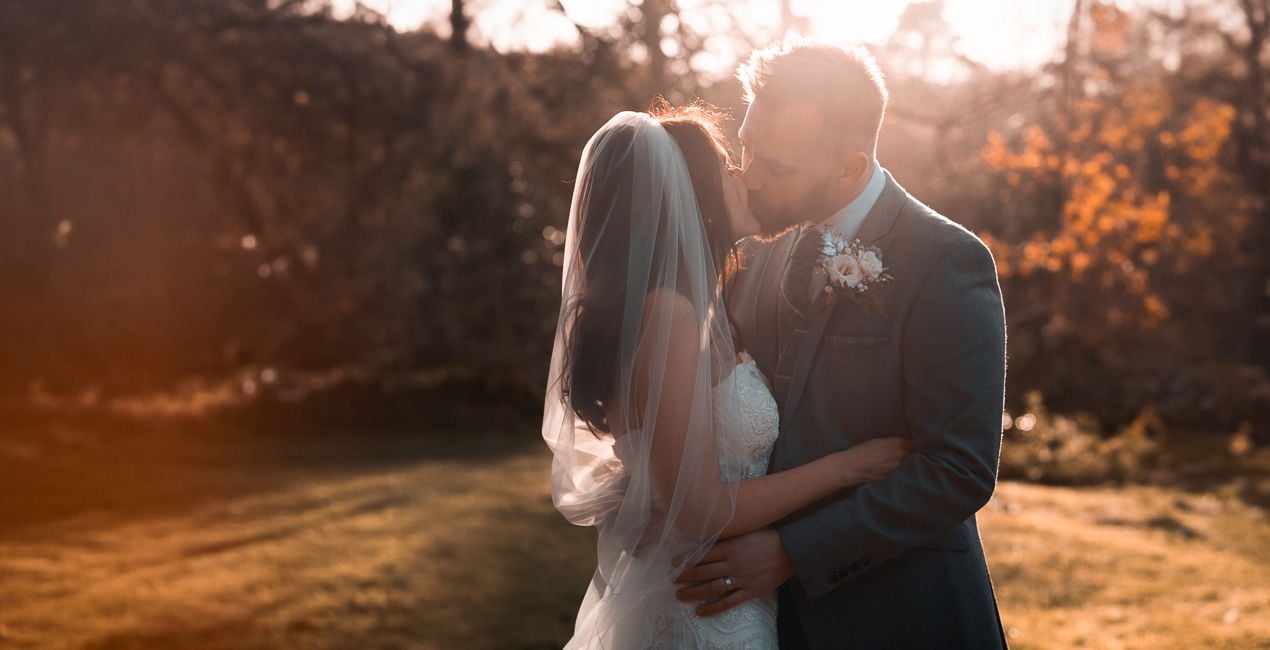
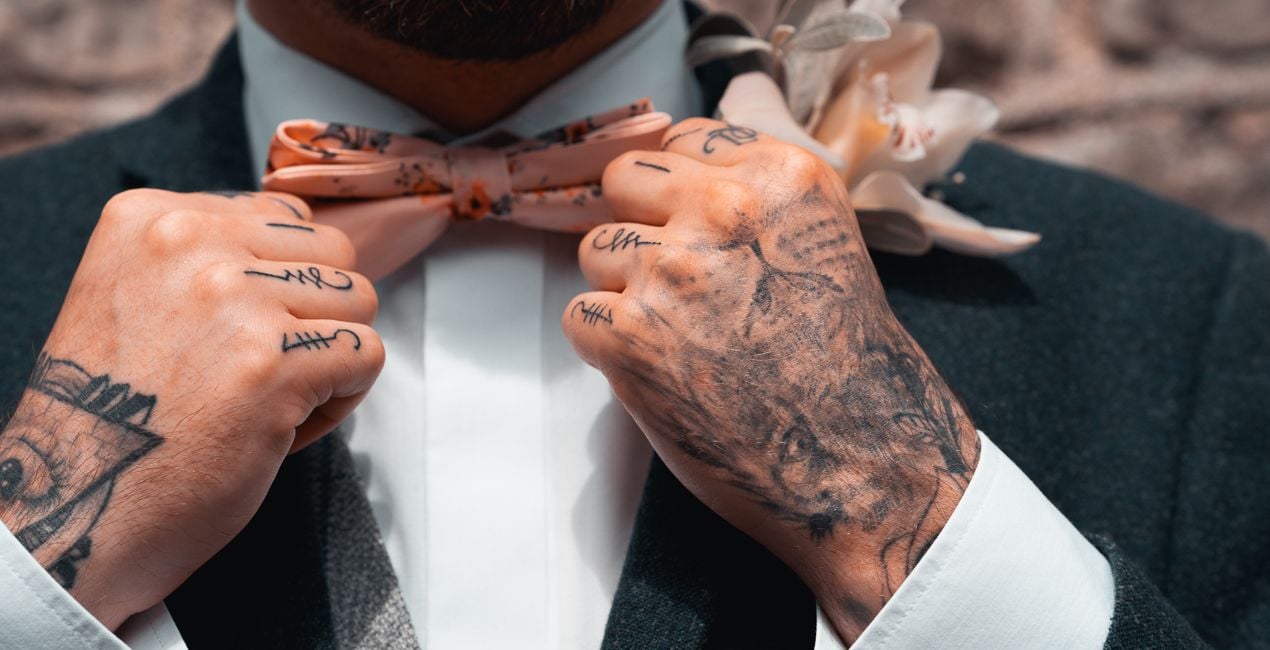
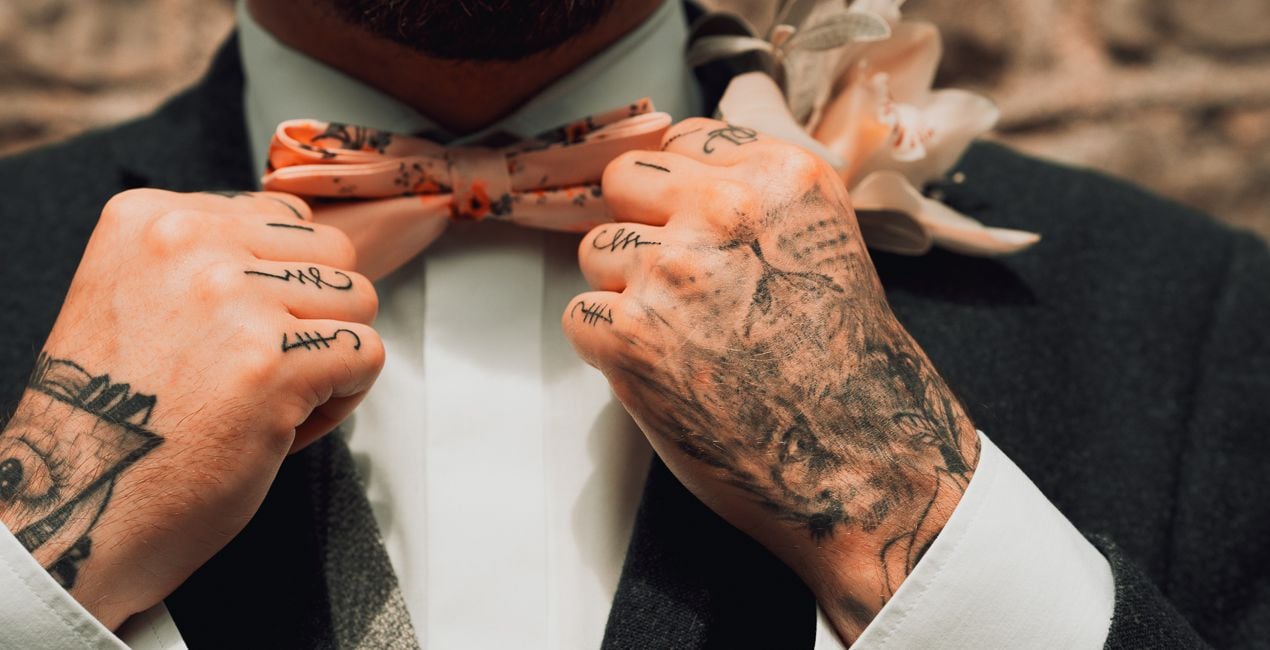
Mathew Browne’s Rustic Wedding LUTs add a warm and nostalgic feeling to portrait photography, especially wedding photos. This collection contains a selection of LUTs designed for indoor and outdoor shoots and ambient conditions. Use them to their fullest or apply them subtly to suit your taste. They are compatible with most photo and video editing apps.
Compatibilità


Ottieni foto come queste
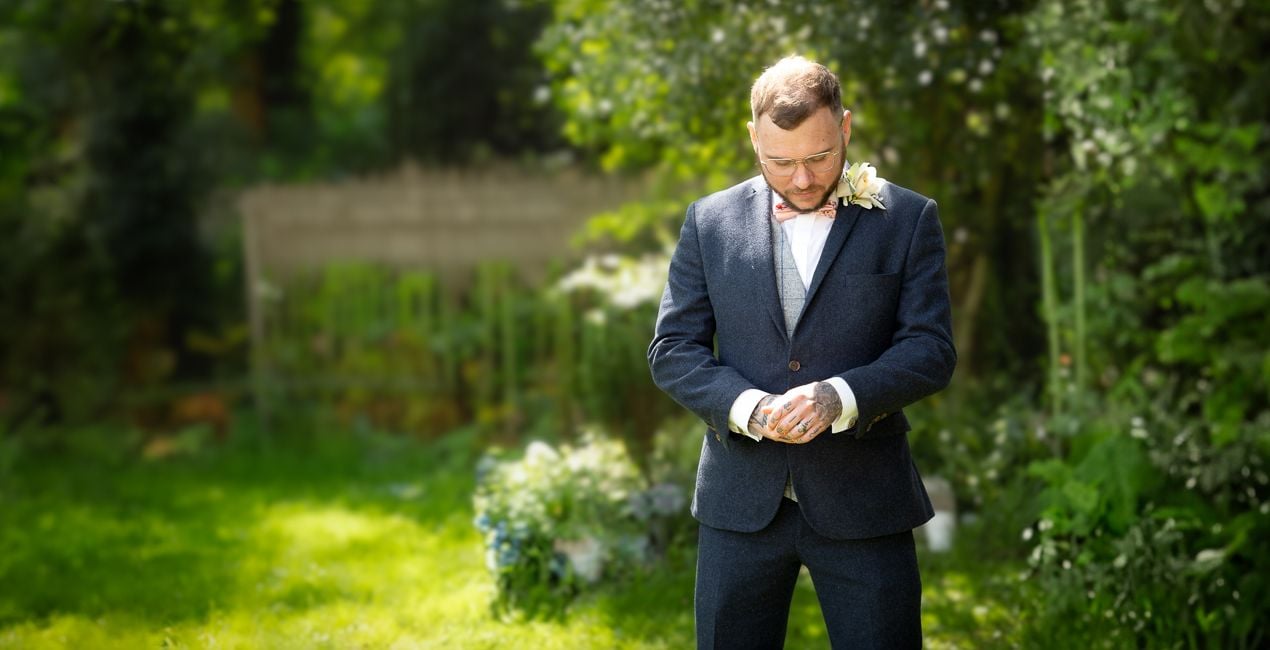
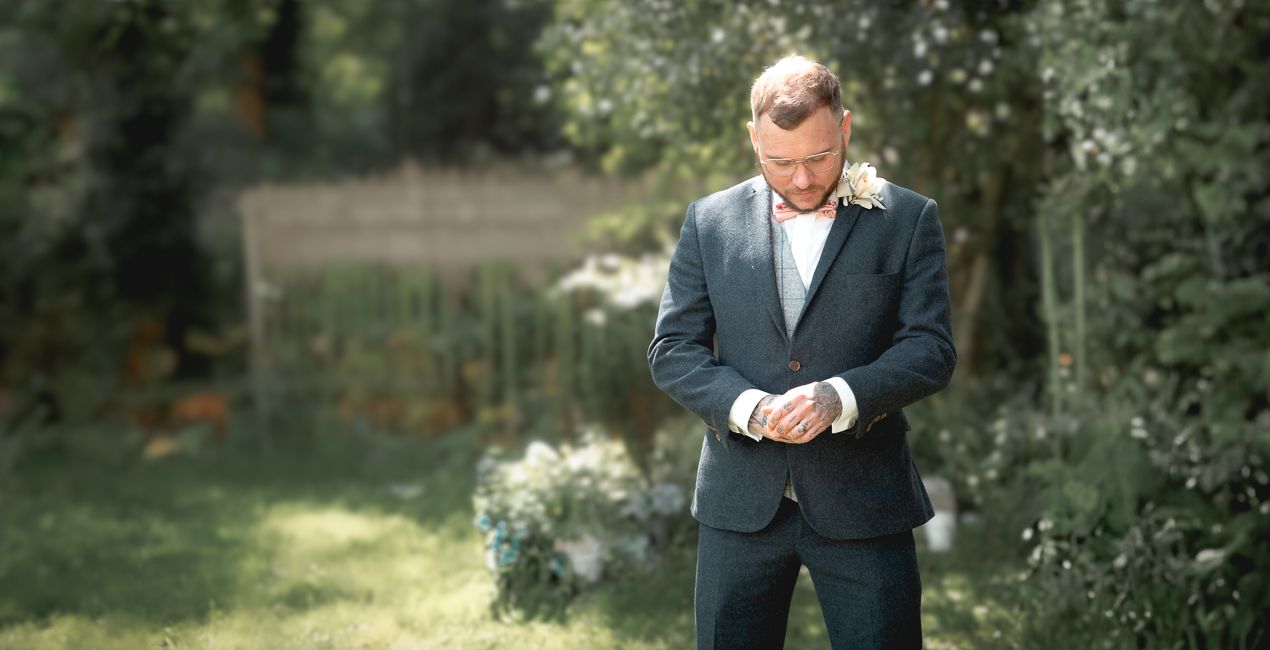
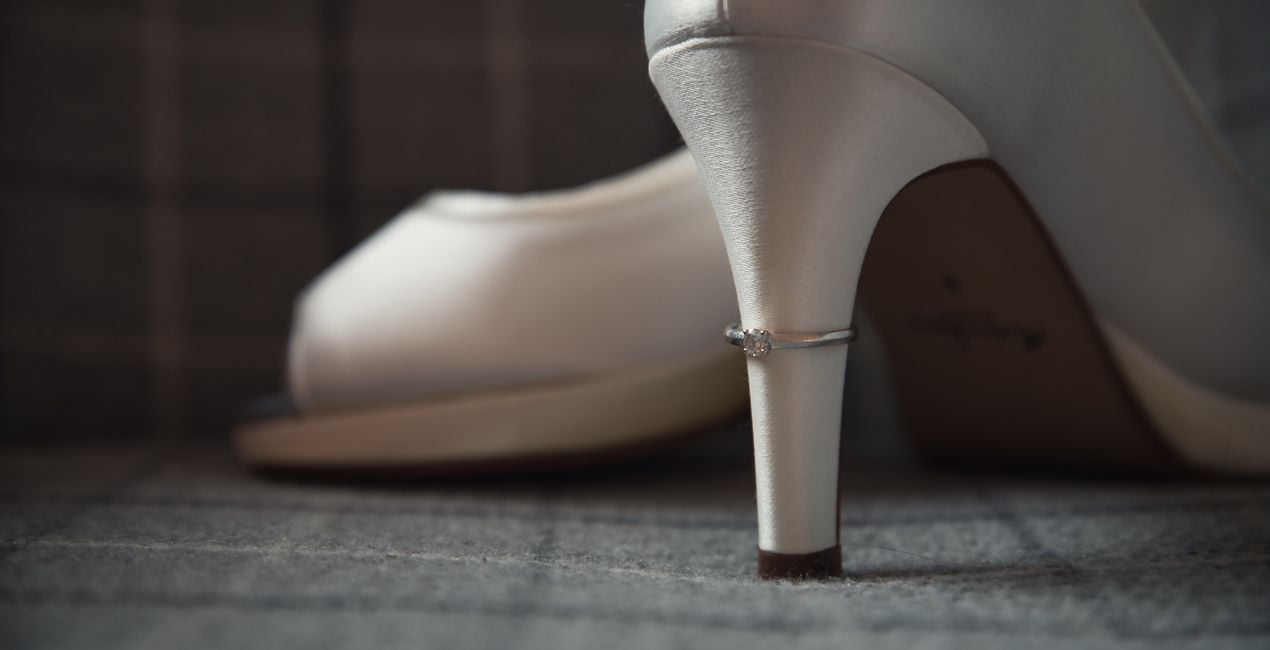
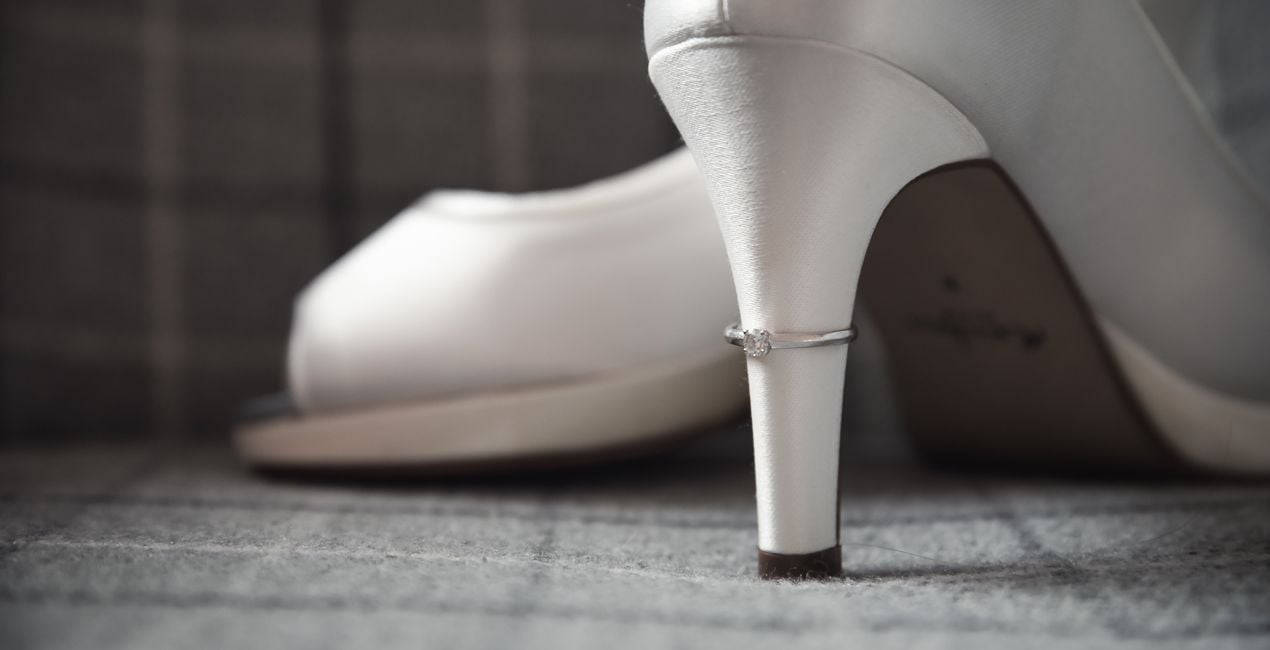
Utilizzando i file RAW forniti, potrai mettere facilmente in pratica i consigli di ritocco e imparare a ottenere foto come queste.
 >
>
 >
>
 >
>
 >
>
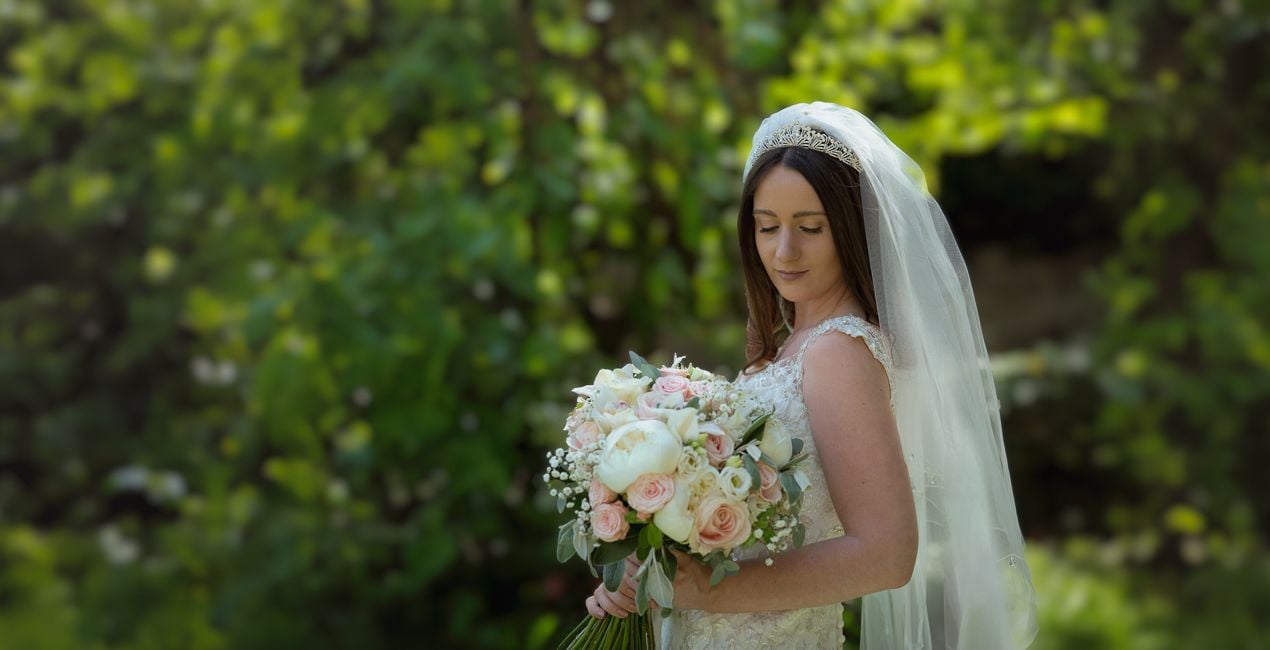
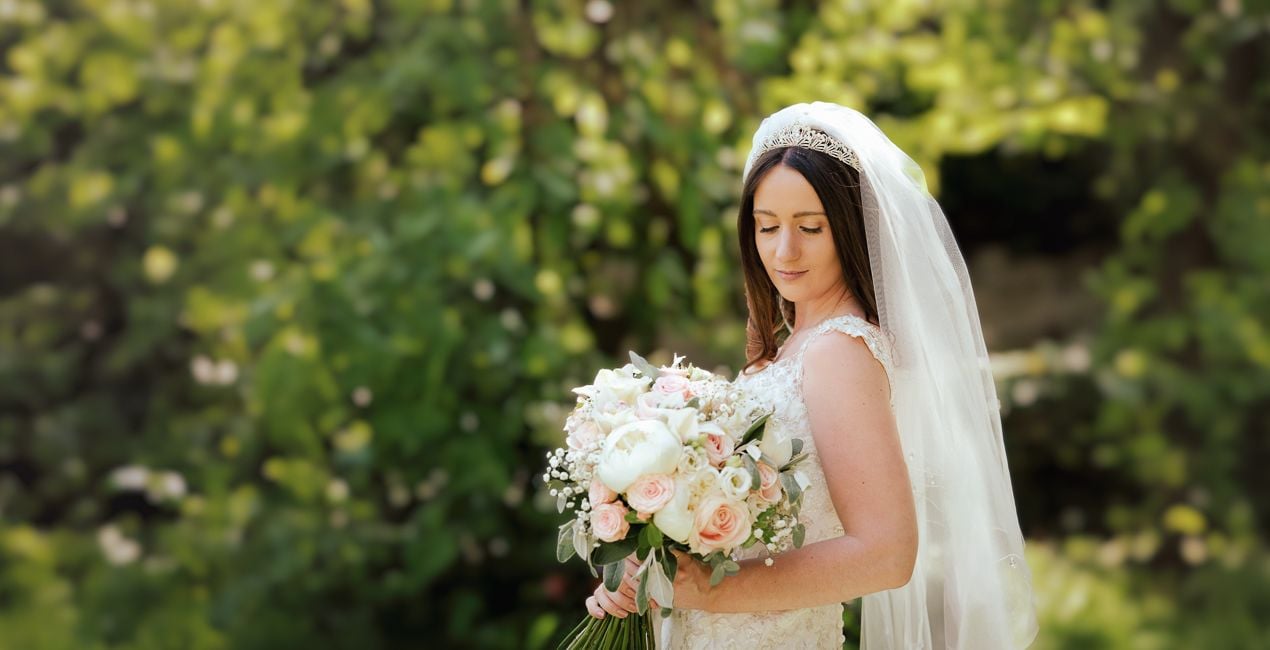 >
>
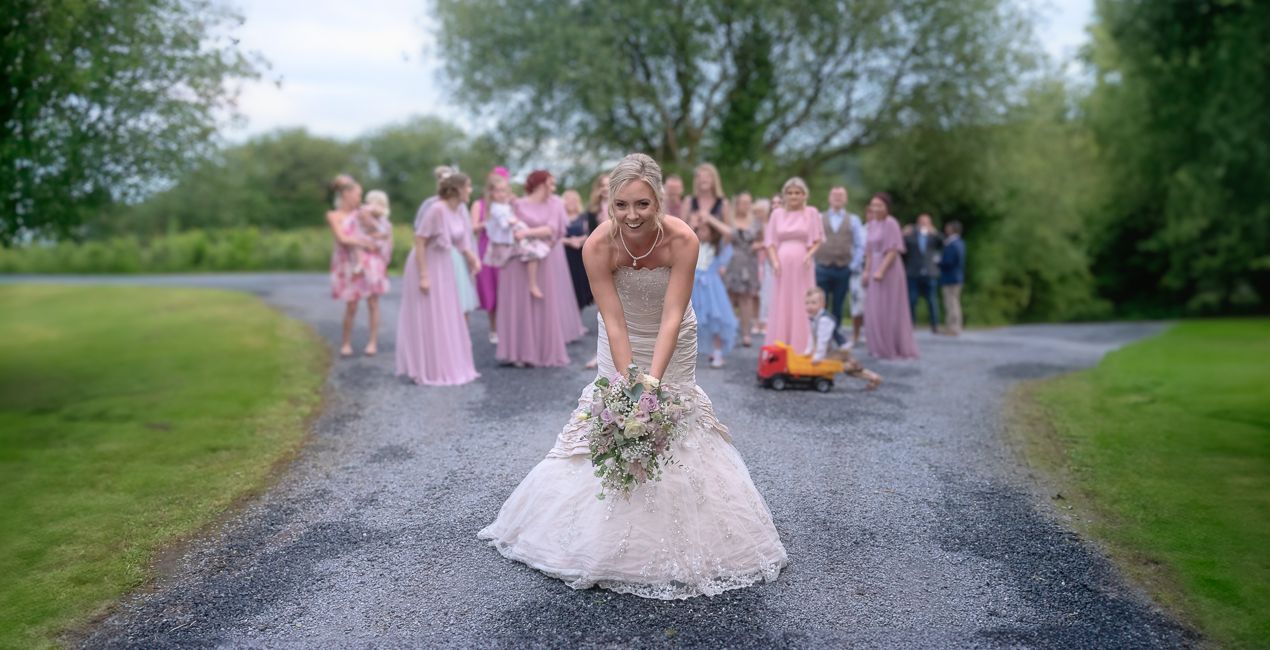
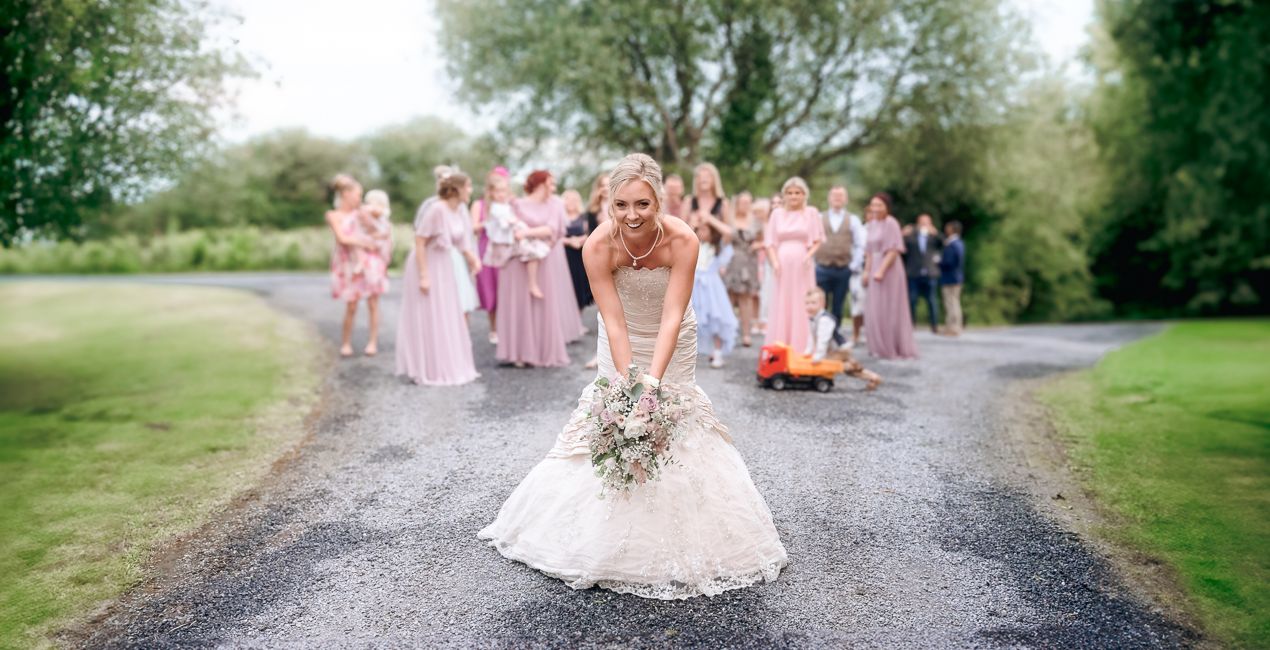 >
>
La storia
In this LUTs pack, you will find 10 color enhancements perfect for wedding photography from dawn to dusk:
Autumnal. High contrast reds and golds.
Calico. A bright and beige look for interior details.
Dixon. A signature color enhancement incorporating rich contrast and warm tones.
Earth Tones. A faded look suitable for woodlands and greenery, or rustic detail.
Lace. A bright, heavily saturated look for highlighting wedding dress detail.
Marine. Enhanced teal and coral tones.
Subtle Teal. Aqua skies and water with warm earth tones.
Sunkissed. Intense warm tones for sunrises and sunsets.
Sunlight. Color punch and vibrance for outdoor shoots.
Vineyard. Bright leaves and warm skin tones.
Prodotti correlati


Creator
Mathew Browne
Photographer. Skylum Ambassador.
Mathew Browne is a cross-genre photographer who has gained recognition for his vibrant images spanning the spectrum of travel photography. A prolific traveler, Mathew has visited nearly 70 countries and photographs extensively for the photo location sharing platform PhotoHound, which he co-founded in 2018.
These Looks serve as the foundation for much of his wildlife portfolio, often allowing him to achieve his desired result with just one click.
Come faccio a contattare l'assistenza?
Se hai domande sui prodotti, puoi contattare il team dell'assistenza tutti i giorni, 24 ore al giorno. Utilizza questo link.
Come faccio ad acquistare Rustic Wedding LUTs?
Per acquistare Rustic Wedding LUTs, segui questi passaggi:
1. Apri il Marketplace di Skylum.
2. Vai sulla scheda dove è elencato Rustic Wedding LUTs. Clicca sul nome del prodotto per aggiungerlo al carrello.
3. Vai al carrello, dove potrai completare l'acquisto di Rustic Wedding LUTs.
4. Dopo l'acquisto, riceverai un'e-mail con il link per scaricare Rustic Wedding LUTs. Potrai trovare il nuovo acquisto anche nel tuo account Skylum, nella scheda I miei add-on.
Come faccio a installare Rustic Wedding LUTs?
Nell'e-mail con il link per il download riceverai anche istruzioni dettagliate su come installare Rustic Wedding LUTs.
Inoltre, puoi installare l'articolo acquistato direttamente in Luminar Neo: vai su Extra > Marketplace, seleziona la categoria di prodotto, trova l'articolo acquistato e clicca su Installa.
Dove trovo Rustic Wedding LUTs dopo l'installazione?
È facilissimo! Se utilizzi Luminar Neo, passa alla scheda Modifica nella barra dei menu superiore. Quindi, vai alla sezione Creativi, seleziona LUT > Scegli LUT > Acquistate. Il pacchetto di LUT installato si troverà lì.
Che succede se perdo Rustic Wedding LUTs?
Non preoccuparti. Tutti gli articoli acquistati, incluso Rustic Wedding LUTs, vengono conservati nella scheda "I miei add-on" del tuo account Skylum, così potrai riscaricarli e utilizzarli in tutta facilità.
Come faccio a verificare se Rustic Wedding LUTs è compatibile con i miei software?
In generale, la maggior parte degli articoli è compatibile con Luminar Neo. Ma per assicurarti che Rustic Wedding LUTs sia compatibile con i tuoi software, verificane le specifiche prima di scaricarlo o acquistarlo. Cerca la sezione "Compatibilità" sulla destra della pagina di Rustic Wedding LUTs, dove sono elencati tutti i prodotti compatibili.


