


 Applicato


LUT Sole e sabbia
Save $201 $ 39 .00

Mathew Browne’s Sun & Sand LUTs are inspired by days at the beach. Whether you’re shooting lifestyle and travel portraits for social media or capturing epic seascape vistas, this collection contains 12 LUTs for you to explore. They work with different styles, lighting conditions, photography equipment, and times of day. Use them to their fullest or apply them subtly to suit your taste.These LUTs not only look incredible; they’re also compatible with Luminar 4, Luminar AI, and Luminar Neo as well as Photoshop and Lightroom — and even work in your video editing!In this LUTs pack, you will find 12 effects perfect for beach photography from dawn to dusk:Bondi: High-contrast teal and gold for golden hour shootingCabana: Rich wood tones and vibrant aquas to capture beach huts, cabanas, and water bungalowsCopacabana: A portrait LUT for sun-kissed skin and golden sandsFreshwater: Super saturated teals and a huge punch of contrast for underwater shootsFuraveri: A LUT for bright, warm, and airy beachside portraitsGrand Gaube: Enhance the natural beauty of sunrise and sunset with pink and coral tonesPendine: Rich golden tones and a big boost of contrastSt Maarten: A warm, vintage look with a subtle fadeTulum: A high contrast look with coral tonesTuvalu: Rich aqua tones and golds with added contrast for hazy days and drone shotsVaradero: Add some brightness, warmth, and color to an overcast beach sceneWaikiki: Intense warm tones for sunrises and sunsets


Utilizzando i file RAW forniti, potrai mettere facilmente in pratica i consigli di ritocco e imparare a ottenere foto come queste.
 >
>
 >
>
 >
>
 >
>
 >
>
 >
>
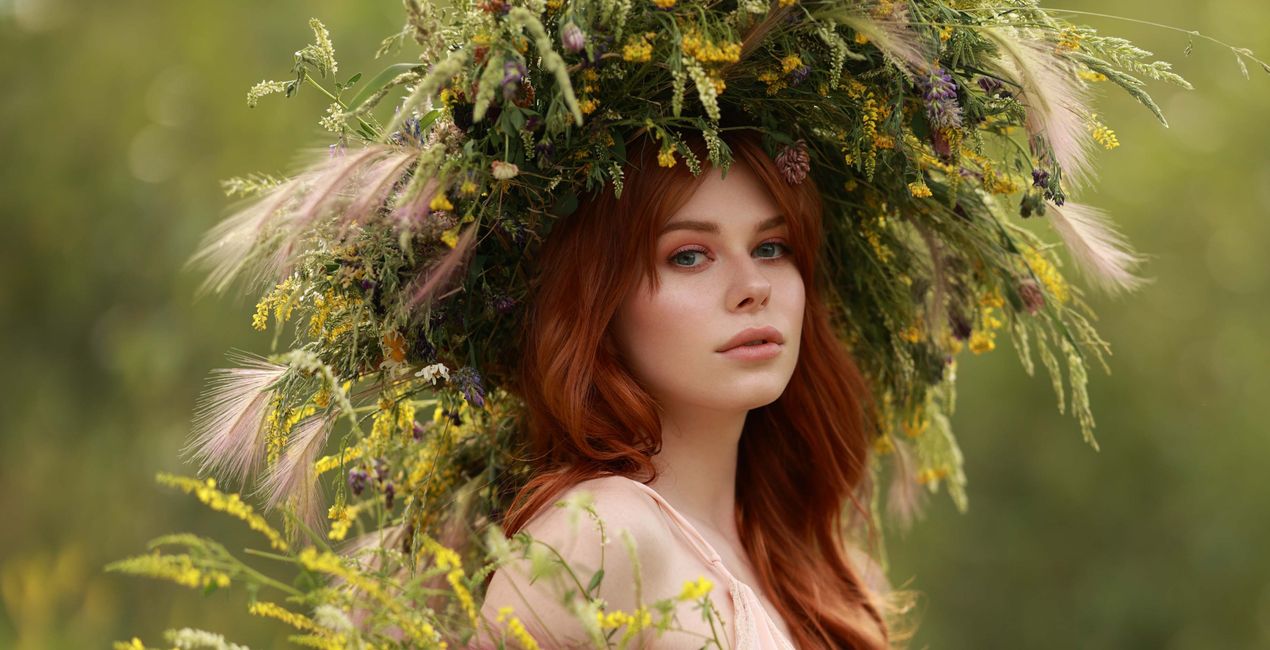
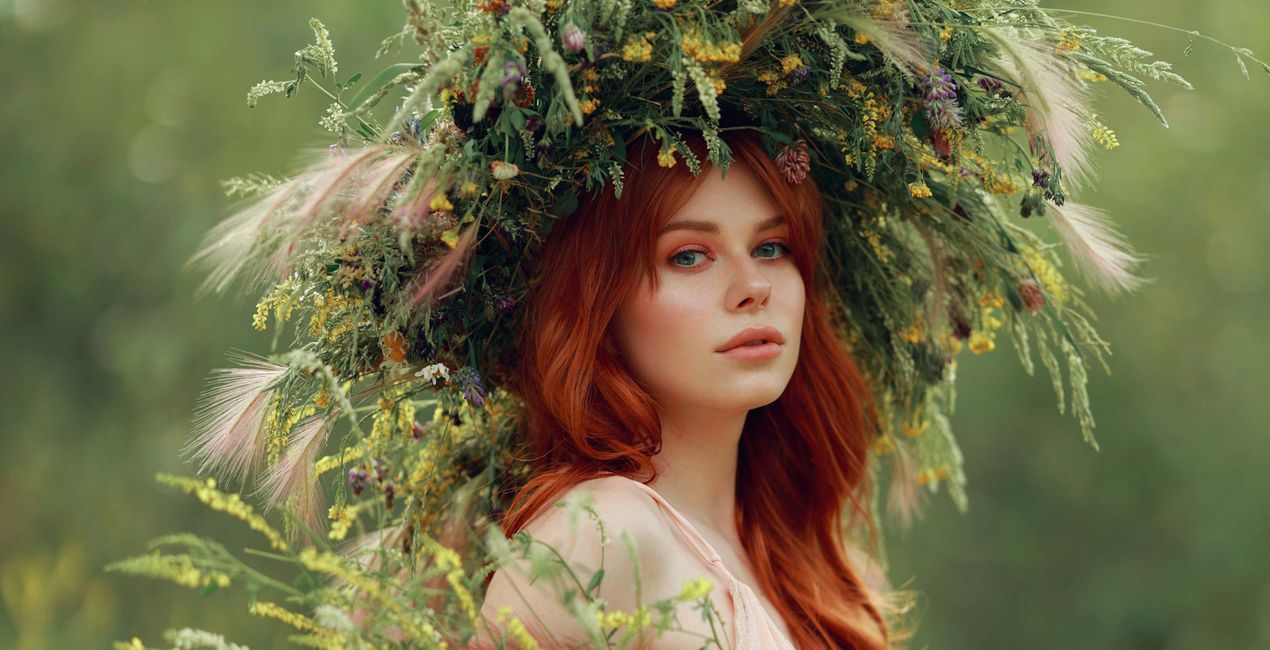
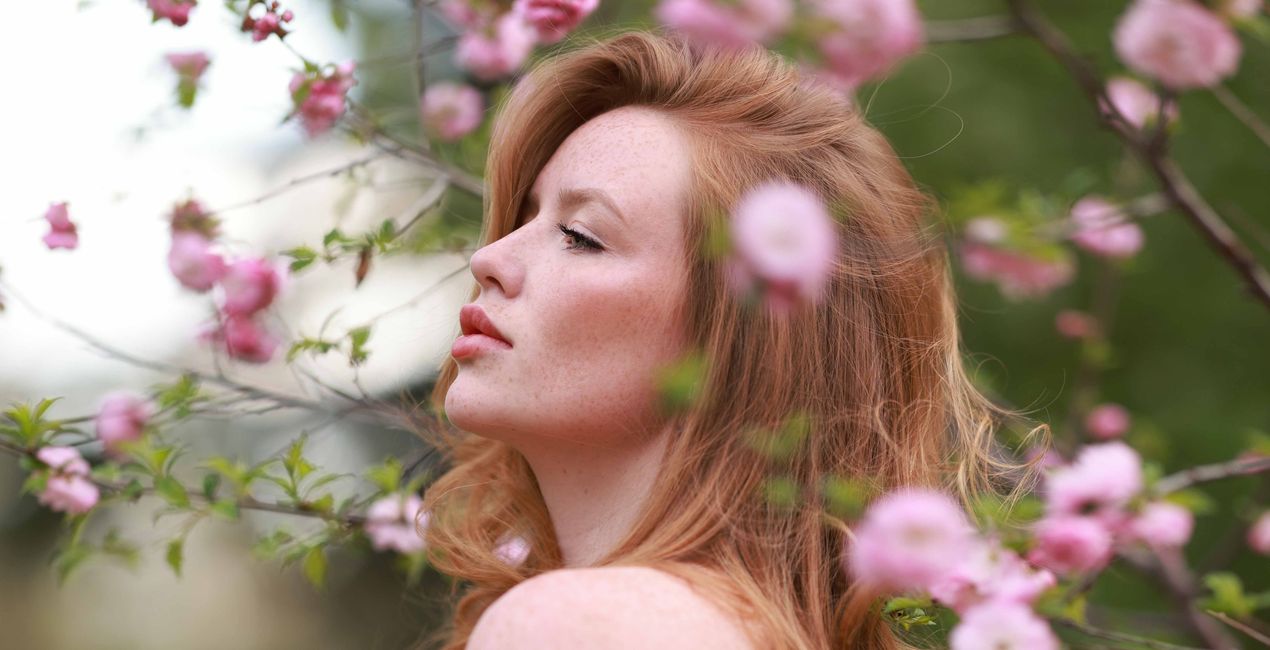
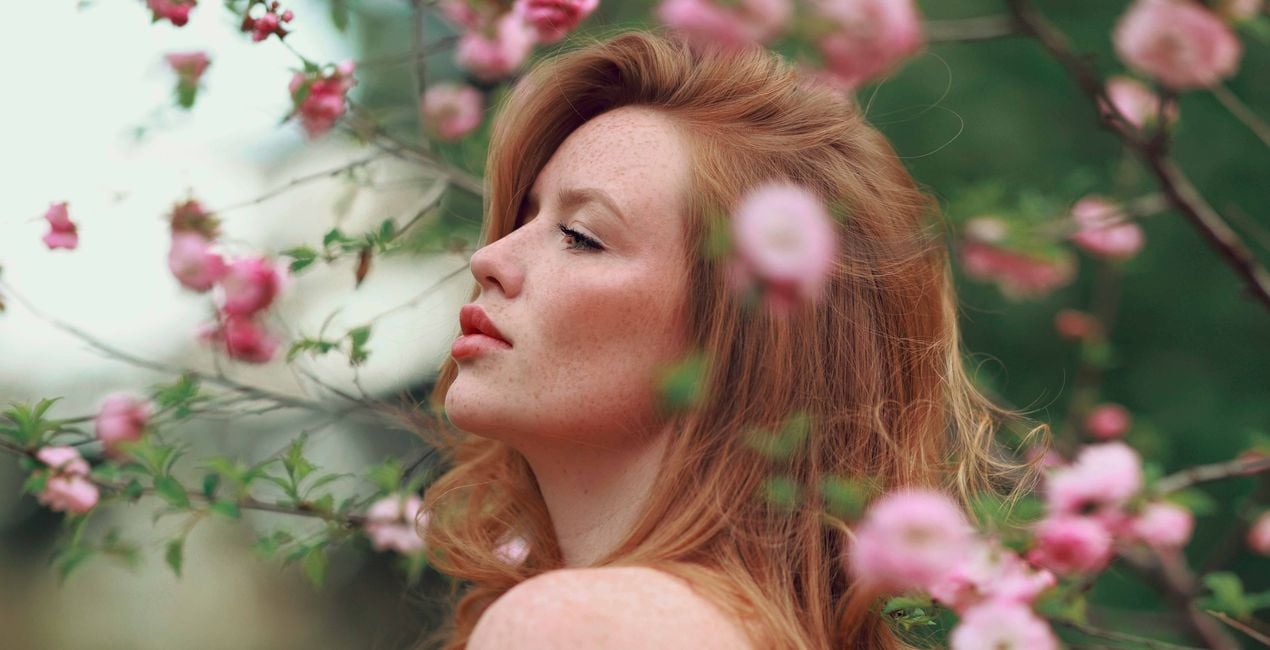
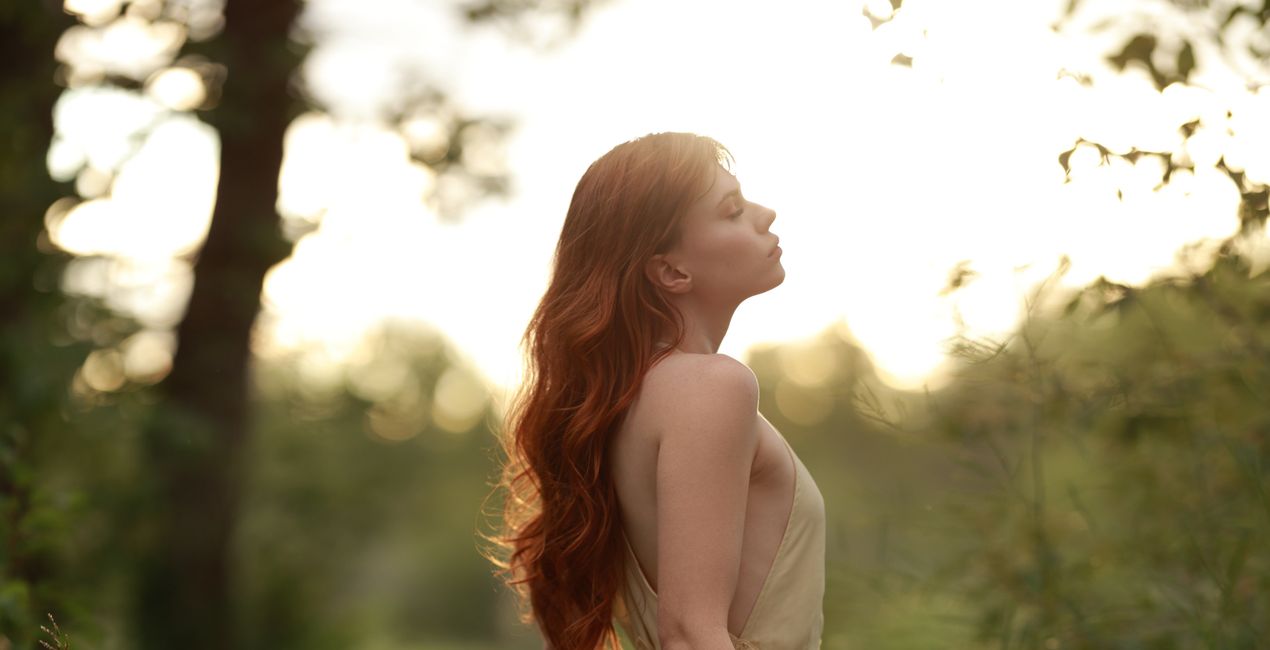
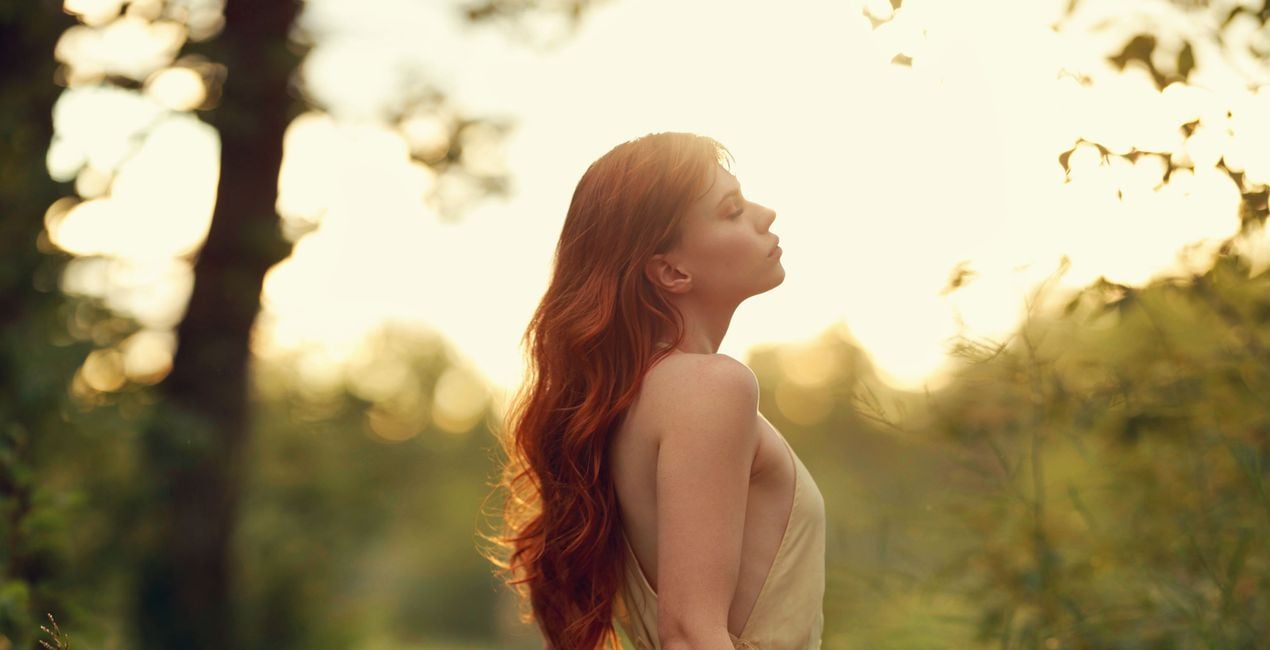
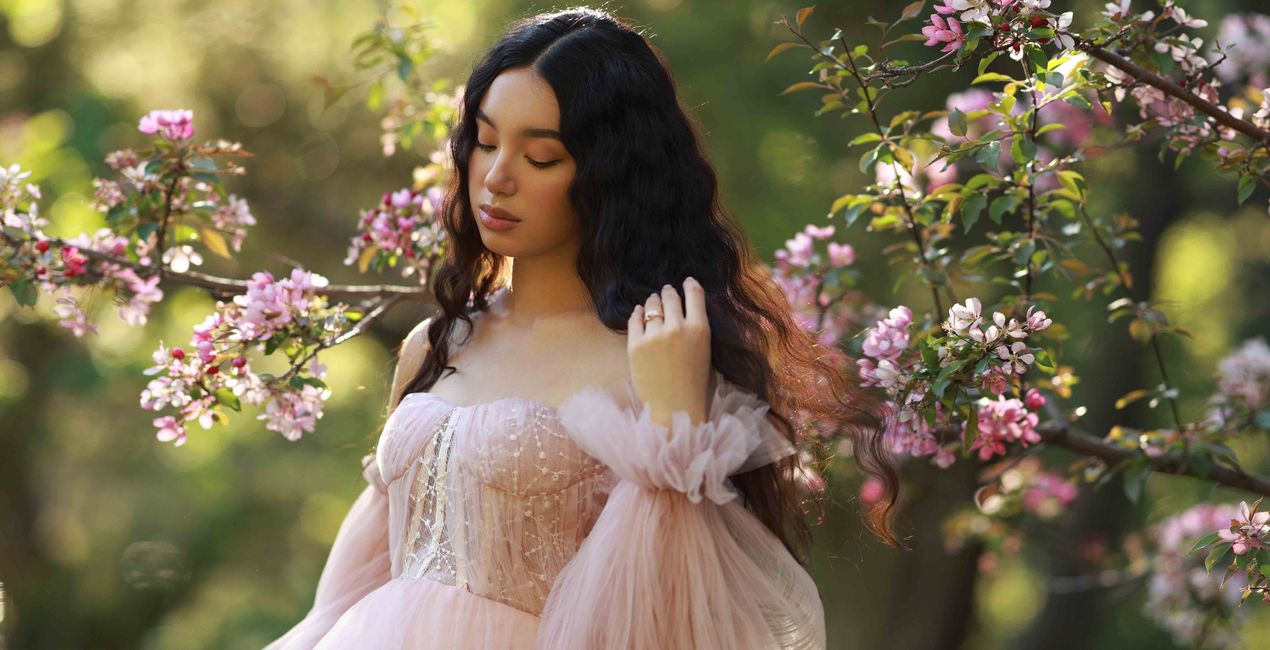
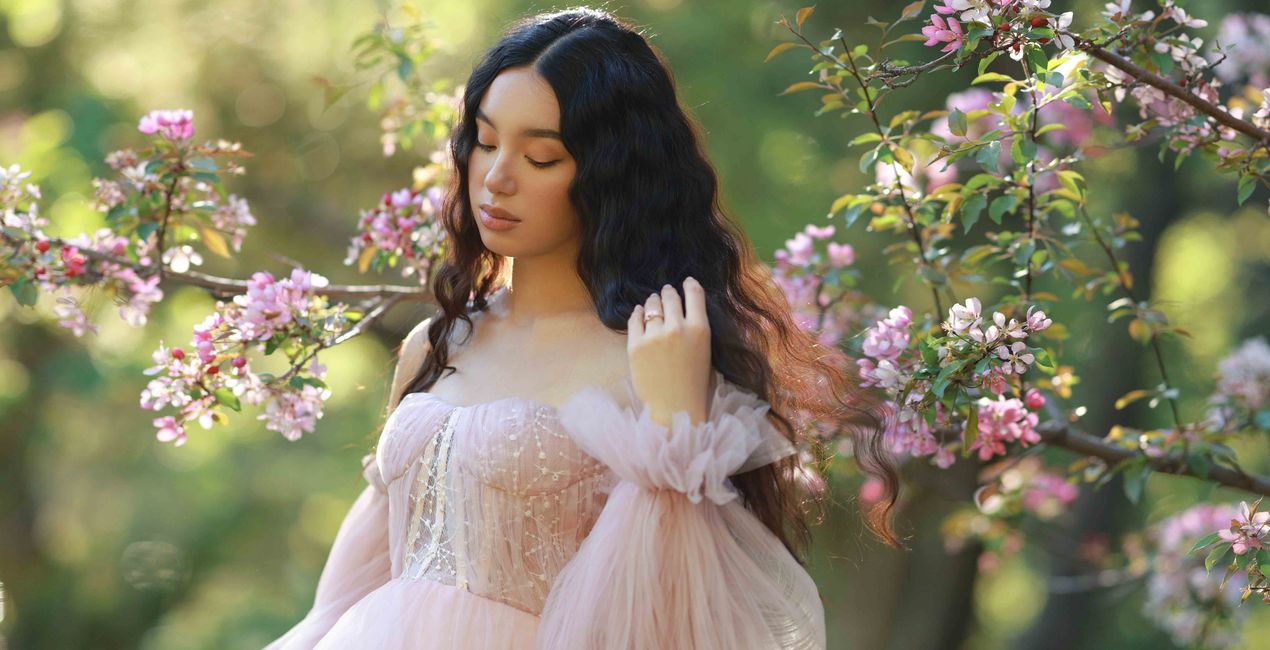
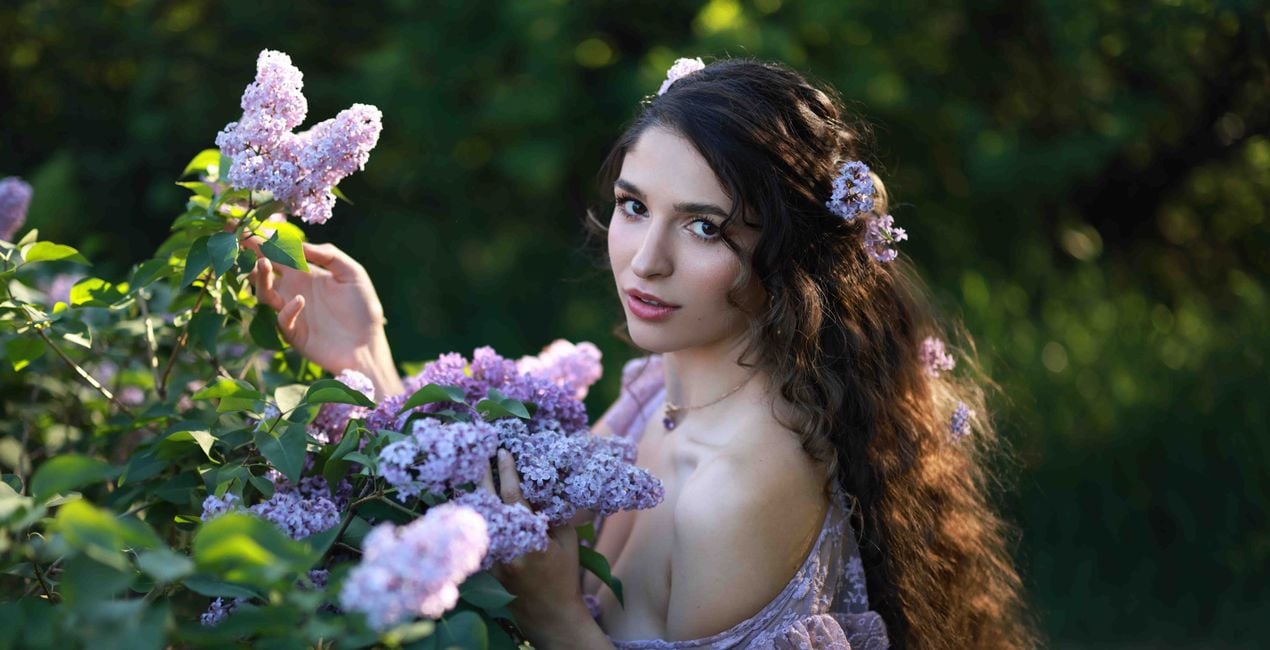
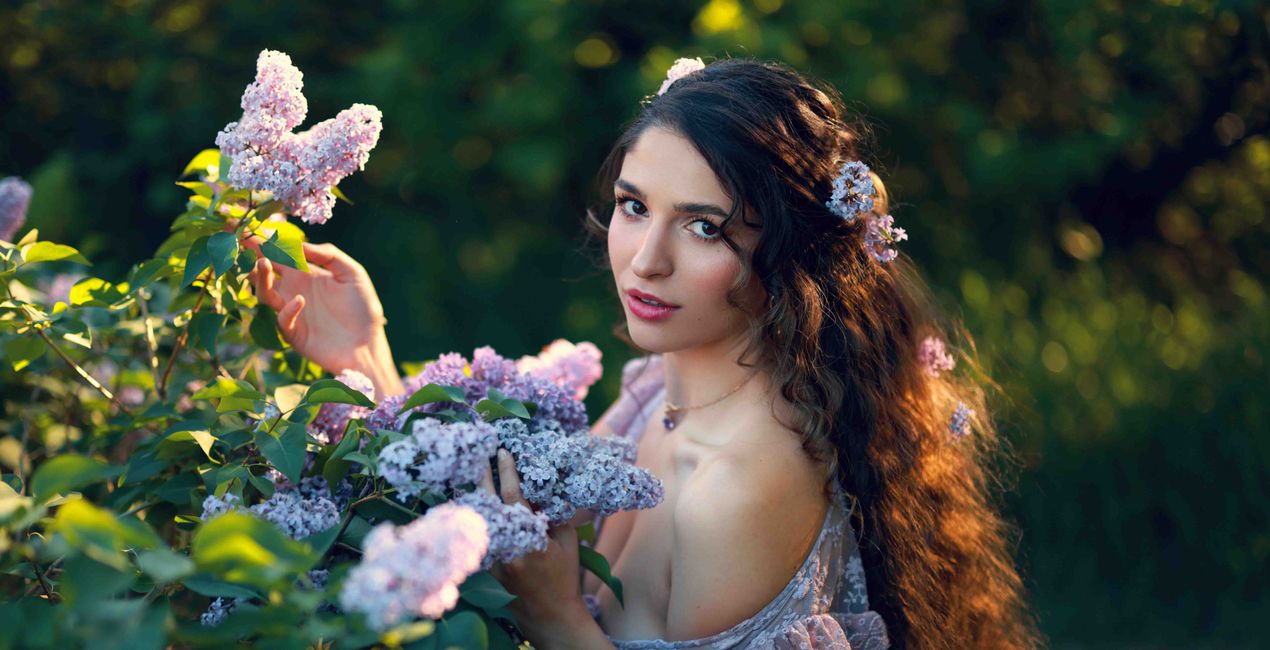
If you love incorporating nature and greenery into your work, this is the LUTs pack for you. It was inspired by the color combinations Irene loves using the most when working on portraits with lots of greenery.
To quote Irene: “One of my favorite colors is green and I love incorporating it into my work. You can find a lot of lush greenery in the backgrounds of my portraits. I absolutely love to play off of those colors in my edits. It’s become one of my signature looks.”
The LUTs range from unique and strong colors to more subtle and airy combinations. The pack has great range, works with a variety of lighting, and is perfect for both raw and JPEG files. It’s best suited for portraits with greenery taken in natural light.
You can find a tutorial on how to incorporate this LUTs pack into your own editing workflow on Irene’s YouTube channel
This pack includes 15 unique LUTs:
Alex, Cyrielle, Diana, Emily, Grace, Katie, Nina — all have variations of complementary green and blue as well as yellow and orange hues.
Morgana, Shiann — similar LUTs with muted greens.
Sophia, Sophie, Maria, Brooke, Peyton — LUTs with greens that lean towards yellow and warm tones.
Angel — a bright and airy LUT with a neutral palette.
Professional Portrait Photographer, YouTube Creator
<p>Irene Rudnyk is a portrait photographer, educator, content creator, and Canon Canada Ambassador residing in Calgary, Canada.</p><p>Irene first picked up a camera around 11 years ago and started regularly photographing her main subject — her sister Orysia. Since then, she has been captivated and inspired by feminine beauty. Irene tries to capture the woman in front of the camera in a creative, romantic manner. She doesn’t strive for realism, but rather a visually pleasing and feminine version of the finished product. While the subject is always the focus of her images, Irene puts a lot of thought into the environment and details of a photo. She likes to have full creative control over the photoshoot, so she often acts as a stylist or creative director and sometimes assumes the role of makeup and hair artist.</p><p>Irene started her own YouTube channel as a place to share creative projects and help other photographers with tutorials, behind-the-scenes views, and DIY videos. She has never considered herself an overly technical photographer, and she loves to show how she achieves her images with simple techniques, simple setups, and natural light. Irene shares her art with subscribers in the hopes of inspiring others and spreading some beauty into the world.</p>
Se hai domande sui prodotti, puoi contattare il team dell'assistenza tutti i giorni, 24 ore al giorno. Utilizza questo link.
Per acquistare Lush Greens LUTs, segui questi passaggi:
1. Apri il Marketplace di Skylum.
2. Vai sulla scheda dove è elencato Lush Greens LUTs. Clicca sul nome del prodotto per aggiungerlo al carrello.
3. Vai al carrello, dove potrai completare l'acquisto di Lush Greens LUTs.
4. Dopo l'acquisto, riceverai un'e-mail con il link per scaricare Lush Greens LUTs. Potrai trovare il nuovo acquisto anche nel tuo account Skylum, nella scheda I miei add-on.
Nell'e-mail con il link per il download riceverai anche istruzioni dettagliate su come installare Lush Greens LUTs.
Inoltre, puoi installare l'articolo acquistato direttamente in Luminar Neo: vai su Extra > Marketplace, seleziona la categoria di prodotto, trova l'articolo acquistato e clicca su Installa.
È facilissimo! Se utilizzi Luminar Neo, passa alla scheda Modifica nella barra dei menu superiore. Quindi, vai alla sezione Creativi, seleziona LUT > Scegli LUT > Acquistate. Il pacchetto di LUT installato si troverà lì.
Non preoccuparti. Tutti gli articoli acquistati, incluso Lush Greens LUTs, vengono conservati nella scheda "I miei add-on" del tuo account Skylum, così potrai riscaricarli e utilizzarli in tutta facilità.
In generale, la maggior parte degli articoli è compatibile con Luminar Neo. Ma per assicurarti che Lush Greens LUTs sia compatibile con i tuoi software, verificane le specifiche prima di scaricarlo o acquistarlo. Cerca la sezione "Compatibilità" sulla destra della pagina di Lush Greens LUTs, dove sono elencati tutti i prodotti compatibili.
Non andartene ancora. Ecco un codice sconto esclusivo per te. Usalo entro i prossimi 15 minuti per ottenere un ulteriore sconto del 10% al momento del pagamento. Copia il codice qui sotto e completa l'acquisto.
15 m : 00 s





