


 Applicato


Albe colorate
Save $201 $ 9 .50 $ 19 .00

Aggiungi un tocco di colore alle tue immagini, con questo pacchetto di 25 cieli vivaci e colorati all'alba, offerti in formato JPEG e TIFF di una eccezionale qualità in 8K. Questi cieli di Mathew Browne sono il complemento perfetto per scene dalla bassa luminosità e possono aggiungere emozione ai tuoi scatti all'alba o al crepuscolo.
Cosa è incluso
25 cieli in formato JPEG e TIFF.

Utilizzando i file RAW forniti, potrai mettere facilmente in pratica i consigli di ritocco e imparare a ottenere foto come queste.
 >
>
 >
>
 >
>
 >
>
 >
>
 >
>
 >
>
 >
>

 >
>
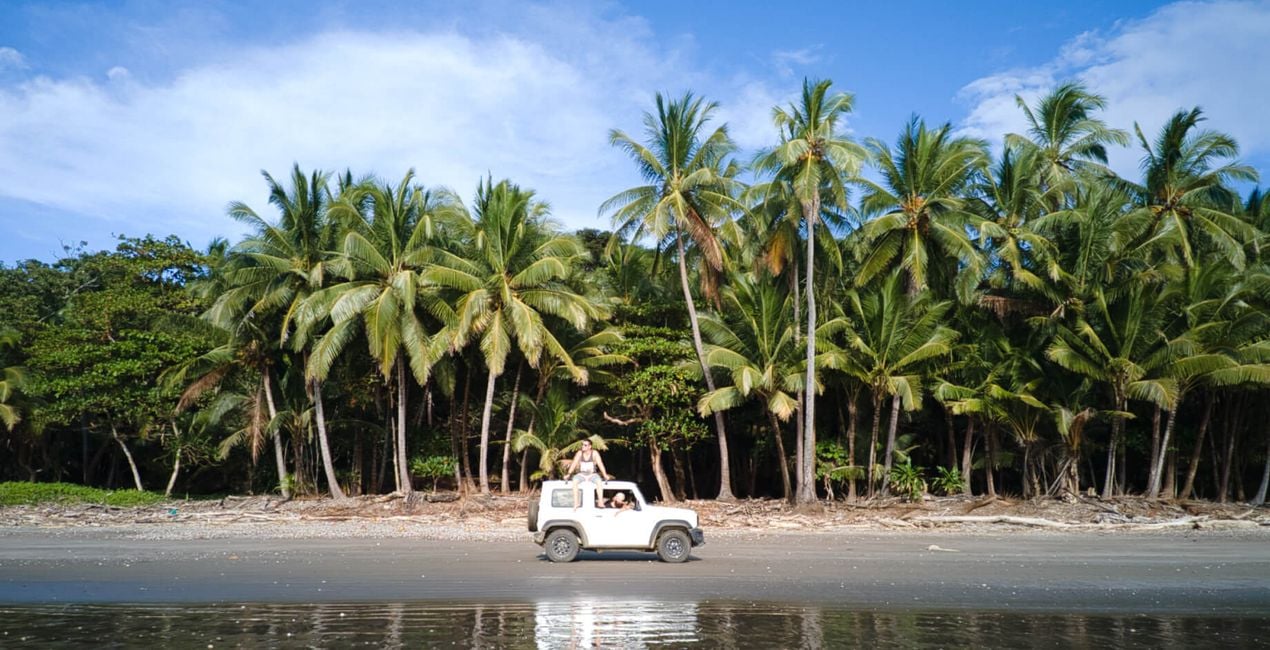
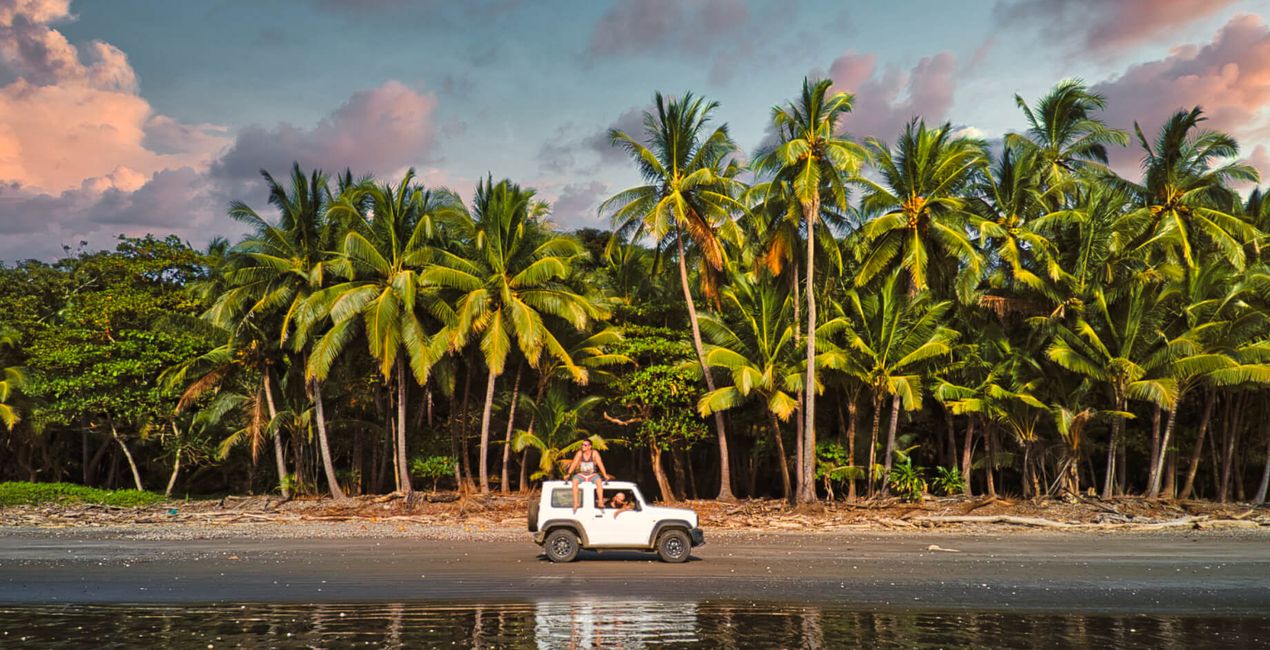
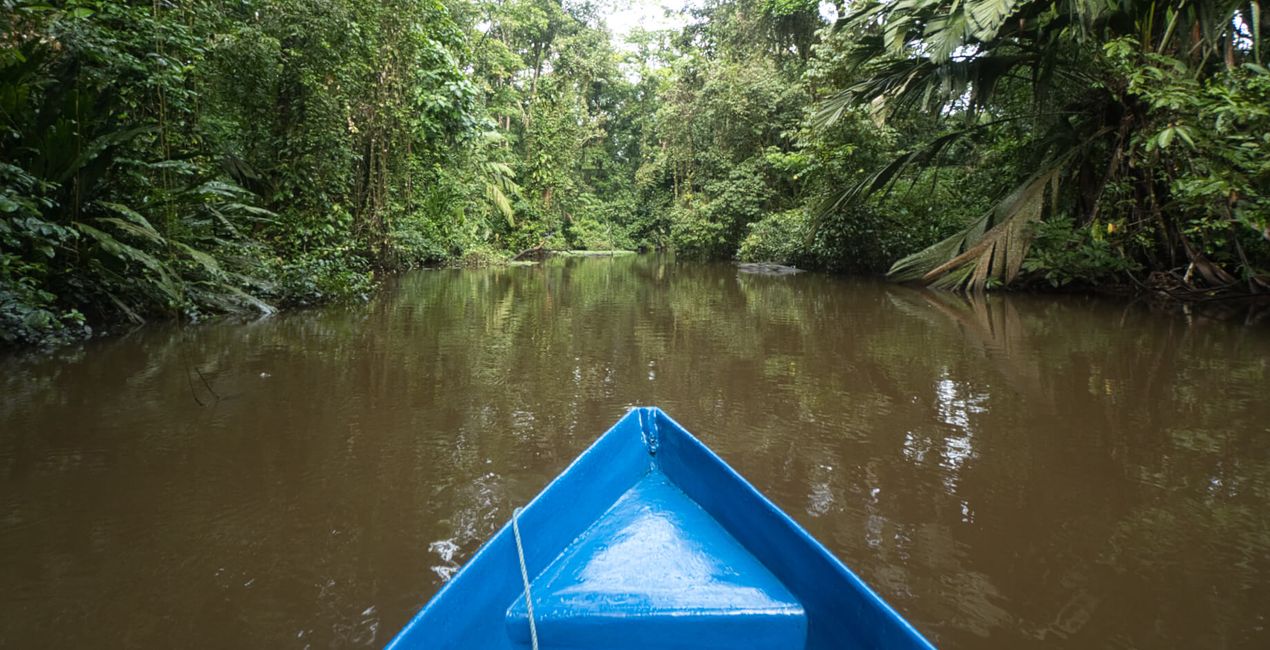
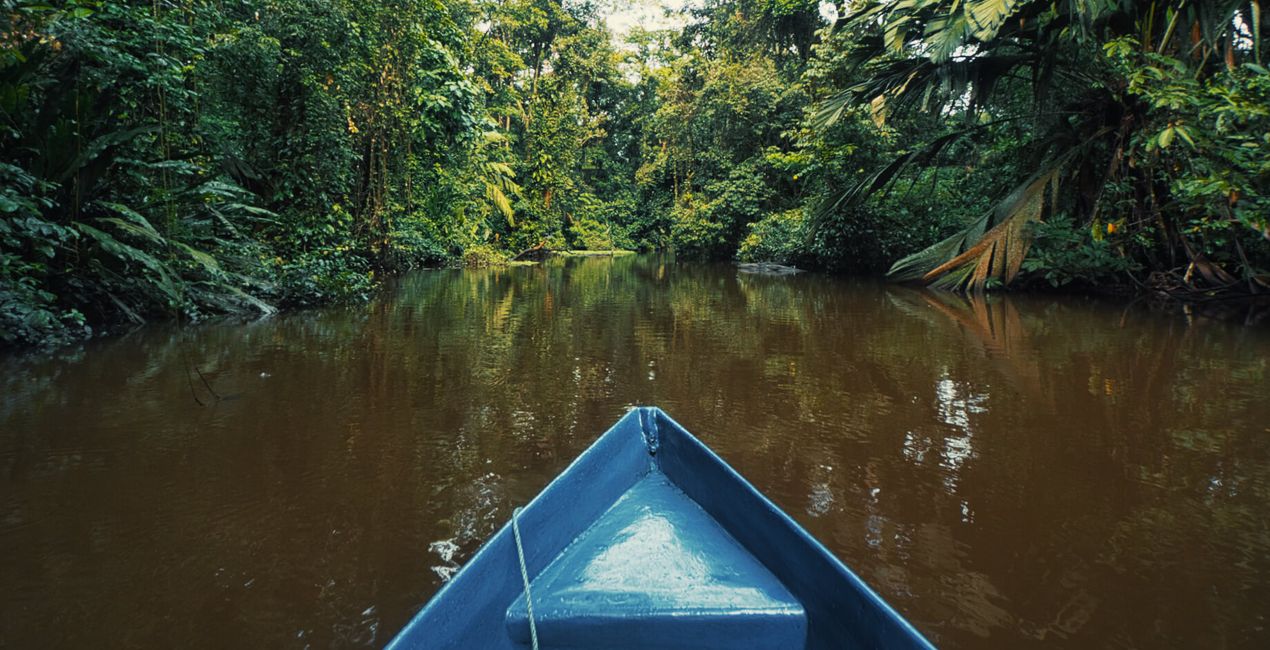
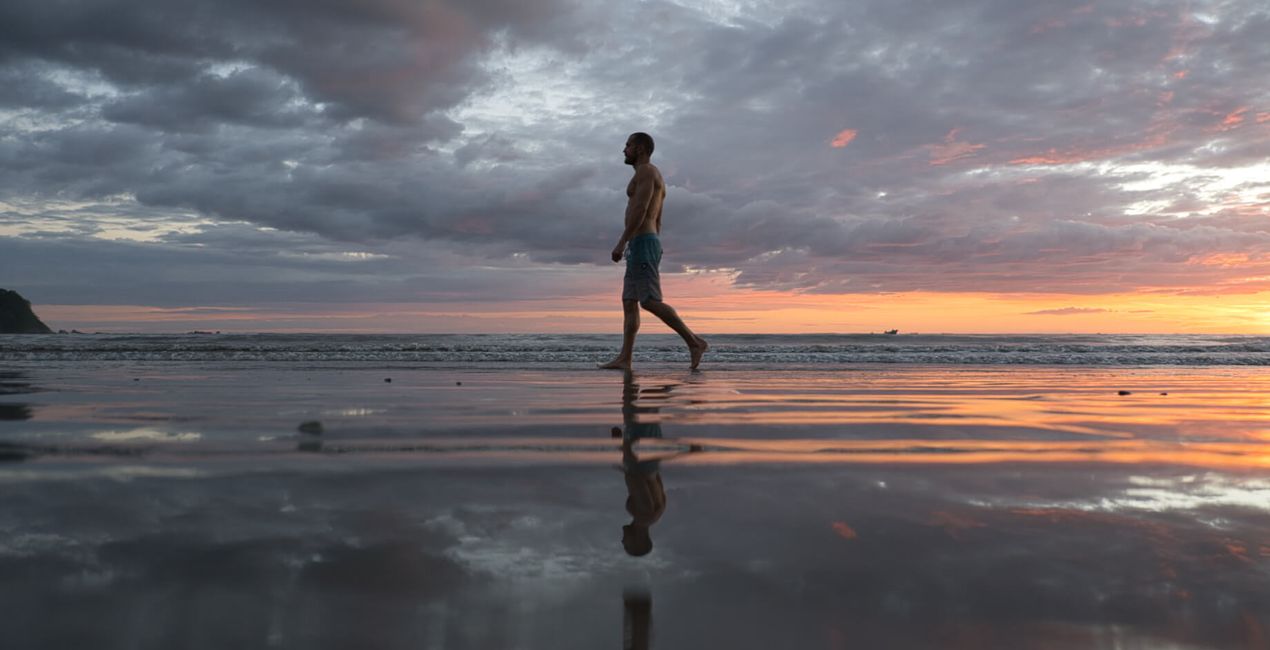
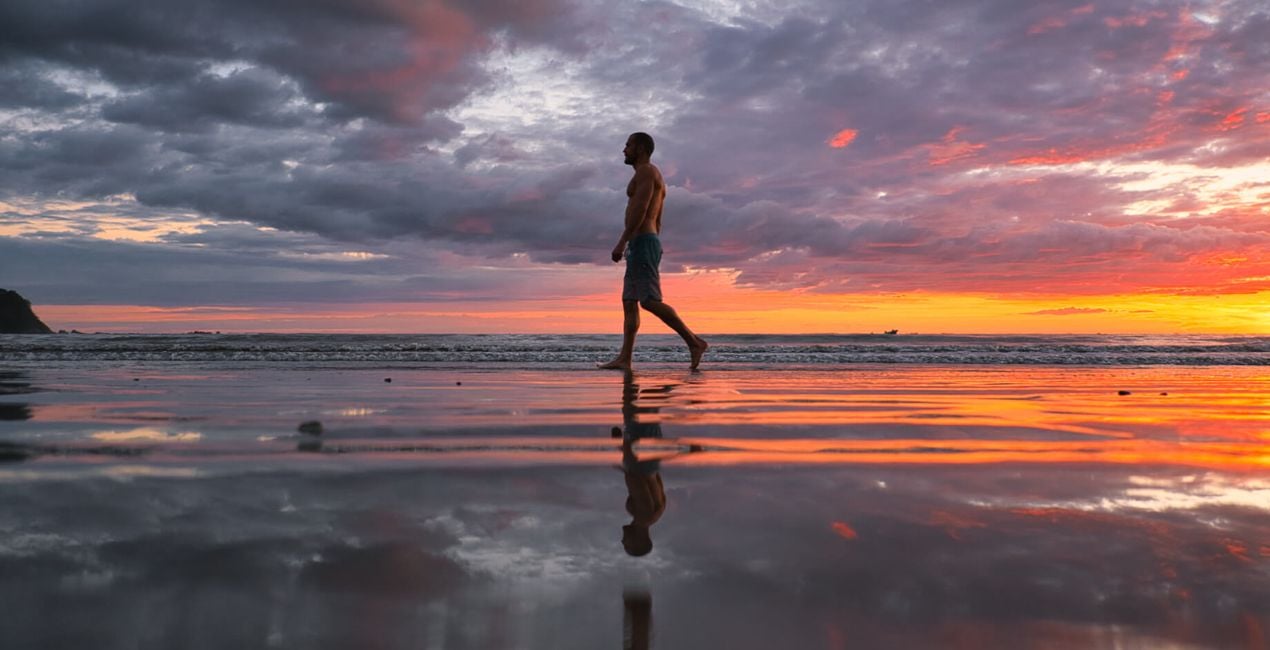
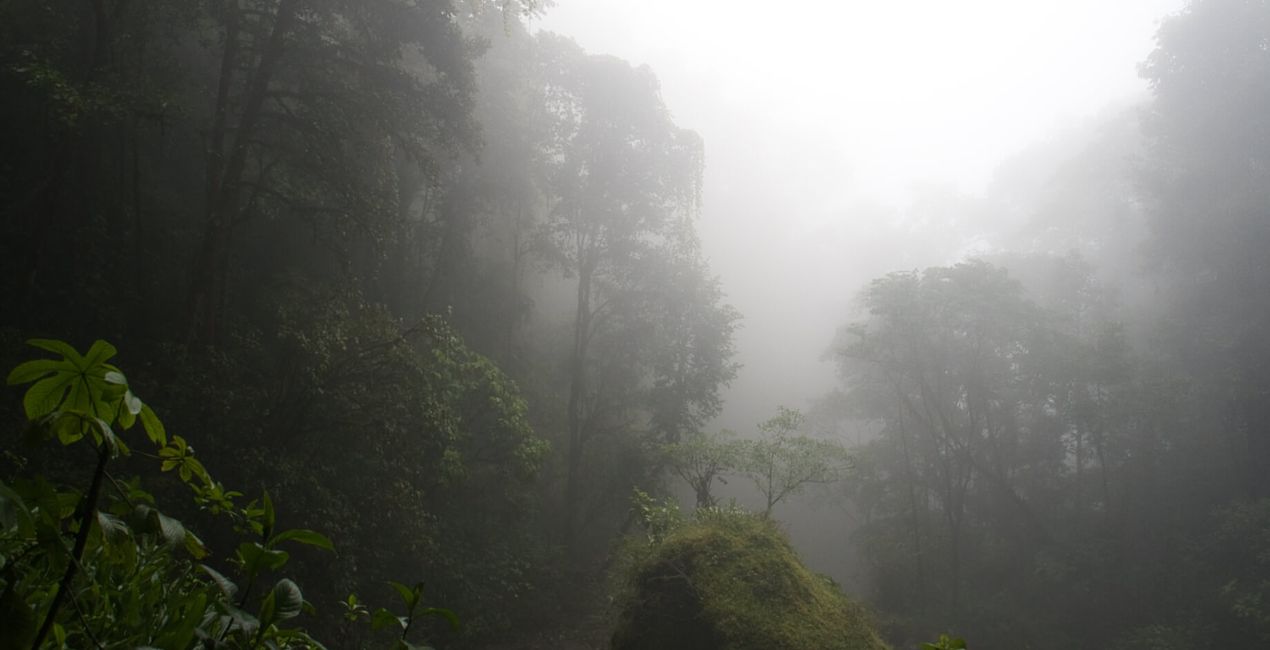
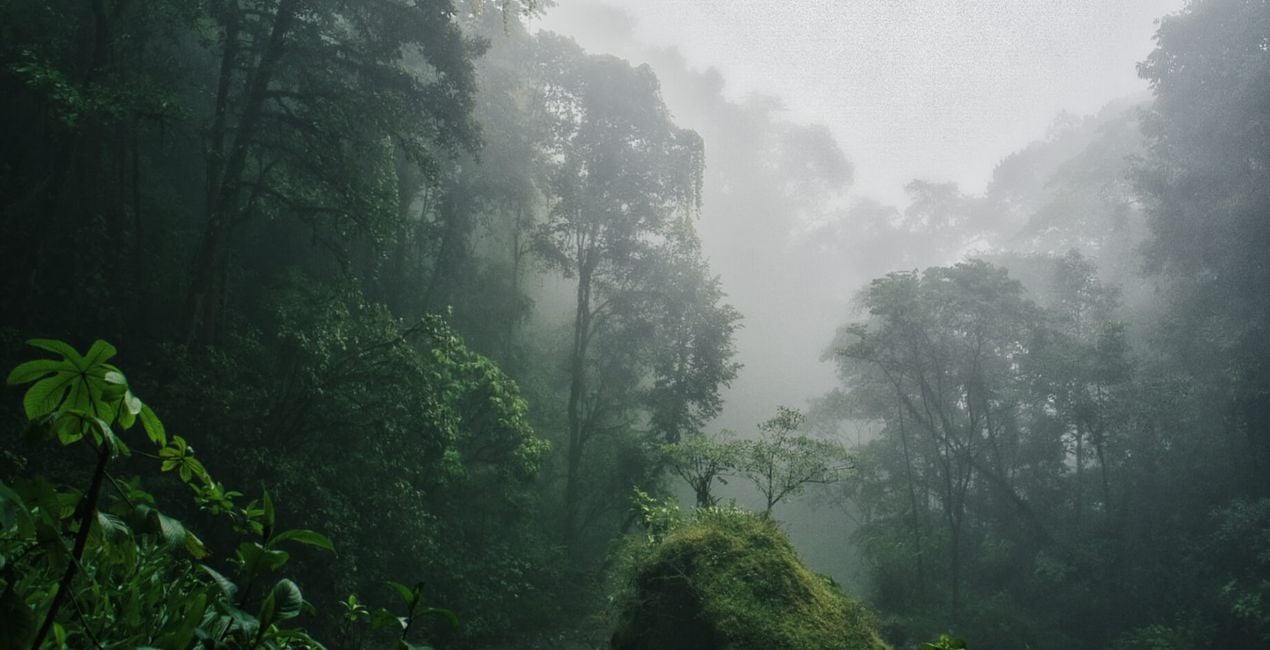
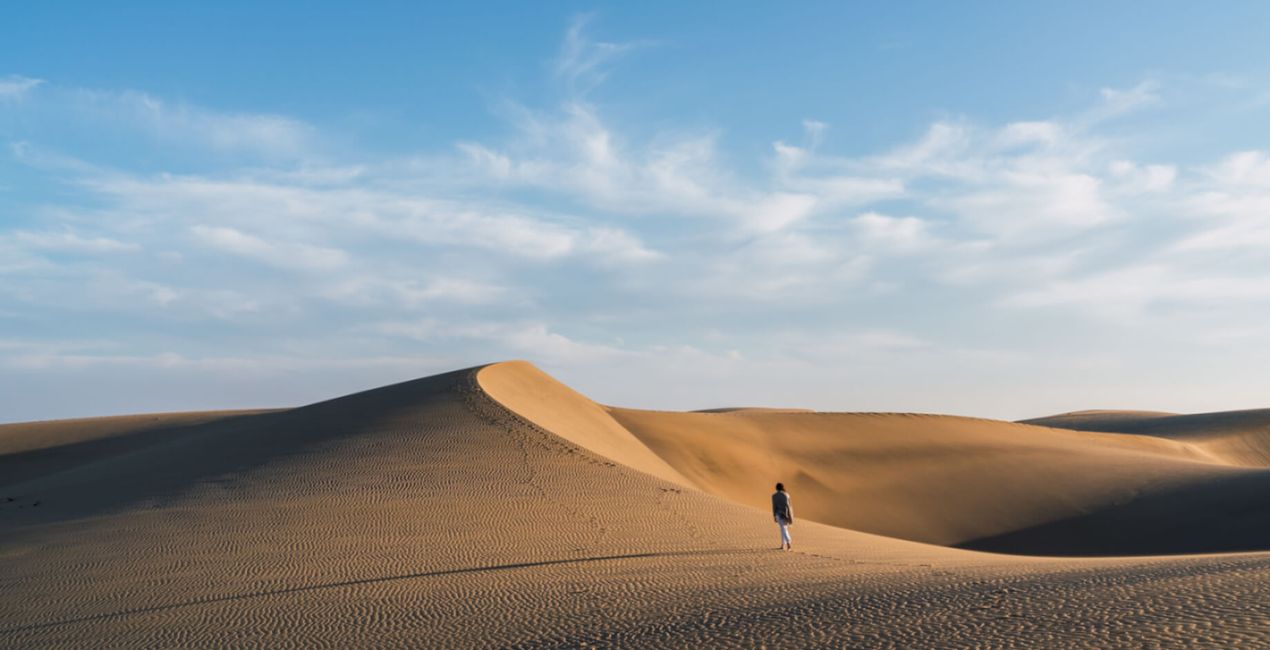
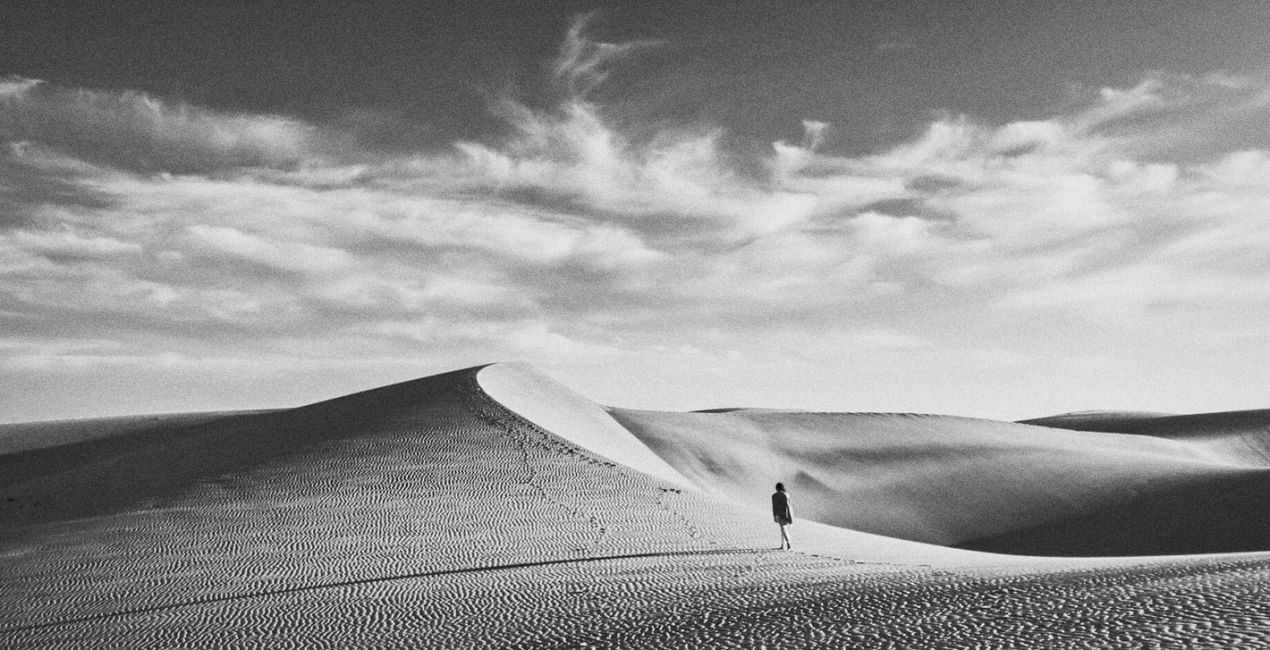
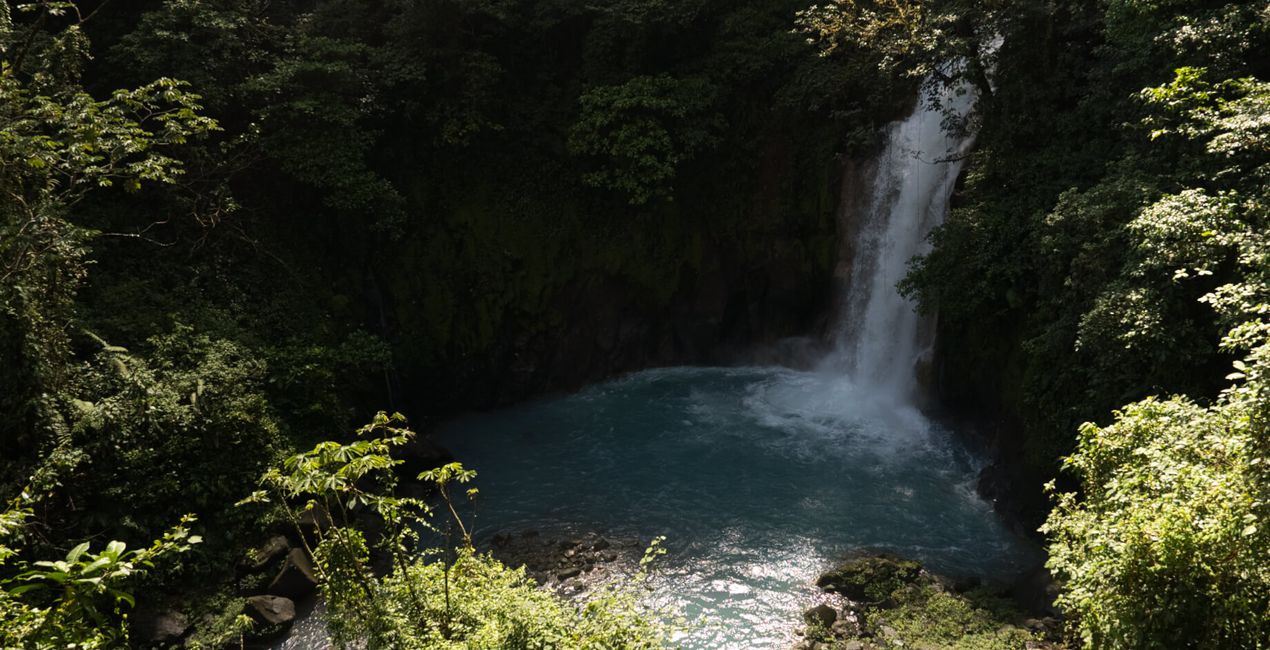
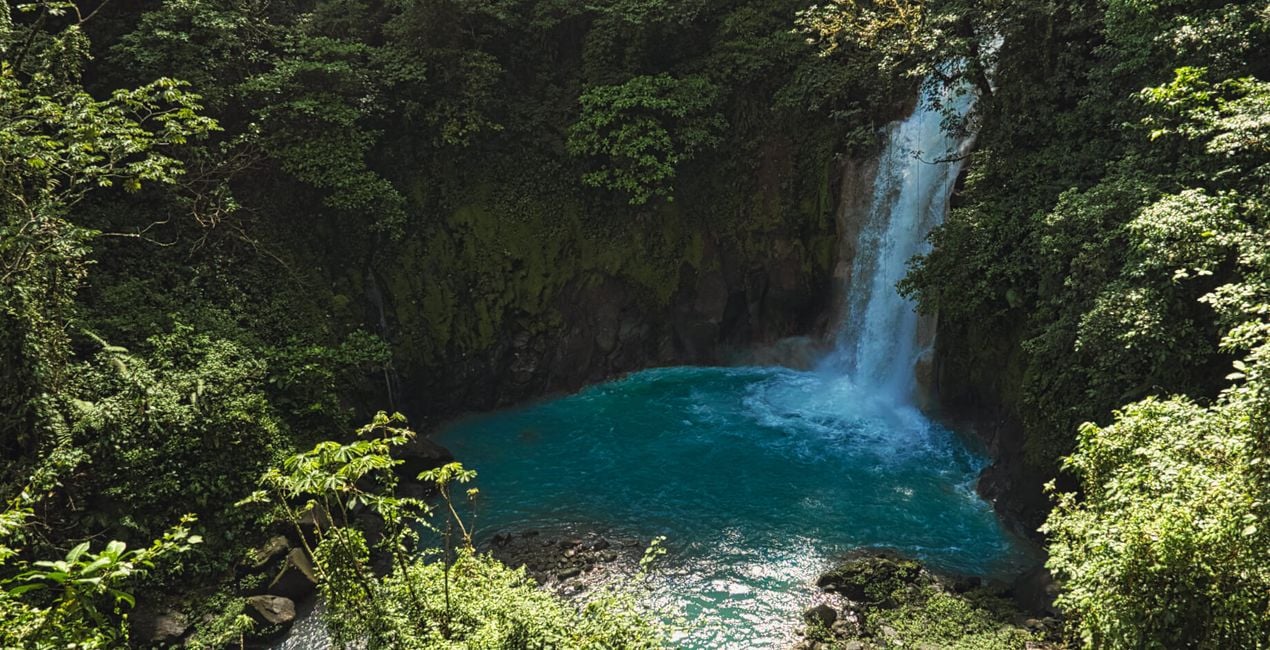
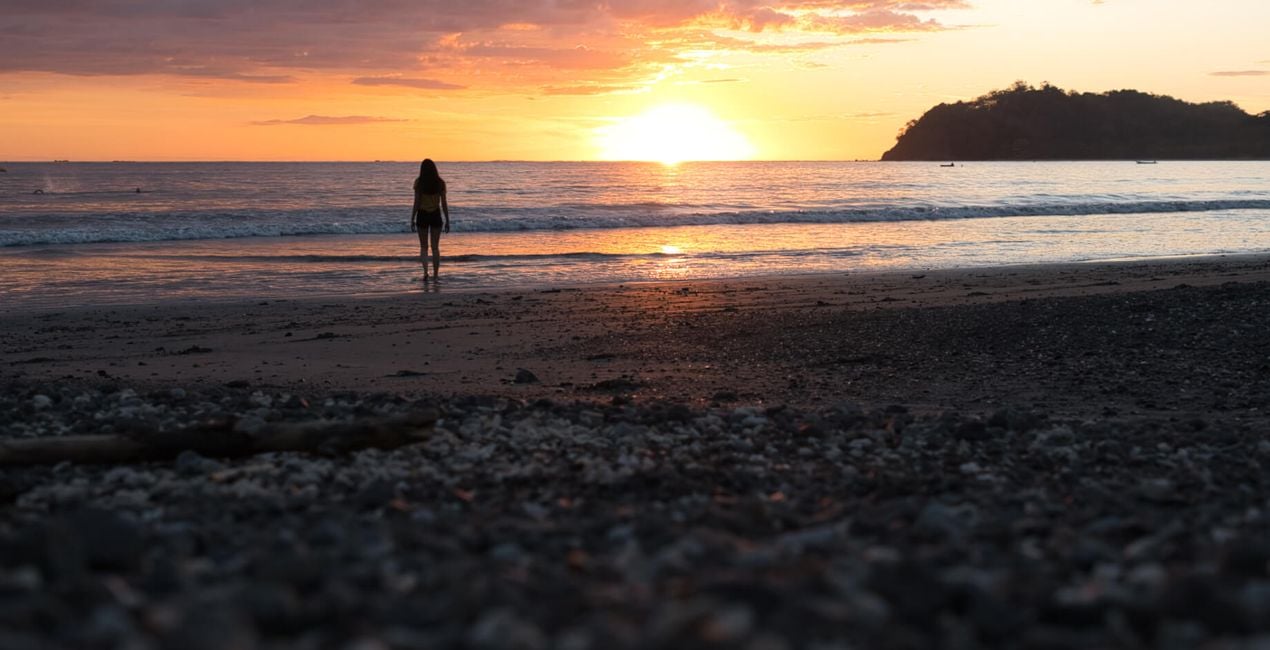
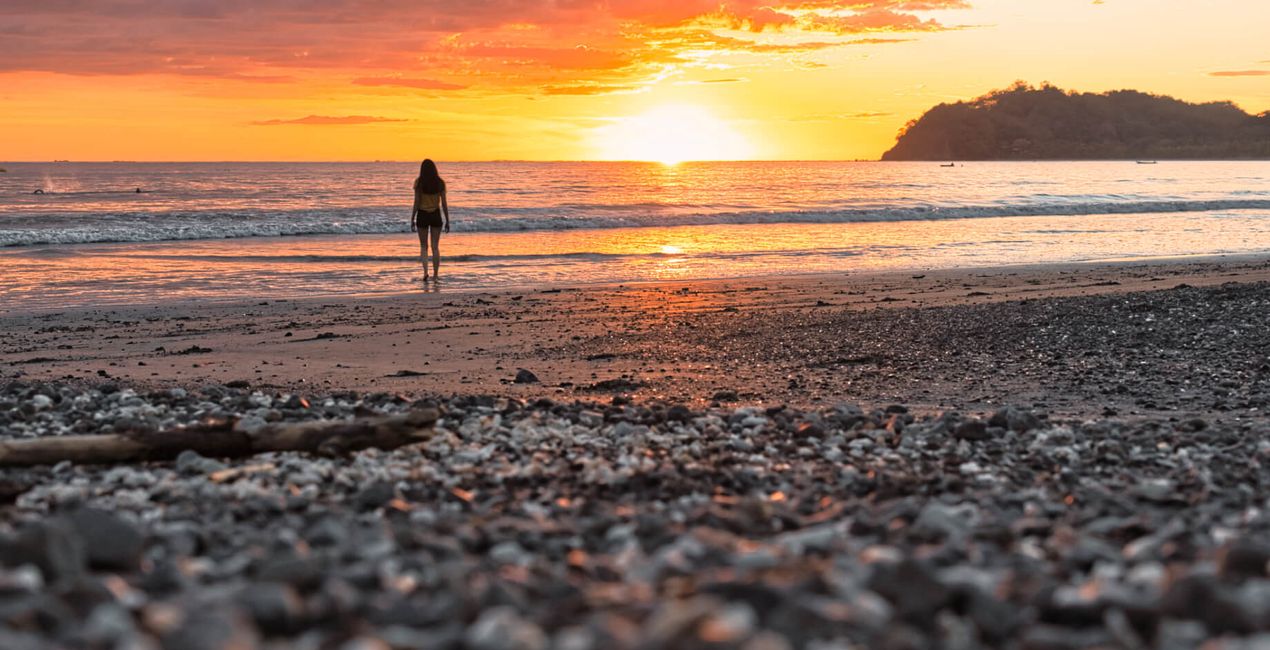
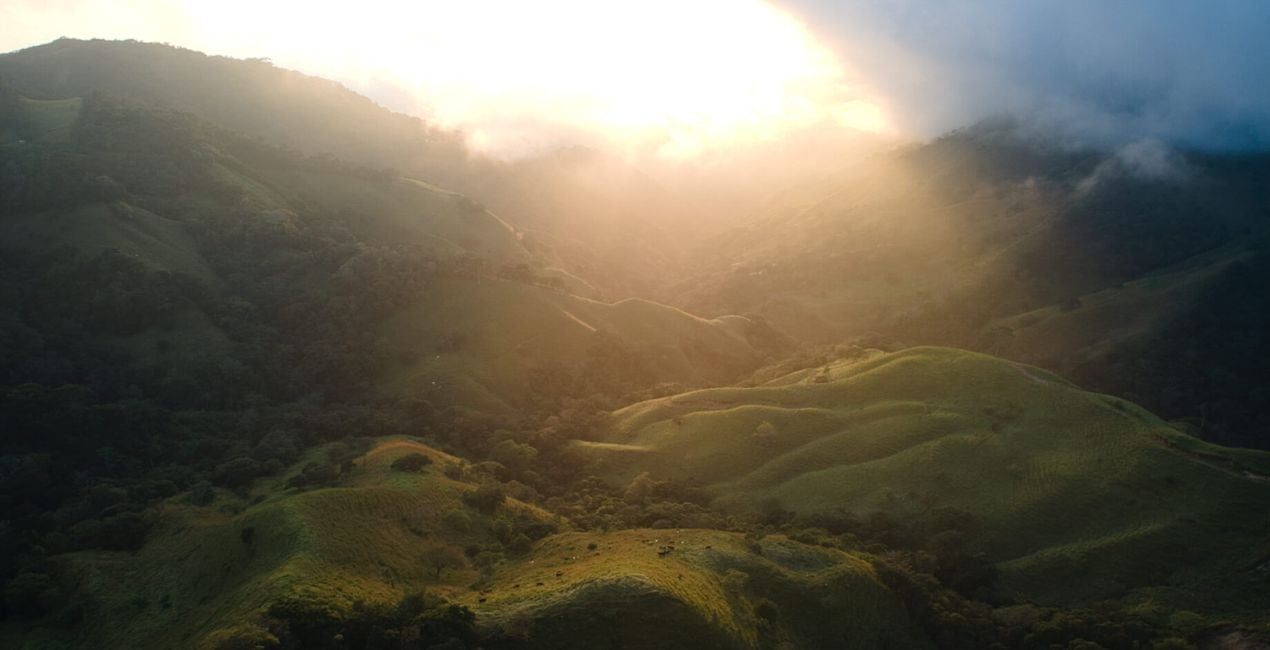
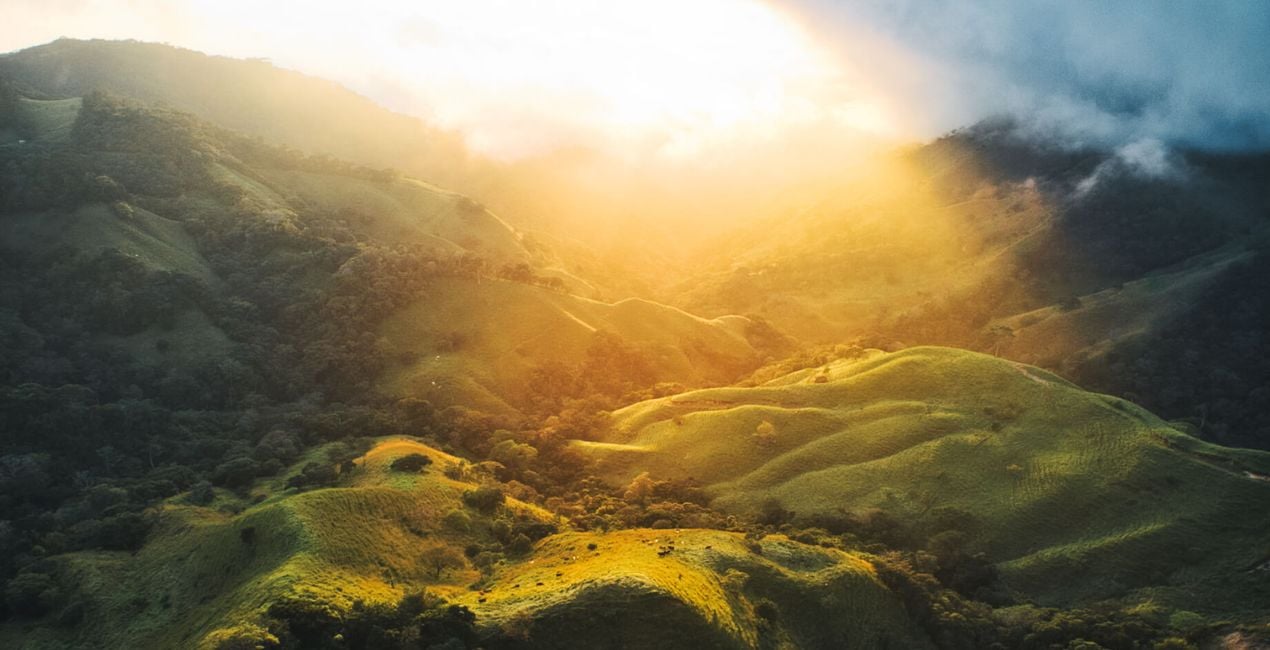
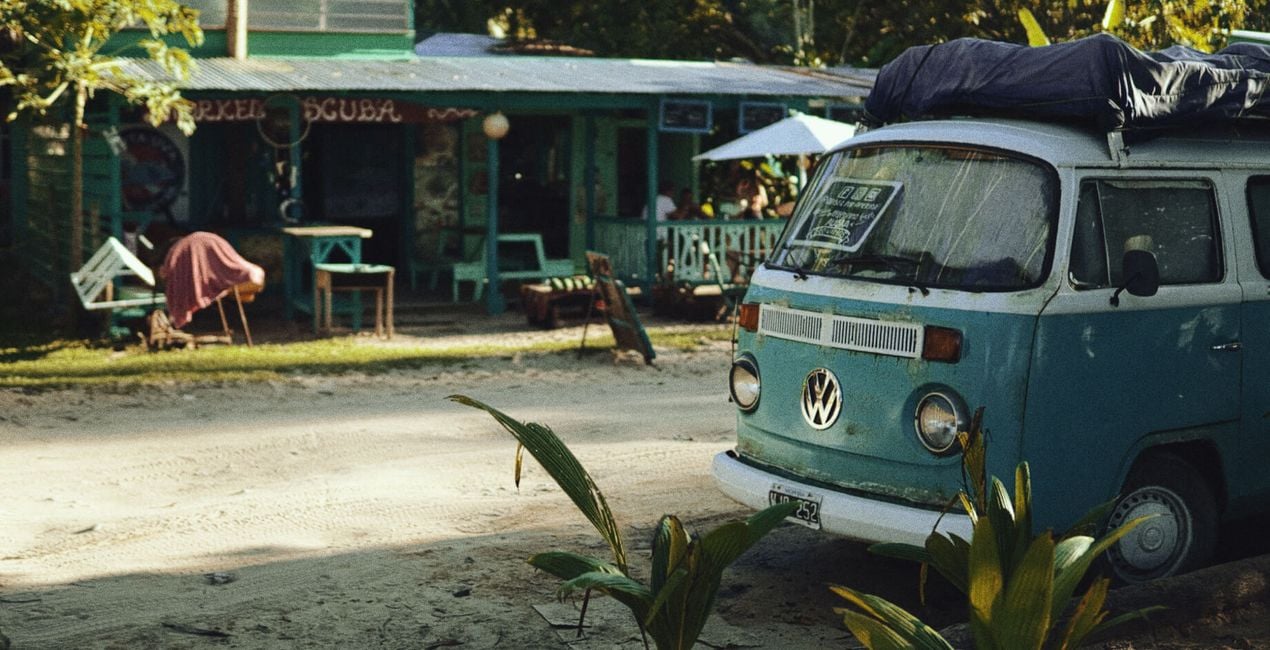
Rich, vibrant, and full of life, these 12 Templates are bound to bring your travel photography to the next level.
Adventurer and free spirit Kike Arnaiz has traveled all over the world to bring you unforgettable Templates for landscapes that work especially well on sunset and sunrise scenes.
Try them on your nature and landscape photography to bring out vivid hues and add warmth.
Whether your photos were taken in exotic jungles, at tropical beach paradises, or under refreshing waterfalls, these 12 Templates will help you convey your true passion for adventure.
Travel Photographer
<p>For a few years, Kike has been a professional global traveler, taking photographs and videos on his trips. He considers himself a digital nomad because he doesn’t have a home or a defined destination. Kike mixes his passion for portrait photography with his passion for landscapes, because while traveling, he finds incredible places and meets wonderful people.</p><p>Throughout his adventures, Kike collects travel tips, creates guides to destinations, share places to visit, finds maps of the best destinations... and more. He likes to share information on how to live while traveling and working without a home and earning money online.</p><p>You can learn more about Kike’s adventures on his YouTube channel, where he publishes travel video blogs and photography tutorials in Spanish. Kike talks about many ways to make a living from photography and earn money while traveling. Check out his channel for secrets he’s learned in his years of traveling the world as a photographer.</p><div><br></div>
Se hai domande sui prodotti, puoi contattare il team dell'assistenza tutti i giorni, 24 ore al giorno. Utilizza questo link.
Per acquistare Wild Adventures, segui questi passaggi:
1. Apri il Marketplace di Skylum.
2. Vai sulla scheda dove è elencato Wild Adventures. Clicca sul nome del prodotto per aggiungerlo al carrello.
3. Vai al carrello, dove potrai completare l'acquisto di Wild Adventures.
4. Dopo l'acquisto, riceverai un'e-mail con il link per scaricare Wild Adventures. Potrai trovare il nuovo acquisto anche nel tuo account Skylum, nella scheda I miei add-on.
Nell'e-mail con il link per il download riceverai anche istruzioni dettagliate su come installare Wild Adventures.
Inoltre, puoi installare l'articolo acquistato direttamente in Luminar Neo: vai su Extra > Marketplace, seleziona la categoria di prodotto, trova l'articolo acquistato e clicca su Installa.
È facilissimo! Vai nella scheda Preset, quindi seleziona Acquistati. Qui troverai i preset che hai acquistato.
Non preoccuparti. Tutti gli articoli acquistati, incluso Wild Adventures, vengono conservati nella scheda "I miei add-on" del tuo account Skylum, così potrai riscaricarli e utilizzarli in tutta facilità.
In generale, la maggior parte degli articoli è compatibile con Luminar Neo. Ma per assicurarti che Wild Adventures sia compatibile con i tuoi software, verificane le specifiche prima di scaricarlo o acquistarlo. Cerca la sezione "Compatibilità" sulla destra della pagina di Wild Adventures, dove sono elencati tutti i prodotti compatibili.
Non andartene ancora. Ecco un codice sconto esclusivo per te. Usalo entro i prossimi 15 minuti per ottenere un ulteriore sconto del 10% al momento del pagamento. Copia il codice qui sotto e completa l'acquisto.
15 m : 00 s





