


 Applicato




Informazioni
Starry Night is a pack of 10 Presets for Luminar Neo made by the nightscape photographer David Maimó. Using these Presets is an easy way to adjust your nightscape photos with one click. Edit photos containing the Milky Way, the moon, auroras, star trails and other types of night photography fast and easy.
Compatibilità

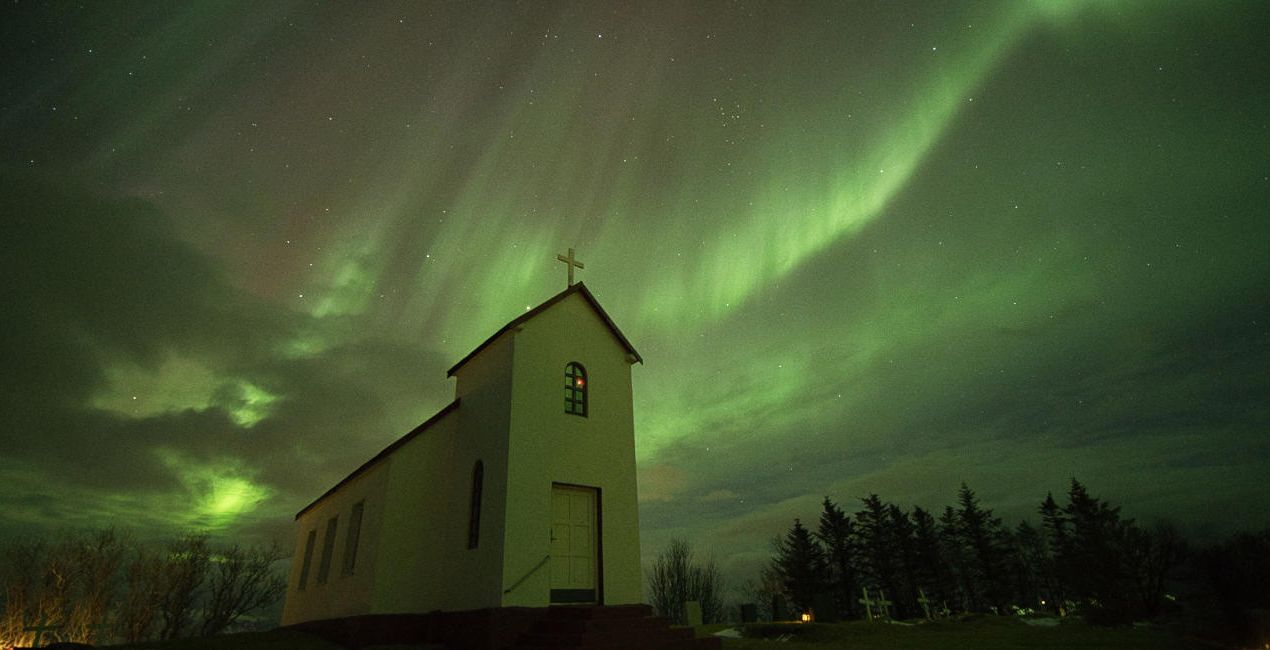
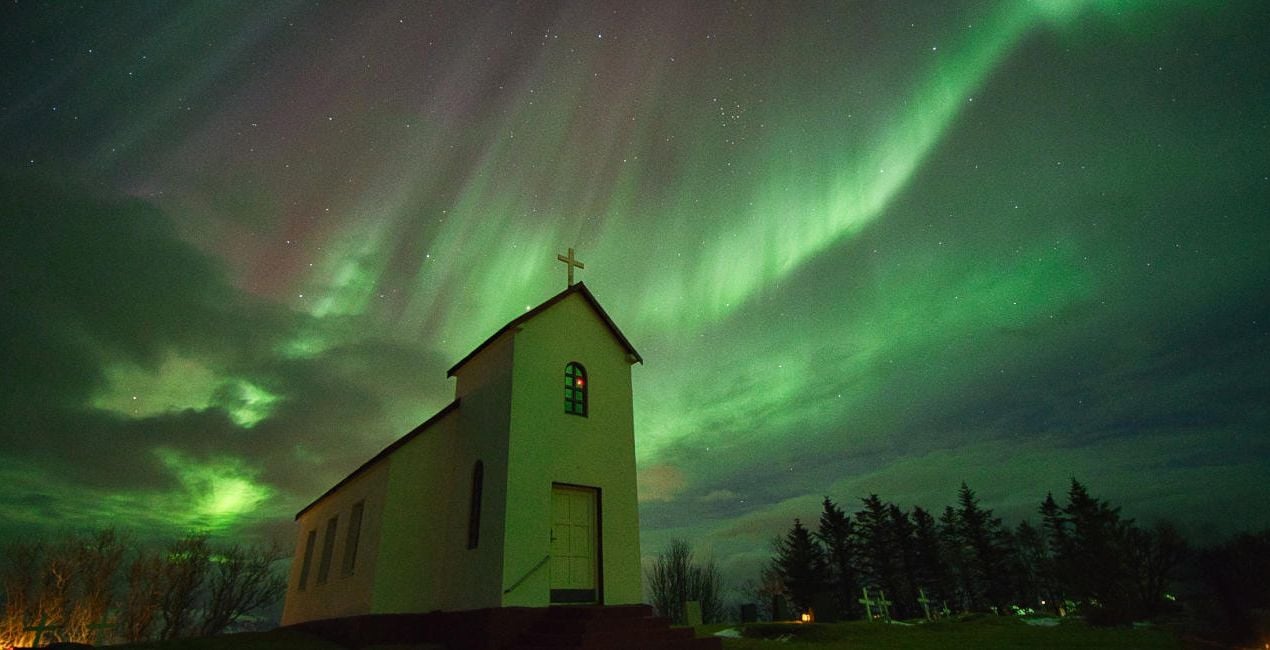
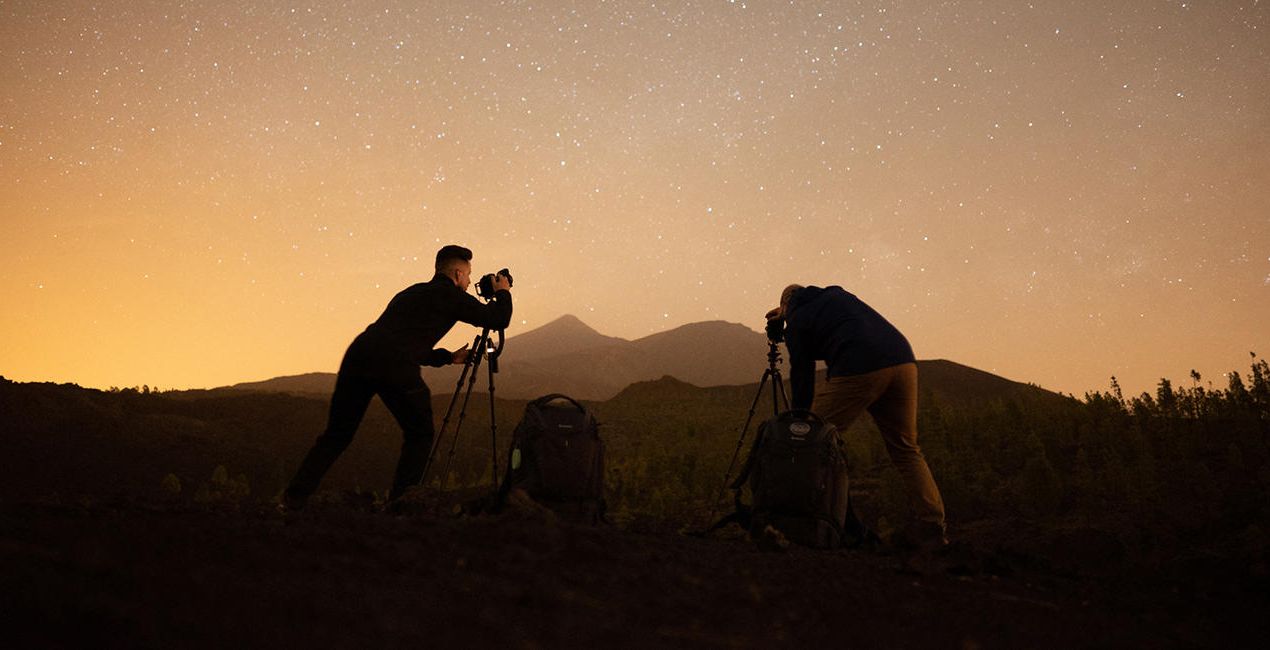
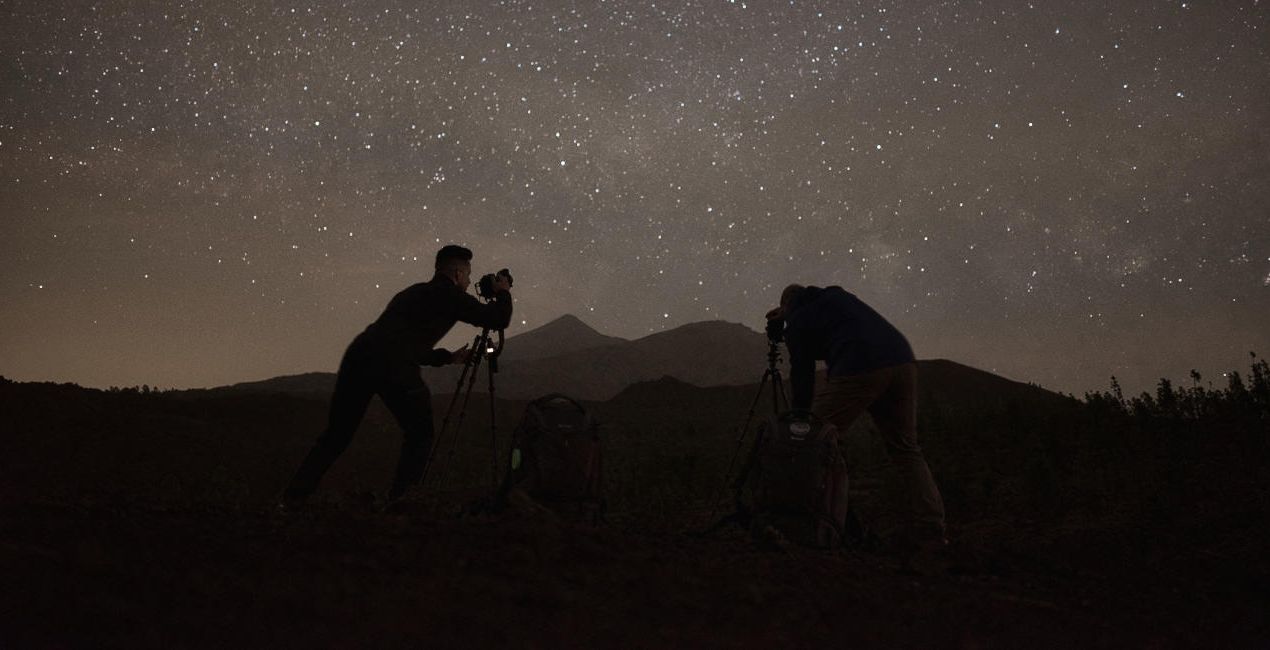
Ottieni foto come queste
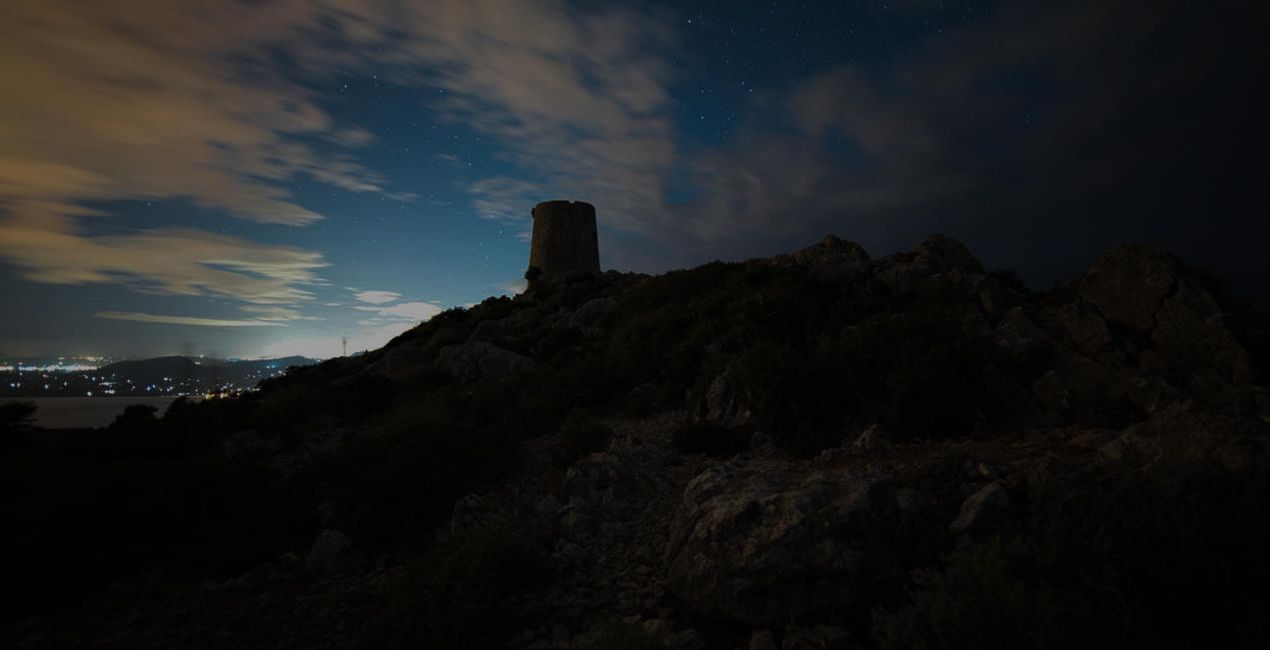
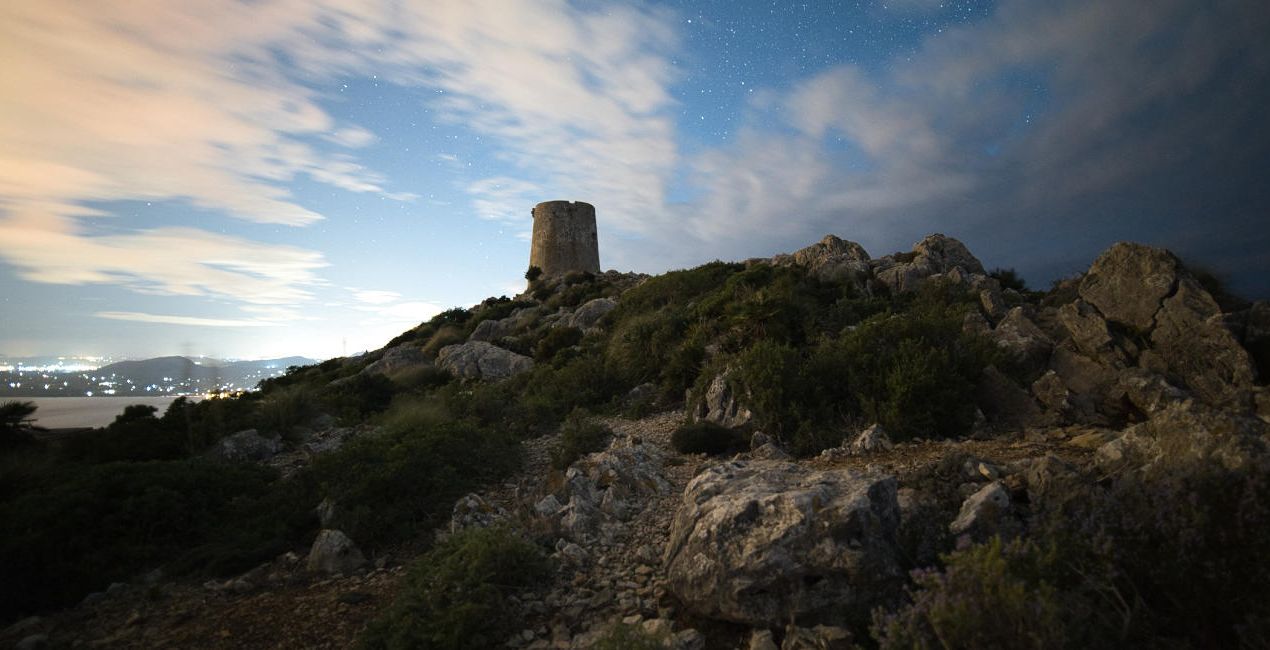
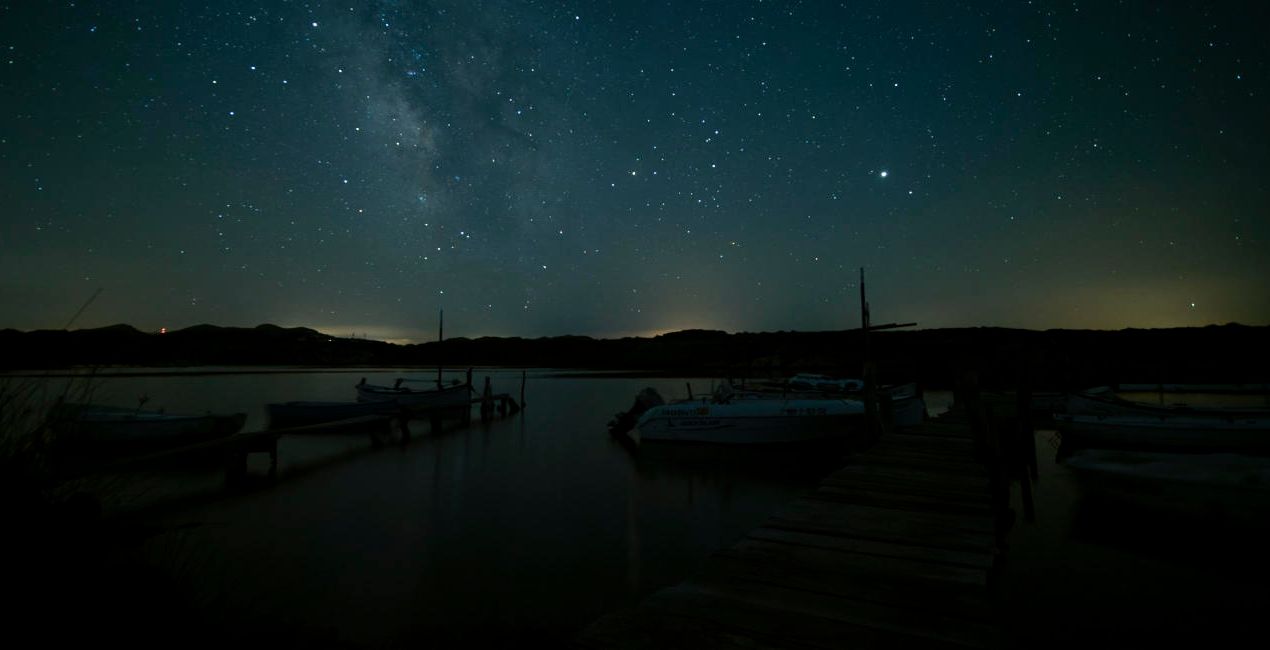
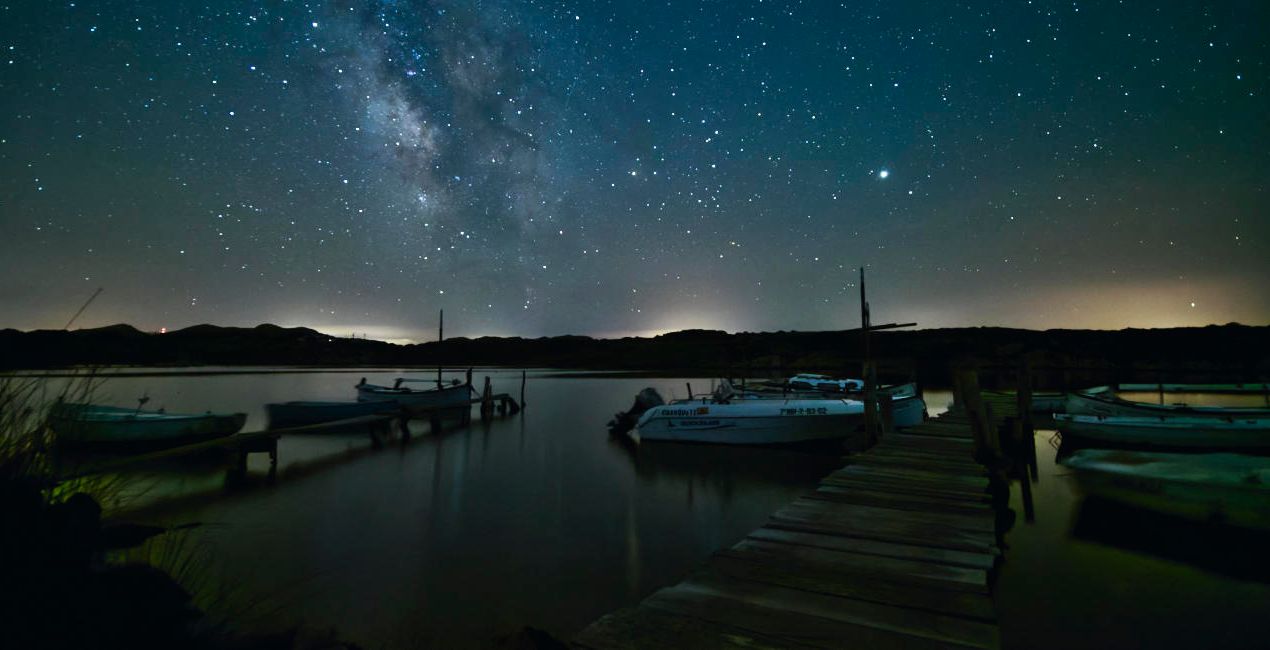
Utilizzando i file RAW forniti, potrai mettere facilmente in pratica i consigli di ritocco e imparare a ottenere foto come queste.
 >
>
 >
>
 >
>
 >
>
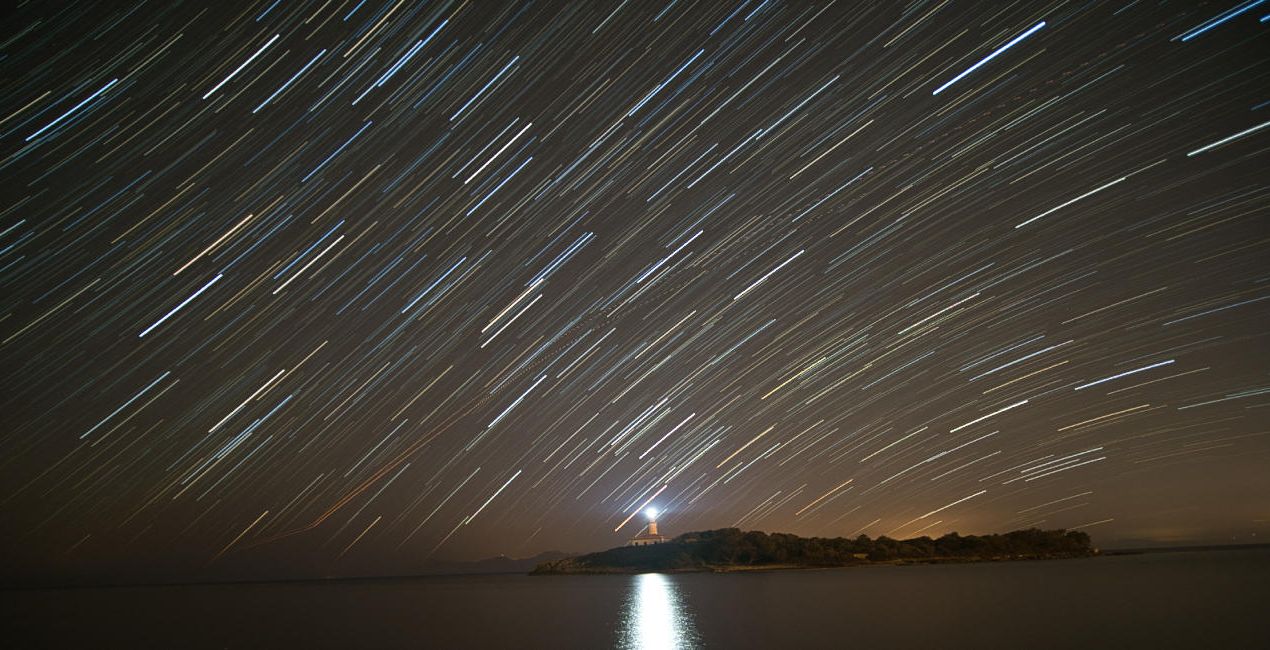
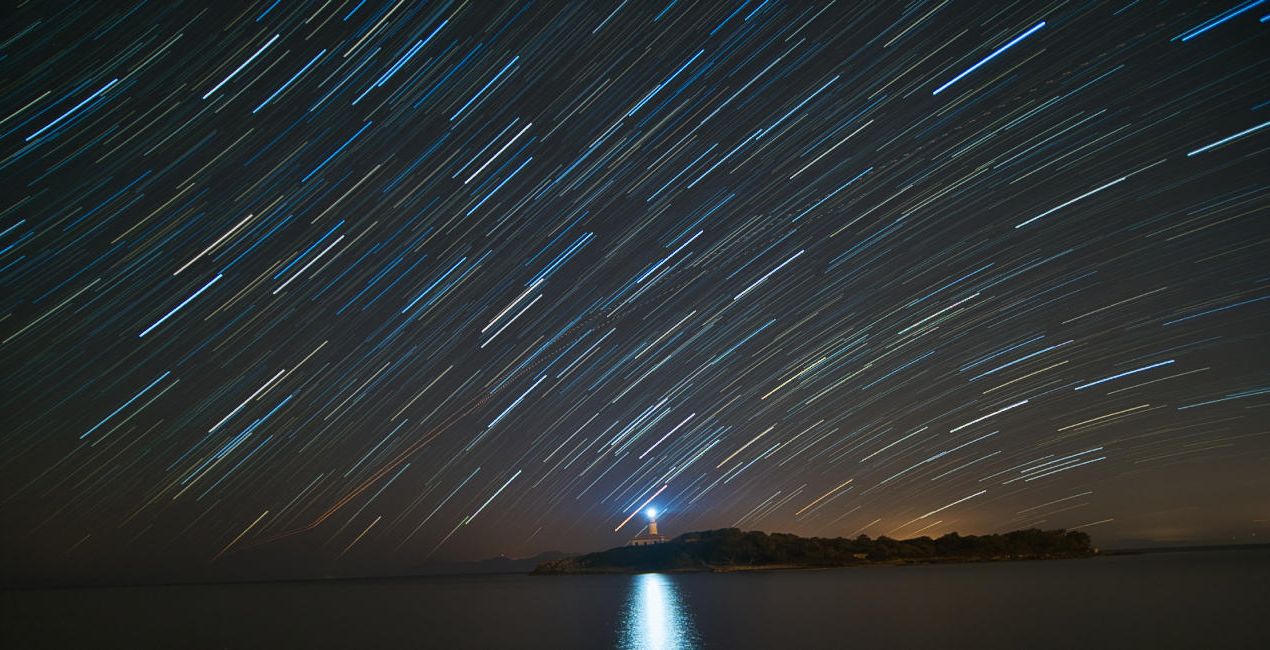 >
>
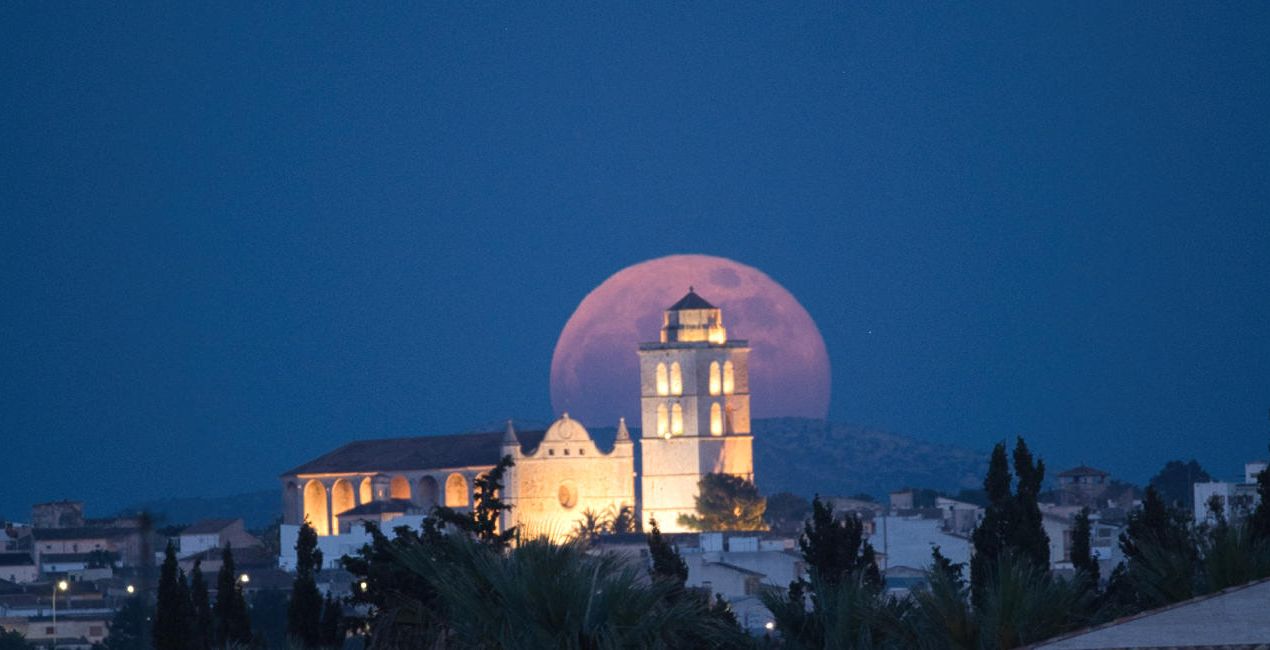
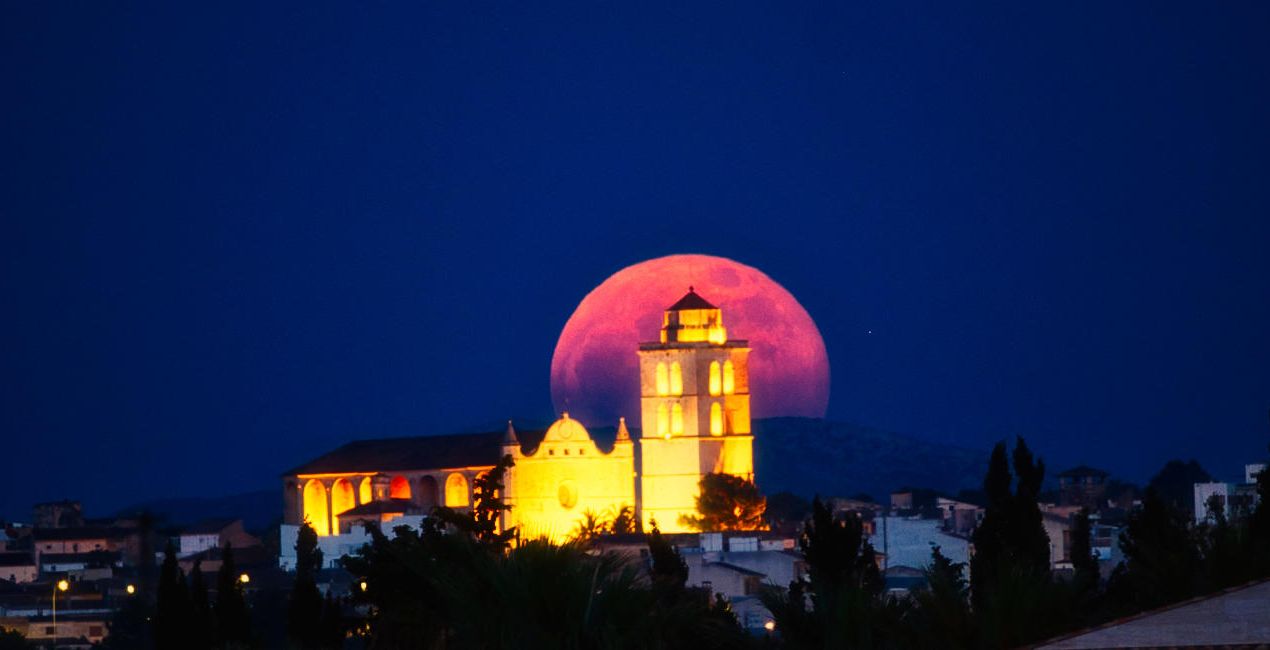 >
>
La storia
Shooting at night is incredibly romantic, as you can see the lights of the stars, auroras, the moon or the light of the city that give life to your photographs. All of these natural phenomena create fantastic scenes that attract the viewer's attention.
This pack of Presets helps facilitate your editing process and create magnificent scenes. David remembers being asked many times how he achieves such amazing effects when editing his photos, so with this pack he decided to help others achieve the same results.
Use these Presets to apply the initial settings, and then you can tweak the effects using the Amount slider. Additionally, you can edit your photo with all the effects that Luminar Neo has, giving freedom to your creativity!
Milky Way: Corrects white balance, brings out details of the Milky Way, removes noise and creates a unique atmosphere.
Aurora: Corrects white balance, highlights and saturates the aurora, removes noise and creates a wonderful atmosphere in your scenes.
Moon: Saturates the colors of the moon, highlights and gives detail.
Nightscape: Creates an atmosphere with starry scenes, reduces noise and enhances detail.
Cityscape: Creates an atmosphere in city scenes, reduces noise and improves detail.
Lowlight: Improves your low-light scenes by recovering shadows and reducing noise.
Light Cleansing: Eliminates the orange and yellow hue of light pollution.
Startrails: Lowers highlights from the stars and improves the color.
Light Painting: Improves the color and contrast in your light painting scenes.
Storms: Improves the color and contrast in your storm scenes.
Prodotti correlati


Creator
David Maimó
Nightscape and Landscape Photographer. Skylum Ambassador.
Born in Mallorca, Spain, David Maimó is a photographer specializing in capturing the nightscape, David tries to show the night photography differently.
He is an OM System, Vanguard, Laowa and MSM Rotator ambassador. He teaches night photography courses, sharing his knowledge and passion for photography.
Come faccio a contattare l'assistenza?
Se hai domande sui prodotti, puoi contattare il team dell'assistenza tutti i giorni, 24 ore al giorno. Utilizza questo link.
Come faccio ad acquistare Starry Night?
Per acquistare Starry Night, segui questi passaggi:
1. Apri il Marketplace di Skylum.
2. Vai sulla scheda dove è elencato Starry Night. Clicca sul nome del prodotto per aggiungerlo al carrello.
3. Vai al carrello, dove potrai completare l'acquisto di Starry Night.
4. Dopo l'acquisto, riceverai un'e-mail con il link per scaricare Starry Night. Potrai trovare il nuovo acquisto anche nel tuo account Skylum, nella scheda I miei add-on.
Come faccio a installare Starry Night?
Nell'e-mail con il link per il download riceverai anche istruzioni dettagliate su come installare Starry Night.
Inoltre, puoi installare l'articolo acquistato direttamente in Luminar Neo: vai su Extra > Marketplace, seleziona la categoria di prodotto, trova l'articolo acquistato e clicca su Installa.
Dove trovo Starry Night dopo l'installazione?
È facilissimo! Vai nella scheda Preset, quindi seleziona Acquistati. Qui troverai i preset che hai acquistato.
Che succede se perdo Starry Night?
Non preoccuparti. Tutti gli articoli acquistati, incluso Starry Night, vengono conservati nella scheda "I miei add-on" del tuo account Skylum, così potrai riscaricarli e utilizzarli in tutta facilità.
Come faccio a verificare se Starry Night è compatibile con i miei software?
In generale, la maggior parte degli articoli è compatibile con Luminar Neo. Ma per assicurarti che Starry Night sia compatibile con i tuoi software, verificane le specifiche prima di scaricarlo o acquistarlo. Cerca la sezione "Compatibilità" sulla destra della pagina di Starry Night, dove sono elencati tutti i prodotti compatibili.


