


 Applicato


IMMOBILIARE HDR
Save $201 $ 19 .00

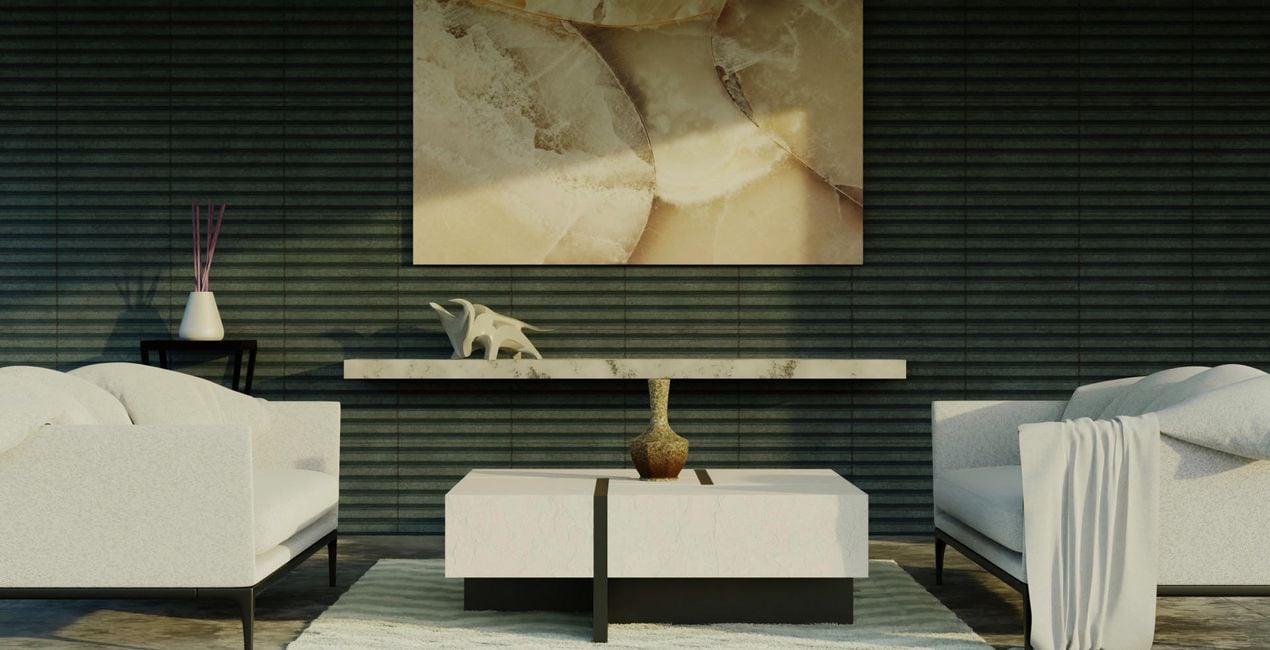
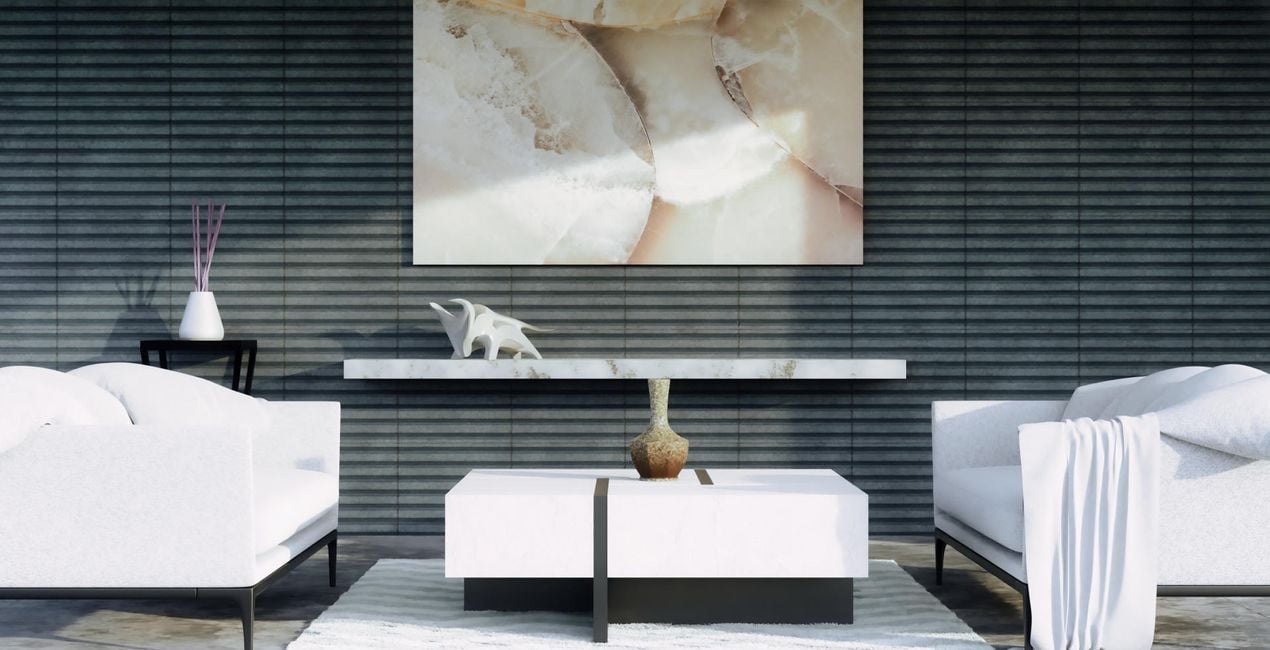
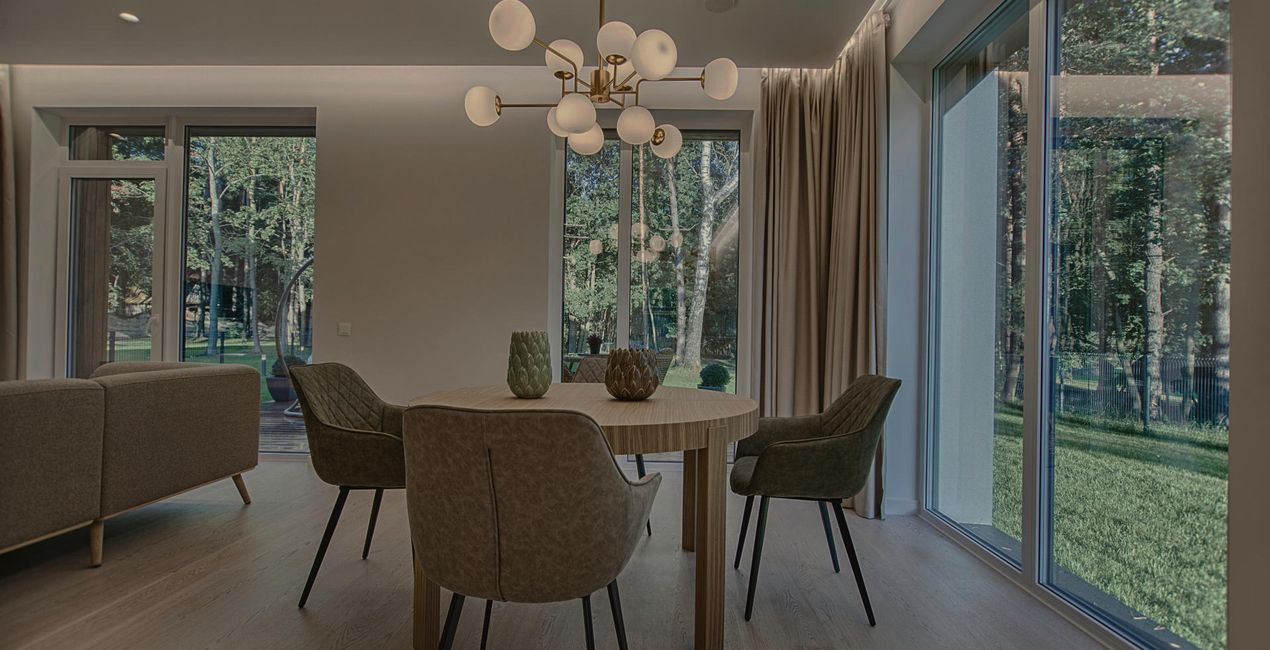
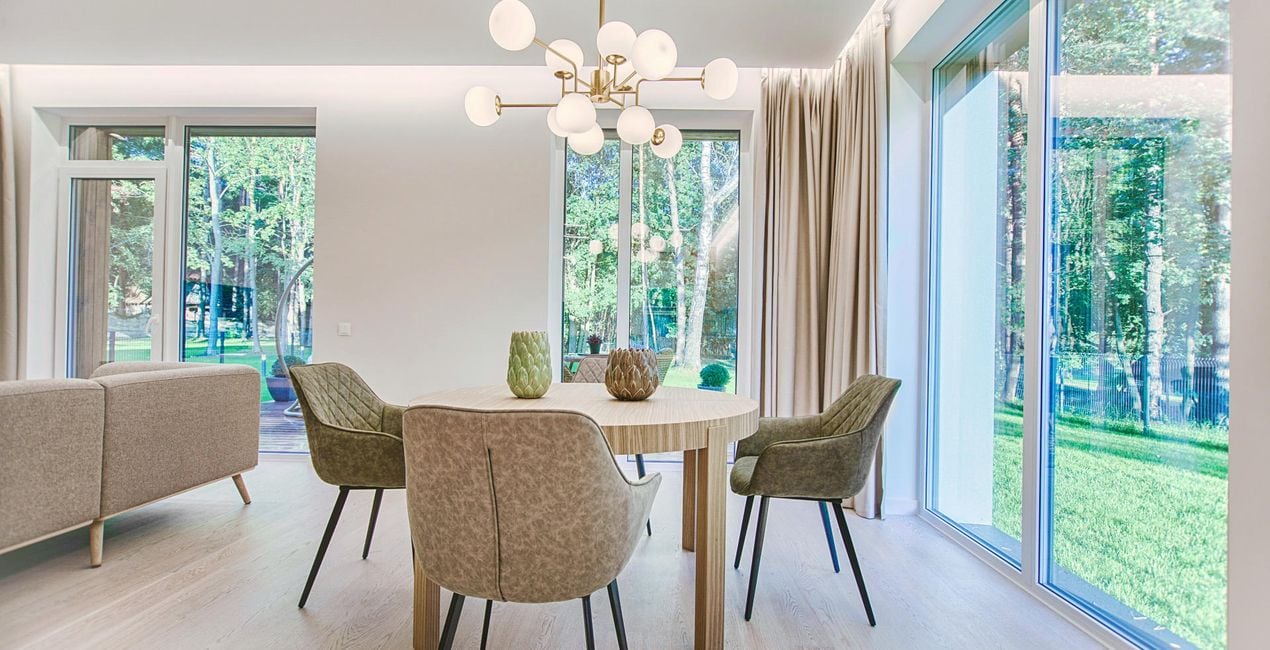
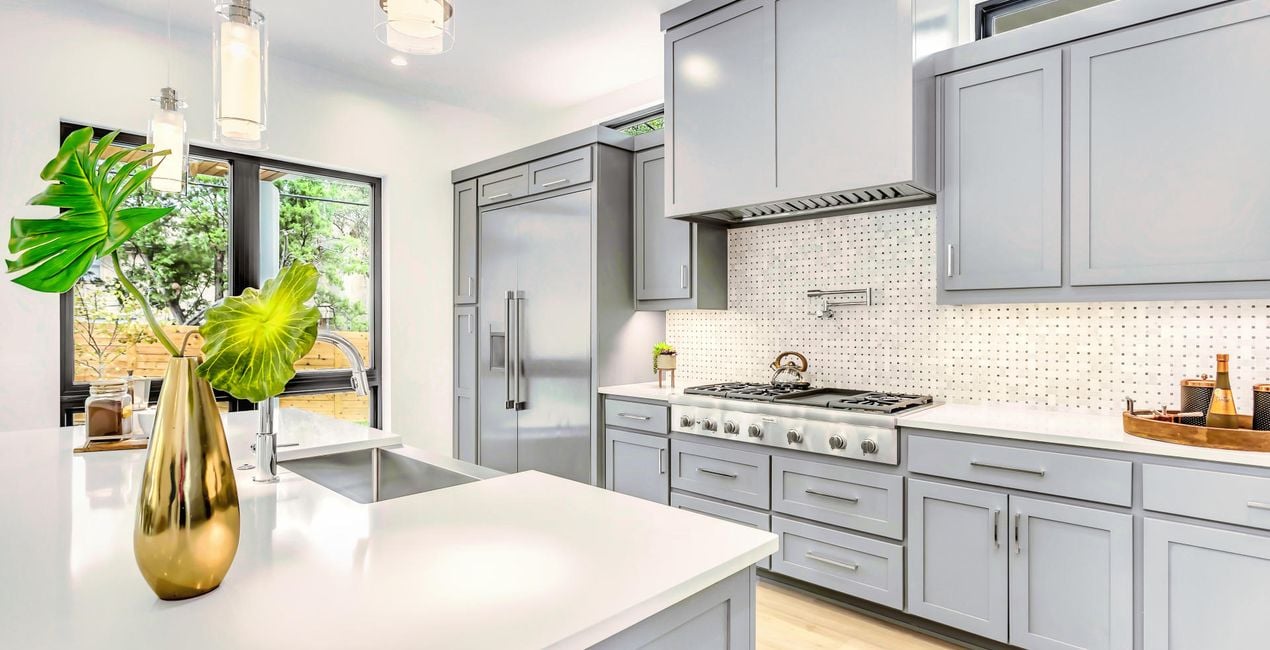
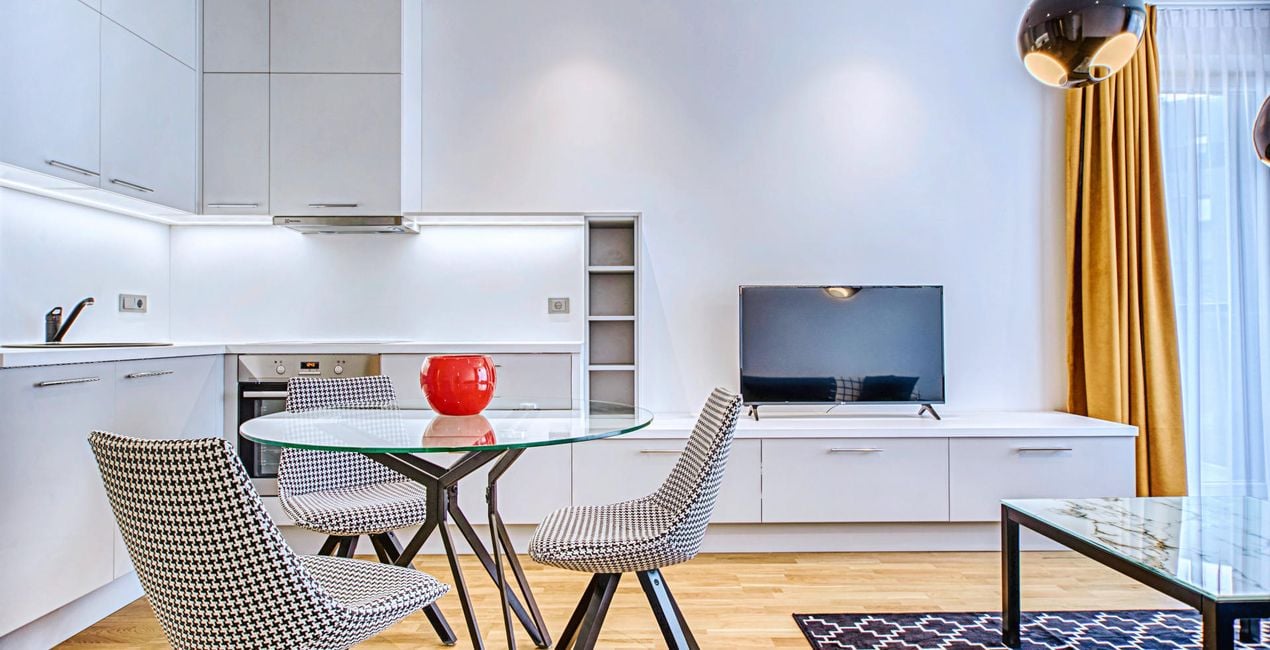
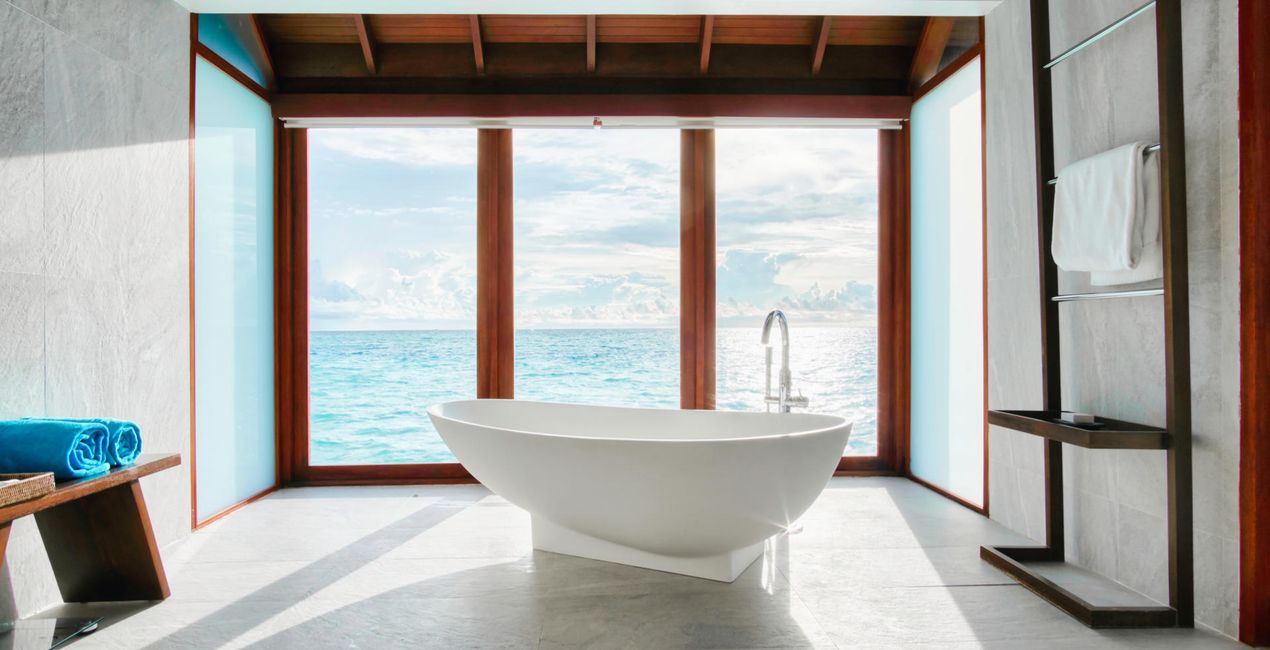
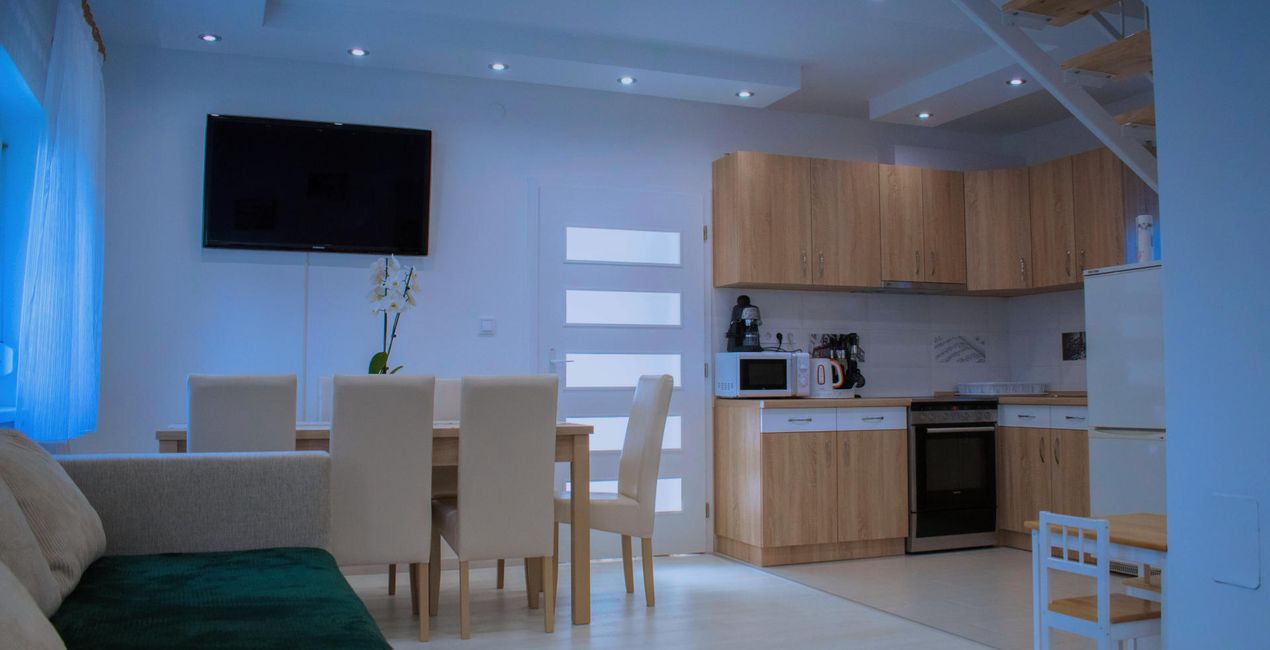
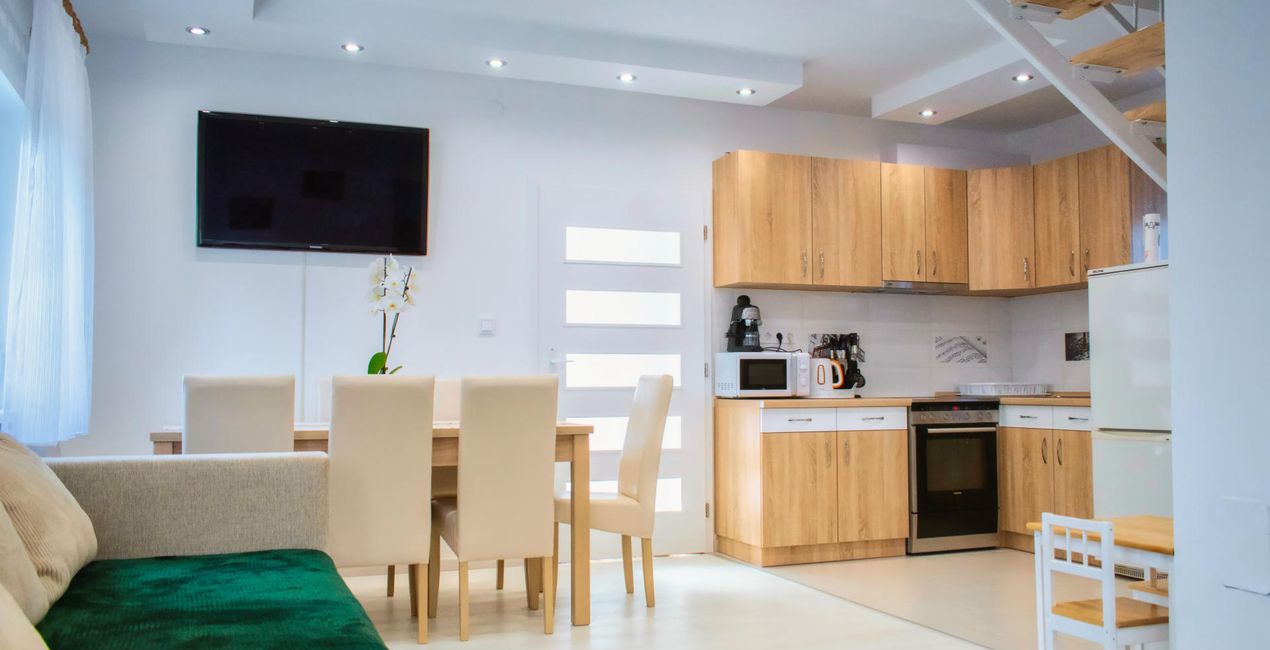
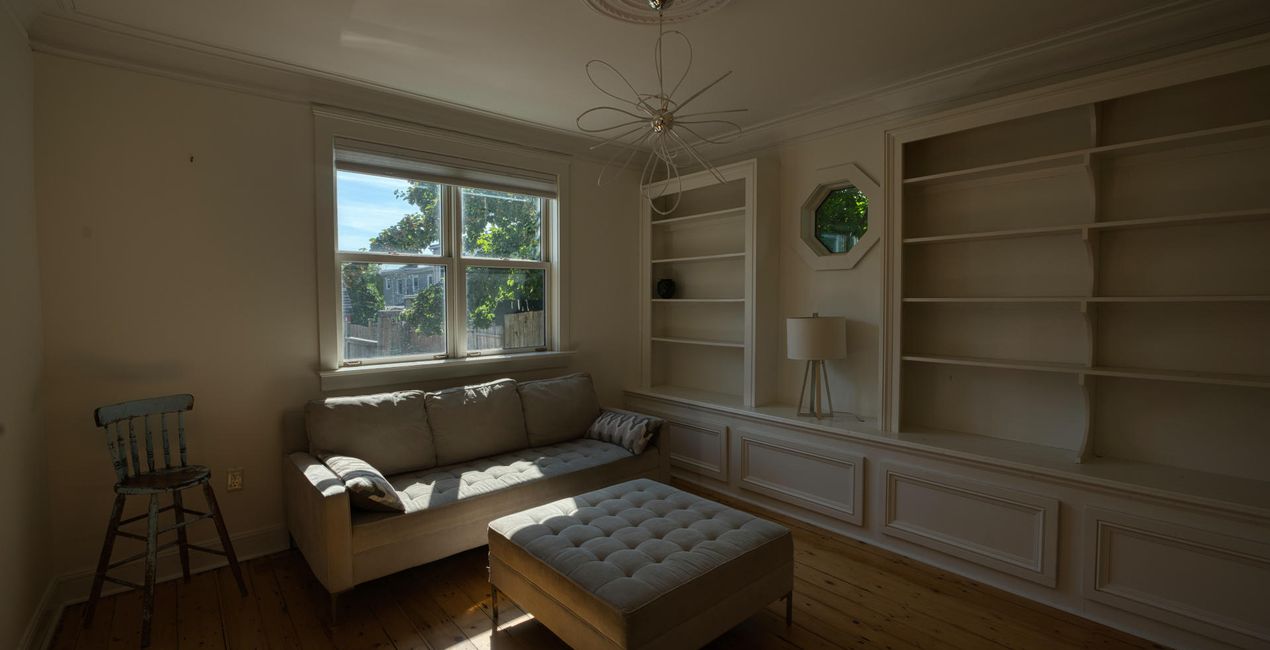
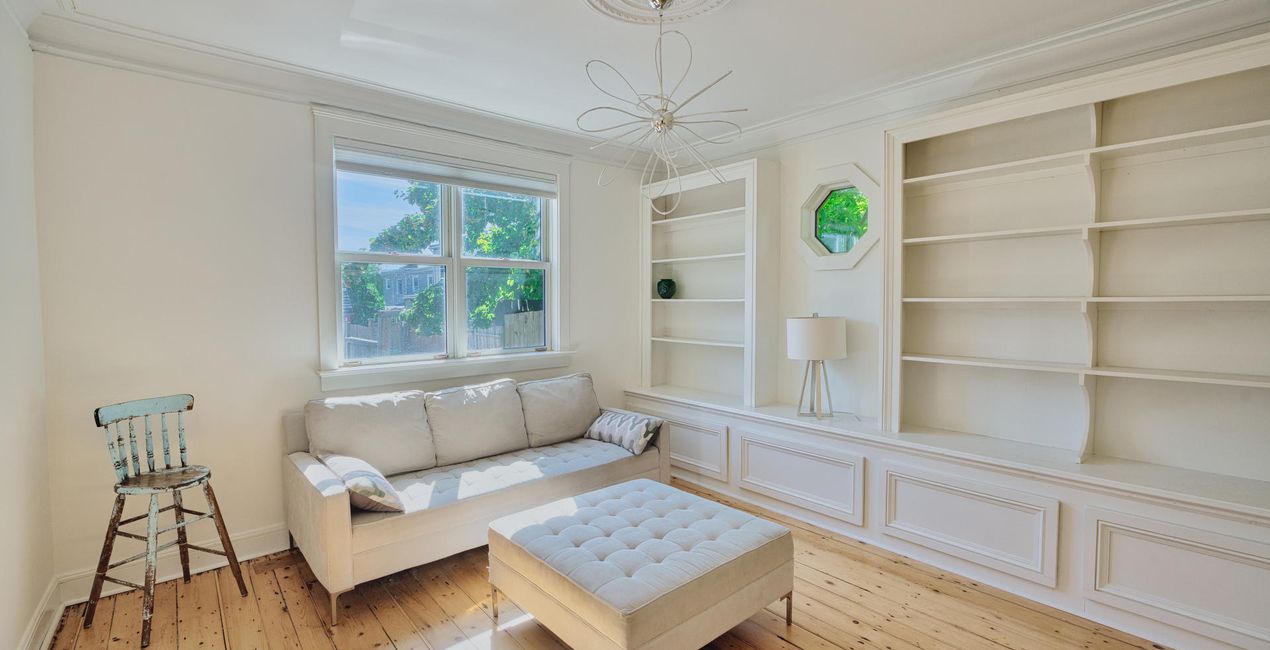
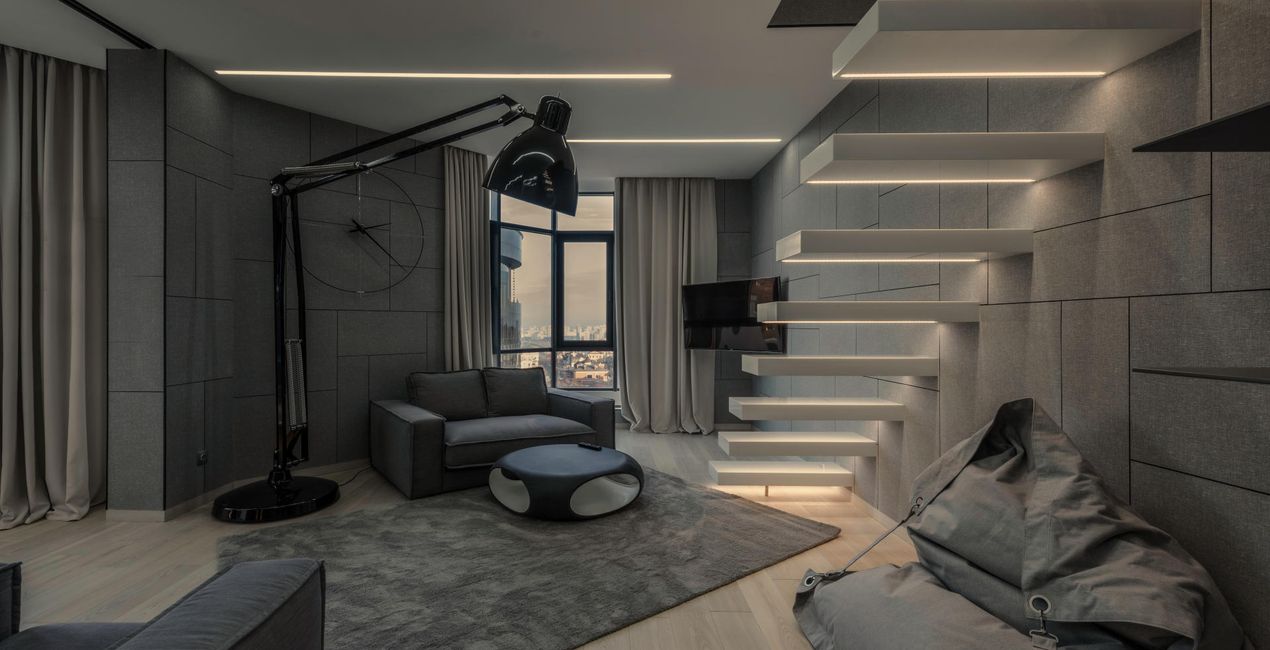
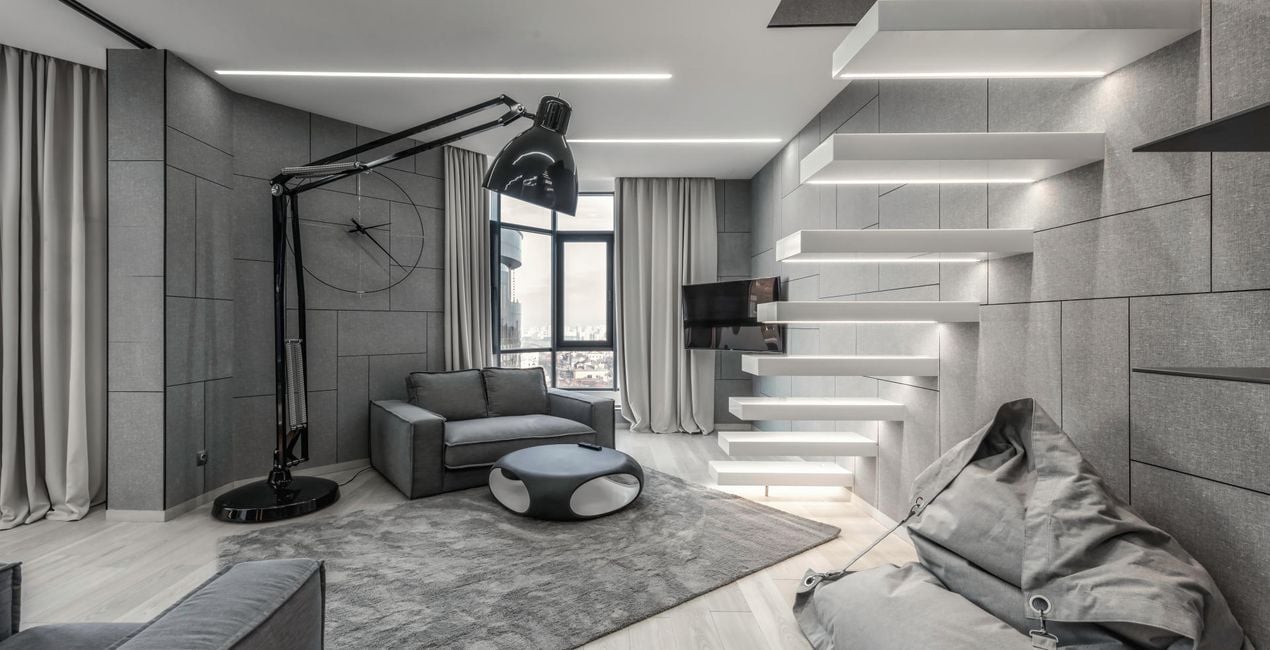
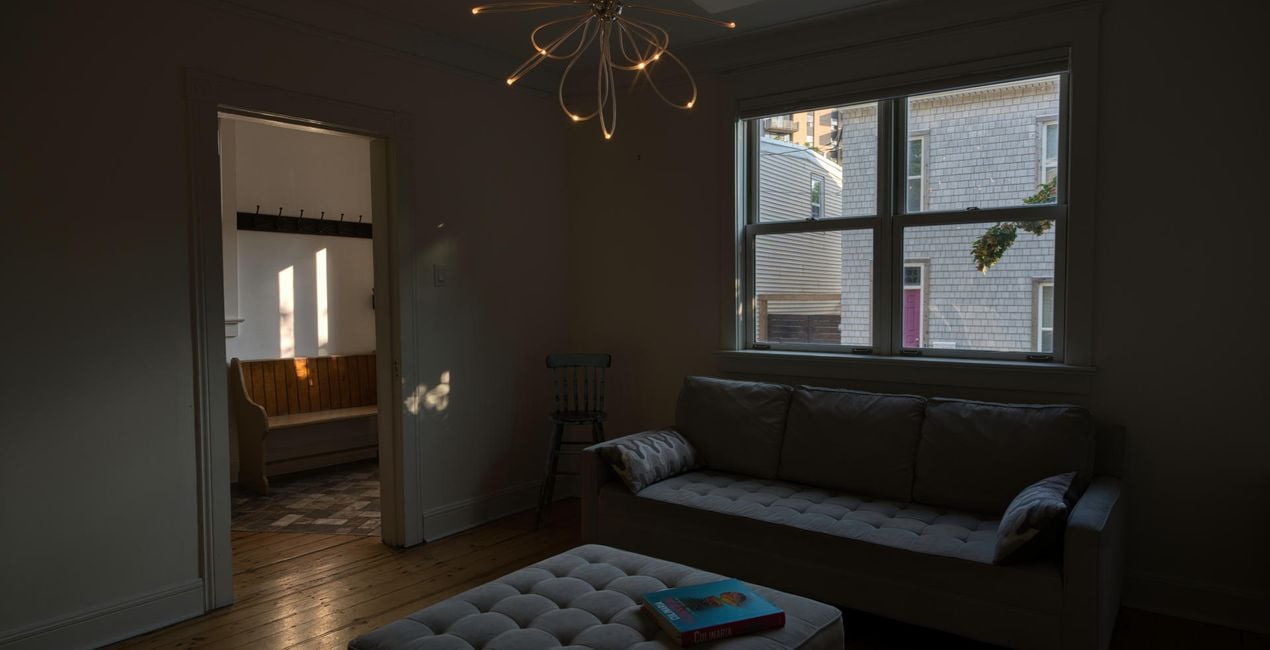
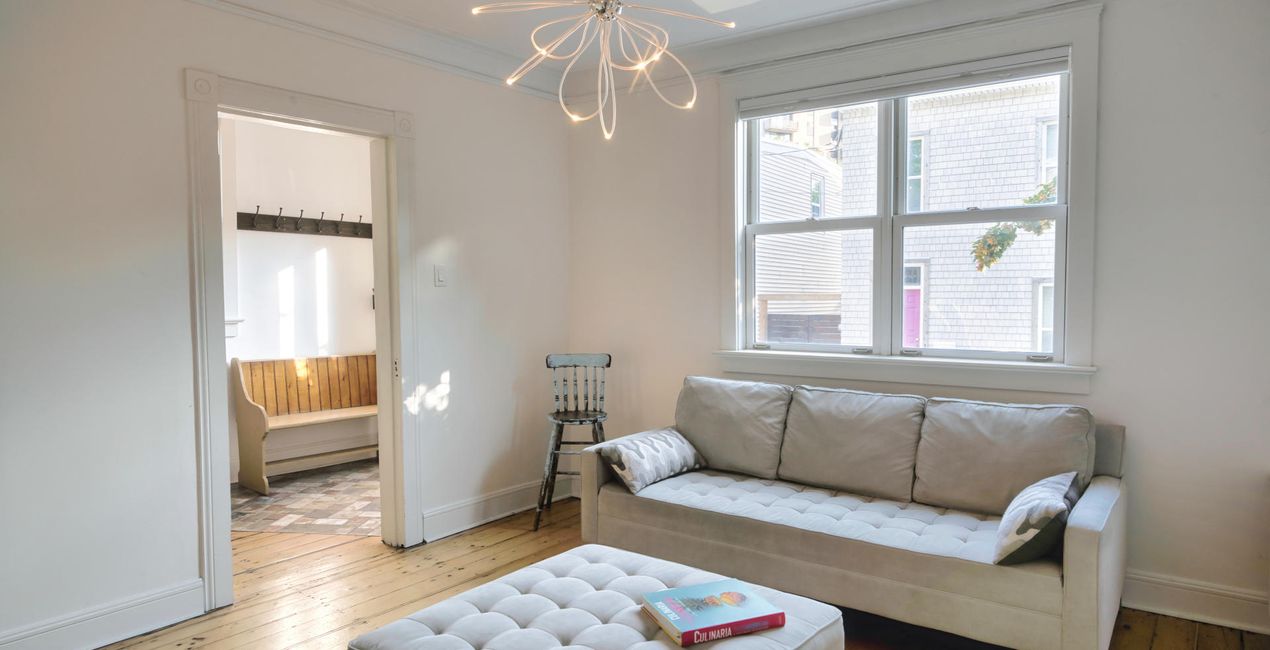
Nel settore immobiliare, la prima impressione è la cosa più importante, per cui è fondamentale avere delle foto in grado di vendere già al primo sguardo. Questi 10 spettacolari preset di Jabi Sanz ti auteranno a creare immagini di alta qualità che attirino i clienti pronti a portare a termine una trattativa.

Utilizzando i file RAW forniti, potrai mettere facilmente in pratica i consigli di ritocco e imparare a ottenere foto come queste.
 >
>
 >
>
 >
>
 >
>

 >
>
 >
>
 >
>
 >
>
 >
>
Often, it’s not enough to have an amazing property. Jabi Sanz has created these 10 Presets to make it easy for you to reach more clients with the highest quality photos. With the help of the new Luminar Neo HDR Merge Extension, Jabi captures the natural light of each scene, and he has created these spectacular Presets that you can use on your own shots. The results are beautiful photos with natural light and harmony. Since every photo is different, Jabi recommends using these Presets as a base and then playing with the Exposure sliders, Highlights, Shadows, Blacks and Whites to give your photo the perfect result. You can also explore the possibilities that masks offer. With Mask AI, your work is much easier and more precise. By using these Presets, your houses will go from for sale to sold.
Photographer. Skylum Ambassador.
<p>Jabi Sanz is a landscape and travel photographer from Pamplona, a small city in northern Spain. He never had a professional camera or a passion for photography until his trip to Iceland. Iceland really blew his mind, and now Jabi can’t imagine his life without photography. His inspiration comes from nature, with all the beauty, variety of colors, sounds, and compositions. Photography and travel open new horizons for Jabi and take him to places he has never been.<br></p>
Se hai domande sui prodotti, puoi contattare il team dell'assistenza tutti i giorni, 24 ore al giorno. Utilizza questo link.
Per acquistare REAL ESTATE HDR, segui questi passaggi:
1. Apri il Marketplace di Skylum.
2. Vai sulla scheda dove è elencato REAL ESTATE HDR. Clicca sul nome del prodotto per aggiungerlo al carrello.
3. Vai al carrello, dove potrai completare l'acquisto di REAL ESTATE HDR.
4. Dopo l'acquisto, riceverai un'e-mail con il link per scaricare REAL ESTATE HDR. Potrai trovare il nuovo acquisto anche nel tuo account Skylum, nella scheda I miei add-on.
Nell'e-mail con il link per il download riceverai anche istruzioni dettagliate su come installare REAL ESTATE HDR.
Inoltre, puoi installare l'articolo acquistato direttamente in Luminar Neo: vai su Extra > Marketplace, seleziona la categoria di prodotto, trova l'articolo acquistato e clicca su Installa.
È facilissimo! Vai nella scheda Preset, quindi seleziona Acquistati. Qui troverai i preset che hai acquistato.
Non preoccuparti. Tutti gli articoli acquistati, incluso REAL ESTATE HDR, vengono conservati nella scheda "I miei add-on" del tuo account Skylum, così potrai riscaricarli e utilizzarli in tutta facilità.
In generale, la maggior parte degli articoli è compatibile con Luminar Neo. Ma per assicurarti che REAL ESTATE HDR sia compatibile con i tuoi software, verificane le specifiche prima di scaricarlo o acquistarlo. Cerca la sezione "Compatibilità" sulla destra della pagina di REAL ESTATE HDR, dove sono elencati tutti i prodotti compatibili.
Non andartene ancora. Ecco un codice sconto esclusivo per te. Usalo entro i prossimi 15 minuti per ottenere un ulteriore sconto del 10% al momento del pagamento. Copia il codice qui sotto e completa l'acquisto.
15 m : 00 s





