


 Applicato




Informazioni
Elevate your dark and moody landscape photography to a whole new level with this collection by Jabi Sanz — where each Preset is a brushstroke that paints a story, leaving a lasting impression on those who view your work. Embrace the power of these Presets and let your creativity unfold in the captivating world of shadows and mood.
Compatibilità

Ottieni foto come queste
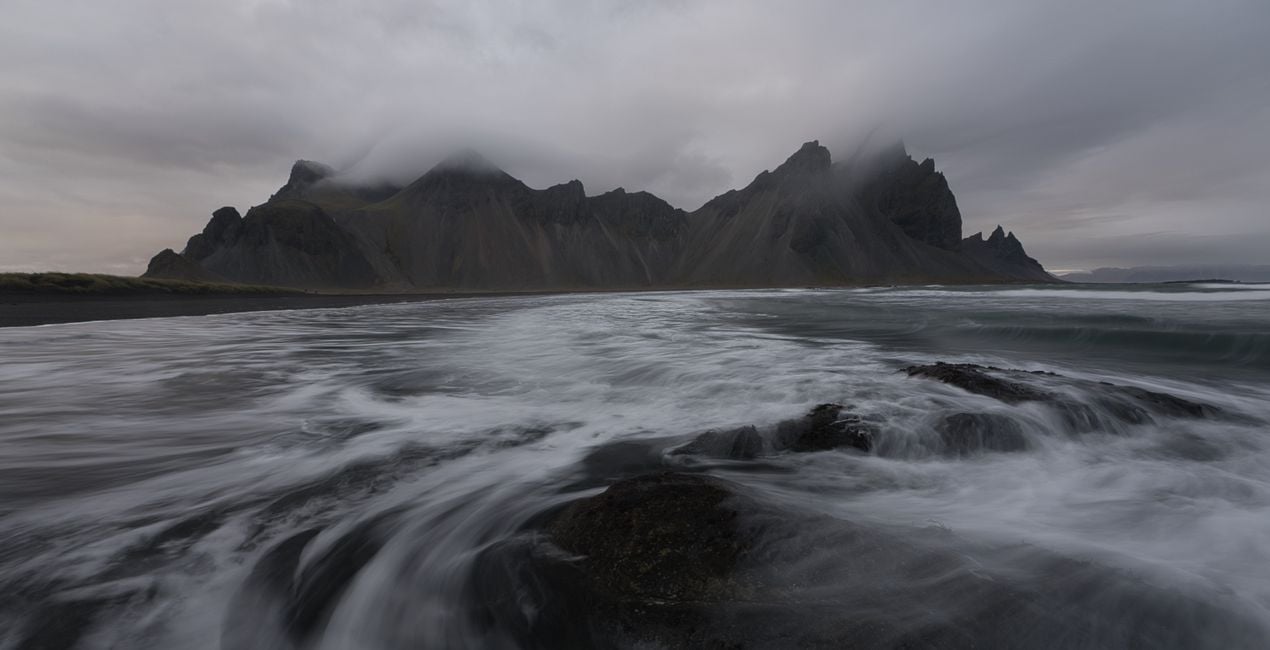
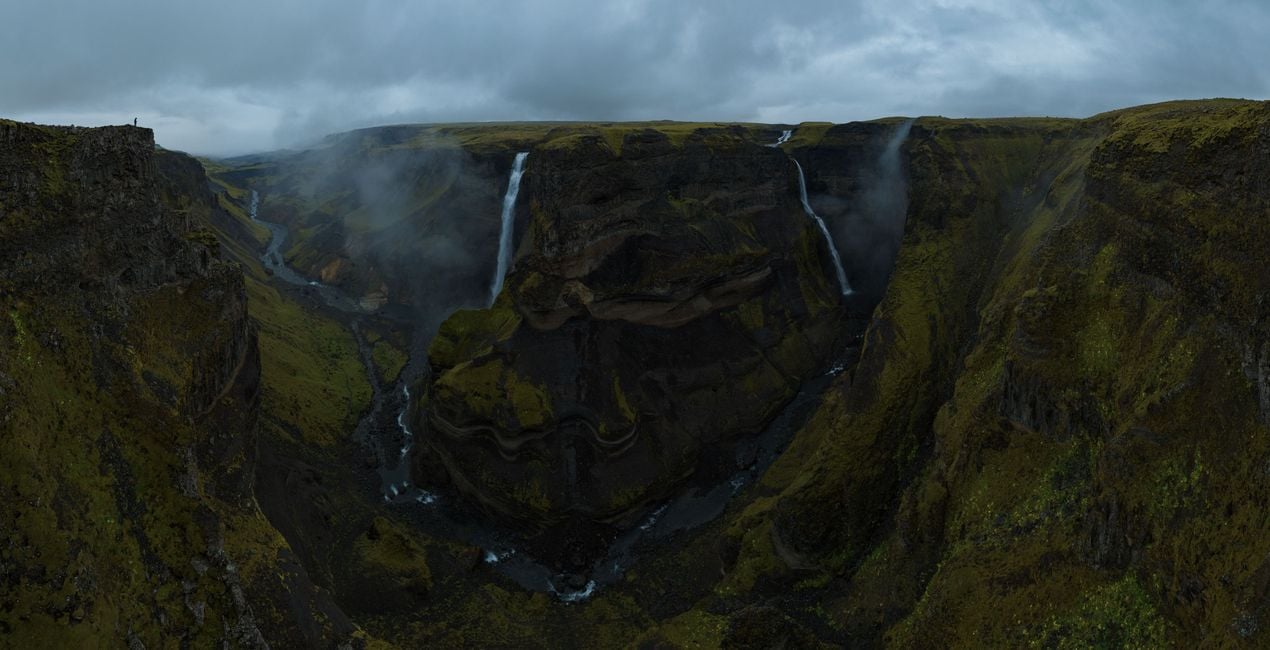
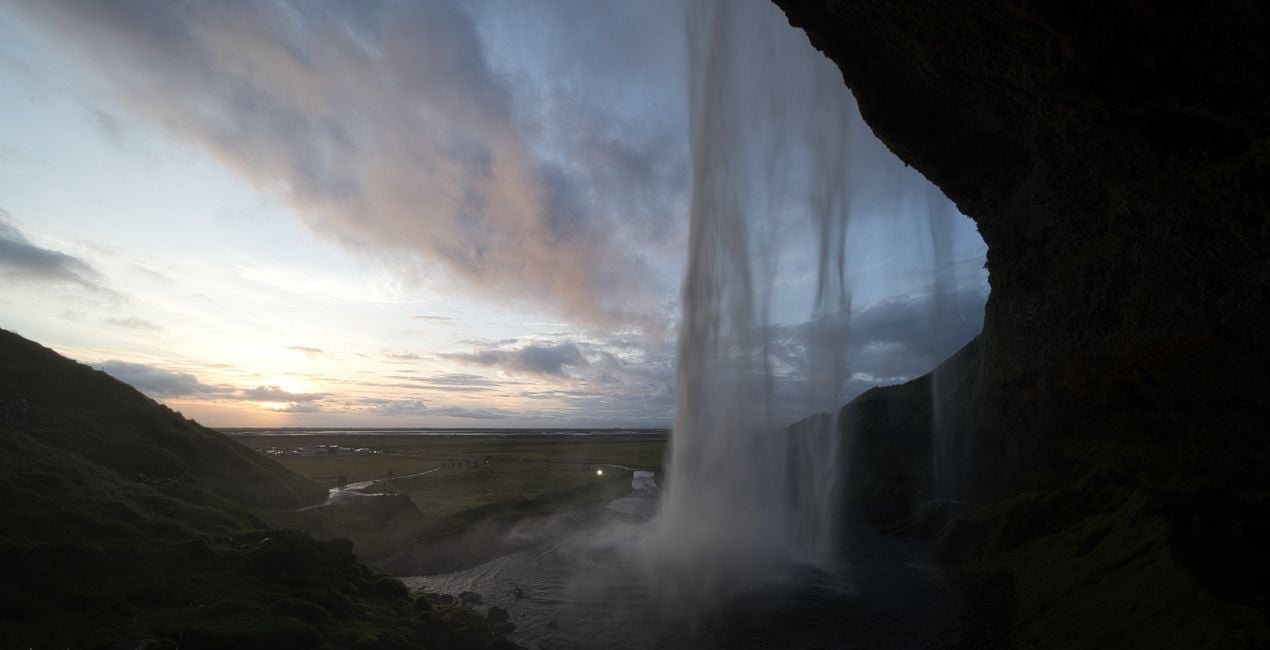
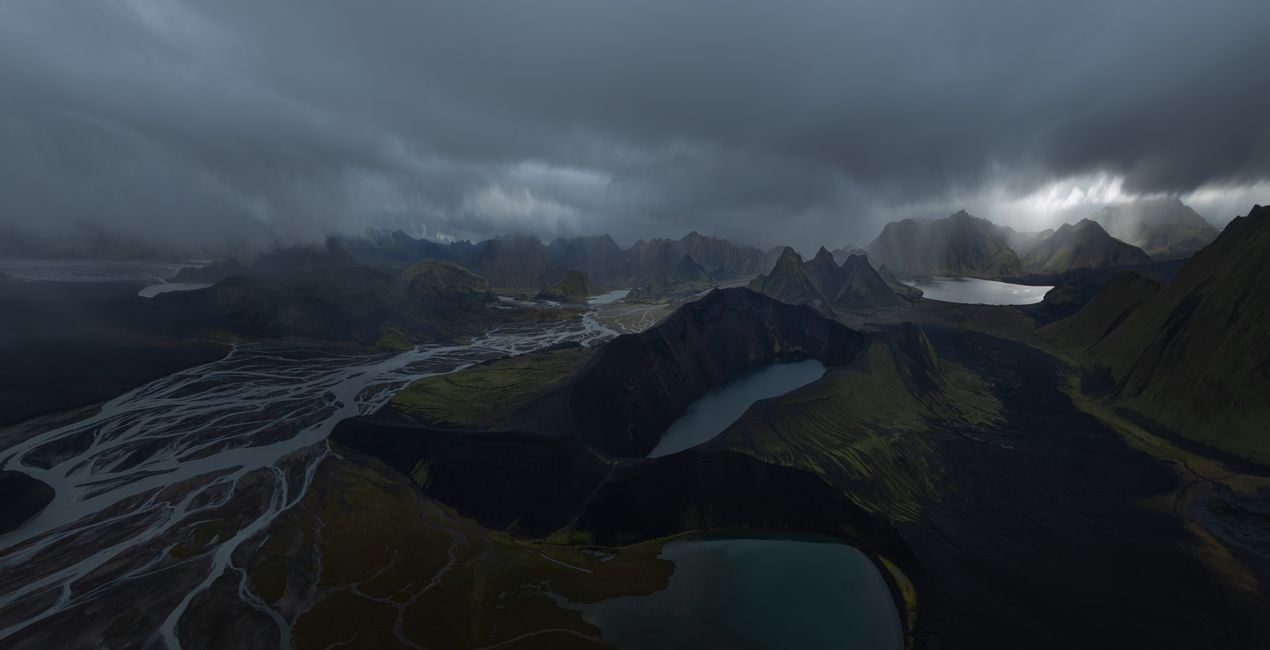
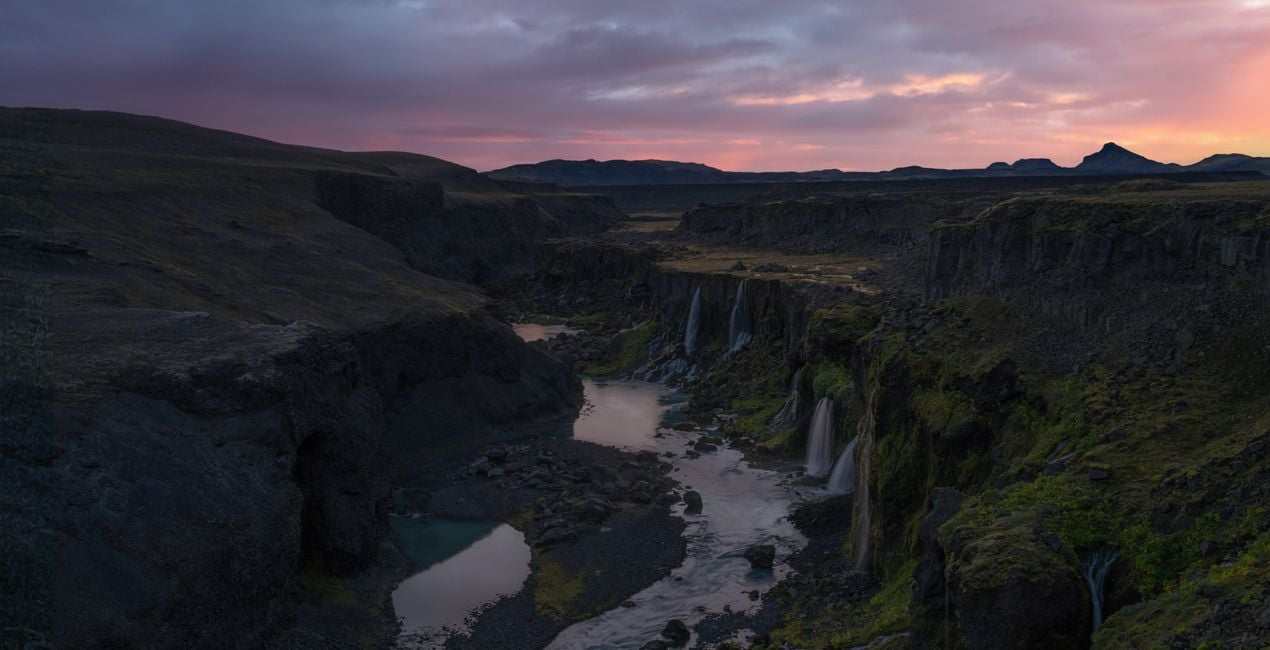
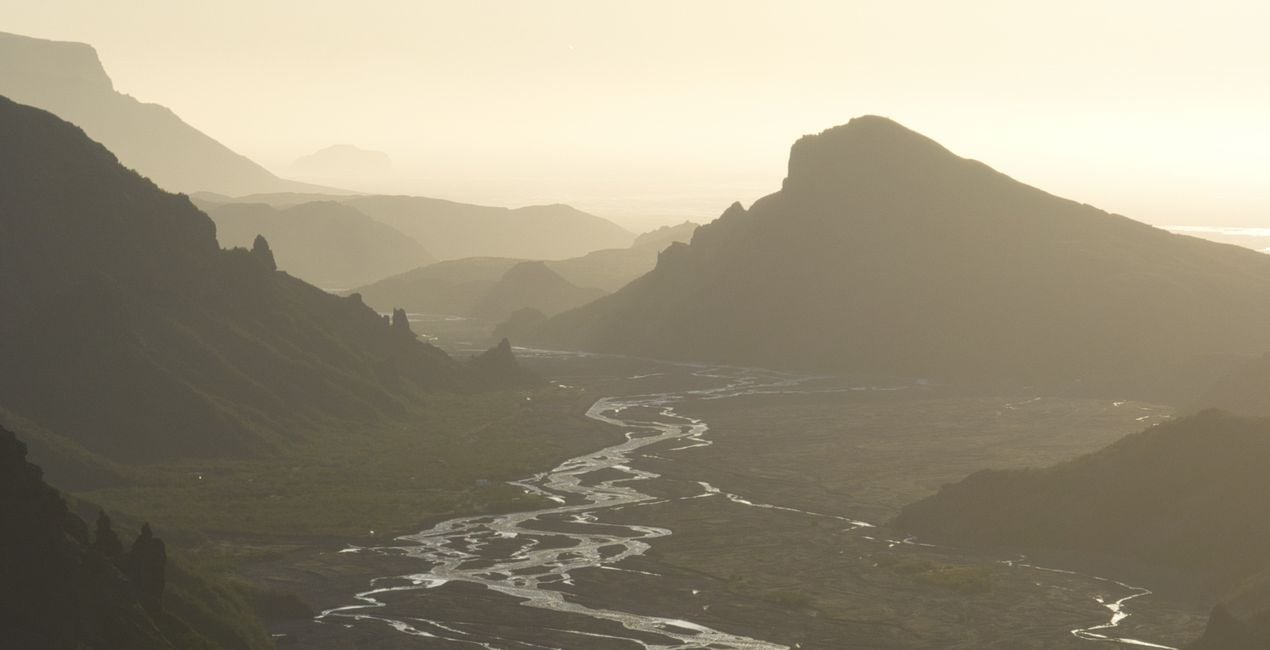
Utilizzando i file RAW forniti, potrai mettere facilmente in pratica i consigli di ritocco e imparare a ottenere foto come queste.
.jpg?w=1270&h=650&resize=cover) >
>
.jpg?w=1270&h=650&resize=cover) >
>
.jpg?w=1270&h=650&resize=cover) >
>
copy.jpg?w=1270&h=650&resize=cover) >
>
.jpg?w=1270&h=650&resize=cover) >
>
.jpg?w=1270&h=650&resize=cover) >
>
La storia
Introducing an outstanding collection by Jabi Sanz — a set of 10 meticulously crafted Presets designed to elevate your dark and moody landscape photography to new heights. Immerse your photos in a captivating atmosphere, where shadows dance and highlights whisper, creating a stunning visual narrative that resonates with emotion.
Jabi Sanz, a renowned name in the world of photography, brings his signature touch to this collection, ensuring that each Preset is a work of art in itself. These Presets are tailor-made for those who seek to evoke a sense of mystery, drama, and depth in their images, transforming ordinary landscapes into extraordinary visual stories.
Whether you're capturing the brooding beauty of a dense forest, the haunting allure of a mist-covered mountain, or the enigmatic charm of the seascapes, these Presets are your key to unlocking a world of creative possibilities. The careful balance of darkness and light in these Presets adds a cinematic quality to your photos, making them stand out in a sea of ordinary images.
Take your audience on a journey through the shadows, where every detail is emphasized, and every nuance is accentuated. With just a click, Jabi Sanz's Presets infuse your photographs with a sense of atmosphere, allowing you to express the mood and emotion you envisioned at the moment of capture.
You will find 10 Presets in this Pack:
Connection: Dramatic look with an emphasis on vivid colors.
Glowing: Accentuate the warm, golden tones in an image and bring it to life.
Highland: Give a nice lift to your images with colors, light and contrast.
Volcanos: Accentuates the highlights and depths in an image.
Warm Morning: Lift the warm colors on the images and saturation.
Level Up: Recovers the highlights and shadows, creating a dreamlike atmosphere.
Cold Autumn: Gives cold tones to the image without losing the warm highlights.
Warm Up: Enhances the sunset tones and creates a better color separation, adding a dreamy look.
Moody: Works great to create dramatic, moody images, enhancing the atmosphere.
Dark: Perfect for flat images, creates a dark moody atmosphere with a fairytale look.
Prodotti correlati


Creator
Jabi Sanz
Photographer. Skylum Ambassador.
<p>Jabi Sanz is a landscape and travel photographer from Pamplona, a small city in northern Spain. He never had a professional camera or a passion for photography until his trip to Iceland. Iceland really blew his mind, and now Jabi can’t imagine his life without photography. His inspiration comes from nature, with all the beauty, variety of colors, sounds, and compositions. Photography and travel open new horizons for Jabi and take him to places he has never been.<br></p>
Come faccio a contattare l'assistenza?
Se hai domande sui prodotti, puoi contattare il team dell'assistenza tutti i giorni, 24 ore al giorno. Utilizza questo link.
Come faccio ad acquistare Gloomy Landscapes?
Per acquistare Gloomy Landscapes, segui questi passaggi:
1. Apri il Marketplace di Skylum.
2. Vai sulla scheda dove è elencato Gloomy Landscapes. Clicca sul nome del prodotto per aggiungerlo al carrello.
3. Vai al carrello, dove potrai completare l'acquisto di Gloomy Landscapes.
4. Dopo l'acquisto, riceverai un'e-mail con il link per scaricare Gloomy Landscapes. Potrai trovare il nuovo acquisto anche nel tuo account Skylum, nella scheda I miei add-on.
Come faccio a installare Gloomy Landscapes?
Nell'e-mail con il link per il download riceverai anche istruzioni dettagliate su come installare Gloomy Landscapes.
Inoltre, puoi installare l'articolo acquistato direttamente in Luminar Neo: vai su Extra > Marketplace, seleziona la categoria di prodotto, trova l'articolo acquistato e clicca su Installa.
Dove trovo Gloomy Landscapes dopo l'installazione?
È facilissimo! Vai nella scheda Preset, quindi seleziona Acquistati. Qui troverai i preset che hai acquistato.
Che succede se perdo Gloomy Landscapes?
Non preoccuparti. Tutti gli articoli acquistati, incluso Gloomy Landscapes, vengono conservati nella scheda "I miei add-on" del tuo account Skylum, così potrai riscaricarli e utilizzarli in tutta facilità.
Come faccio a verificare se Gloomy Landscapes è compatibile con i miei software?
In generale, la maggior parte degli articoli è compatibile con Luminar Neo. Ma per assicurarti che Gloomy Landscapes sia compatibile con i tuoi software, verificane le specifiche prima di scaricarlo o acquistarlo. Cerca la sezione "Compatibilità" sulla destra della pagina di Gloomy Landscapes, dove sono elencati tutti i prodotti compatibili.


