


 Applicato


Nordic Summer
Save $201 $ 19 .00

Thanks to this Luminar Neo Preset collection, you can enhance the unique and different colors of nature in your photos. It’s particularly well-suited for the landscapes that turn green in the summer in the Arctic parts of Norway. Instead of snowy mountains, you can bring the best out of the lush slopes and highlight the redness of the sun, among other scenes taken during the summer in Scandinavia.

Utilizzando i file RAW forniti, potrai mettere facilmente in pratica i consigli di ritocco e imparare a ottenere foto come queste.
 >
>
 >
>
 >
>
 >
>
 >
>
 >
>
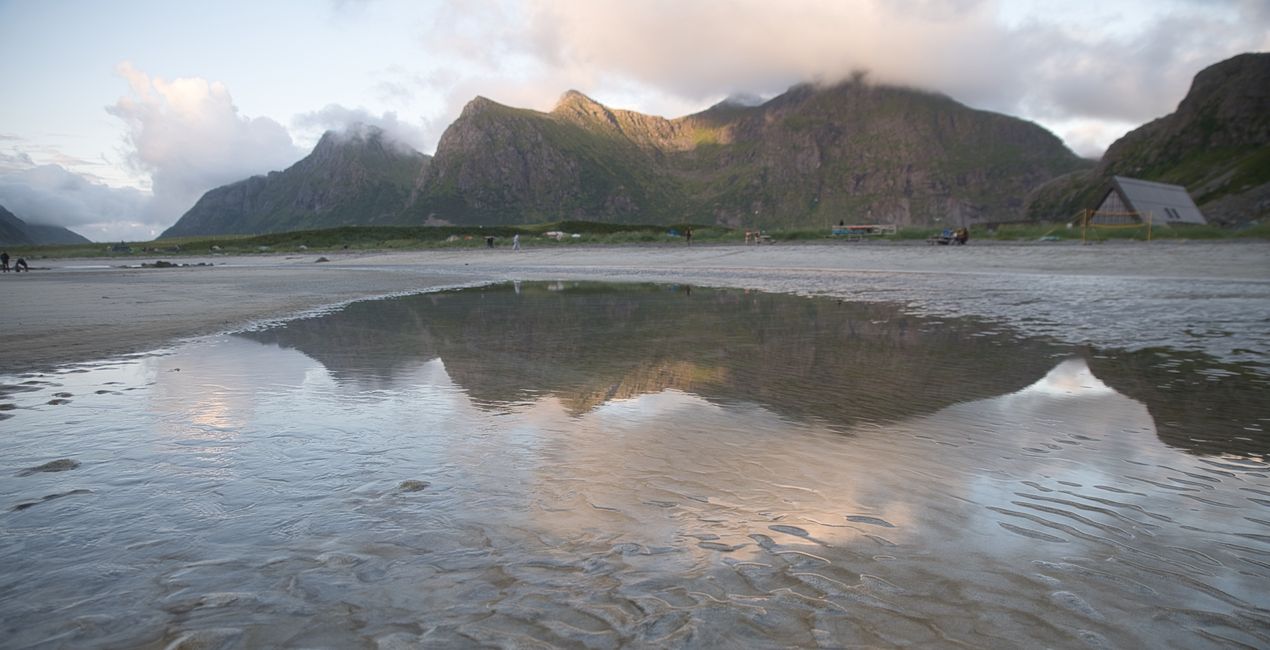
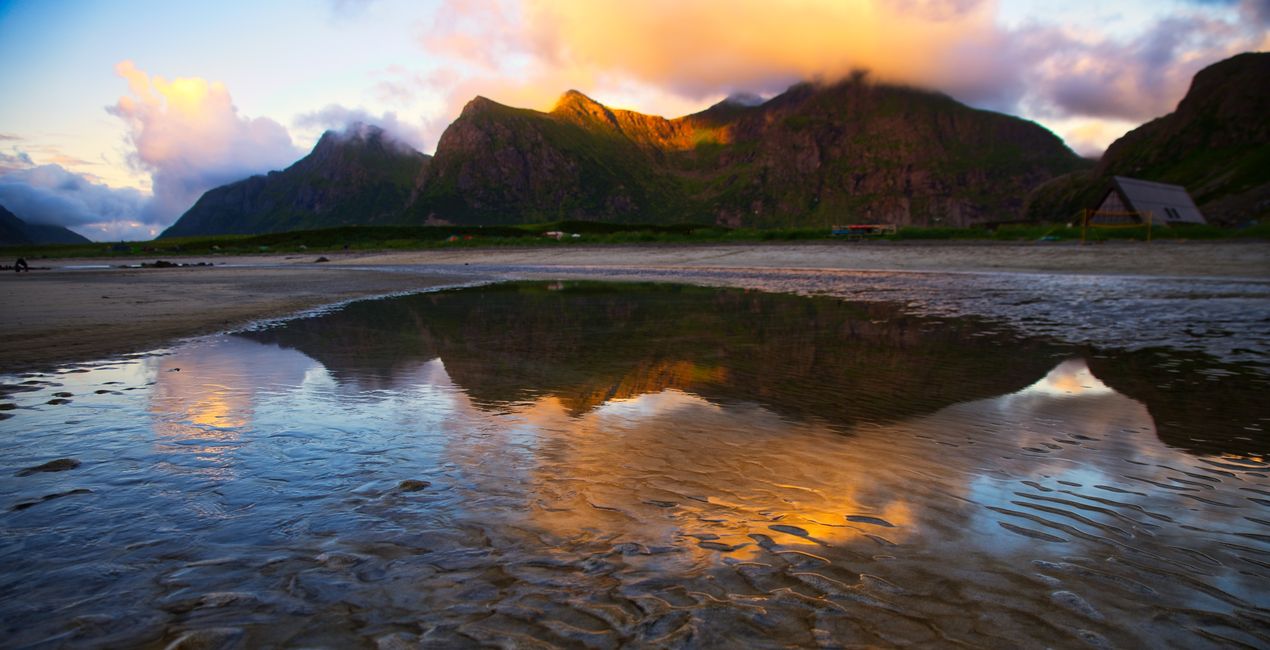
This collection is produced for photographs taken during the summer in the Lofoten Islands. Typically famous for its winter season, the late spring and early summer that symbolize the awakening of nature have been a source of motivation for the photographer. Enhance your photos that contain the vibrant colors of nature and the sun's marvelous lighting throughout the day.
With Ahmet Anak's Preset package, you can transform the photos you take in the Nordic countries during the summer into photos where colors come alive, while contrast and light engulf the audience with a single click. The Presets included in this package change the perspective of the photograph and reveal different results on light, color, and contrast. Experiment with different Presets to give the viewer different emotions in terms of perspective.
You will find 10 Presets in this pack:
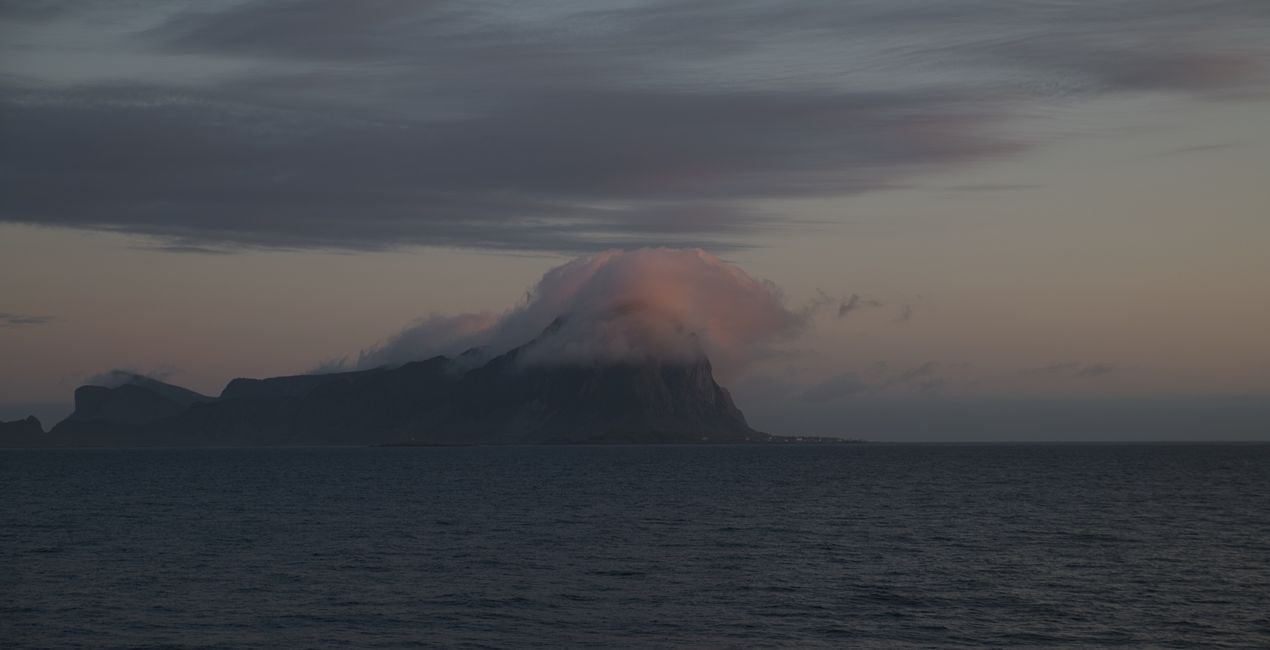
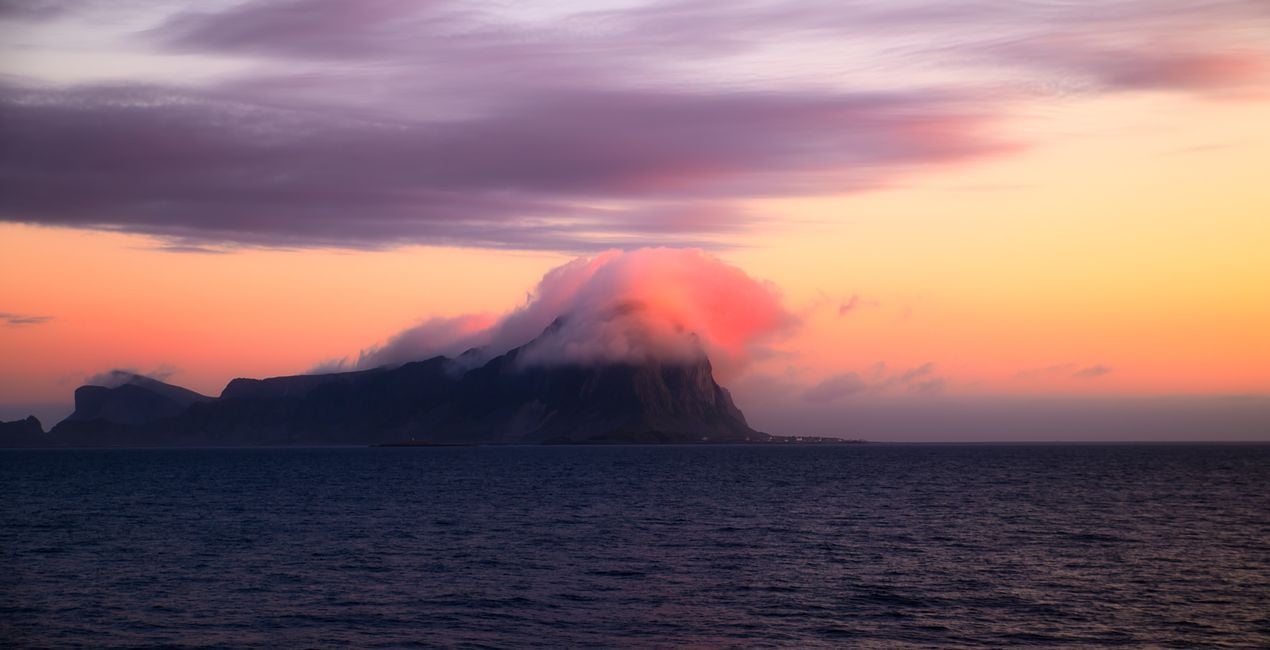
Pink Clouds: This Preset is perfect for photos that contain clouds in motion and the pink reflection of the sunset on the clouds, especially in high shutter speed photos.
Aerial Magic: This Preset is great for photos taken from a bird's-eye perspective that show patches of land by a road from above. It enhances colors and contrast and is recommended for drone photography.
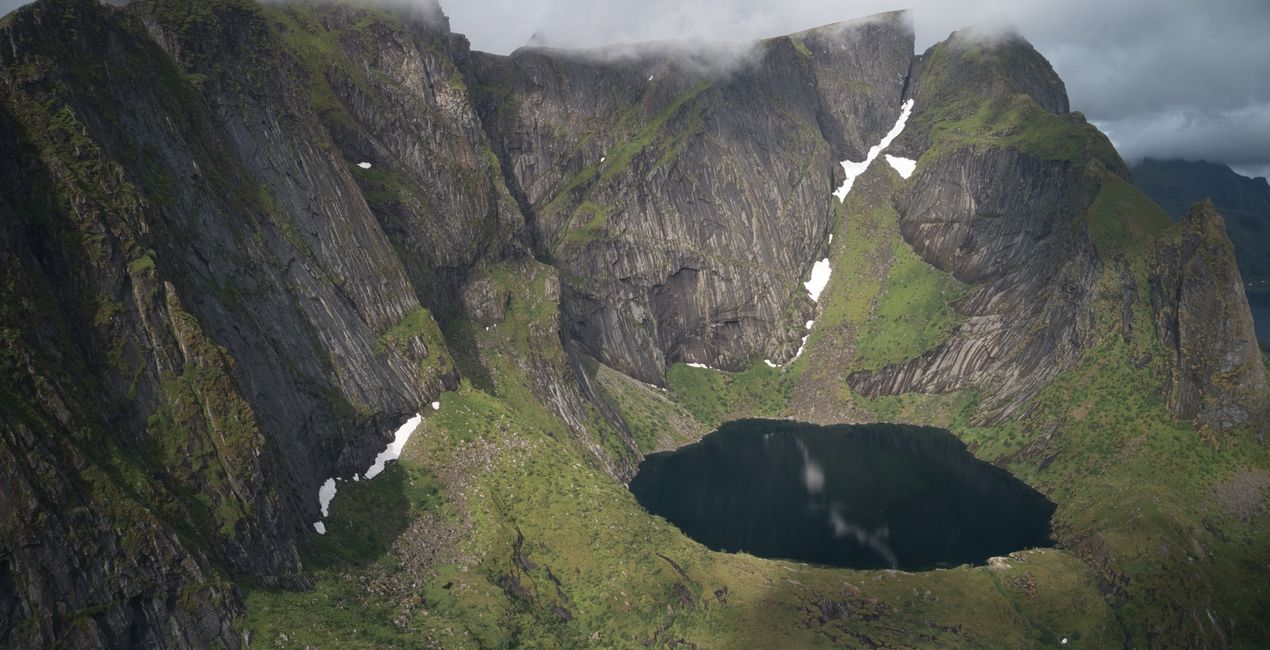
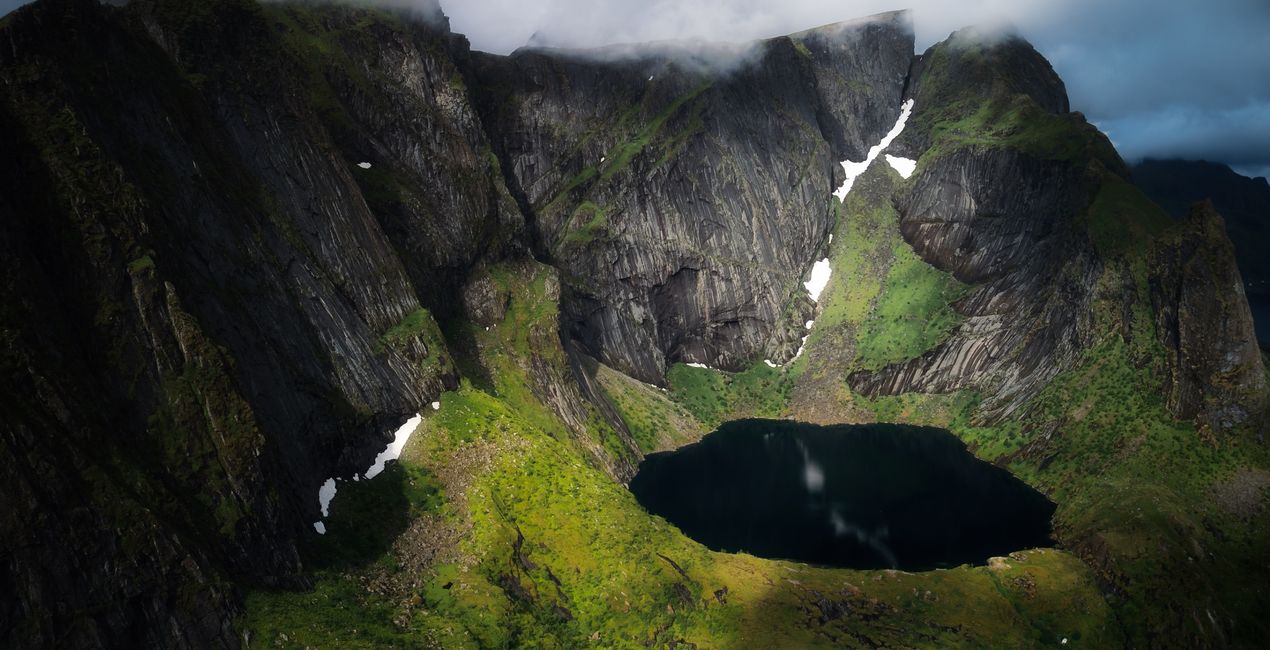
Deep Lake: This Preset is great for photos of bodies of water that feature light, for example, a lake formed in the arms of a mountain that contains magnificent illumination on the surface, plus shadowplay on the cliffs. It can also be used for drone photos.
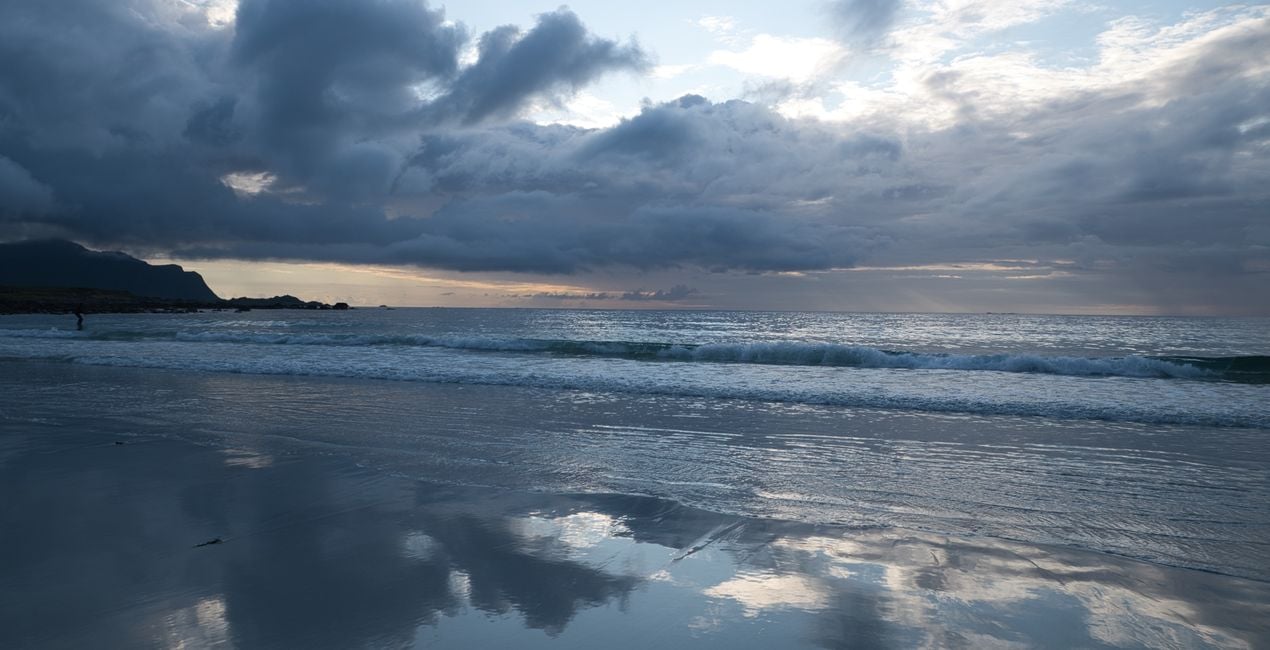
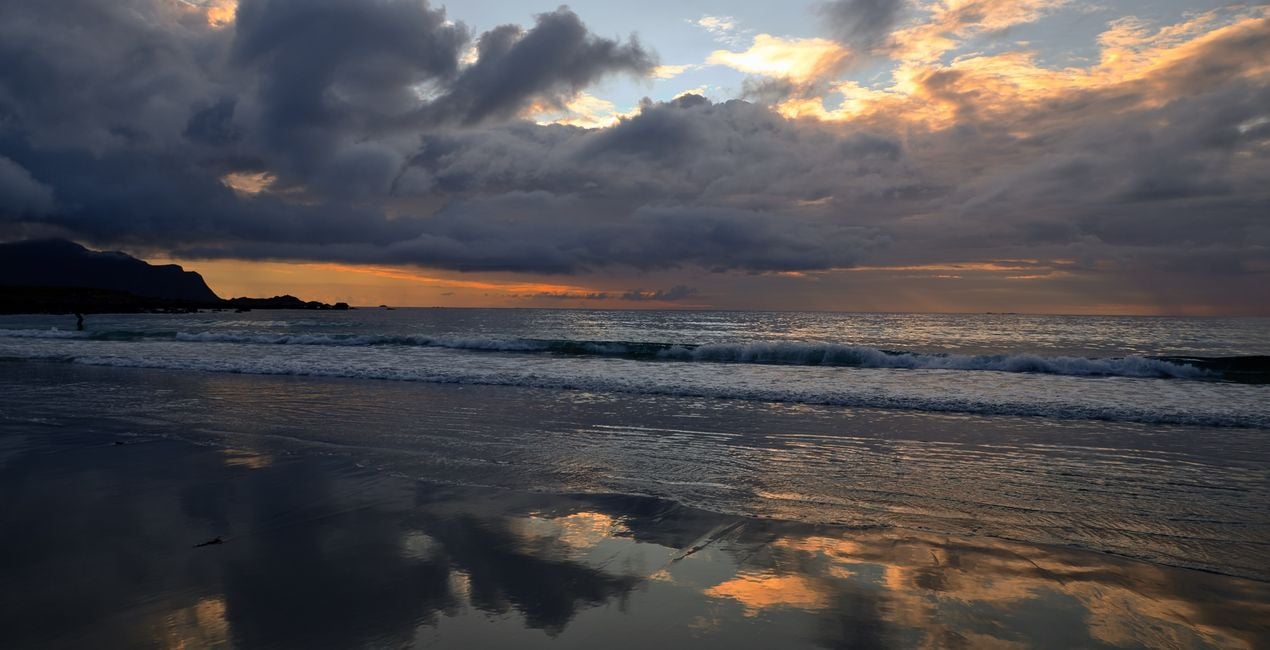
Mirror Beach: This Preset can be used for night shots, like those of a beach illuminated by the midnight sun and the reflection of the clouds on the water. Try it on coastal and beach views.
Reflection Coast: This Preset is ideal for golden hour and reflection photos. Try it on photos featuring a mountain view and the red of the sun reflected in a pool of still water that accumulates on the beach.
Morning Brightstar: This Preset is recommended for soft light conditions, for example those golden hour times when the light glides behind the mountain in the early hours of sunrise.
Dancing Clouds: This Preset is ideal for reflection photos and is recommended for more dominant color tones. Try it on a photo of a pond in a lush green field with the reflection of clouds in it.
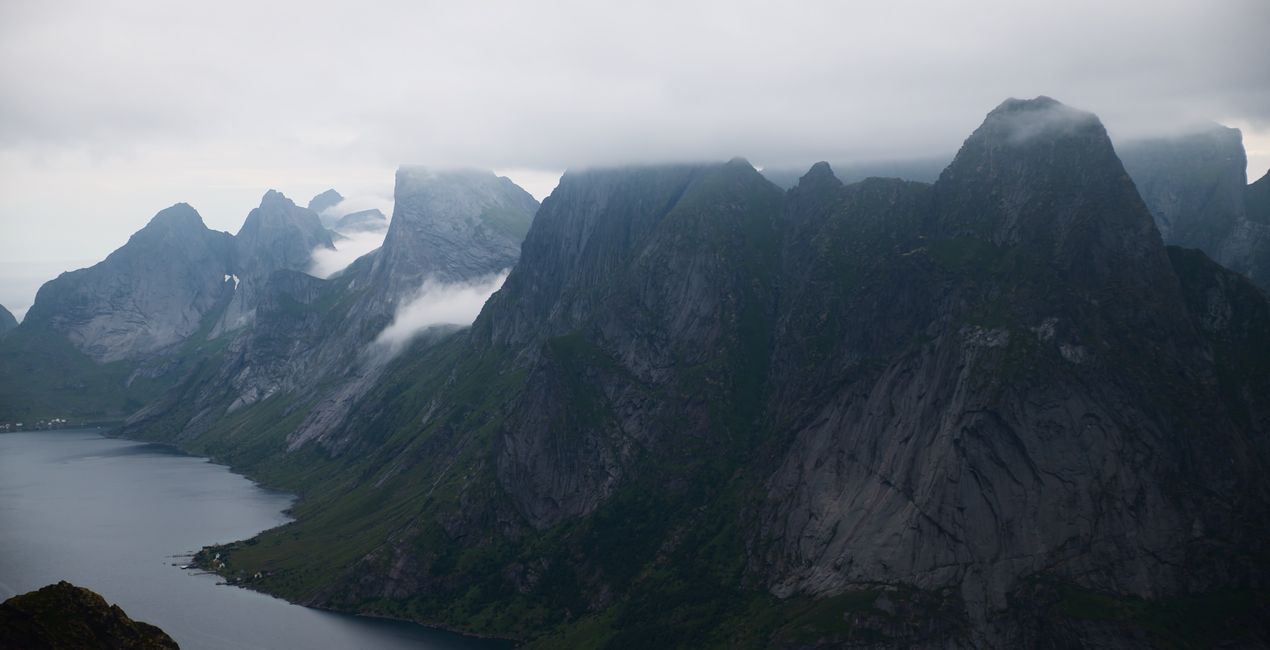
Misty Calm: This Preset is recommended for photos with an atmosphere of clarity after rain, dense clouds covering the tops of a mountain, and a small amount of haze.
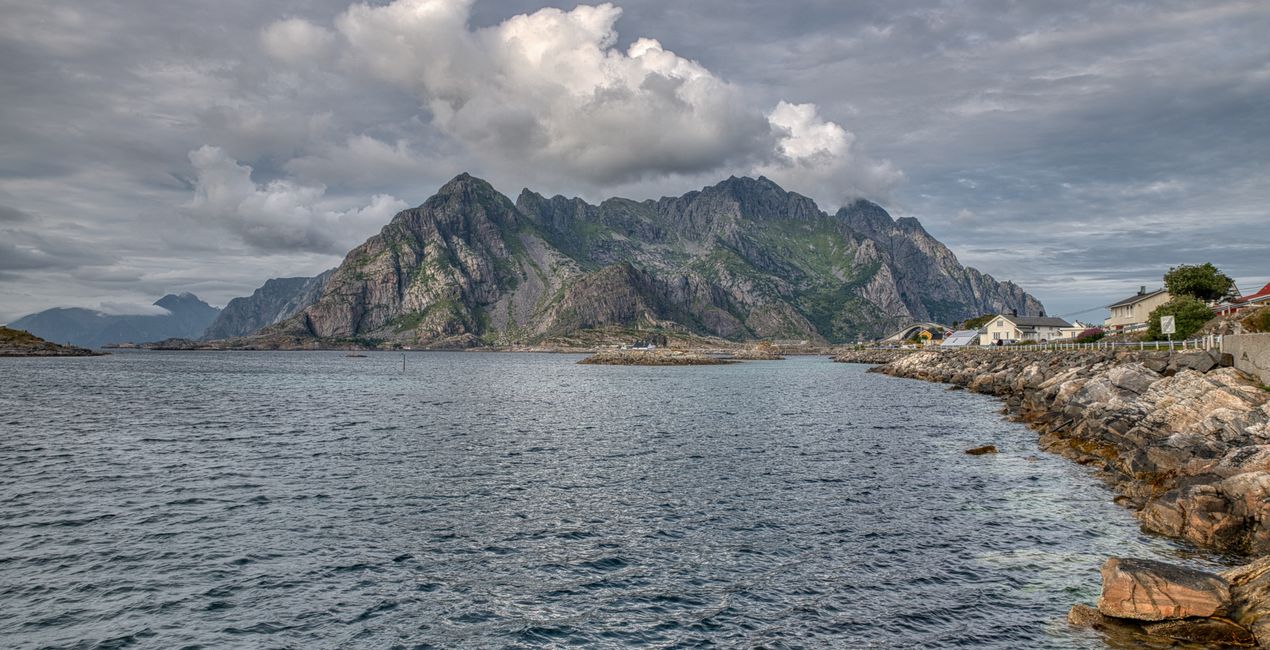
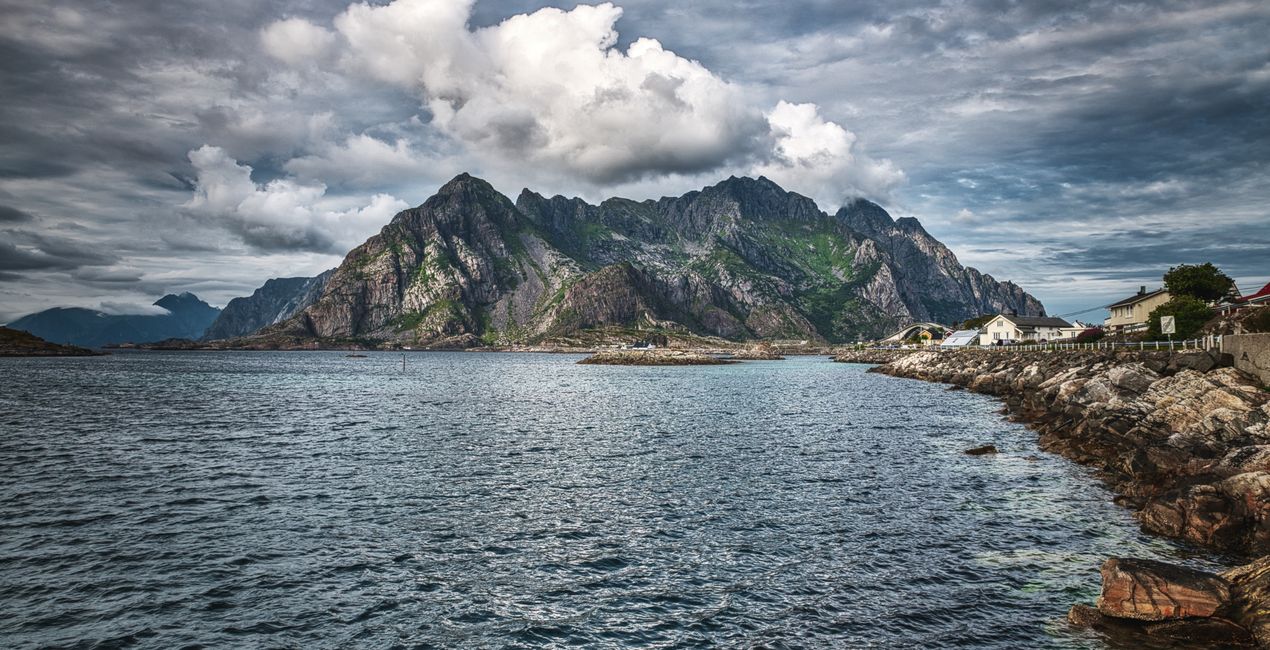
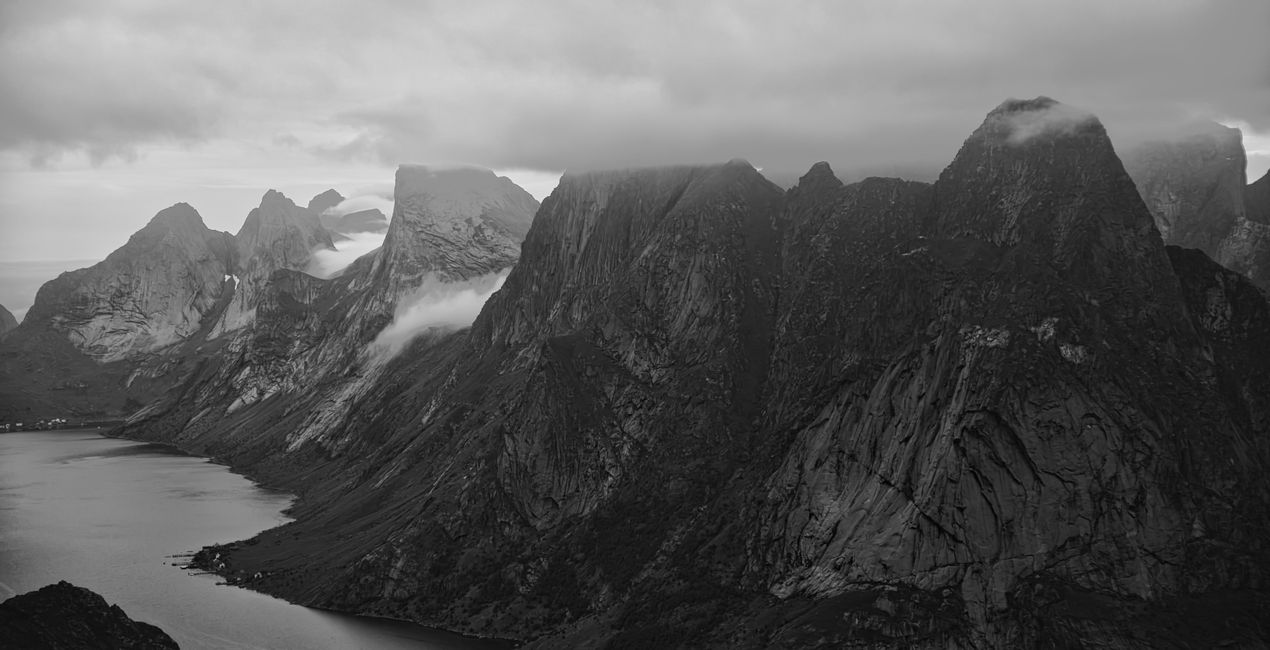
Dramatic Mood: This Preset is ideal for a mountain range with heavy cloud formation, especially for black and white photos. Highlight the surface details of the mountains with a click.
Blown Out Details: A Preset for mountainscapes, sea and coastal views for those who like a vivid HDR image of one or several photos. This Presets brings out all details in the foreground and slightly reduces the saturation of yellow and orange colors.
Remember to adjust the Amount slider when using Presets. In this way, you determine the point where the Preset meets your photo best. If you need more settings, you can make adjustments in the Edit section, where you can see the components of the Preset you are using.
Never be afraid to use your creativity when using Presets. Let the Presets be something that fires you up.
Landscape, nature photographer, colorist and retoucher
Ahmet Anak lives in Paris, France. He has worked in the design of air conditioning products for about 25 years and has been involved in professional photography for over 10 years. He has been working in photography full-time for the last 3 years.
Ahmet has traveled to more than 20 countries so far and has taken nature and landscape photographs in these countries. He went to Finland, Iceland and Norway from Northern European countries and took various photographs in the parts of those regions that remain in the Arctic Circle.
The photographs he took in Finland were published in one of Turkey's popular travel magazines. It also shares some of the photos it takes with stock photography sites and provides downloadable versions of these photos. He has been interested in drone photography for the last two years and has started to add bird's-eye photos to his archive.
Ahmet works with Luminar products while processing his photographs. Ahmet, one of the first users of Luminar, is currently working with Luminar Neo.
Se hai domande sui prodotti, puoi contattare il team dell'assistenza tutti i giorni, 24 ore al giorno. Utilizza questo link.
Per acquistare Nordic Summer, segui questi passaggi:
1. Apri il Marketplace di Skylum.
2. Vai sulla scheda dove è elencato Nordic Summer. Clicca sul nome del prodotto per aggiungerlo al carrello.
3. Vai al carrello, dove potrai completare l'acquisto di Nordic Summer.
4. Dopo l'acquisto, riceverai un'e-mail con il link per scaricare Nordic Summer. Potrai trovare il nuovo acquisto anche nel tuo account Skylum, nella scheda I miei add-on.
Nell'e-mail con il link per il download riceverai anche istruzioni dettagliate su come installare Nordic Summer.
Inoltre, puoi installare l'articolo acquistato direttamente in Luminar Neo: vai su Extra > Marketplace, seleziona la categoria di prodotto, trova l'articolo acquistato e clicca su Installa.
È facilissimo! Vai nella scheda Preset, quindi seleziona Acquistati. Qui troverai i preset che hai acquistato.
Non preoccuparti. Tutti gli articoli acquistati, incluso Nordic Summer, vengono conservati nella scheda "I miei add-on" del tuo account Skylum, così potrai riscaricarli e utilizzarli in tutta facilità.
In generale, la maggior parte degli articoli è compatibile con Luminar Neo. Ma per assicurarti che Nordic Summer sia compatibile con i tuoi software, verificane le specifiche prima di scaricarlo o acquistarlo. Cerca la sezione "Compatibilità" sulla destra della pagina di Nordic Summer, dove sono elencati tutti i prodotti compatibili.
Non andartene ancora. Ecco un codice sconto esclusivo per te. Usalo entro i prossimi 15 minuti per ottenere un ulteriore sconto del 10% al momento del pagamento. Copia il codice qui sotto e completa l'acquisto.
15 m : 00 s





