


 Applicato


Lofoten Dreams
Save $201 $ 19 .00

Transform photos of your trips through Norway's extraordinary nature into even more iconic images with this pack of Luminar Neo Presets. Impress the viewers with your photos.

Utilizzando i file RAW forniti, potrai mettere facilmente in pratica i consigli di ritocco e imparare a ottenere foto come queste.
 >
>
 >
>
 >
>
 >
>
 >
>
 >
>
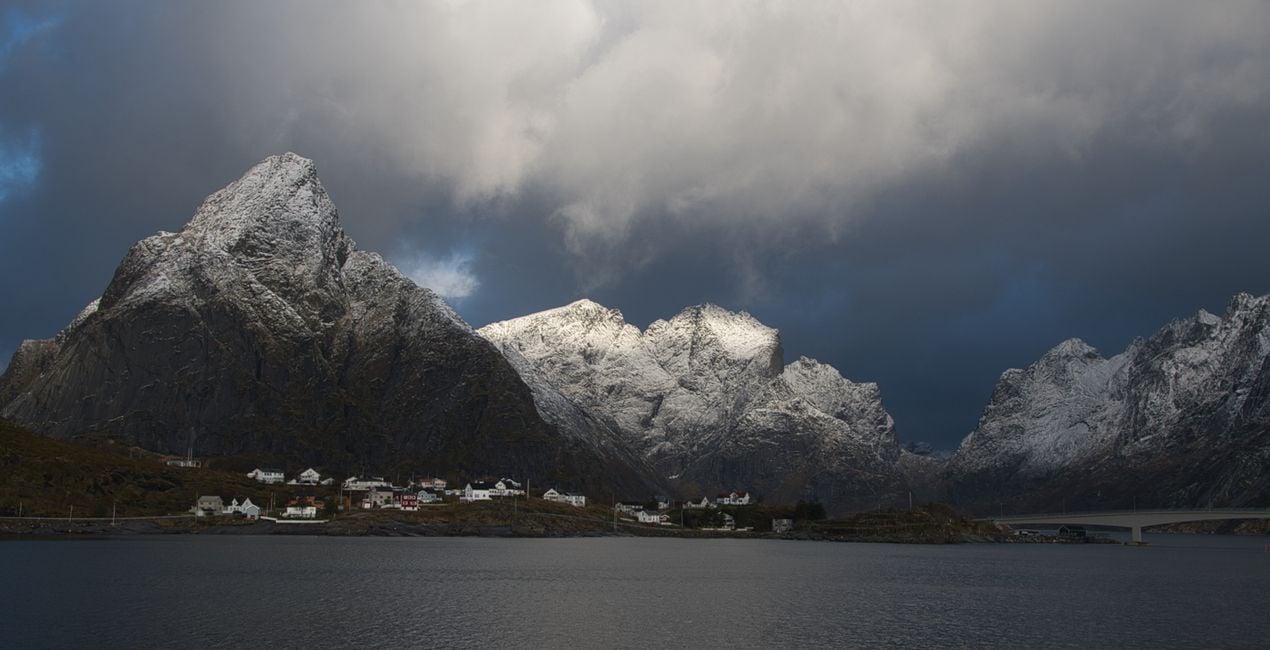
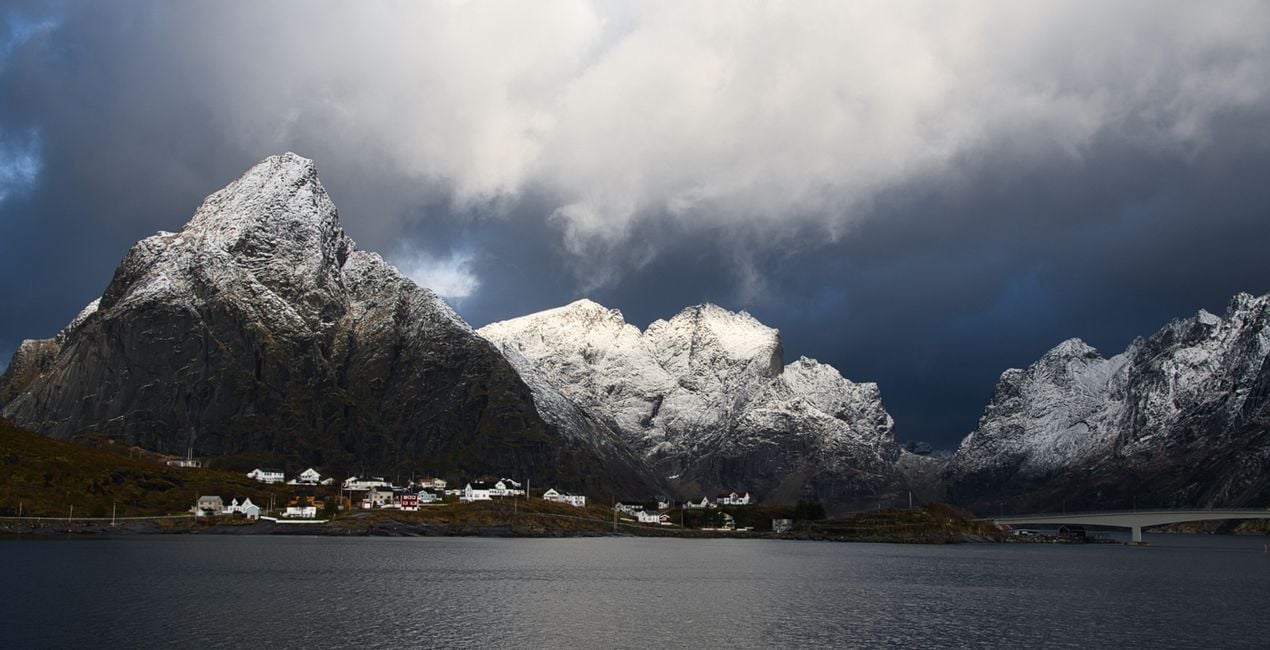
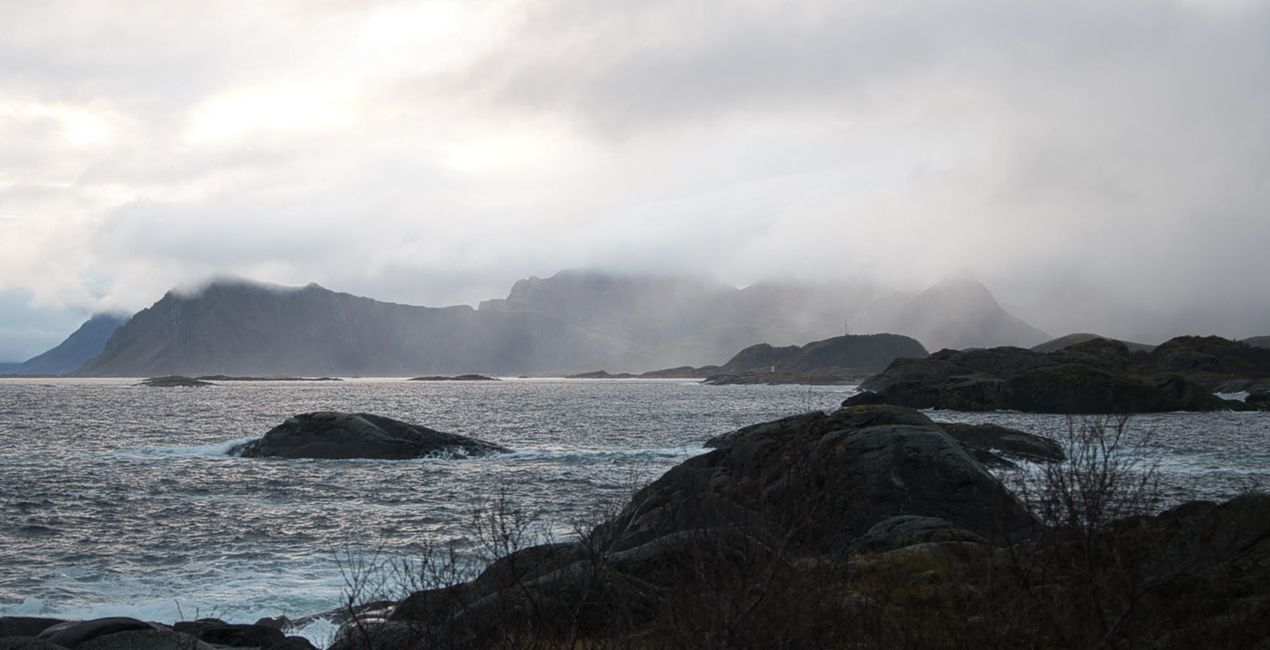
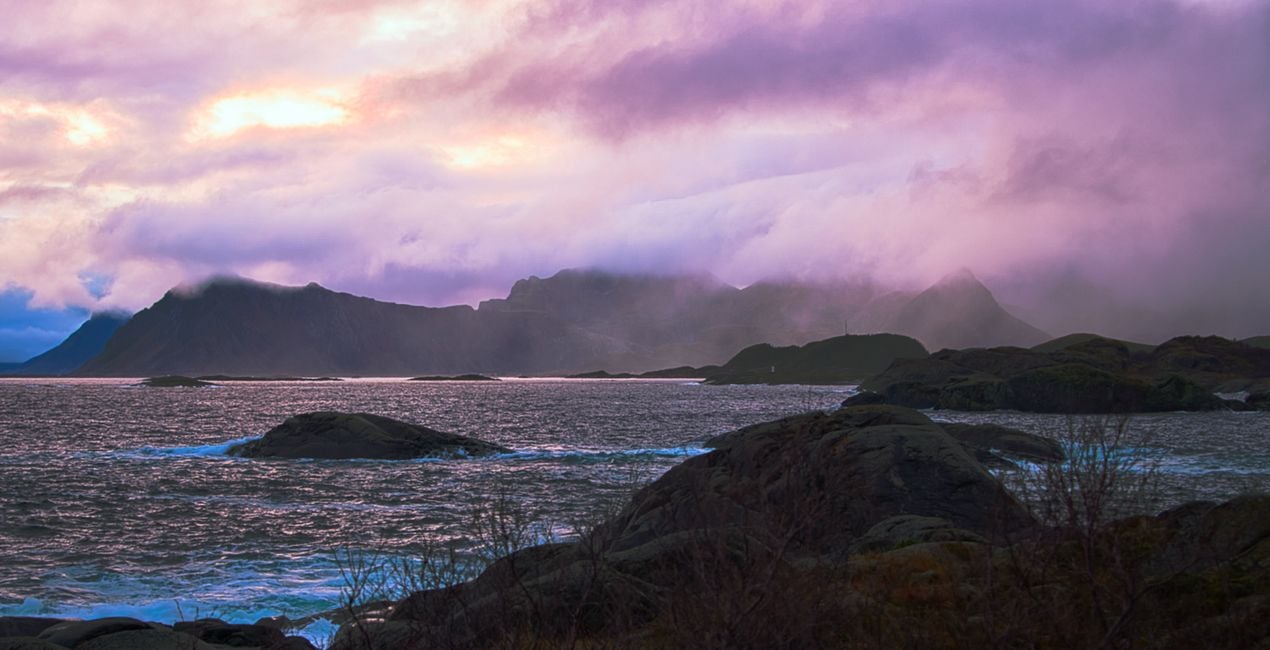
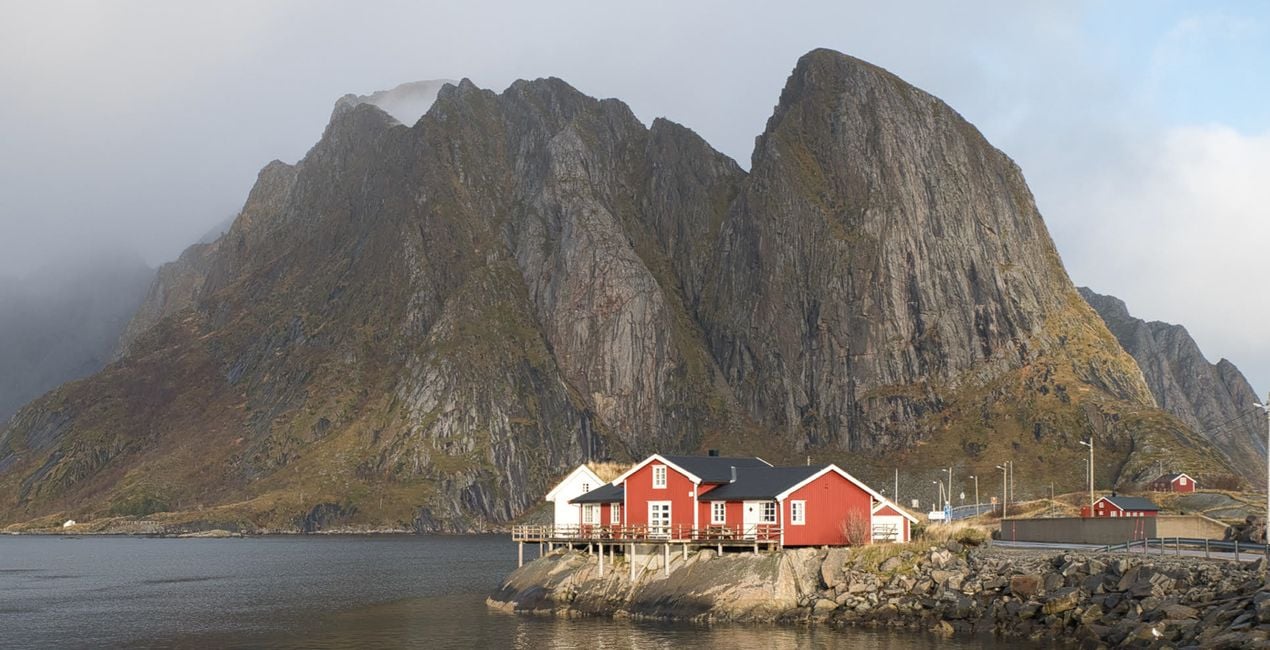
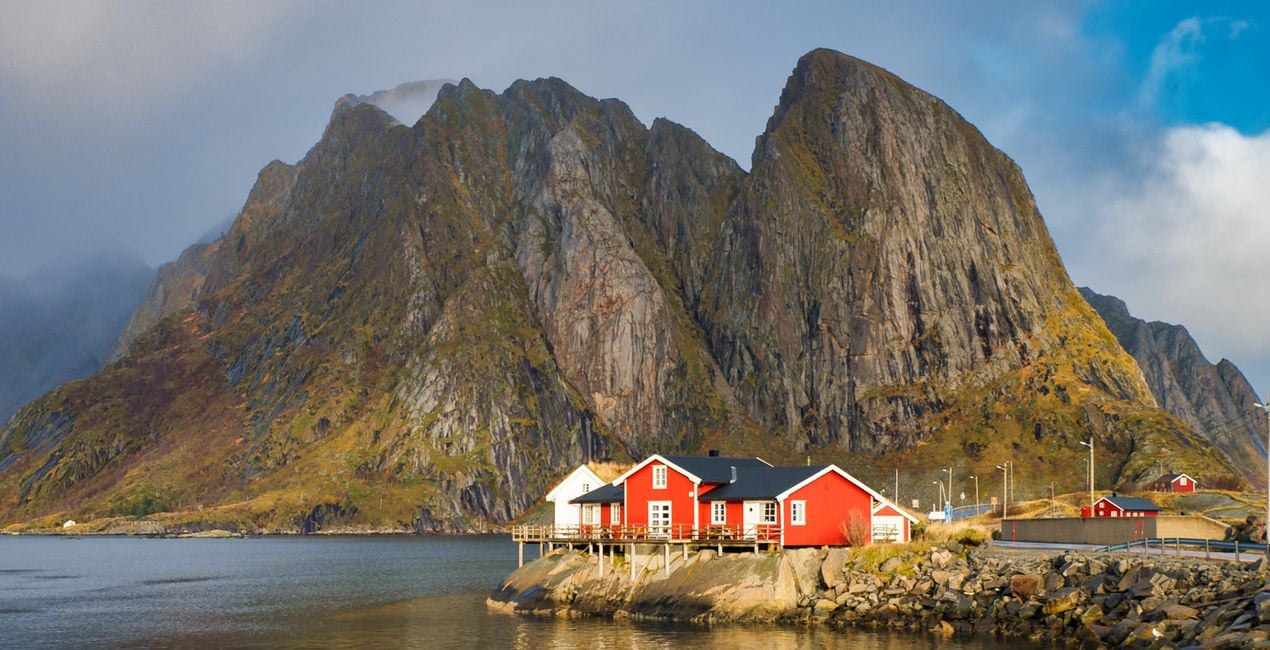
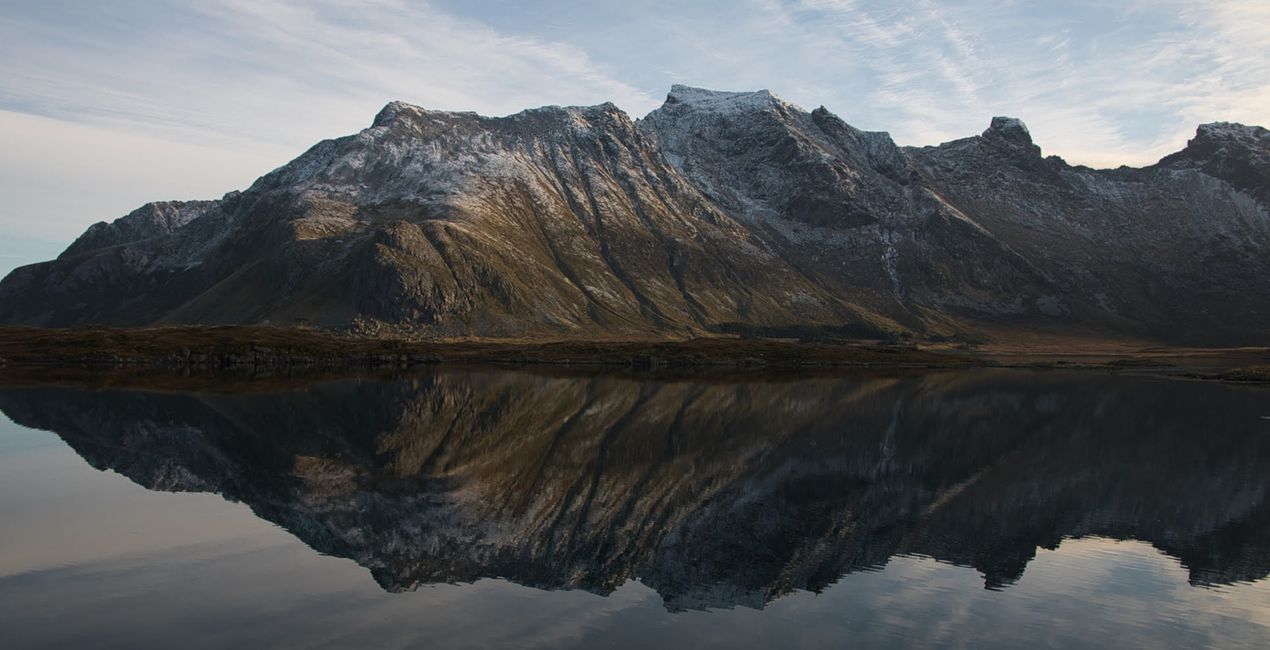
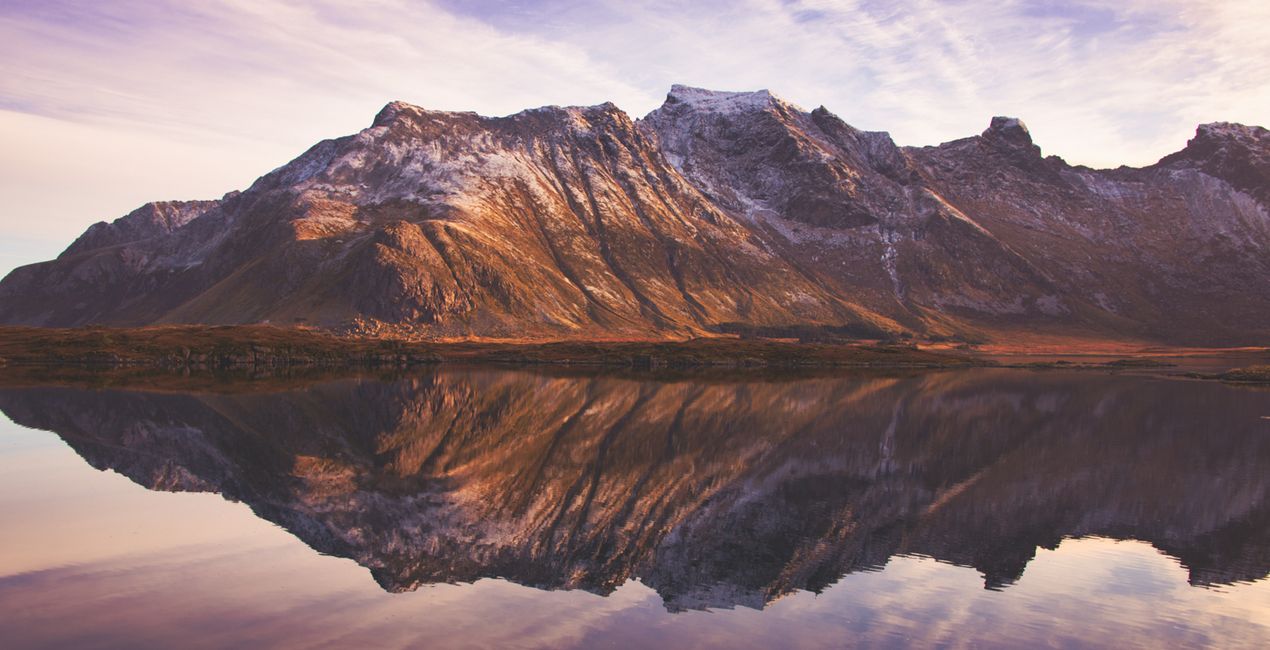
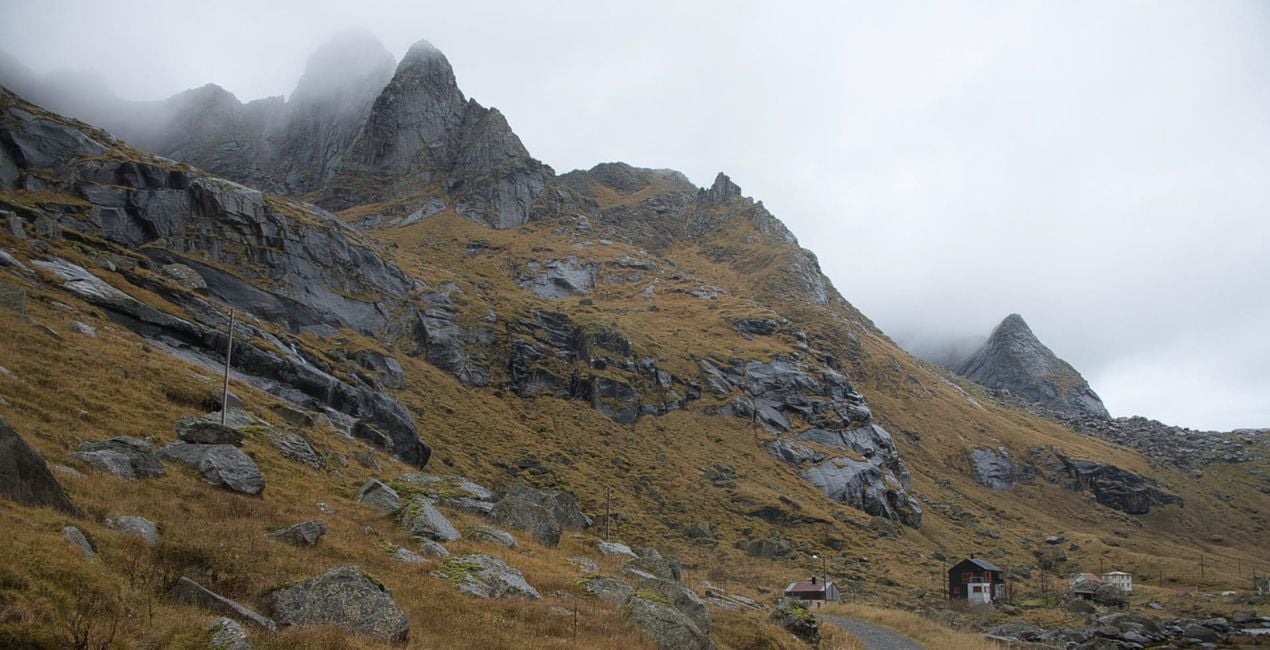
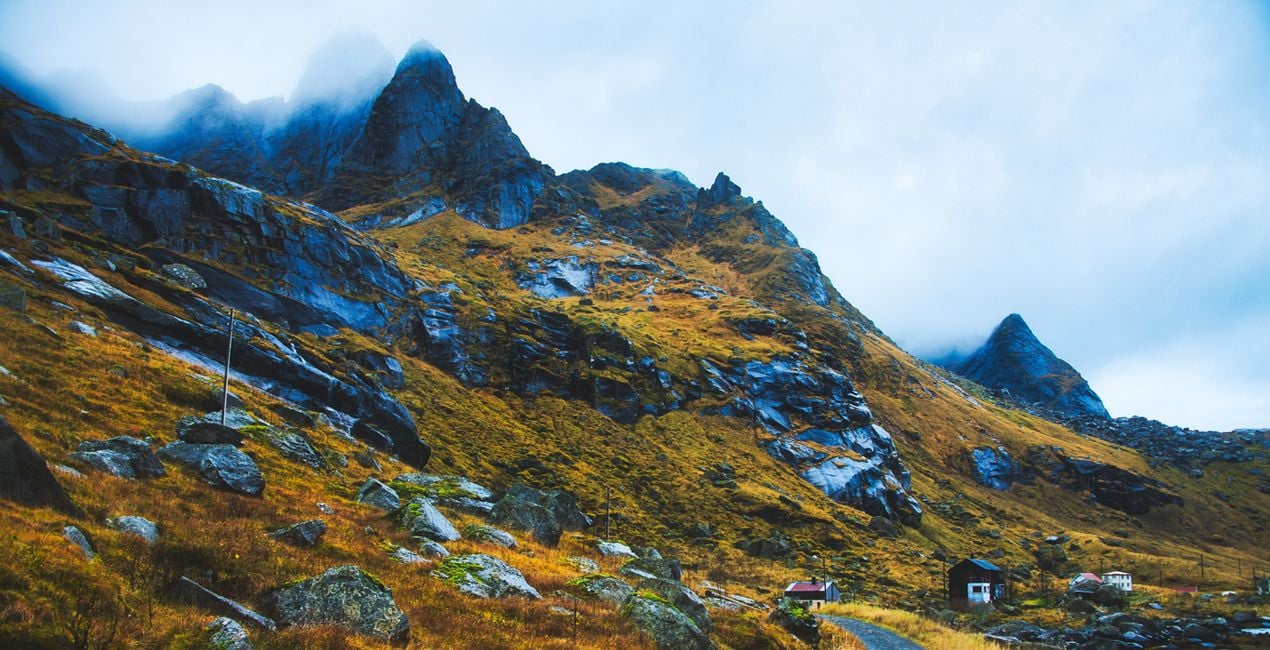
This Presets collection is produced from photos taken during a trip to the Lofoten Islands of Arctic Norway. The unique nature and picturesque landscapes of that region have been a source of inspiration for the photographer.
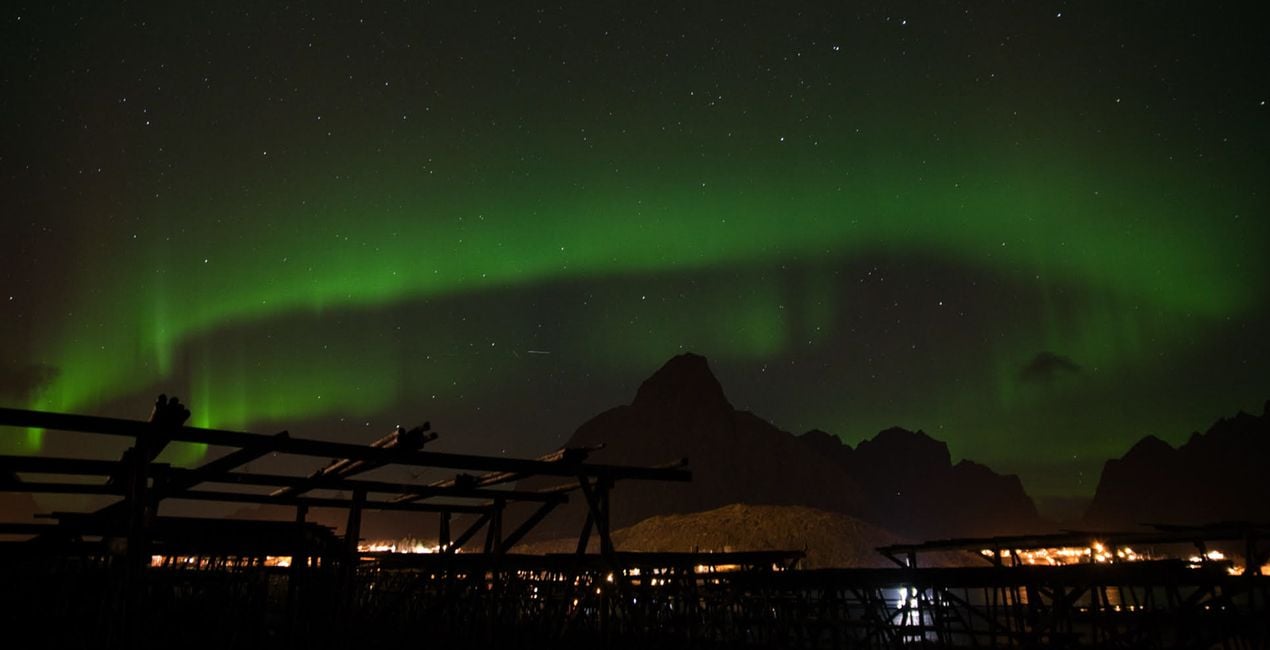
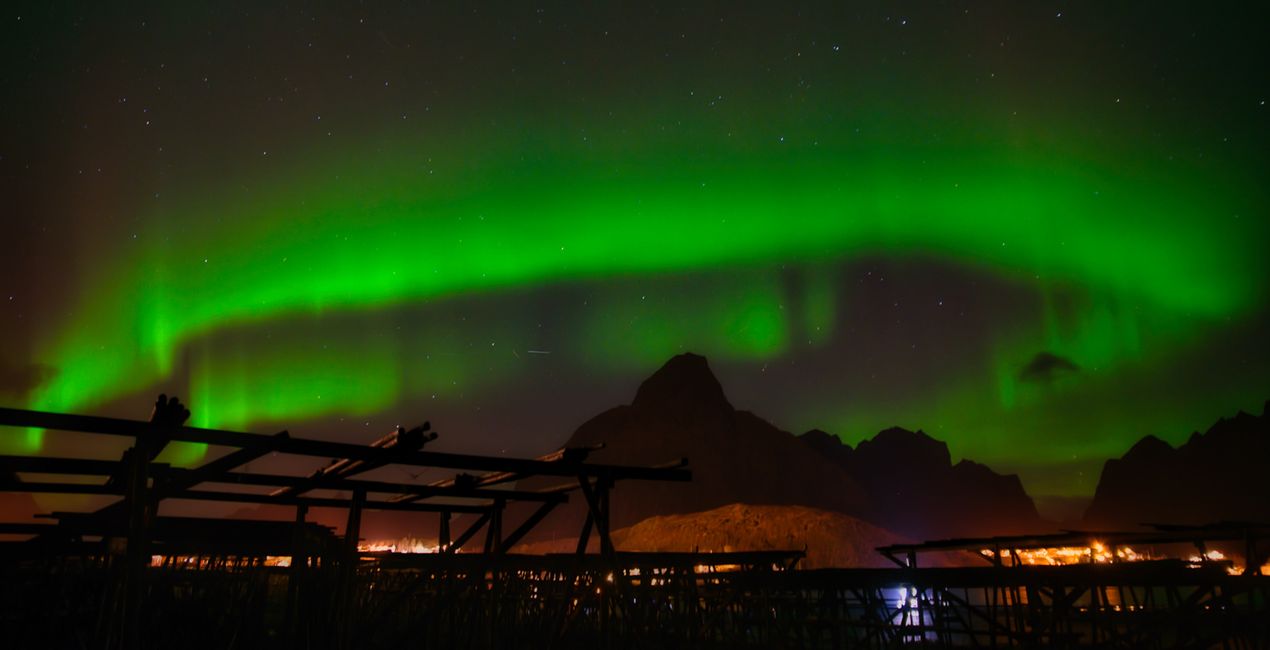
With Ahmet Anak's Nordic Norway Presets pack, transform the photos you take in Norway's Arctic landscapes into iconic images with a single click. Whether it's a sunset, a sunrise, or a unique Northern Light photo, impress those who will see your photos. Get magical images with one touch.
When using Presets, do not forget to adjust the Amount slider. In this way, you will determine the point where the preset best meets your photo. If you need more settings, you can make adjustments in the Edit section, where you can see the components of the preset you are using.
You’ll find 10 Presets in this pack:
Iconic Mountains: A morning Preset with a snowy mountain effect.
Cotton Candy: Perfect for a coastal landscape with a cotton candy sky.
Cold and Blue: Ideal for yellowing grass and cold skies around a stretching road.
Nordic Sunset: A Preset with a setting sun and traces of light on the water behind the snowy mountains.
Iconic Views: Recreate Lofoten's iconic-looking rocks and red-colored fishing huts.
Mystic Moments: Perfect for condensed images of iconic snowy mountains accompanied by the light of the setting sun.
Magical Sky: Apply Northern Lights, circling a mountain and circling the sky from one end to the other.
BlacknWhite Dream: Create dramatic images for a mountain and sea view with very cloudy skies.
Reflection Harmony: Ideal for photos with reflections of the mountain on the water and a harmony of colors.
Morning Dream: Try it on photos of shimmering sunrises and wonderful split colors in the sky.
Landscape, nature photographer, colorist and retoucher
Ahmet Anak lives in Paris, France. He has worked in the design of air conditioning products for about 25 years and has been involved in professional photography for over 10 years. He has been working in photography full-time for the last 3 years.
Ahmet has traveled to more than 20 countries so far and has taken nature and landscape photographs in these countries. He went to Finland, Iceland and Norway from Northern European countries and took various photographs in the parts of those regions that remain in the Arctic Circle.
The photographs he took in Finland were published in one of Turkey's popular travel magazines. It also shares some of the photos it takes with stock photography sites and provides downloadable versions of these photos. He has been interested in drone photography for the last two years and has started to add bird's-eye photos to his archive.
Ahmet works with Luminar products while processing his photographs. Ahmet, one of the first users of Luminar, is currently working with Luminar Neo.
Se hai domande sui prodotti, puoi contattare il team dell'assistenza tutti i giorni, 24 ore al giorno. Utilizza questo link.
Per acquistare Lofoten Dreams, segui questi passaggi:
1. Apri il Marketplace di Skylum.
2. Vai sulla scheda dove è elencato Lofoten Dreams. Clicca sul nome del prodotto per aggiungerlo al carrello.
3. Vai al carrello, dove potrai completare l'acquisto di Lofoten Dreams.
4. Dopo l'acquisto, riceverai un'e-mail con il link per scaricare Lofoten Dreams. Potrai trovare il nuovo acquisto anche nel tuo account Skylum, nella scheda I miei add-on.
Nell'e-mail con il link per il download riceverai anche istruzioni dettagliate su come installare Lofoten Dreams.
Inoltre, puoi installare l'articolo acquistato direttamente in Luminar Neo: vai su Extra > Marketplace, seleziona la categoria di prodotto, trova l'articolo acquistato e clicca su Installa.
È facilissimo! Vai nella scheda Preset, quindi seleziona Acquistati. Qui troverai i preset che hai acquistato.
Non preoccuparti. Tutti gli articoli acquistati, incluso Lofoten Dreams, vengono conservati nella scheda "I miei add-on" del tuo account Skylum, così potrai riscaricarli e utilizzarli in tutta facilità.
In generale, la maggior parte degli articoli è compatibile con Luminar Neo. Ma per assicurarti che Lofoten Dreams sia compatibile con i tuoi software, verificane le specifiche prima di scaricarlo o acquistarlo. Cerca la sezione "Compatibilità" sulla destra della pagina di Lofoten Dreams, dove sono elencati tutti i prodotti compatibili.
Non andartene ancora. Ecco un codice sconto esclusivo per te. Usalo entro i prossimi 15 minuti per ottenere un ulteriore sconto del 10% al momento del pagamento. Copia il codice qui sotto e completa l'acquisto.
15 m : 00 s





