


 Applicato


THE BIG SCREEN
Save $201 $ 15 .00

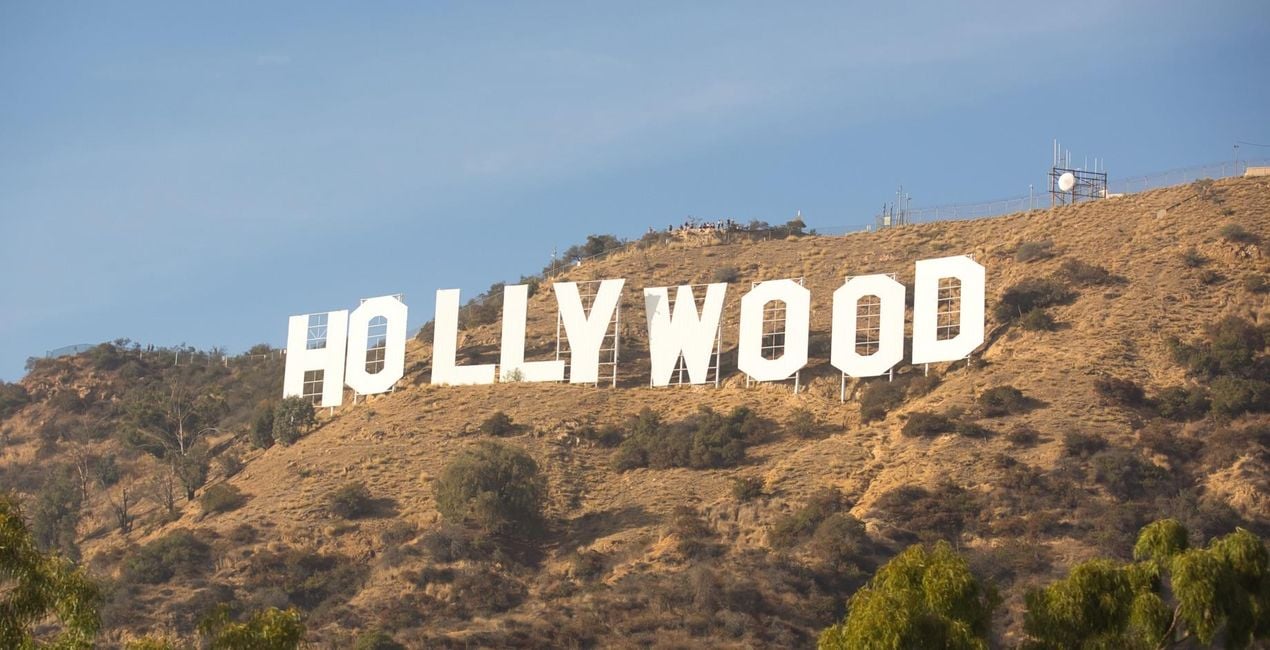
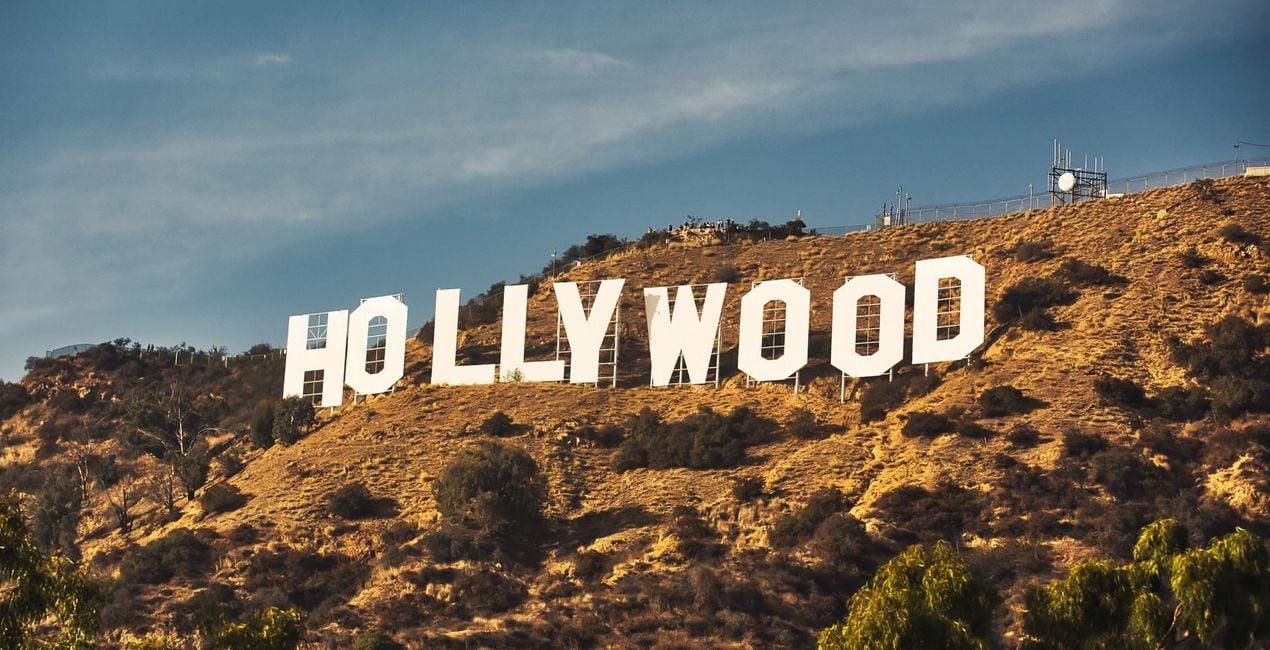
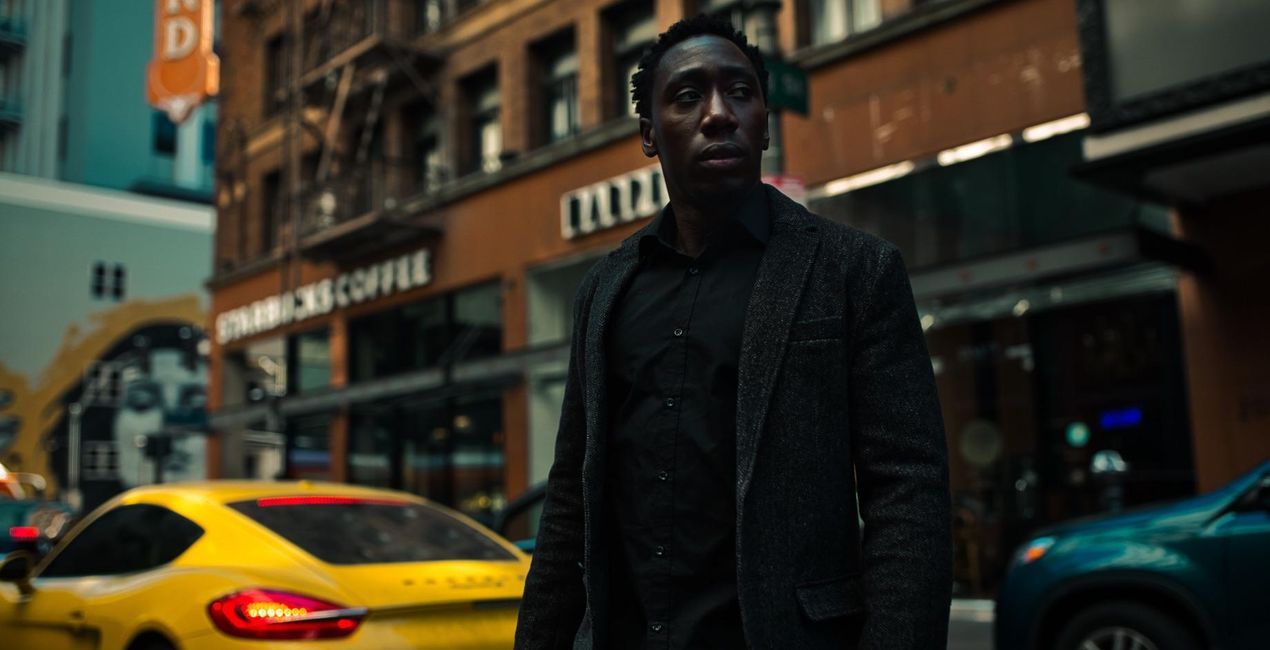
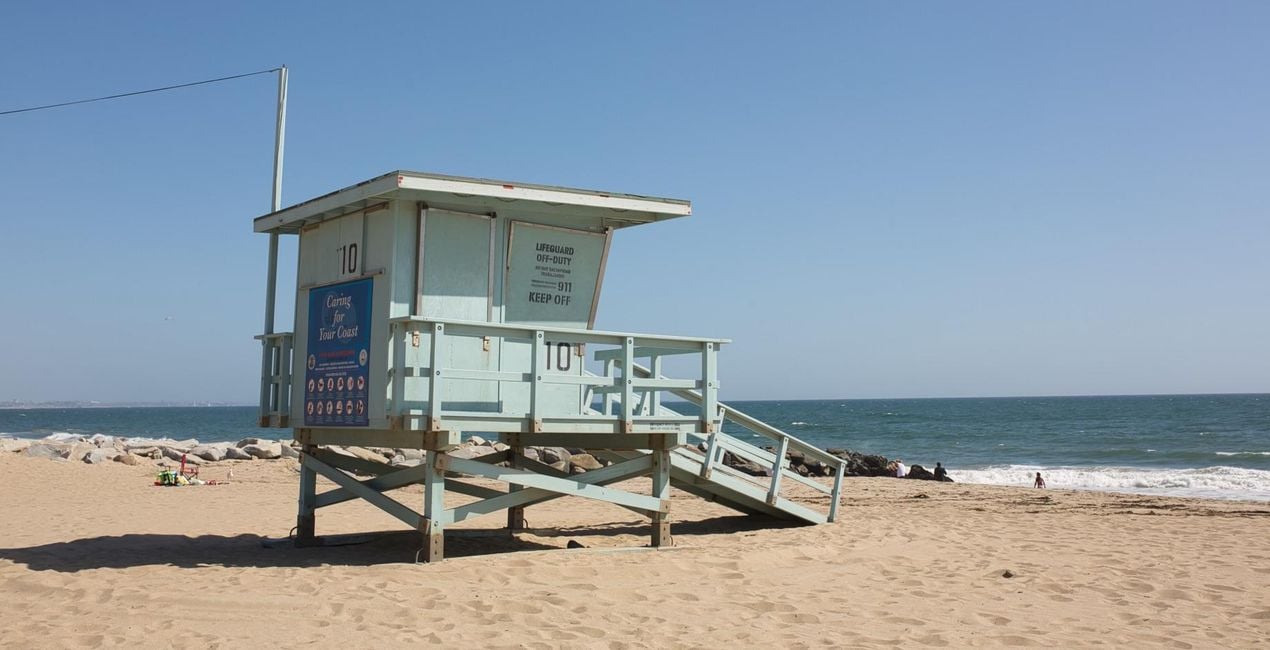
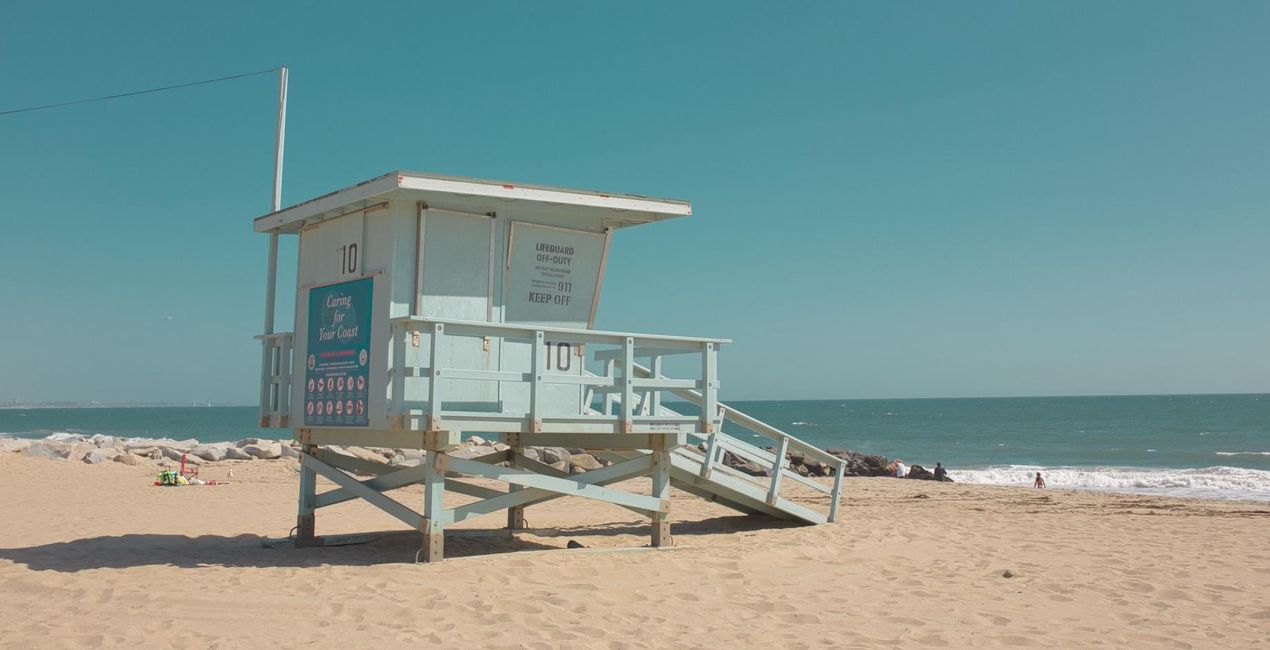
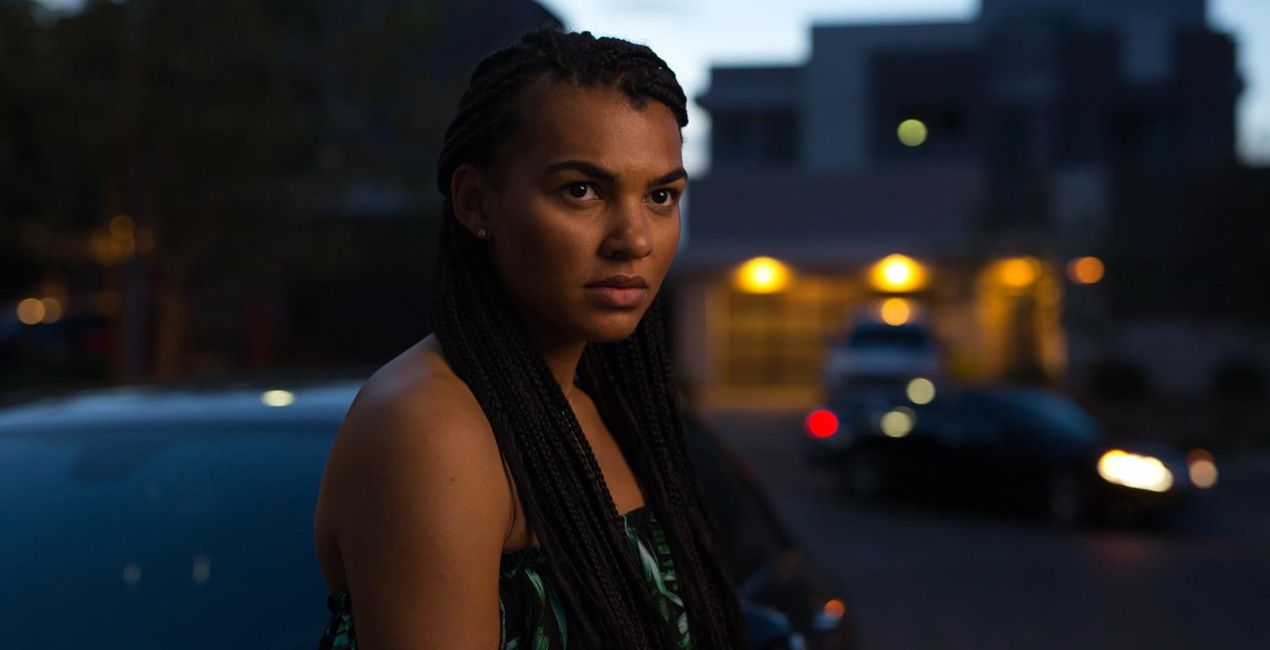
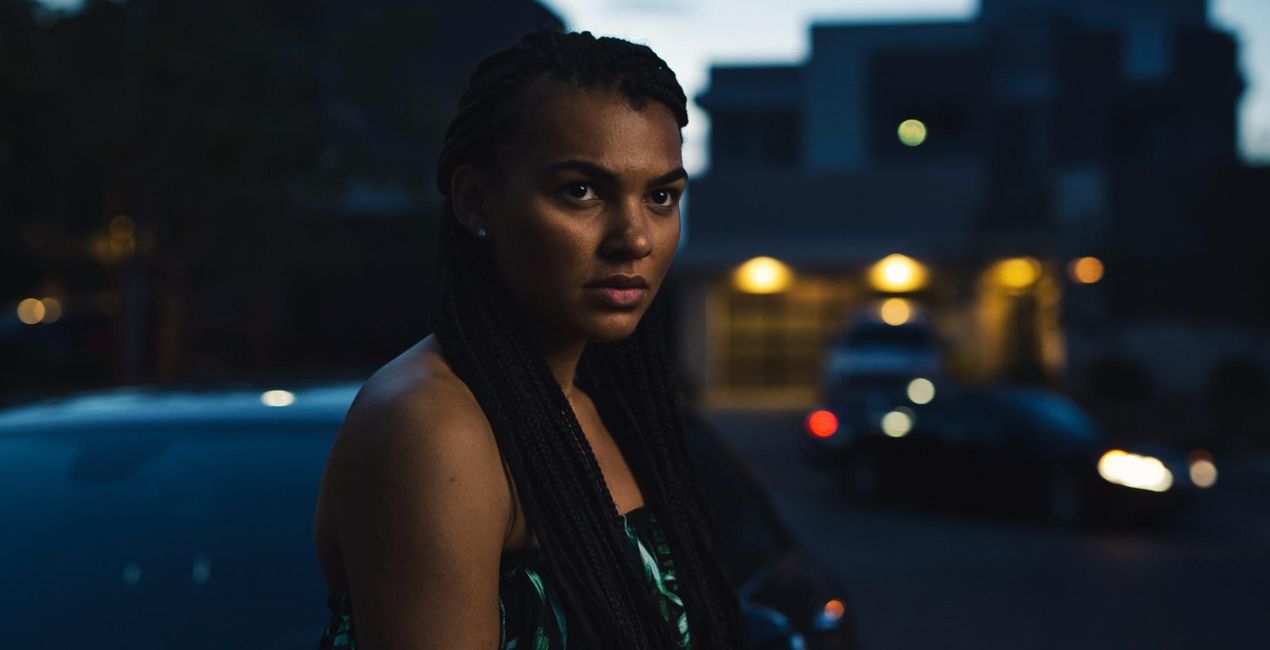
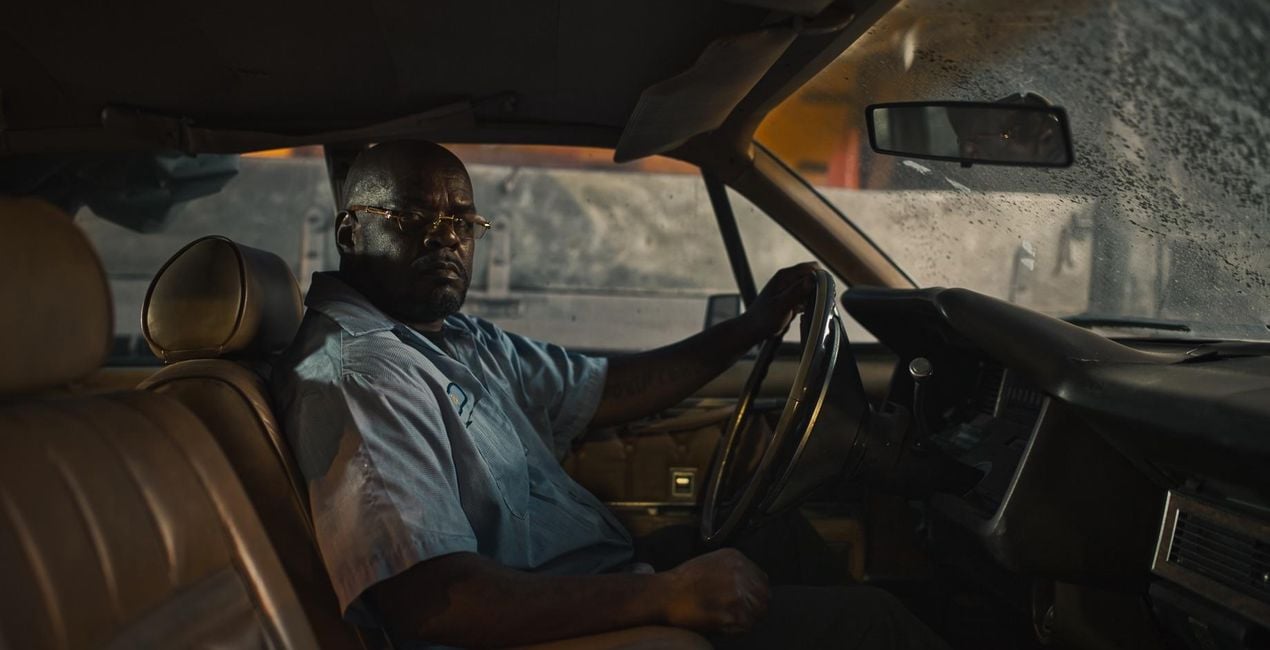
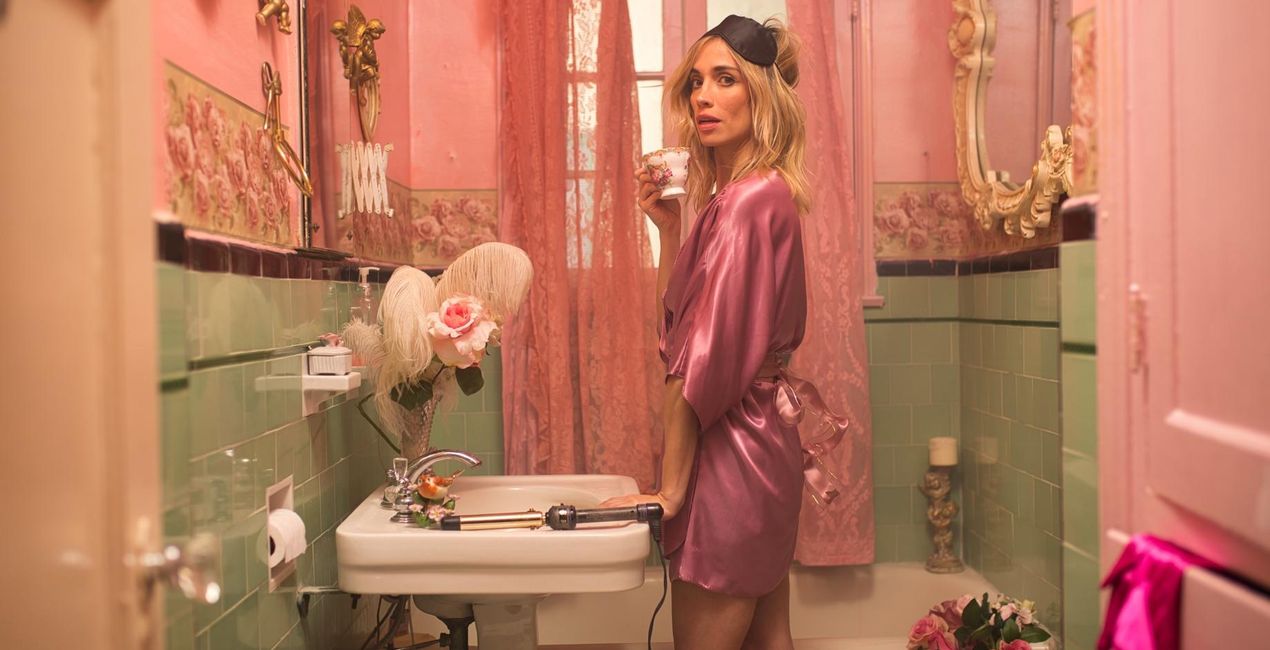
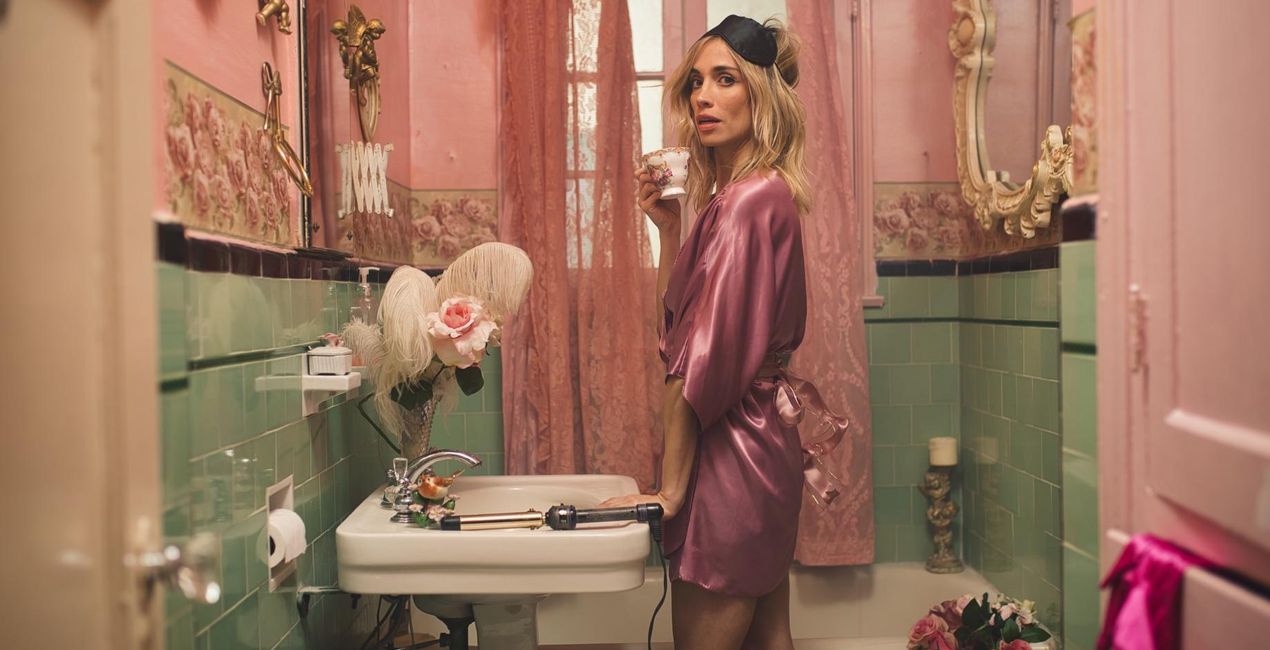
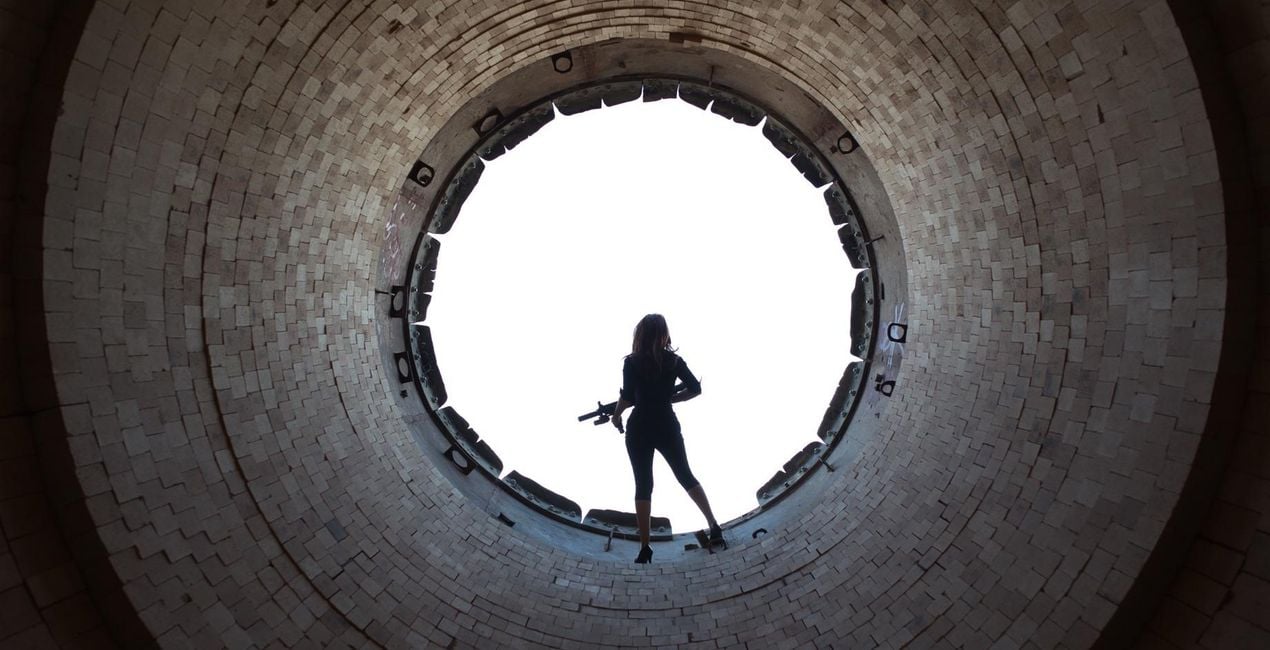
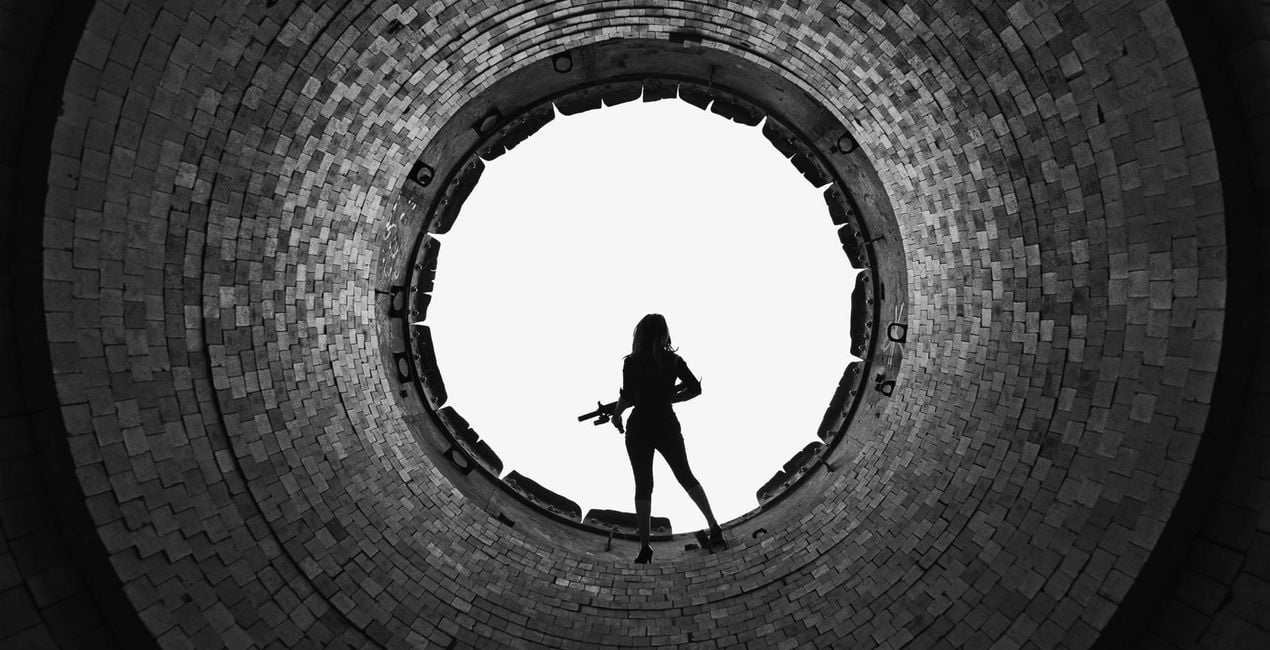
Our universal love of film is unequivocal. Movies, after all, are gateways to new worlds where the art of storytelling joins forces with great cinematography. So we teamed up with Los Angeles-based commercial photographer Ilya Nodia to help you give your photographs a big screen overhaul.
Utilizzando i file RAW forniti, potrai mettere facilmente in pratica i consigli di ritocco e imparare a ottenere foto come queste.
 >
>

 >
>

 >
>
 >
>
 >
>

 >
>

 >
>
 >
>
 >
>
Los Angeles-based photographer Ilya Nodia’s love of movies, computer games and storytelling is no big secret. You need only take a look at his work to see it.Though he wasn’t always a cinematic photographer, his photographs have always exuded a certain movie blockbuster quality to them. And it’s in the commercial and advertising field, weaving cinematic photographs with grand narratives, whether it be of an epic action showdown, guns a-blazing or a portrait of a Russian railway worker, where he found his calling.“I love to create stories in one shot, and I always want to make something in line with Gregory Crewdson, but using the commercial style of light and colors. Moreover, all my pictures, I make for commercial projects — shows, performances, small business and escape rooms. I also have a lot of experience in staged sets and working with actors,” Ilya says of his work.It’s a genre of photography that’s not as common, perhaps because it takes a lot more setup and post work, but you don’t need to be a pro to achieve the same effect. Which is why we partnered with Ilya to create his Luminar Looks series, to help you to get that epic cinematic quality in your images in less time and with less effort.To truly give your photographs a cinematic effect involves a great many things, but giving it the right look in post plays a major role.
Fotografi, coloristi e ritoccatori
Il Team di Skylum collabora con centinaia di fotografi professionisti ed editor di foto per offrirti Modelli utilizzati da fotografi top per creare capolavori. Il Laboratorio Skylum AI analizza le foto e i lavori dei fotografi e crea Modelli accessibili a tutti e che sfruttano la tecnologia avanzata che sta dietro al software di LuminarAI. La nostra missione è ridurre il tempo e gli sforzi necessari a realizzare foto straordinarie e consentire a tutti di divertirsi con il photo editing e la fotografia.
Se hai domande sui prodotti, puoi contattare il team dell'assistenza tutti i giorni, 24 ore al giorno. Utilizza questo link.
Per acquistare The Big Screen, segui questi passaggi:
1. Apri il Marketplace di Skylum.
2. Vai sulla scheda dove è elencato The Big Screen. Clicca sul nome del prodotto per aggiungerlo al carrello.
3. Vai al carrello, dove potrai completare l'acquisto di The Big Screen.
4. Dopo l'acquisto, riceverai un'e-mail con il link per scaricare The Big Screen. Potrai trovare il nuovo acquisto anche nel tuo account Skylum, nella scheda I miei add-on.
Nell'e-mail con il link per il download riceverai anche istruzioni dettagliate su come installare The Big Screen.
Inoltre, puoi installare l'articolo acquistato direttamente in Luminar Neo: vai su Extra > Marketplace, seleziona la categoria di prodotto, trova l'articolo acquistato e clicca su Installa.
È facilissimo! Vai nella scheda Preset, quindi seleziona Acquistati. Qui troverai i preset che hai acquistato.
Non preoccuparti. Tutti gli articoli acquistati, incluso The Big Screen, vengono conservati nella scheda "I miei add-on" del tuo account Skylum, così potrai riscaricarli e utilizzarli in tutta facilità.
In generale, la maggior parte degli articoli è compatibile con Luminar Neo. Ma per assicurarti che The Big Screen sia compatibile con i tuoi software, verificane le specifiche prima di scaricarlo o acquistarlo. Cerca la sezione "Compatibilità" sulla destra della pagina di The Big Screen, dove sono elencati tutti i prodotti compatibili.
Non andartene ancora. Ecco un codice sconto esclusivo per te. Usalo entro i prossimi 15 minuti per ottenere un ulteriore sconto del 10% al momento del pagamento. Copia il codice qui sotto e completa l'acquisto.
15 m : 00 s





