


 Applicato


Ritratto in bianco e nero
Save $201 $ 16 .15 $ 19 .00

10 Modelli senza tempo per indimenticabili ritratti in bianco e nero
Cosa è incluso
10 modelli e preset. Compatibili con immagini JPEG e RAW.

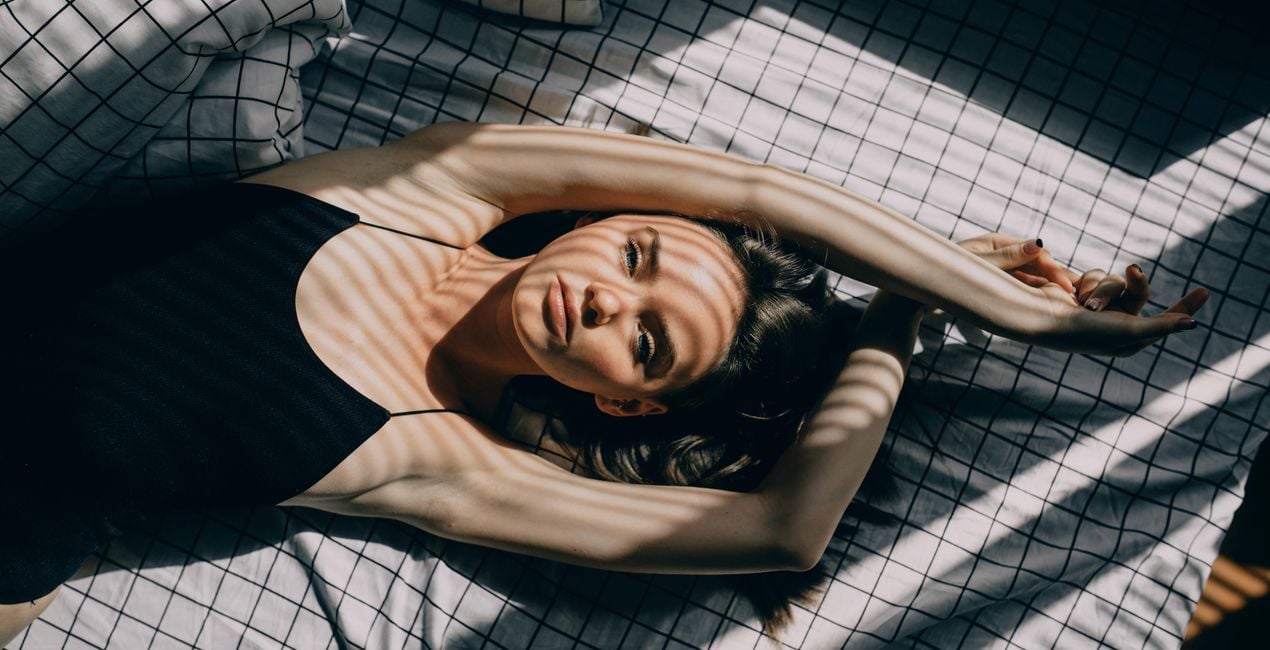
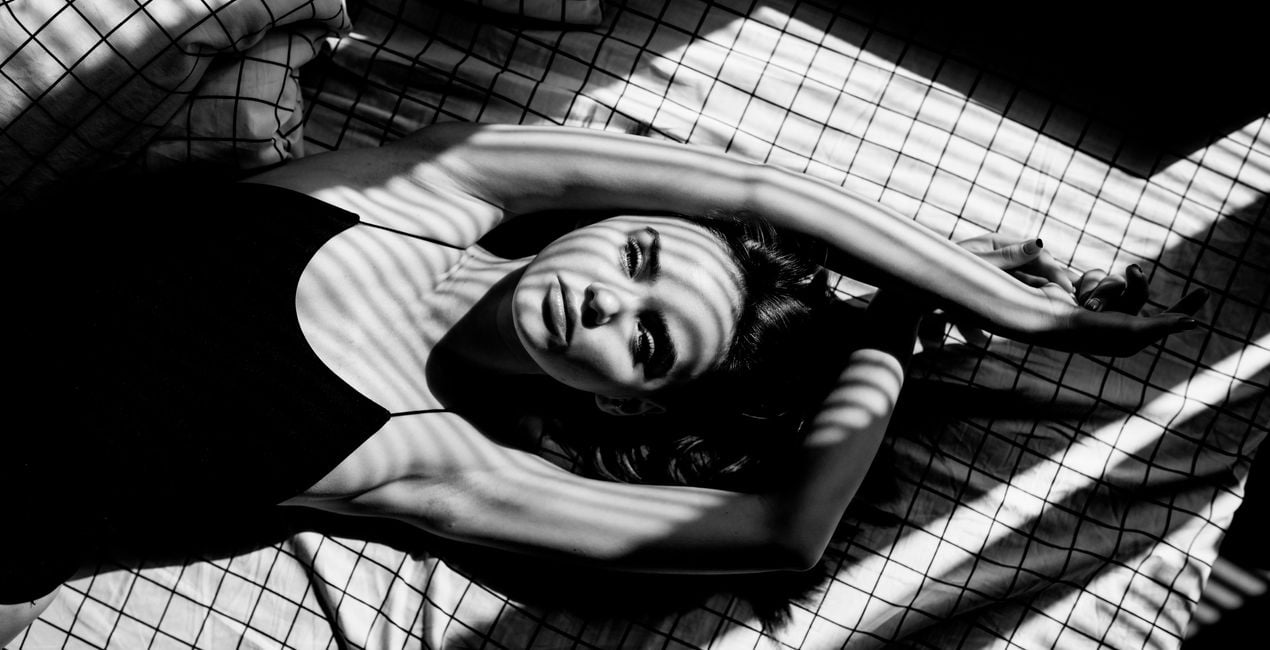
Utilizzando i file RAW forniti, potrai mettere facilmente in pratica i consigli di ritocco e imparare a ottenere foto come queste.
 >
>

 >
>

 >
>
 >
>
 >
>

 >
>

 >
>
 >
>

 >
>
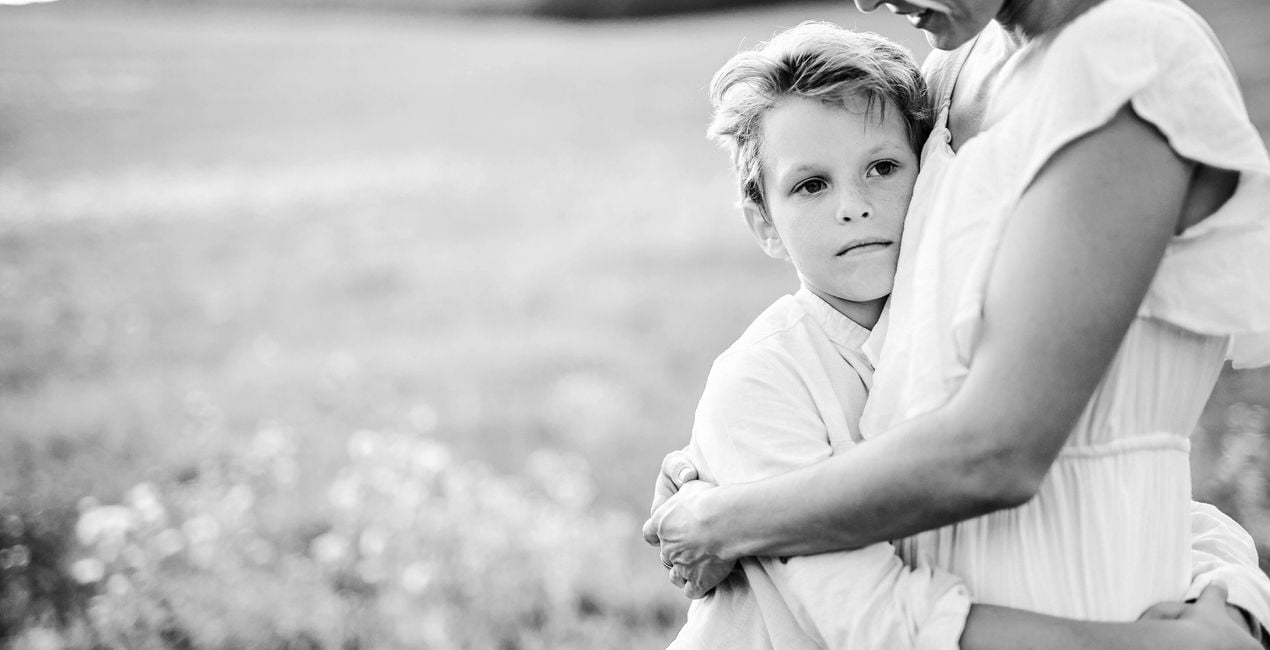
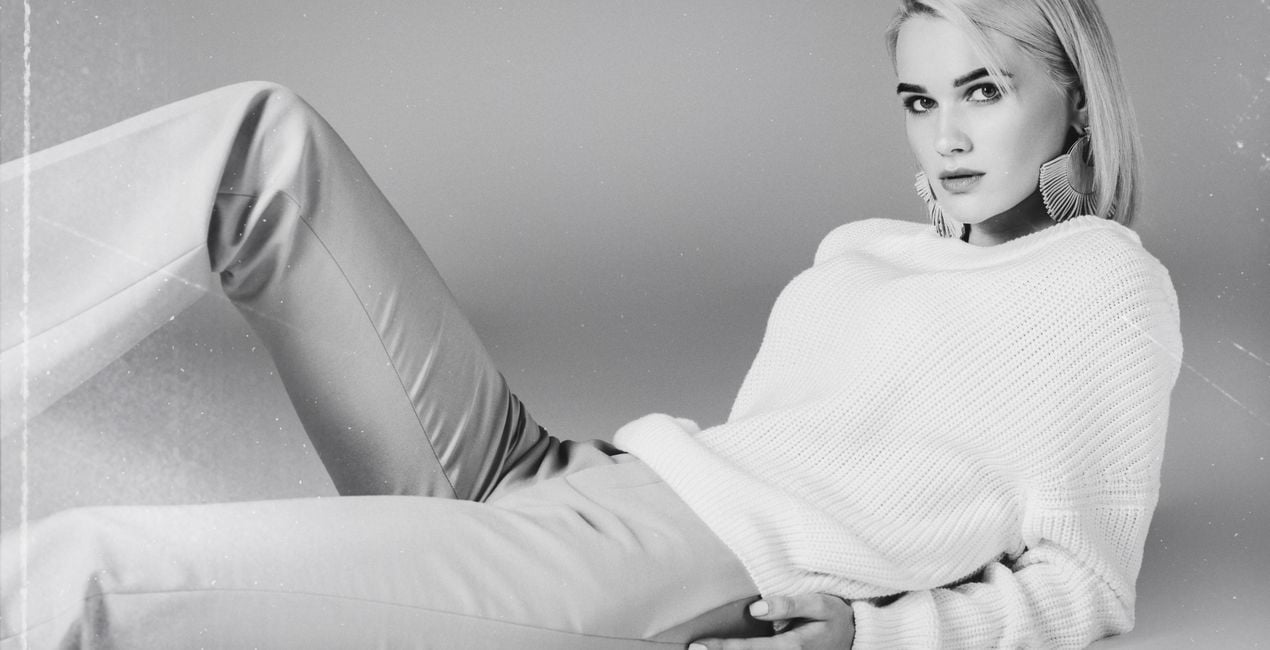
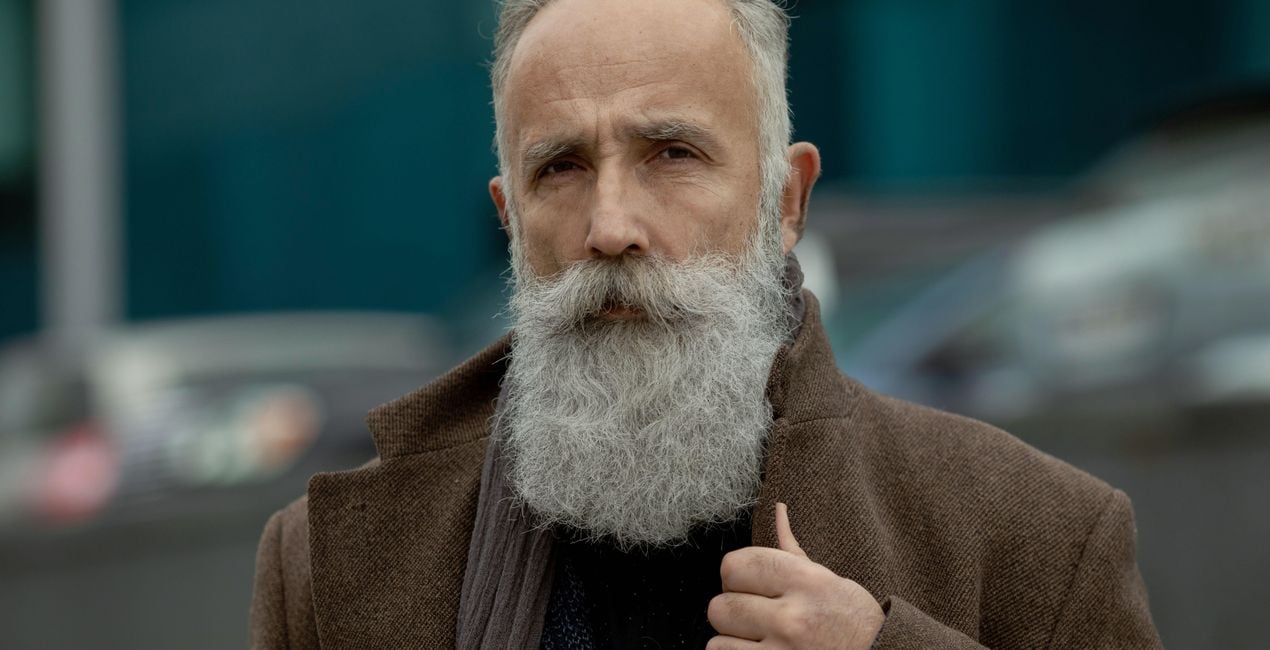
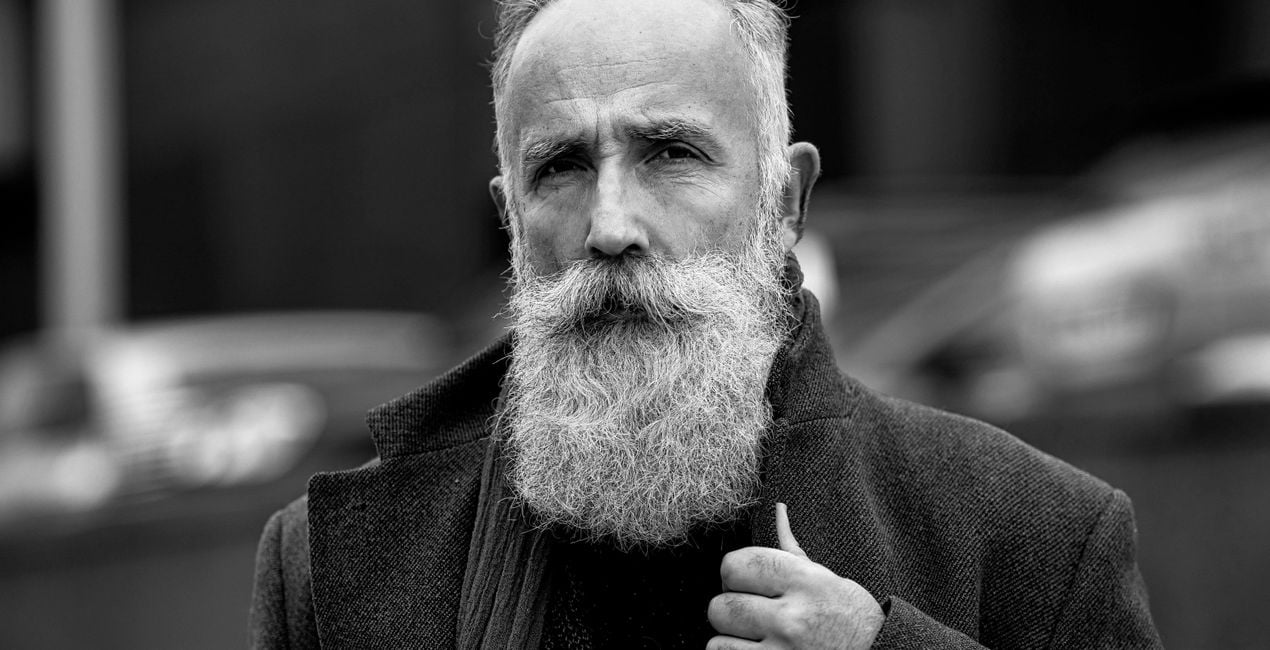
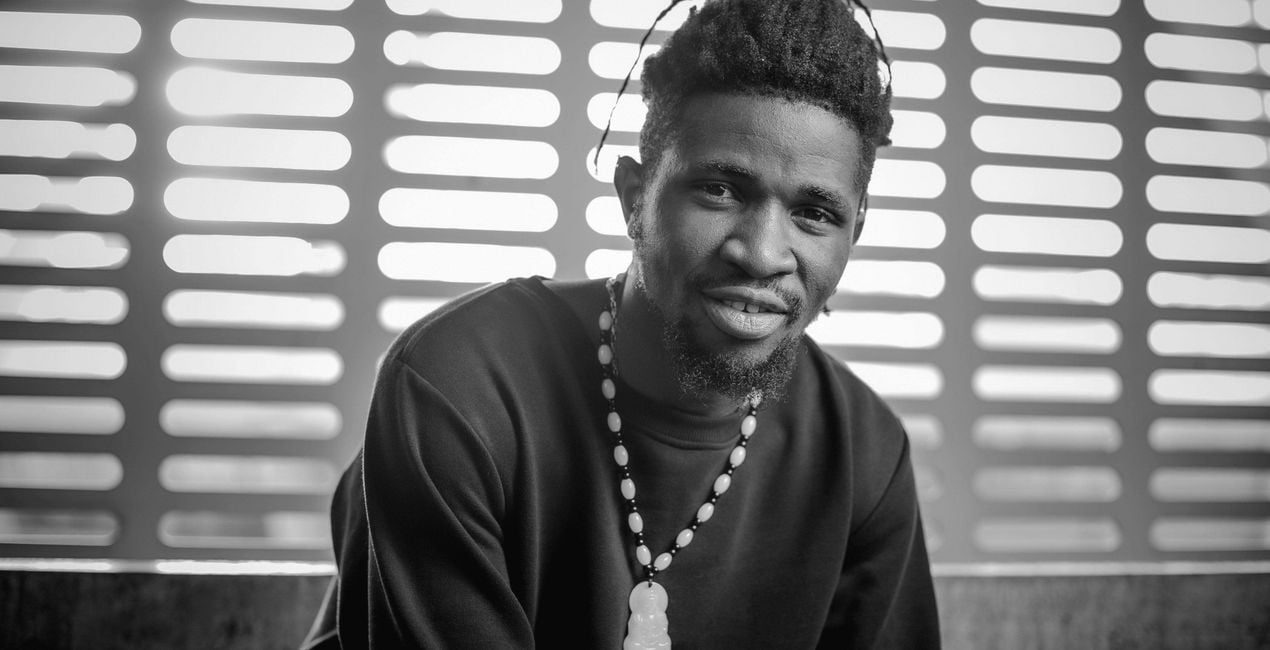
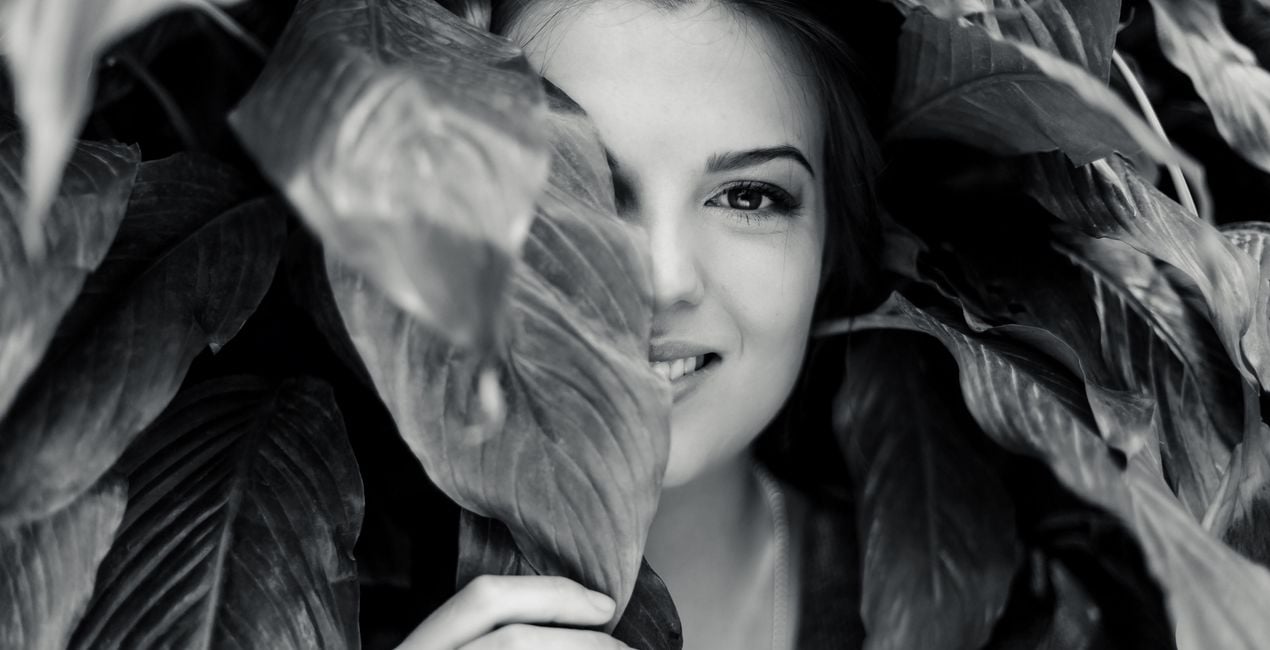
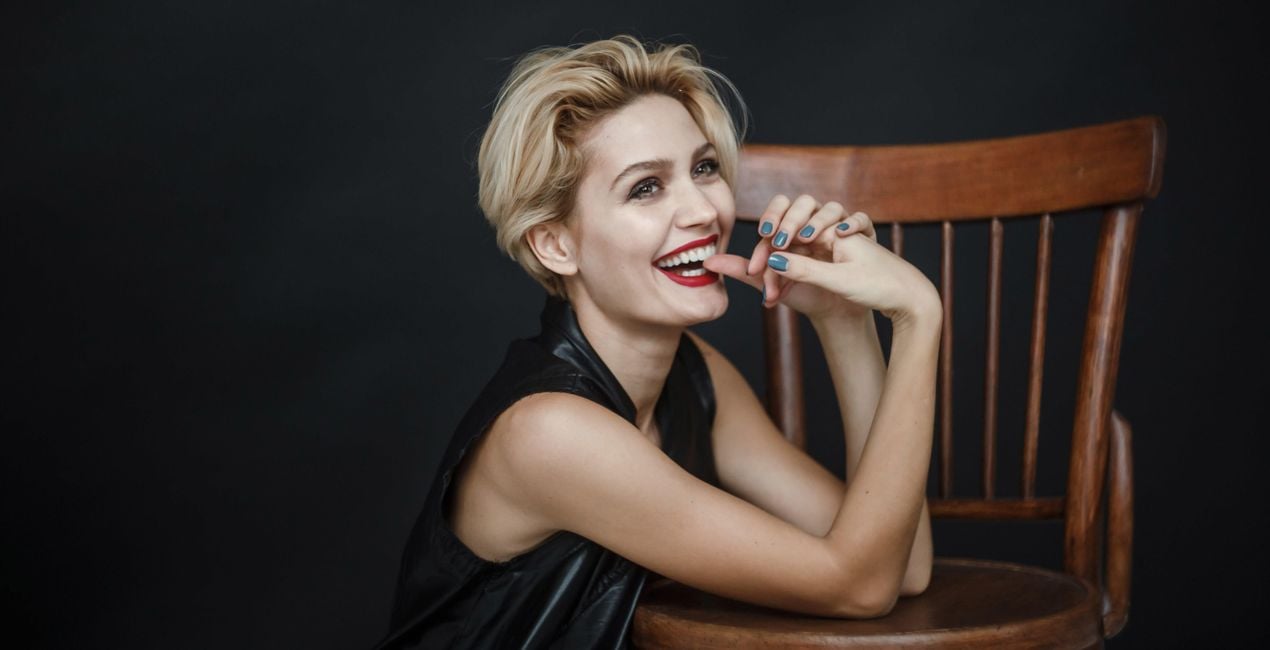
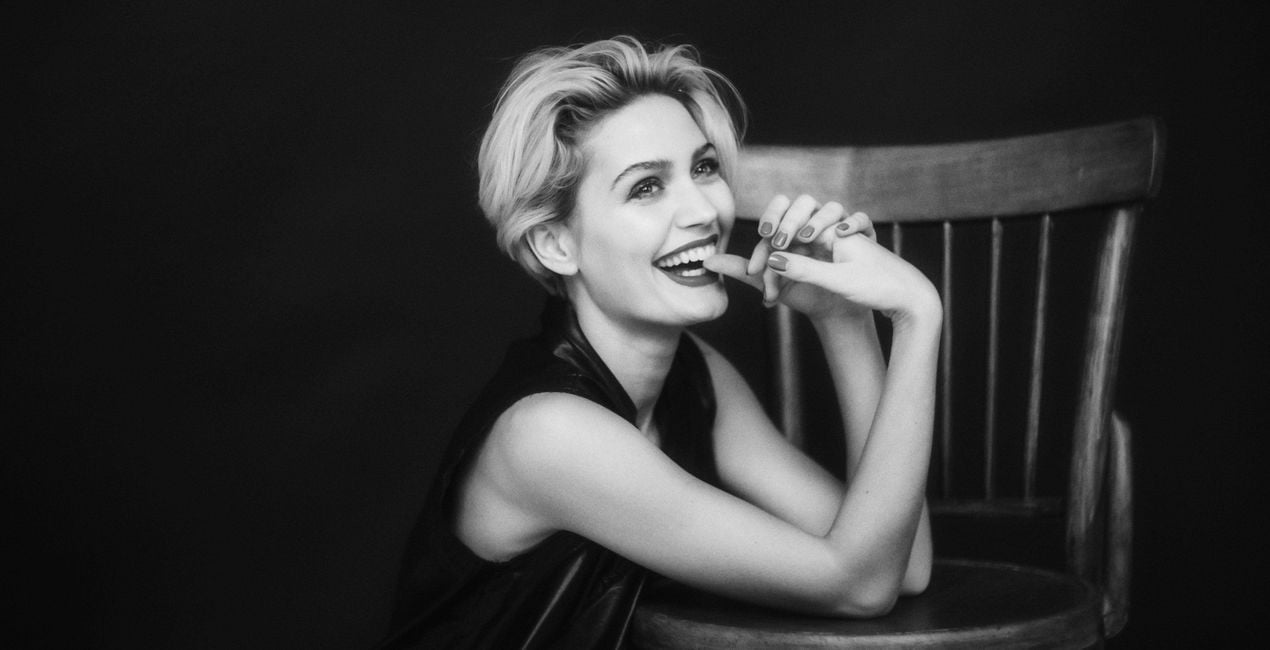
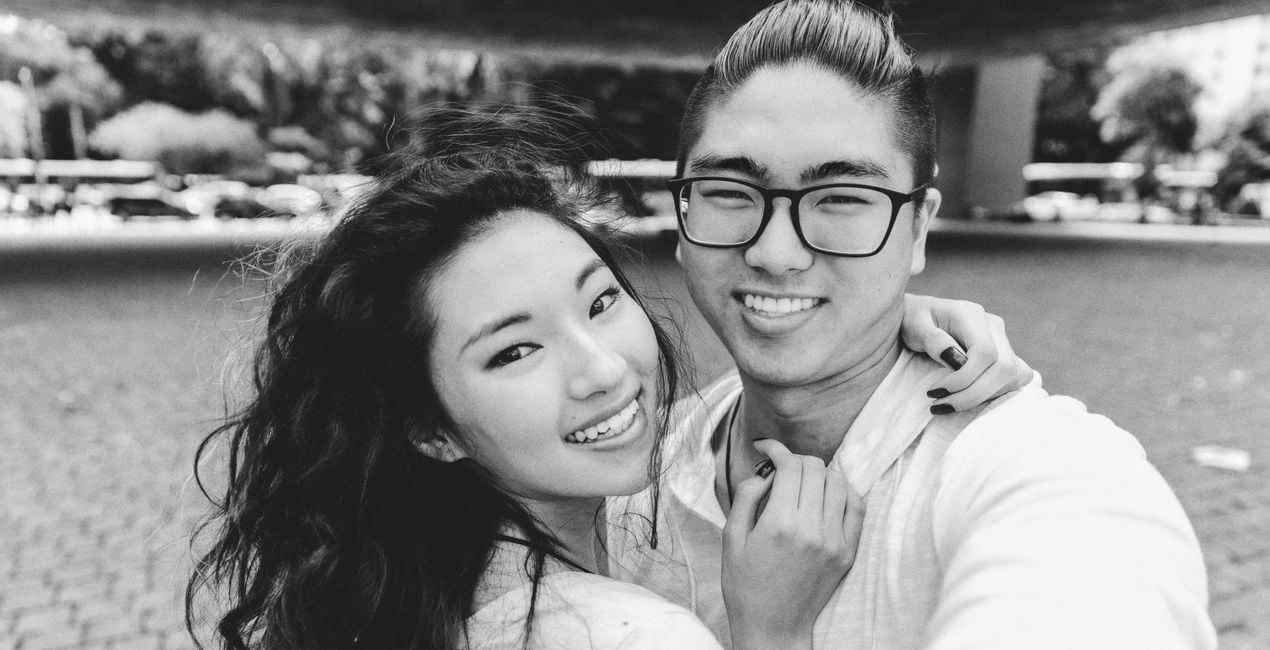
The black and white portrait is a classic, but expanding the varieties of this style is bound to make your creativity shine.
Discover 10 entrancing Templates that will help you create portraits that are stripped down to their core, yet beautifully unique.
When creating this collection, the Skylum Team was Inspired by the glow of old movies, magazine covers, and the latest fashion trends.
With shadowplay, matte looks, textures, colored accents, and more, you will certainly find a Template in this collection that can make your model look incredible.
What you’ll find in this pack (10 Templates):
Сhiaroscuro: A Template that enhances super contrast; suitable for photos with harsh light and those that have sharp transitions from light to shadow.
Razor Blade: Enhance clarity and contrast for a sharp and fresh look in your portraits.
Movie Classics: Want to recreate that feeling in old movies? Choose this black and white Template with added Glow and Film Grain for atmospheric portraits.
Matte Black: This Template has a raised black point complete with matte shadows and a touch of Film Grain to give a unique look to your models.
Soul Eyes: Inspired by the classic covers of Esquire magazine, this Template adjusts clarity and contrast, giving an extra accent to the eyes as well as applying FaceAI.
Carbon: A low contrast black and white Template that pulls your viewers right in.
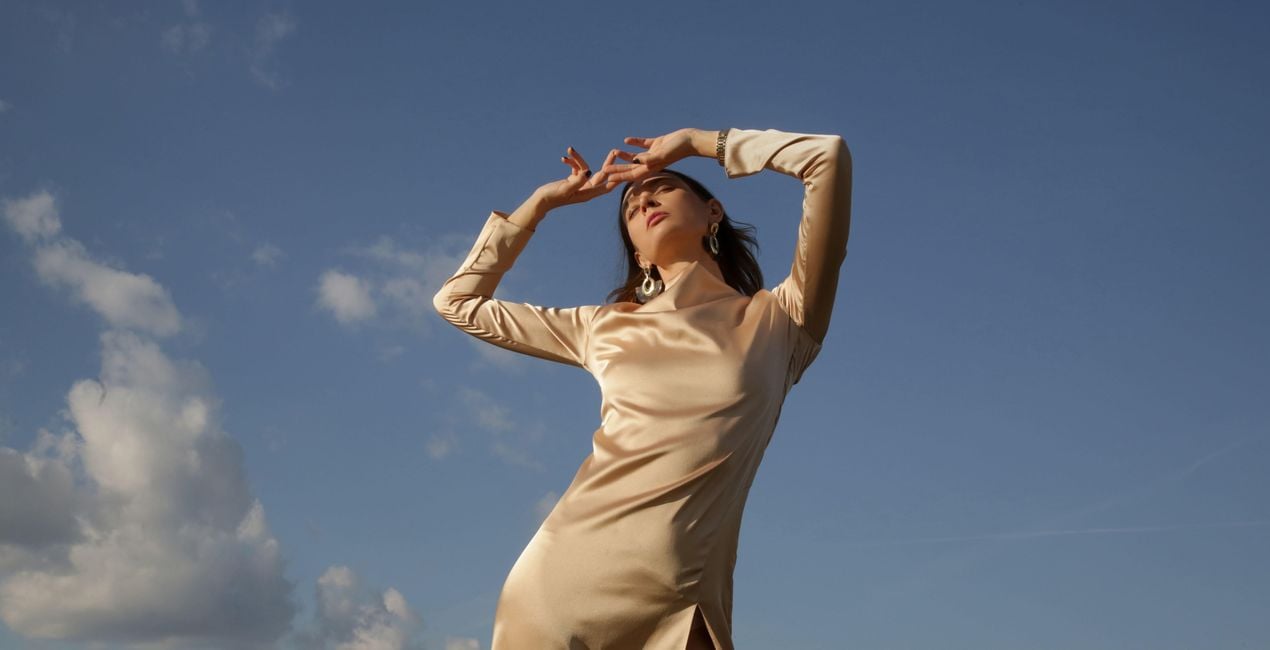
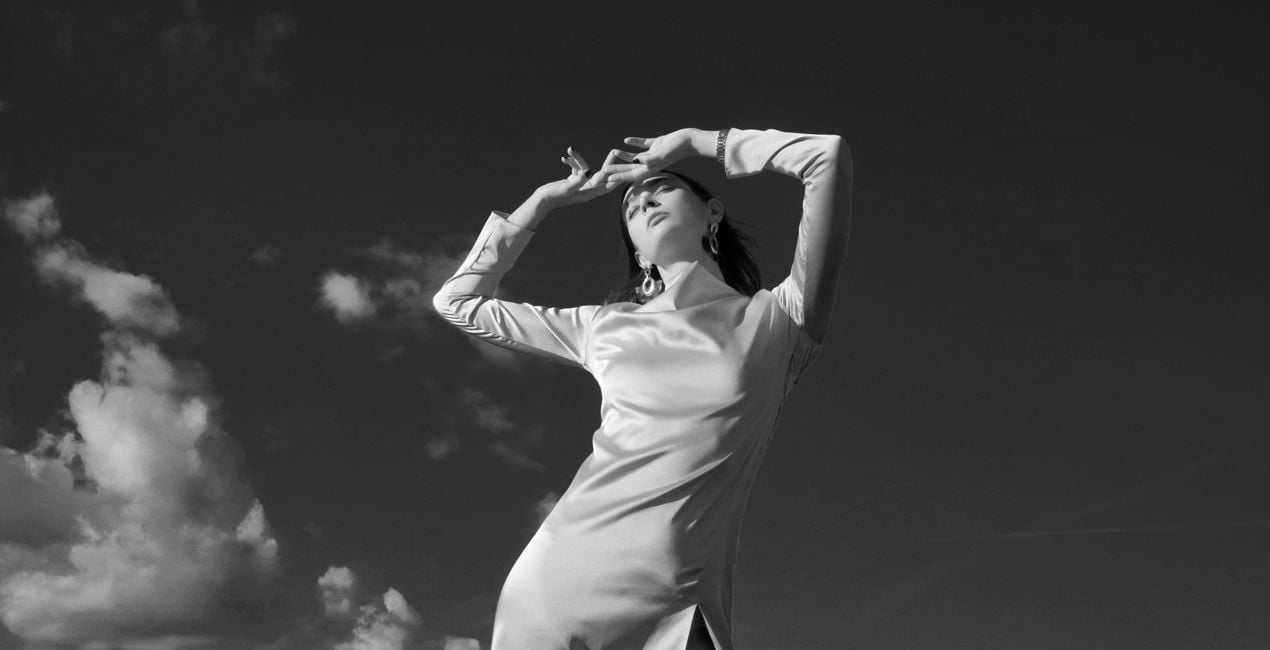
Duality: Try this Template for photos of a human subject against the blue sky. You will see a pleasing result with a balanced brighter skin and darker sky.
Dust Play: Add an edgy feeling to your portrait with highlights and a realistic and unique texture of dust and scratches.
Colorize: Discover an absolutely unique spin on the black and white style with a colored gradient to make your photos stand out.
Indigo: This Template channels toned shadows and highlights for a different vibe in your photos.
Keep in mind that a Template’s default effect might be too strong for your photo. If it is, simply bring it back a bit with the Amount slider.
SHARE: Use the hashtag #madewithluminar on social media so the Skylum Team can take a look at your results!
Fotografi, coloristi e ritoccatori
Il Team di Skylum collabora con centinaia di fotografi professionisti ed editor di foto per offrirti Modelli utilizzati da fotografi top per creare capolavori. Il Laboratorio Skylum AI analizza le foto e i lavori dei fotografi e crea Modelli accessibili a tutti e che sfruttano la tecnologia avanzata che sta dietro al software di LuminarAI. La nostra missione è ridurre il tempo e gli sforzi necessari a realizzare foto straordinarie e consentire a tutti di divertirsi con il photo editing e la fotografia.
Se hai domande sui prodotti, puoi contattare il team dell'assistenza tutti i giorni, 24 ore al giorno. Utilizza questo link.
Per acquistare B&W Portrait, segui questi passaggi:
1. Apri il Marketplace di Skylum.
2. Vai sulla scheda dove è elencato B&W Portrait. Clicca sul nome del prodotto per aggiungerlo al carrello.
3. Vai al carrello, dove potrai completare l'acquisto di B&W Portrait.
4. Dopo l'acquisto, riceverai un'e-mail con il link per scaricare B&W Portrait. Potrai trovare il nuovo acquisto anche nel tuo account Skylum, nella scheda I miei add-on.
Nell'e-mail con il link per il download riceverai anche istruzioni dettagliate su come installare B&W Portrait.
Inoltre, puoi installare l'articolo acquistato direttamente in Luminar Neo: vai su Extra > Marketplace, seleziona la categoria di prodotto, trova l'articolo acquistato e clicca su Installa.
È facilissimo! Vai nella scheda Preset, quindi seleziona Acquistati. Qui troverai i preset che hai acquistato.
Non preoccuparti. Tutti gli articoli acquistati, incluso B&W Portrait, vengono conservati nella scheda "I miei add-on" del tuo account Skylum, così potrai riscaricarli e utilizzarli in tutta facilità.
In generale, la maggior parte degli articoli è compatibile con Luminar Neo. Ma per assicurarti che B&W Portrait sia compatibile con i tuoi software, verificane le specifiche prima di scaricarlo o acquistarlo. Cerca la sezione "Compatibilità" sulla destra della pagina di B&W Portrait, dove sono elencati tutti i prodotti compatibili.
Non andartene ancora. Ecco un codice sconto esclusivo per te. Usalo entro i prossimi 15 minuti per ottenere un ulteriore sconto del 10% al momento del pagamento. Copia il codice qui sotto e completa l'acquisto.
15 m : 00 s





