


 Applicato


Elements Of Light
Save $201 $ 19 .00

In questa collezione di Modelli di Javier Pardina, troverai modifiche perfette per foto lifestyle e storie d'amore. Questo pacchetto di 10 Modelli ti consentirà certamente di dare un tocco essenziale alle tue fotografie!
Cosa è incluso
10 Templates. Compatible with JPEG and RAW images.
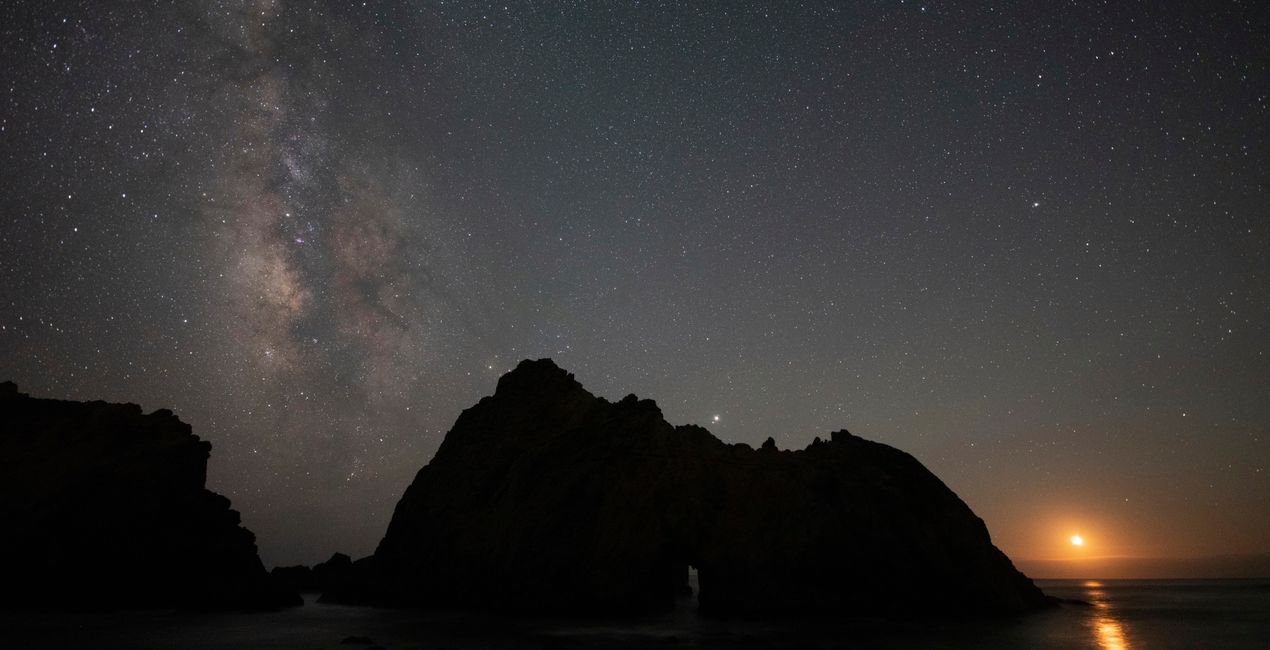
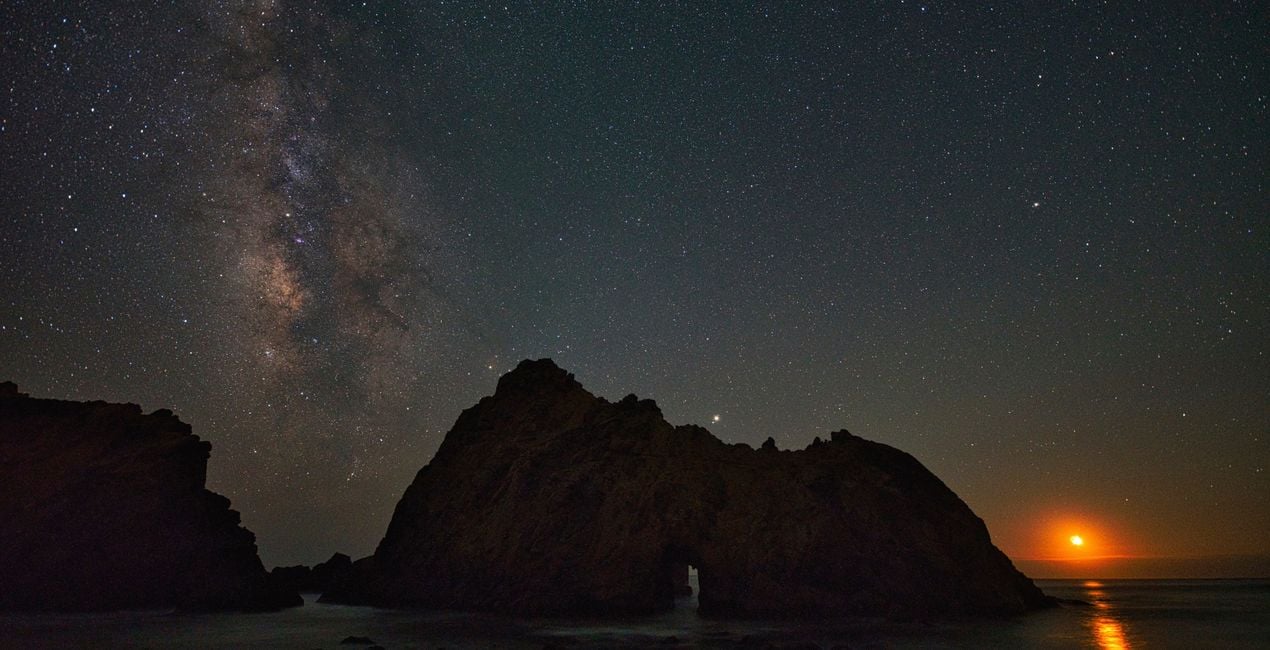
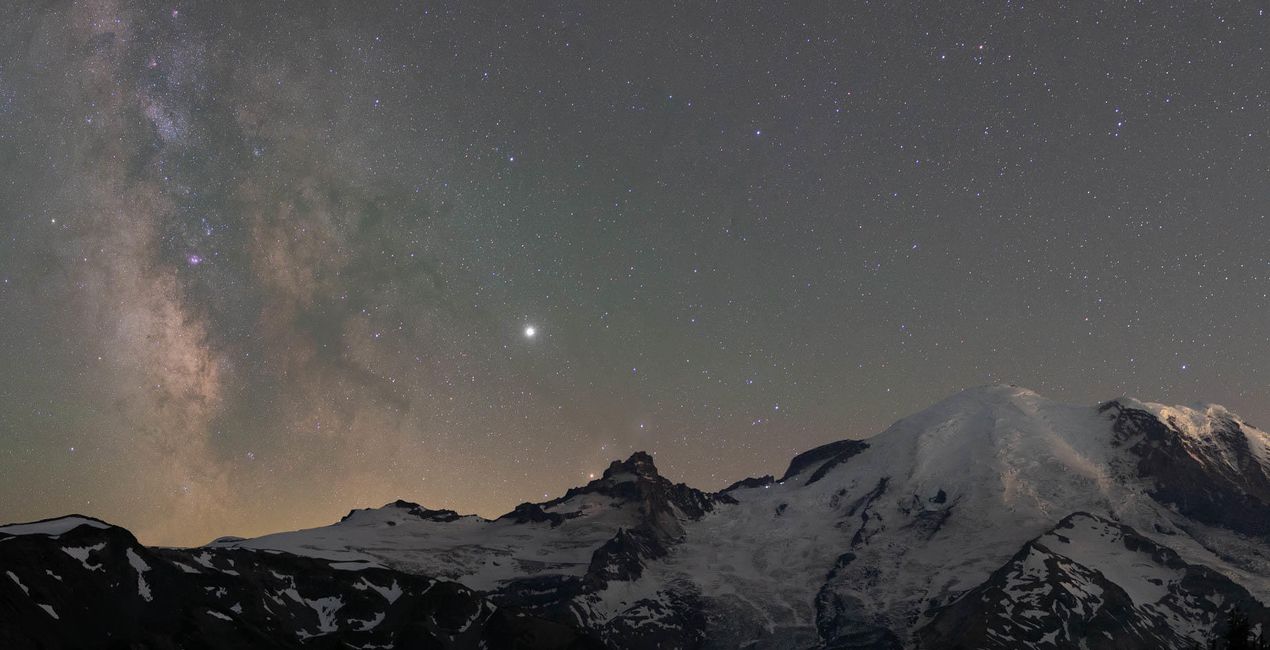
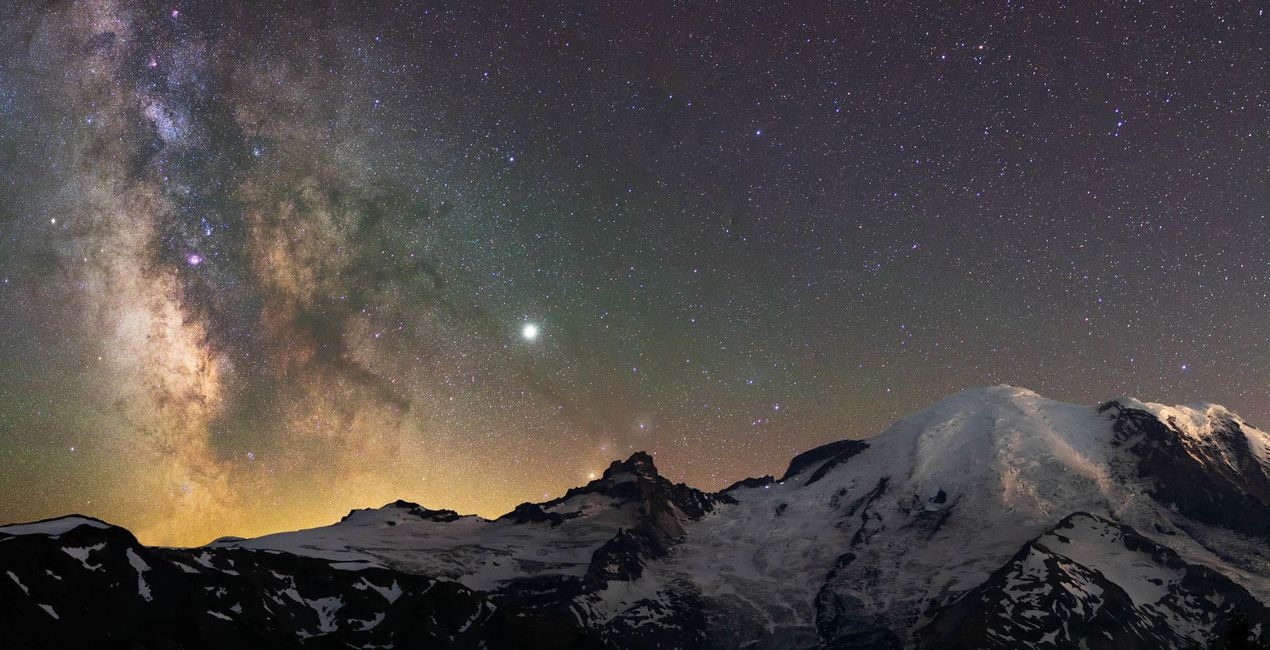
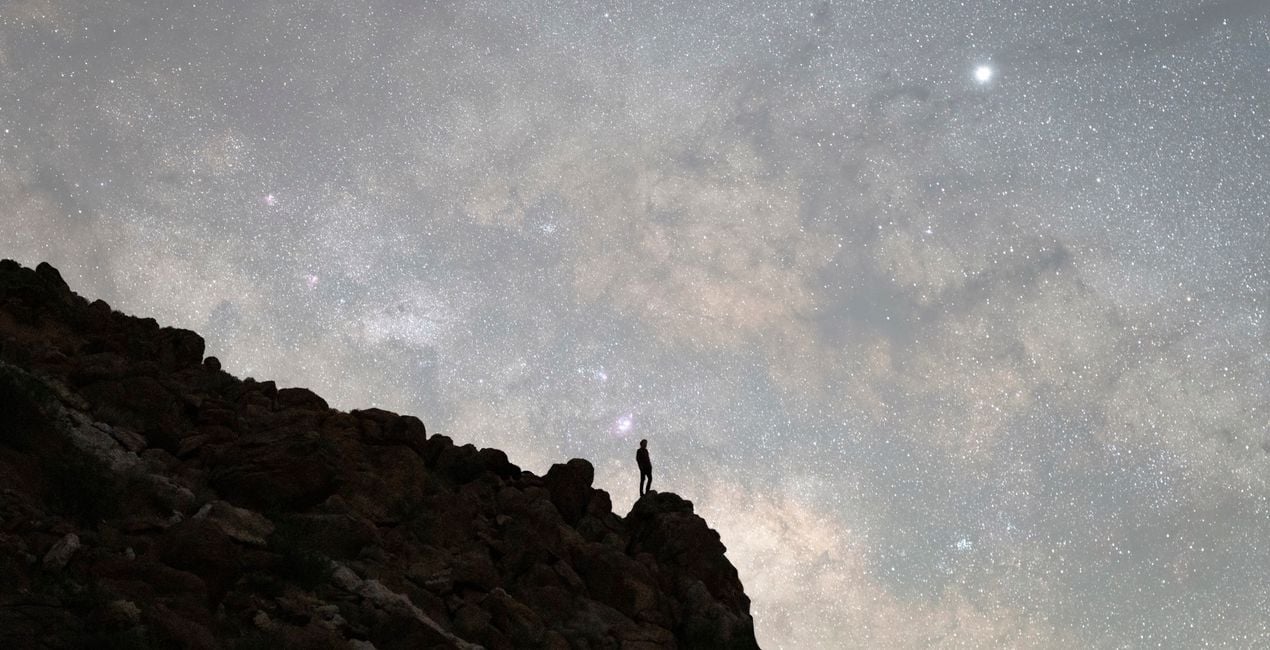
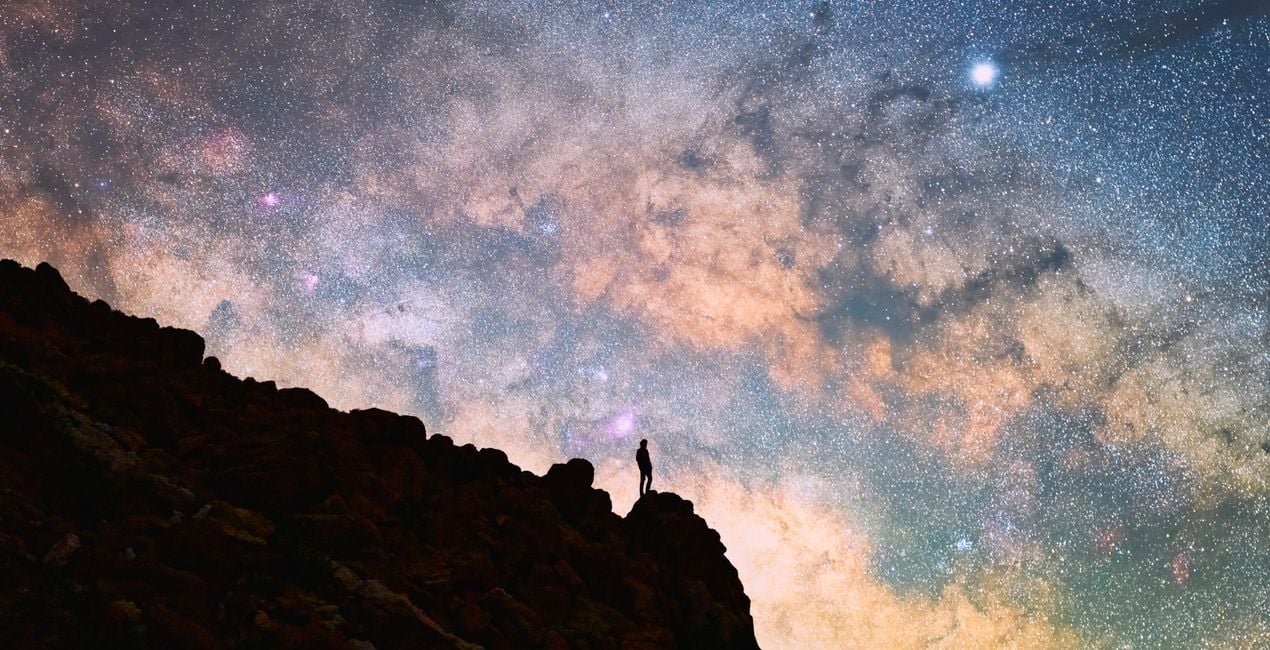
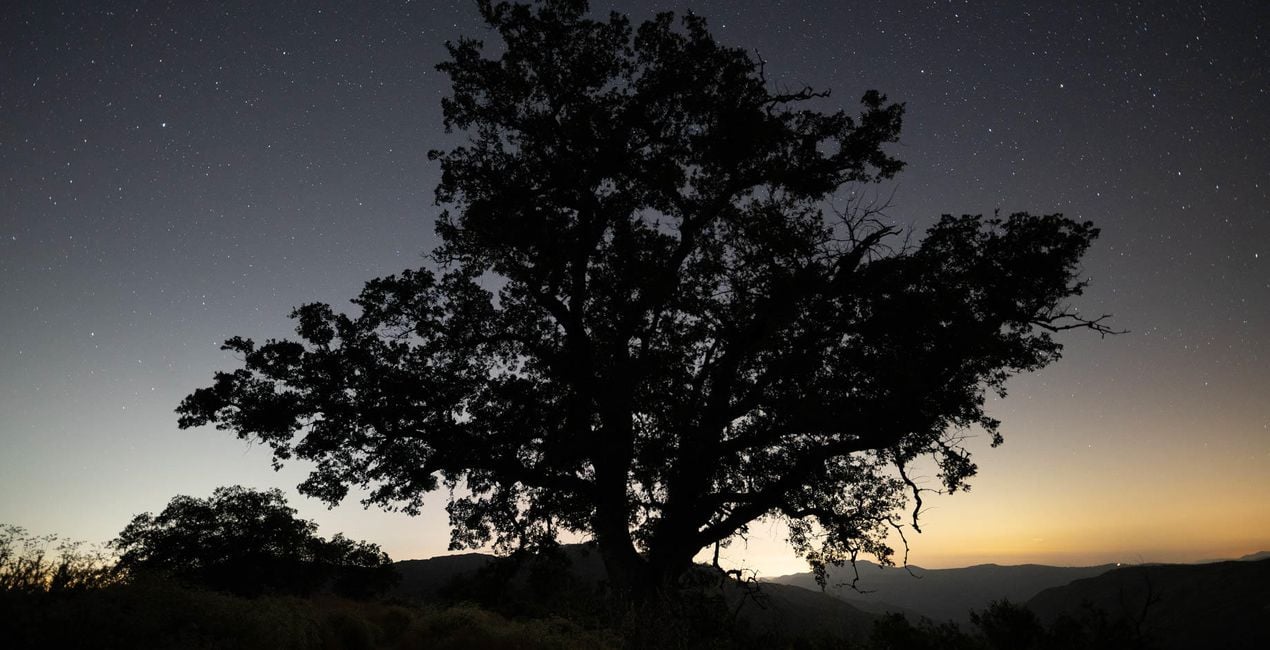
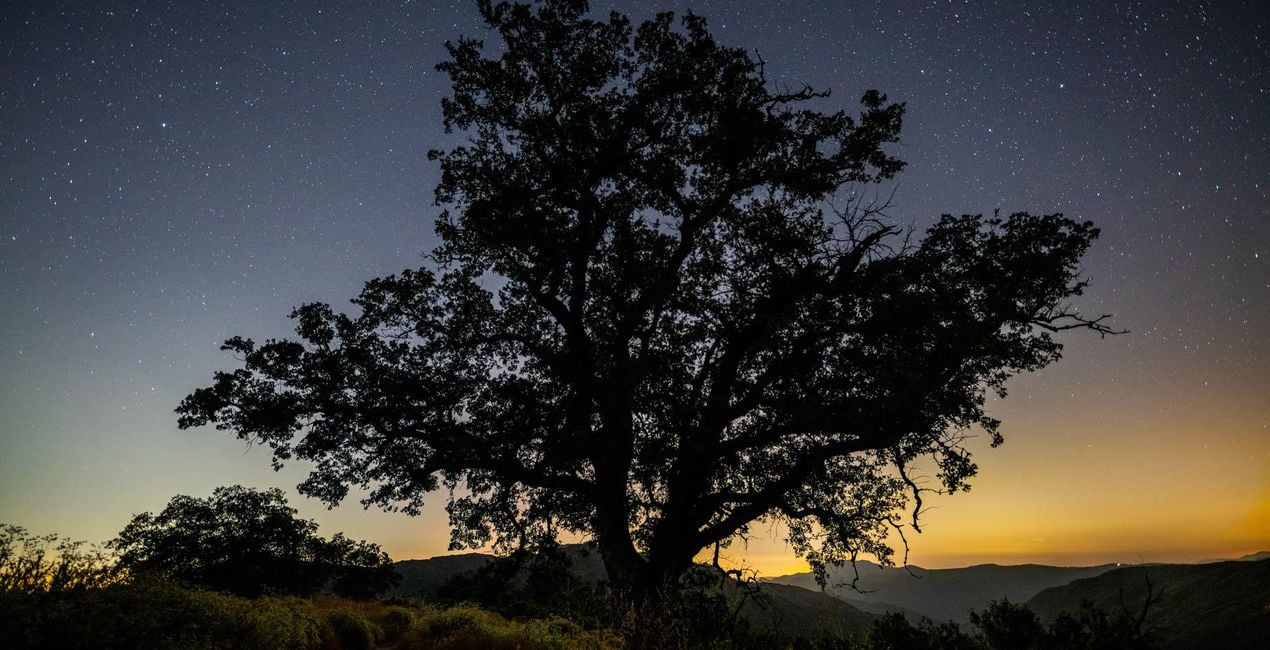
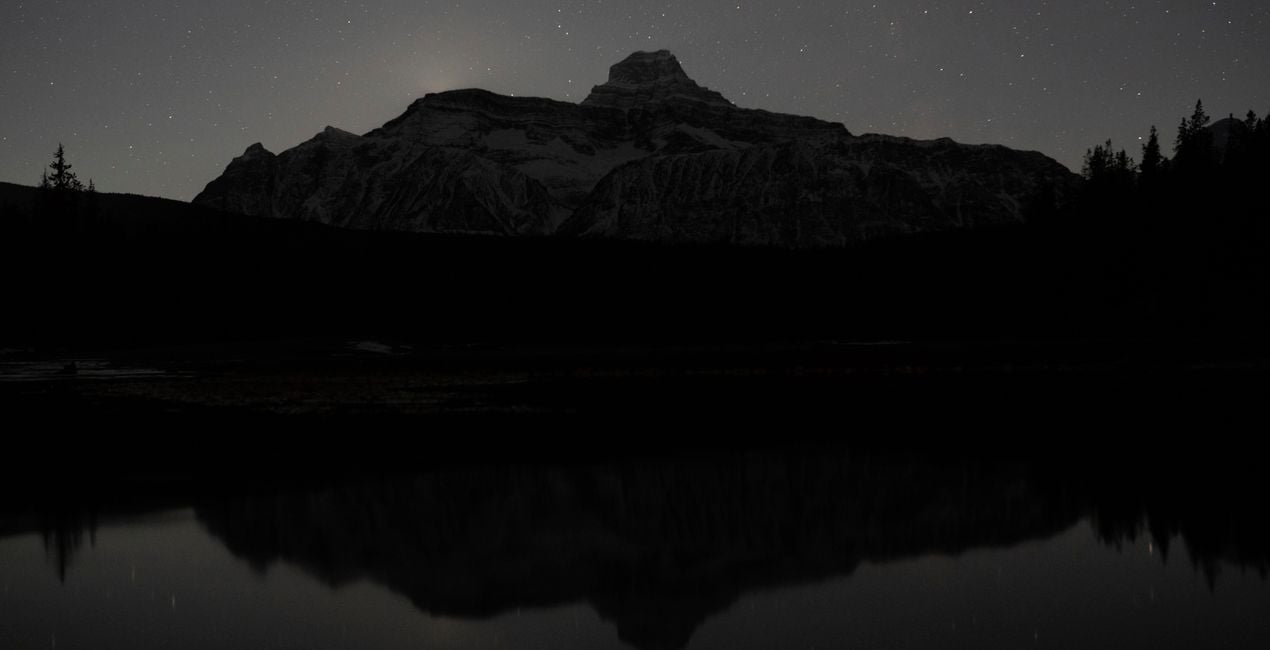
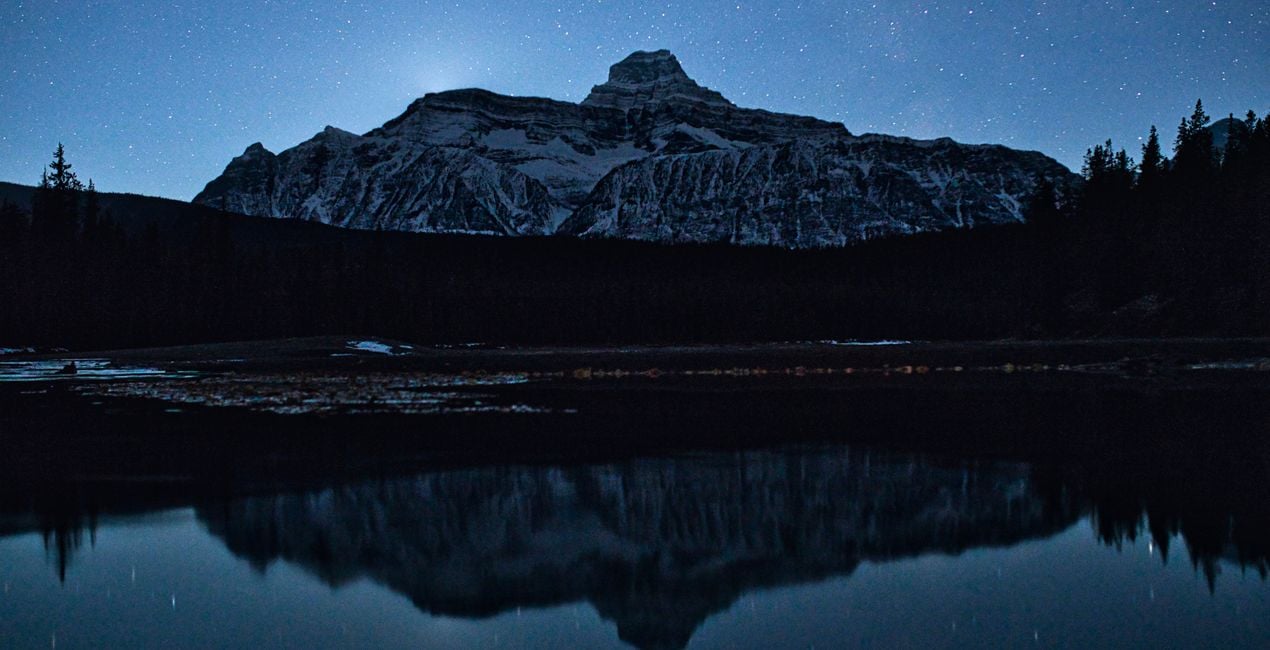
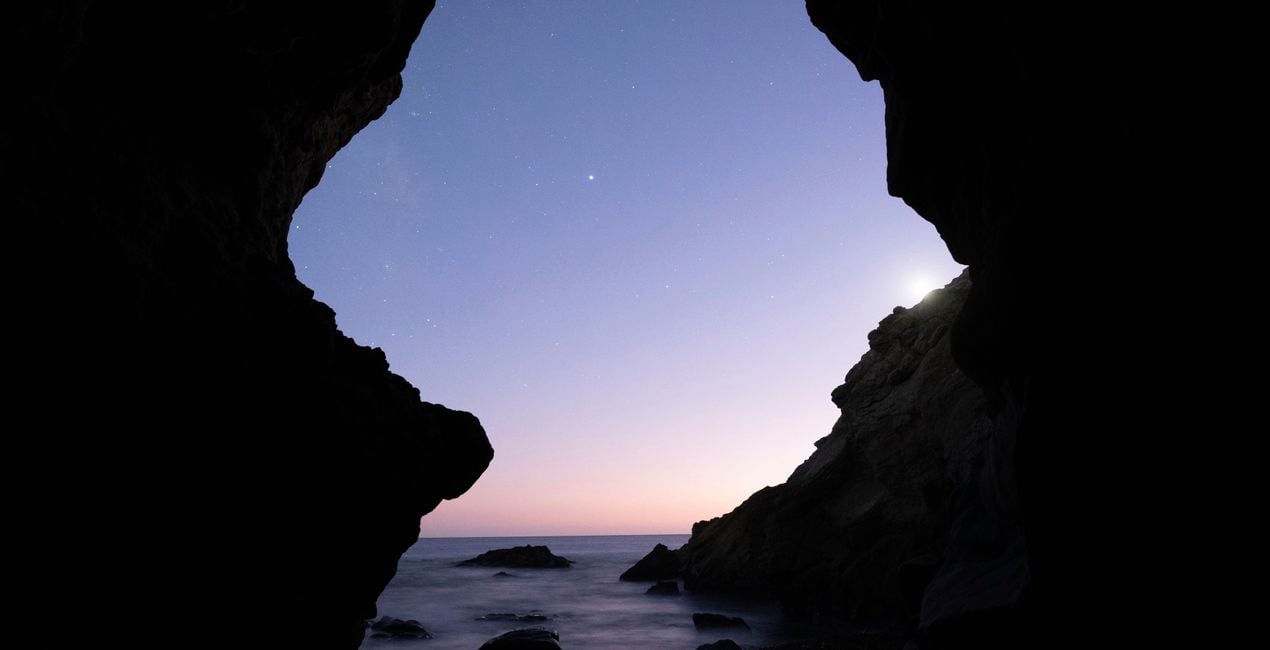
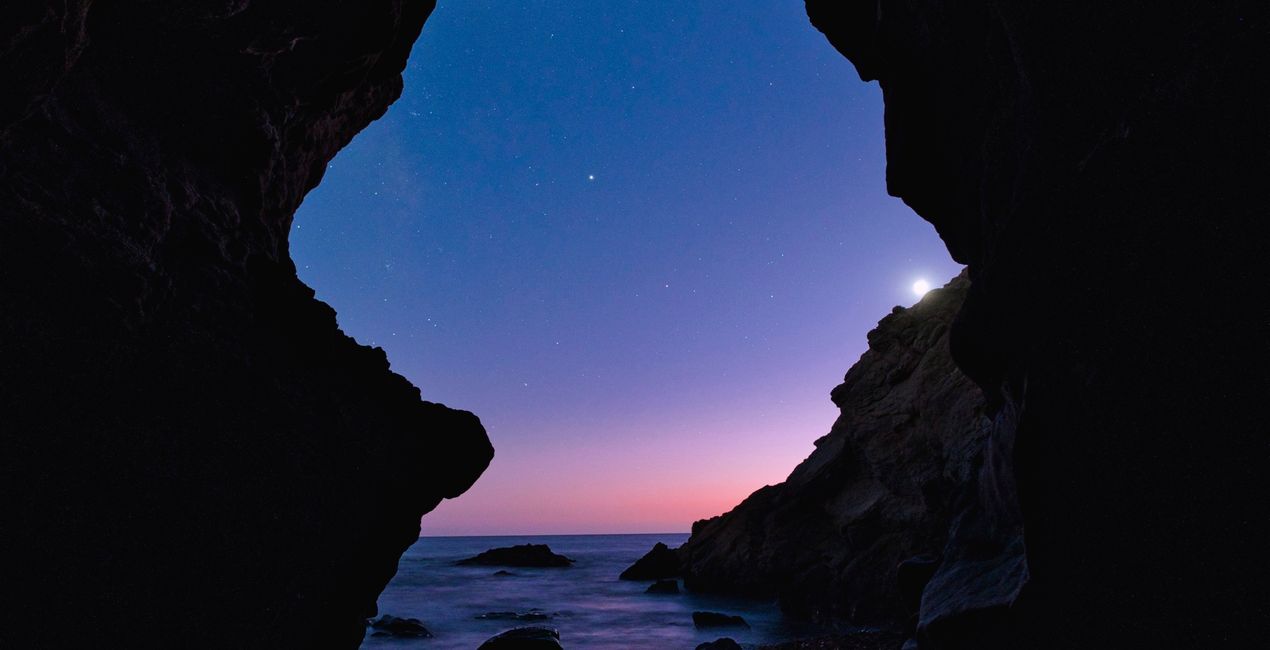
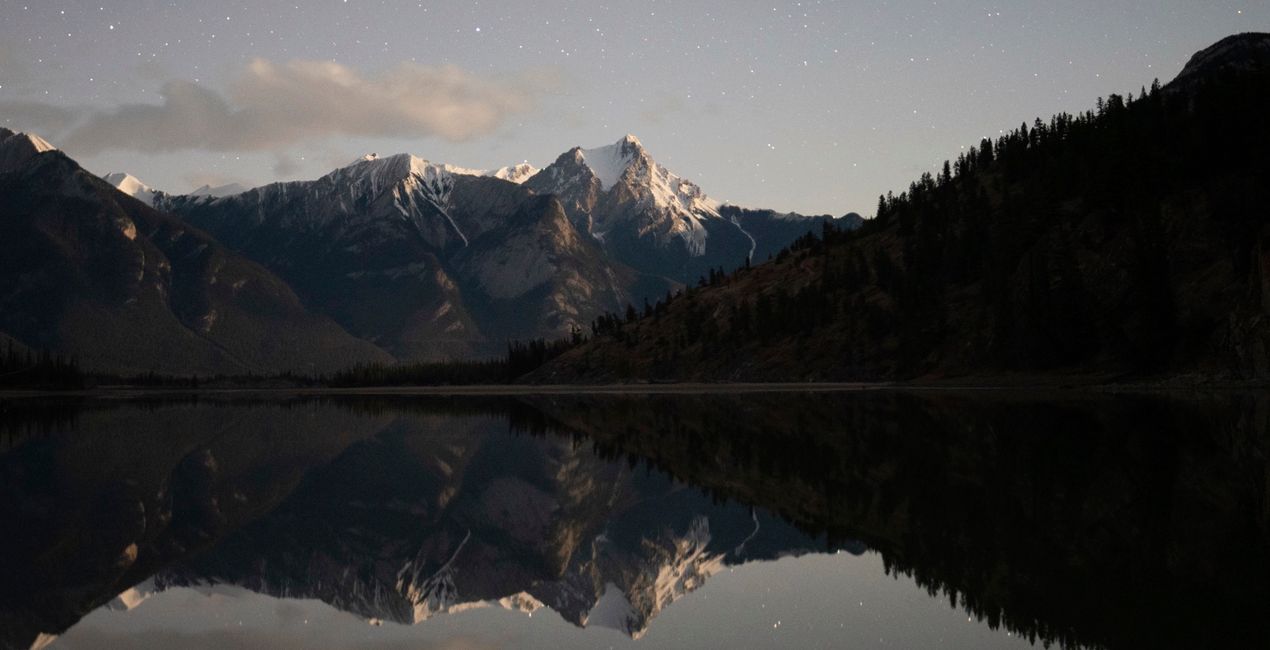
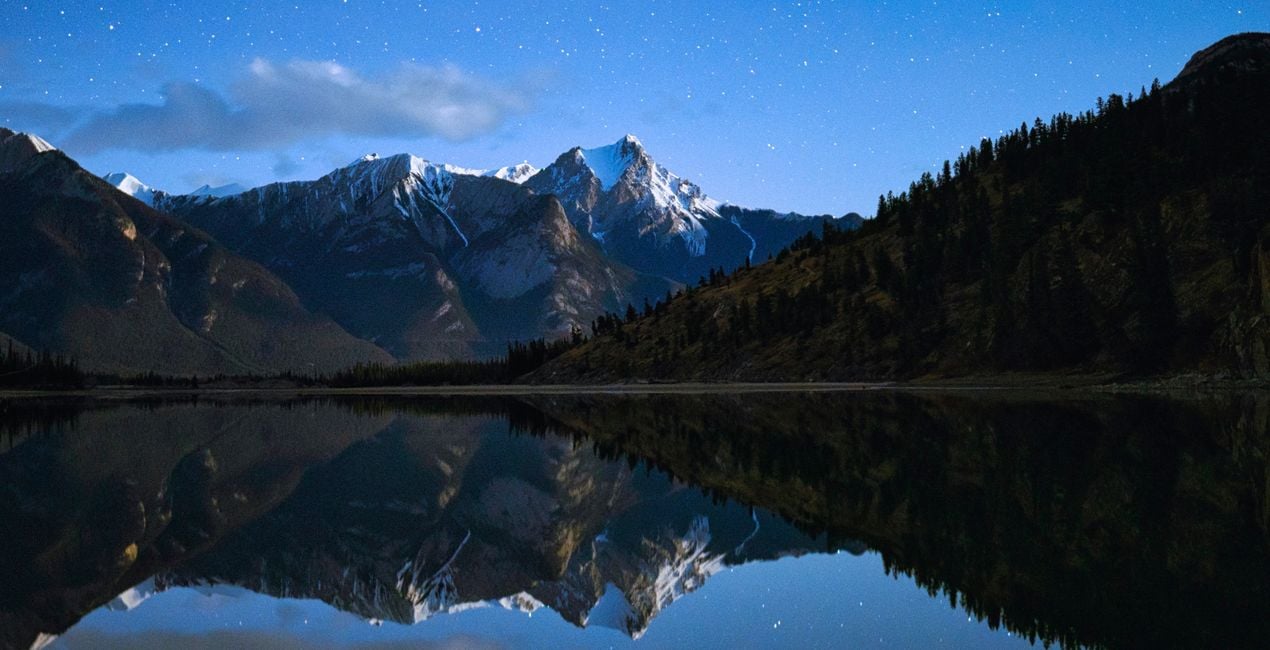
Utilizzando i file RAW forniti, potrai mettere facilmente in pratica i consigli di ritocco e imparare a ottenere foto come queste.
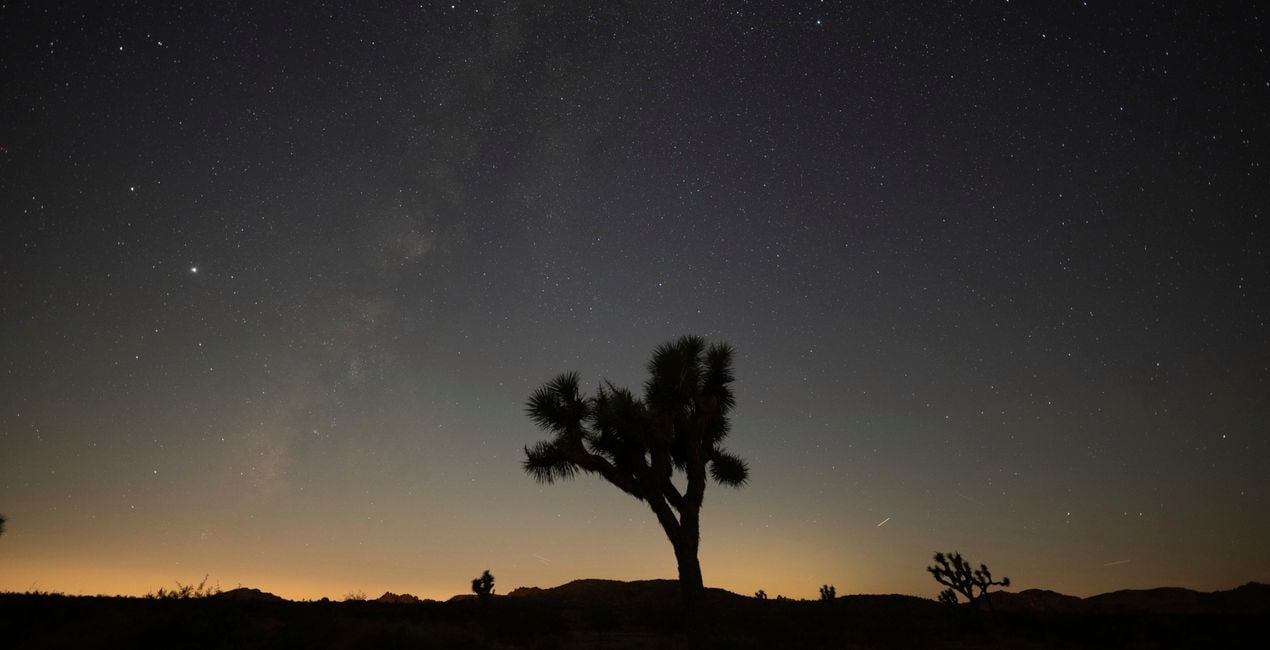
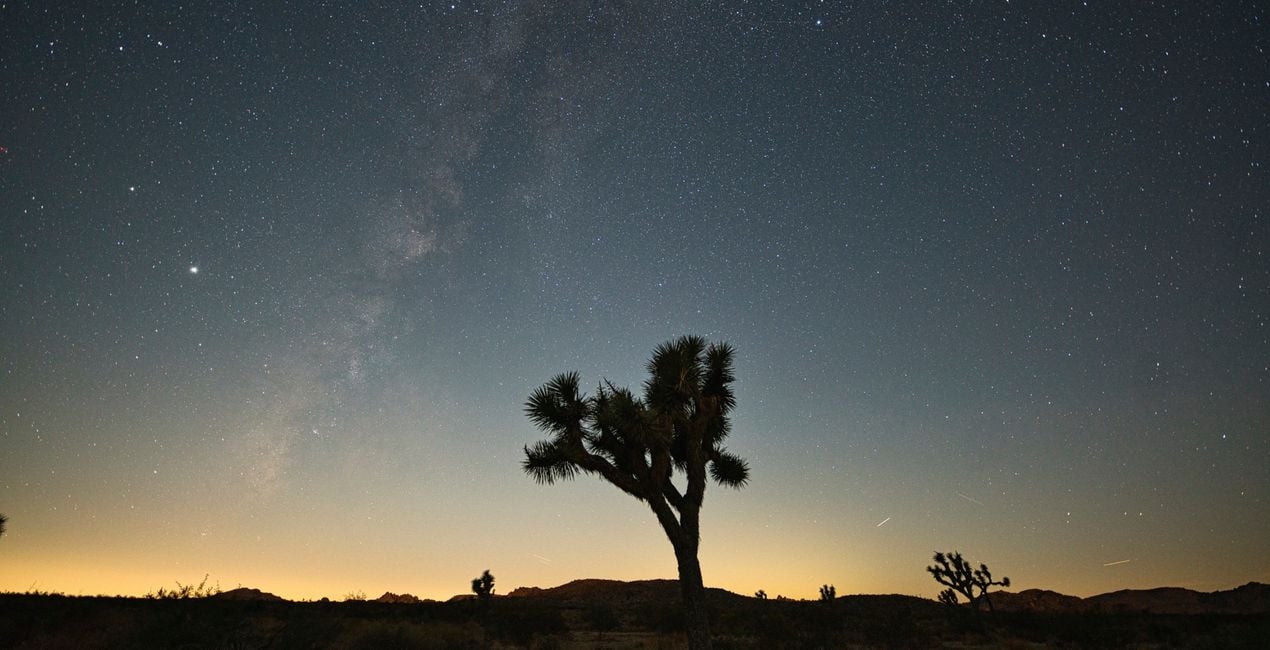 >
>
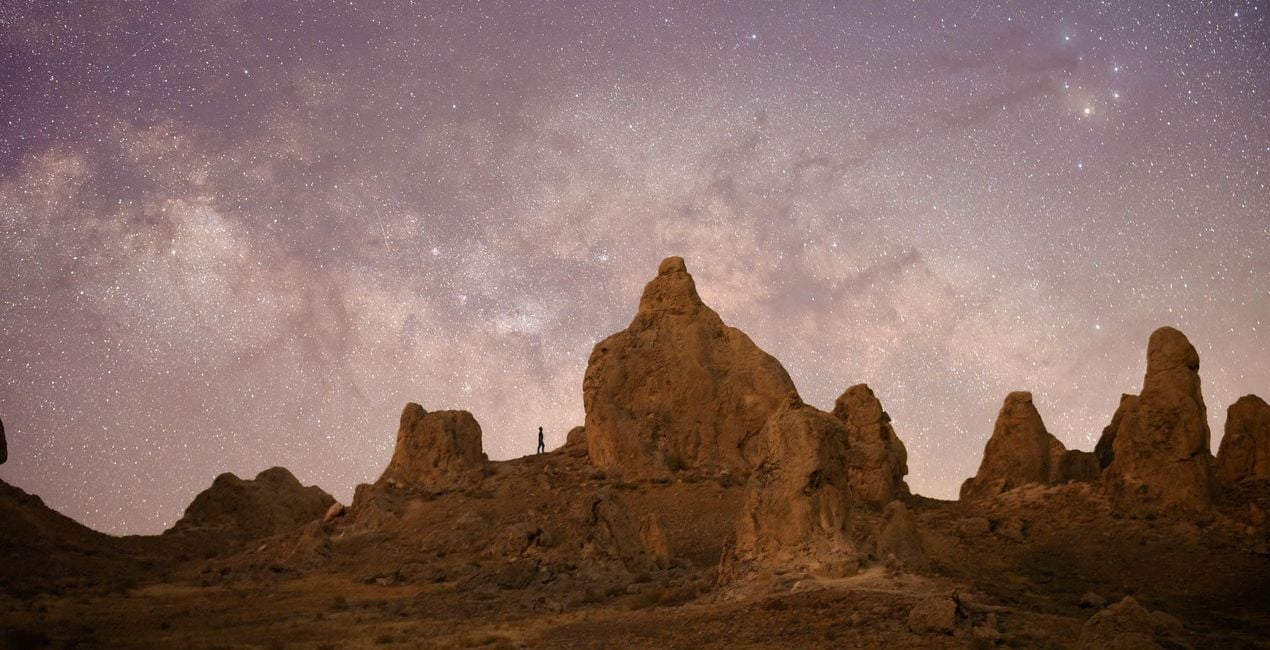
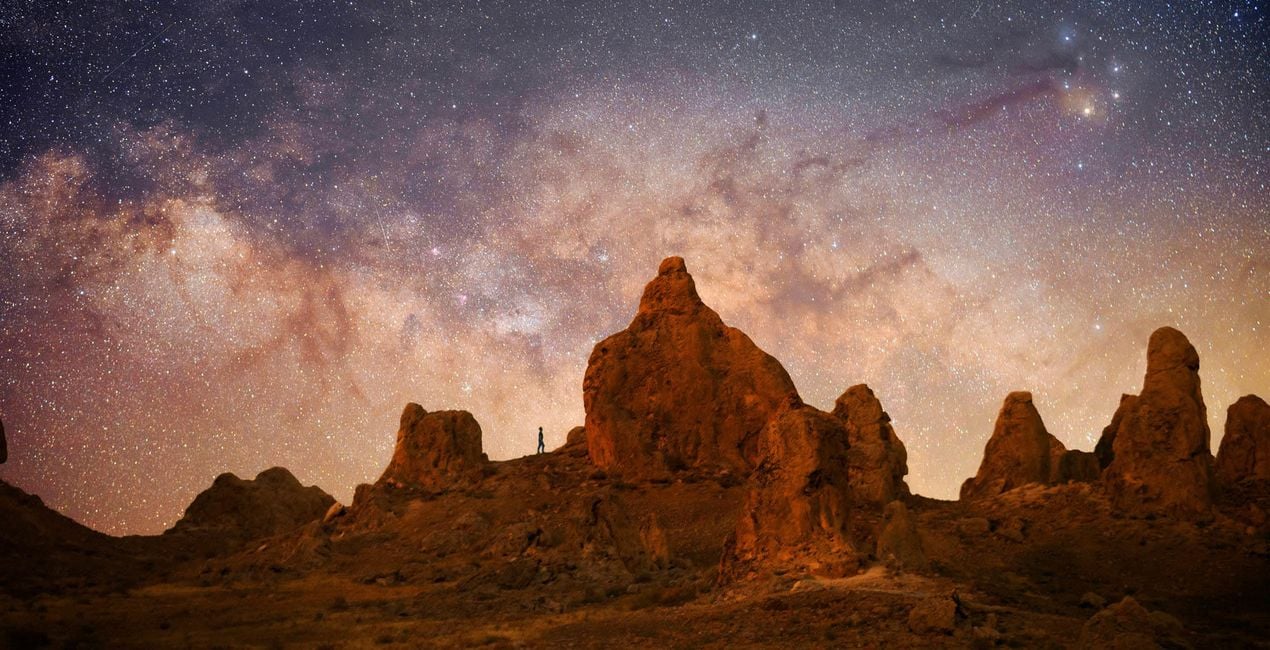 >
>
 >
>
 >
>
 >
>
 >
>
 >
>
 >
>
 >
>
My job and my passion is photography, especially stock photography, and I have over 16 years of experience as a professional photographer.
For the first time ever — and exclusively for LuminarAI — I’ve decided to share adjustments I use that will certainly give an essential touch to your photographs.
In this Templates collection, you’ll find adjustments that are perfect for lifestyle photos and love stories.
Cinematic Touch. Perfect for giving a cinematic touch to your creation, this Template is best for photographs taken at sunset.
Closed Emotion. This Template is for close-up portraits of models that transmit strength and preferably have some skin imperfections that convey life experience.
Desaturate Dusk. Enhance facial expressions in portraits that show the emotion of the main model. I suggest taking your photos at sunset.
Fantasy Sundown. Perfect for photographs that inspire love stories, this Template gives a romantic and fantasy touch to your subjects. I recommend applying it to photos taken at sunset.
Forsaken Desert. This Template has been specially prepared to show the strength and character not only of the model but also of the surrounding landscape. It’s best for photographs of a single model, ideally against a minimalist landscape such as dunes or hills.
Golden Vesper. Here is another Template focused on love stories that you’ll surely appreciate if you take photos of a couple at sunset. It makes minimal and natural corrections to deliver professional photographs.
Lockdown Madness. Inspired by our current confinement, this Template is ideal for photos taken indoor or in studios with natural light. It’s designed to highlight the emotional state of the protagonist and emphasizes blue tones to recreate a movie atmosphere.
Neutral Twilight. I created this Template to highlight the last rays of the day. It’s ideal for presenting a photograph with a contained setting but at the same time delivering a movie effect, giving delicacy to the scene. It’s also ideal for love scenes.
Opposite Glances. I designed this Template for photos with double exposure. Make sure to place the sunlight to the desired area.
Vibrant Soul. An explosion of colors will surprise your client by giving a different and cheeky touch to the scene and recalling old instant photography movies.
Astrophotographer & Timelapser
Jack Fusco is a landscape astrophotographer and timelapser based out of San Diego, California. For Jack, photography began as a way to document his travels as a touring musician, but it has become his main form of creative expression.
On his often-sleepless journeys, Jack strives to share the wonder of the night sky with as many people as possible. Whether chasing the Milky Way along coastlines or capturing the northern lights in unforgiving remote locations, he’s sure to have coffee in hand and be smiling up at the stars.
Many of Jack’s images are planned days, weeks, or even months in advance while waiting for weather and celestial objects to align. The resulting work shows a true and complete dedication to his craft.
Jack’s work has been featured by National Geographic, TEDx, the LA Times, NASA APOD, the BBC, Forbes, and many more publications.
Se hai domande sui prodotti, puoi contattare il team dell'assistenza tutti i giorni, 24 ore al giorno. Utilizza questo link.
Per acquistare Astrophotography Adventures, segui questi passaggi:
1. Apri il Marketplace di Skylum.
2. Vai sulla scheda dove è elencato Astrophotography Adventures. Clicca sul nome del prodotto per aggiungerlo al carrello.
3. Vai al carrello, dove potrai completare l'acquisto di Astrophotography Adventures.
4. Dopo l'acquisto, riceverai un'e-mail con il link per scaricare Astrophotography Adventures. Potrai trovare il nuovo acquisto anche nel tuo account Skylum, nella scheda I miei add-on.
Nell'e-mail con il link per il download riceverai anche istruzioni dettagliate su come installare Astrophotography Adventures.
Inoltre, puoi installare l'articolo acquistato direttamente in Luminar Neo: vai su Extra > Marketplace, seleziona la categoria di prodotto, trova l'articolo acquistato e clicca su Installa.
È facilissimo! Vai nella scheda Preset, quindi seleziona Acquistati. Qui troverai i preset che hai acquistato.
Non preoccuparti. Tutti gli articoli acquistati, incluso Astrophotography Adventures, vengono conservati nella scheda "I miei add-on" del tuo account Skylum, così potrai riscaricarli e utilizzarli in tutta facilità.
In generale, la maggior parte degli articoli è compatibile con Luminar Neo. Ma per assicurarti che Astrophotography Adventures sia compatibile con i tuoi software, verificane le specifiche prima di scaricarlo o acquistarlo. Cerca la sezione "Compatibilità" sulla destra della pagina di Astrophotography Adventures, dove sono elencati tutti i prodotti compatibili.
Non andartene ancora. Ecco un codice sconto esclusivo per te. Usalo entro i prossimi 15 minuti per ottenere un ulteriore sconto del 10% al momento del pagamento. Copia il codice qui sotto e completa l'acquisto.
15 m : 00 s





