


 Applicato


Luminar Neo Mood Kit
Save $201 $ 49 .00

This Kit is Pavel Kaplun’s first product for Luminar Neo. It’s ideal for landscape, architecture, animal, and product photography.
Cosa è incluso
13 Presets, 56 LUTs, 16 sample photos, Installation guide (PDF and video), How-to video

Utilizzando i file RAW forniti, potrai mettere facilmente in pratica i consigli di ritocco e imparare a ottenere foto come queste.
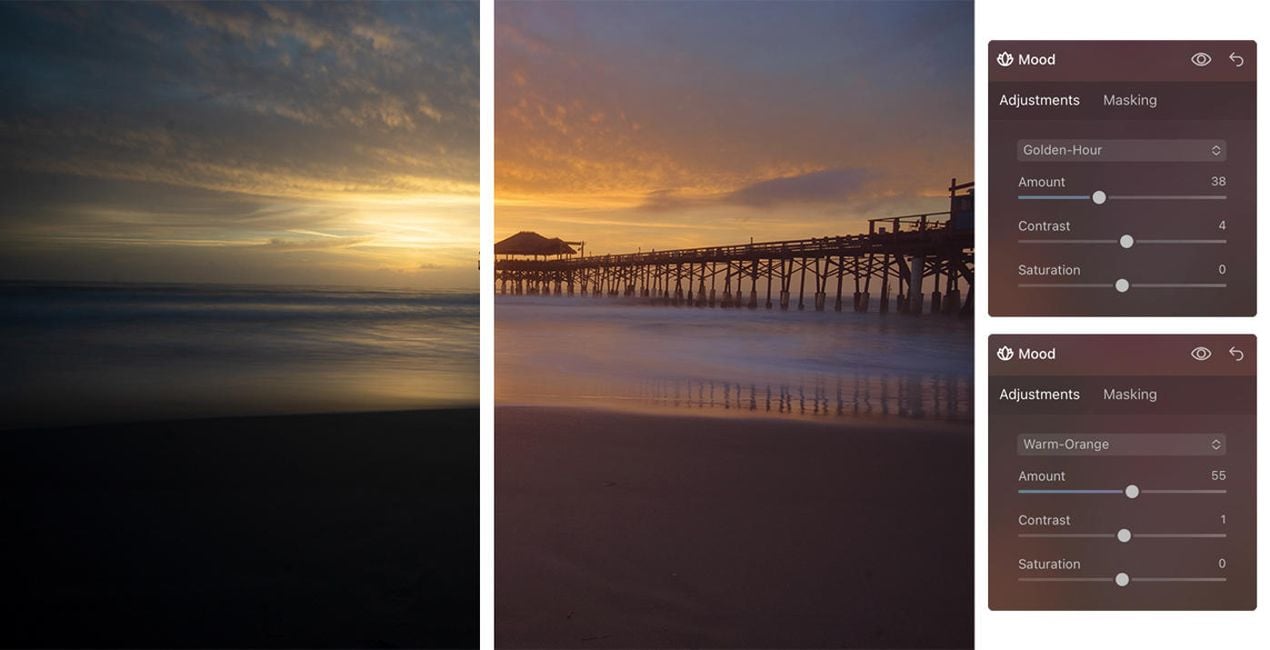
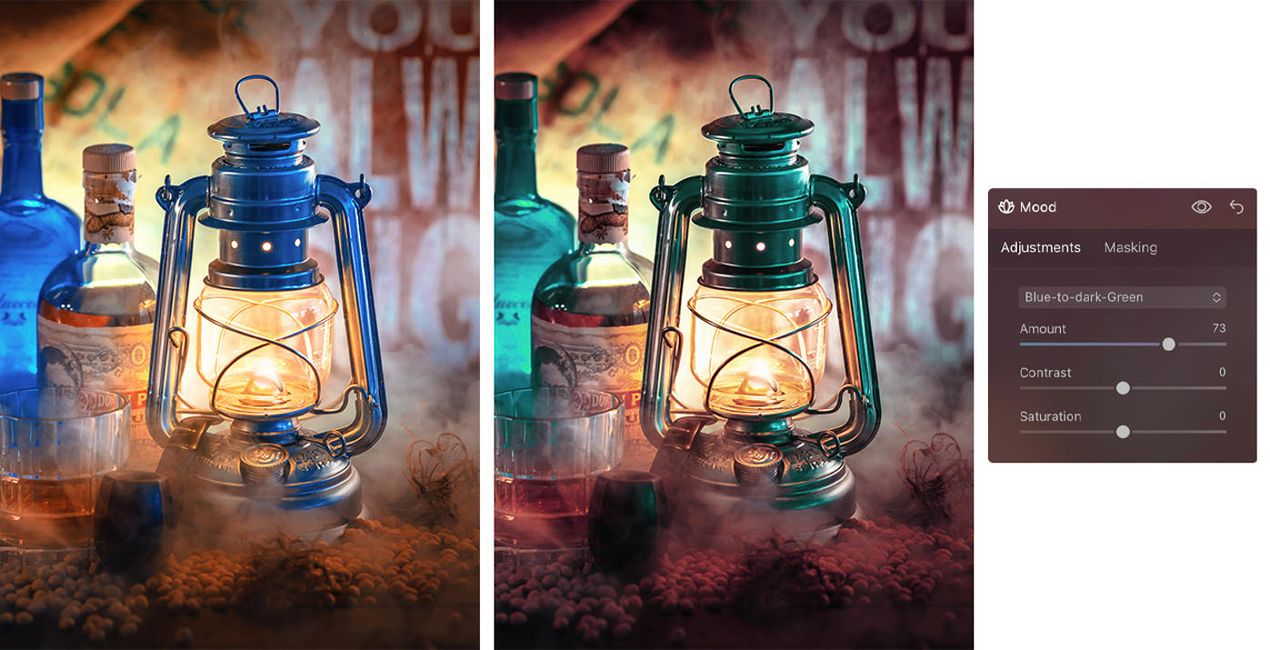
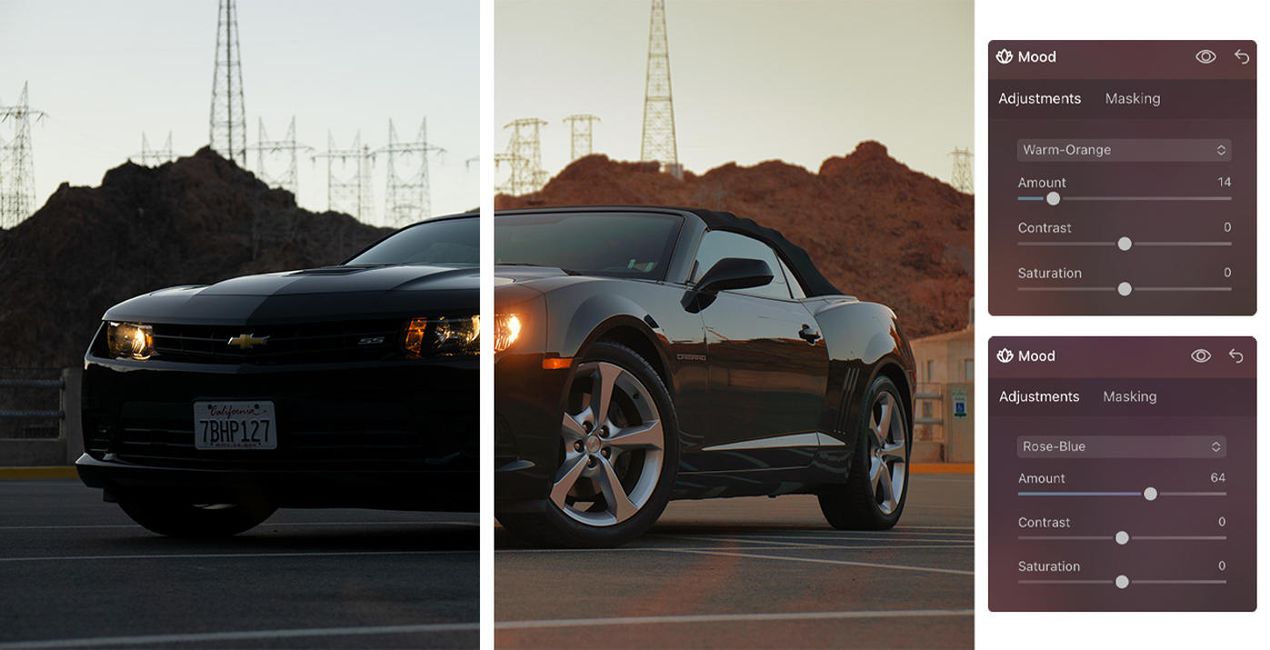
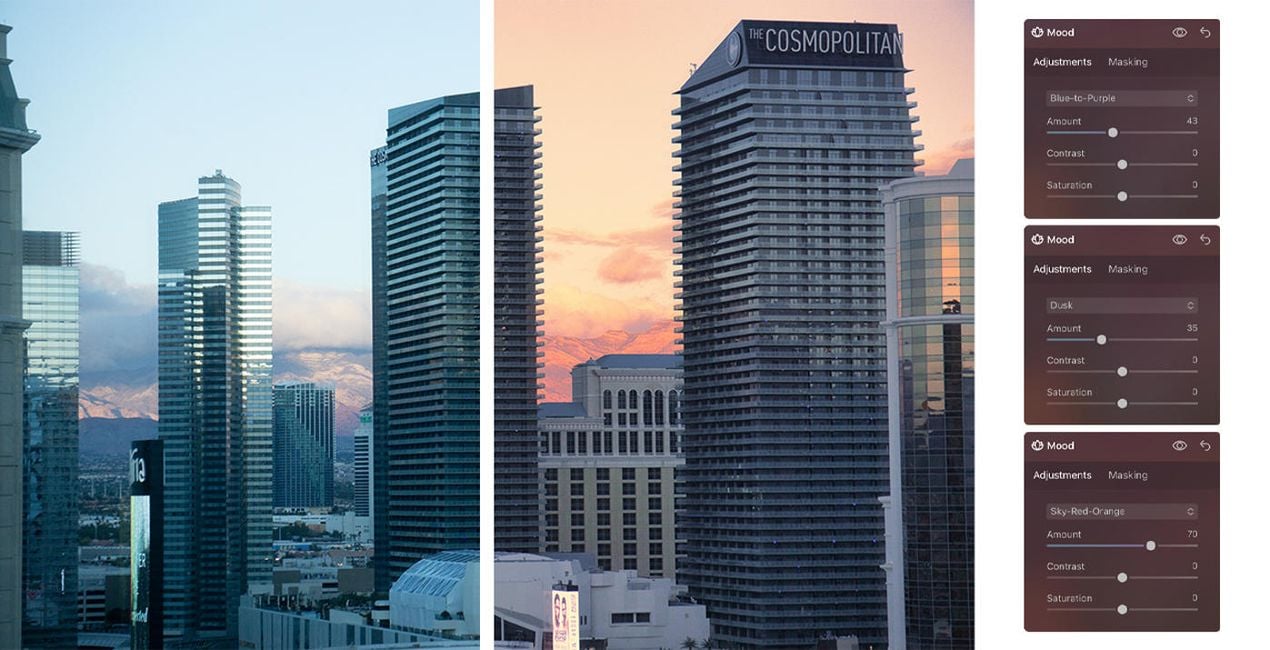

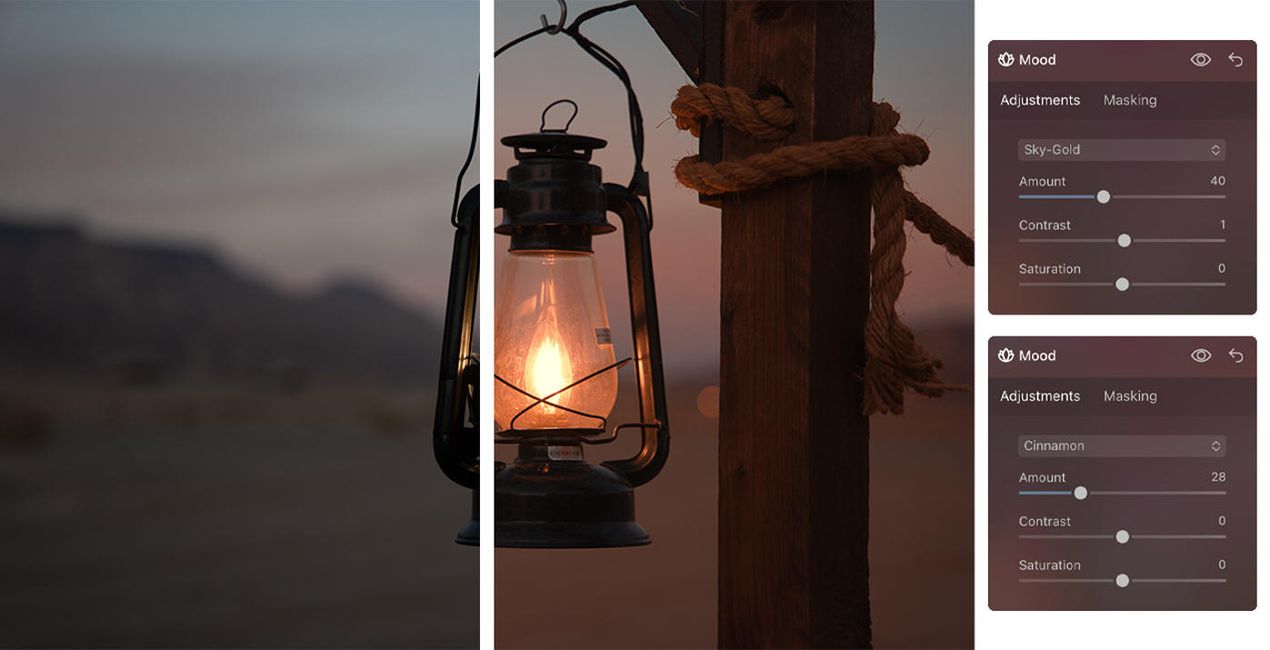
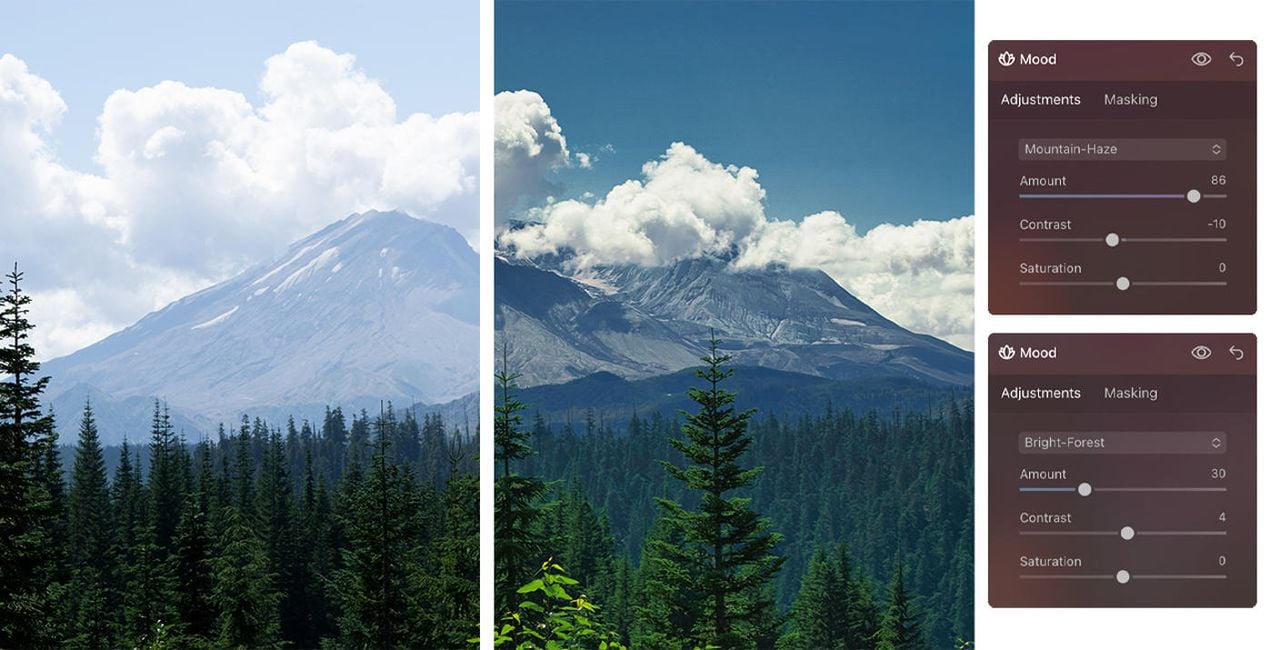
Create fantastic photos that capture the majestic feeling of landscapes, the beauty of architecture, and the gorgeous animals you’ve visited during your travels.
The universal items in this Kit, including Presets and LUTs, let you enhance your images to achieve mesmerizing results — and the video and PDF guides will help you get the most out of your photos.
All the creative assets in this Kit optimize specific parts of a photo and can be adjusted in terms of opacity, contrast, and saturation. In addition, you can apply a combination of effects to your photos to fully meet your needs. Following Luminar’s design, everything is effects-oriented, making it easy for you to find what you need and get impressive results.
Professional Photographers. Digital Artists
Creative Studio Pavel Kaplun is represented by Pavel Kaplun and Miho Birimisa. Pavel started as a painter who used his artistic skills in the early 1990s to teach the masses how to post-process digital pictures so they not only looked like good photos but like pieces of art. Twenty years later, Pavel and Miho are among the top-ranked photographers and digital artists in the German-speaking world, re-inventing photography topics using their own style year after year. Pavel and Miho conduct events and workshops all across Europe, produce video trainings as well as books under their own label, offer photo trips across the globe, and publish YouTube videos every single week. Their unique photography style spans digital artworks to several other genres including travel, architecture, nature, animals, and people.
Se hai domande sui prodotti, puoi contattare il team dell'assistenza tutti i giorni, 24 ore al giorno. Utilizza questo link.
Per acquistare Luminar Neo Mood Kit, segui questi passaggi:
1. Apri il Marketplace di Skylum.
2. Vai sulla scheda dove è elencato Luminar Neo Mood Kit. Clicca sul nome del prodotto per aggiungerlo al carrello.
3. Vai al carrello, dove potrai completare l'acquisto di Luminar Neo Mood Kit.
4. Dopo l'acquisto, riceverai un'e-mail con il link per scaricare Luminar Neo Mood Kit. Potrai trovare il nuovo acquisto anche nel tuo account Skylum, nella scheda I miei add-on.
Nell'e-mail con il link per il download riceverai anche istruzioni dettagliate su come installare Luminar Neo Mood Kit.
Inoltre, puoi installare l'articolo acquistato direttamente in Luminar Neo: vai su Extra > Marketplace, seleziona la categoria di prodotto, trova l'articolo acquistato e clicca su Installa.
È facilissimo! Per installare un kit acquistato, dovrai cercalo in Account > I miei add-on e scaricarlo. Nel file scaricato troverai le istruzioni per installare tutti gli elementi del kit.
Non preoccuparti. Tutti gli articoli acquistati, incluso Luminar Neo Mood Kit, vengono conservati nella scheda "I miei add-on" del tuo account Skylum, così potrai riscaricarli e utilizzarli in tutta facilità.
In generale, la maggior parte degli articoli è compatibile con Luminar Neo. Ma per assicurarti che Luminar Neo Mood Kit sia compatibile con i tuoi software, verificane le specifiche prima di scaricarlo o acquistarlo. Cerca la sezione "Compatibilità" sulla destra della pagina di Luminar Neo Mood Kit, dove sono elencati tutti i prodotti compatibili.
Non andartene ancora. Ecco un codice sconto esclusivo per te. Usalo entro i prossimi 15 minuti per ottenere un ulteriore sconto del 10% al momento del pagamento. Copia il codice qui sotto e completa l'acquisto.
15 m : 00 s





