


 Aplicado




Acerca de
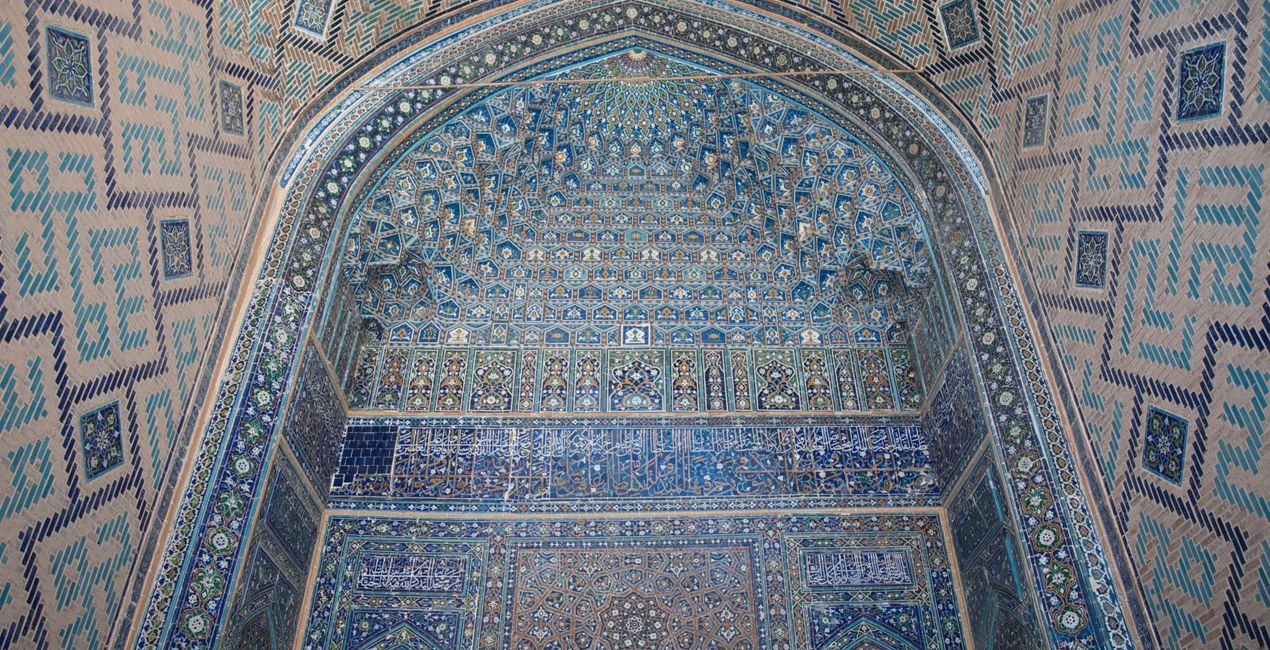
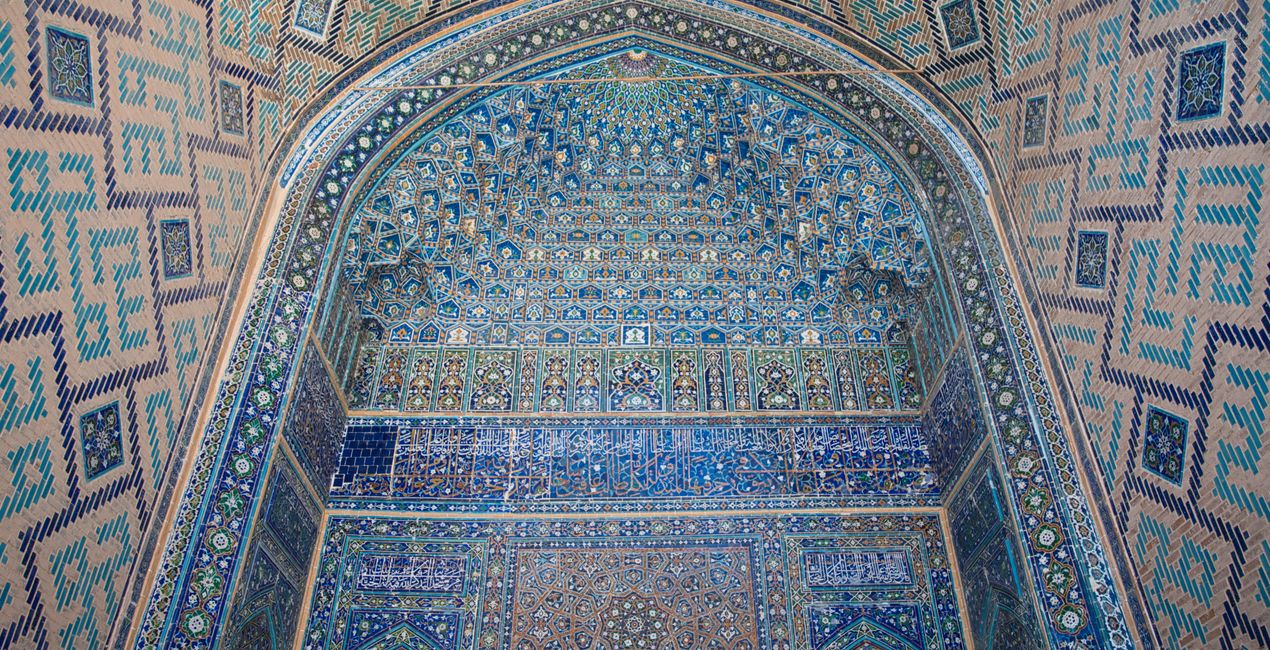
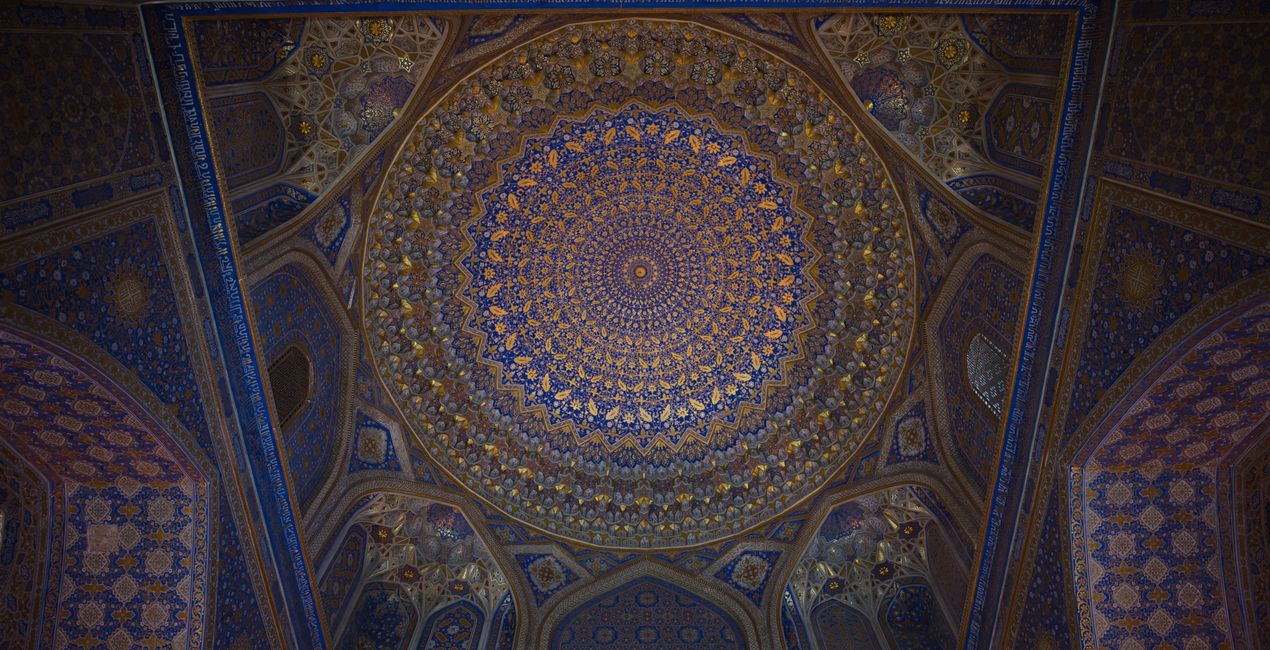
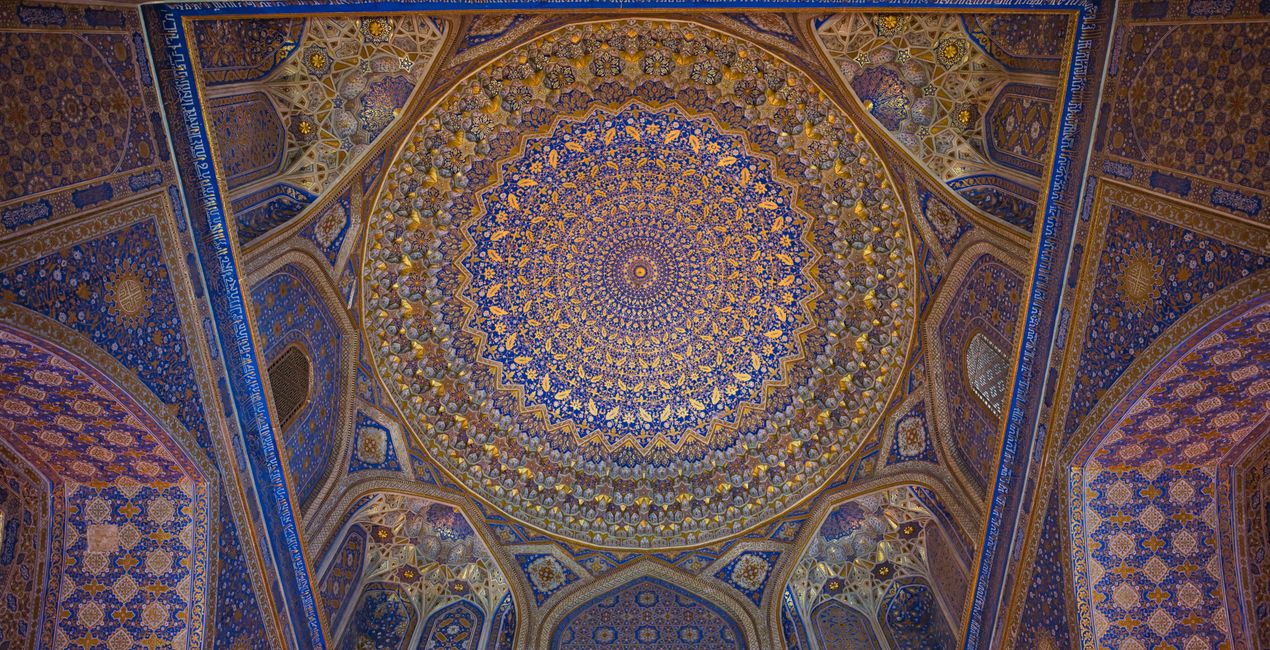
A pack of 10 Presets for Luminar Neo and Luminar AI. Instantly get a warm look for your travel photos shot in the Middle East and other Arab countries. These Presets are specifically created to enhance desert landscapes and oriental cityscapes with golden tones and rich colors.
Compatibilidad

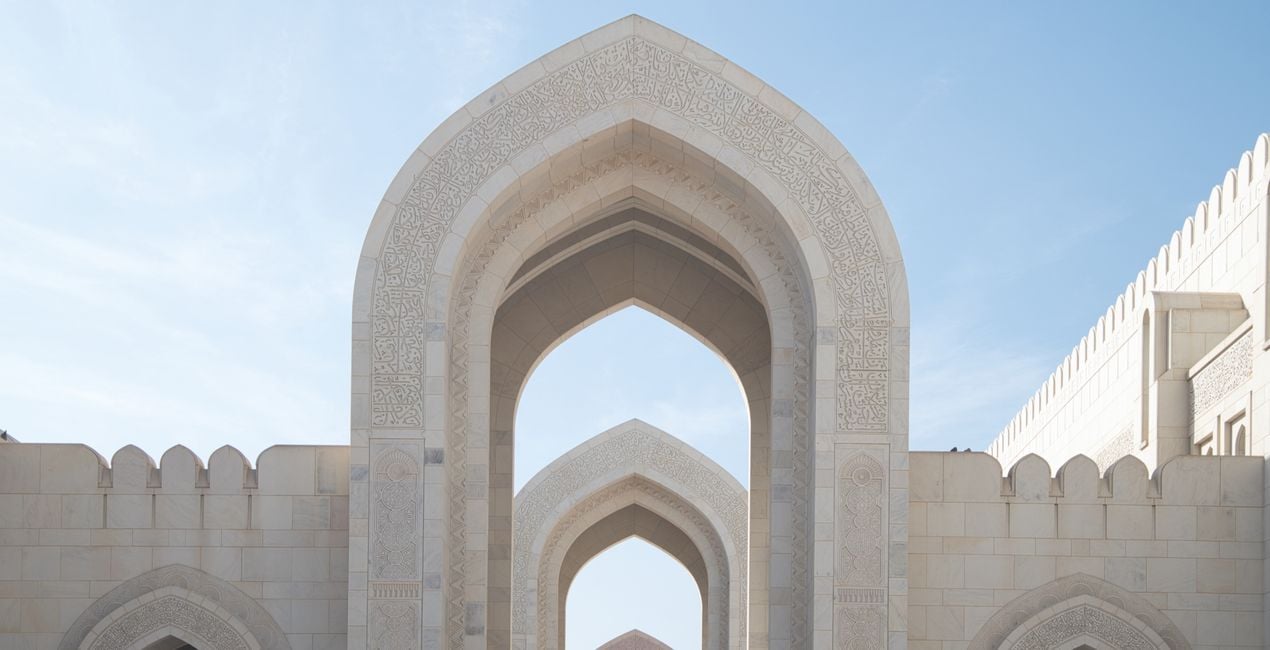
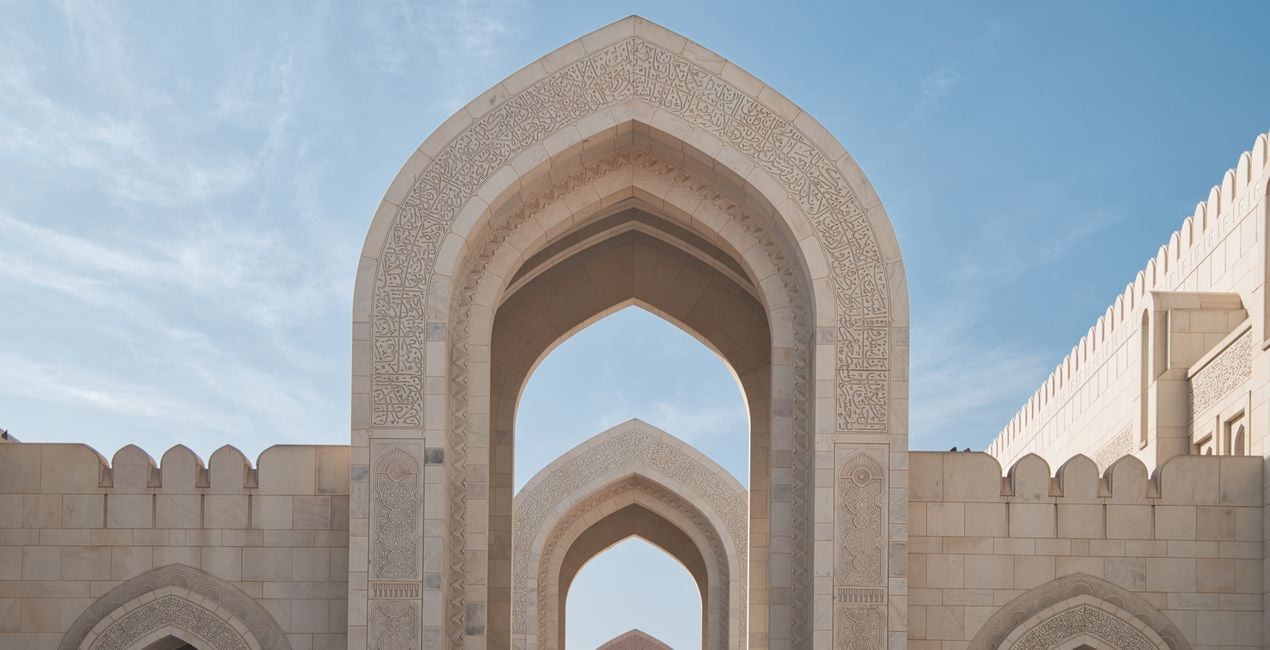
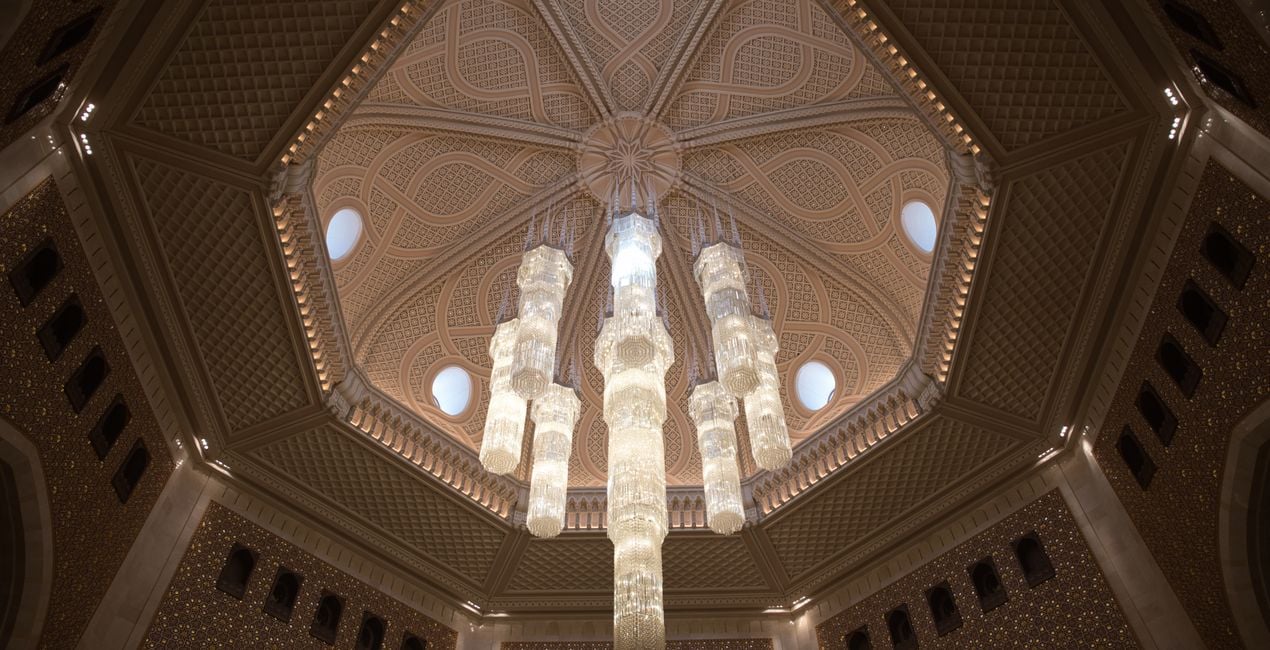
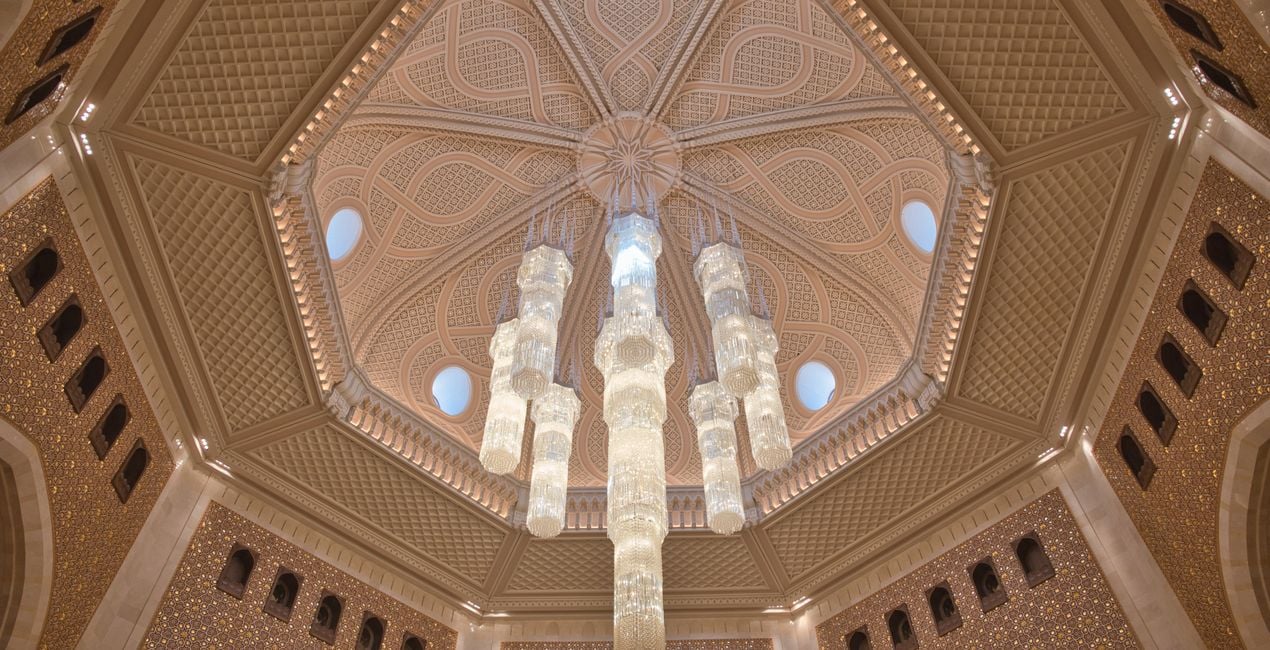
Consigue fotos como estas
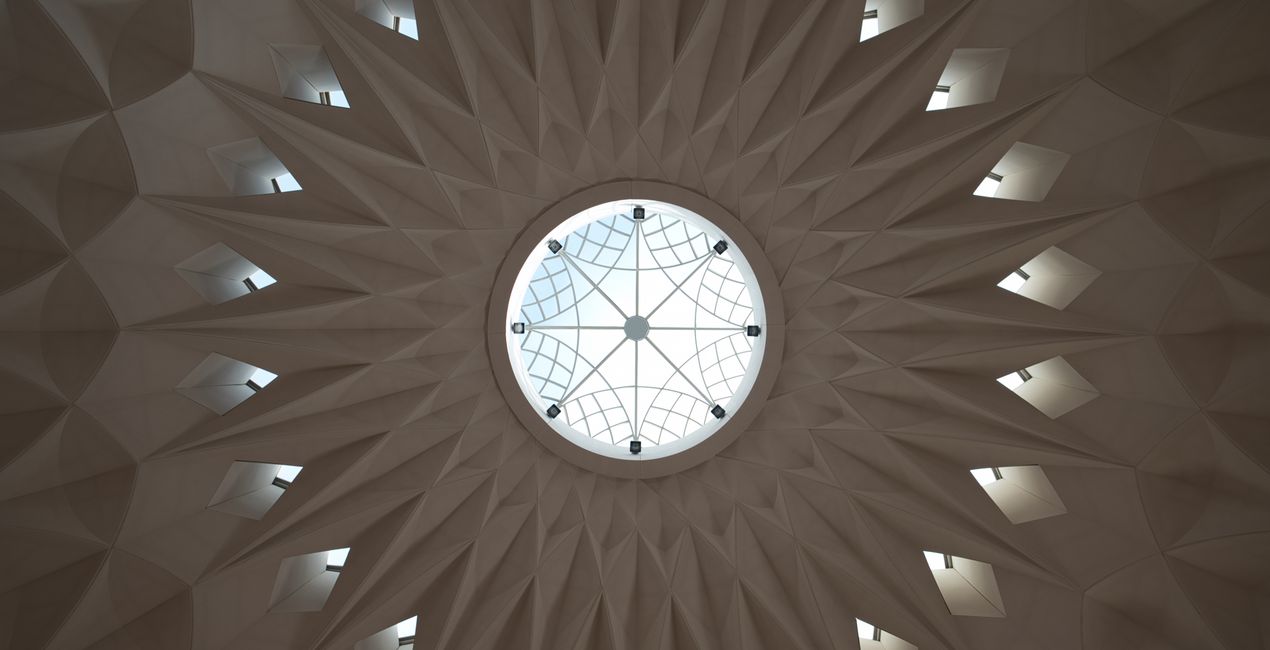
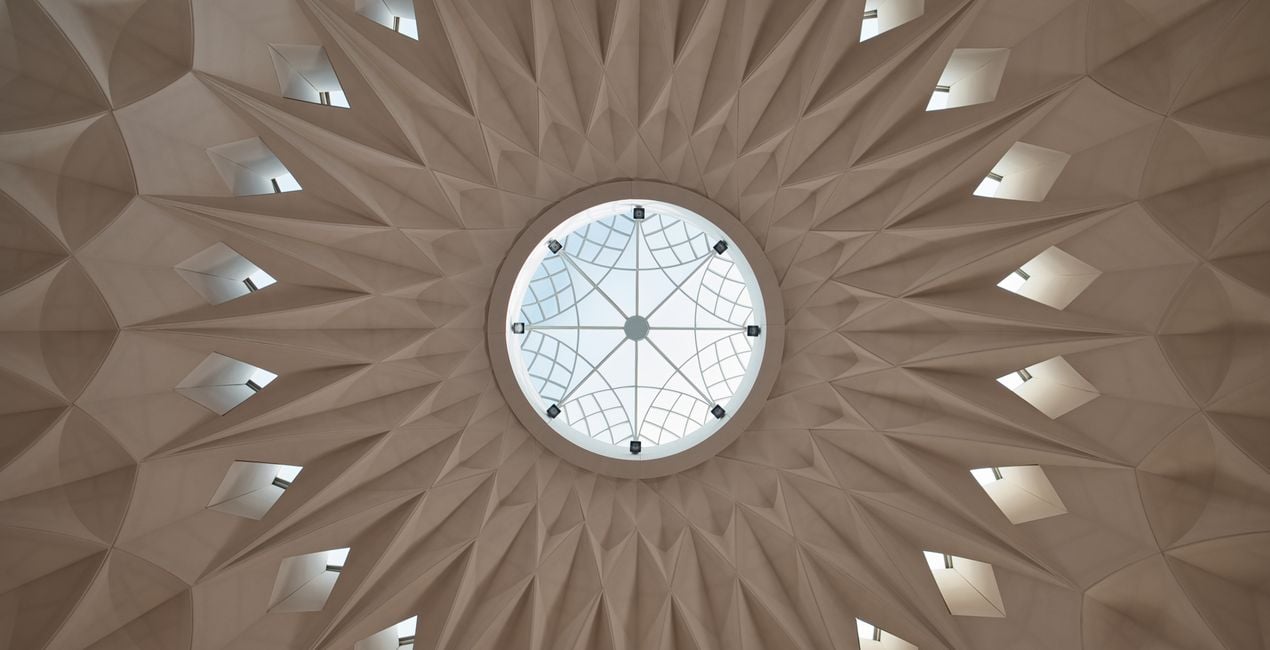
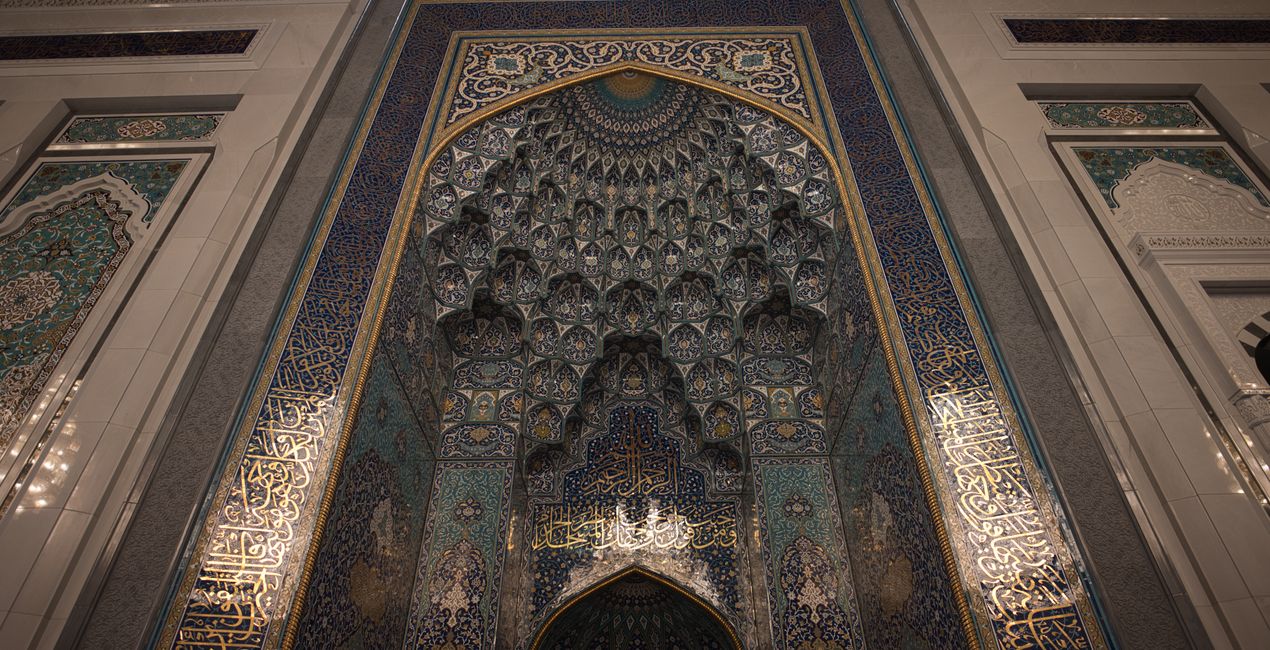
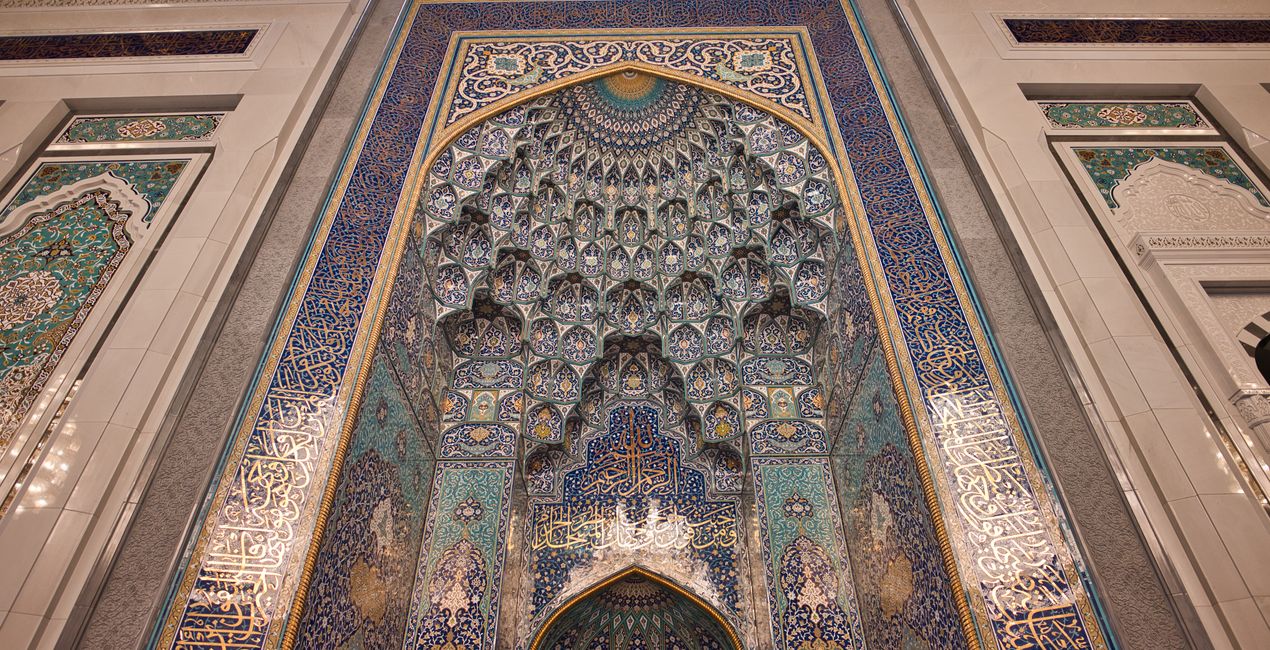
Con los archivos RAW proporcionados, practicarás fácilmente los consejos de retoque y aprenderás a conseguir fotos como estas.
 >
>
 >
>
 >
>
 >
>
 >
>
 >
>
La historia
This collection of 10 one-click Presets for travel and architecture photography is just what you need to enhance your oriental images. These Presets add more detail, color and a sunny look to your photos.
You’ll find 10 Presets in this pack:
Samarkand - Lighten up and give a light saturation to the image.
Bukhara - Improve the colors and give some structure adjusting the contrast.
Amman - Warm the colors, improve the structure and the glow of the picture.
Riyhad - Add colder tones and enhance the structure.
Muscat - Darken the over-exposed areas and improve the gold tones in the image.
Shiraz - Improve the luminosity of the image making it more glowy.
Abu Dhabi - Lower the contrast and mute vibrant colors for a mystical look.
Kuwait - Add a hard contrast and improve the structure of the image.
Dubai - Improve the luminosity of your picture by adding a characteristic glow.
Doha - Perfect for desert landscapes, it adds a bit of a dramatic look.
Pro tip: For the best results, adjust the Amount slider for each Preset to control its impact. Remember that each image is unique, so make sure to adjust each Preset to match your vision and get the best results. Once you’ve applied a Preset, tweak the Exposure, Contrast, Highlights, and Blacks and Whites to your liking.
Productos relacionados


Creador
Nancy Da Campo
Architecture photographer and educator
<p>Nancy Da Campo is a freelance architecture and interiors photographer born in Milan, Italy, and currently traveling extensively to discover and capture the beauty of the built environment. <br></p><p>Perspectives and the use of lines are two central pillars of Nancy’s content, and she’s always looking for new and interesting angles to show her interpretation of a building through her camera or drone lens. </p><p></p><p>Nancy regularly works with architectural and cultural institutions, tech brands, and tourism boards. </p>
¿Cómo puedo contactar a soporte?
Si tienes alguna duda o pregunta sobre el producto, puedes contactar al servicio de soporte 24/7. Visita este enlace.
¿Qué tengo que hacer para comprar Oriental Feel?
Para comprar Oriental Feel, sigue estos pasos:
1. Abre el Marketplace de Skylum.
2. Ve a la pestaña correspondiente donde aparece Oriental Feel. Haz clic sobre él y añádelo a tu carrito.
3. Ve al carrito. Aquí, completa el proceso de compra de Oriental Feel.
4. Después de completar la compra, recibirás un correo de confirmación con el enlace de descarga de Oriental Feel. También encontrarás el nuevo producto en tu cuenta de Skylum, dentro de la pestaña “Mis complementos”.
¿Qué tengo que hacer para instalar Oriental Feel?
Recibirás un email con instrucciones detalladas sobre cómo instalar Oriental Feel junto con un enlace de descarga.
También puedes instalar el producto comprado directamente desde Luminar Neo: ve a Extras > Marketplace, selecciona la categoría del producto, busca el elemento adquirido y haz clic en Instalar.
¿Dónde puedo encontrar mi(s) Oriental Feel tras la instalación?
¡Es muy fácil! Ve a la pestaña de Ajustes Preestablecidos y selecciona "Comprados". Tu ajuste preestablecido instalado estará ahí.
¿Y si pierdo mi(s) Oriental Feel?
No te preocupes. Todos los productos que hayas adquirido, como Oriental Feel, se almacenarán en la pestaña 'Mis complementos' de tu cuenta de Skylum para que puedas volver a descargarlos fácilmente.
¿Cómo puedo verificar la compatibilidad de Oriental Feel con mi software?
Generalmente, la mayoría de productos son compatibles con Luminar Neo. Pero si quieres asegurarte de que Oriental Feel funciona(n) correctamente con tu software, consulta sus especificaciones antes de hacer ninguna compra o descarga. Busca la sección "Compatibilidad" en la parte derecha de la página de Oriental Feel, donde aparecen todos los programas compatibles.


