


 Aplicado


Interiors Enhancements
Save $201 $ 19 .00

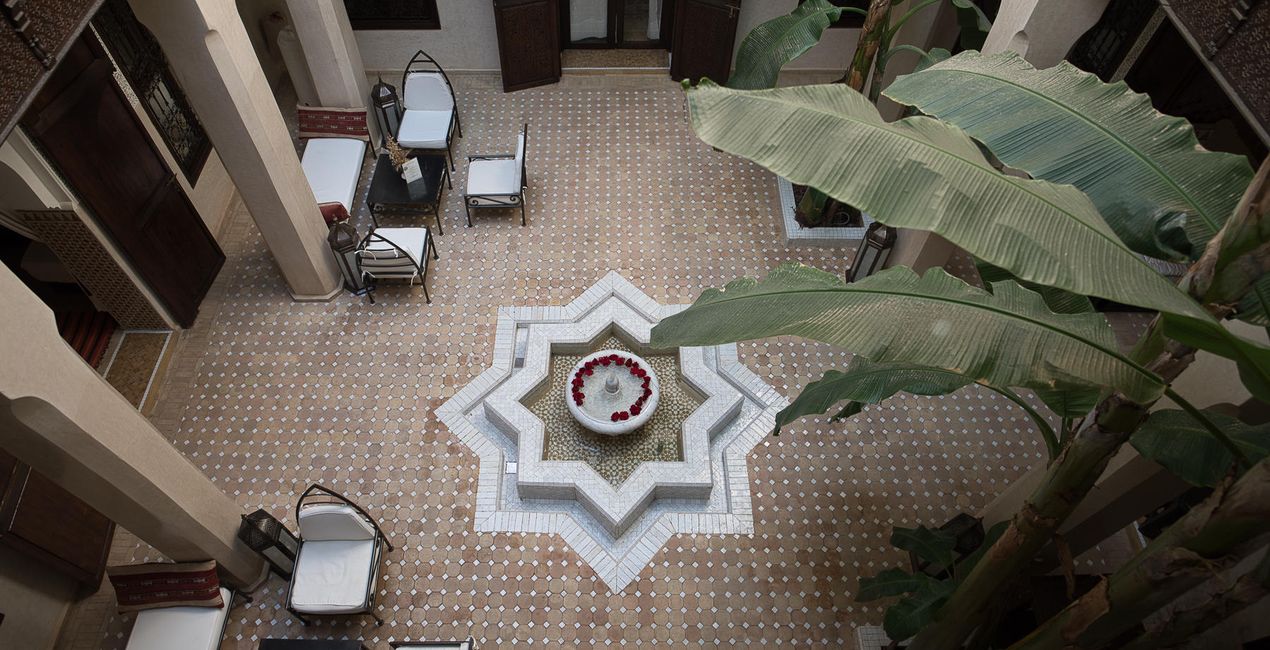
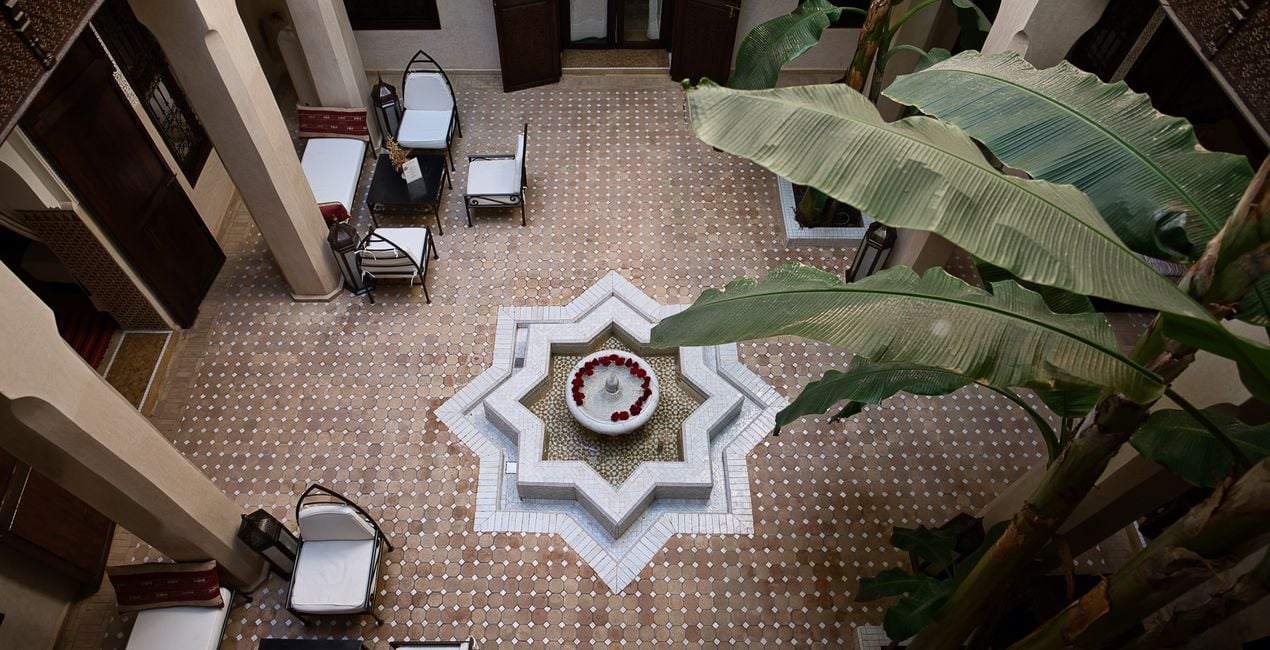
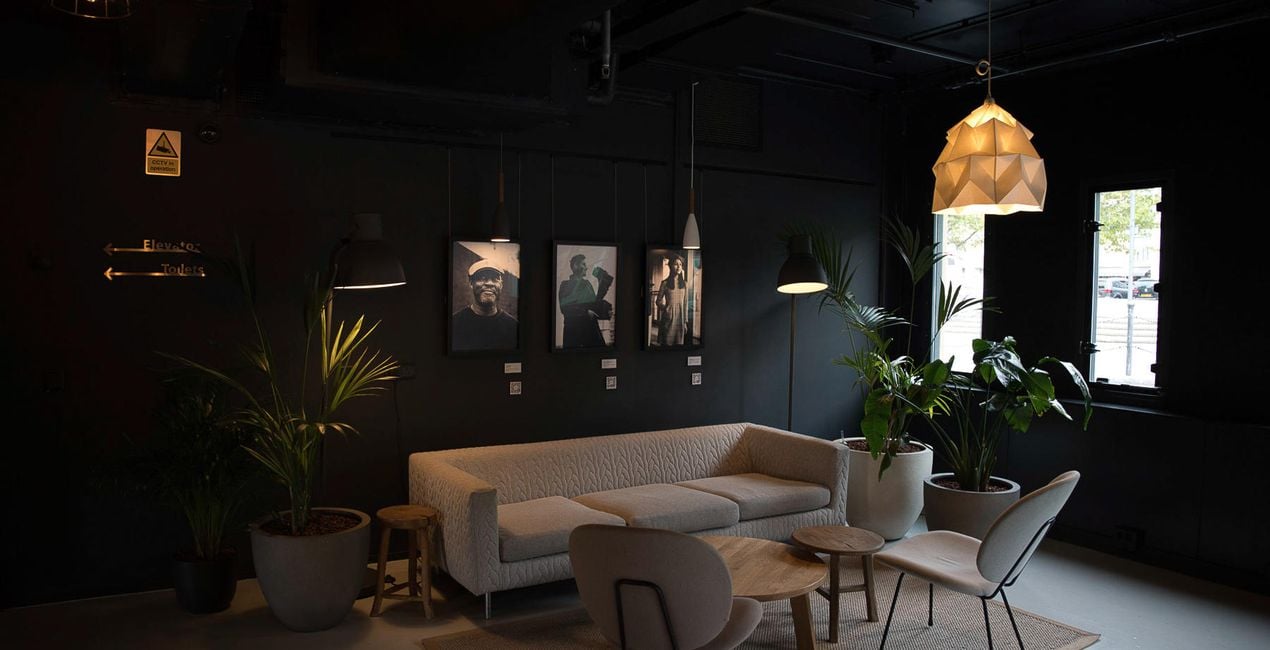
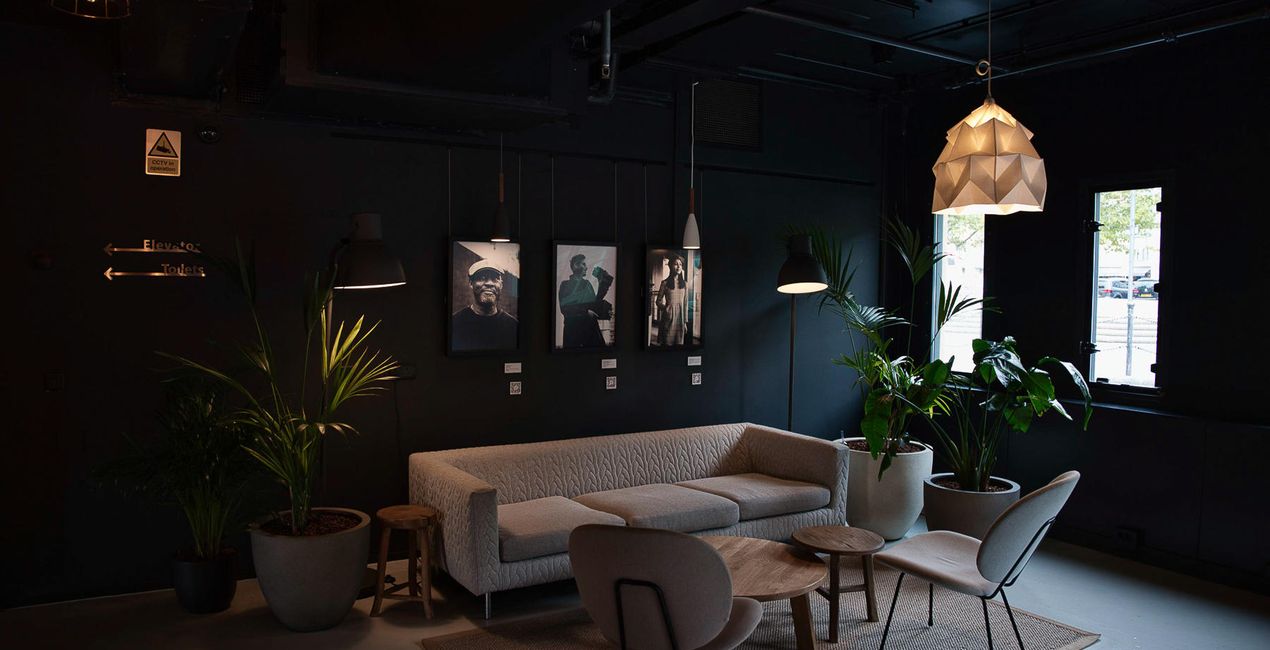
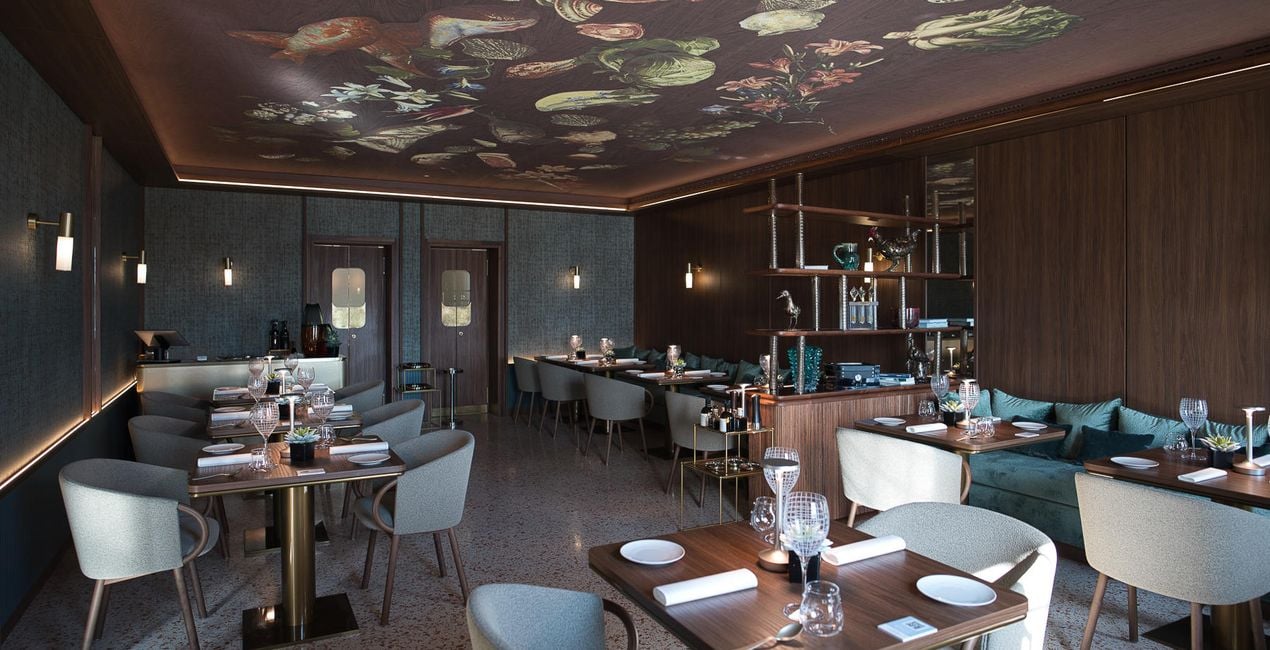
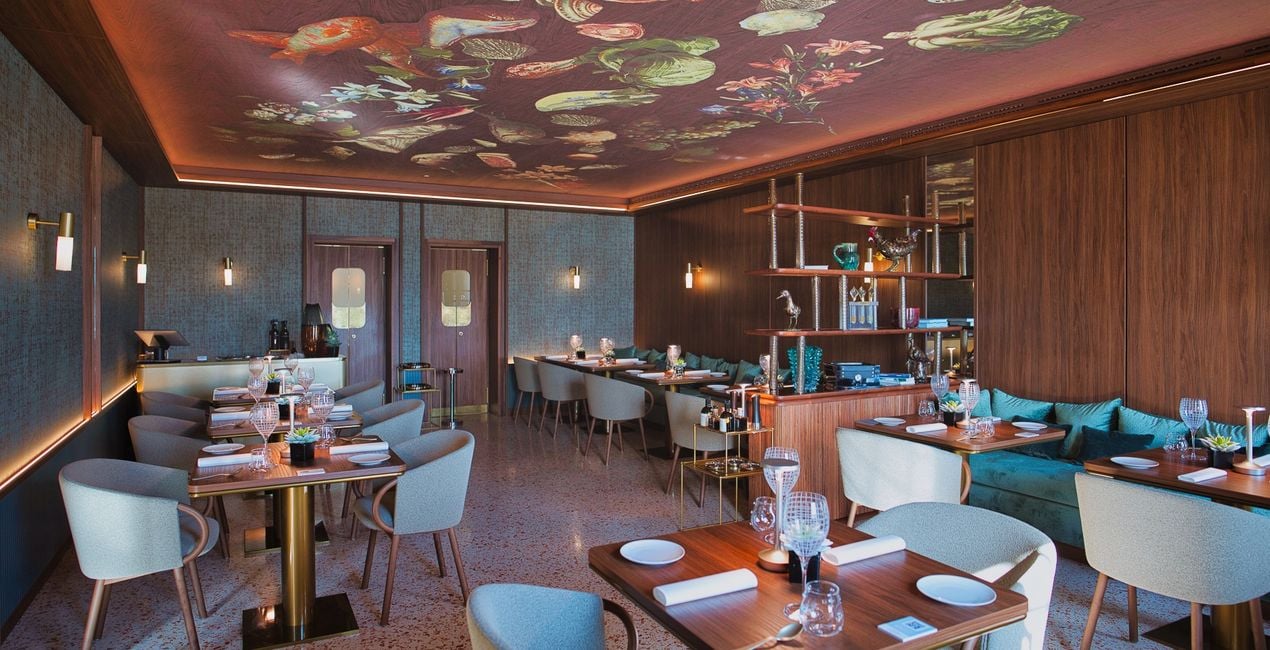
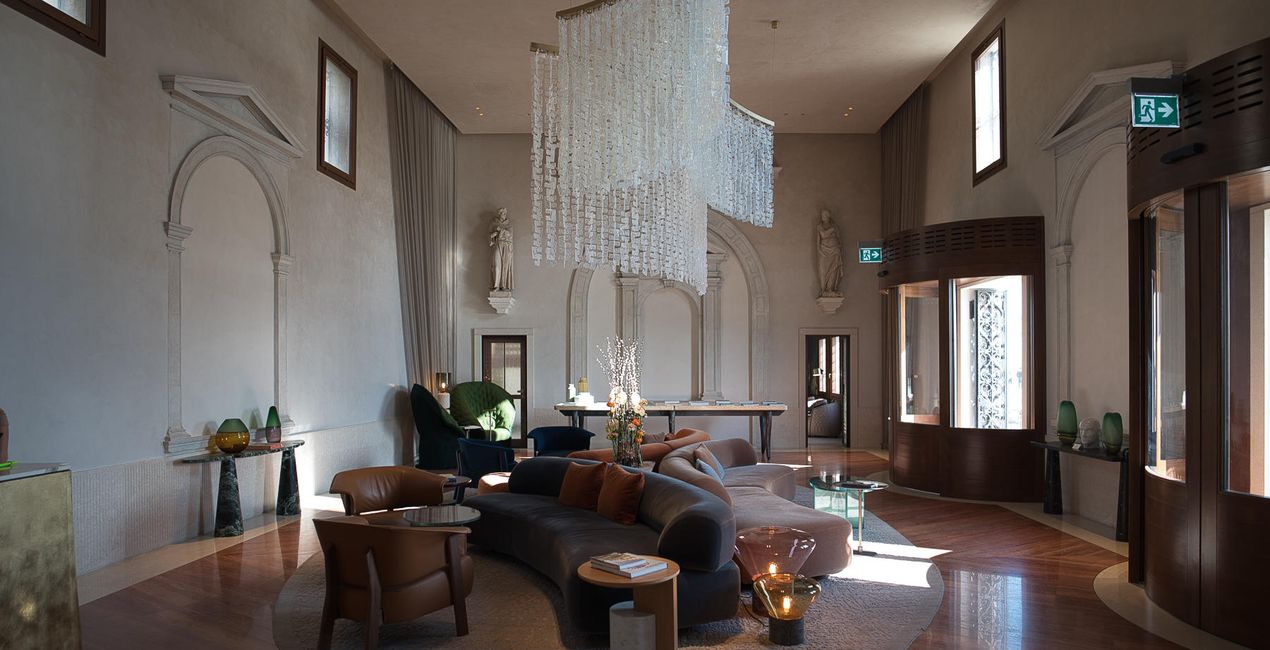
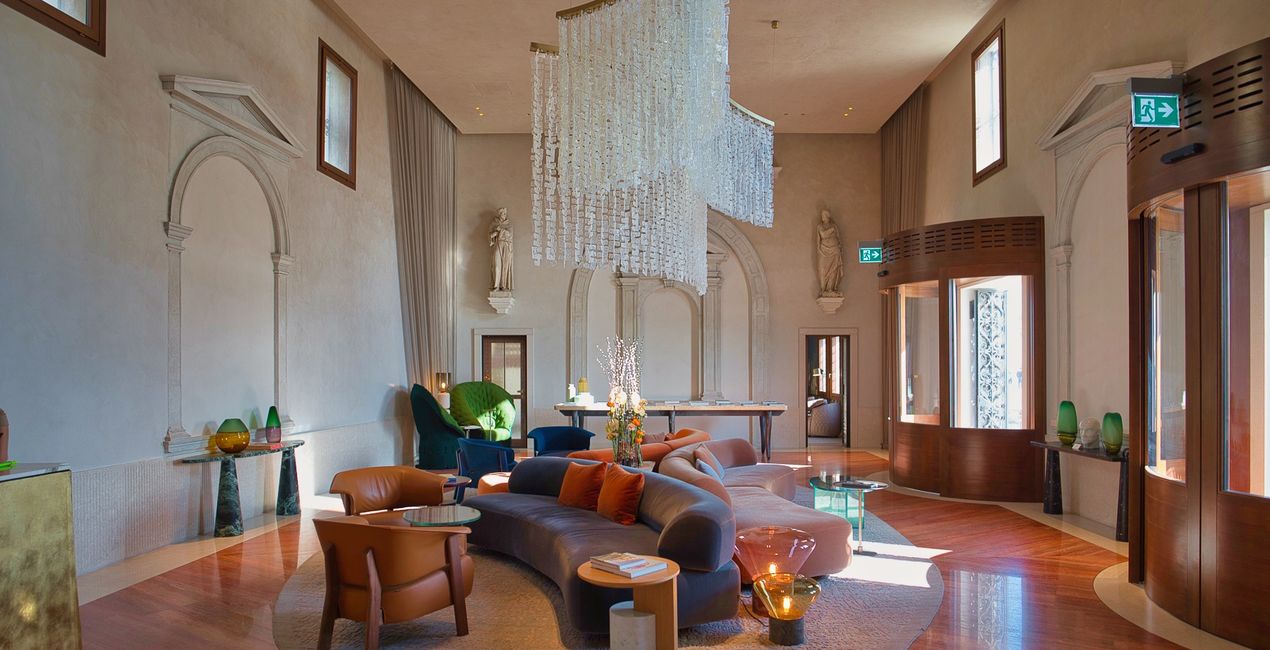
Create breathtaking images of places that look effective and inviting. Use this selection of 10 Presets to make your real estate and interior photos look professional in a few clicks. Perfect results can’t wait!

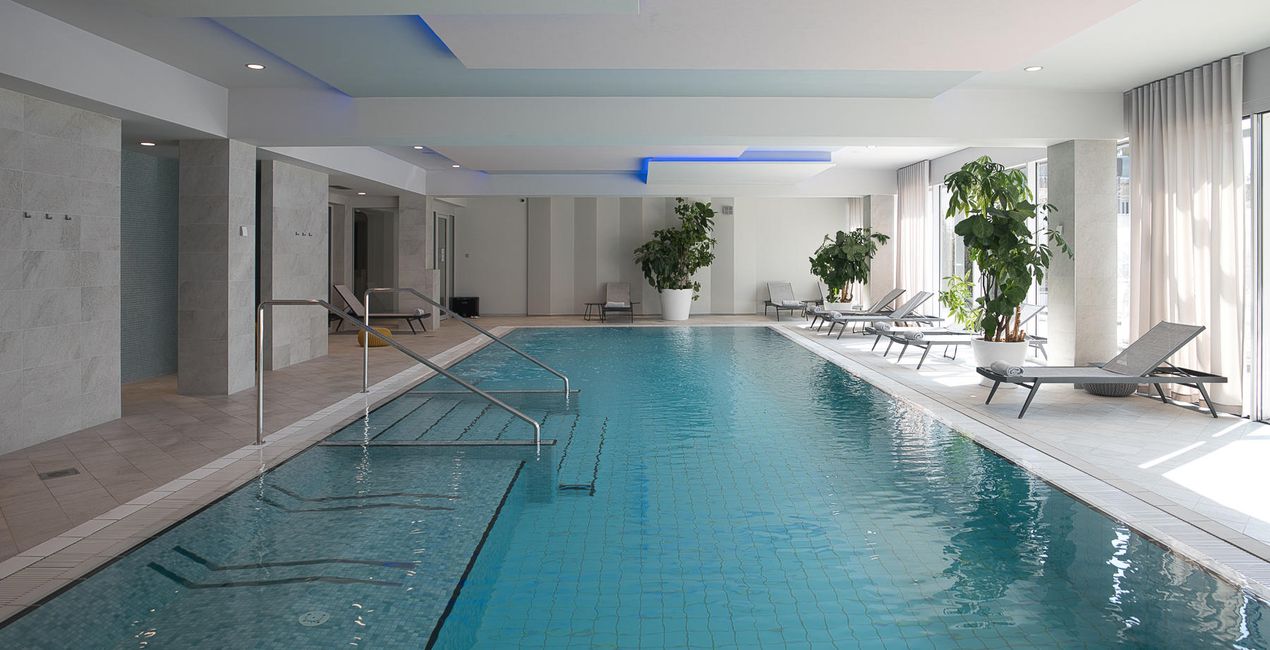
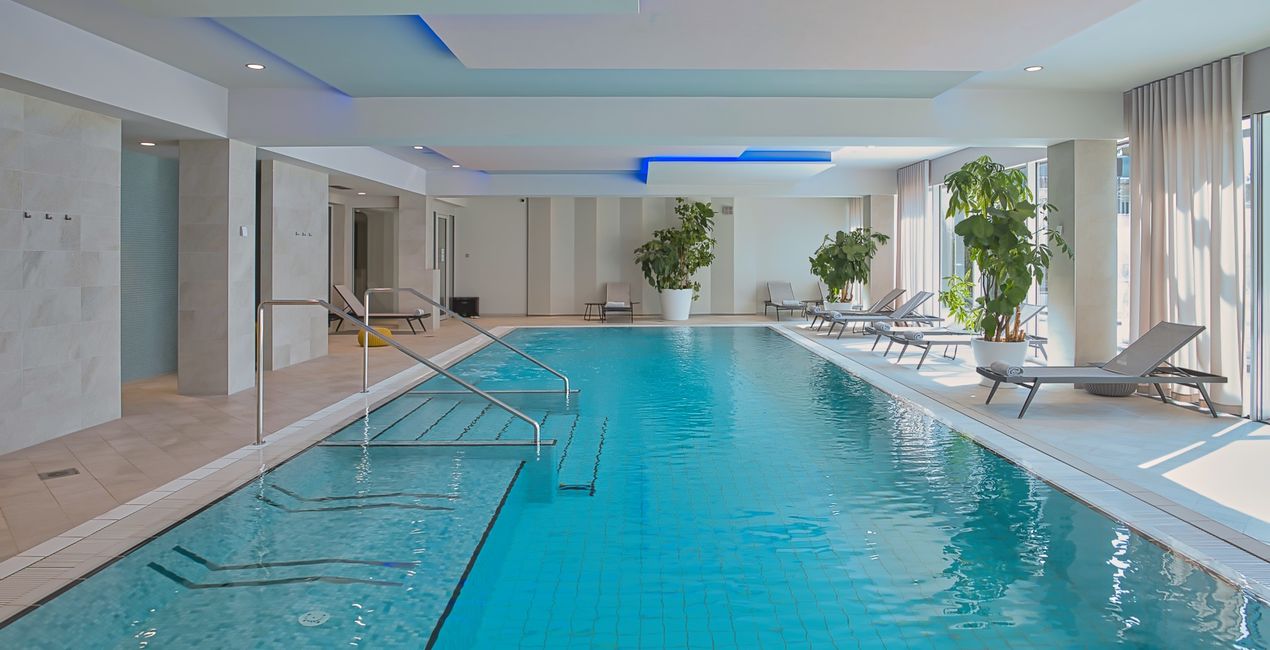
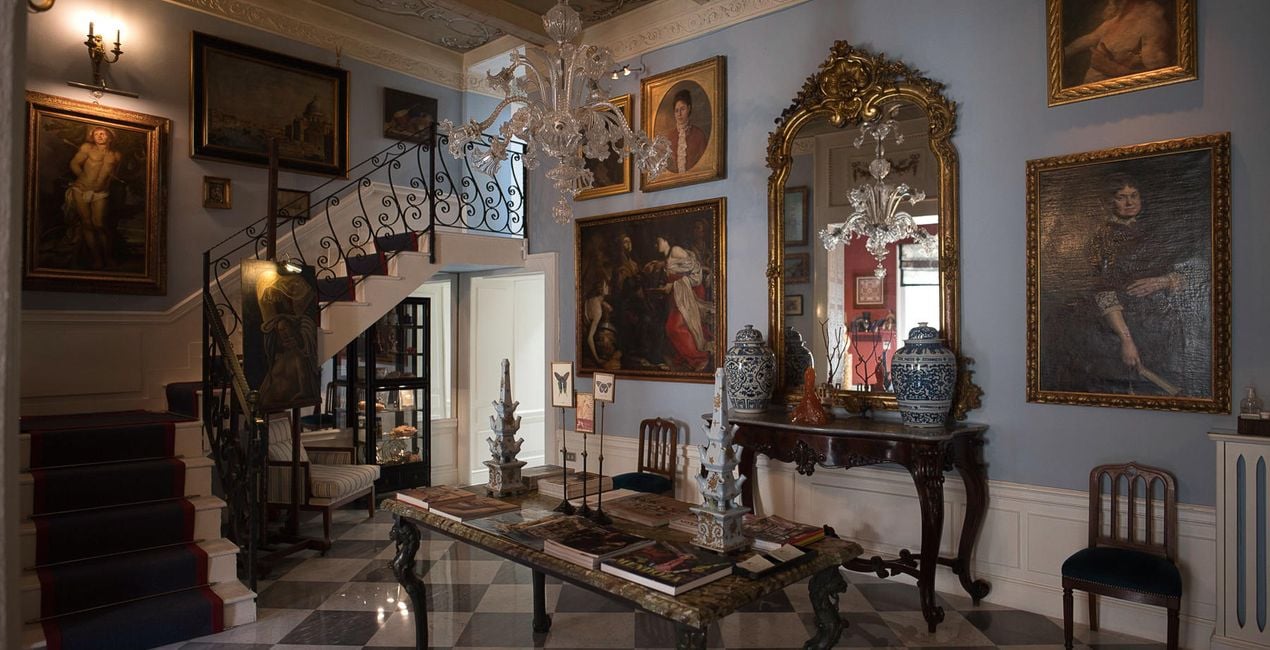
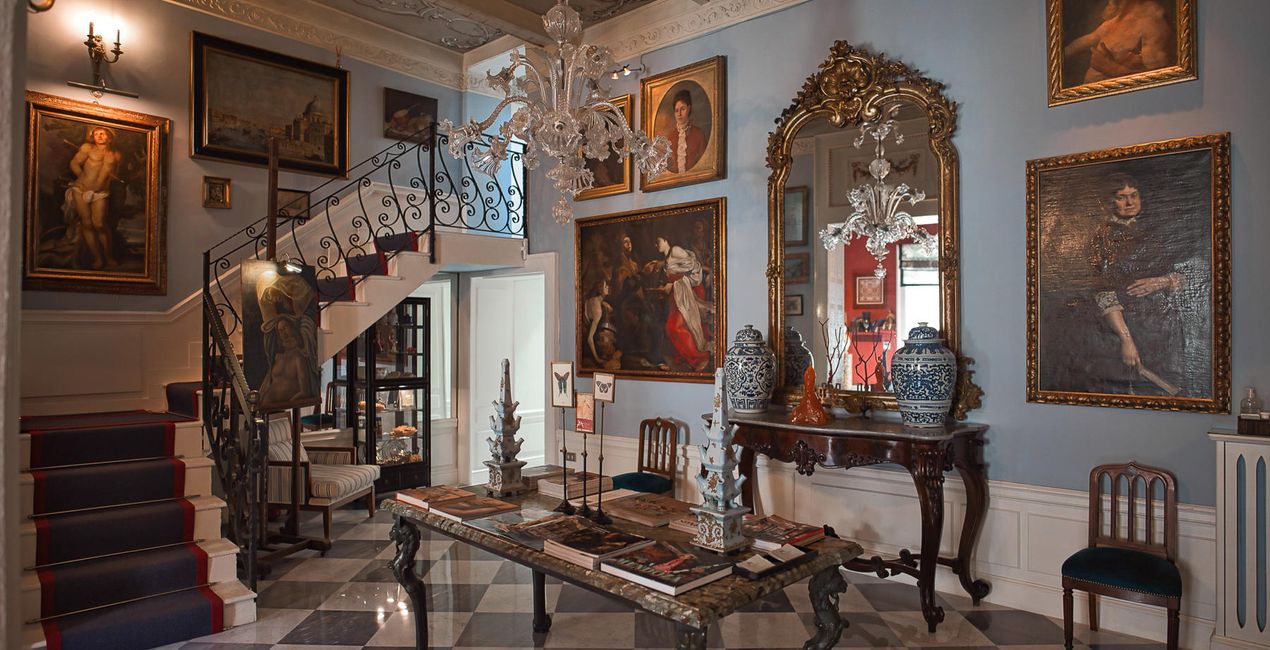
Con los archivos RAW proporcionados, practicarás fácilmente los consejos de retoque y aprenderás a conseguir fotos como estas.
 >
>
 >
>
 >
>
 >
>
 >
>
 >
>
This selection of 10 Presets will make your real estate and interior photos look professional in a few clicks. They will help you to improve colors, shadows, and highlights, emphasize textures and surfaces, and correct for the lighting conditions of your interior photos.
Use them for images of home interiors, hotels, restaurants, bars, swimming pools, and gardens. Transform ordinary photos into picture-perfect images.
Note: Every photo is different, so Nancy recommends using these Presets as a starting point and then adjusting the Exposure and White Balance settings to better suit your own creative vision. Bear in mind that sometimes a Preset might be too strong for a certain image. If it is, simply switch to the Edits tab and adjust the tools according to your taste. Adjust the Exposure if you think the image becomes too bright or too dark. Adjust the White Balance and Tint if the image seems too warm or cold.
Architecture photographer and educator
<p>Nancy Da Campo is a freelance architecture and interiors photographer born in Milan, Italy, and currently traveling extensively to discover and capture the beauty of the built environment. <br></p><p>Perspectives and the use of lines are two central pillars of Nancy’s content, and she’s always looking for new and interesting angles to show her interpretation of a building through her camera or drone lens. </p><p></p><p>Nancy regularly works with architectural and cultural institutions, tech brands, and tourism boards. </p>
Si tienes alguna duda o pregunta sobre el producto, puedes contactar al servicio de soporte 24/7. Visita este enlace.
Para comprar Interiors Enhancements, sigue estos pasos:
1. Abre el Marketplace de Skylum.
2. Ve a la pestaña correspondiente donde aparece Interiors Enhancements. Haz clic sobre él y añádelo a tu carrito.
3. Ve al carrito. Aquí, completa el proceso de compra de Interiors Enhancements.
4. Después de completar la compra, recibirás un correo de confirmación con el enlace de descarga de Interiors Enhancements. También encontrarás el nuevo producto en tu cuenta de Skylum, dentro de la pestaña “Mis complementos”.
Recibirás un email con instrucciones detalladas sobre cómo instalar Interiors Enhancements junto con un enlace de descarga.
También puedes instalar el producto comprado directamente desde Luminar Neo: ve a Extras > Marketplace, selecciona la categoría del producto, busca el elemento adquirido y haz clic en Instalar.
¡Es muy fácil! Ve a la pestaña de Ajustes Preestablecidos y selecciona "Comprados". Tu ajuste preestablecido instalado estará ahí.
No te preocupes. Todos los productos que hayas adquirido, como Interiors Enhancements, se almacenarán en la pestaña 'Mis complementos' de tu cuenta de Skylum para que puedas volver a descargarlos fácilmente.
Generalmente, la mayoría de productos son compatibles con Luminar Neo. Pero si quieres asegurarte de que Interiors Enhancements funciona(n) correctamente con tu software, consulta sus especificaciones antes de hacer ninguna compra o descarga. Busca la sección "Compatibilidad" en la parte derecha de la página de Interiors Enhancements, donde aparecen todos los programas compatibles.
No te vayas todavía. Aquí tienes un código de descuento exclusivo. Úsalo en los próximos 15 minutos para obtener un 10 % de descuento adicional al finalizar la compra. Copia el código que aparece a continuación y completa tu compra.
15 m : 00 s





