


 Aplicado


Infrared Artistry
Save $201 $ 19 .00

Give a touch of creativity to your infrared images with this collection of 10 unique Presets that go beyond the basics of infrared image processing and add a unique creative flair to your photos.

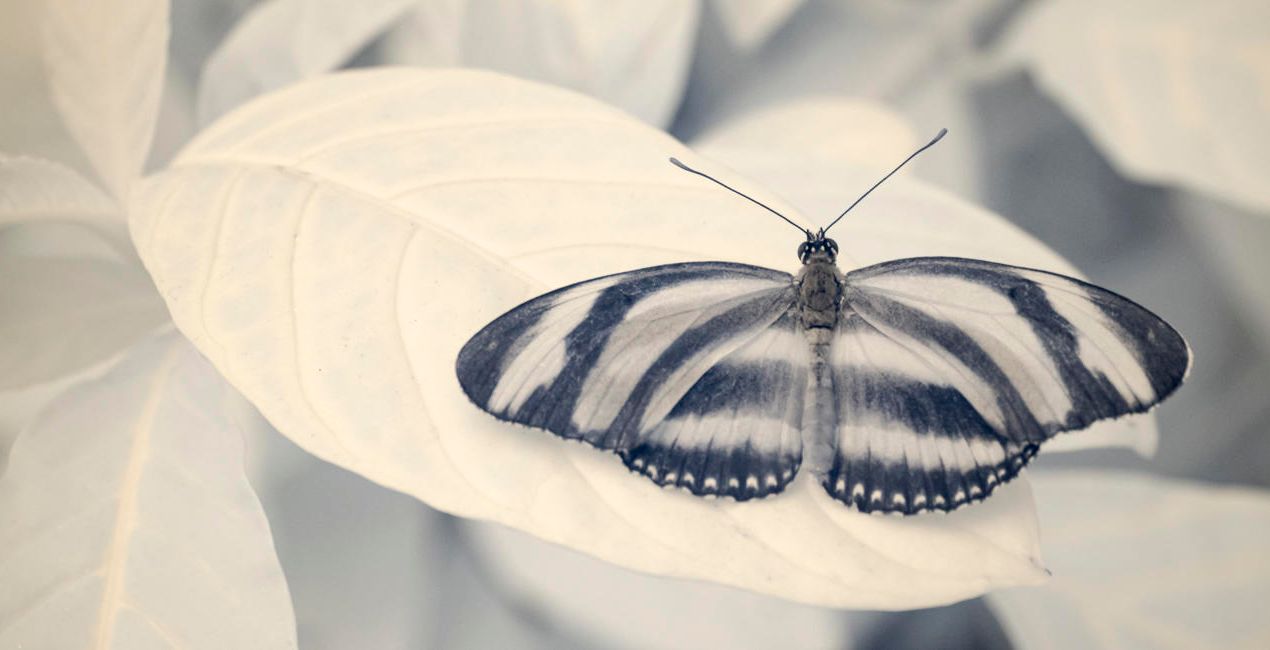
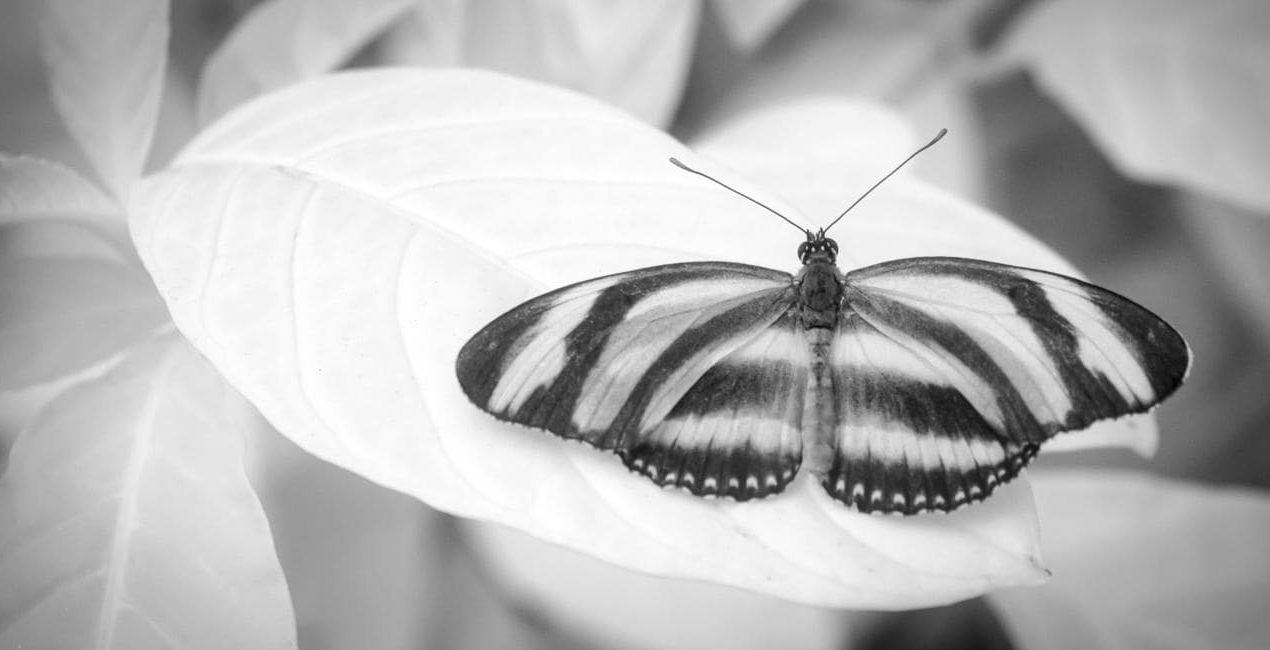
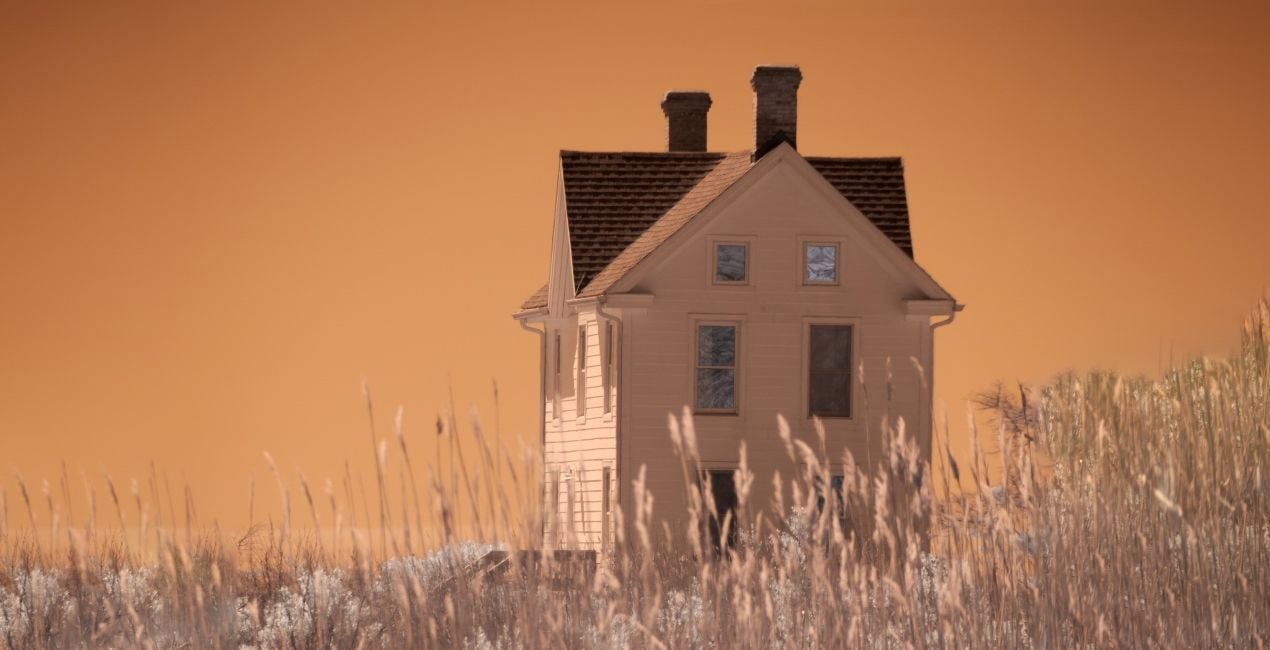
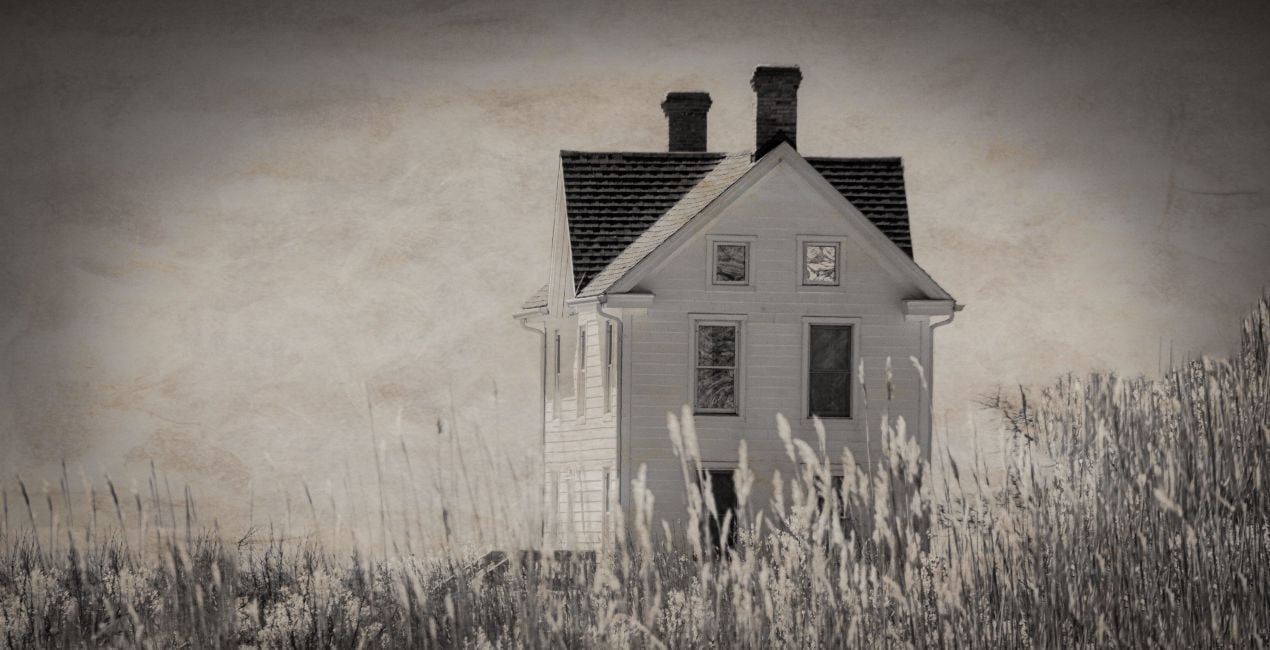
Con los archivos RAW proporcionados, practicarás fácilmente los consejos de retoque y aprenderás a conseguir fotos como estas.
 >
>
 >
>
 >
>
 >
>
 >
>
 >
>
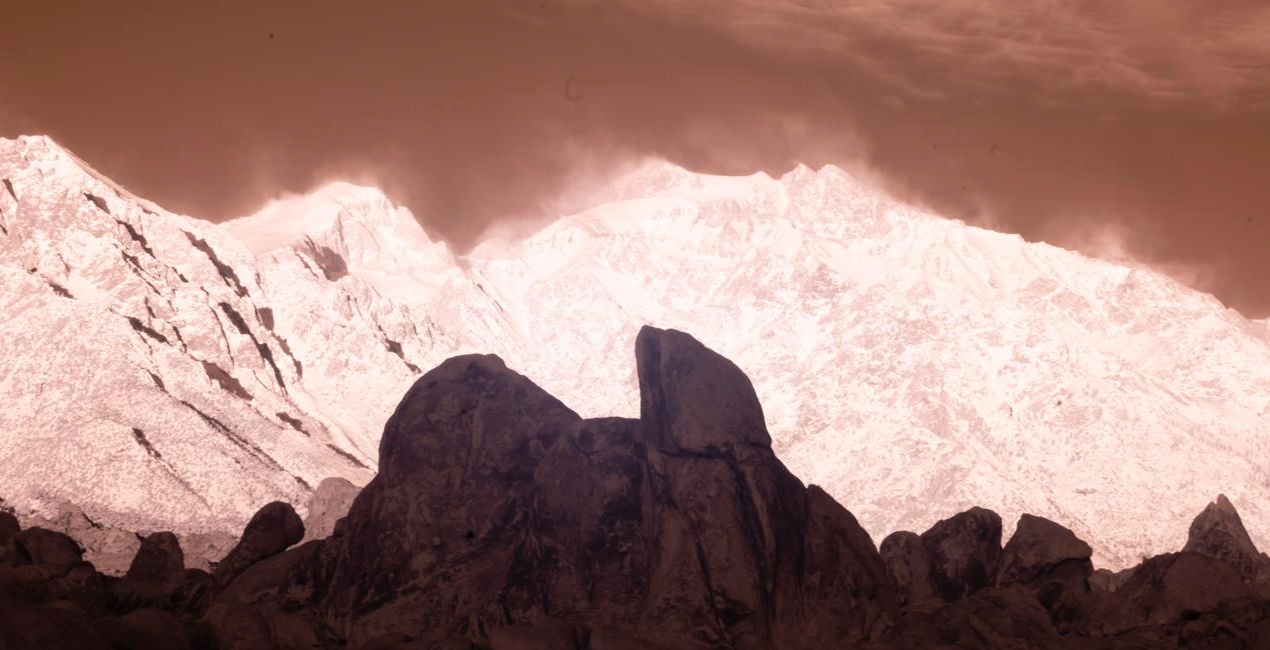
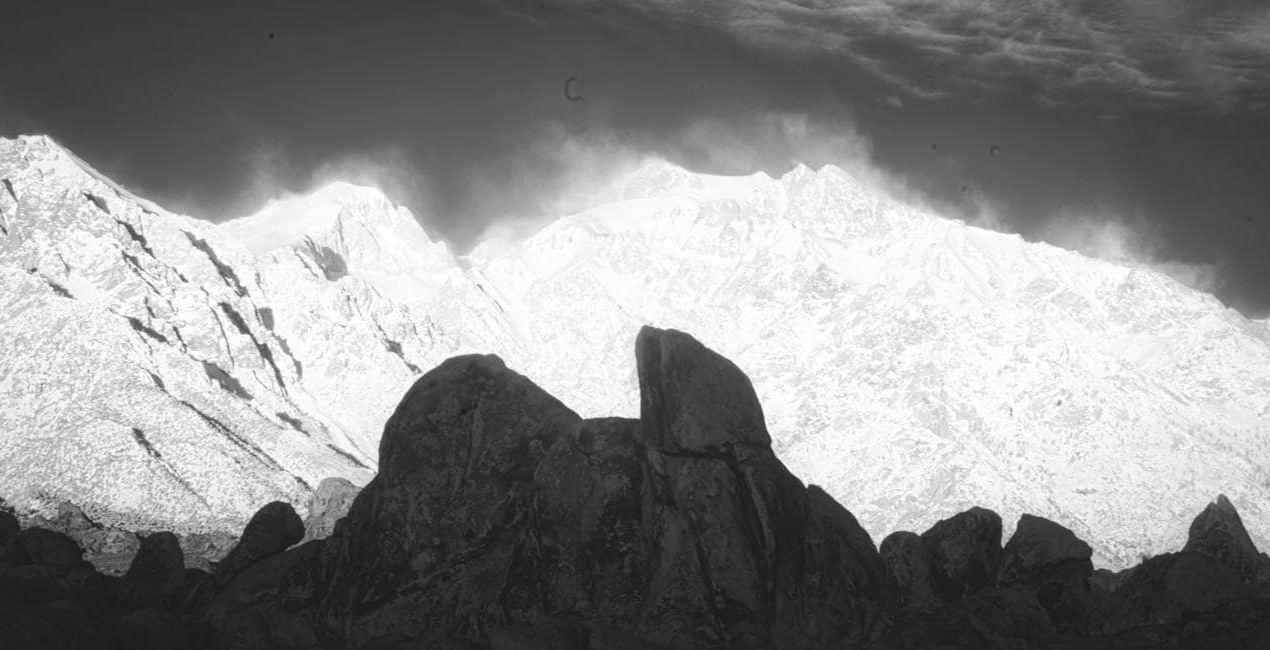
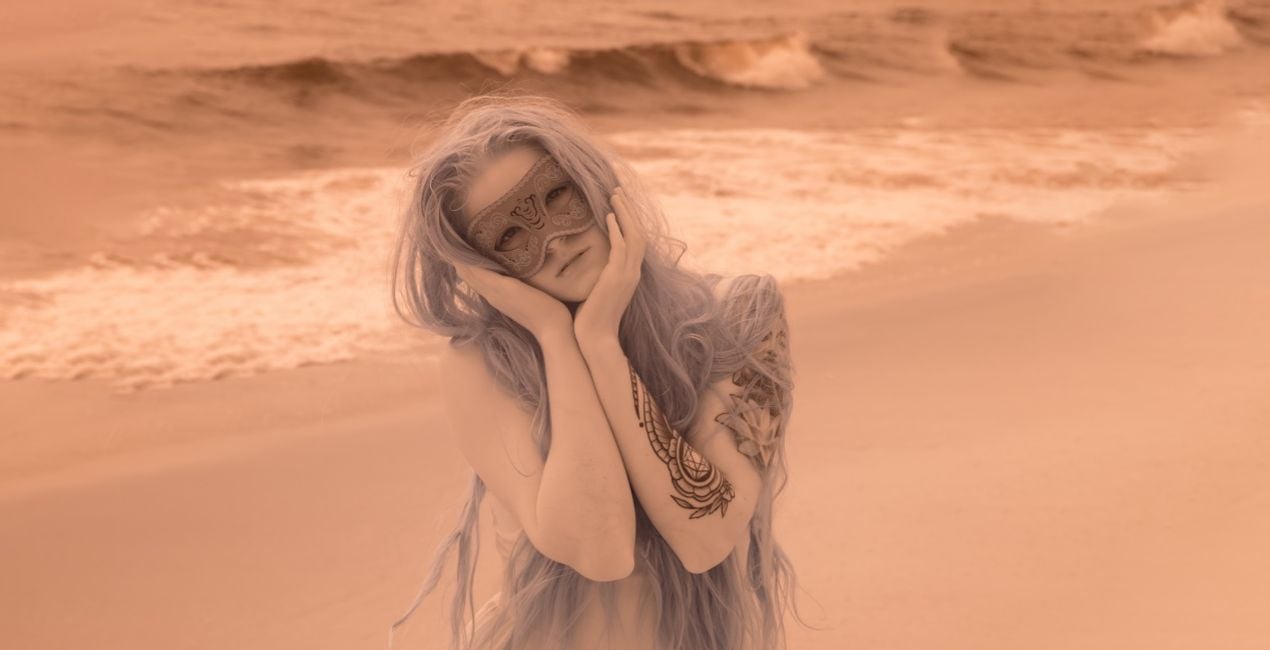
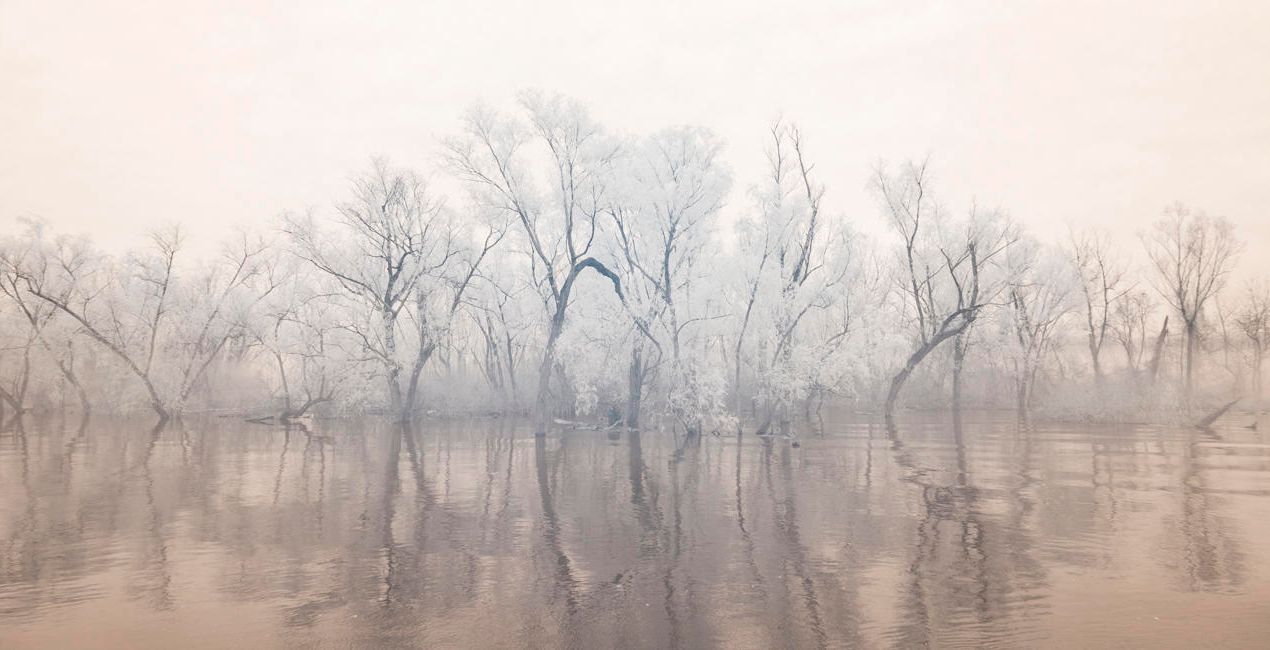
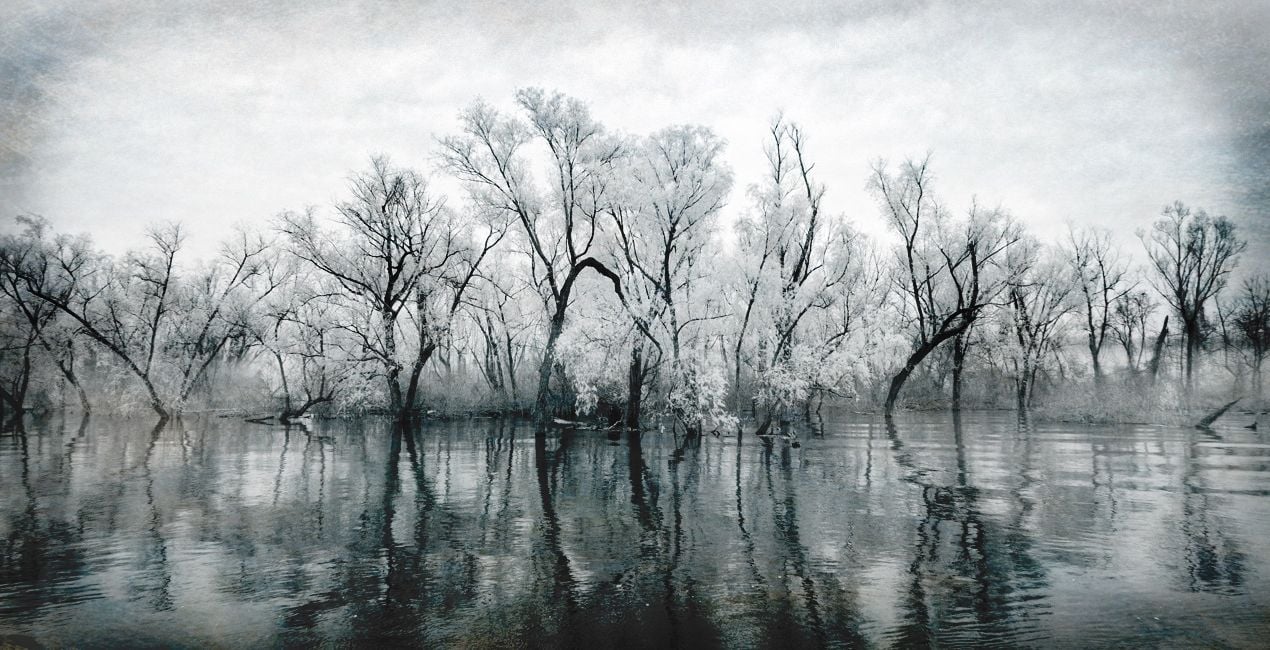
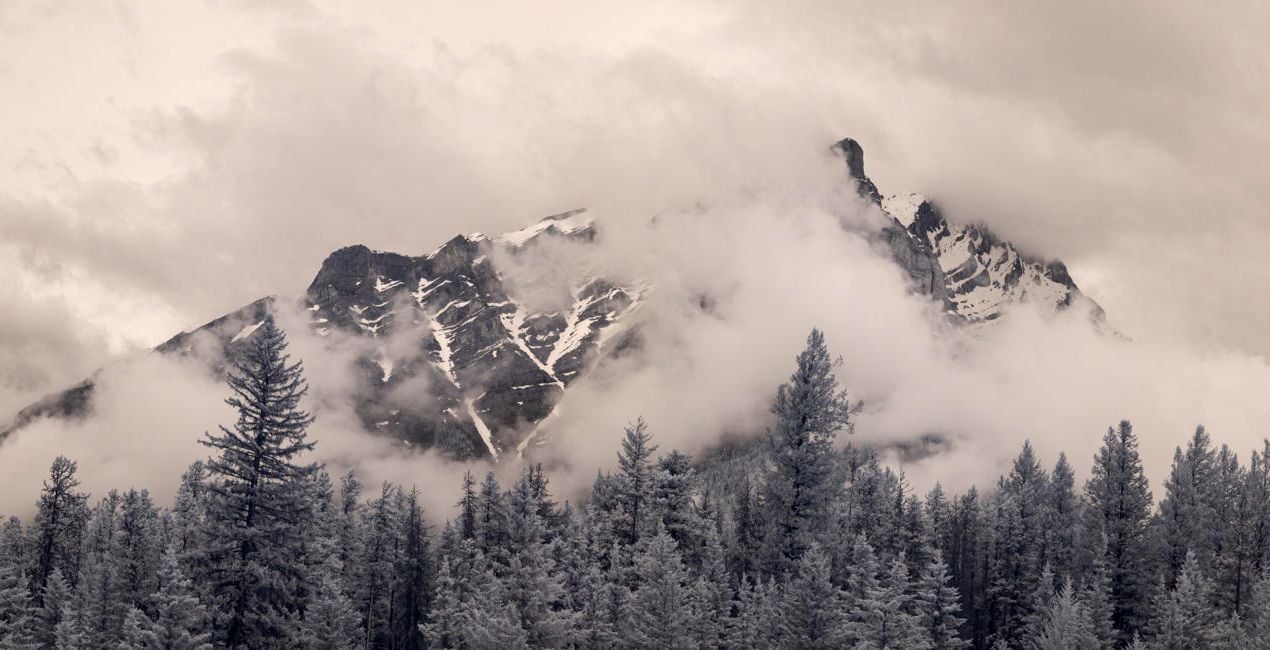
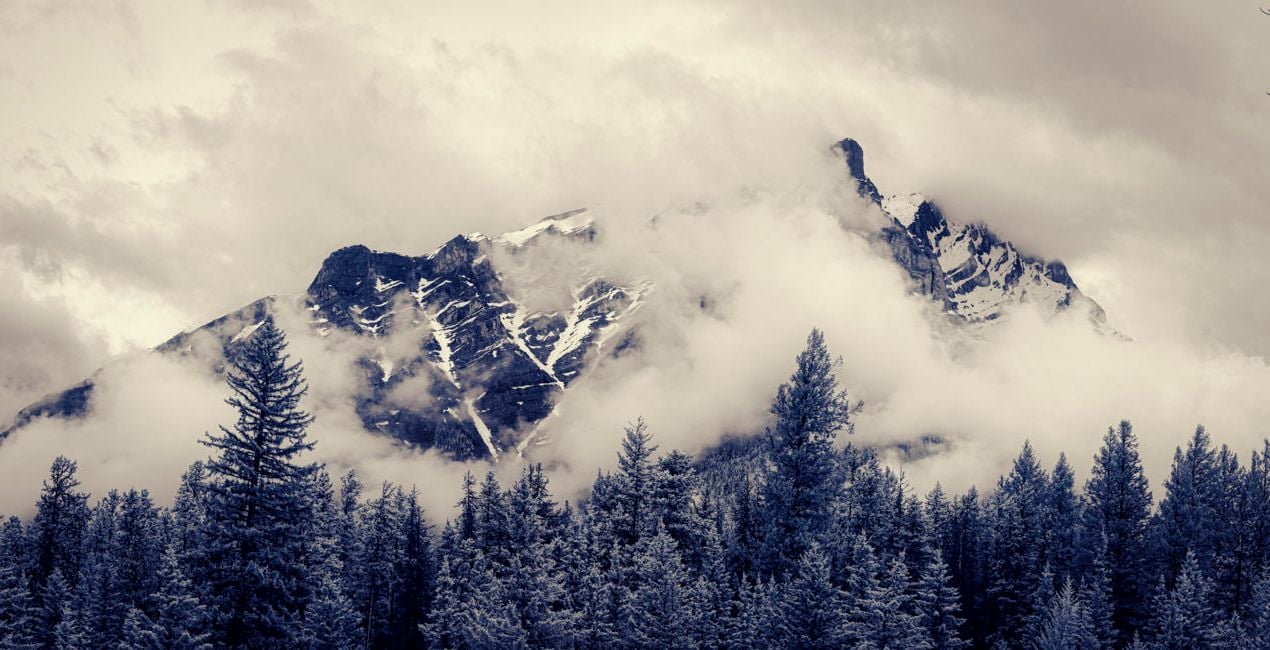
The Presets in this collection step beyond the basic infrared editing provided in our original collection, Infrared Mastery. The Infrared Artistry Presets were crafted to shift infrared work into a more creative realm.
Using a combination of textures, colors, shadows, and highlights, we’ve created a set of 10 Presets designed to help you explore artistic editing without spending hours working on each image individually.
The 10 Presets in this pack are:
B&W Deep Black: A celebration of dark tones and contrasty shadows in black and white
B&W Matte: Matte shadows and muted highlights with a touch of grain
Antique: Aged tones with reduced contrast, a matte feel, and the texture of an old photograph
Dreamy Portrait: Muted native color with a soft, dreamy feel
Cool Morning: Channel-swapped color with an emphasis on cool tones
Sunrise Light: Native color with subtle coloration
Moody Blue: Textured dark tones and strong contrast
Native Blue: Toned native color with deep blues and pale tans
Structure Contrast: Strong structure and contrast with gray toning
Color Shift: Shades of blue with enhanced brightness
The Invisible Story Team
<p>Renowned photographer and educator Laurie Klein is regarded as one of the most influential infrared photographers in the world. Laurie holds a BFA from Rochester Institute of Technology, an MFA from Ohio University, and was a student of Ansel Adams. She is the author of Infrared Photography: Digital Techniques for Artistic Images, Infrared Photography: Artistic Techniques for Brilliant Images and Photographing the Female Form with Digital Infrared, all published by Amherst Media, as well as Hand Coloring Black and White Photography, published by Quarry Publishers. Laurie teaches regularly at Santa Fe Photographic Workshops, Maine Media, Peter’s Valley Center, numerous other schools and venues, and in her own boutique workshops.
</p><p>
Shelley Vandegrift considers the image her canvas and the computer her brush and palette. The technical components of the post-production process hold as much attraction for her as the creative experience behind the lens. Following a successful career working as a senior technical executive at several major corporations, Shelley now has the privilege of teaching infrared post-processing in workshops around the world. She is the co-author of Infrared Photography: Digital Techniques for Artistic Images from Amherst Publishing. </p>
Si tienes alguna duda o pregunta sobre el producto, puedes contactar al servicio de soporte 24/7. Visita este enlace.
Para comprar Infrared Artistry, sigue estos pasos:
1. Abre el Marketplace de Skylum.
2. Ve a la pestaña correspondiente donde aparece Infrared Artistry. Haz clic sobre él y añádelo a tu carrito.
3. Ve al carrito. Aquí, completa el proceso de compra de Infrared Artistry.
4. Después de completar la compra, recibirás un correo de confirmación con el enlace de descarga de Infrared Artistry. También encontrarás el nuevo producto en tu cuenta de Skylum, dentro de la pestaña “Mis complementos”.
Recibirás un email con instrucciones detalladas sobre cómo instalar Infrared Artistry junto con un enlace de descarga.
También puedes instalar el producto comprado directamente desde Luminar Neo: ve a Extras > Marketplace, selecciona la categoría del producto, busca el elemento adquirido y haz clic en Instalar.
¡Es muy fácil! Ve a la pestaña de Ajustes Preestablecidos y selecciona "Comprados". Tu ajuste preestablecido instalado estará ahí.
No te preocupes. Todos los productos que hayas adquirido, como Infrared Artistry, se almacenarán en la pestaña 'Mis complementos' de tu cuenta de Skylum para que puedas volver a descargarlos fácilmente.
Generalmente, la mayoría de productos son compatibles con Luminar Neo. Pero si quieres asegurarte de que Infrared Artistry funciona(n) correctamente con tu software, consulta sus especificaciones antes de hacer ninguna compra o descarga. Busca la sección "Compatibilidad" en la parte derecha de la página de Infrared Artistry, donde aparecen todos los programas compatibles.
No te vayas todavía. Aquí tienes un código de descuento exclusivo. Úsalo en los próximos 15 minutos para obtener un 10 % de descuento adicional al finalizar la compra. Copia el código que aparece a continuación y completa tu compra.
15 m : 00 s





