 © Ramiro Torrents
 © Ramiro Torrents
 © Ramiro Torrents
Descripción
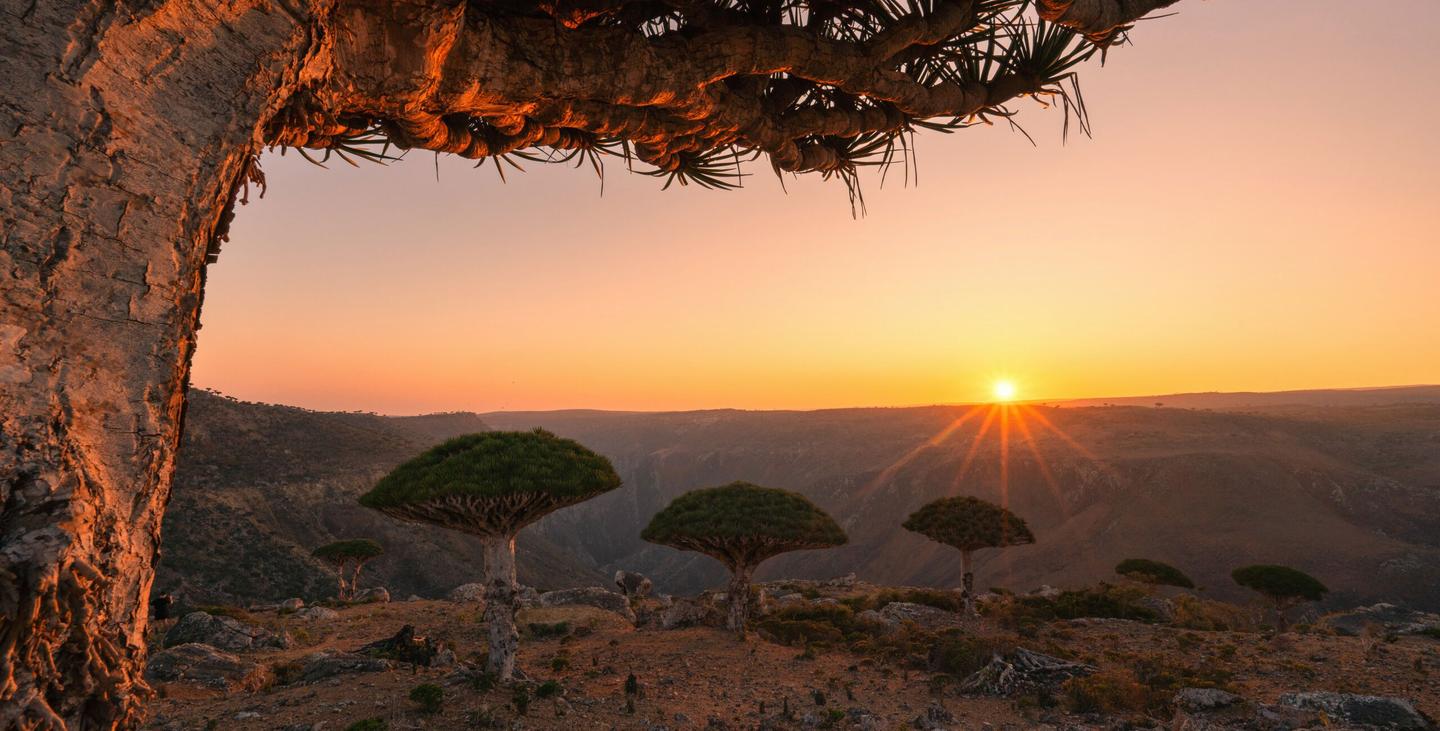
This pack was created to help you enhance your images by boosting details, colors, and contrast to bring the final image closer to what you saw at the time of shooting, which often differs from what the camera captures.
Consigue fotos como estas
Con los archivos RAW proporcionados, practicarás fácilmente los consejos de retoque y aprenderás a conseguir fotos como estas.
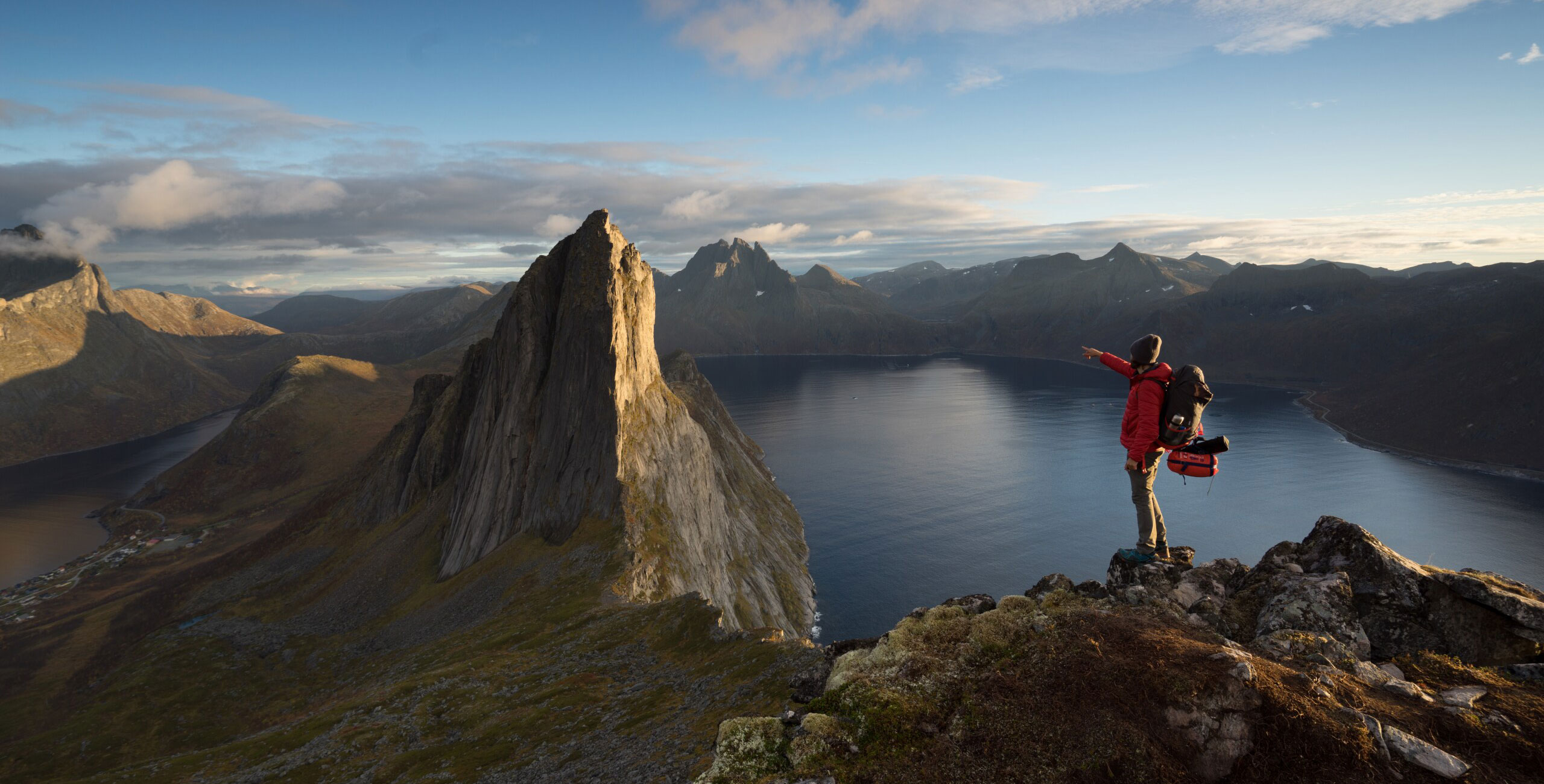
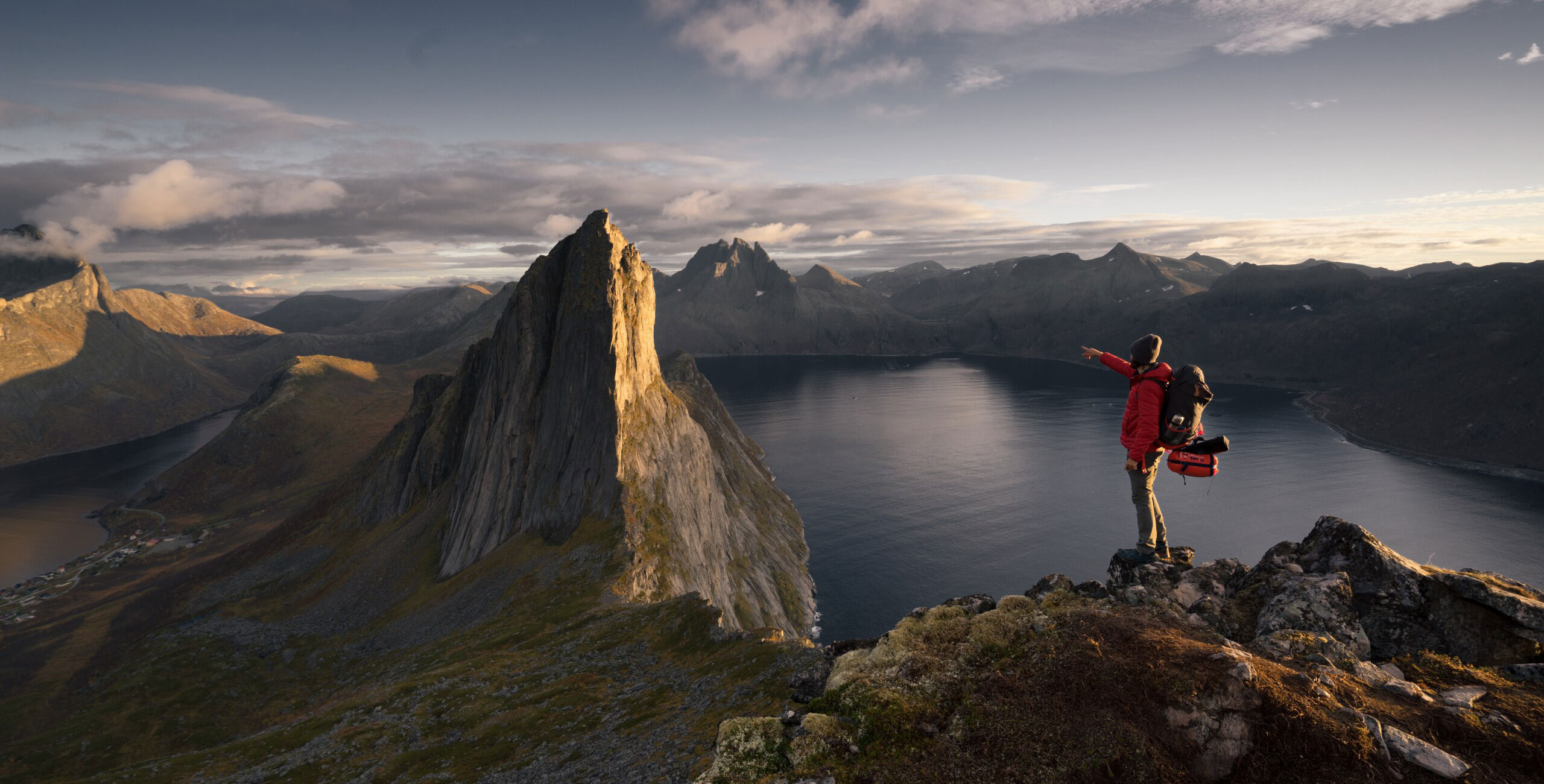
La historia
 © Ramiro Torrents
Each image is unique, so the preset may not always deliver the perfect result just by applying it. Depending on your shooting settings, shadows and highlights may still look under or overexposed after applying the preset. To get the best results, I recommend fine-tuning the lighting using the “Develop” tool in the edit section.
Please note: If you modify any tools that were already adjusted by the preset, Luminar will temporarily disable any adjustments made on top of that tool. To see the final result, simply click on the tool at the very top.
You will find 10 Presets in this Pack:
Golden Hour
This preset works best for photos taken during golden hour. If your shot is an HDR or digitally optimized dynamic range, you may not need to tweak the levels much.
Dramatic Light
This preset is ideal for enhancing scenes with strong contrasts between light and shadow, making it perfect for moments during sunrise, sunset, or any scenario with bold directional light. It boosts the overall depth and brings out the rich textures in both the highlights and shadows, adding intensity to the colors and amplifying the dramatic feel of the scene.
Campo Verde
This preset enhances the vibrant greens in landscapes, boosting foliage and grassy areas while adding contrast to the sky. It brings out texture and depth, perfect for creating lively, natural scenes.
Sunback
Ideal for backlit images, this preset enhances warm tones, making sunrises and sunsets against the sun glow with added warmth.
Blue Morning
Perfect for cold, high dynamic range scenes, this preset adds a cool tone to dark images, like early morning light on a mountain framed by branches.
Sunset & Sunrise
Similar to Sunback but with subtler warm tones, this preset works well for images with natural warmth, ideal for capturing the soft light of sunsets and sunrises.
Norwegian Tones
This preset desaturates and darkens blues, adding moodiness to low sunlight scenes, like sunrises or sunsets while the sun is still out, creating a more subdued atmosphere.
Autumn Sunrise
Enhances warm highlights while cooling down shadows, making it perfect for sunrises or sunsets with a high dynamic range, helping balance and enhance both shadows and highlights.
Cloudy Elegance
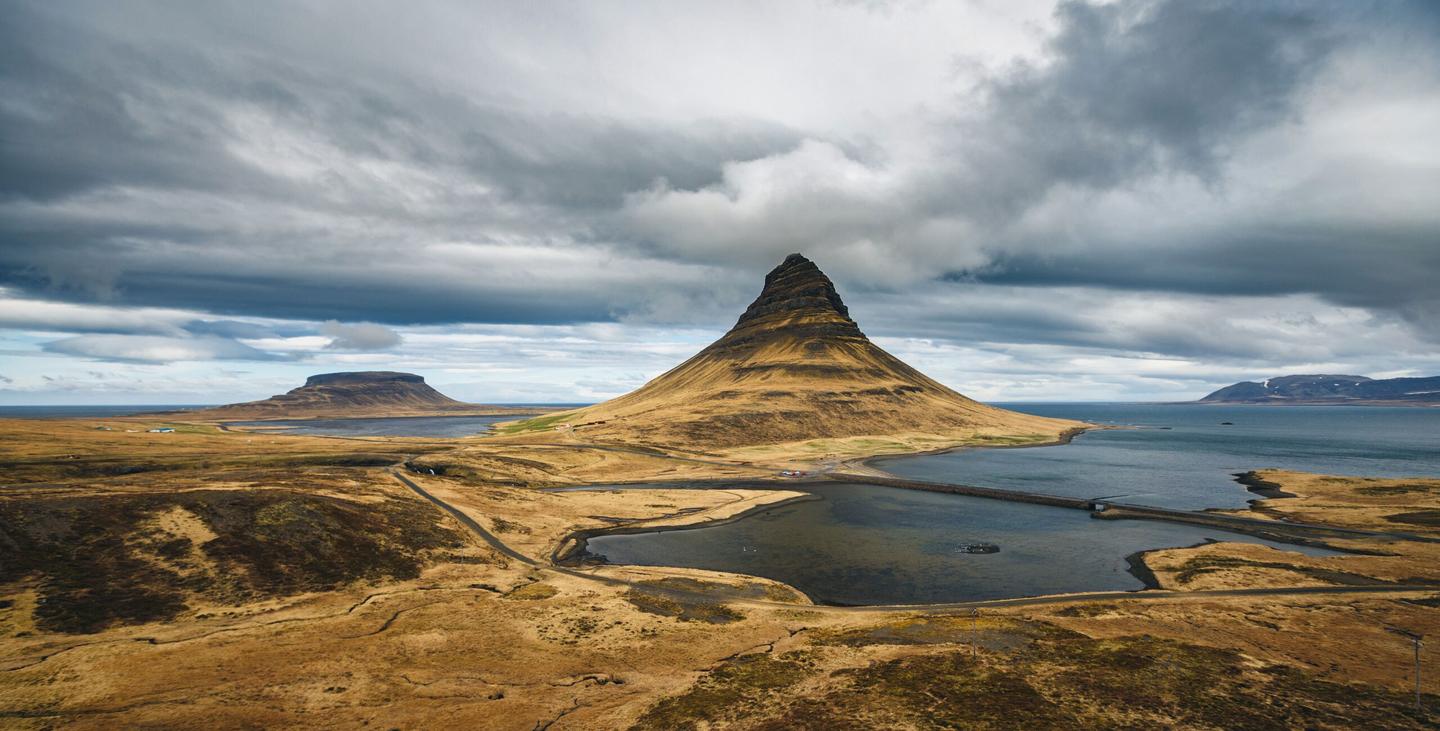
Made for overcast days, this preset boosts the texture of clouds and adds depth to both the sky and the scene, giving a refined yet dramatic effect to cloud-heavy landscapes.
Dawn Tones
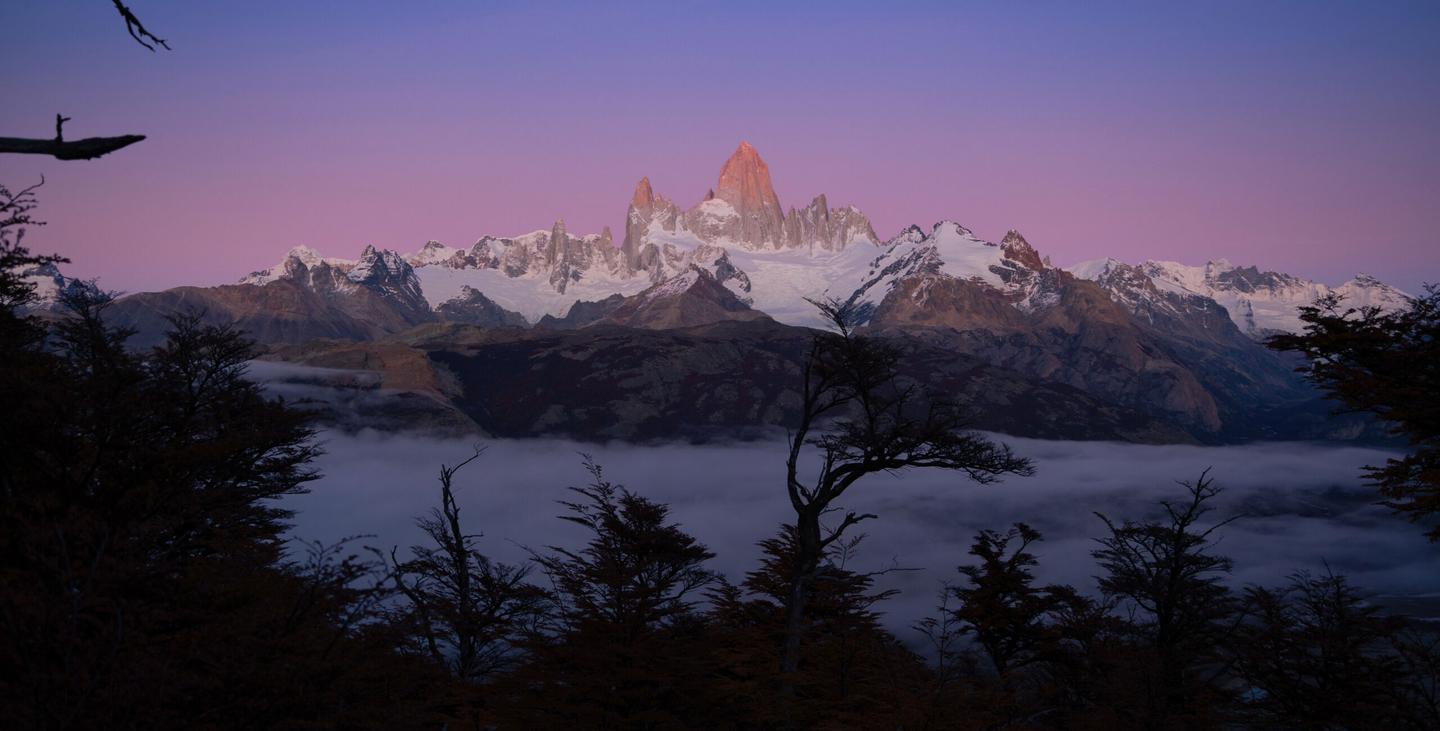
Designed for alpenglow scenes, this preset adds a soft mauve tint to enhance the subtle colors of dawn, perfect for moments just before the sun crosses the horizon or right after it sets.
Productos relacionados












Creador
Ramiro Torrents
LANDSCAPE & COMMERCIAL PHOTOGRAPHER, PHOTO TOUR GUIDE
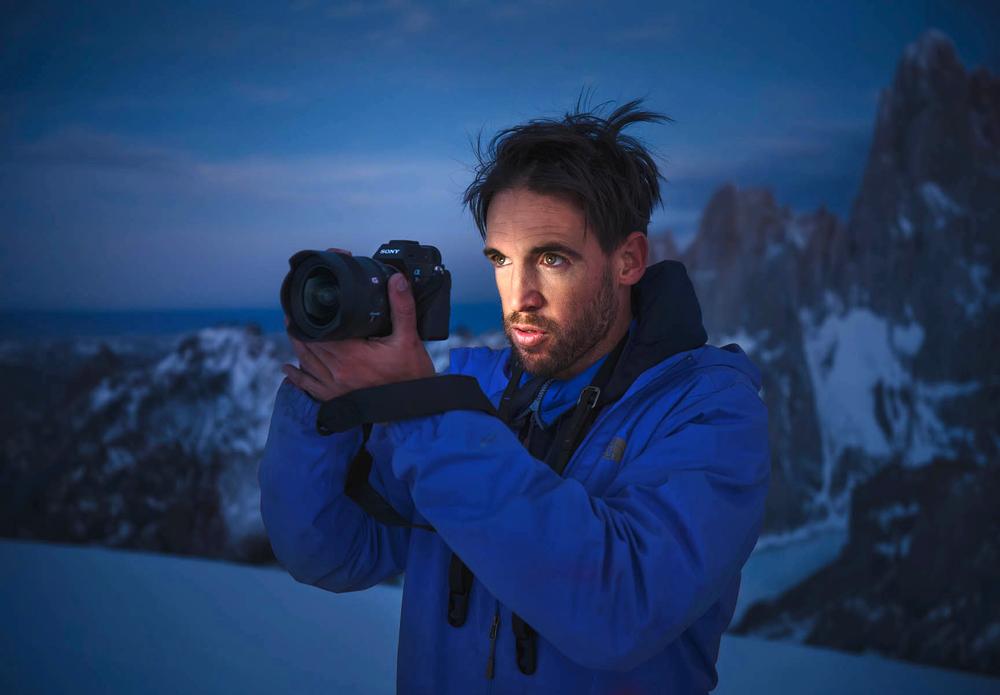
Ramiro Torrents, born in Argentina in 1982, has been based in Barcelona since 2004. An award-winning photographer whose work has been featured in National Geographic, Lonely Planet, The Guardian, Travel + Leisure, and more, Ramiro is renowned for his ability to capture breathtaking landscapes and unique compositions from around the globe. His passion for exploration and creativity extends beyond the camera as he leads photo tours, sharing his expertise and guiding others to discover the beauty of the world through their lenses.
Though landscape photography remains his greatest love, Ramiro is constantly seeking new challenges in the realm of commercial photography and videography. His adaptability and keen eye for detail allow him to excel in a variety of projects, bringing a fresh perspective to each new endeavor.