


 Aplicado


Cielos Galácticos
Save $201 $ 19 .00

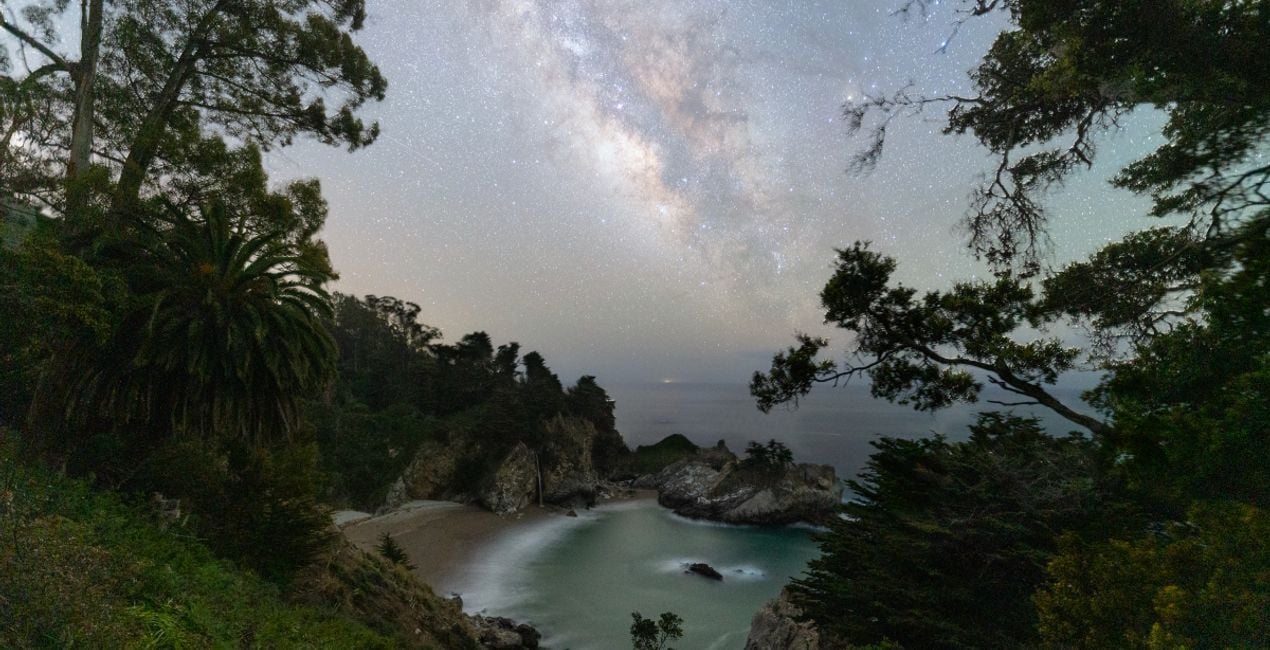
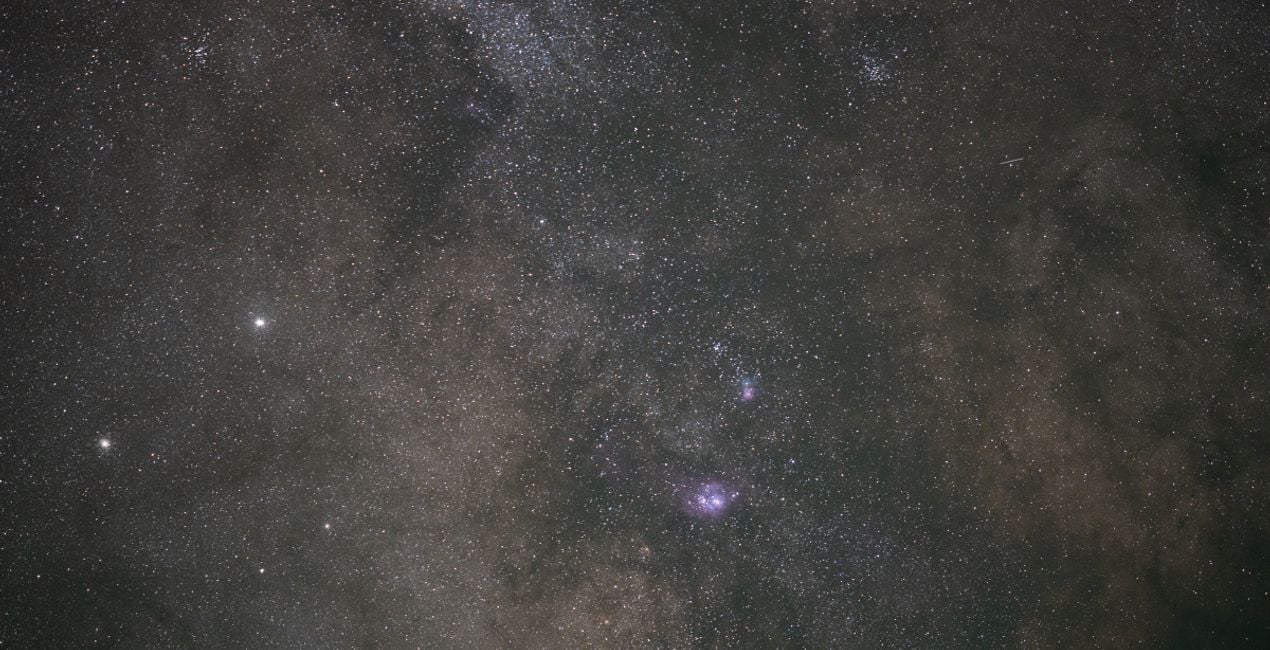
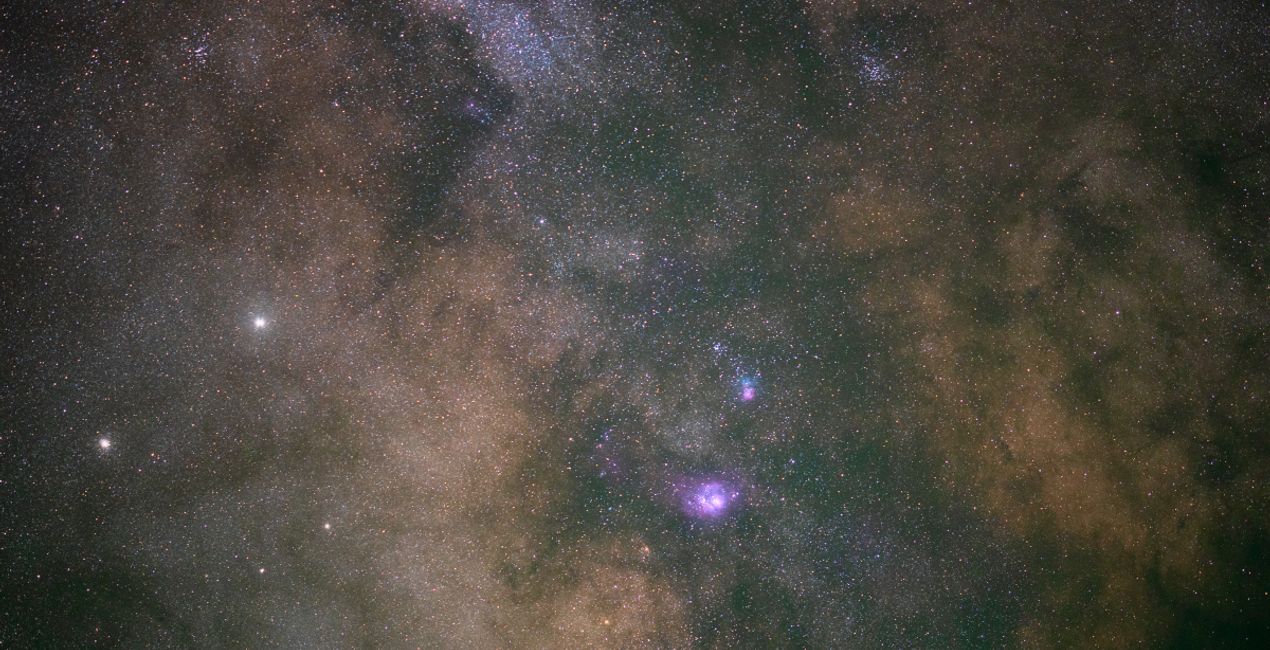
Consigue detalles más allá de lo que tus ojos pueden ver con esta colección de 14 Plantillas únicas que canalizan maravillosas galaxias lejanas, adornadas con espléndidas estrellas y todos los tonos de azul, púrpura y negro.
Qué incluye
14 Templates. Compatible with JPEG and RAW images.

Con los archivos RAW proporcionados, practicarás fácilmente los consejos de retoque y aprenderás a conseguir fotos como estas.

 >
>

 >
>

 >
>

 >
>
 >
>

 >
>

 >
>
 >
>

 >
>
The night sky holds incredible detail in faint and distant light. While our long exposures capture far more detail than our eyes can see, it’s up to our post-processing to bring that detail to life.
These 14 Templates tackle anything from the galactic core of the Milky Way under the darkest of skies to towering mountains lit up by moonlight.
By taking advantage of traditional astrophotography processing techniques combined with tools exclusive to LuminarAI, such as EnhanceAI, Supercontrast, Mystical, and Glow, these Templates help you illustrate the wonders of the night sky.
Each Template takes a unique approach to pulling out details and enhancing your final result.
Whether you’re looking for a one-click solution or to give yourself an advantage as you further customize your image, these Templates are sure to help you unlock the details of our universe.
Jack likes to tailor these Templates by adjusting the White Balance and Exposure as a way to define the style for each image.
Astrophotographer & Timelapser
Jack Fusco is a landscape astrophotographer and timelapser based out of San Diego, California. For Jack, photography began as a way to document his travels as a touring musician, but it has become his main form of creative expression.
On his often-sleepless journeys, Jack strives to share the wonder of the night sky with as many people as possible. Whether chasing the Milky Way along coastlines or capturing the northern lights in unforgiving remote locations, he’s sure to have coffee in hand and be smiling up at the stars.
Many of Jack’s images are planned days, weeks, or even months in advance while waiting for weather and celestial objects to align. The resulting work shows a true and complete dedication to his craft.
Jack’s work has been featured by National Geographic, TEDx, the LA Times, NASA APOD, the BBC, Forbes, and many more publications.
Si tienes alguna duda o pregunta sobre el producto, puedes contactar al servicio de soporte 24/7. Visita este enlace.
Para comprar Galactic Skies, sigue estos pasos:
1. Abre el Marketplace de Skylum.
2. Ve a la pestaña correspondiente donde aparece Galactic Skies. Haz clic sobre él y añádelo a tu carrito.
3. Ve al carrito. Aquí, completa el proceso de compra de Galactic Skies.
4. Después de completar la compra, recibirás un correo de confirmación con el enlace de descarga de Galactic Skies. También encontrarás el nuevo producto en tu cuenta de Skylum, dentro de la pestaña “Mis complementos”.
Recibirás un email con instrucciones detalladas sobre cómo instalar Galactic Skies junto con un enlace de descarga.
También puedes instalar el producto comprado directamente desde Luminar Neo: ve a Extras > Marketplace, selecciona la categoría del producto, busca el elemento adquirido y haz clic en Instalar.
¡Es muy fácil! Ve a la pestaña de Ajustes Preestablecidos y selecciona "Comprados". Tu ajuste preestablecido instalado estará ahí.
No te preocupes. Todos los productos que hayas adquirido, como Galactic Skies, se almacenarán en la pestaña 'Mis complementos' de tu cuenta de Skylum para que puedas volver a descargarlos fácilmente.
Generalmente, la mayoría de productos son compatibles con Luminar Neo. Pero si quieres asegurarte de que Galactic Skies funciona(n) correctamente con tu software, consulta sus especificaciones antes de hacer ninguna compra o descarga. Busca la sección "Compatibilidad" en la parte derecha de la página de Galactic Skies, donde aparecen todos los programas compatibles.
No te vayas todavía. Aquí tienes un código de descuento exclusivo. Úsalo en los próximos 15 minutos para obtener un 10 % de descuento adicional al finalizar la compra. Copia el código que aparece a continuación y completa tu compra.
15 m : 00 s





