


 Použit


Historical Museum
Save $201 $ 19 .00

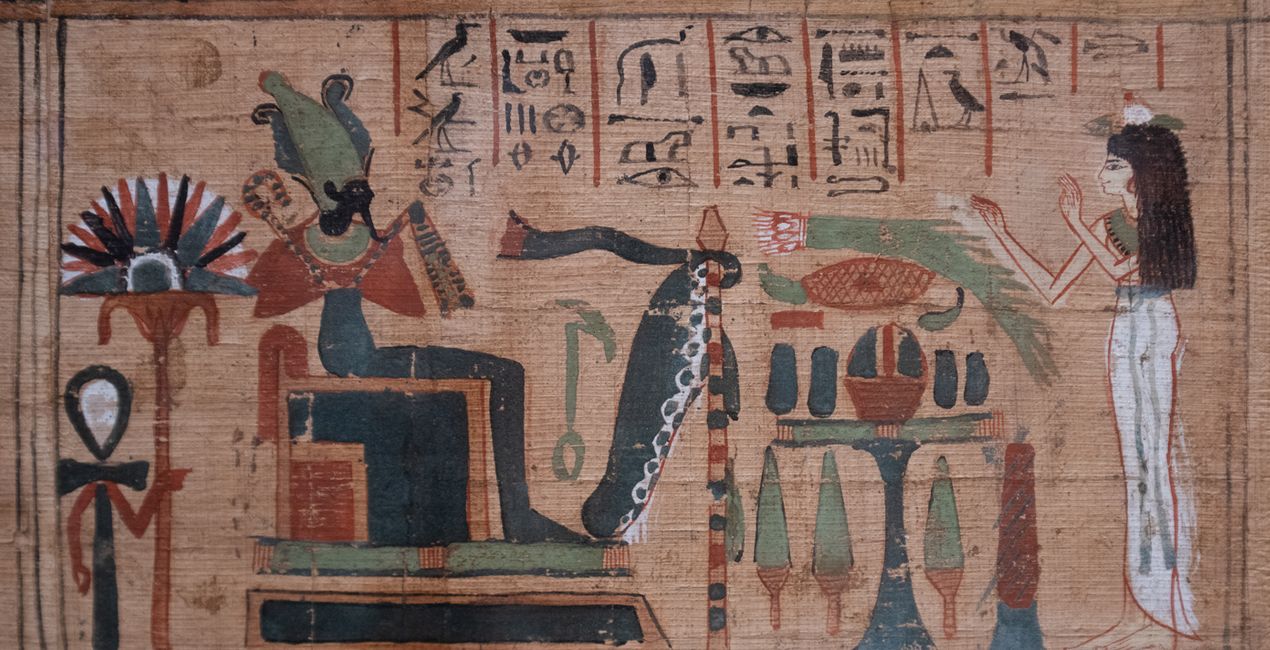
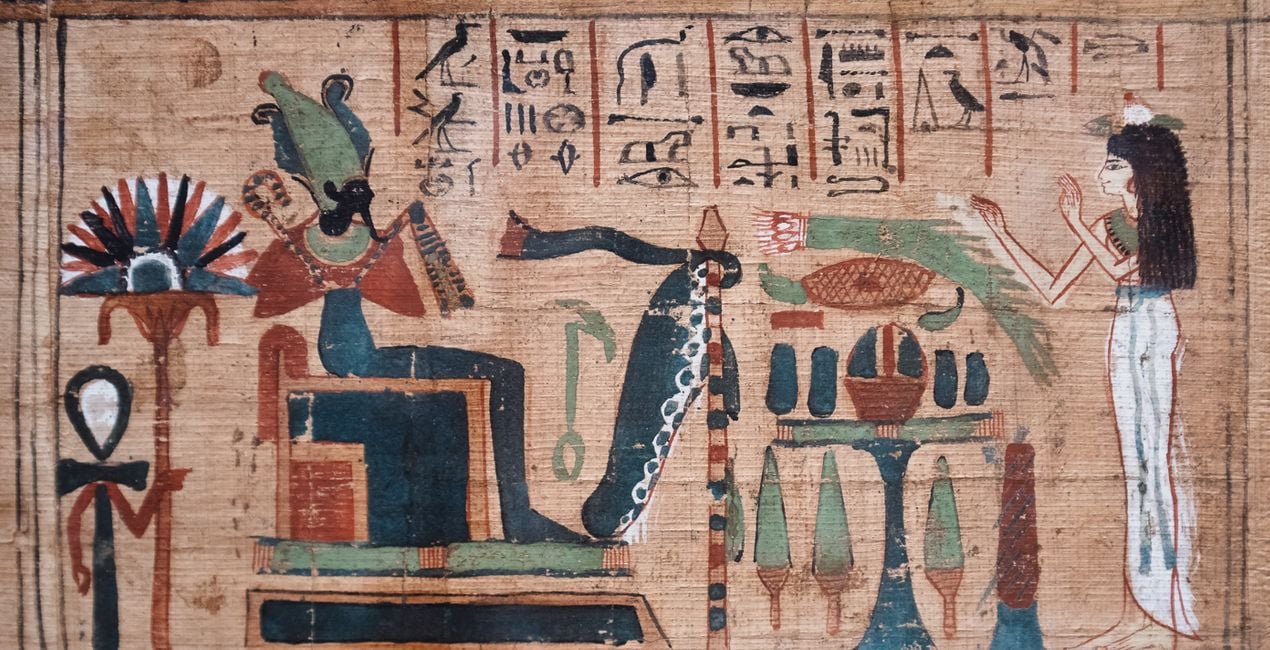
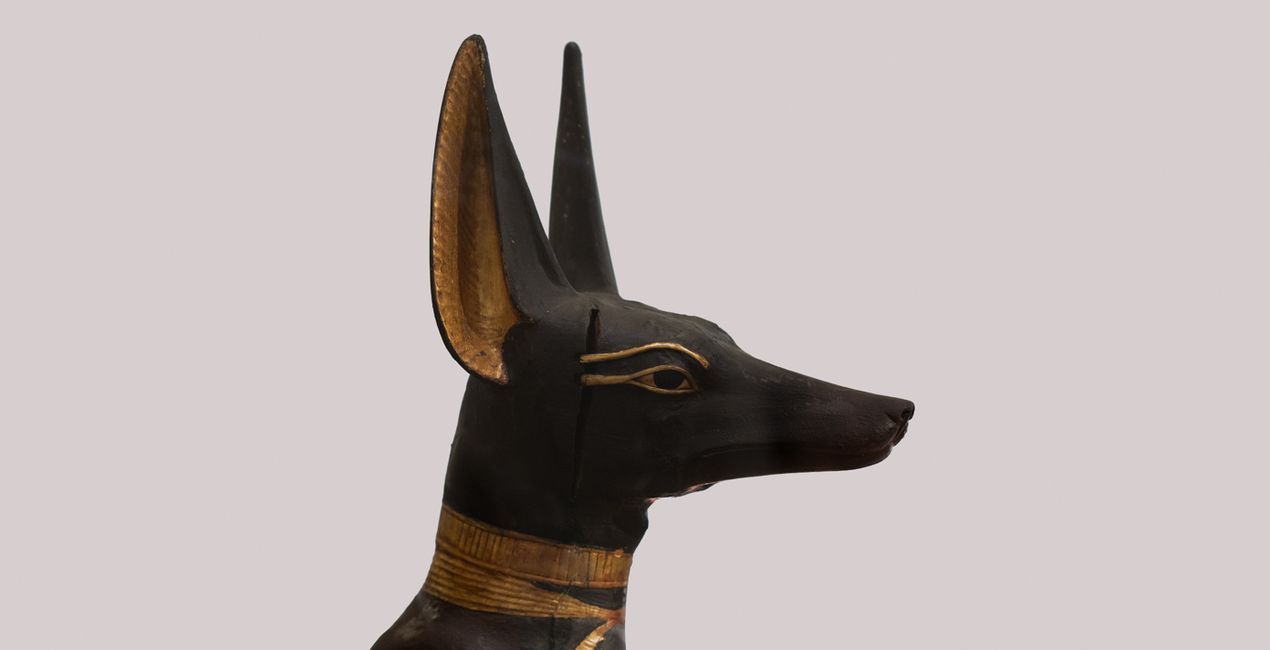
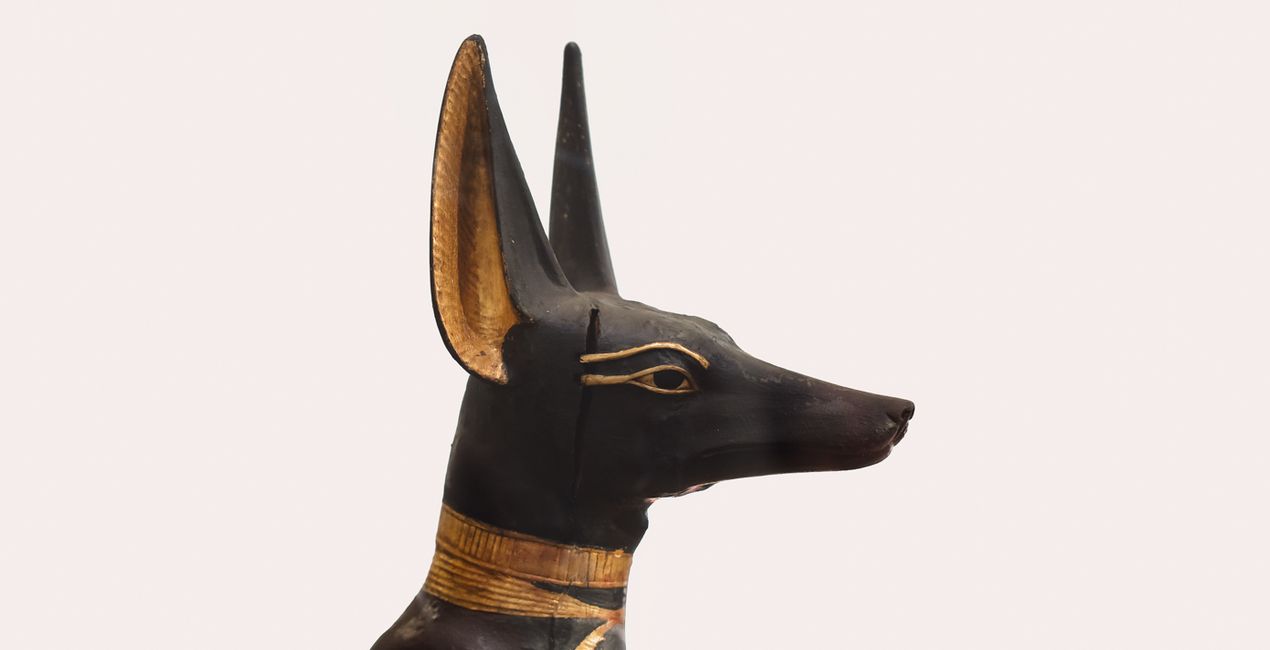
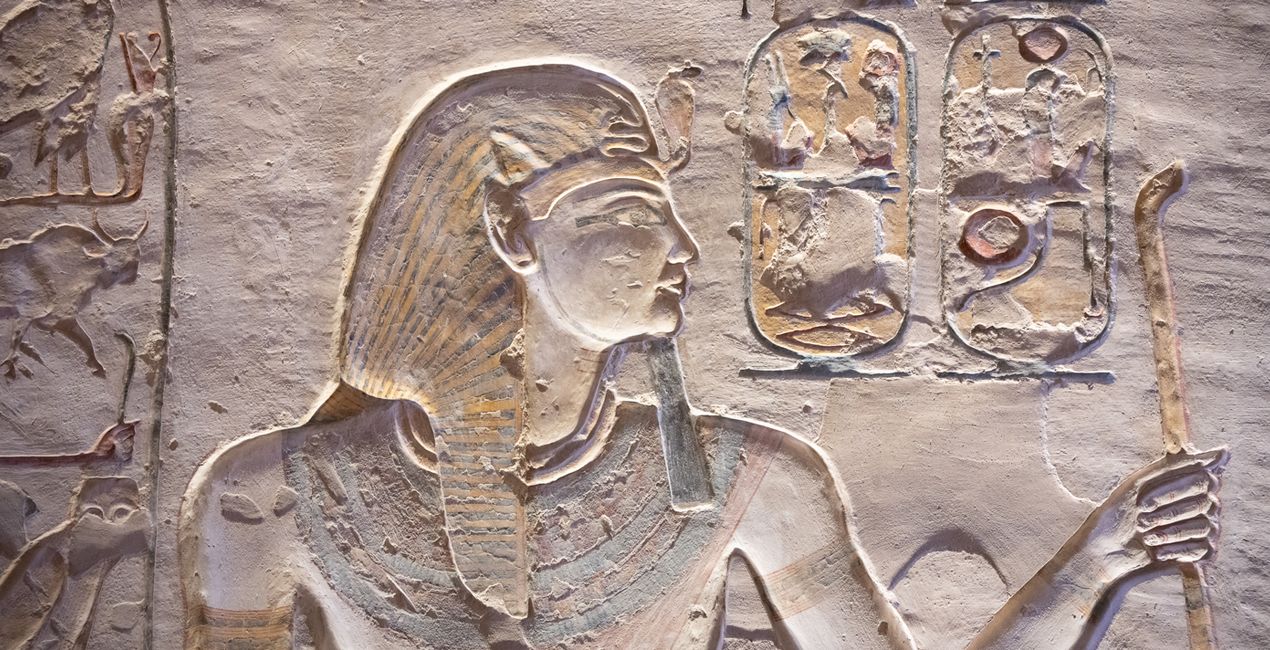
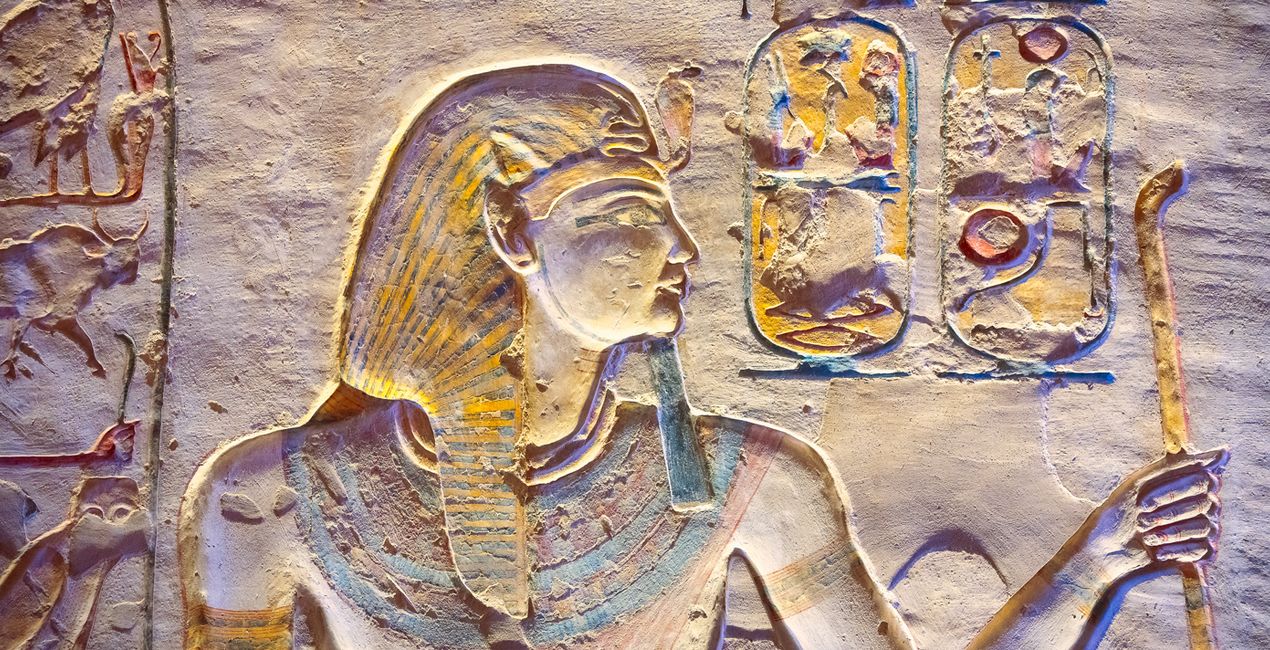
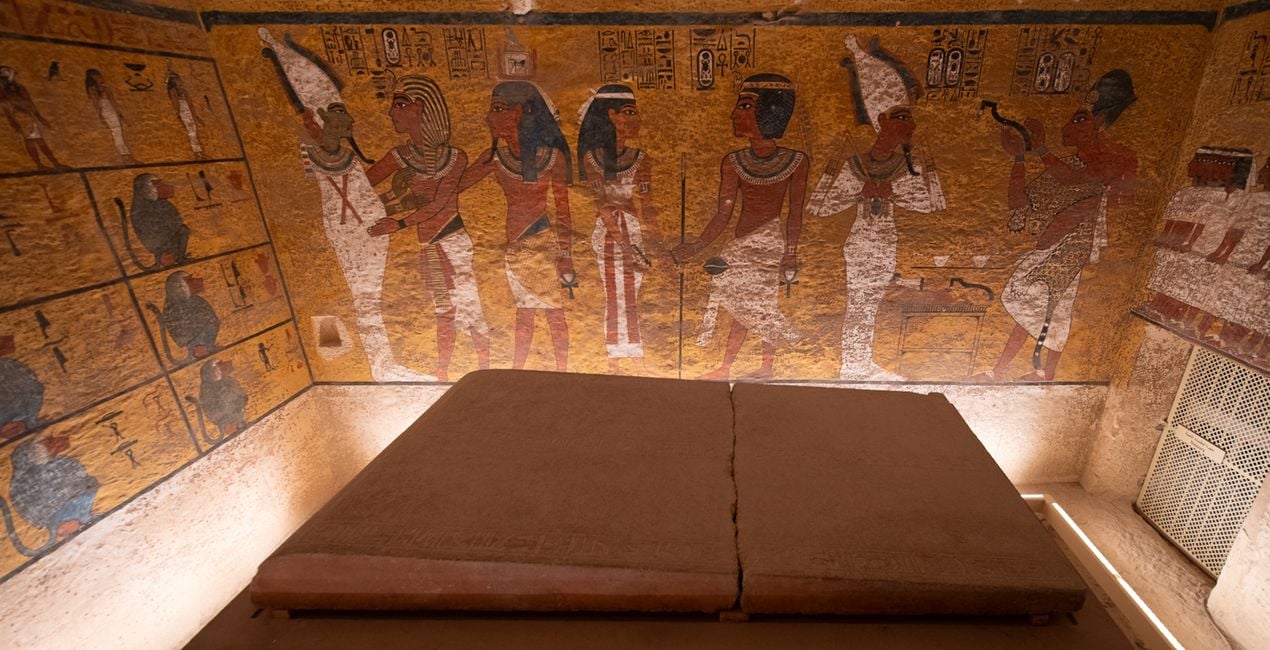
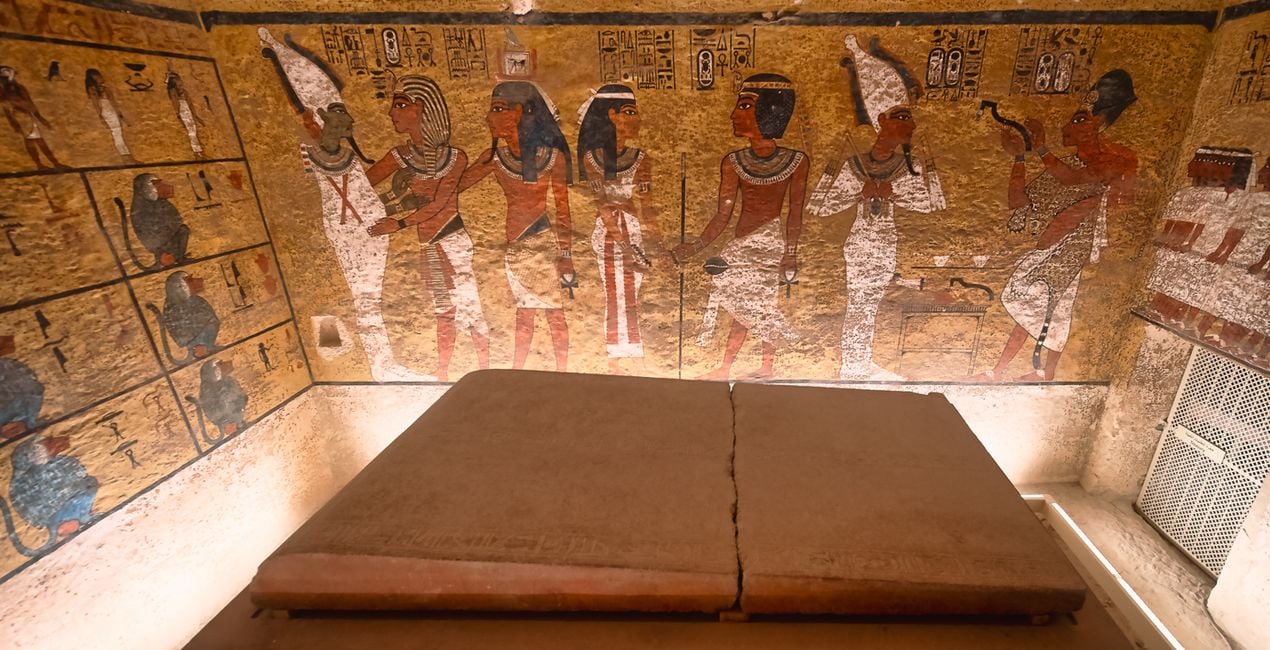
Discover 10 incredible Presets for Luminar Neo that will transform your images captured inside the world’s museums, galleries, and other historic sites. These Presets were inspired by visits to the world-famous Museum of Antiquities in Cairo and the legendary Valley of the Kings in Luxor.

Pomocí souborů RAW si snadno vyzkoušíte tipy pro retušování a naučíte se, jak pořídit fotografie jako tyto.
 >
>
 >
>
 >
>
 >
>
 >
>
 >
>
Museums and galleries often present challenging conditions for shooting. Some of the most common issues you’ll encounter as a photographer are:
Glare from glass reflections or protective barriers
Poor or low light conditions
Distracting backgrounds
These Presets are designed for some of the most frequent conditions and subject types you’ll encounter, often with heavy vignettes to isolate objects and relying on some of Luminar Neo’s AI technologies, such as Structure AI and Accent AI, to pick out the fine details of the historic artifacts.
Use these Presets as a single-click edit, or use them to jumpstart your custom edit. Turn your snaps into works of art with these Presets which are ideal for raw files. Time to try them out on your photos!
You'll find 10 Presets in this pack
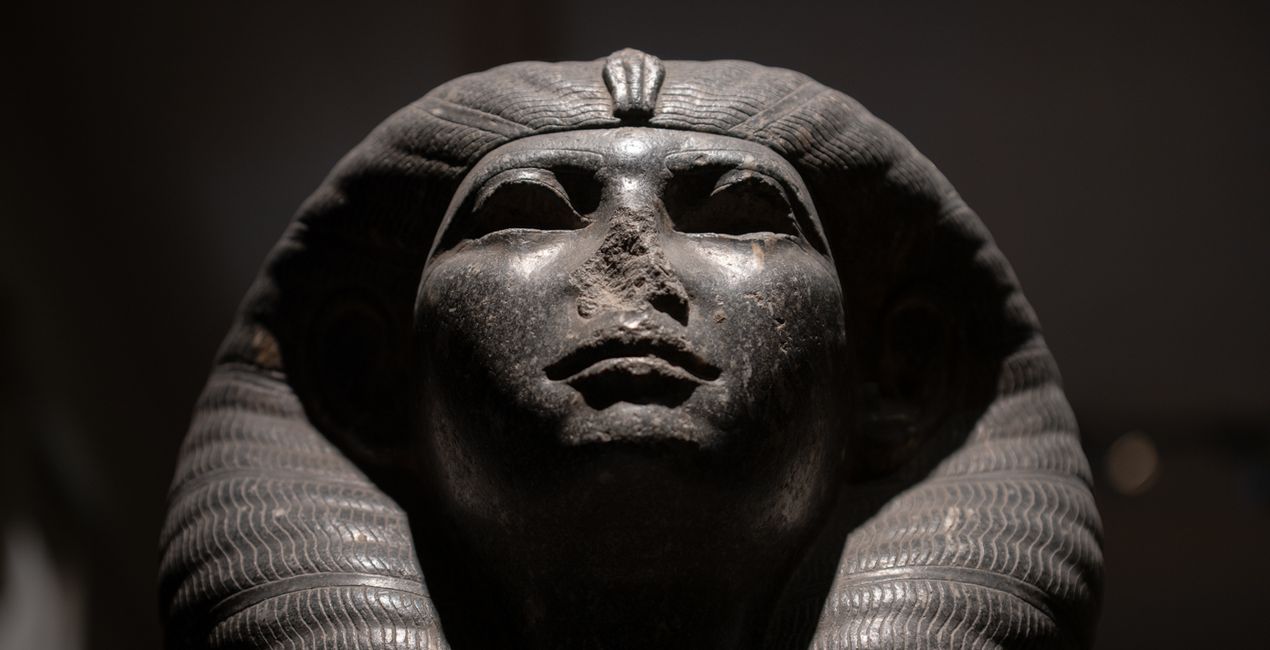
Dark Relic: A desaturated, low-key look that enhances fine detail, reduces color cast, and applies a heavy vignette to isolate the subject.
Bright Relic: A high-key look that adds color, exposure, and contrast detail for well-lit subjects.
Gold Mask: A Preset with richly saturated warm tones, dramatic details, and structure that combine to form an impressive look.
Etching: Create a cinematic look with desaturated colors and boost contrast, details, and structures.
Papyrus: Neutralizes the color cast by artificial lighting to return the material to its natural whites, then boosts the remaining colors and contrast to restore centuries of fade.
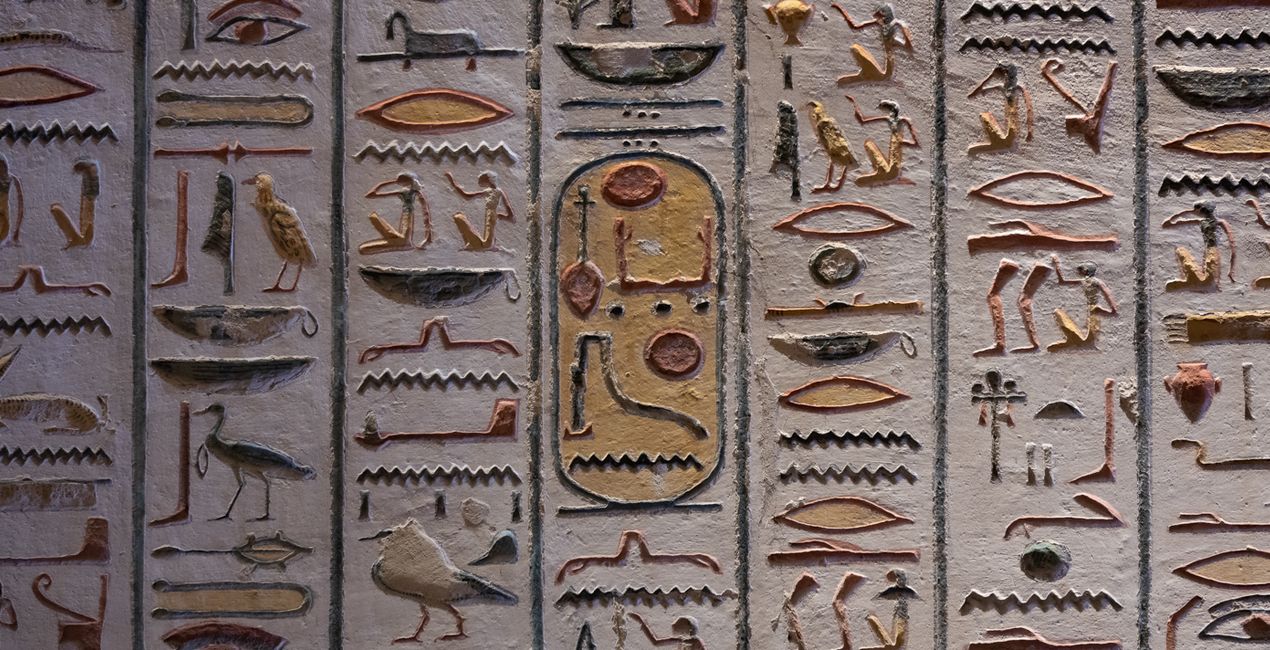
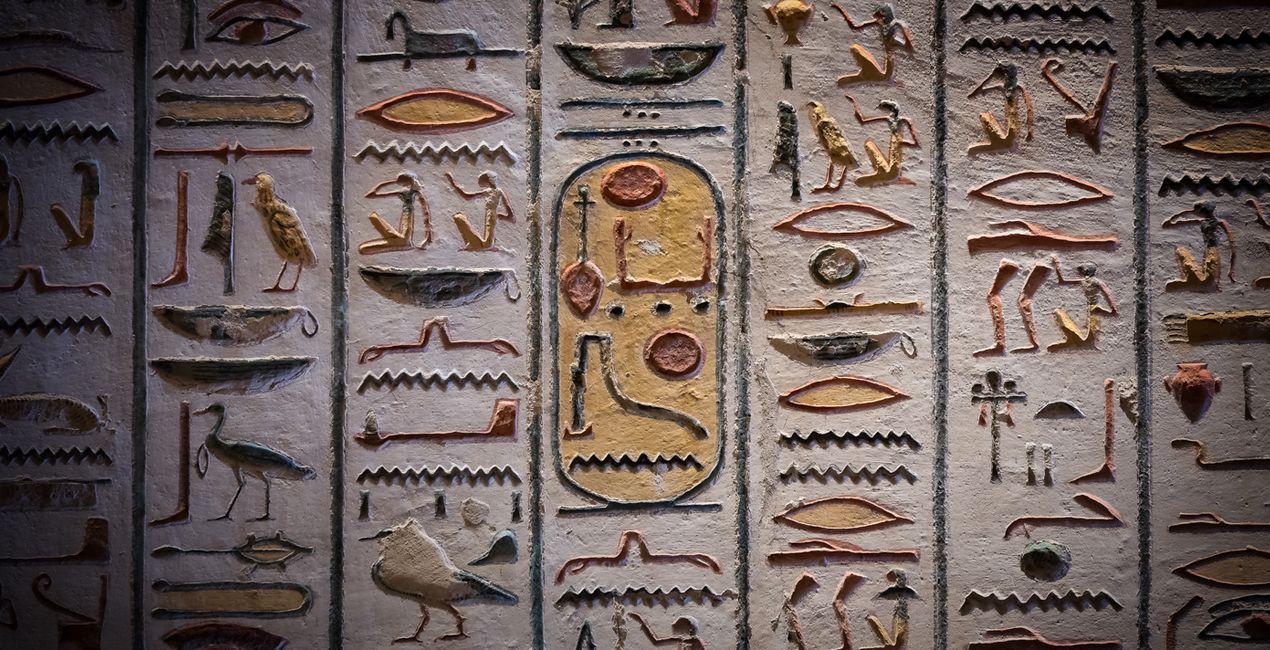
Dark Hieroglyph: Rich contrast and improved sharpness and detail; ideal for low light closeups. Toggle the vignette on and off to see if it is to your taste.
Bright Hieroglyph: Return saturation to colors that have faded over the years, increase contrast and improve sharpness and detail for closeups in good light.
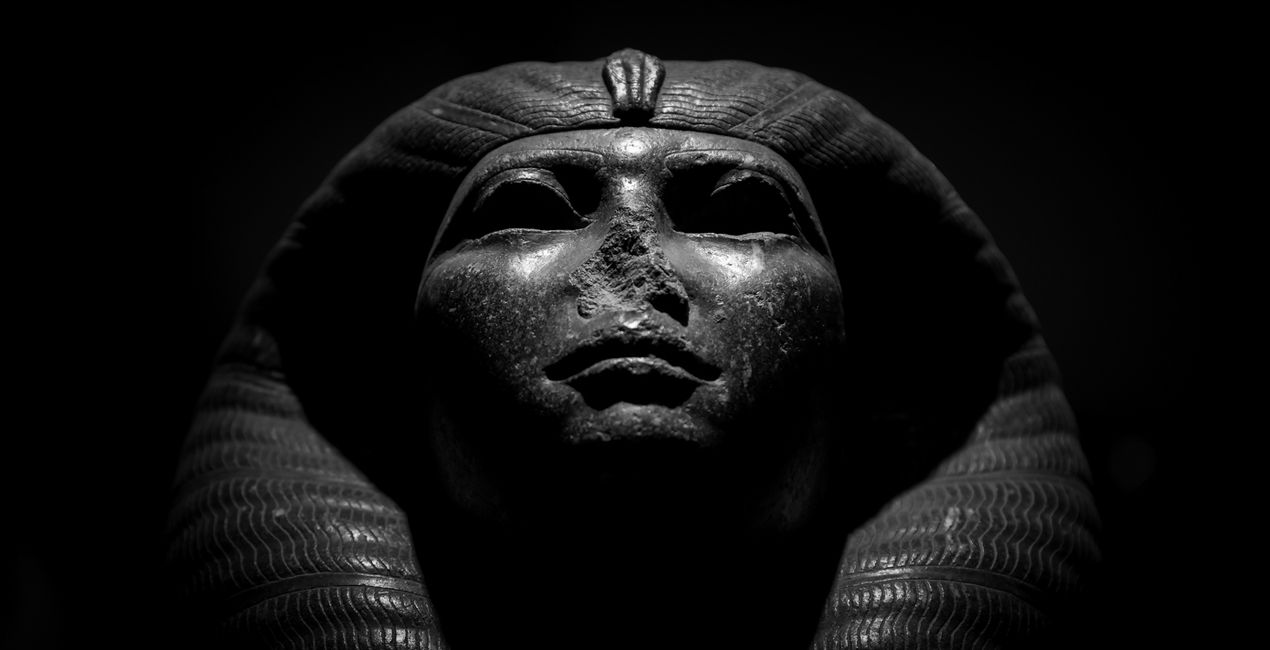
Dark Bust: A black and white fine-art Preset that is great for isolating a subject and adding structure.
Shadow Boost: Ideal for backlit objects, this Preset will add a much-needed punch of structure and brightness to shadow details.
Tutankhamun: Adds brightness, structure and color contrast, and reduces noise typically associated with high ISO handheld shooting. Perfect for low light internal scenes where flash is not permitted.
Don’t forget to share your results! Use the hashtag #madewithluminar on social media so the Skylum Team can take a look at your work!
Photographer. Skylum Ambassador.
Mathew Browne is a cross-genre photographer who has gained recognition for his vibrant images spanning the spectrum of travel photography. A prolific traveler, Mathew has visited nearly 70 countries and photographs extensively for the photo location sharing platform PhotoHound, which he co-founded in 2018.
Máte-li jakékoli dotazy týkající se produktu, můžete se obrátit na tým podpory, který je k dispozici 24 hodin denně, 7 dní v týdnu. Stačí kliknout na tento odkaz.
Pro zakoupení Historical Museum postupujte podle těchto kroků:
1. Otevřete tržiště Skylum Marketplace.
2. Přejděte na příslušnou záložku, kde je uveden Historical Museum. Klikněte na něj a přidejte jej do košíku.
3. Přejděte do košíku. Zde dokončete proces nákupu produktu Historical Museum.
4. Po zakoupení obdržíte e-mail s odkazem ke stažení produktu Historical Museum. Nový produkt také najdete ve svém účtu Skylum na kartě Moje doplňky.
Podrobné pokyny k instalaci Historical Museum vám budou zaslány v e-mailu s odkazem ke stažení.
Kromě toho můžete zakoupenou položku nainstalovat přímo v Luminar Neo: přejděte do nabídky Extra > Marketplace, vyberte kategorii Produkt, vyhledejte zakoupenou položku a klikněte na Instalovat.
Je to docela snadné! Přejděte na kartu Přednastavení a vyberte možnost Zakoupené. Vaše nainstalované přednastavení se zde zobrazí.
Nebojte se. Všechny zakoupené položky, včetně Historical Museum, jsou uloženy na kartě „Moje doplňky“ ve vašem účtu Skylum, odkud je můžete snadno znovu stáhnout a používat.
Obecně platí, že většina položek je kompatibilní s Luminar Neo. Abyste se však ujistili, že Historical Museum je kompatibilní s vaším softwarem, před stažením nebo zakoupením si zkontrolujte jeho specifikace. V pravé části stránky Historical Museum najdete sekci „Kompatibilita“, kde jsou uvedeny všechny kompatibilní produkty.
Ještě neodcházejte. Máme pro vás exkluzivní slevový kód. Využijte ho do 15 minut a získejte při placení slevu 10 %. Zkopírujte níže uvedený kód a dokončete nákup.
15 m : 00 s





